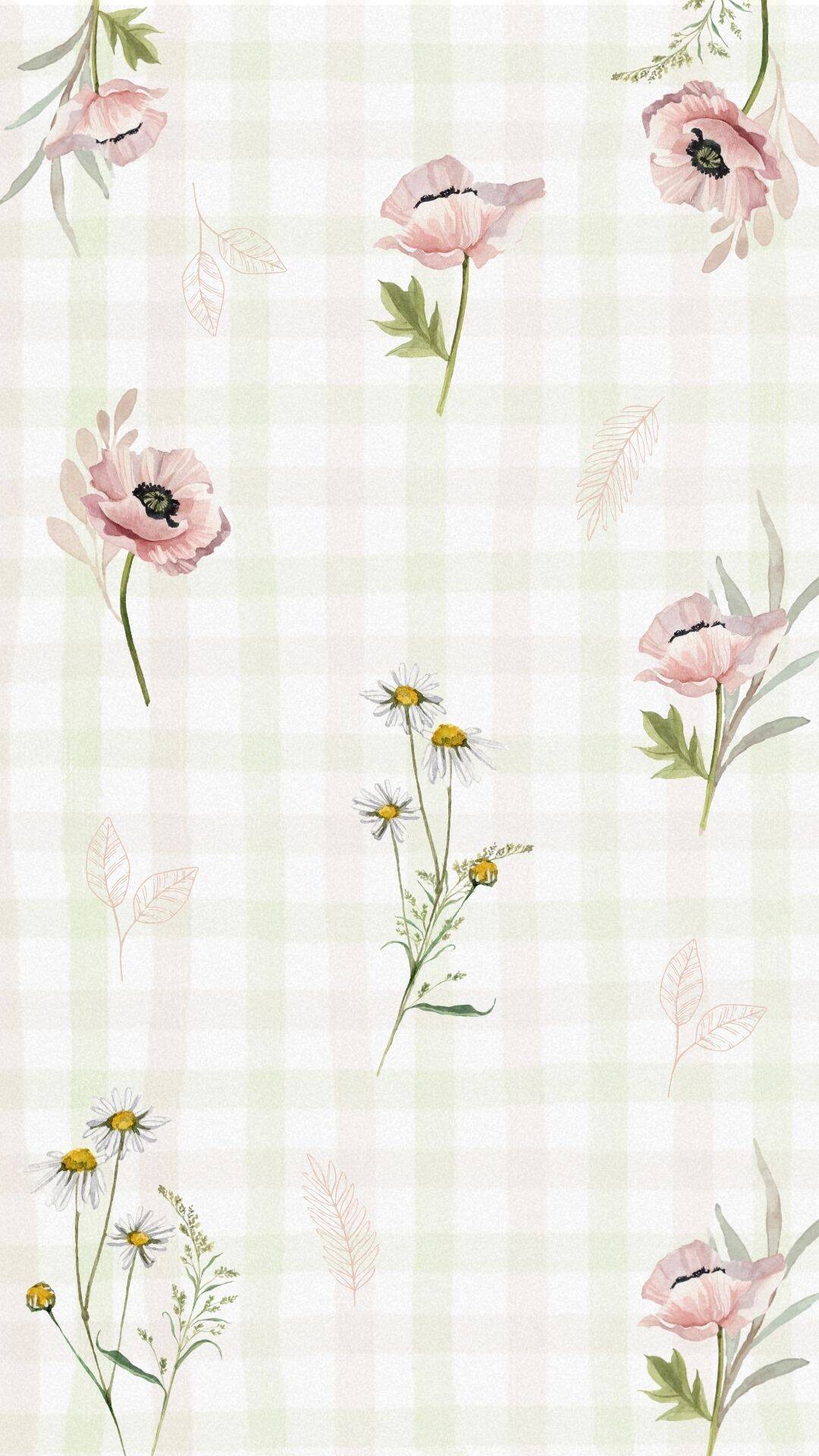
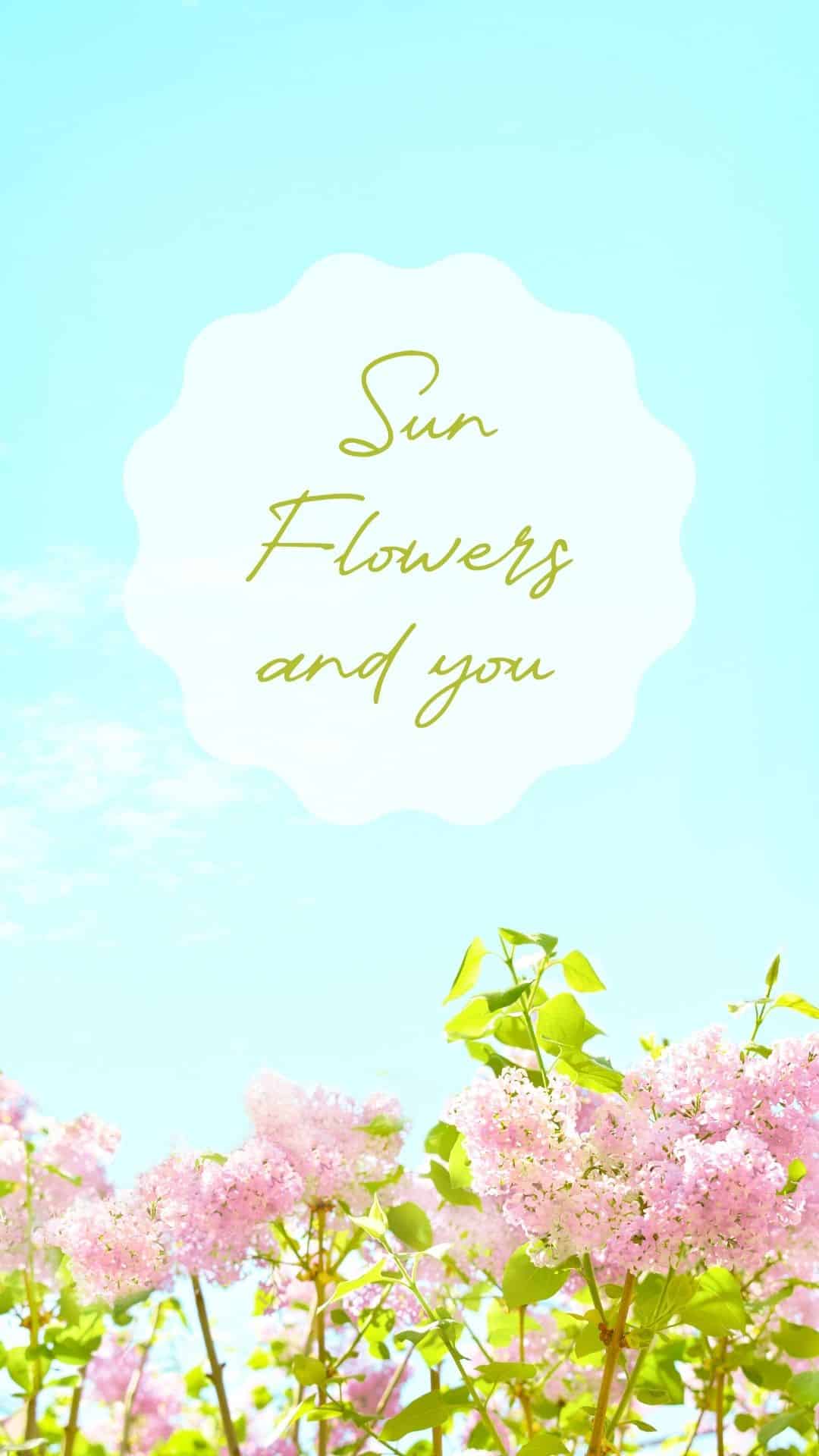
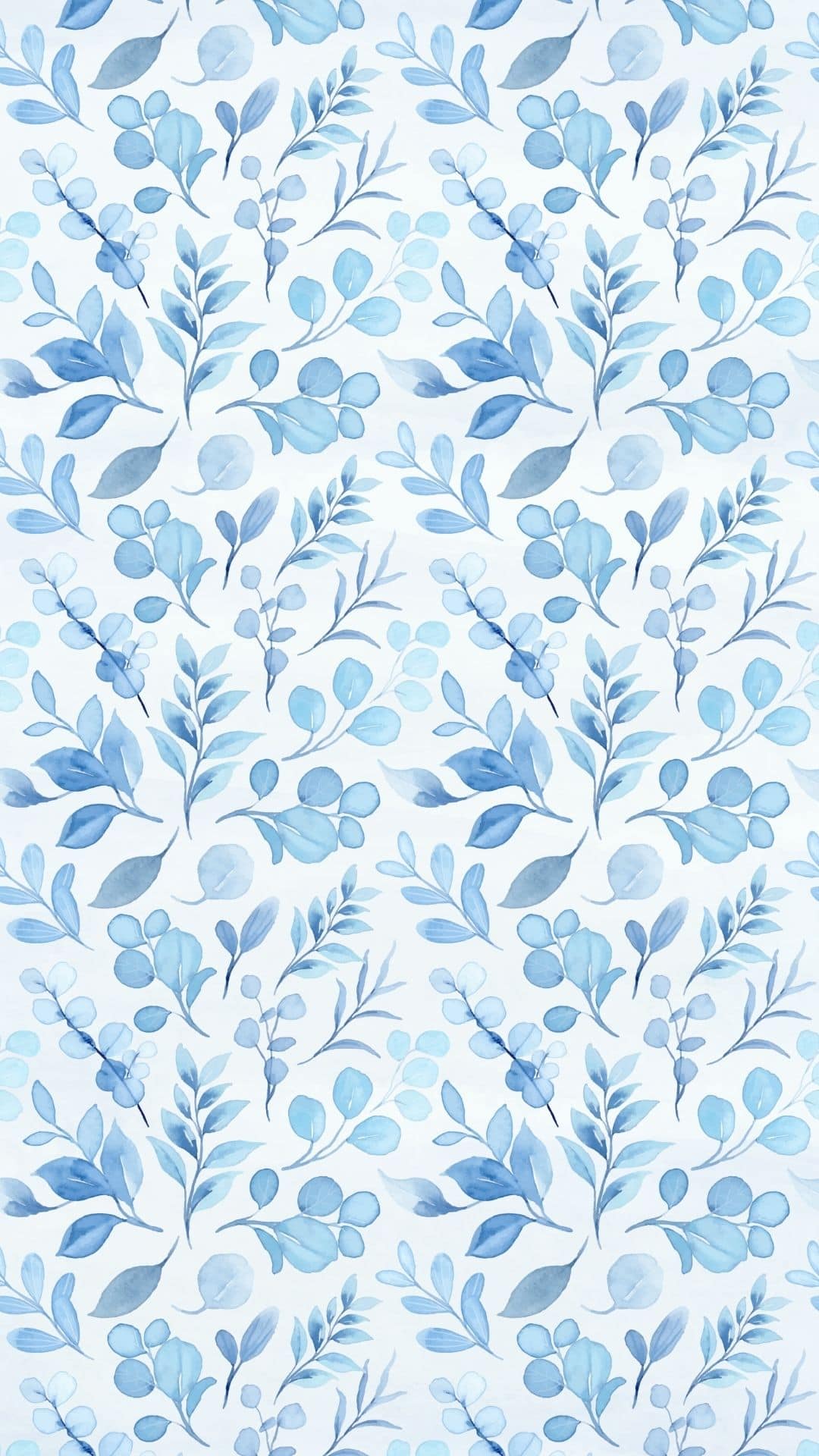
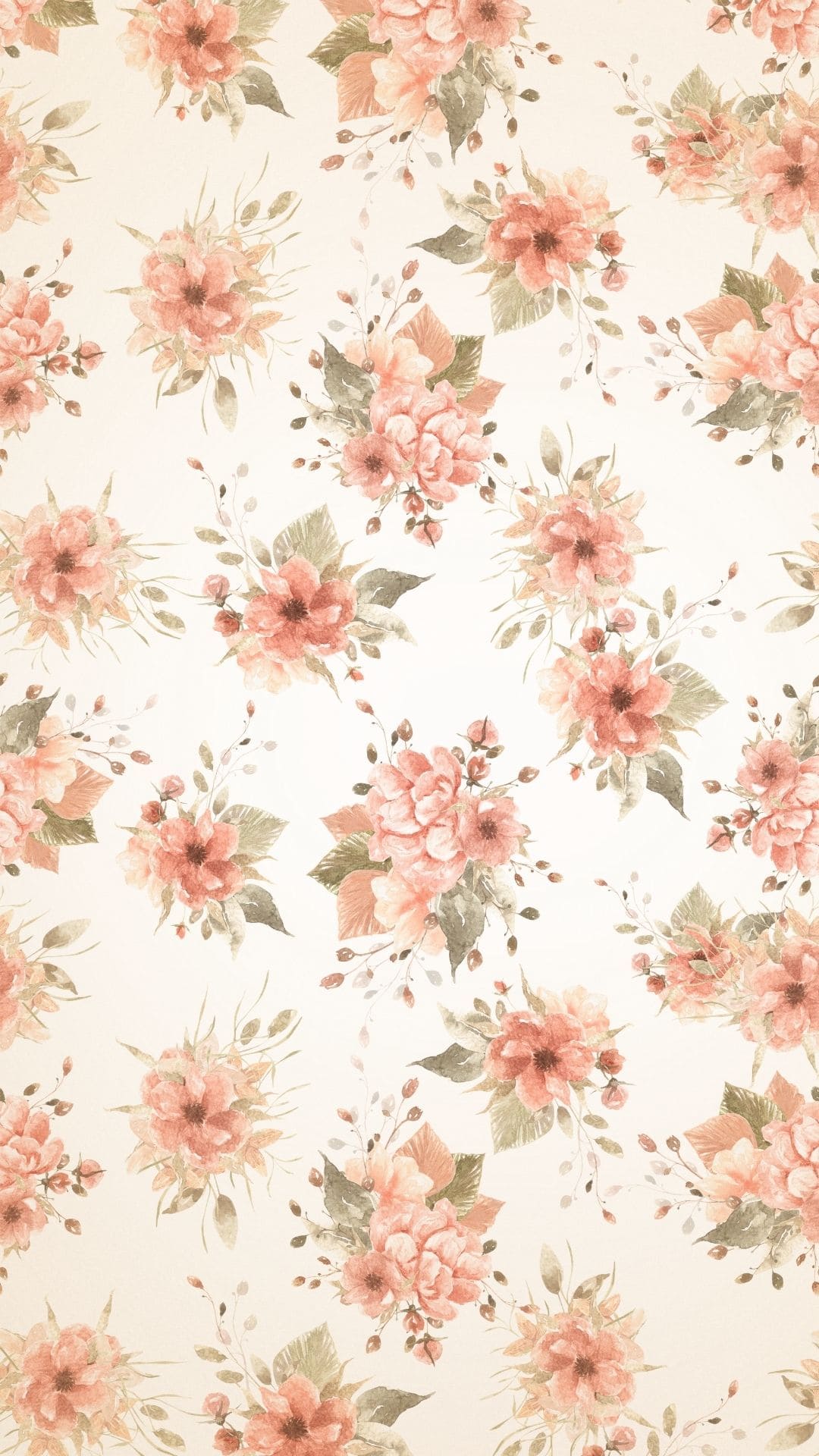
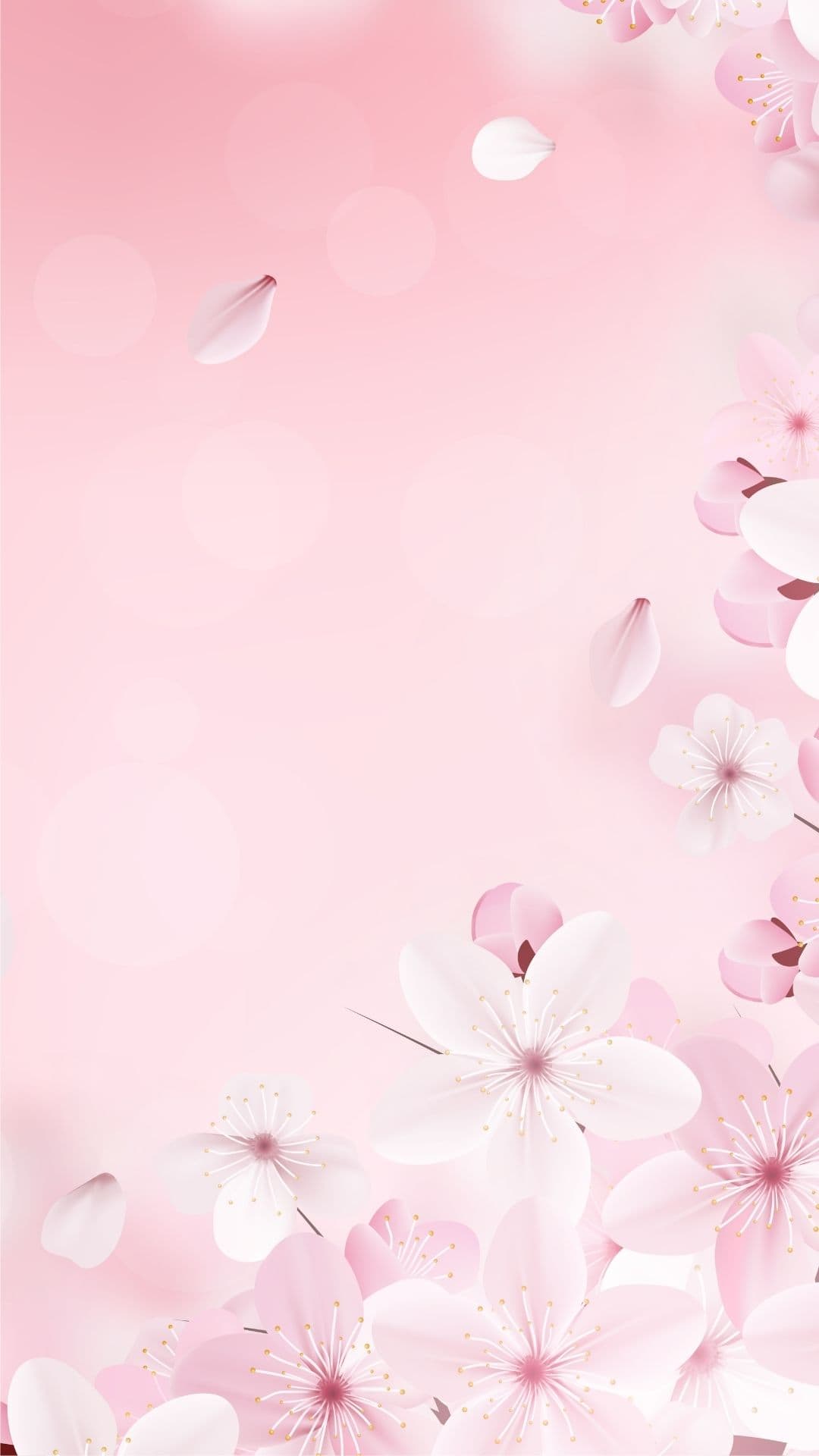
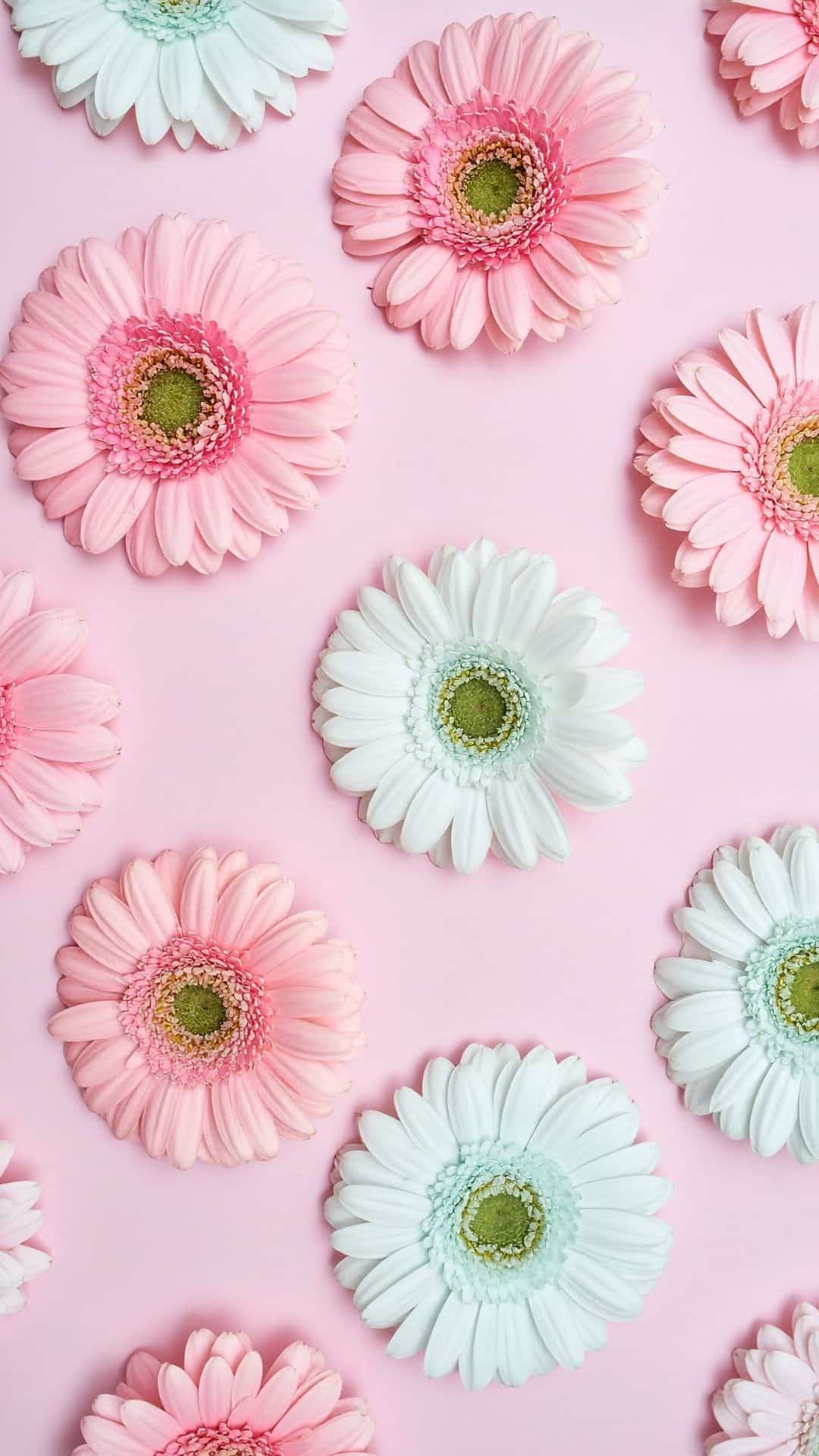
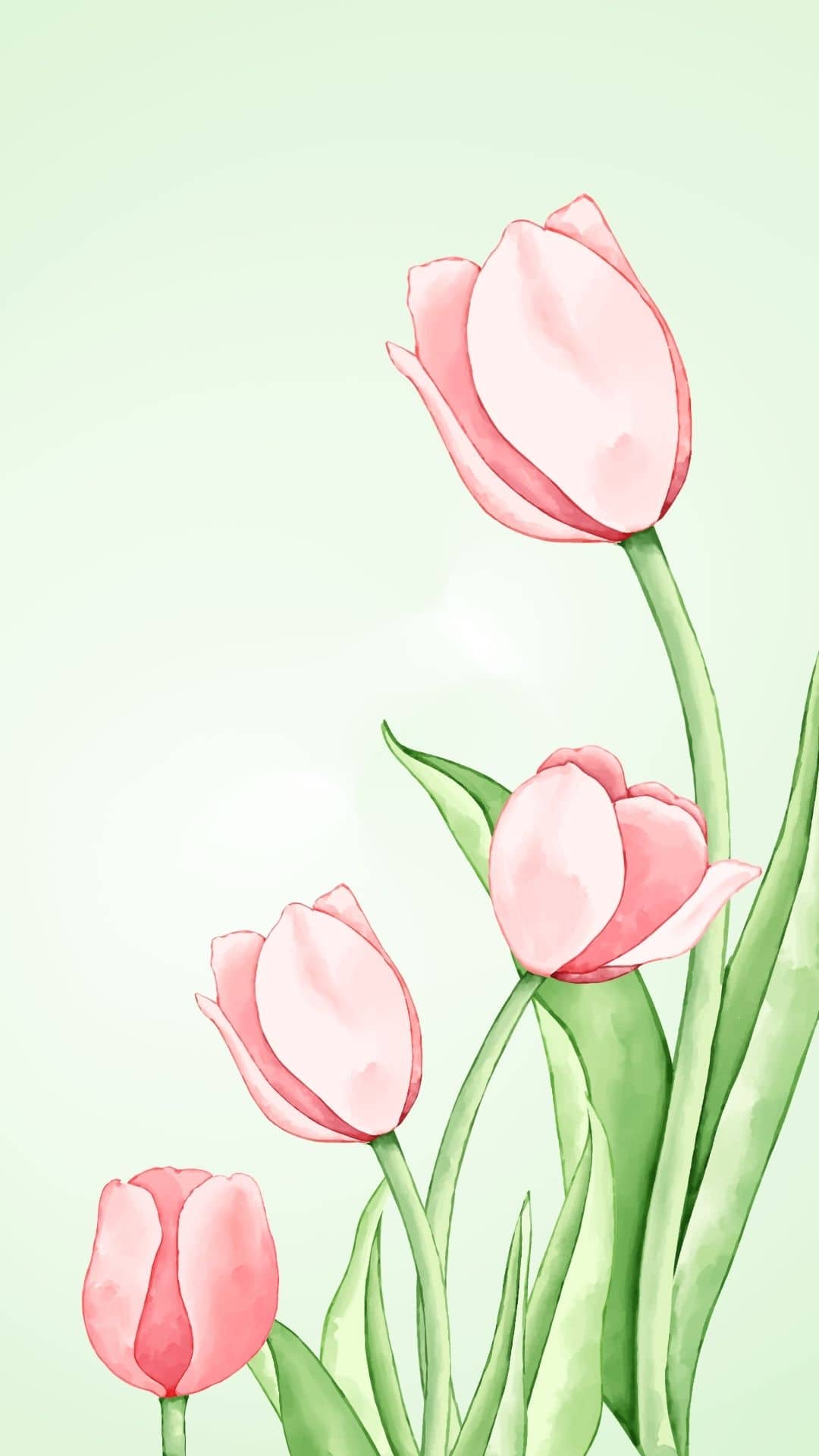
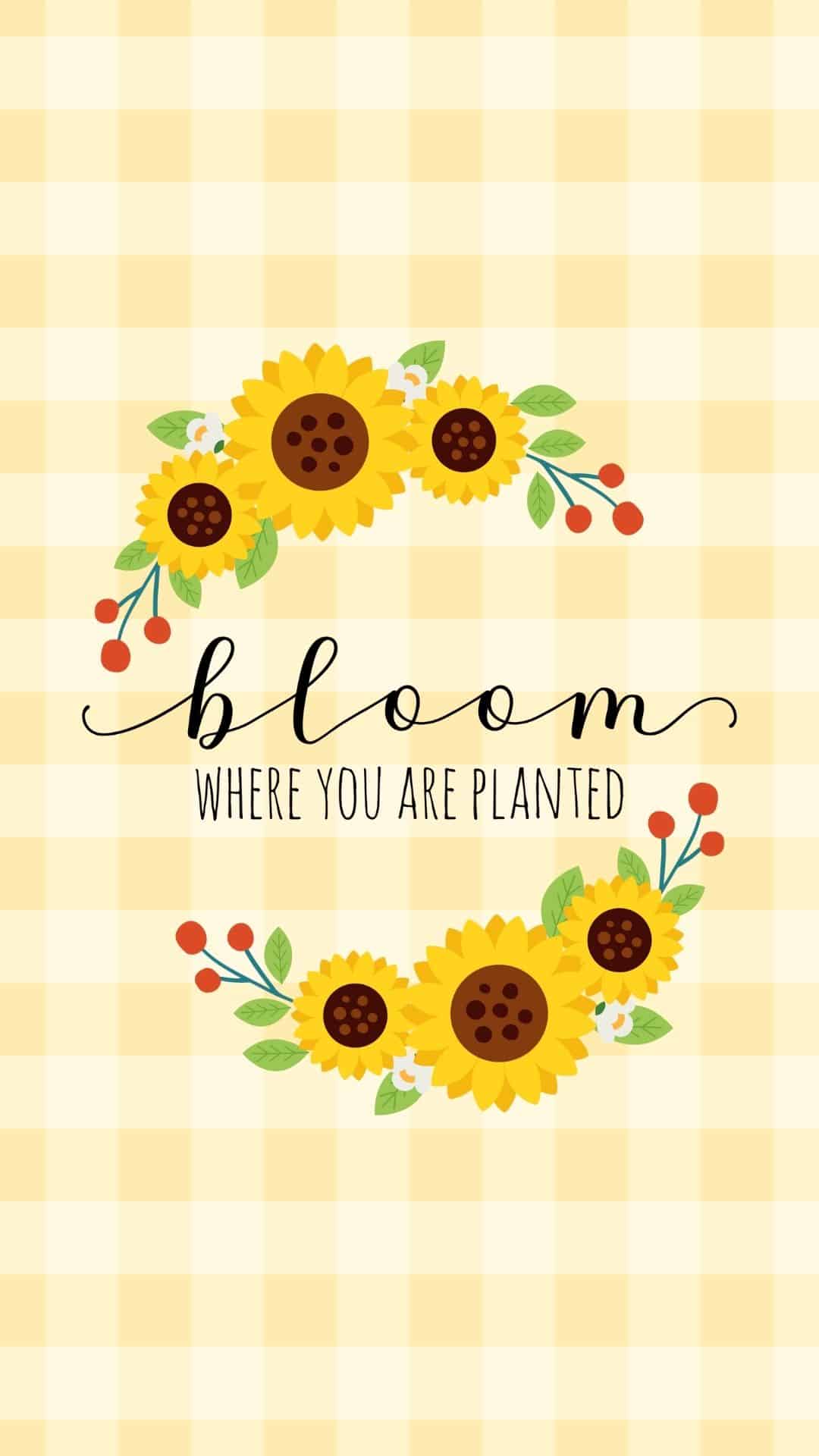
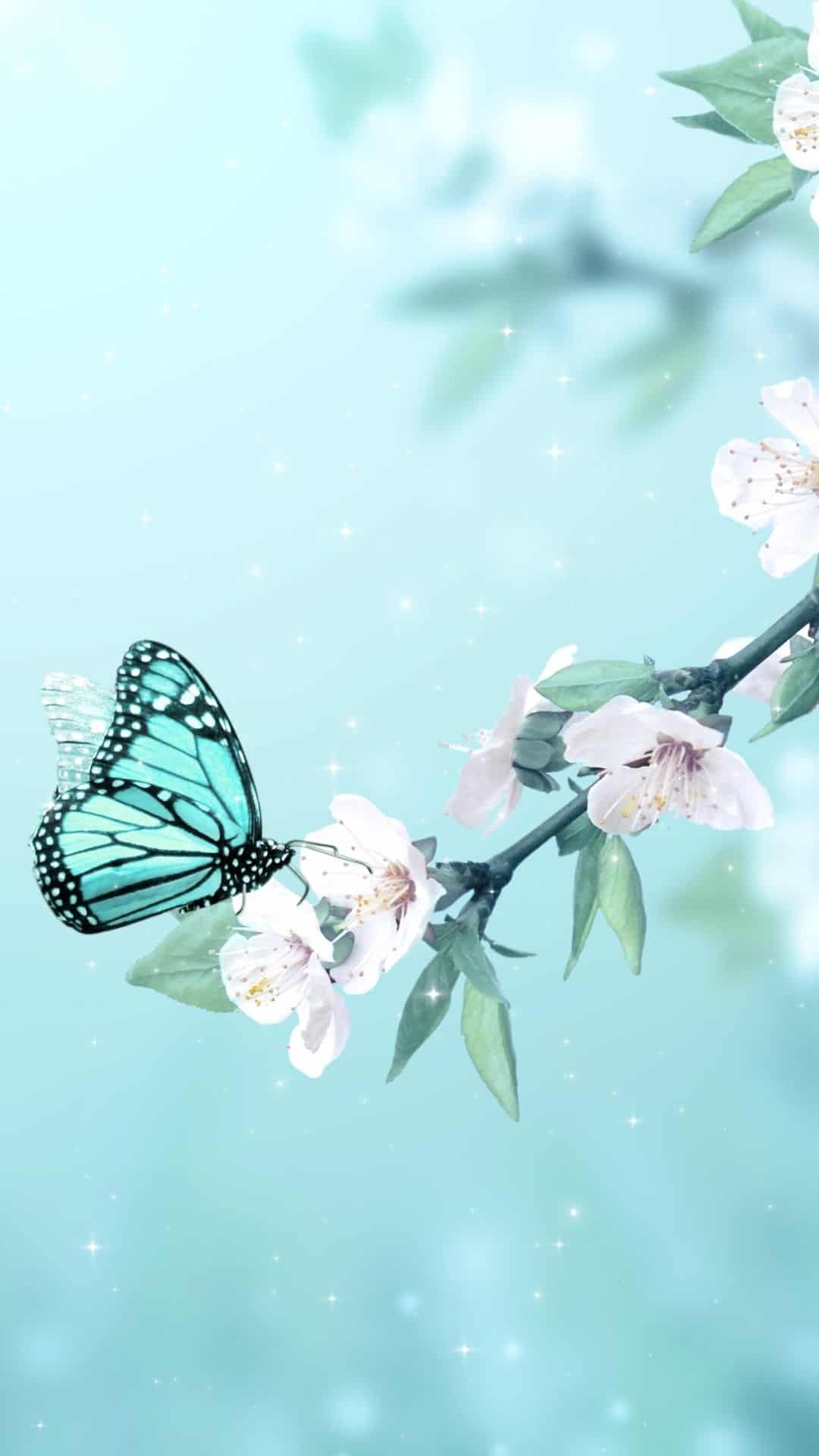
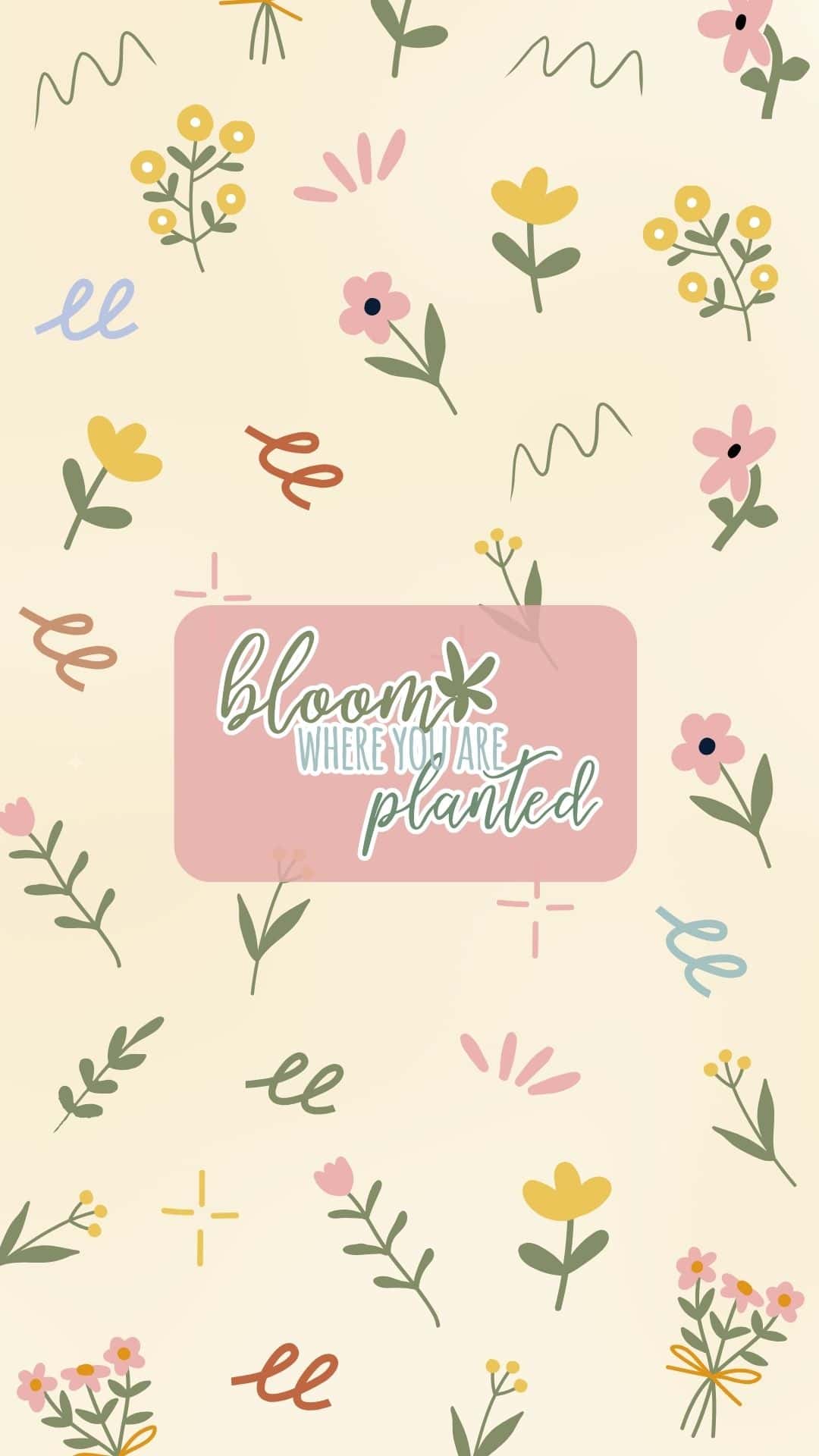
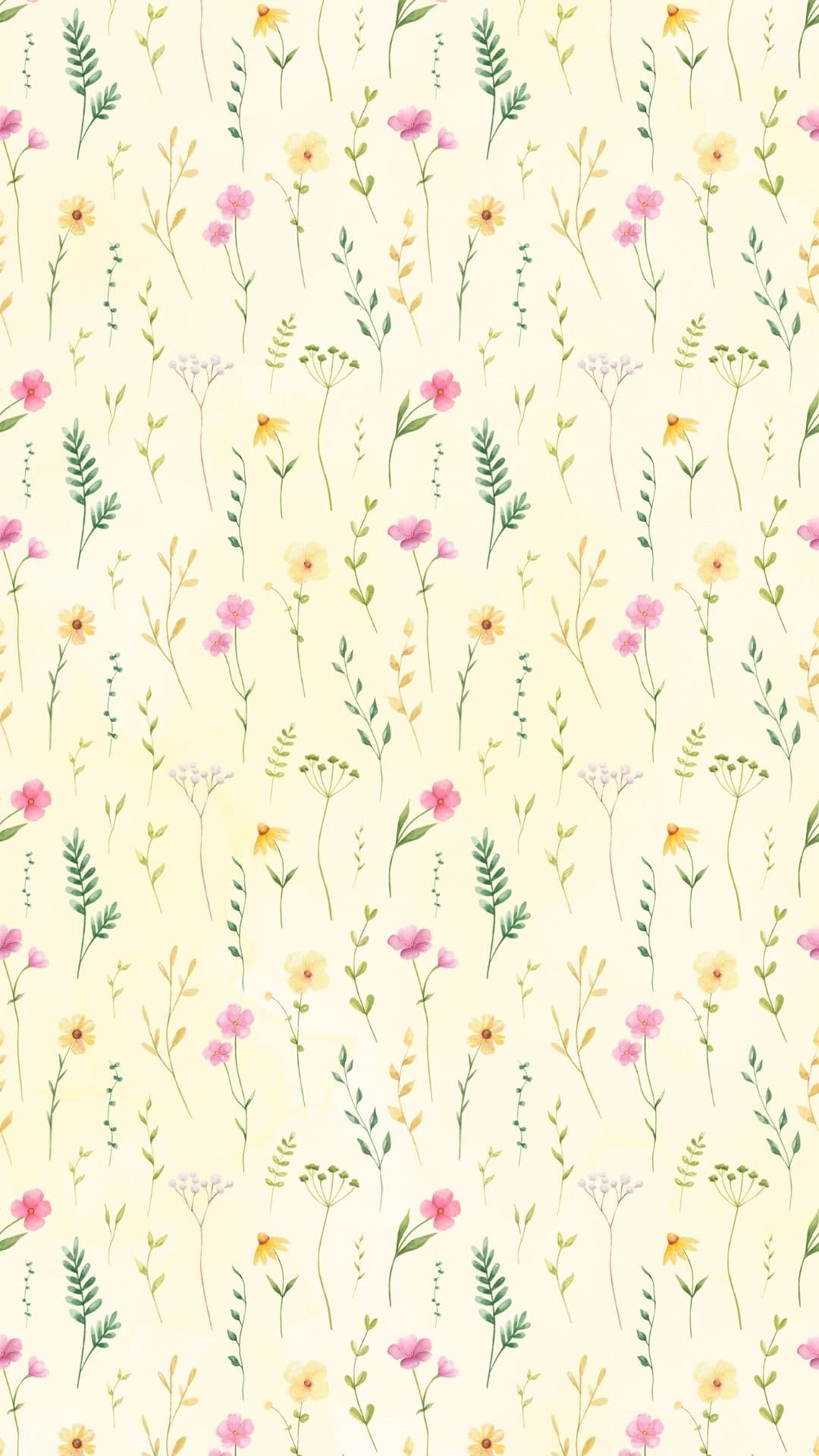
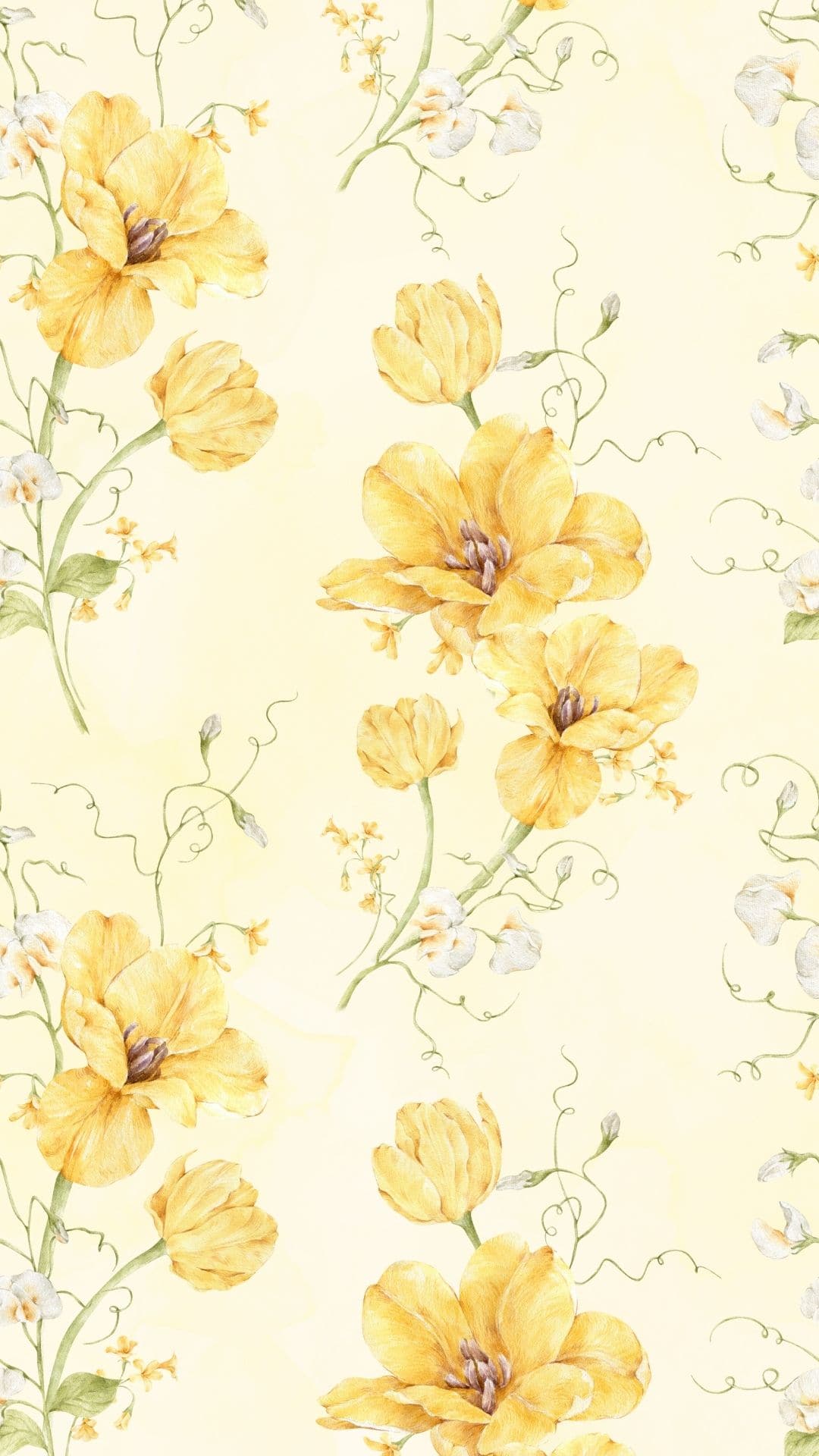
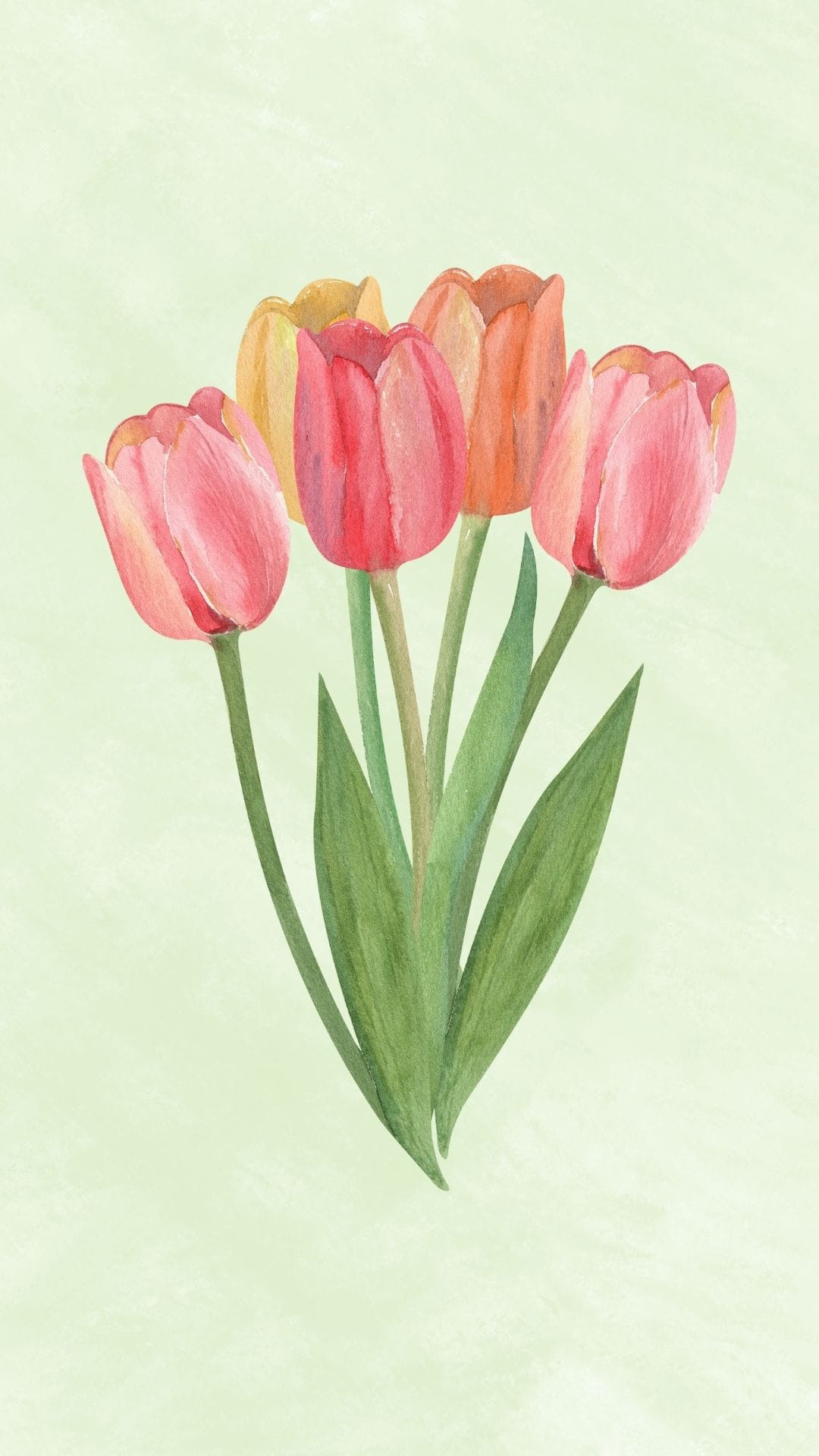
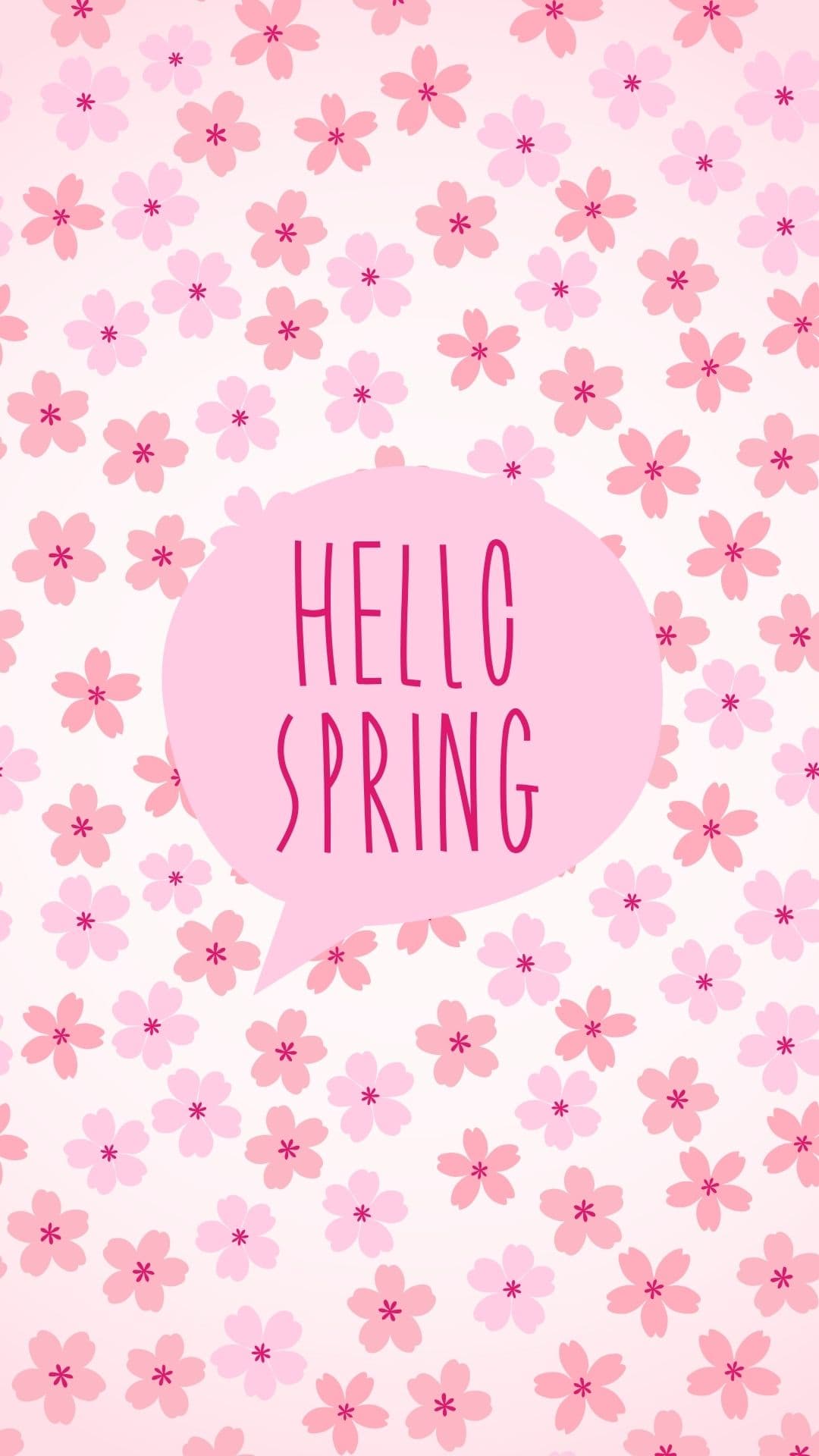
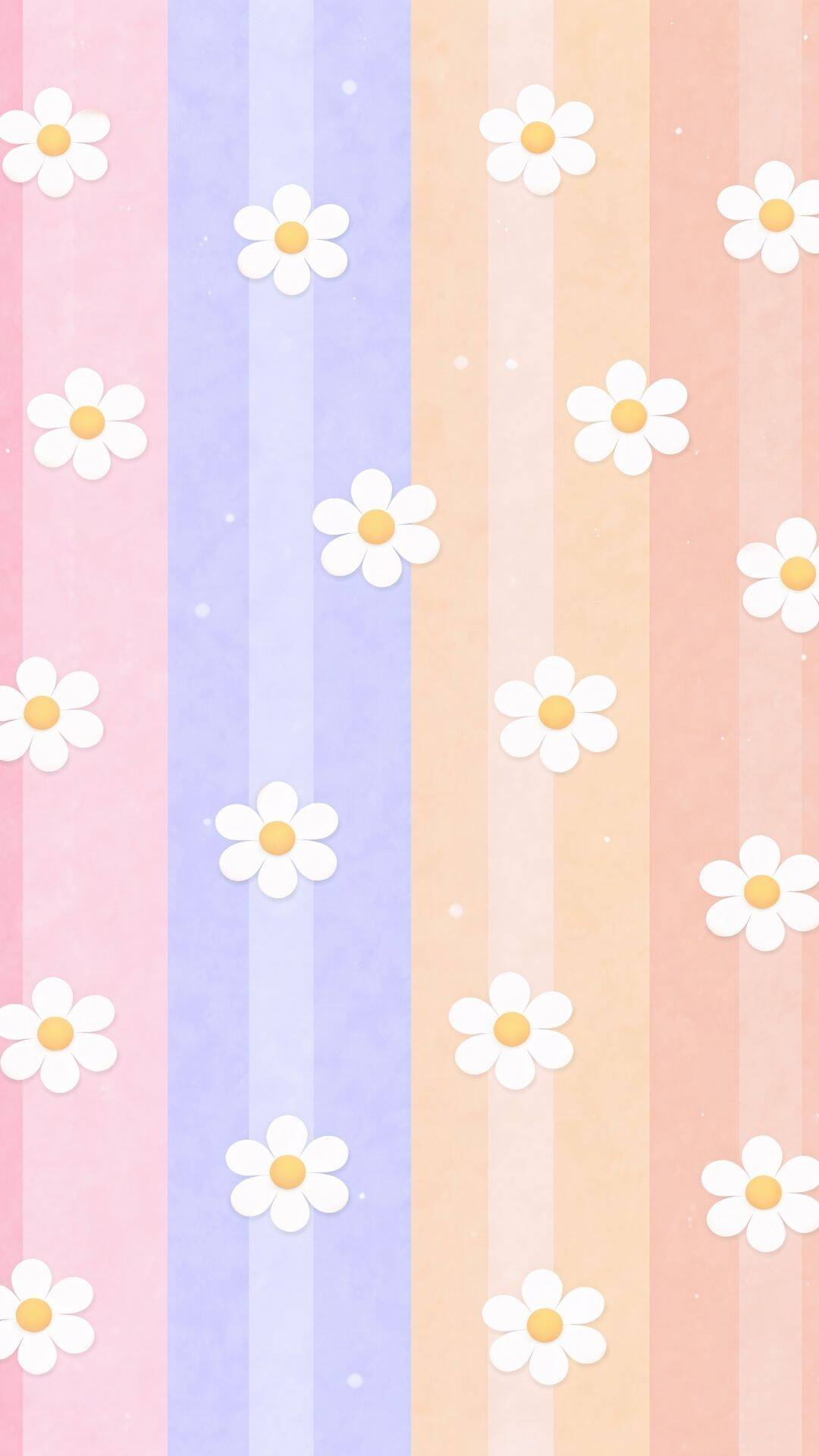
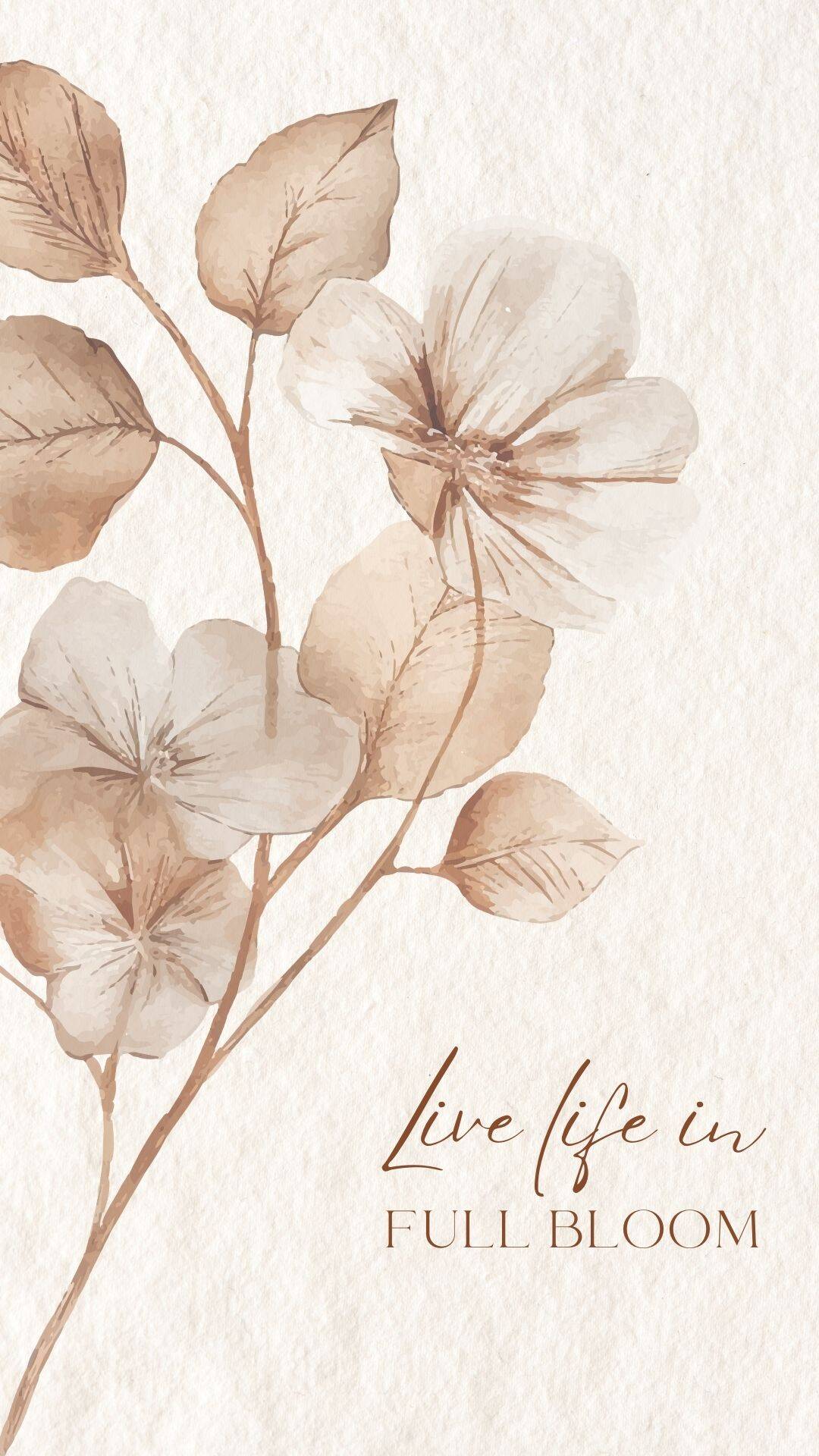
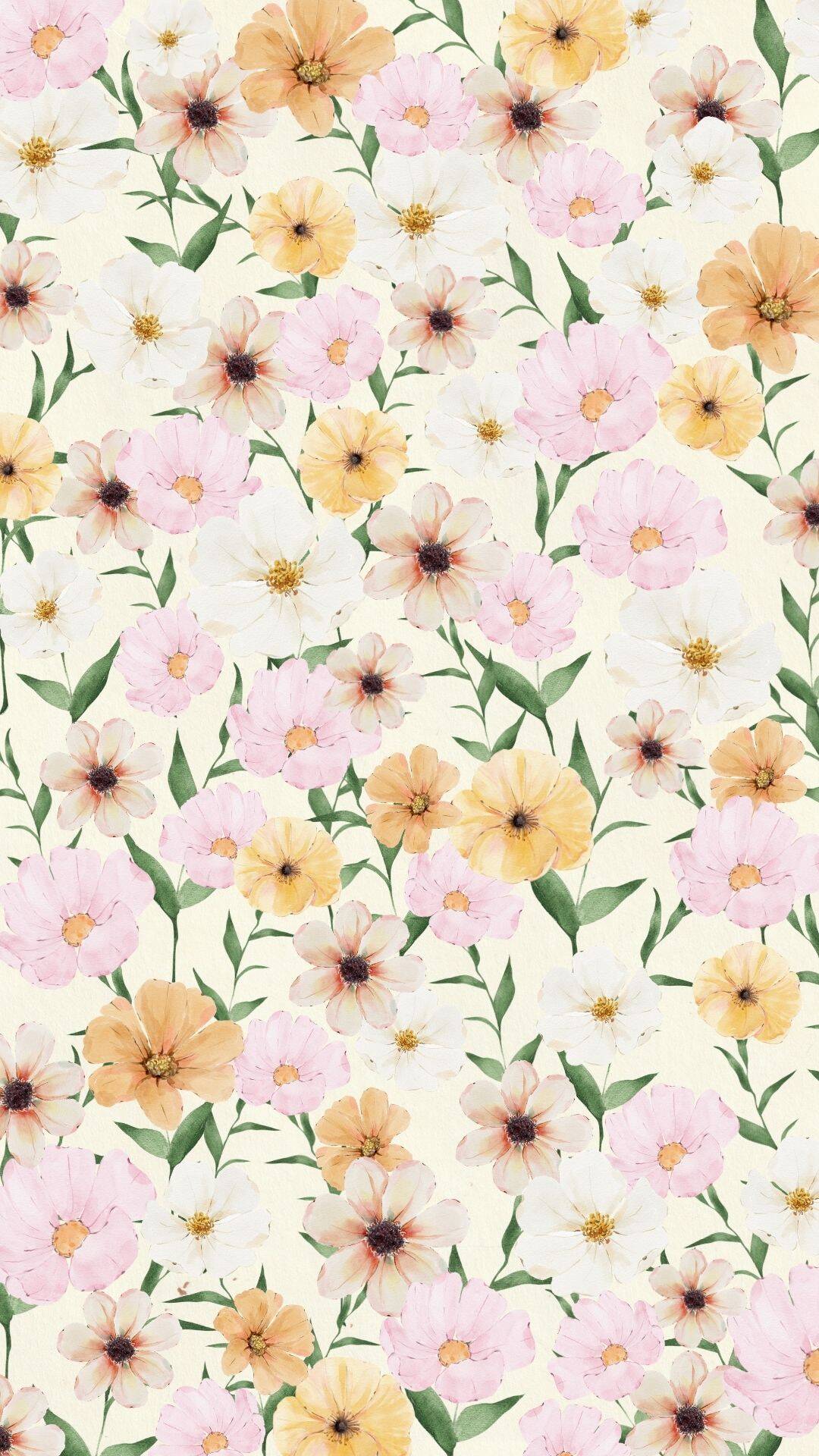
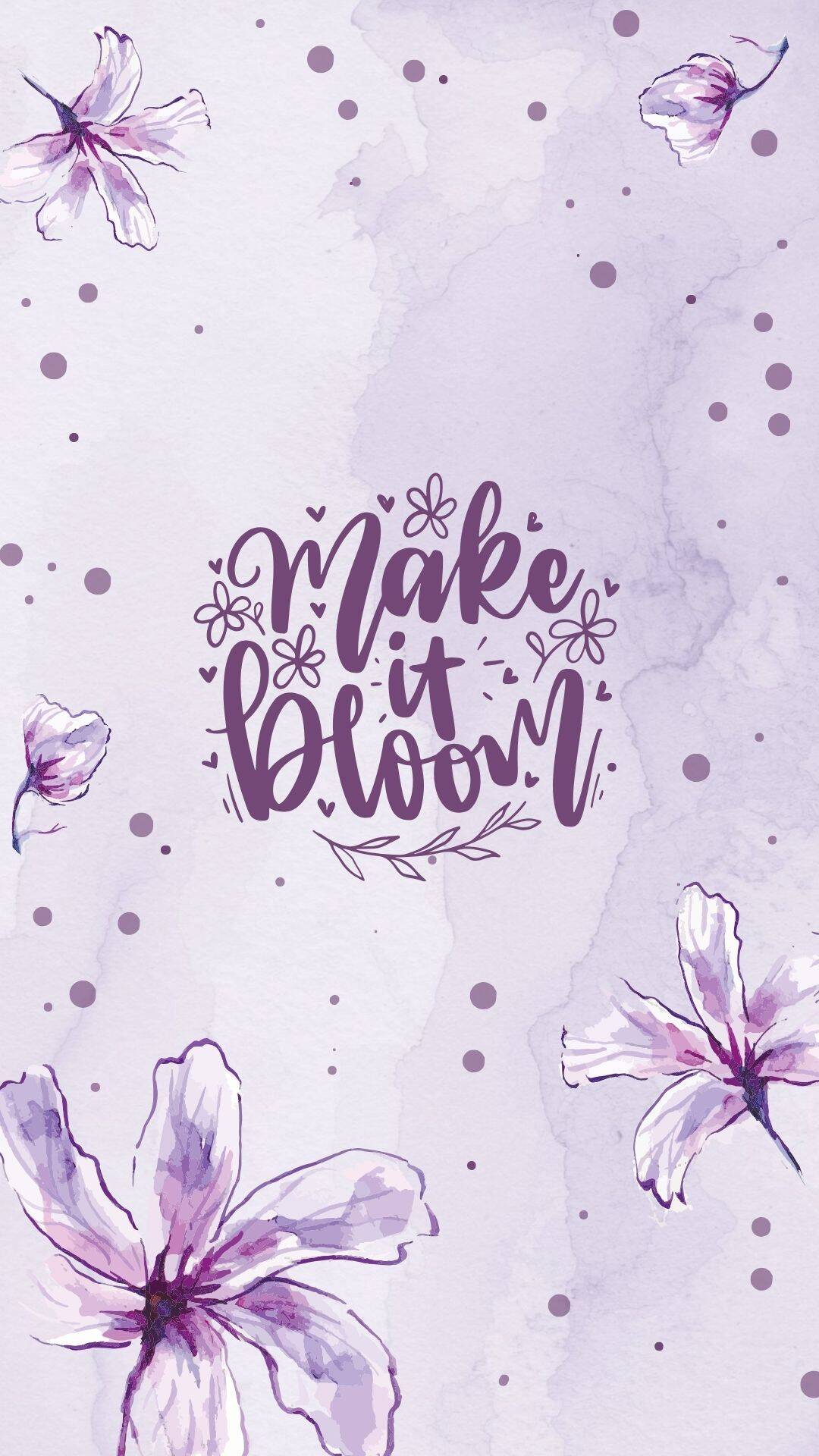
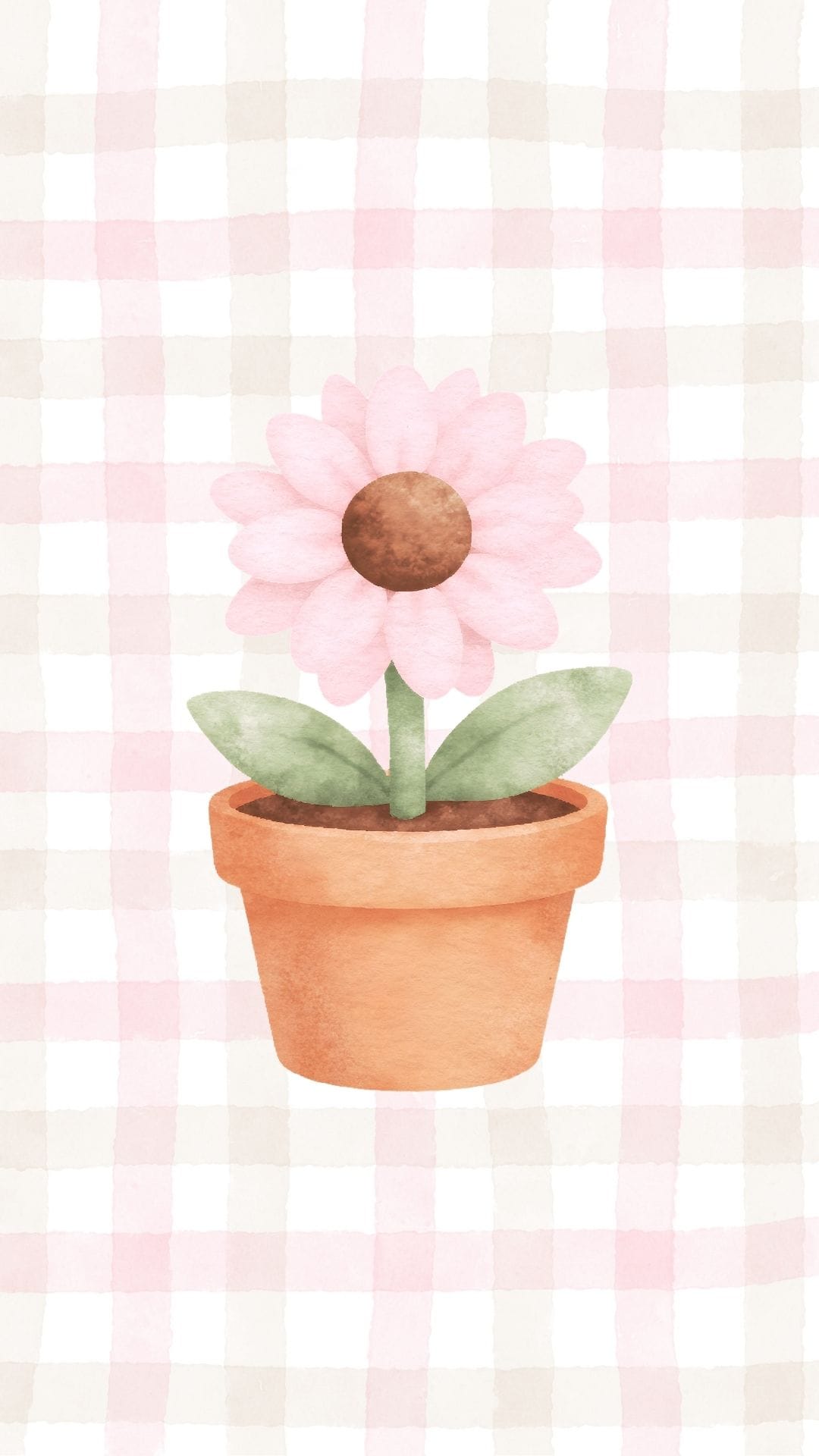
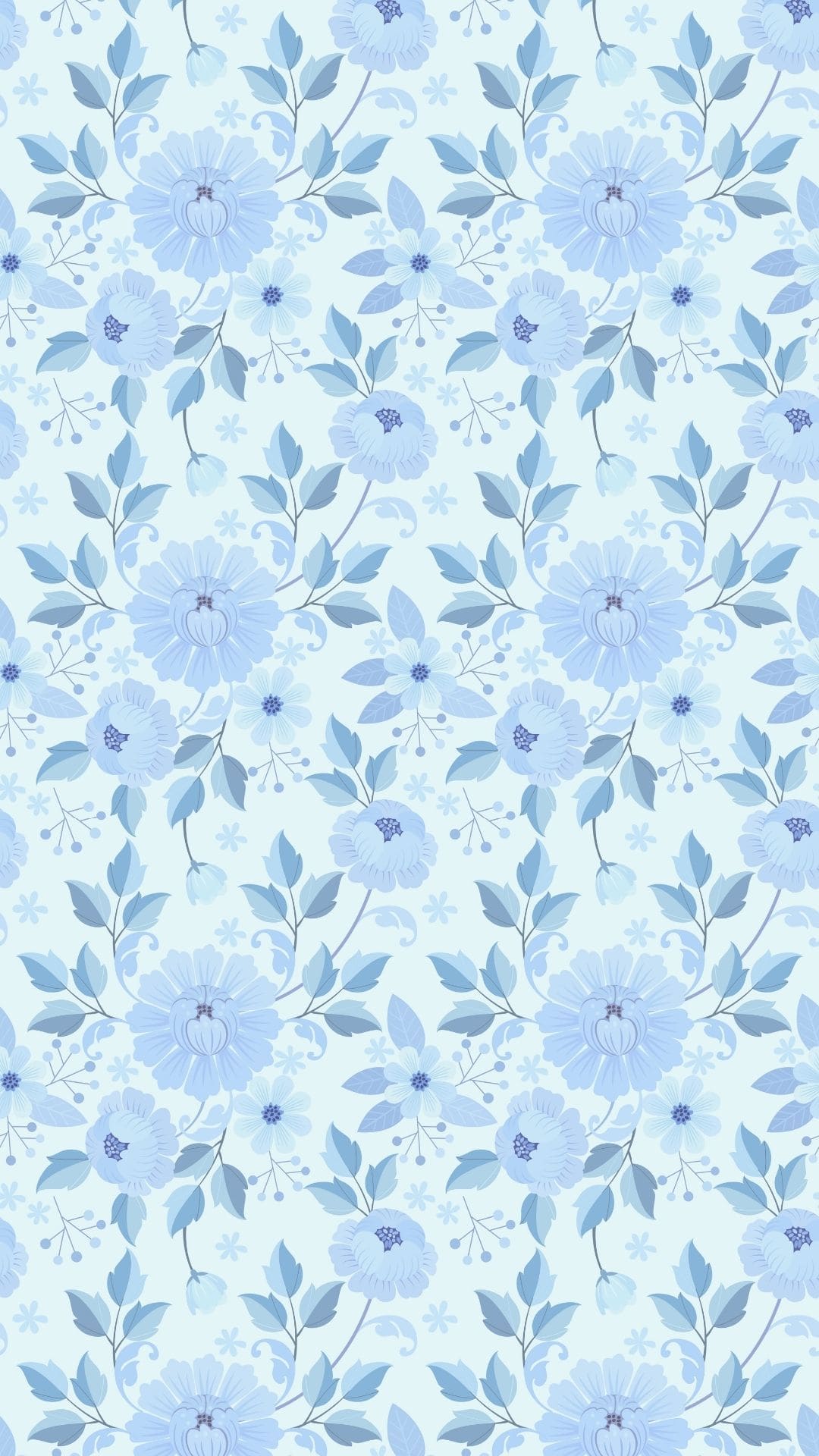
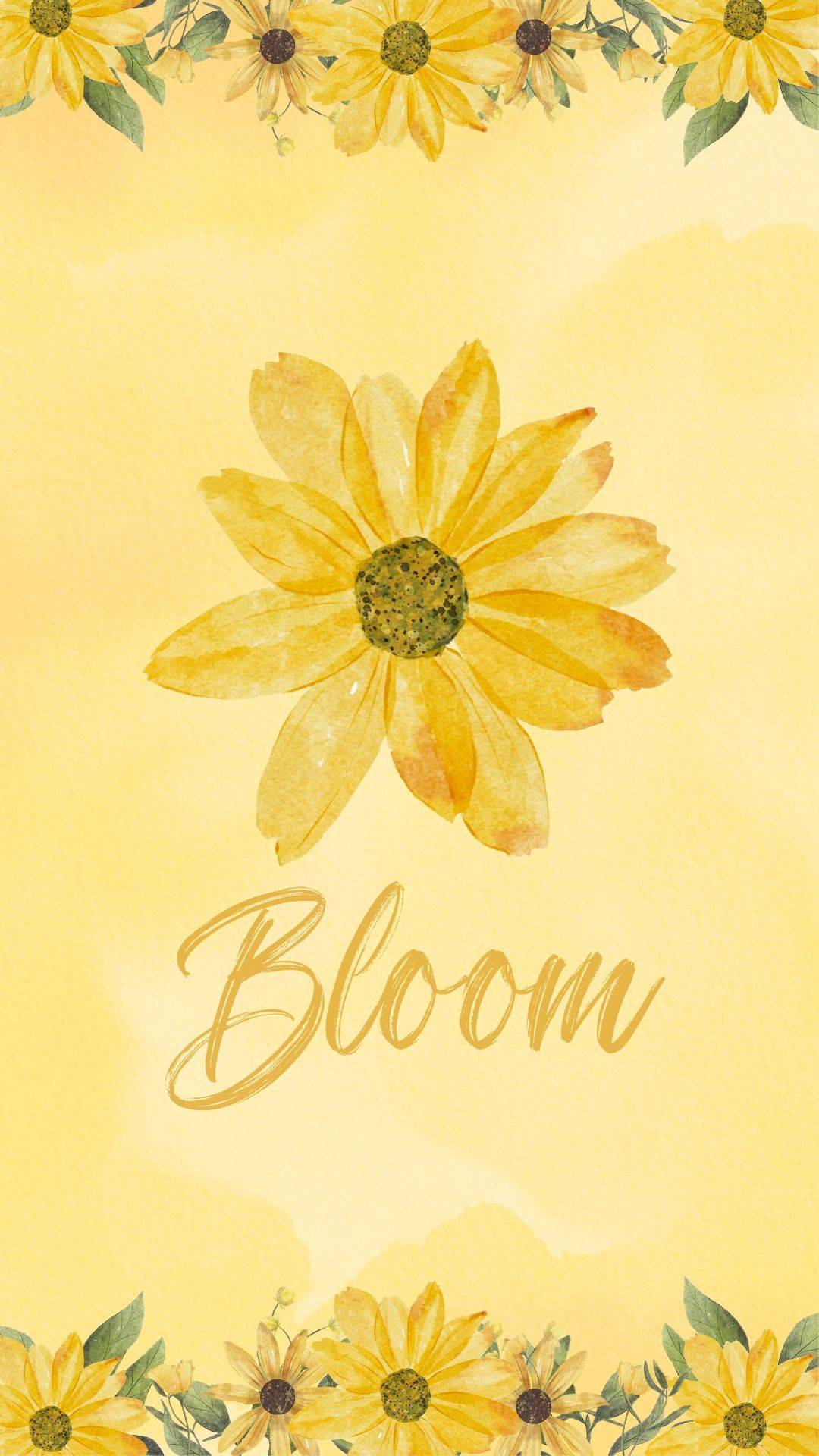
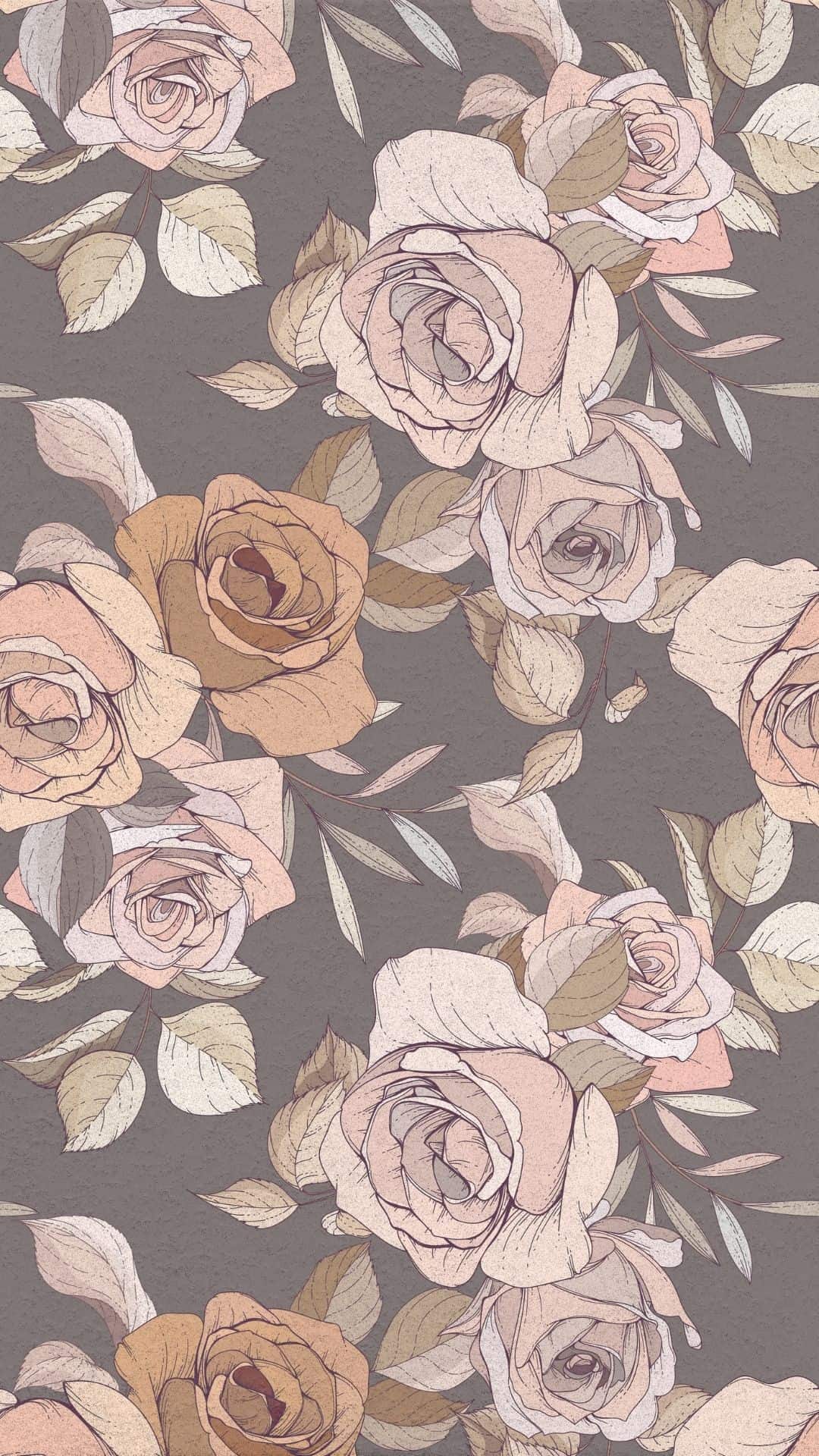
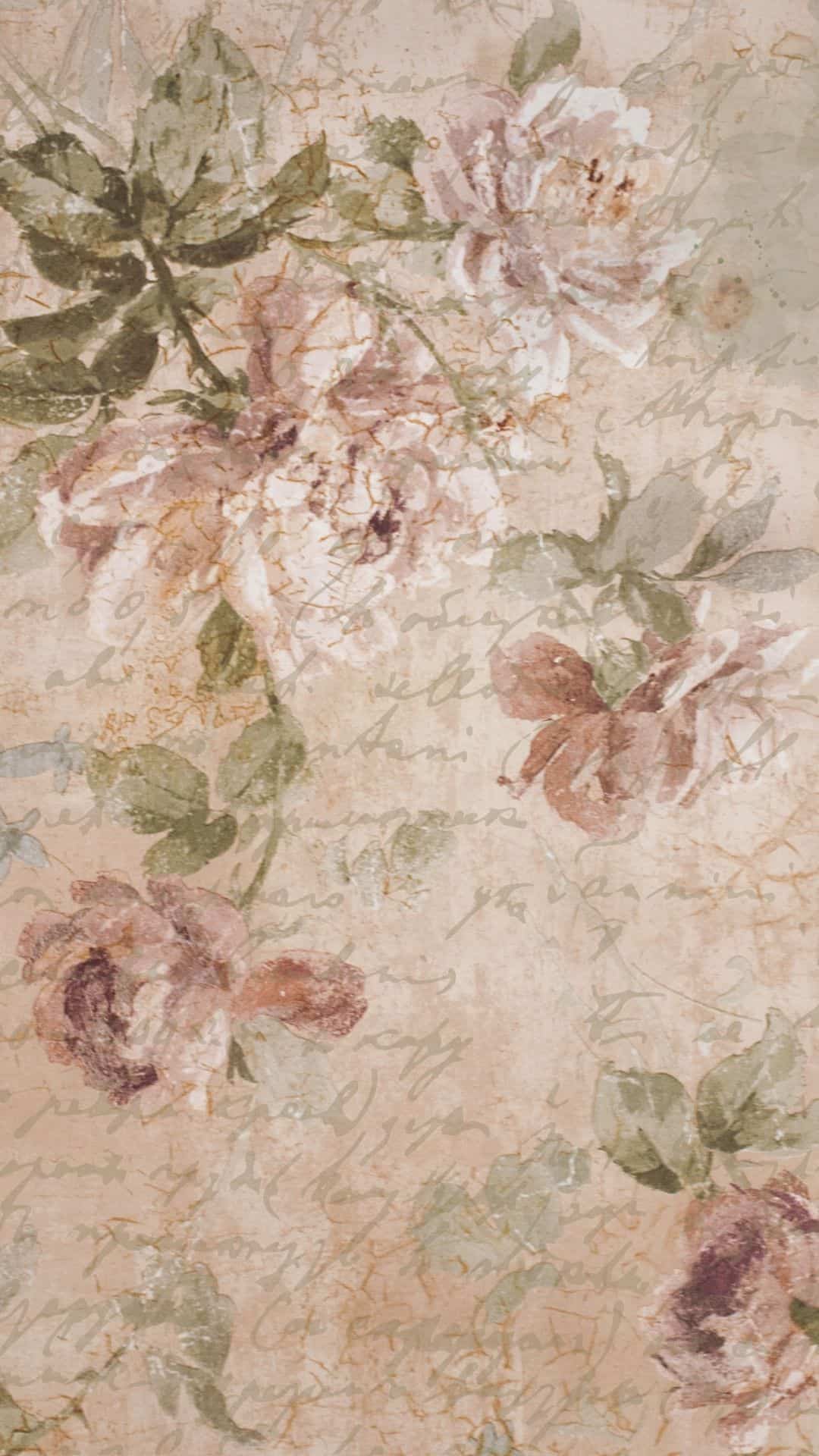
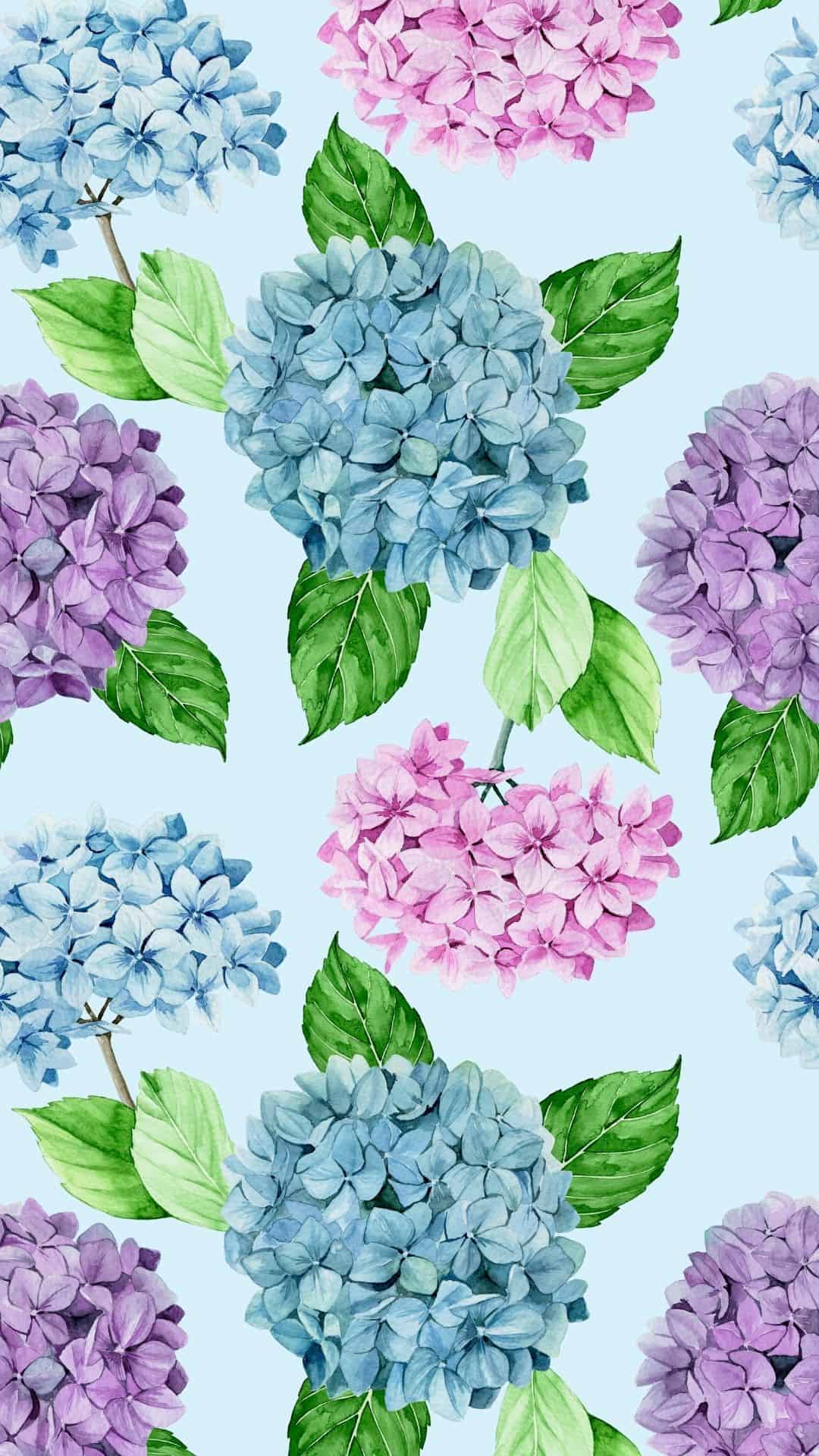
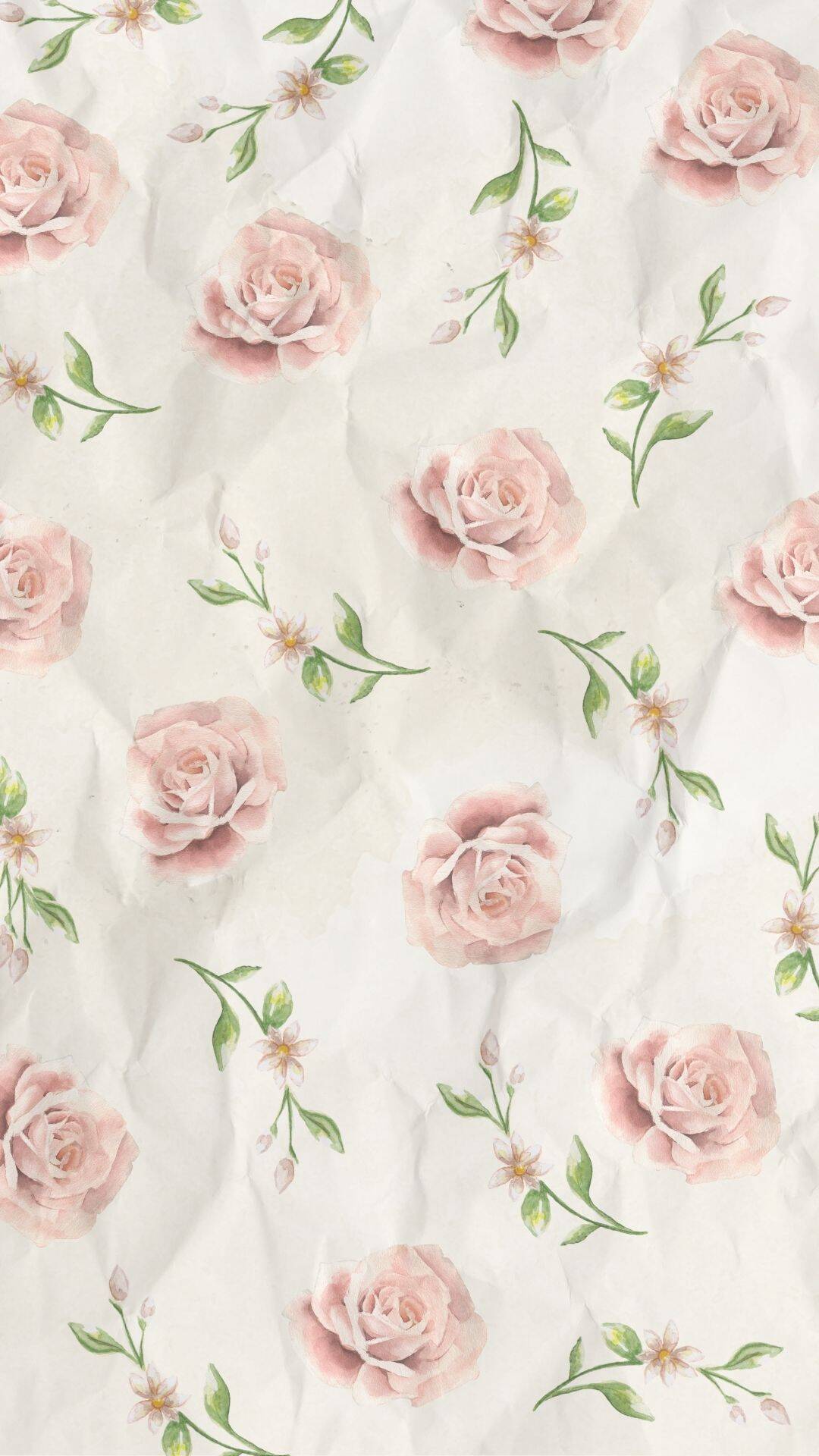
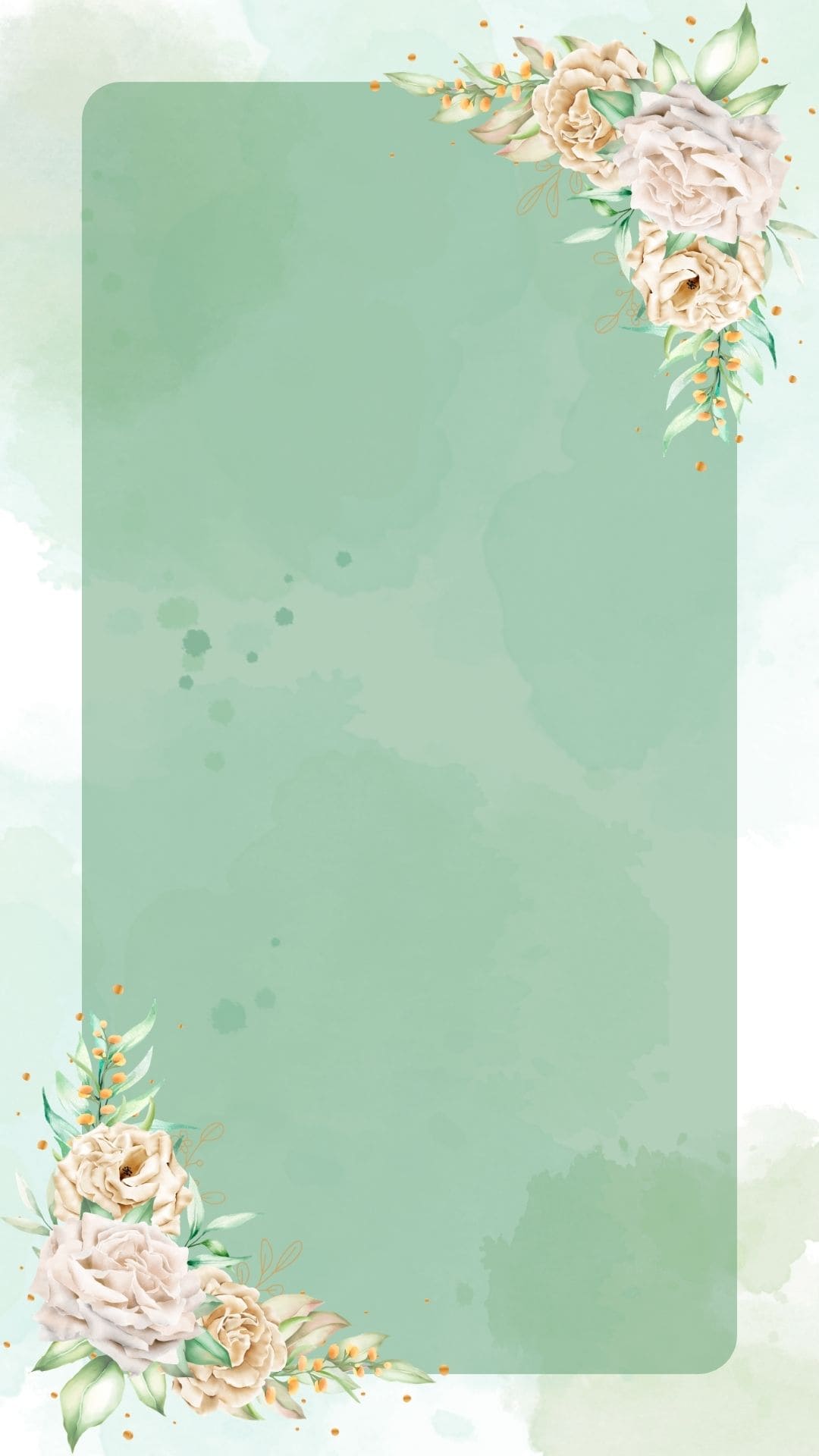
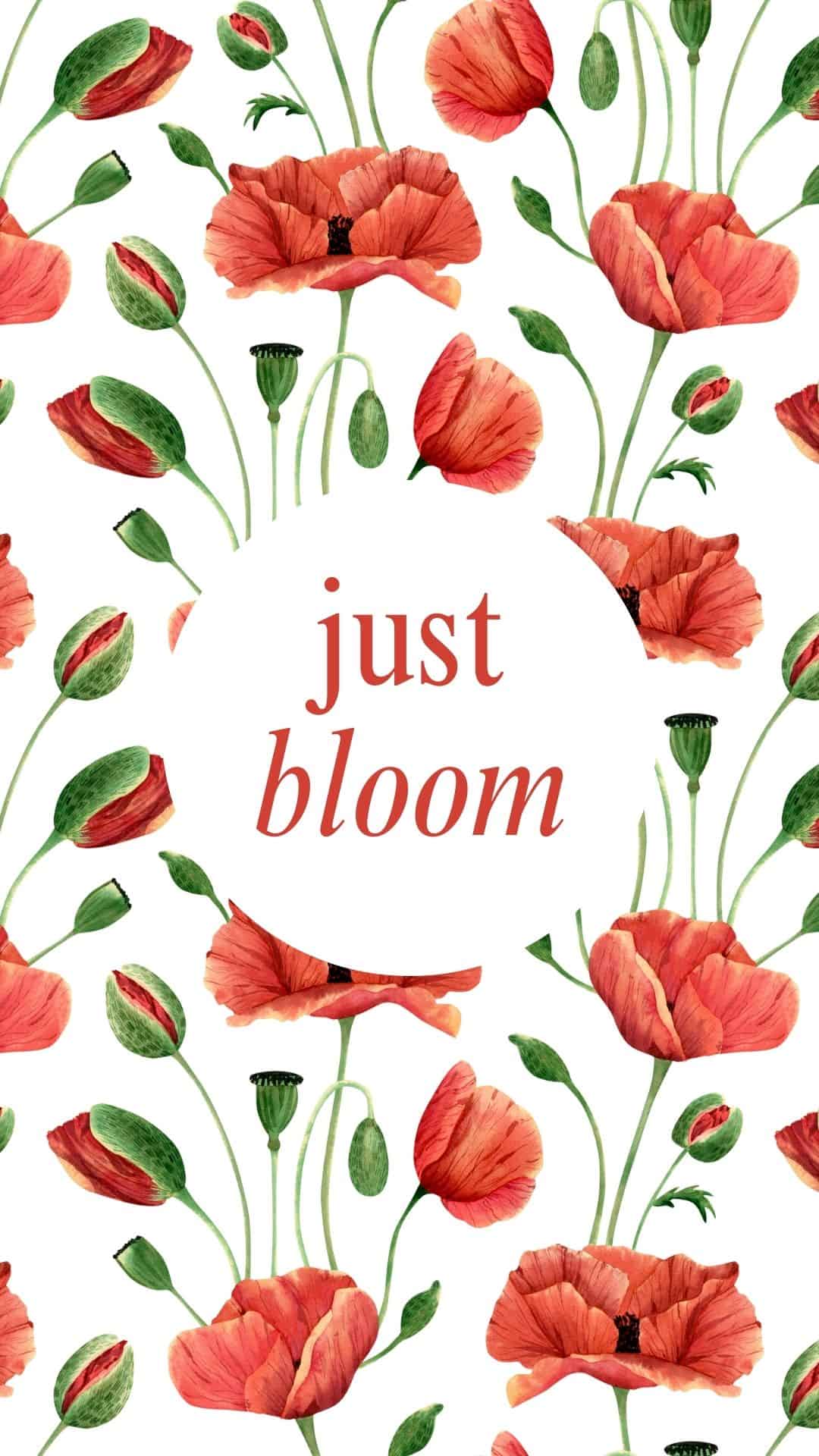
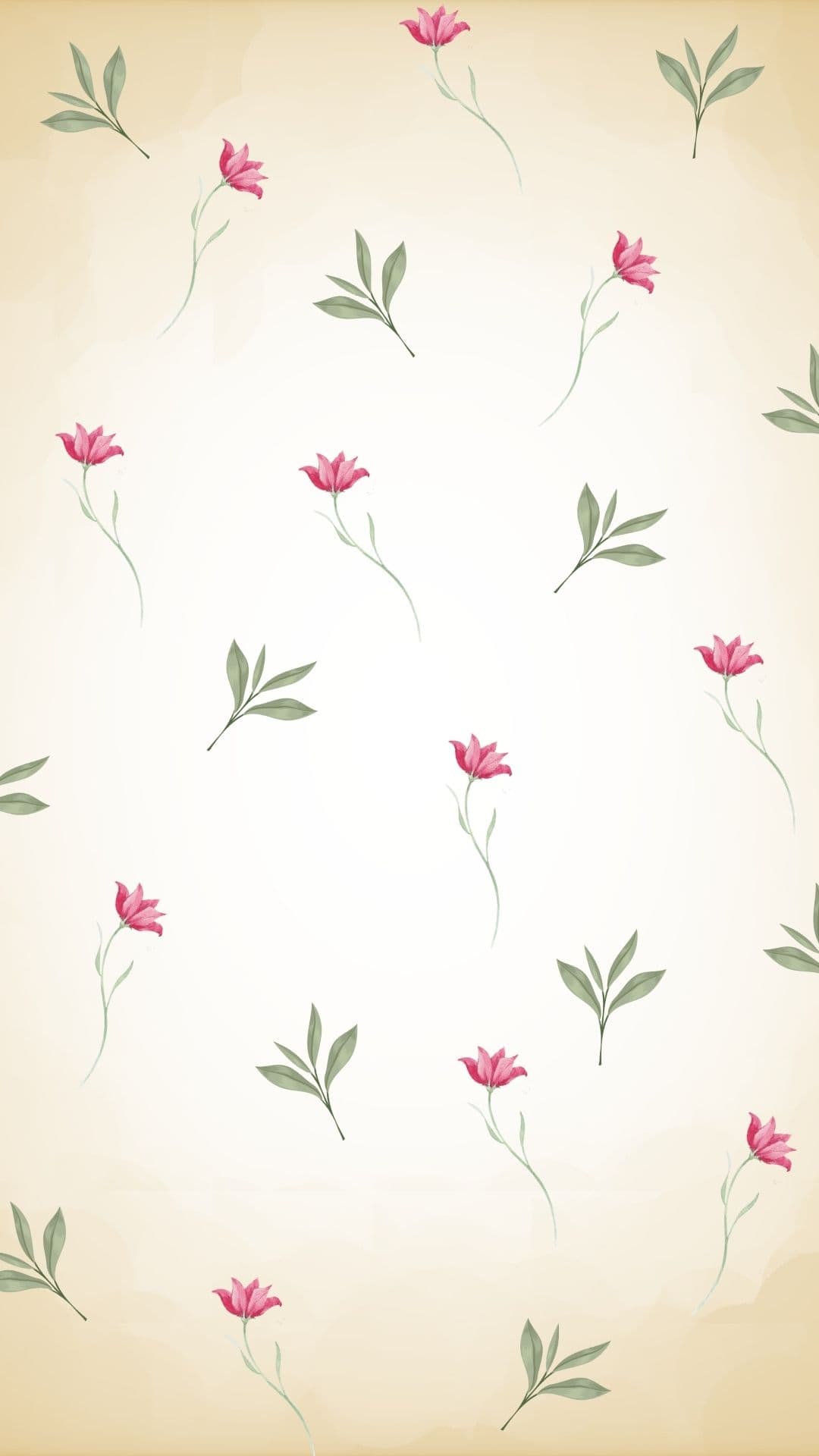
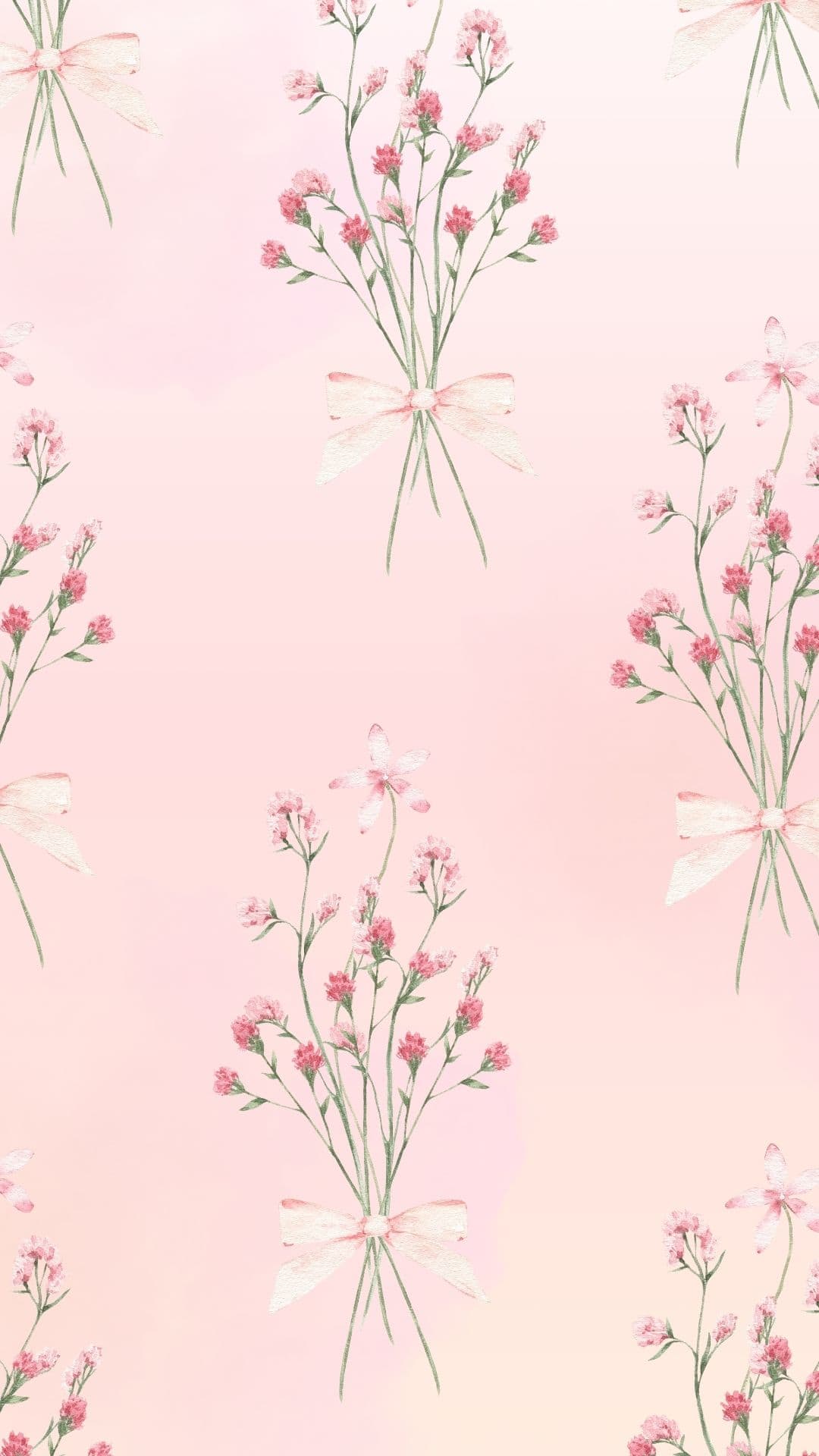
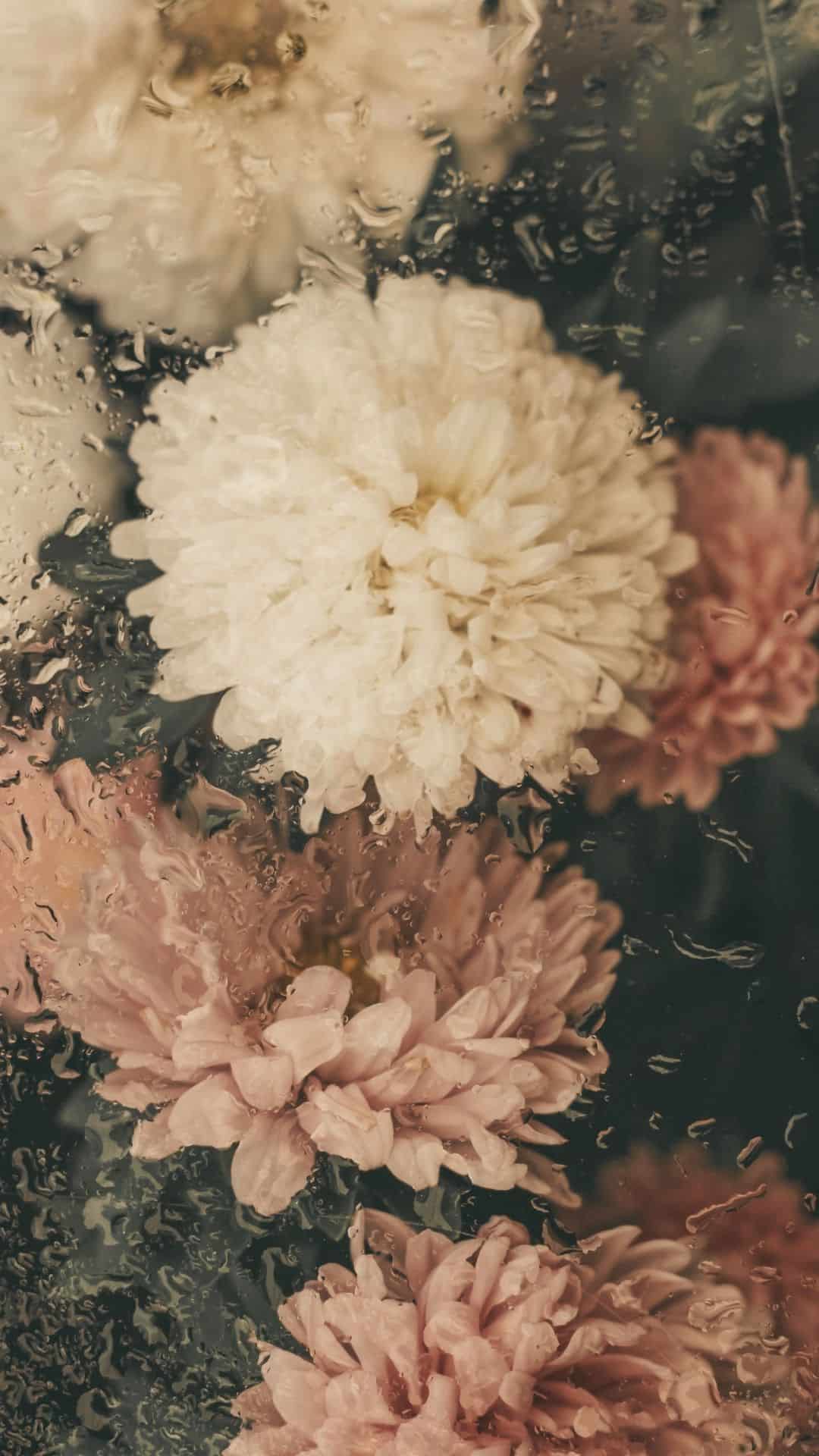
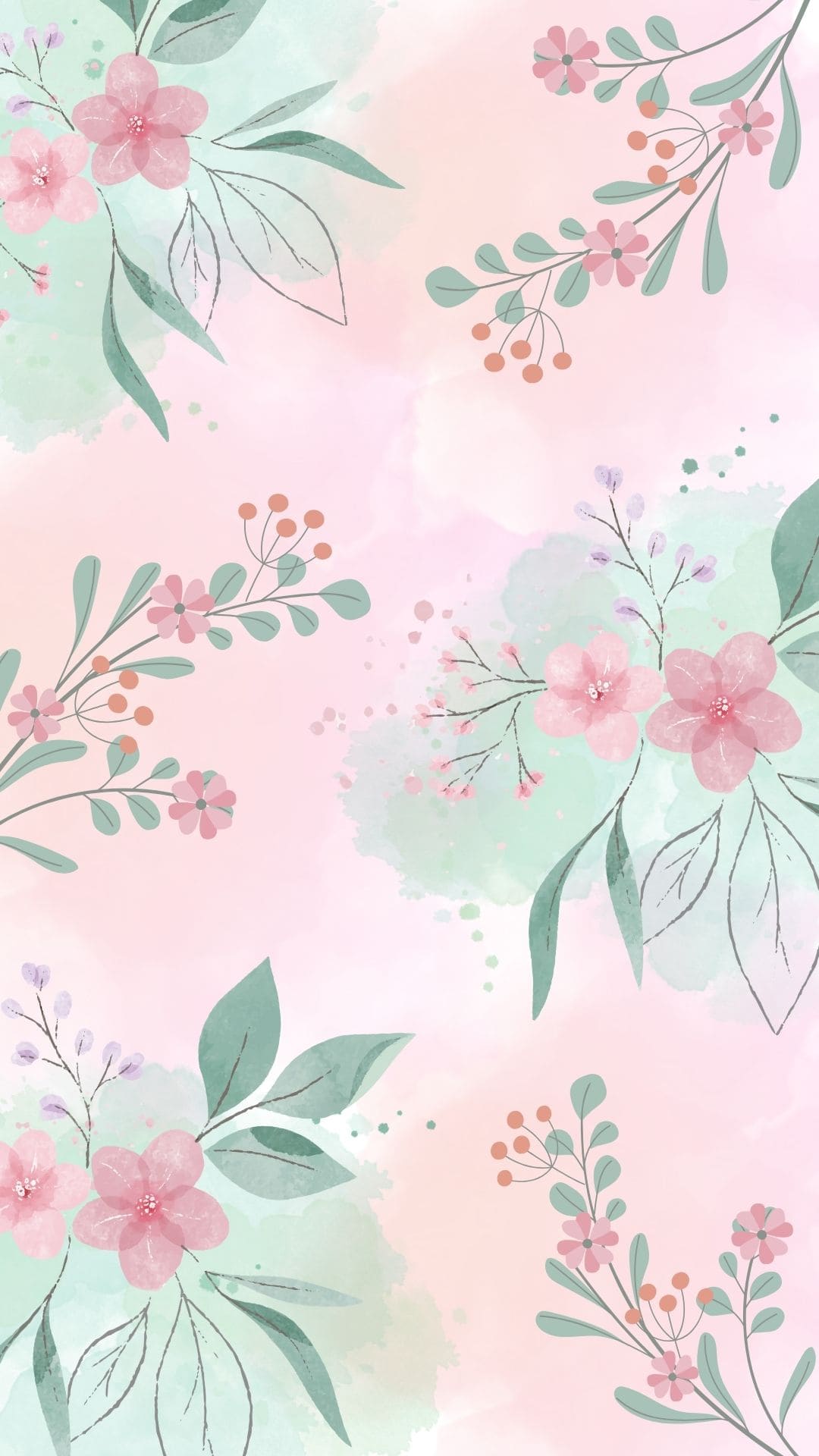
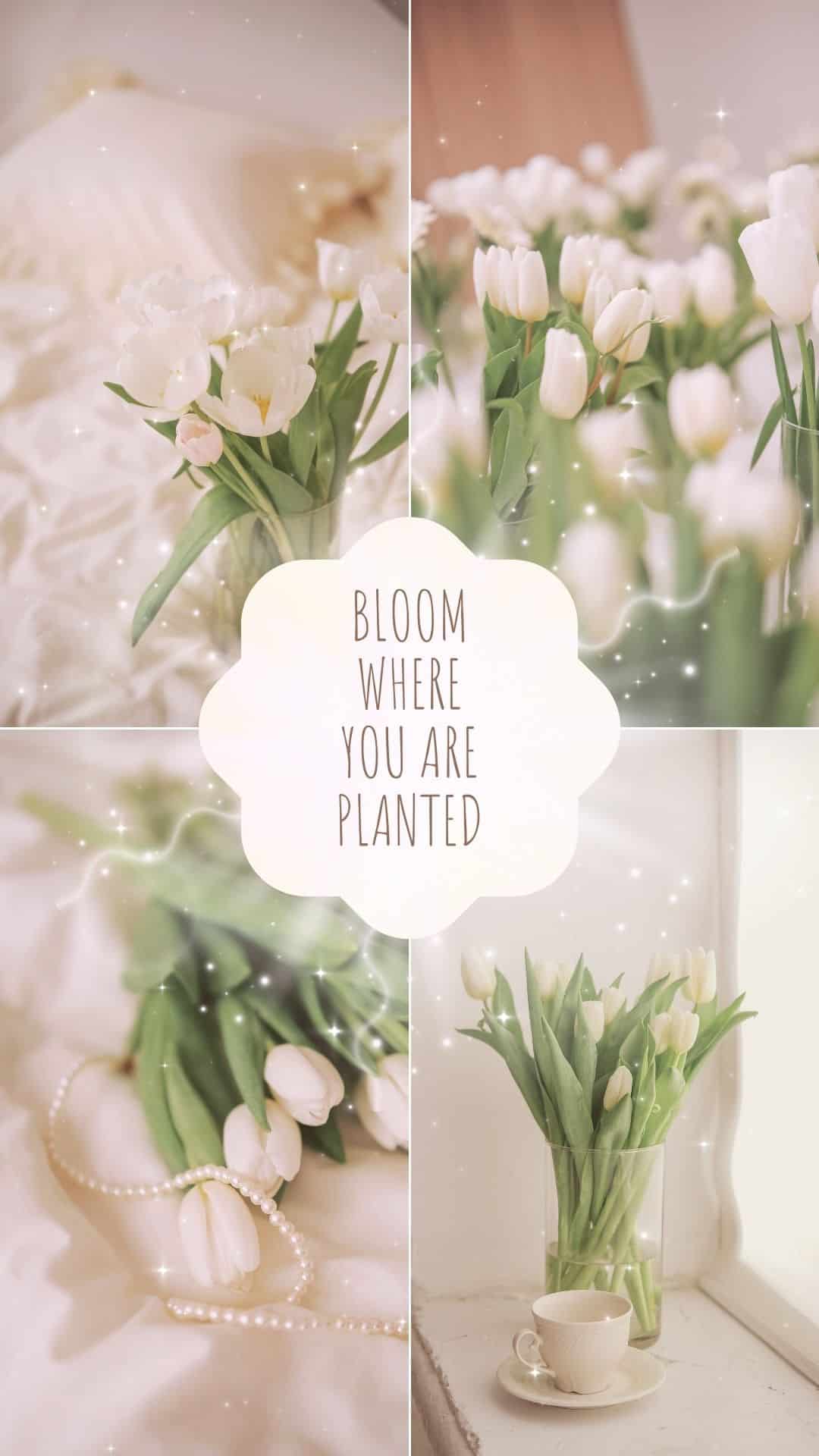
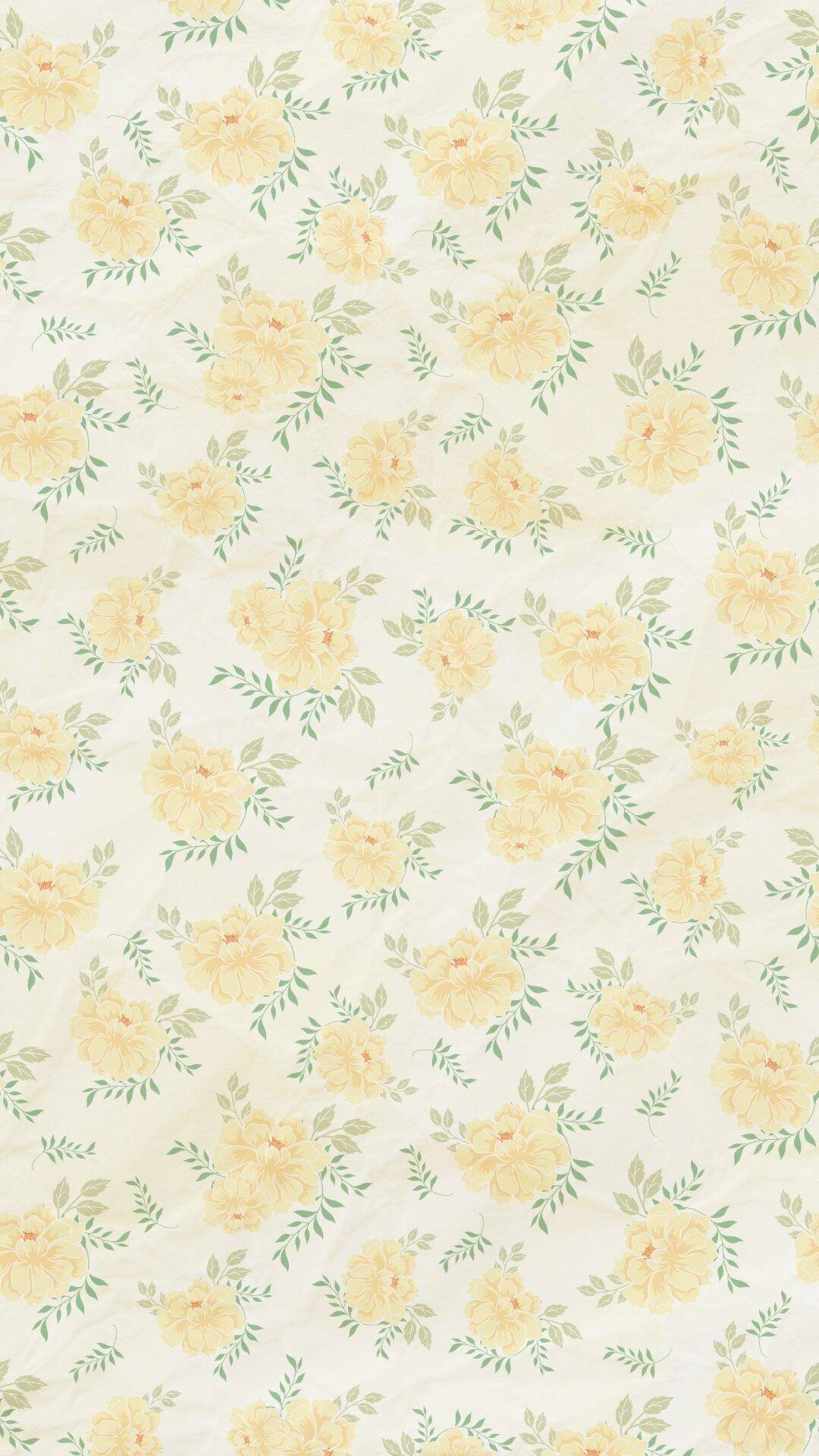
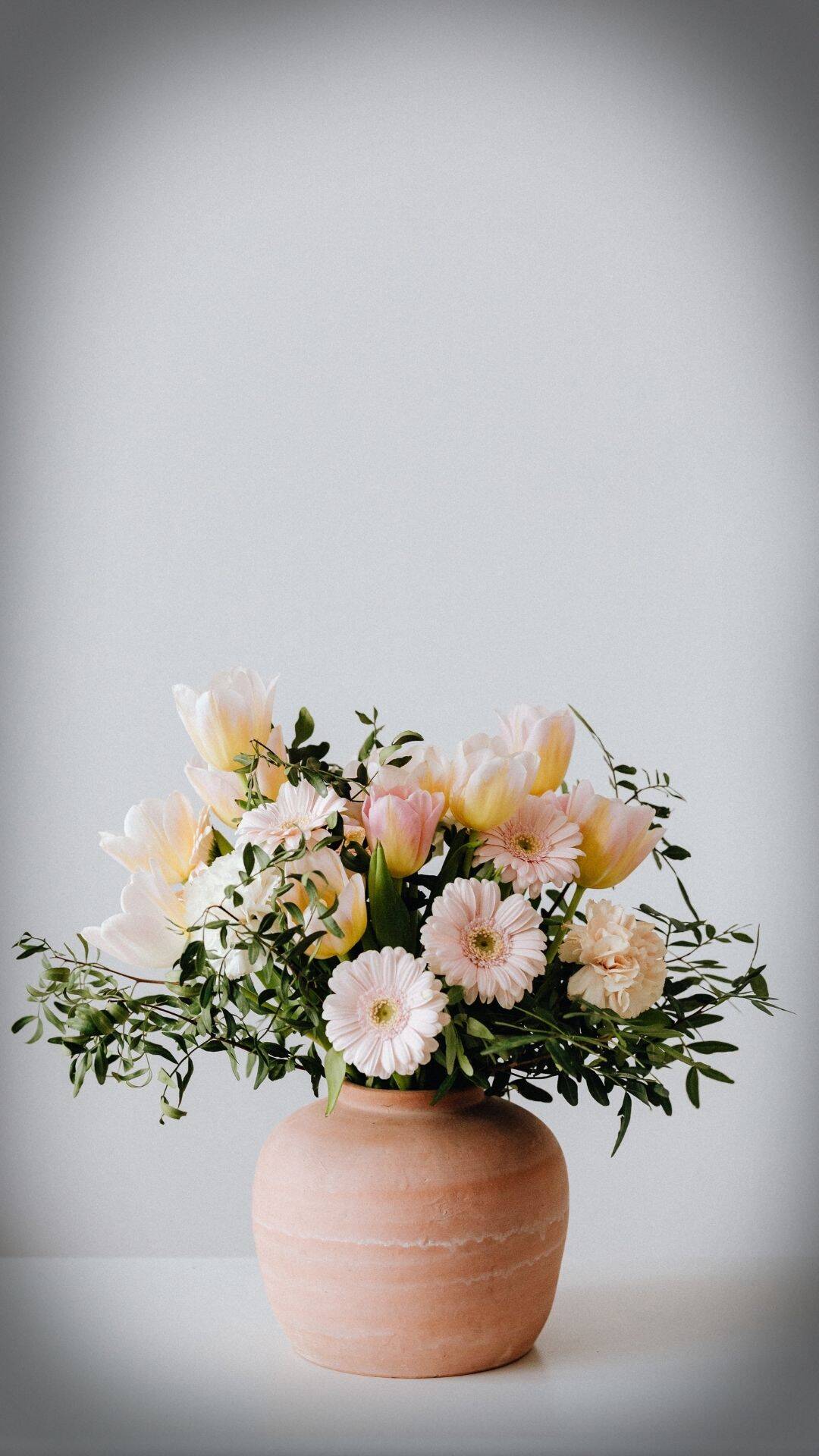
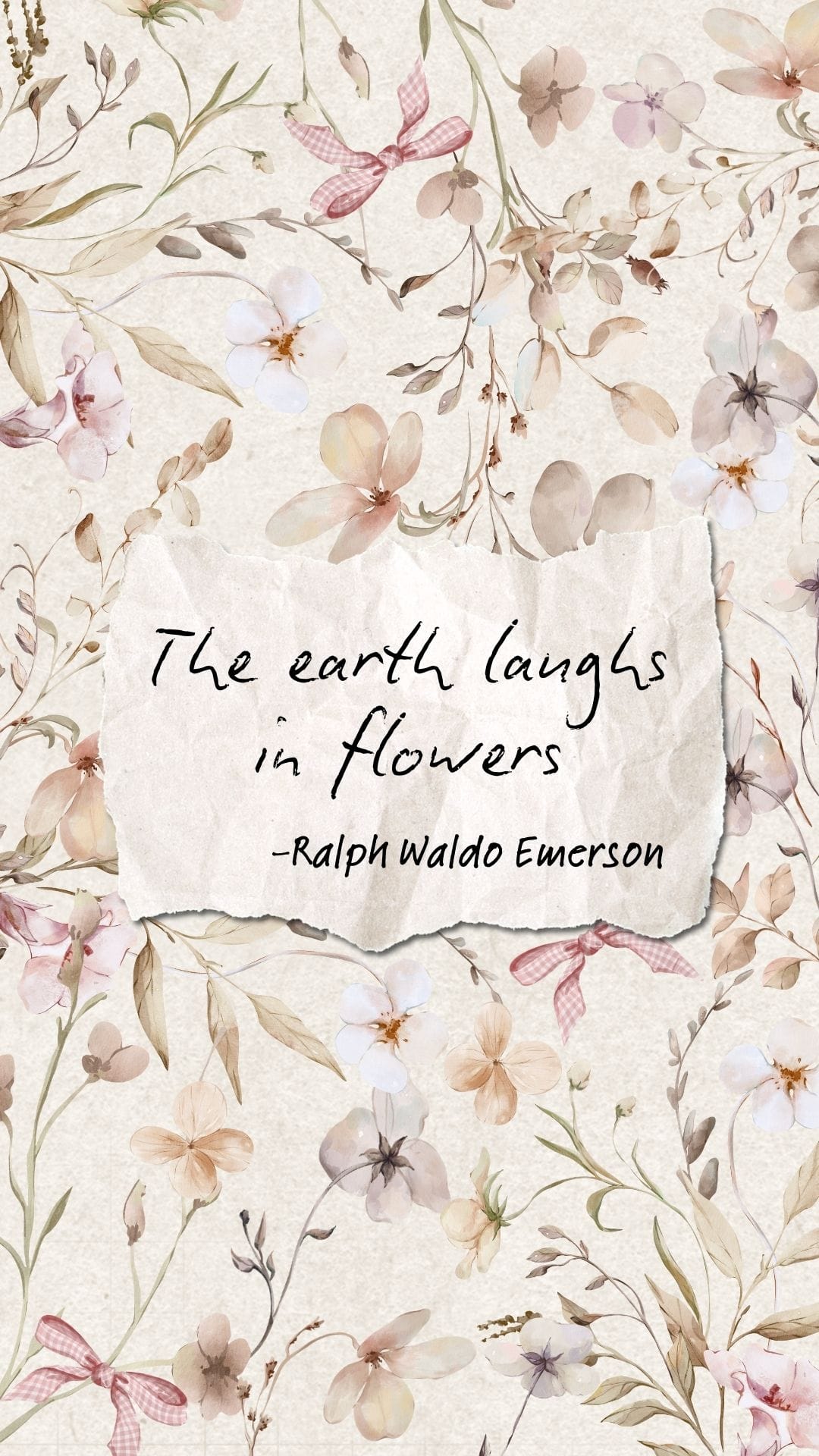
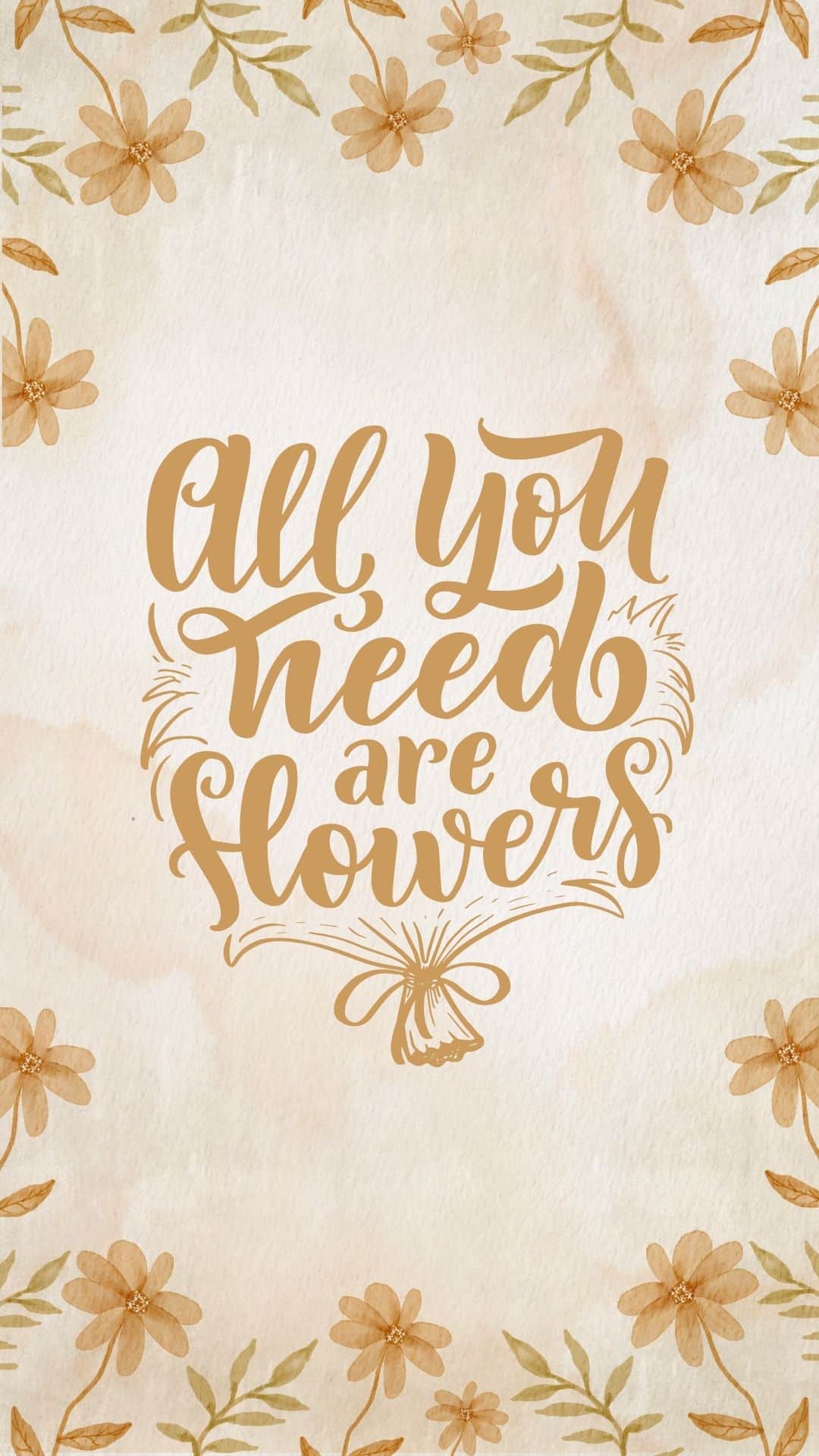
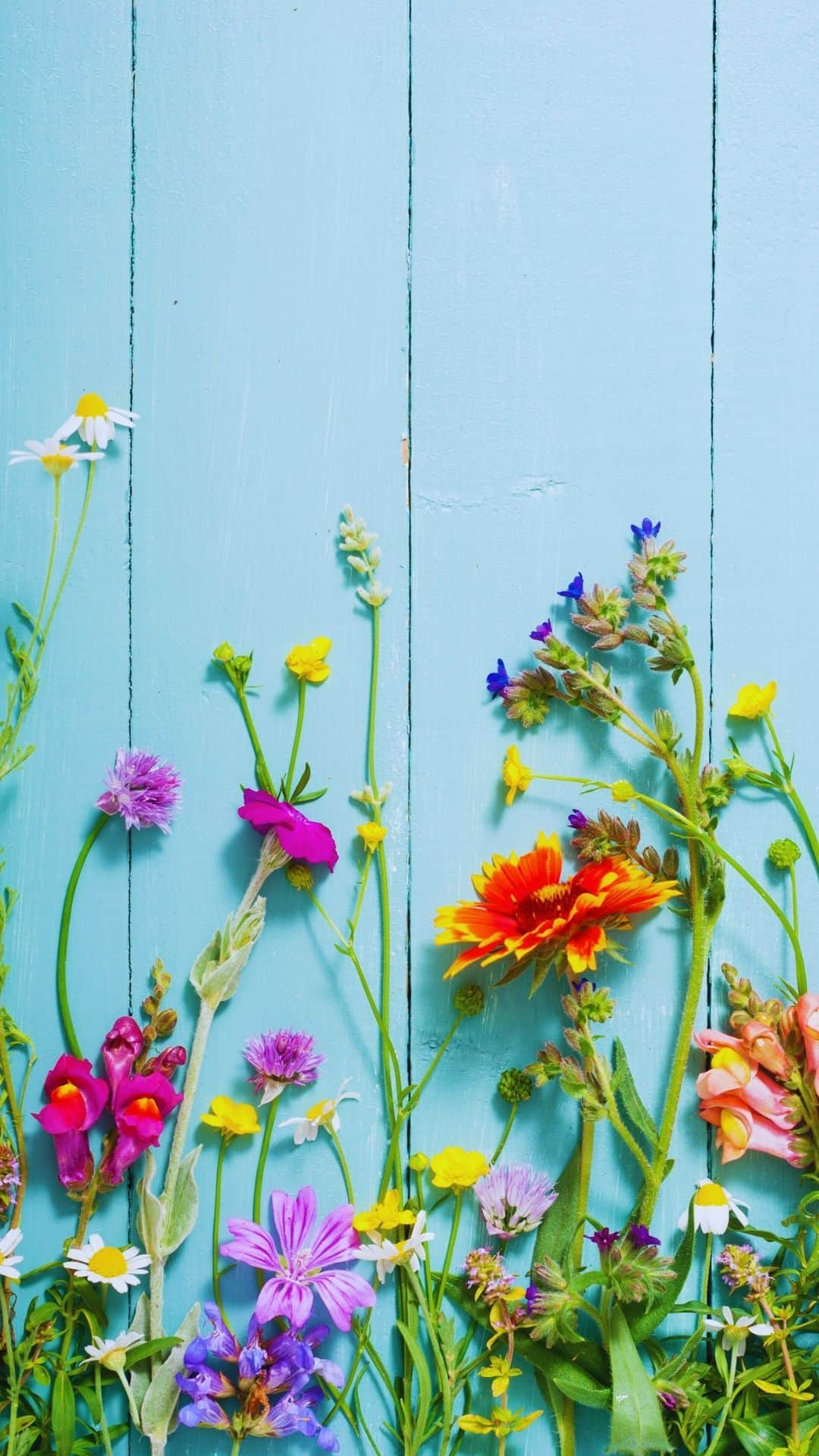
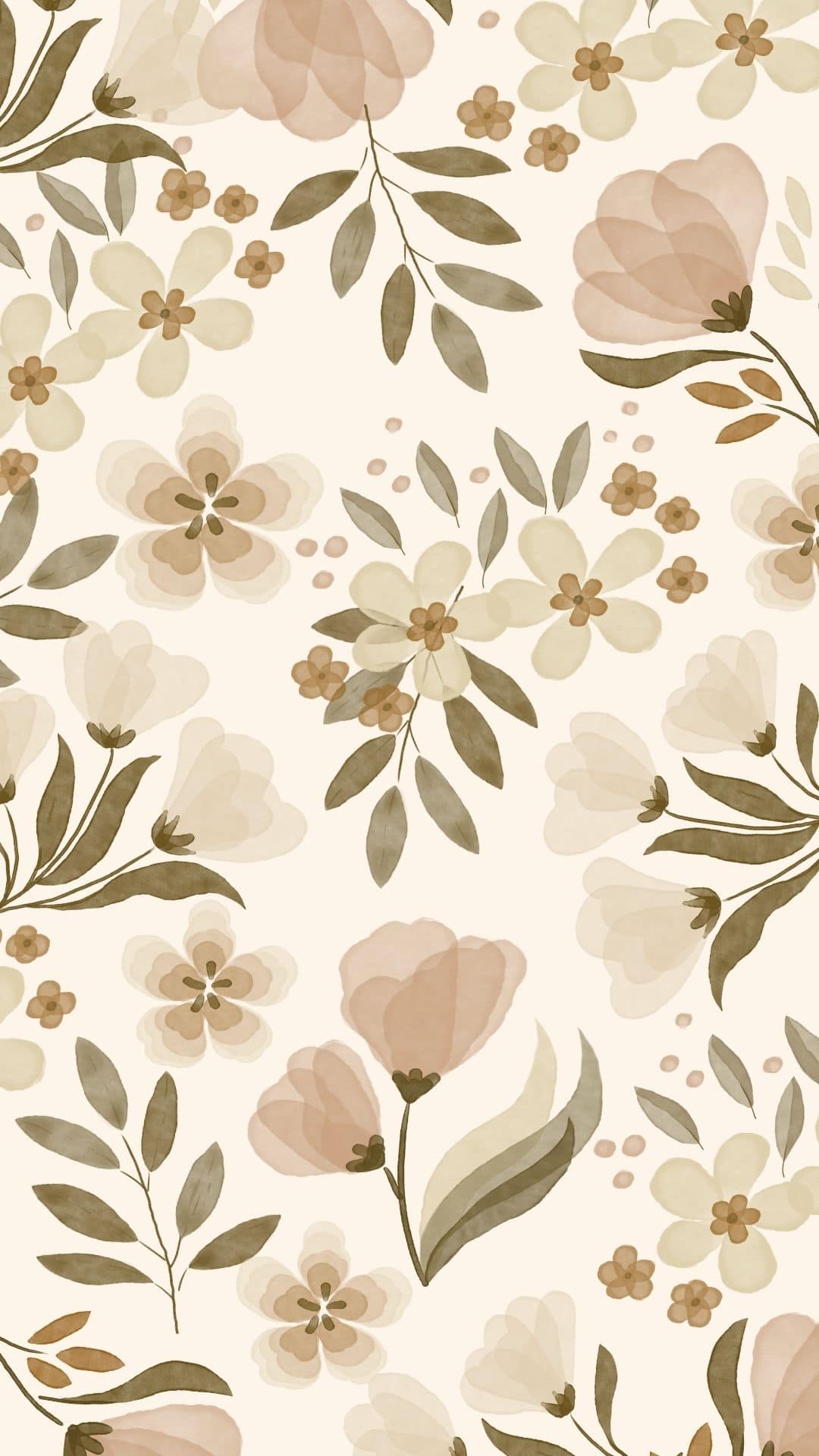
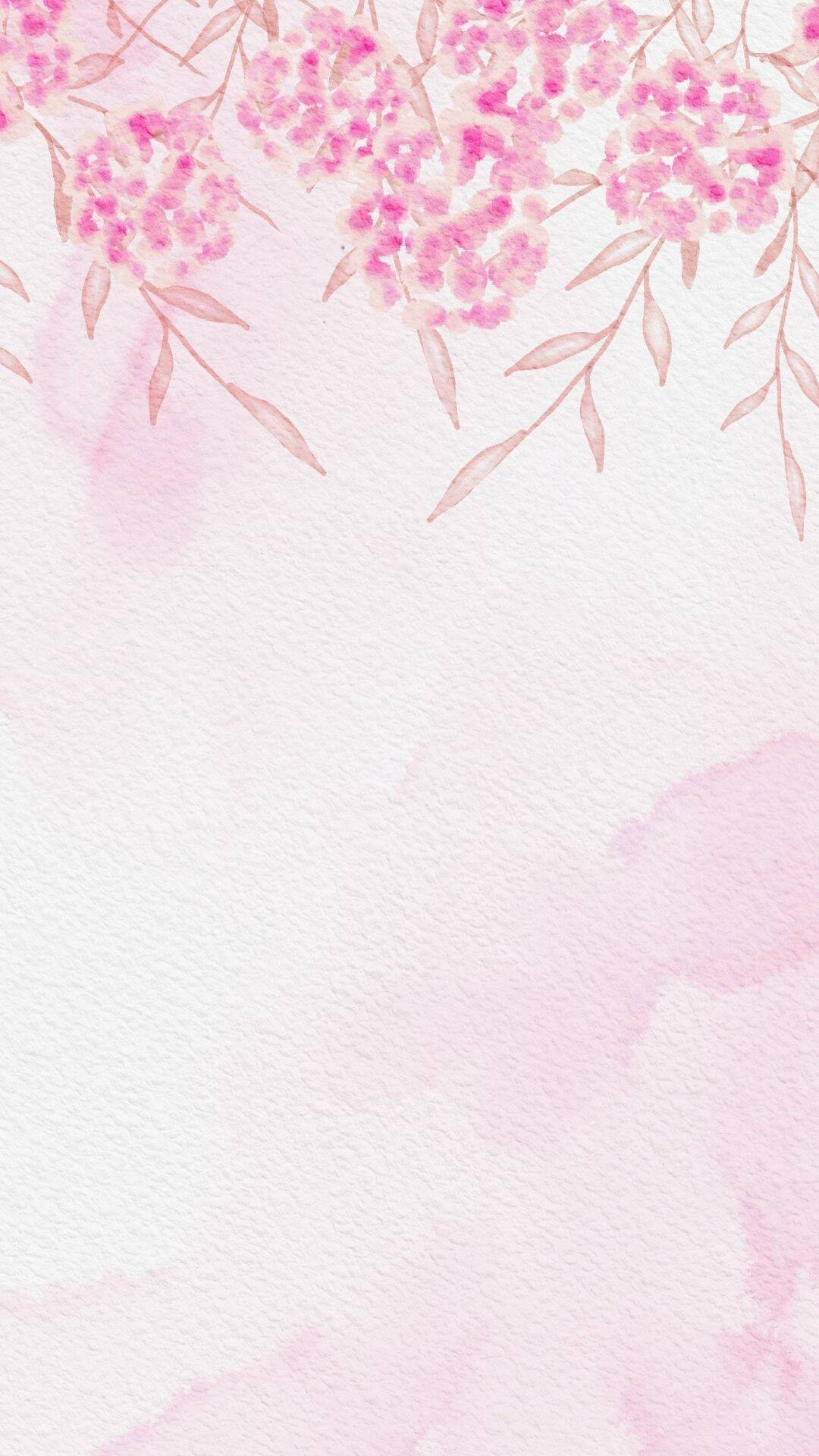
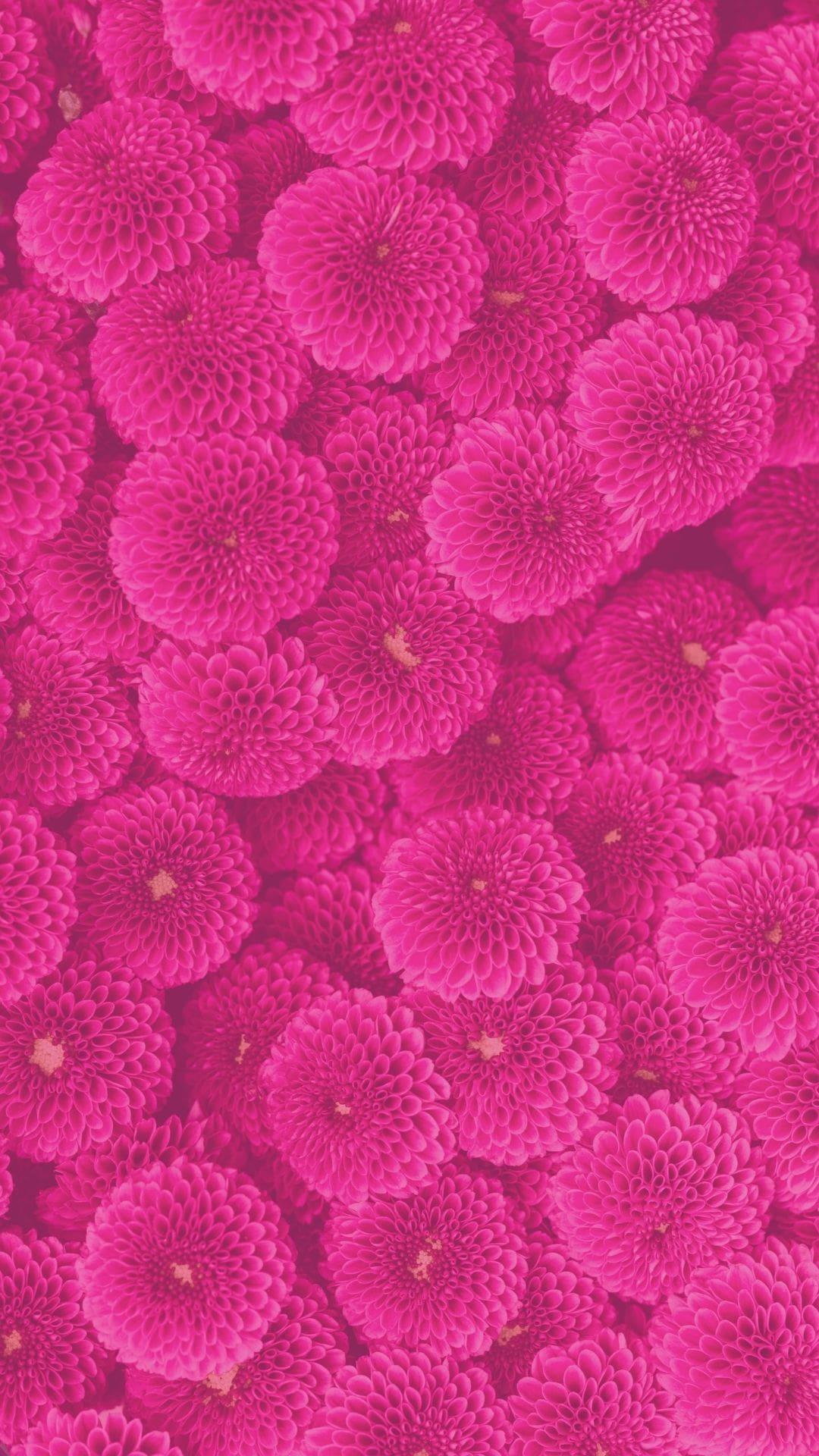
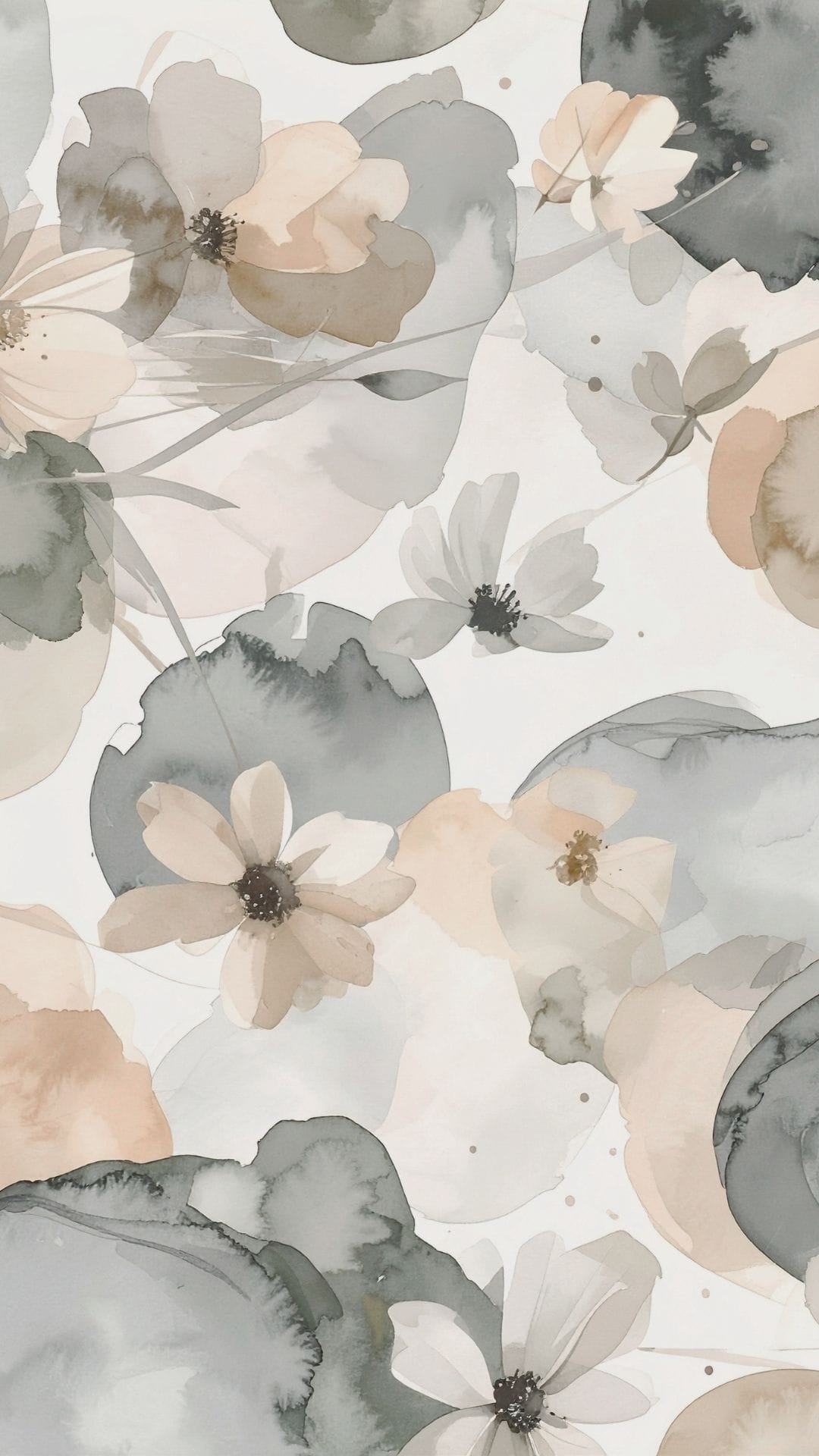
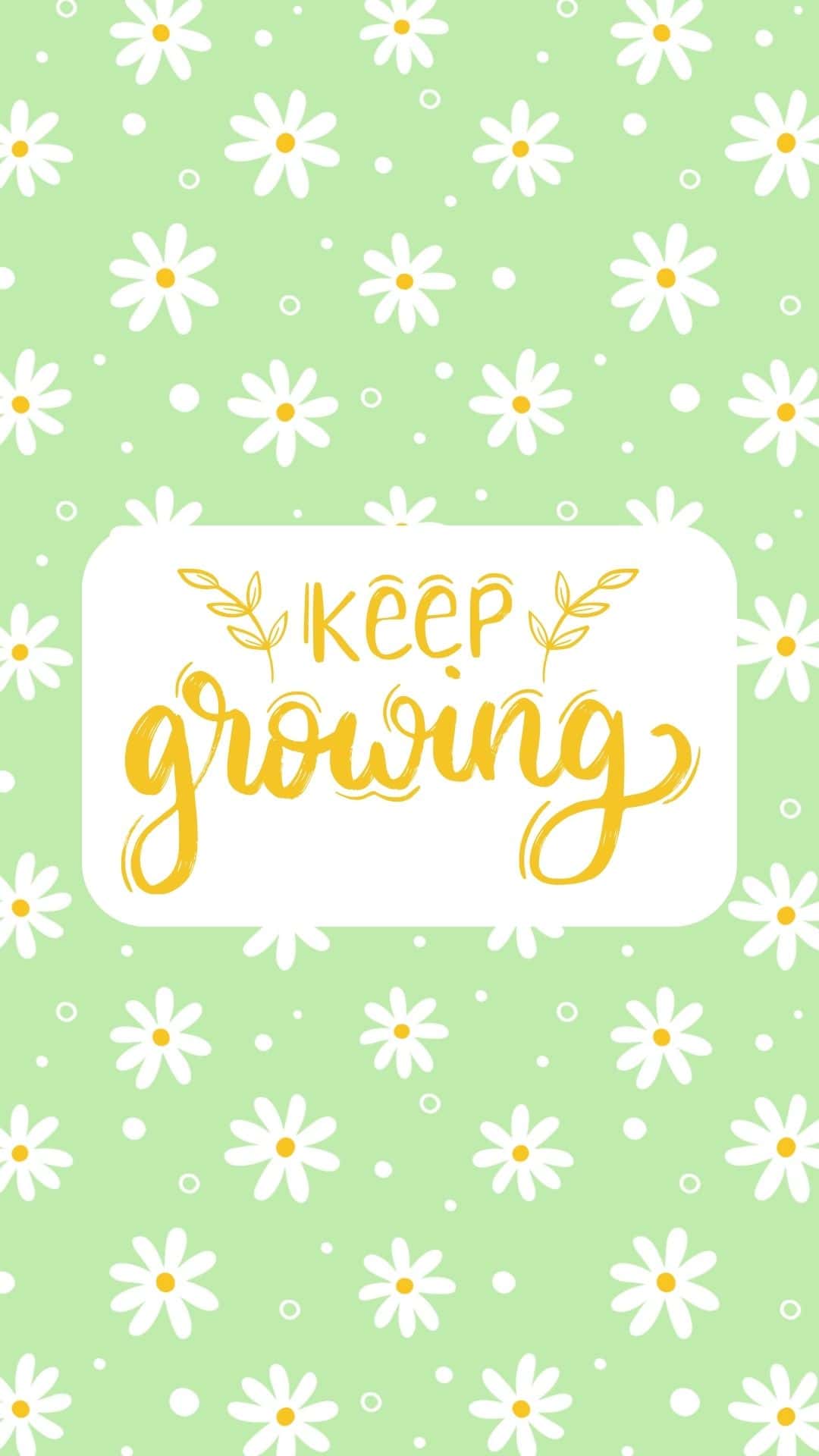
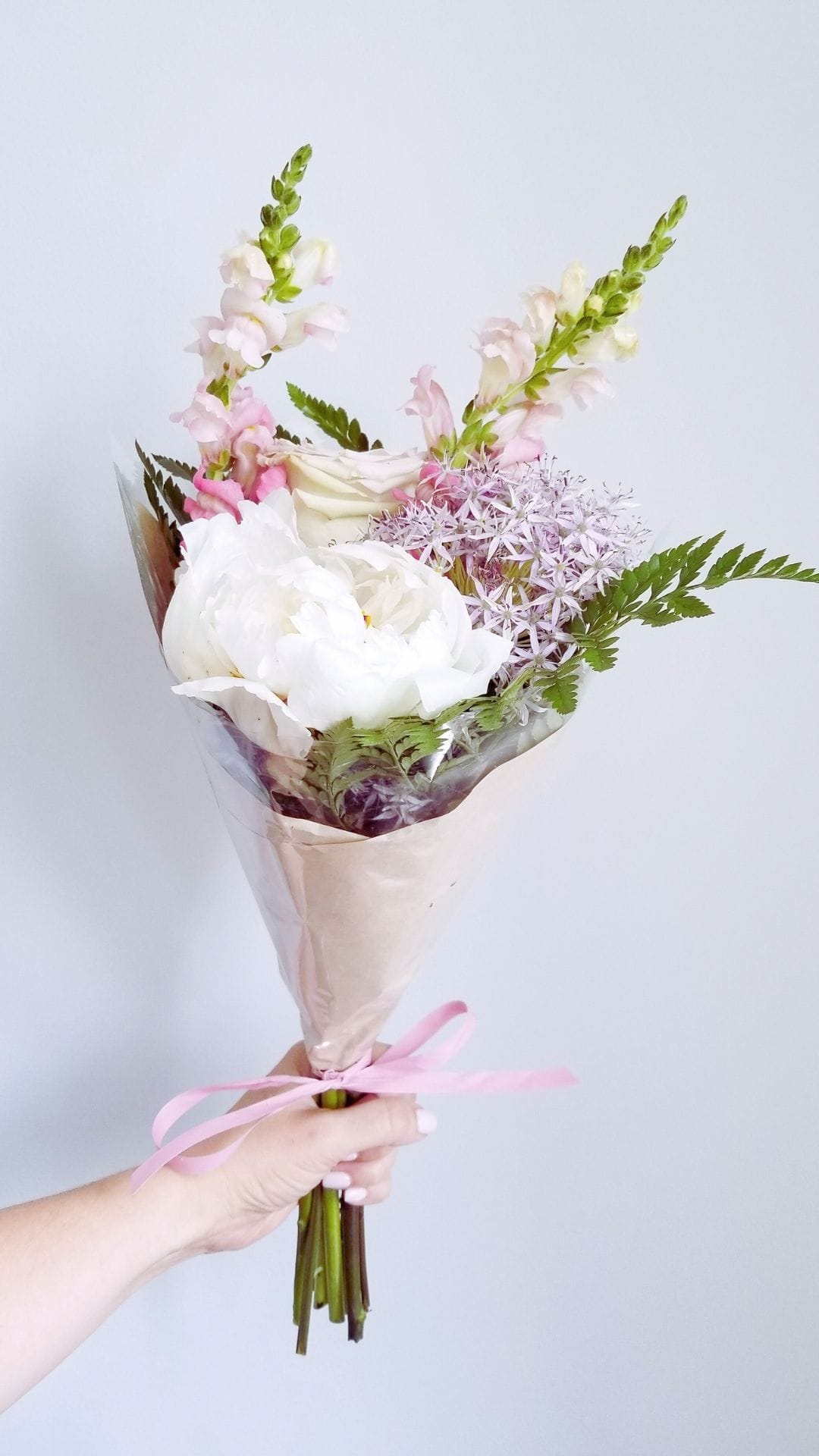
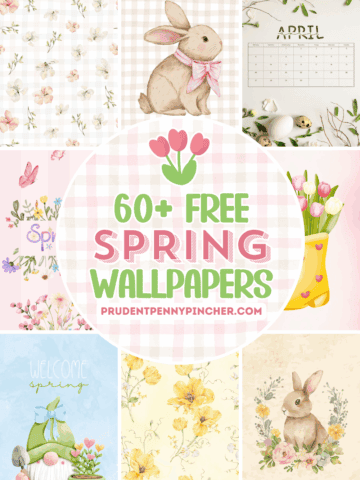
Give your phone a fresh, vibrant makeover with these floral wallpapers for the phone.
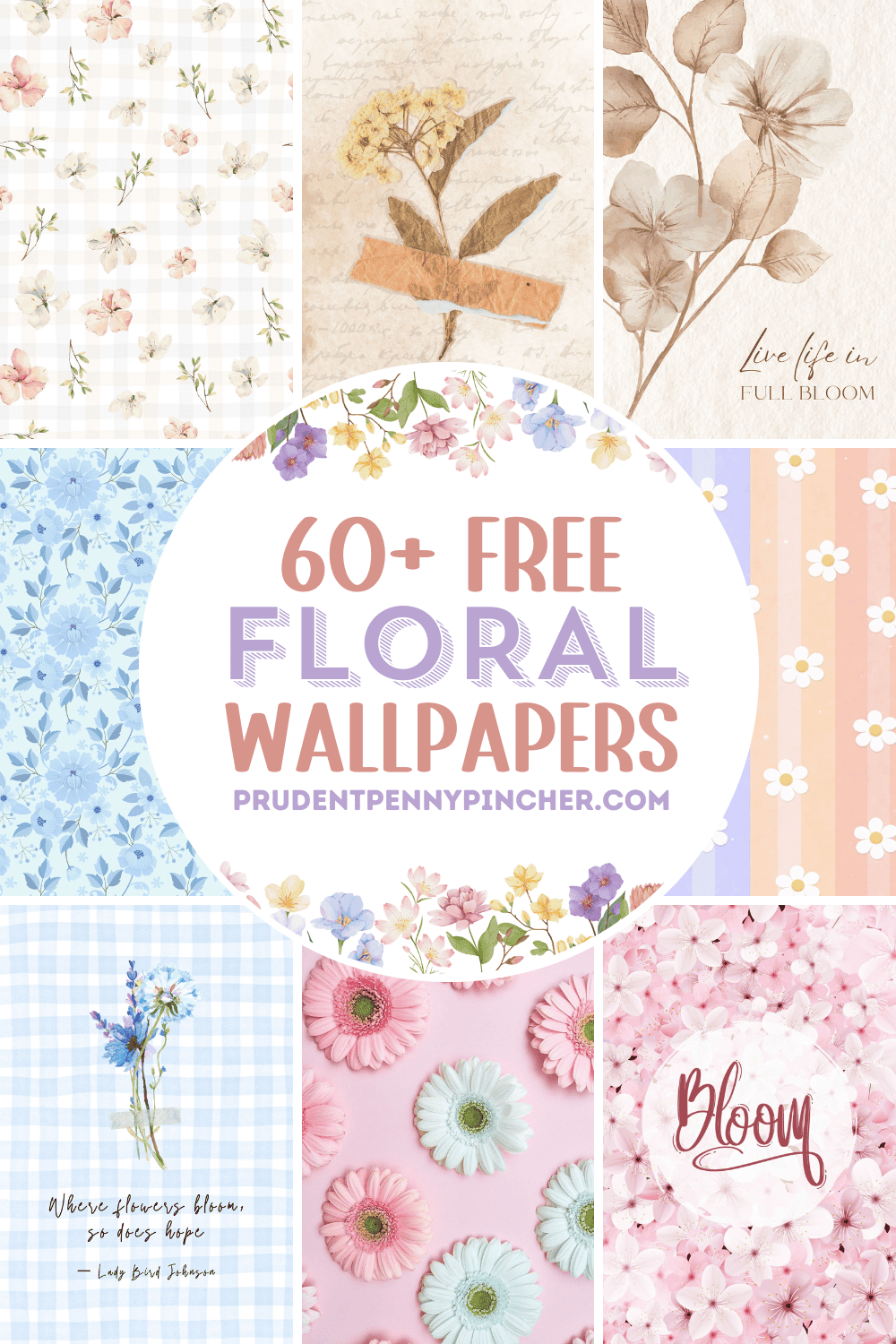
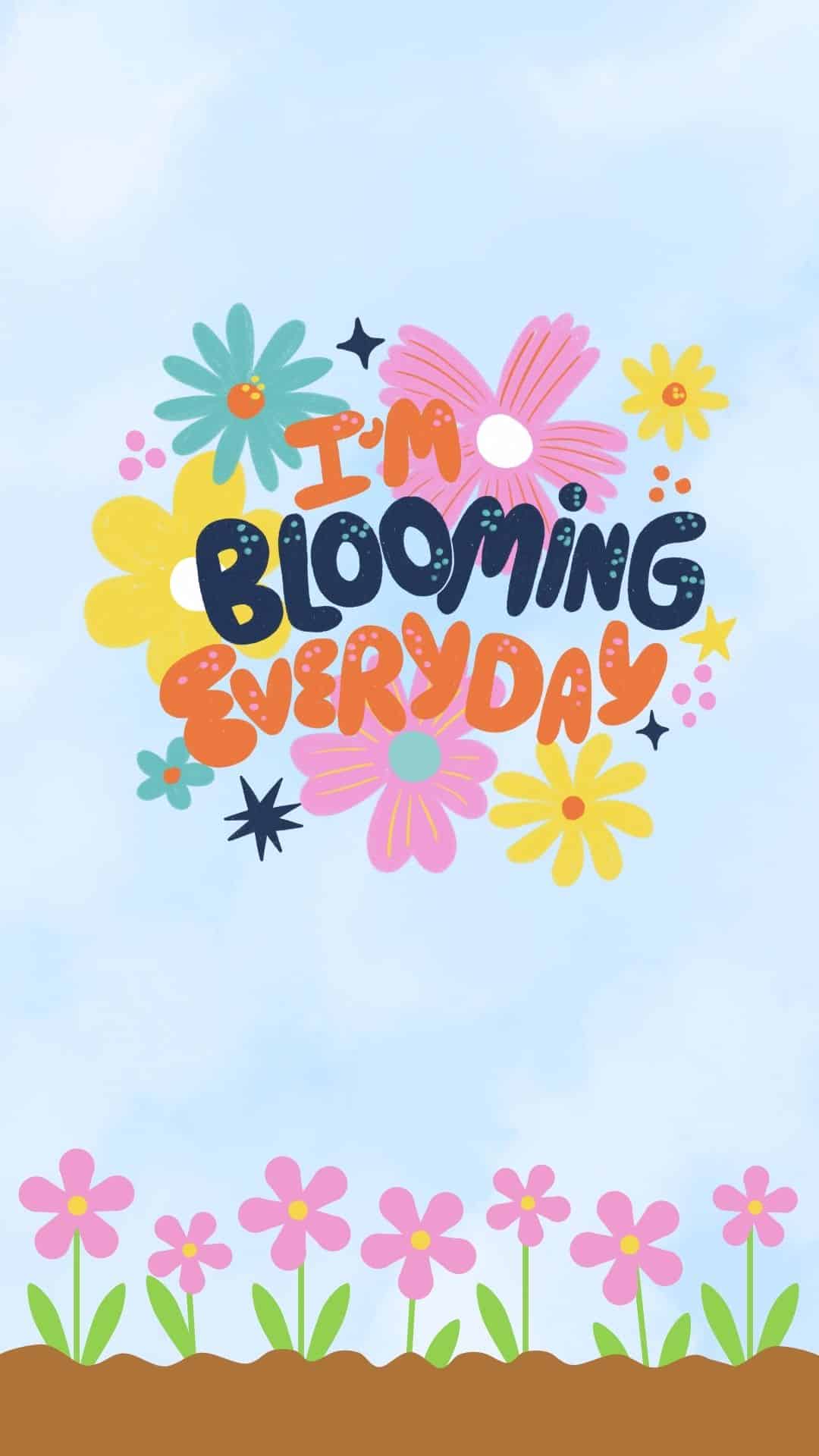
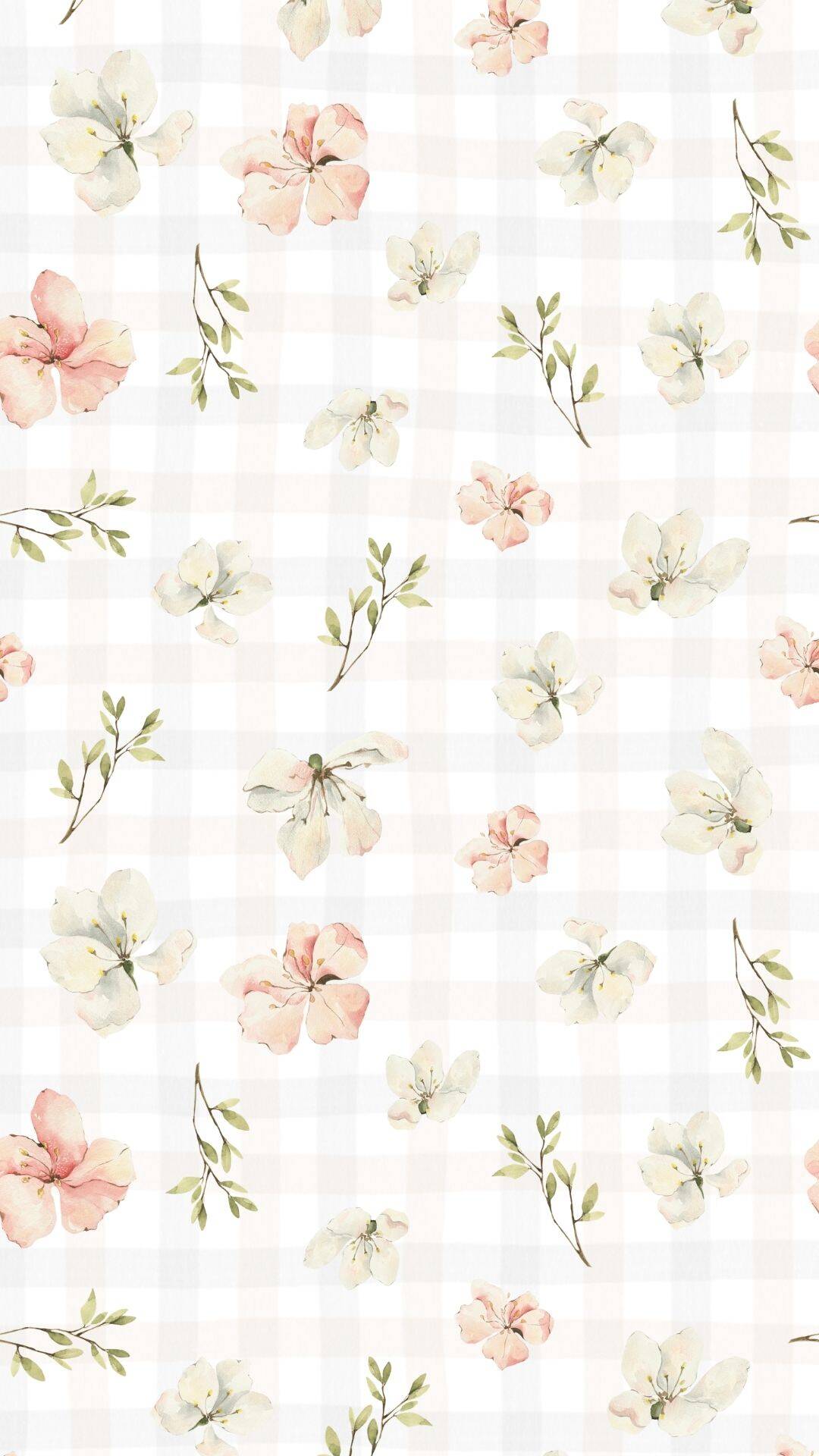
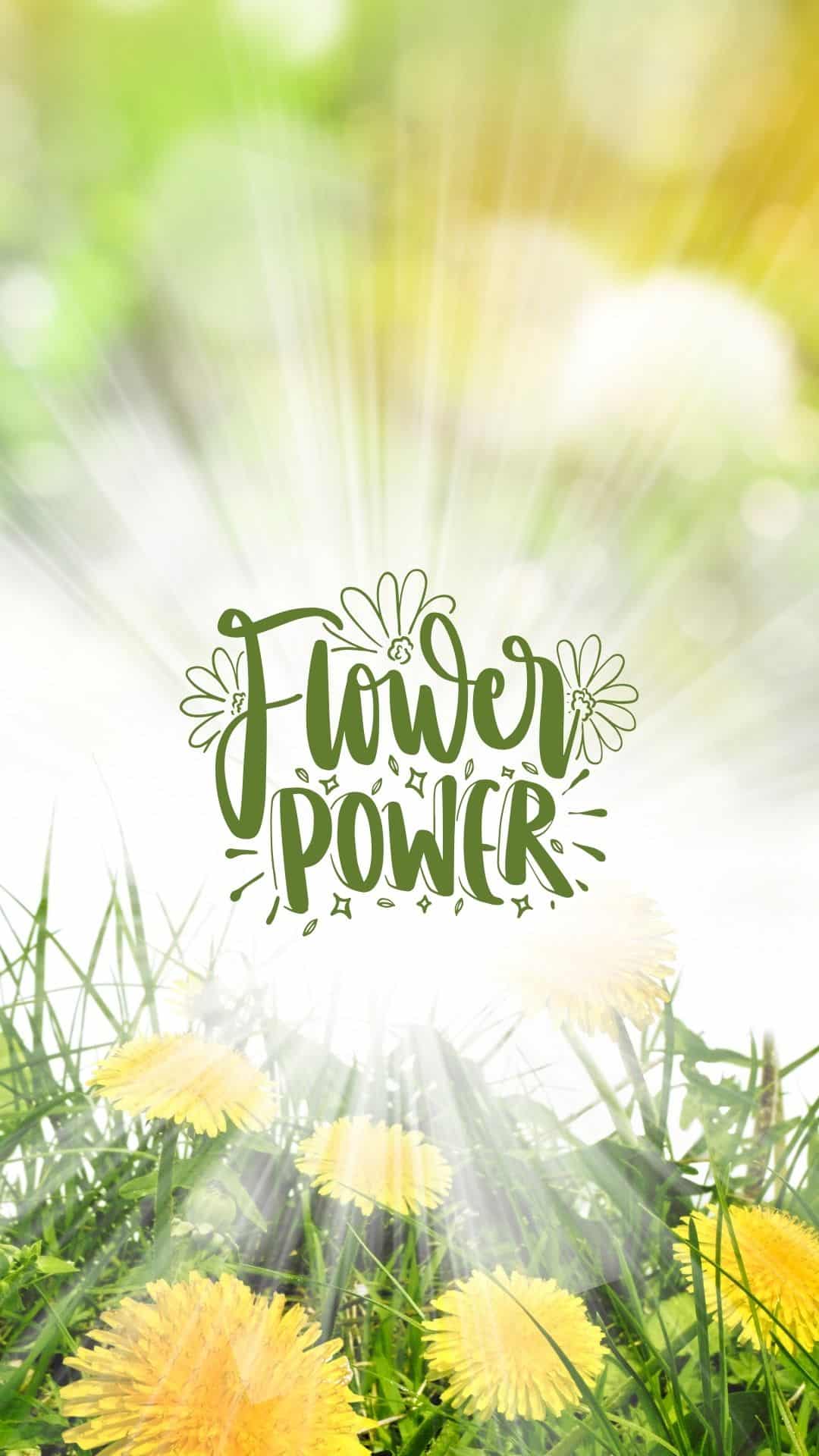
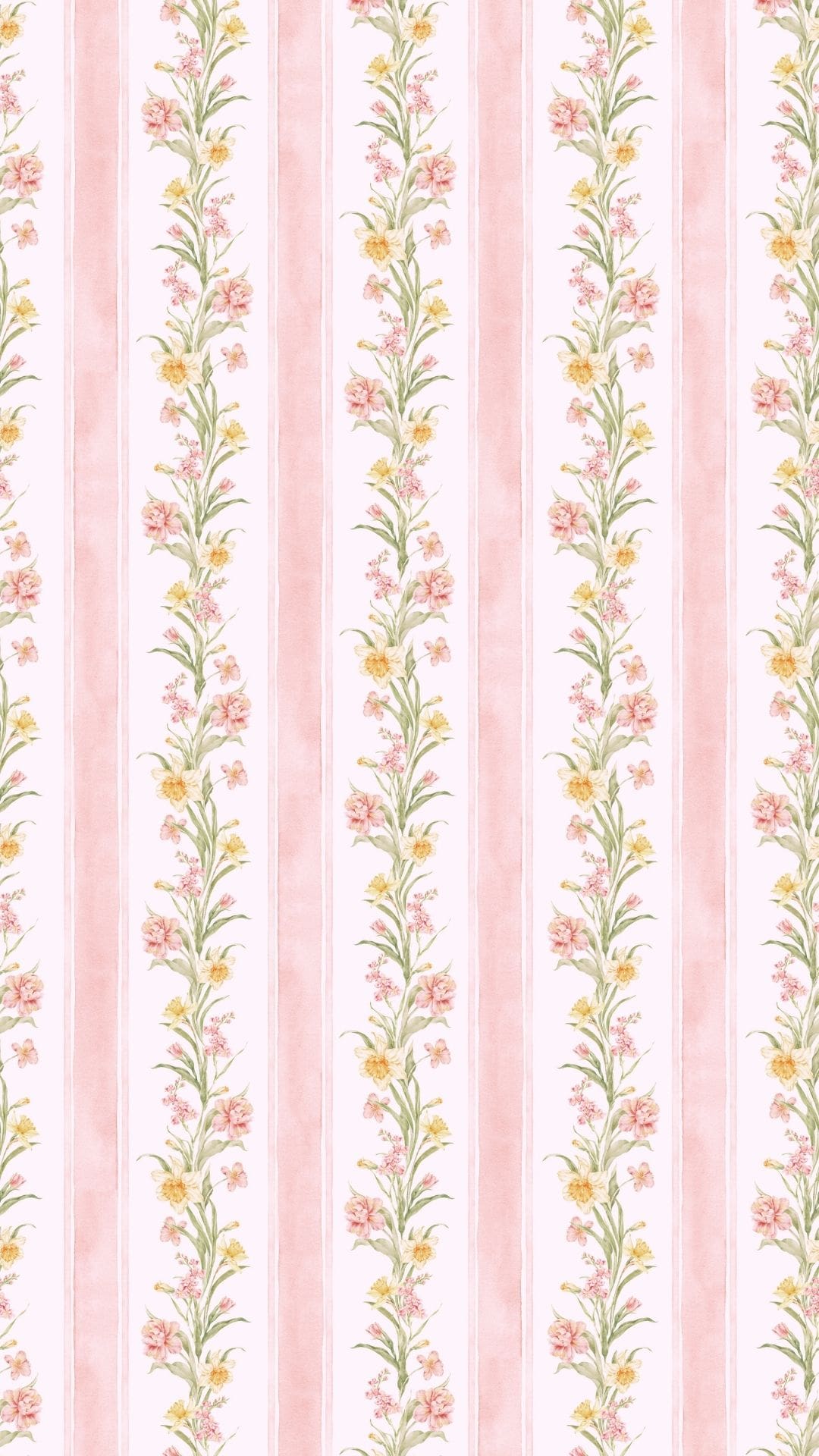
This collection of free phone wallpapers features beautiful designs for every vibe, from soft, neutral tones to bright blooms that are perfect for spring and summer.
Whether you're craving a floral background that's light and airy or a cozy, dark floral look with richer color, you'll find options that instantly make your screen feel pretty and feminine.
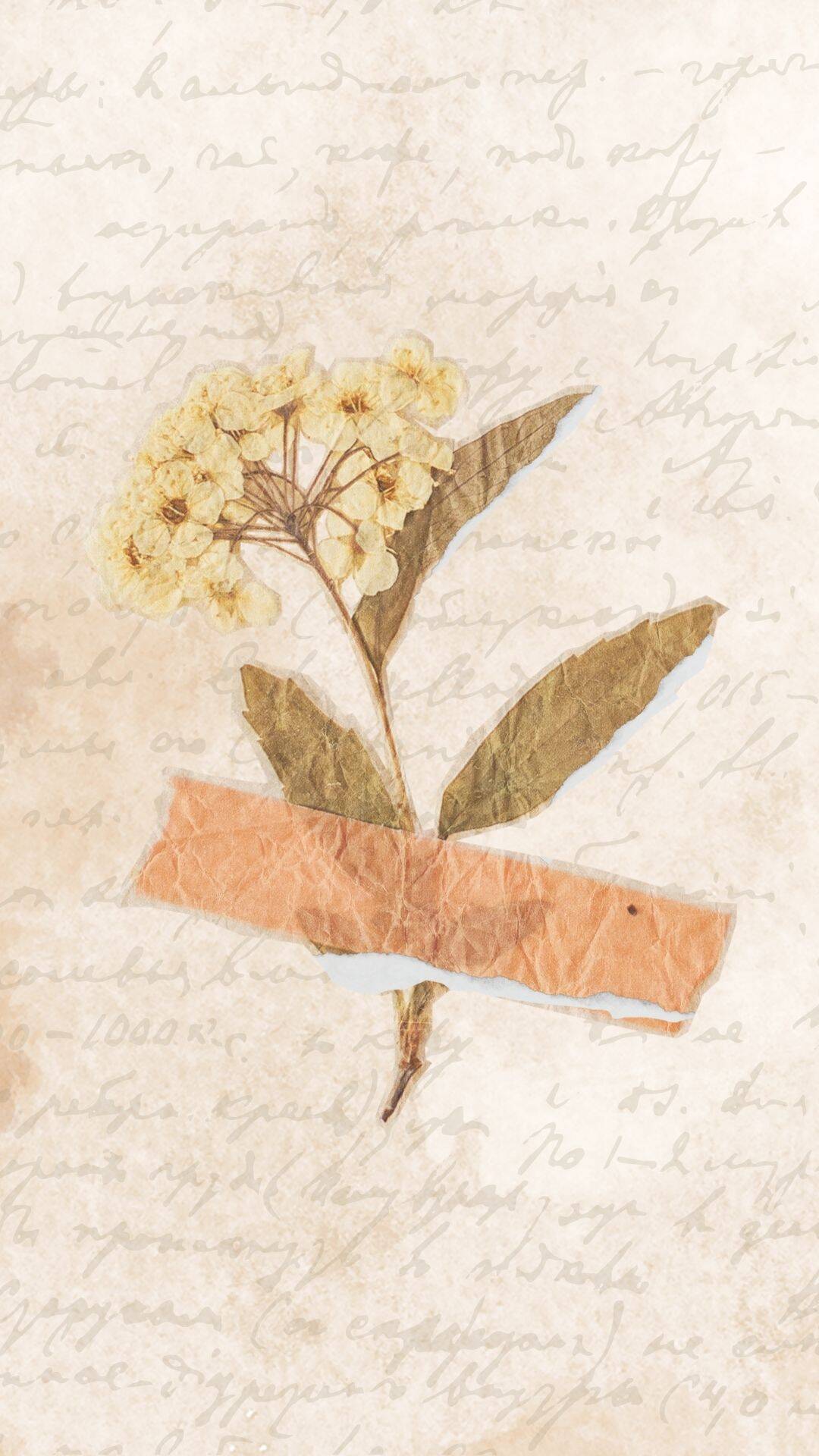
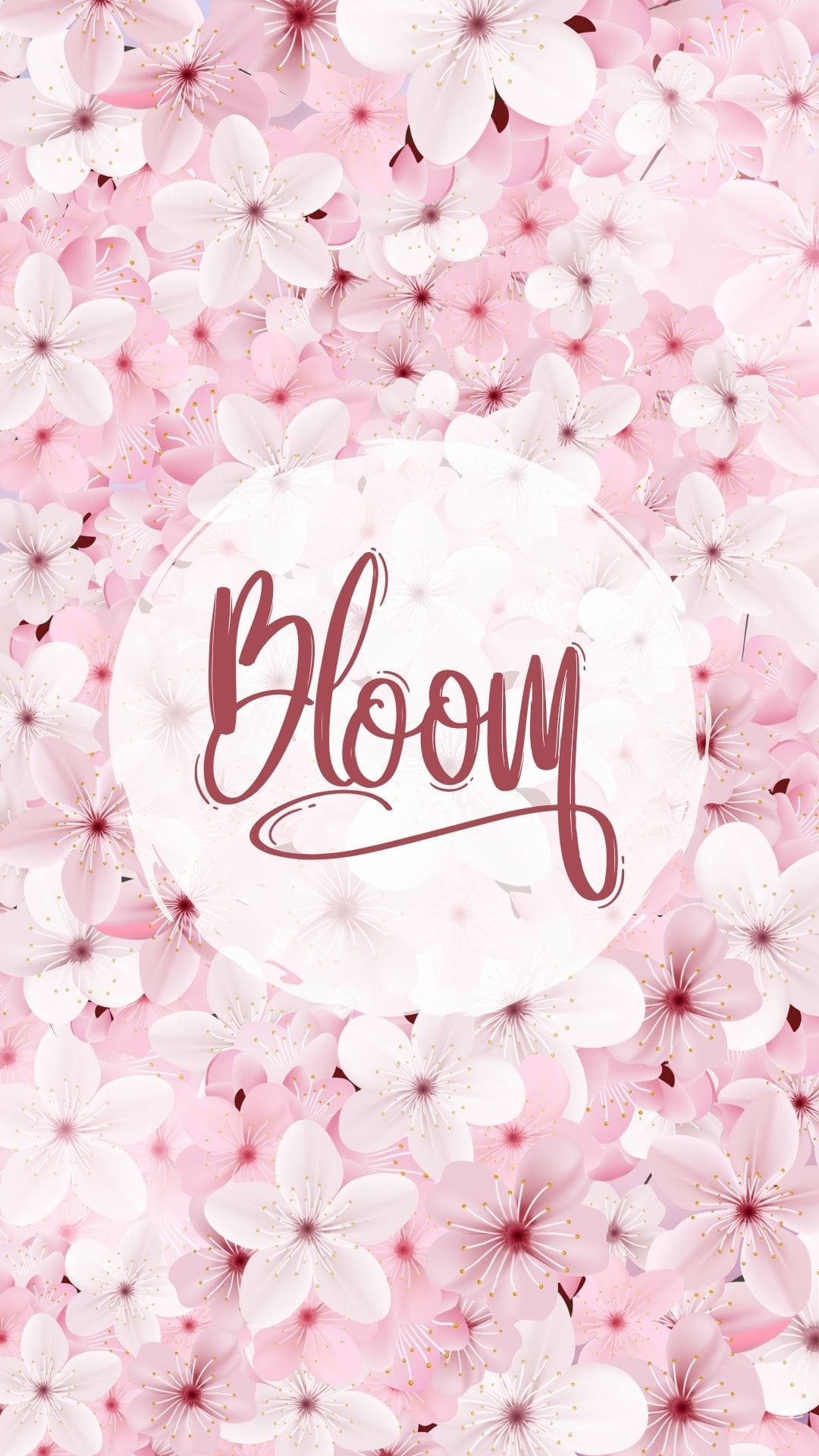
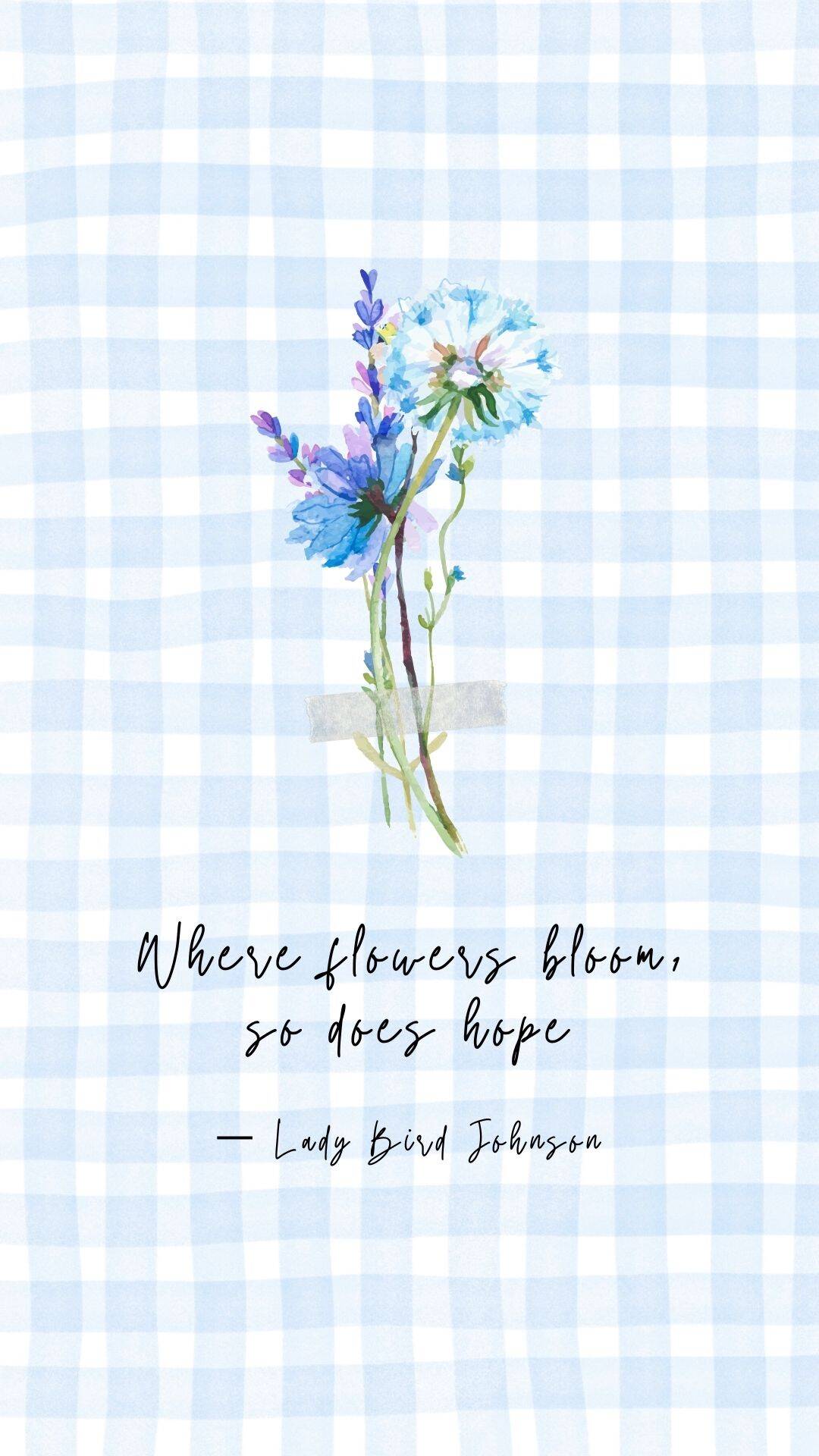
You'll find plenty of color choices, including pink, blue, purple, green, red, and more, plus a mix of patterns, photo collages, watercolor designs, and illustrations.
If you love a specific style, you’ll find everything from cute aesthetic wallpapers to minimalist, modern, boho, retro, and vintage ones that look amazing on any home screen or lock screen.
Best of all, these phone background downloads are sized for both iPhone and Android, so you can save your favorites and switch them up whenever you're ready for a quick refresh.
How to save and download the backgrounds
iPhone instructions
- Tap the background you want to open it at its largest size (For best results, don't save the preview).
- Press and hold on the image.
- Tap Add to Photos (or Save Image).
- Open the Photos app to make sure it saved.
Set it as your background for your home screen or lock screen:
- Go to Settings → Wallpaper → Add New Wallpaper.
- Choose Photos and pick your saved image.
- Pinch to zoom and drag to position it.
- Tap Add, then choose Set as Wallpaper Pair or Customize Home Screen.
Android (Chrome)
- Tap the background so it opens full size.
- Press and hold on the image.
- Tap Download image (or Save image).
- Find it in your Gallery or Photos app (it may appear in the Downloads album first).
Set it as your home screen or lock screen background:
- Option A (from Gallery/Photos):
- Open the image.
- Tap the More menu (⋮) or Use as.
- Select Wallpaper.
- Choose Home screen, Lock screen, or Both.
- Option B (from Settings):
- Go to Settings → Wallpaper & style (wording varies by phone).
- Choose Change wallpaper → Gallery/Photos.
- Pick your image, crop/position, then Set.
Floral Phone Wallpapers











Leave a Reply