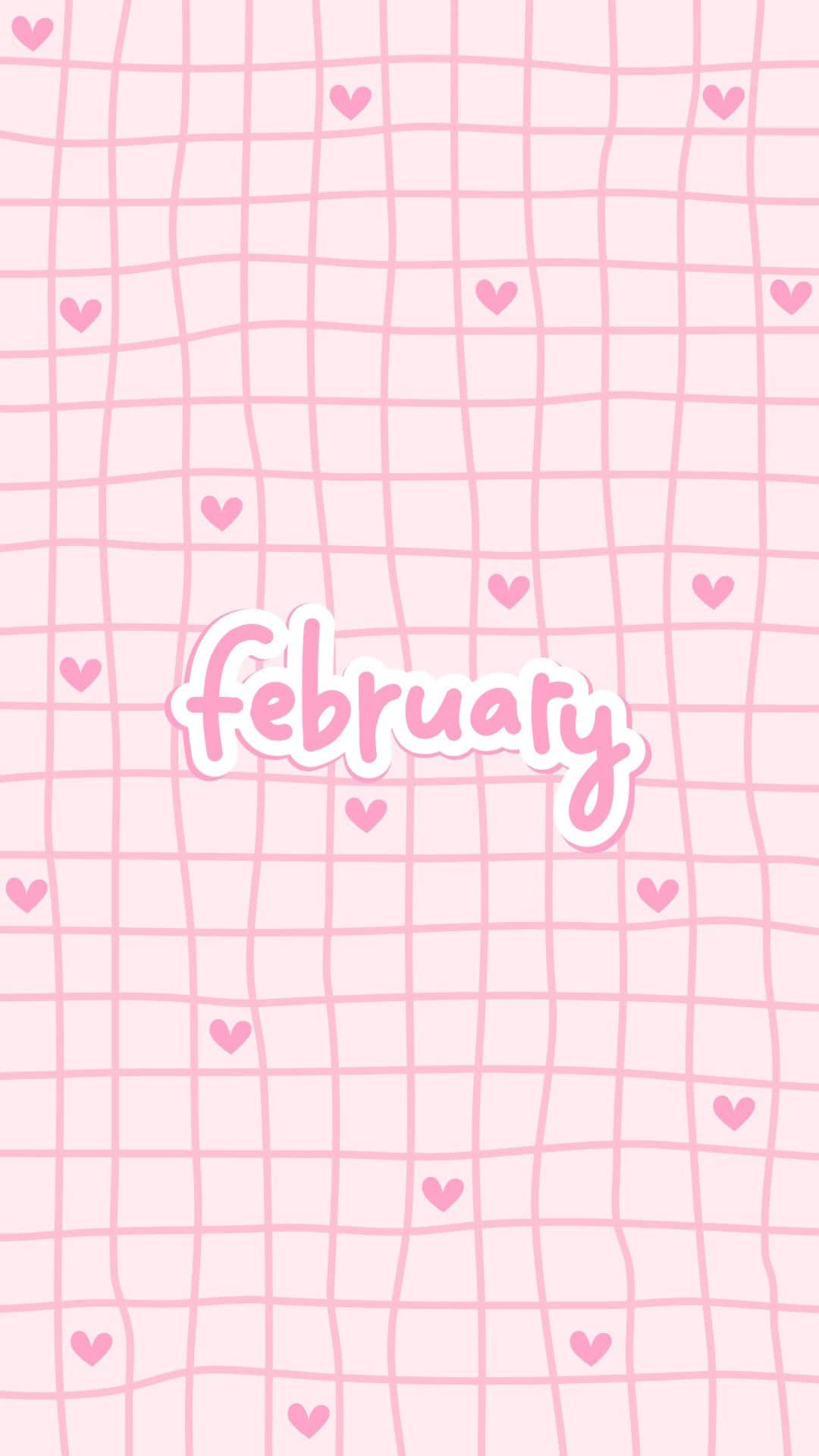
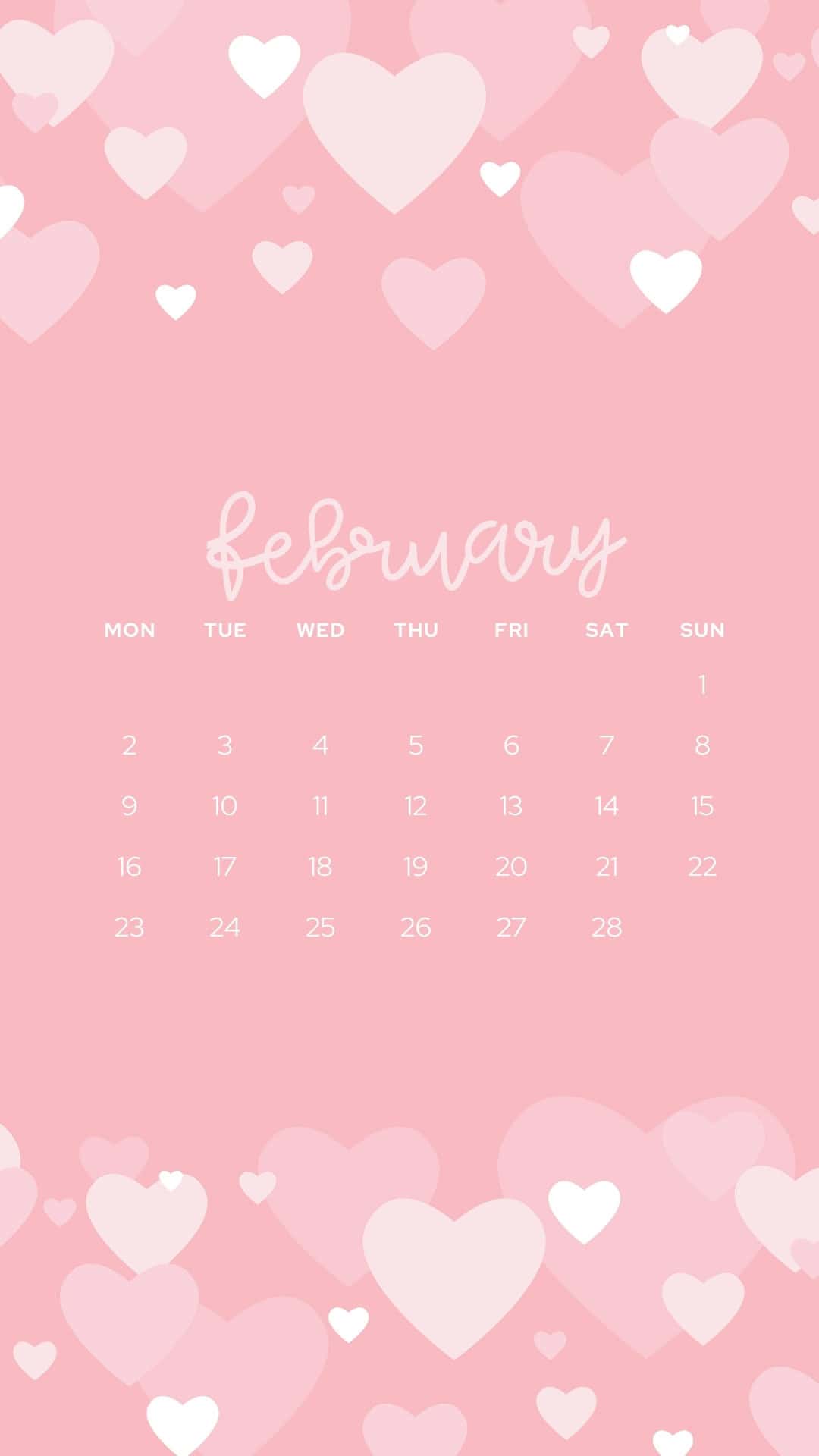
Give your screen a fresh start for a new month! These free phone February wallpapers have cozy winter vibes, hearts, pink tones, and festive designs.
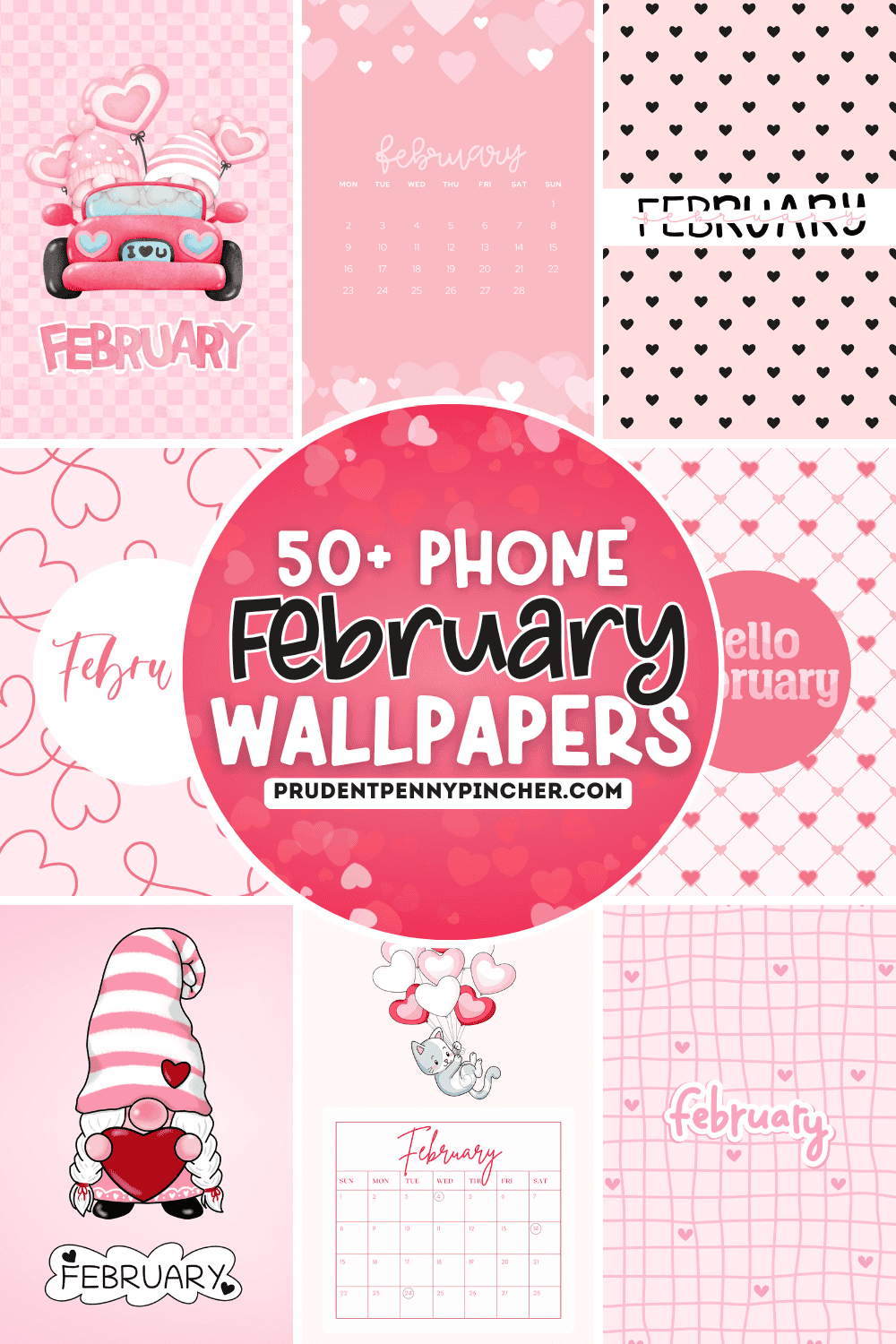
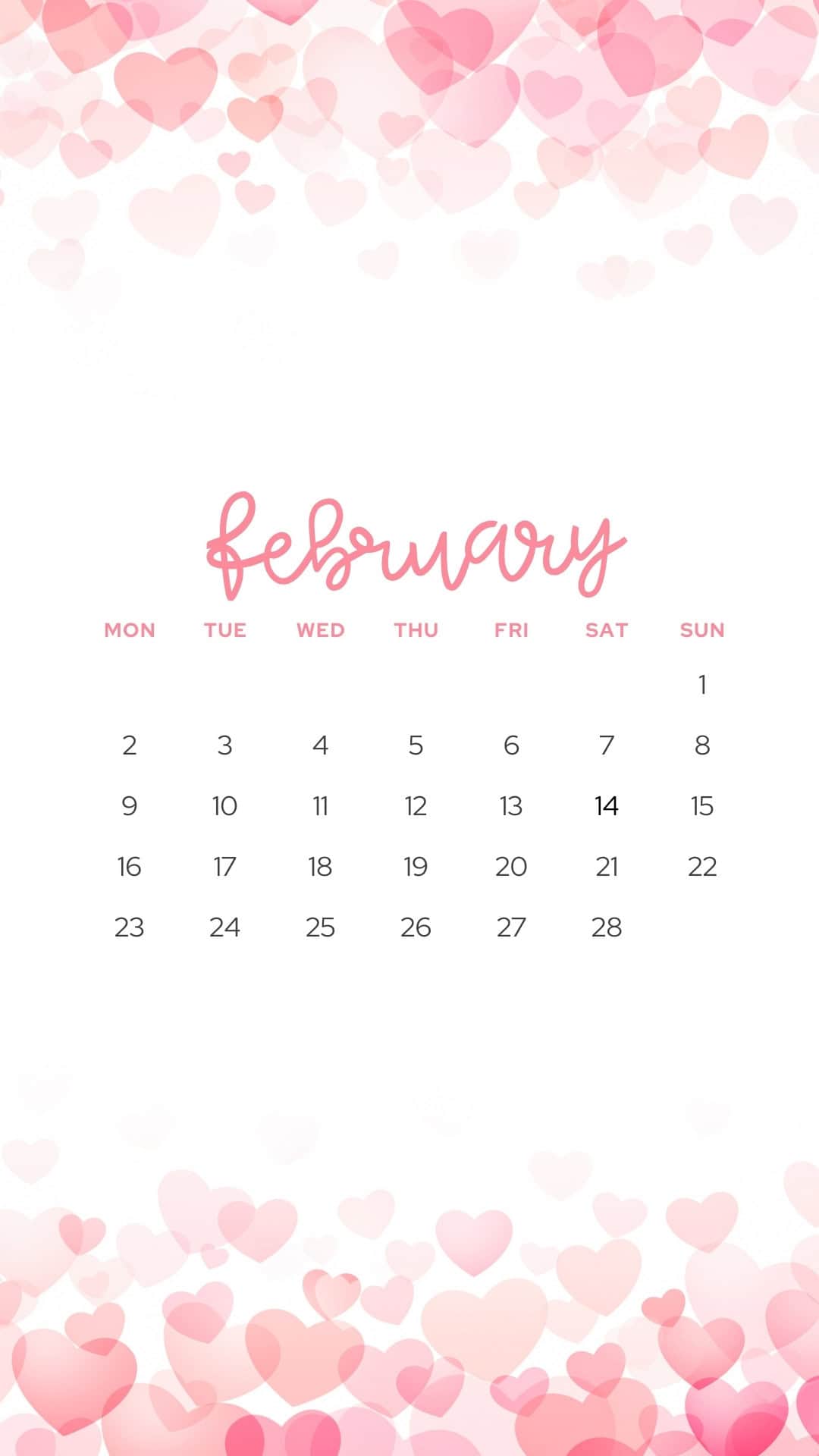
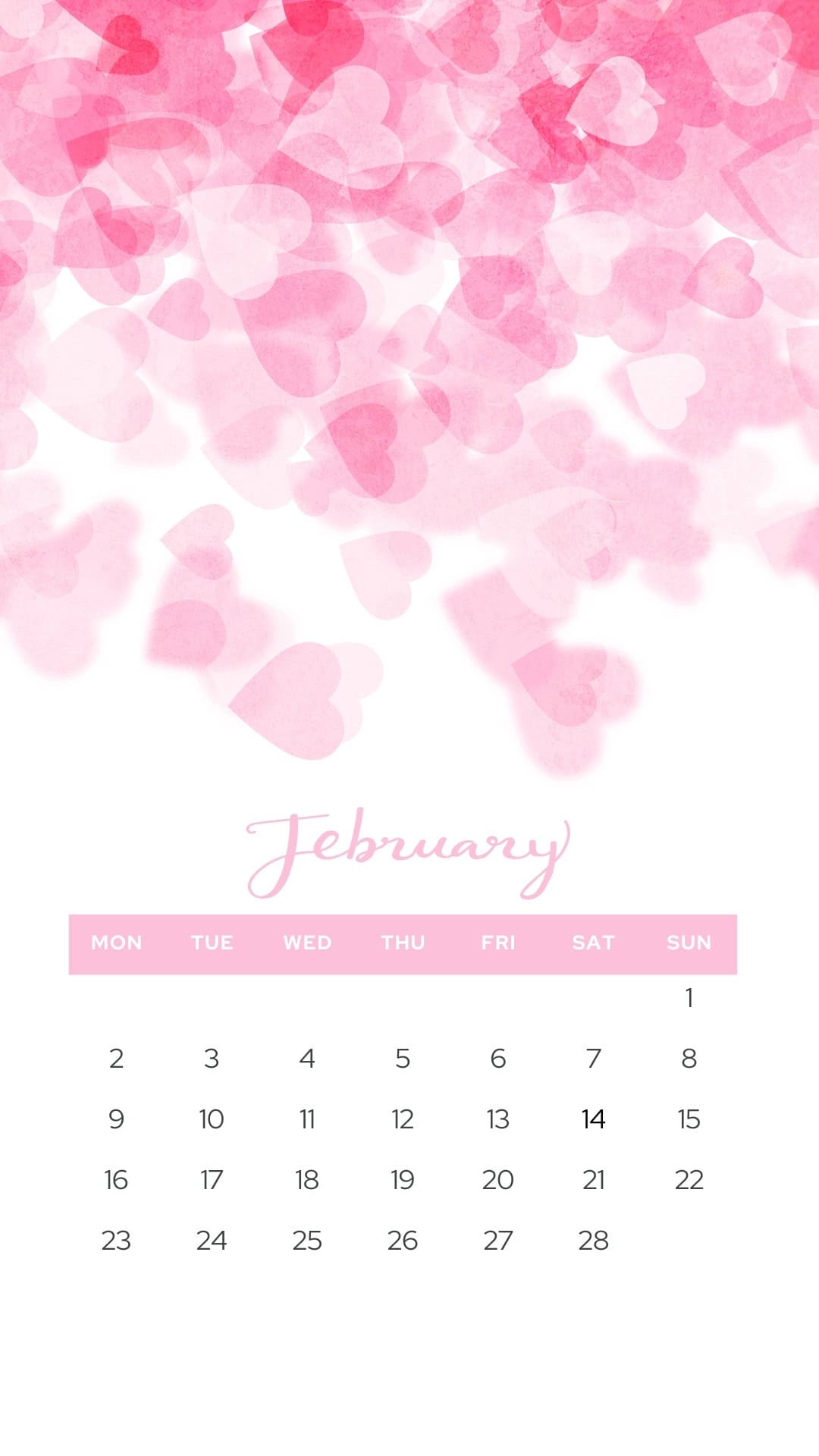
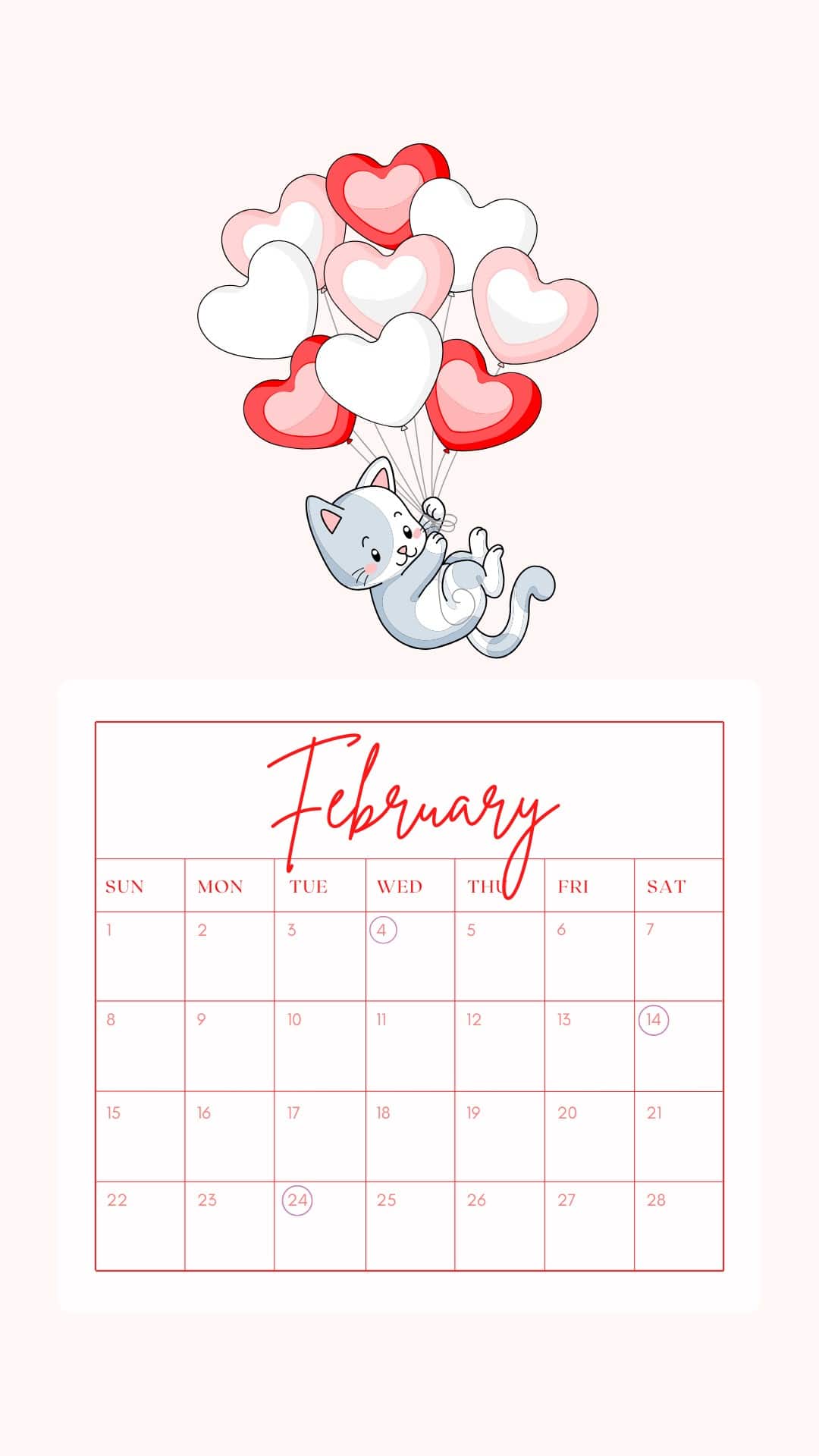
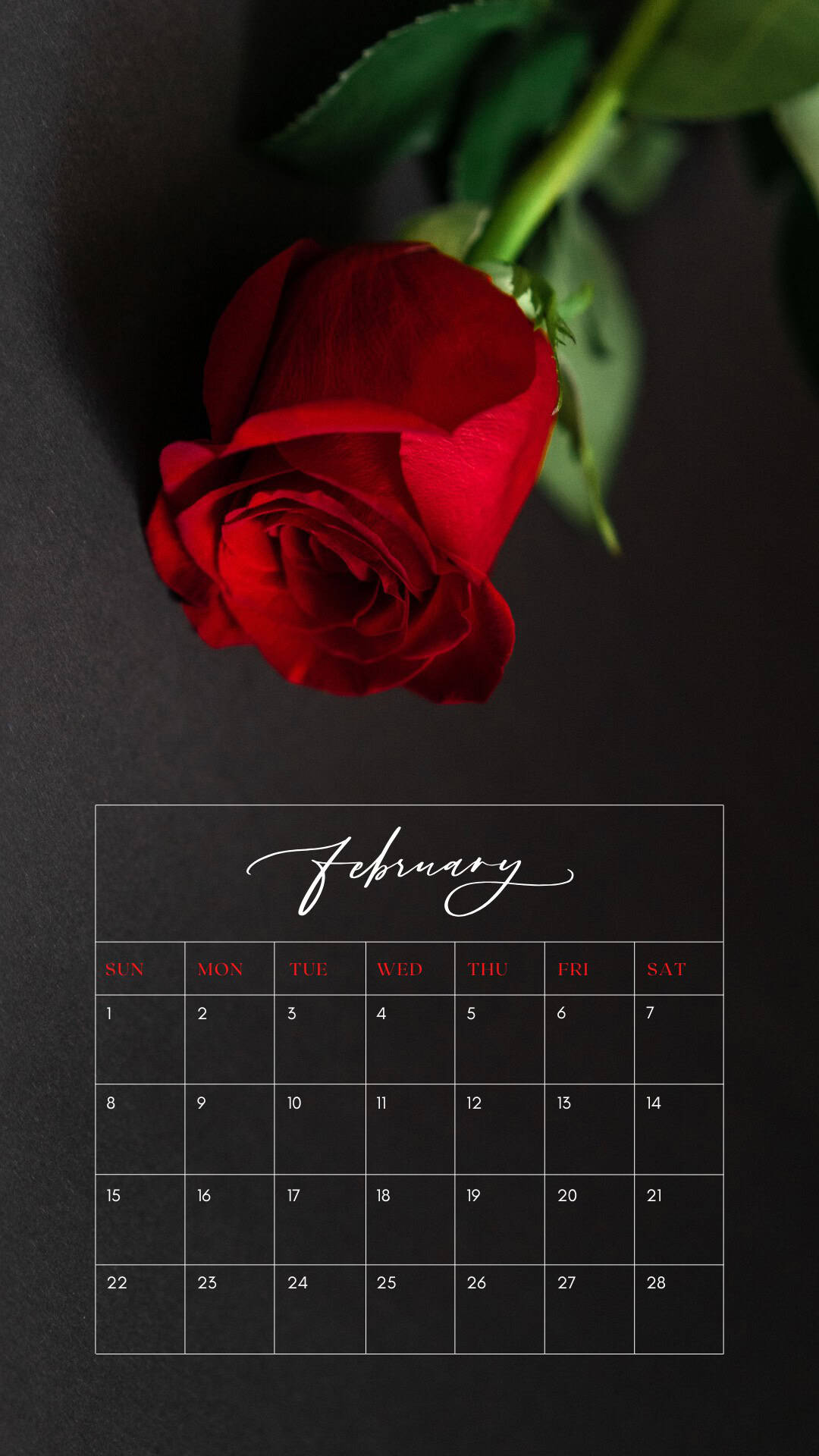
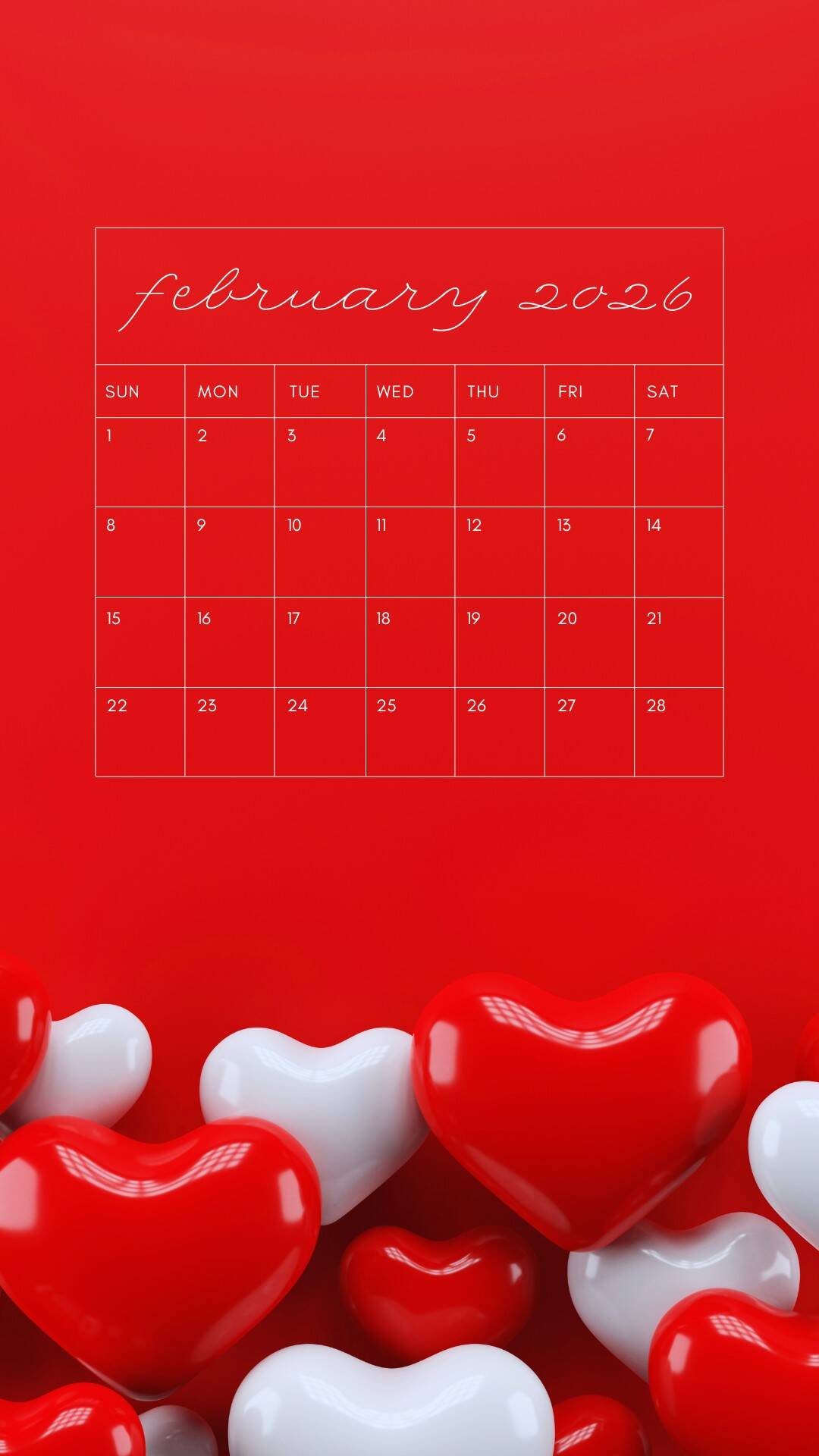
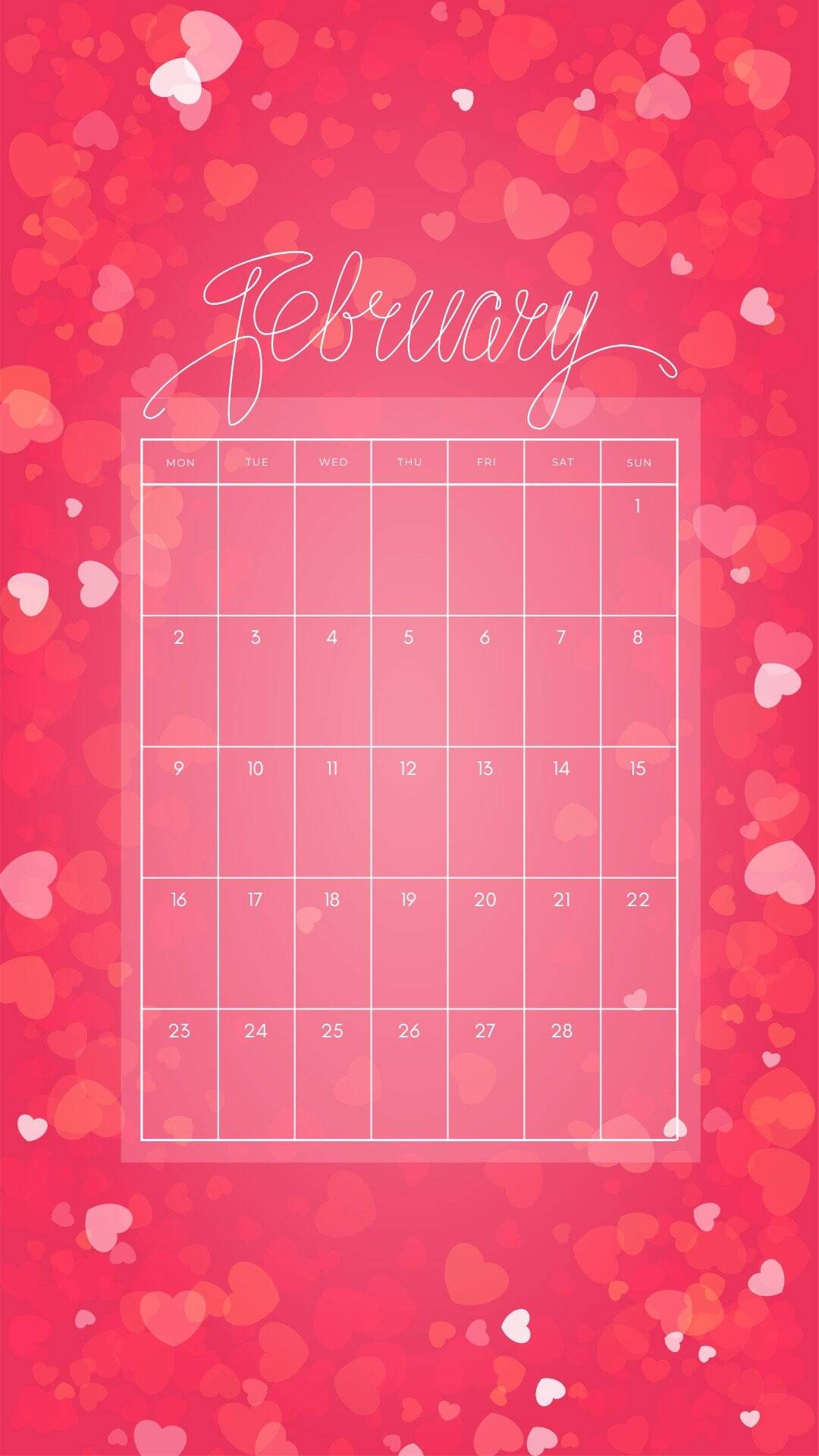
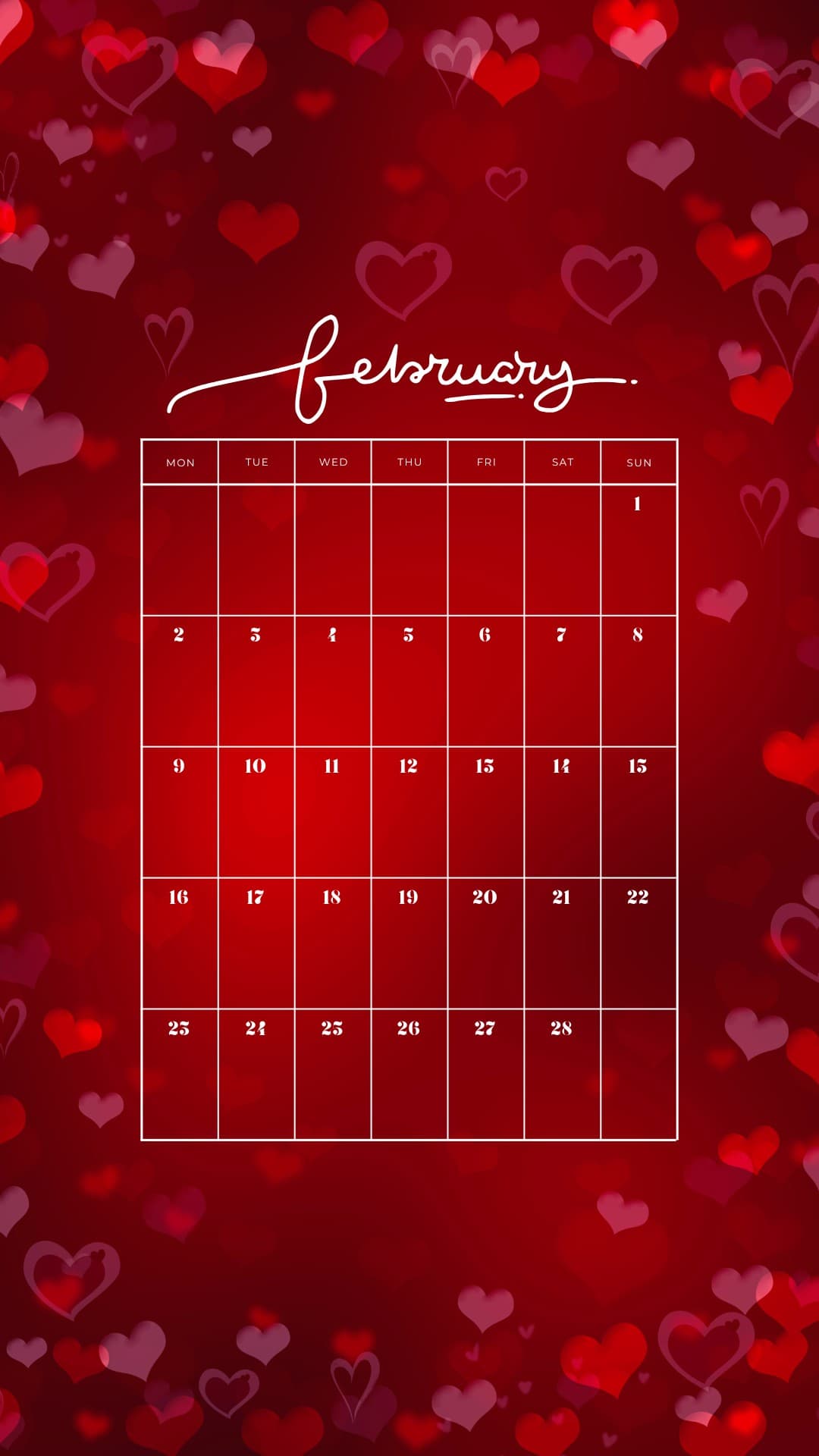
These February backgrounds are aesthetic and cute-so your screen can match the mood of the month. You'll find a mix of sweet and practical options, including several February 2026 calendars (perfect if you like seeing your month at a glance). Some are soft and dreamy with floating hearts in pink, while others go bold with red accents and heart borders.
If you love a more realistic look, there are photo collage-style designs that feel like little snapshots of the season with cozy Valentine details like envelopes, candy hearts, and soft sparkly textures paired with a elegant “Hello February” scripts. They're the kind of backgrounds that make your lock screen feel festive in a subtle way. There’s also fun patterns like bows, tiny hearts, and lollipop hearts, plus romantic Valentine's Day wallpapers and even winter backgrounds like a snowy forest scene in rosy tones.
How to Download the February Phone Wallpapers
- Tap the background you want (or click it on desktop).
- The image will open in a new tab at full HD size (1080 x 1920 px, 9:16 JPG).
- Save the full-size wallpaper to your phone:
- iPhone: Press and hold the image, then tap Add to Photos or Save Image.
- Android: Press and hold the image, then tap Download image or Save image.
- Your background will be saved in your Photos app (iPhone) or Gallery/Photos app (Android).
How to Set the Wallpaper on iPhone
- Open Photos and find your saved image.
- Tap the image, then tap the Share icon (square with an arrow).
- Choose Use as Wallpaper (or Wallpaper).
- Pinch to zoom and drag to position it the way you like.
- Select Lock Screen, Home Screen, or Set Both.
- Tap Set or Done to apply your new background.
How to Set the Wallpaper on Android
Option 1: From the Gallery/Photos app
- Open Gallery or Photos and tap your saved image.
- Tap the three dots (or More) and select Set as wallpaper (wording may vary).
- Choose Home screen, Lock screen, or Both.
- Adjust the placement if needed, then confirm.
Option 2: From the Home Screen
- Press and hold on an empty spot on your Home Screen.
- Tap Wallpaper or Wallpaper & style.
- Select the February background from your Gallery/Photos.
- Set it for your Home screen, Lock screen, or Both, then confirm.
February Wallpapers


























More Wallpapers
- 60 Free Floral Wallpapers for Phones
- 35 Free St. Patrick’s Day Wallpapers for Phones
- 60 Free Spring Wallpapers for the Phone
- 50 Free Phone Heart Wallpapers



Follow me on Pinterest, Facebook, Flipboard, or Instagram for more inspiration on crafts, DIY, free printables, and recipes!









Leave a Reply