Turn your screen into a winter wonderland with these free winter wallpapers for your phone!
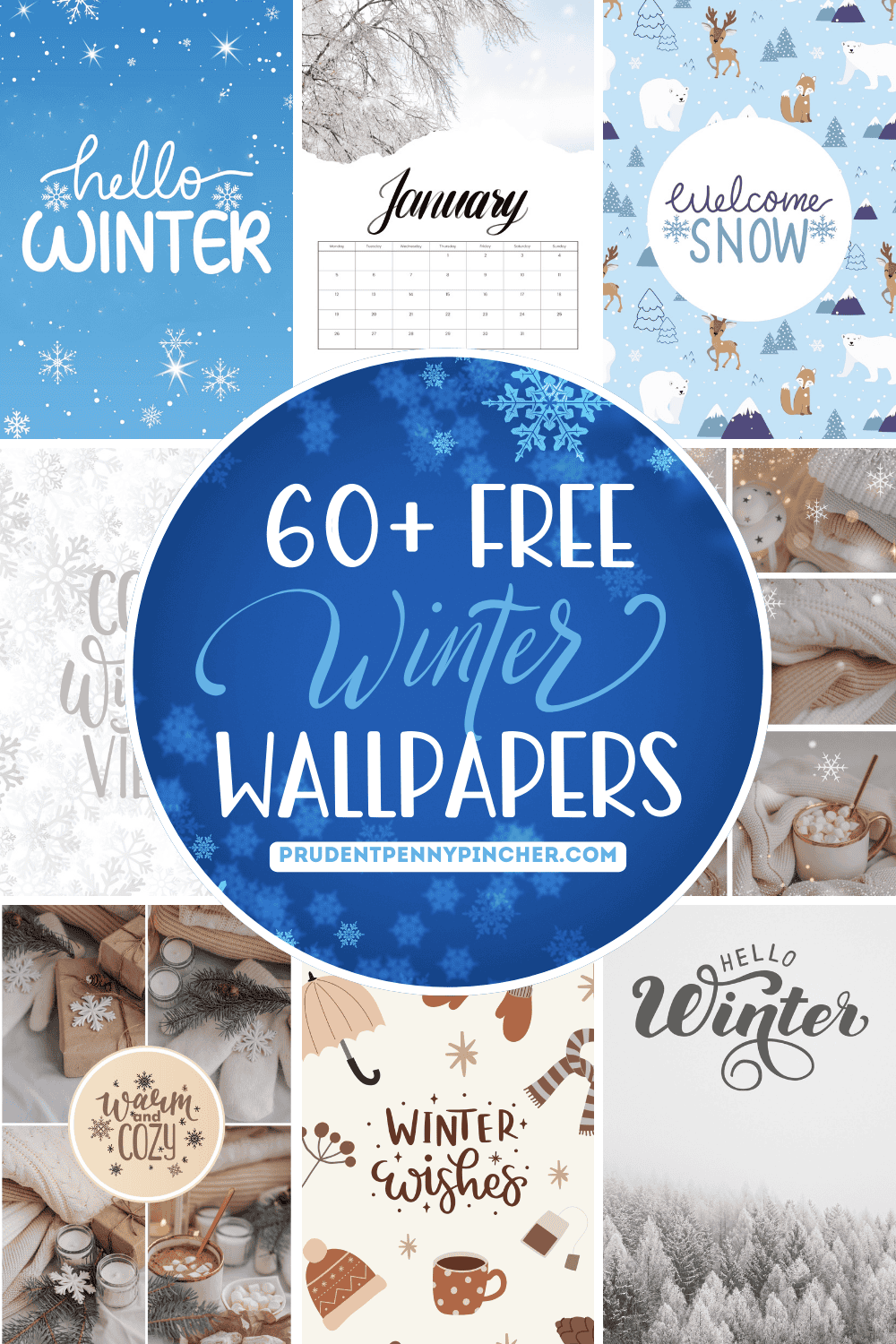
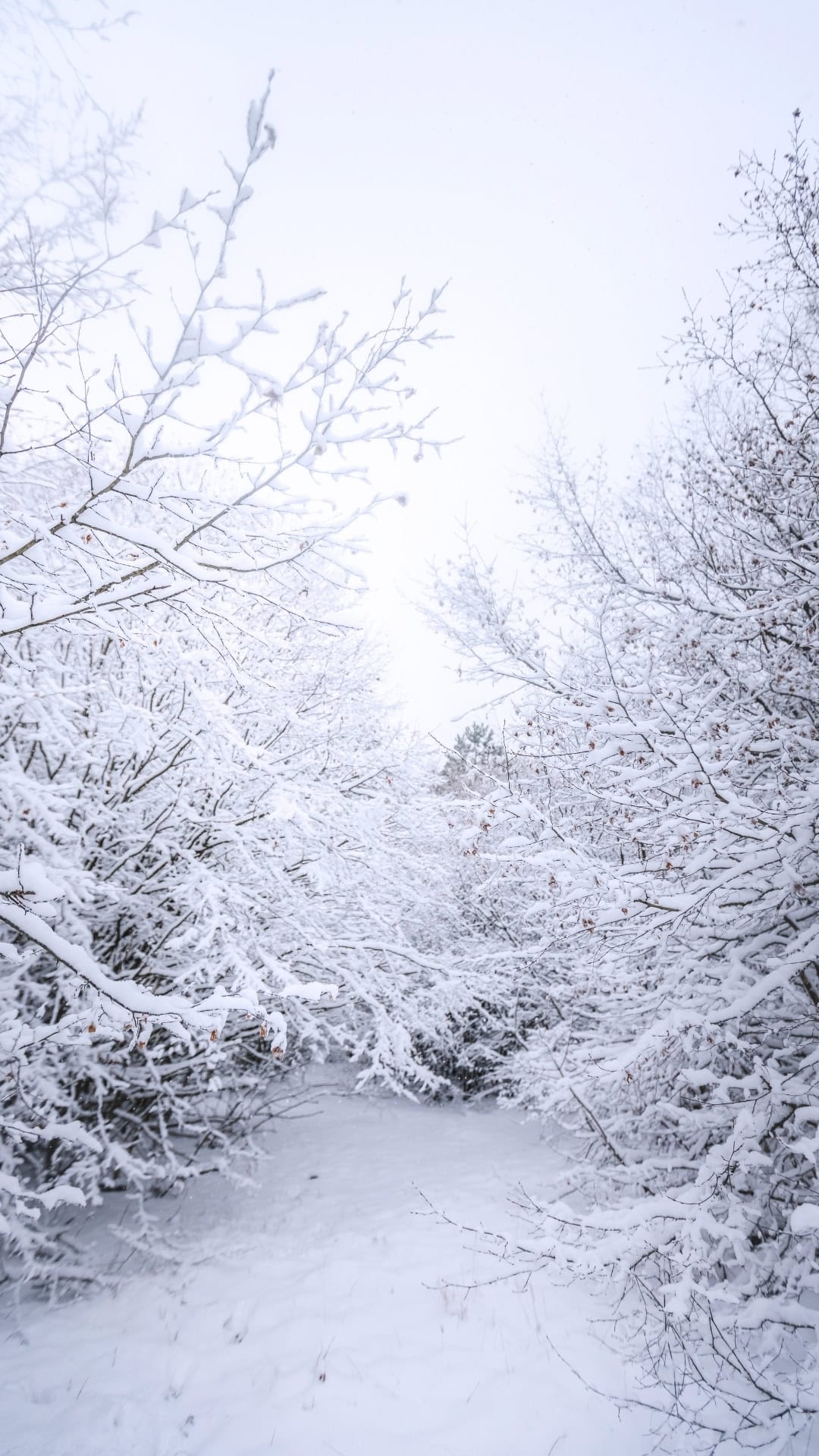
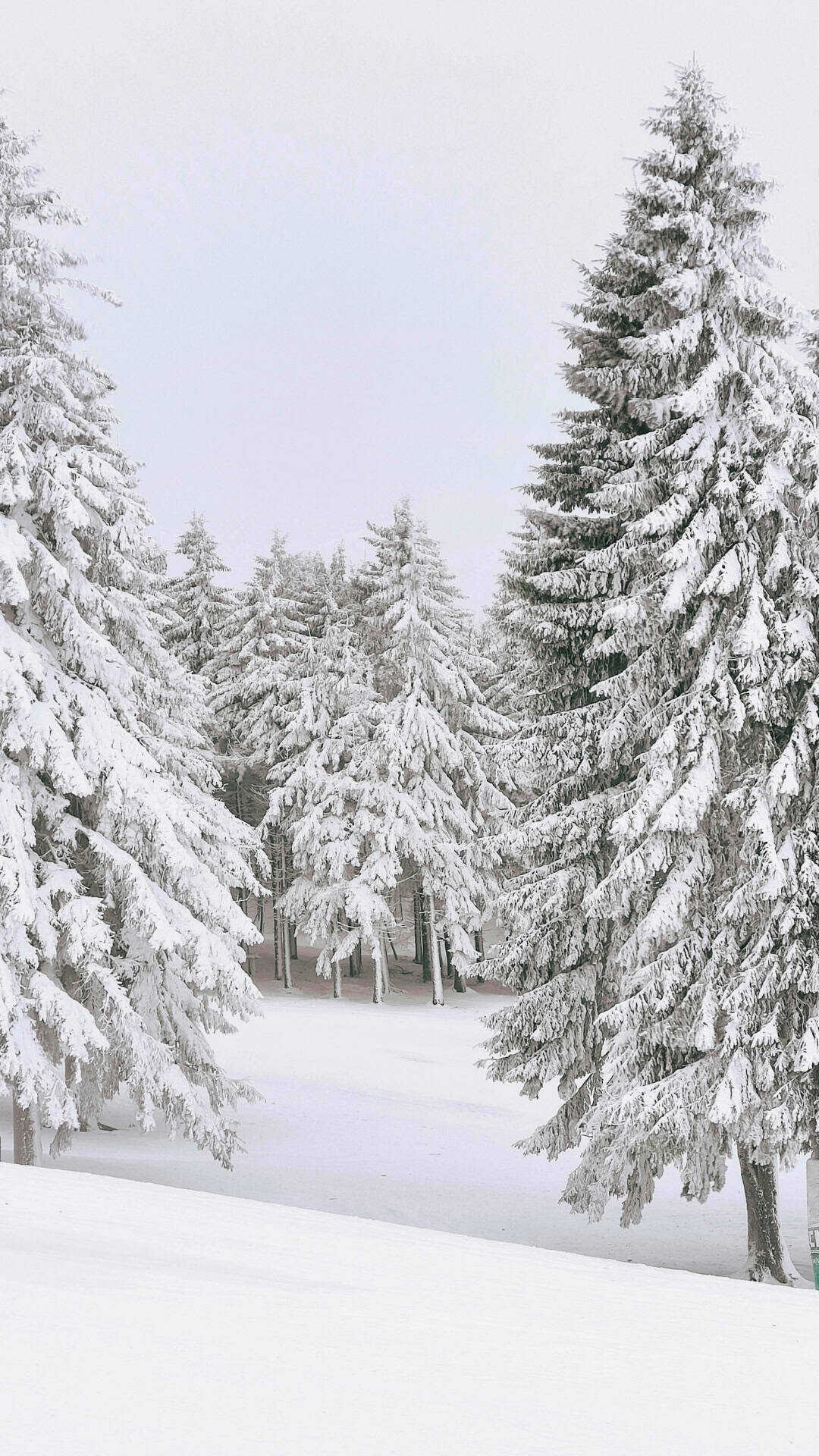
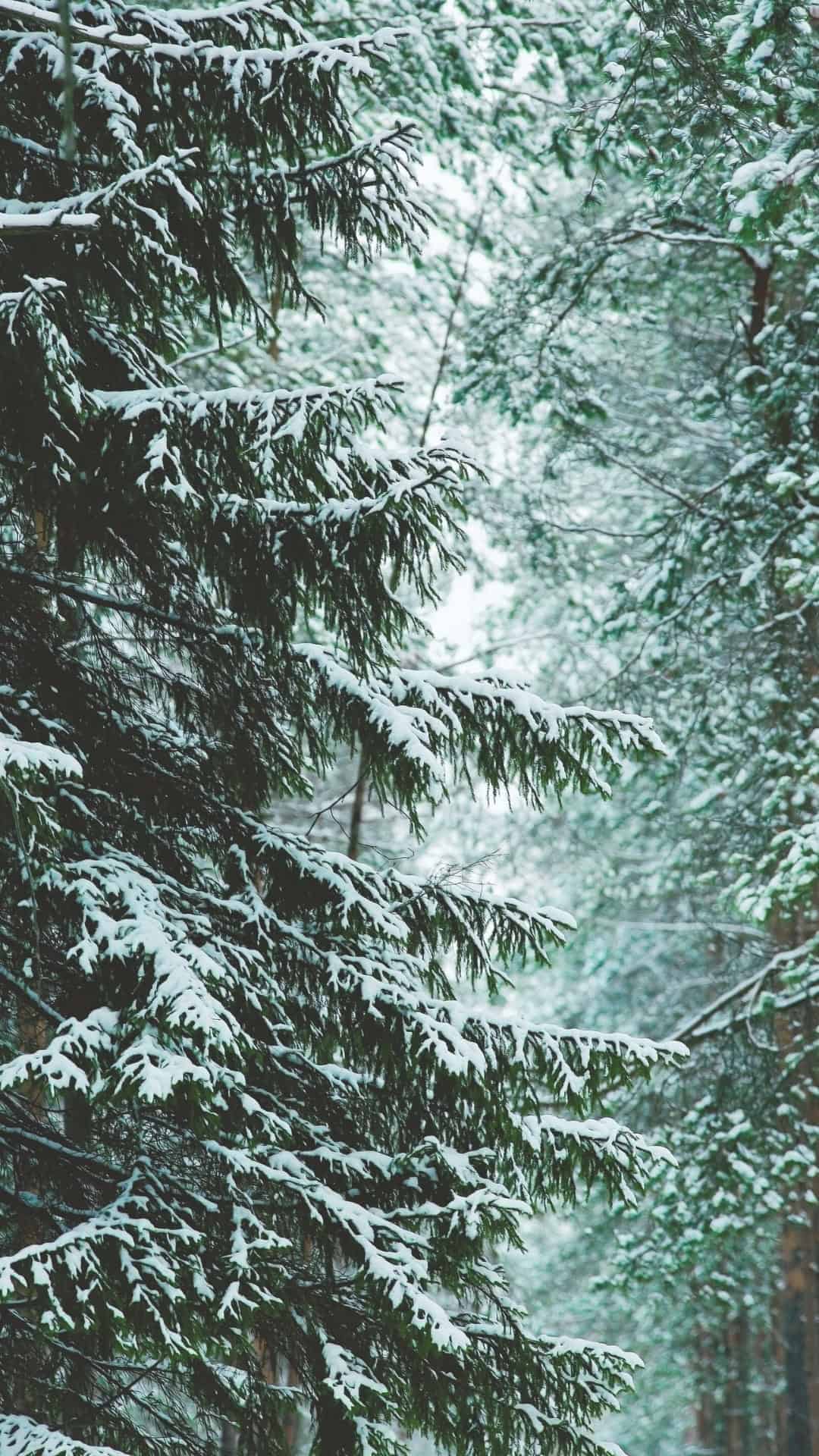
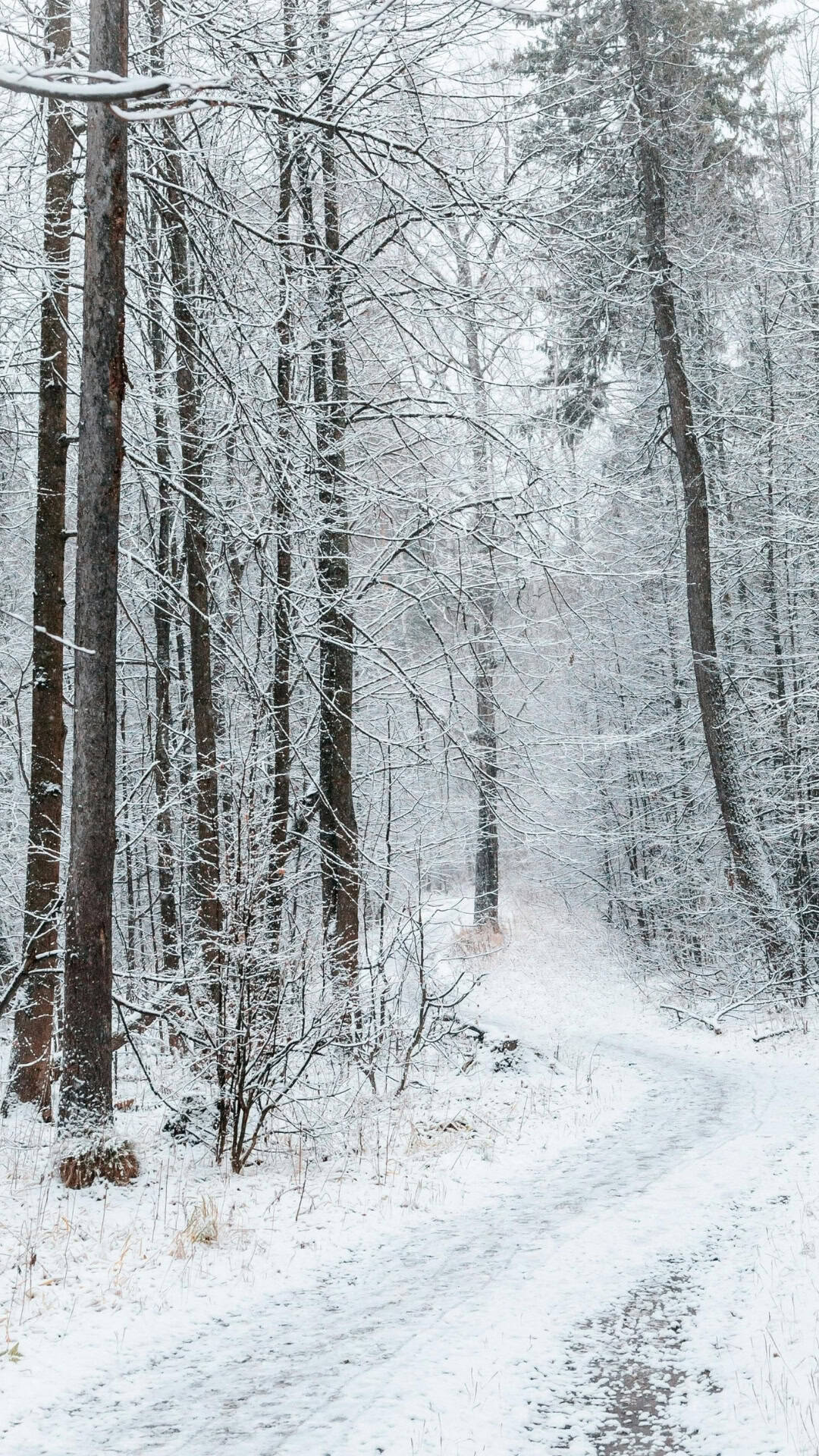
Give your screen a fresh start for the new year. You'll find plenty of phone wallpapers here that make every glance at your screen feel instantly more cozy and wintry. There are soft, snowy scenes, frosty forests, and cozy fireplaces that turn your screen into a relaxing winter background you'll love.
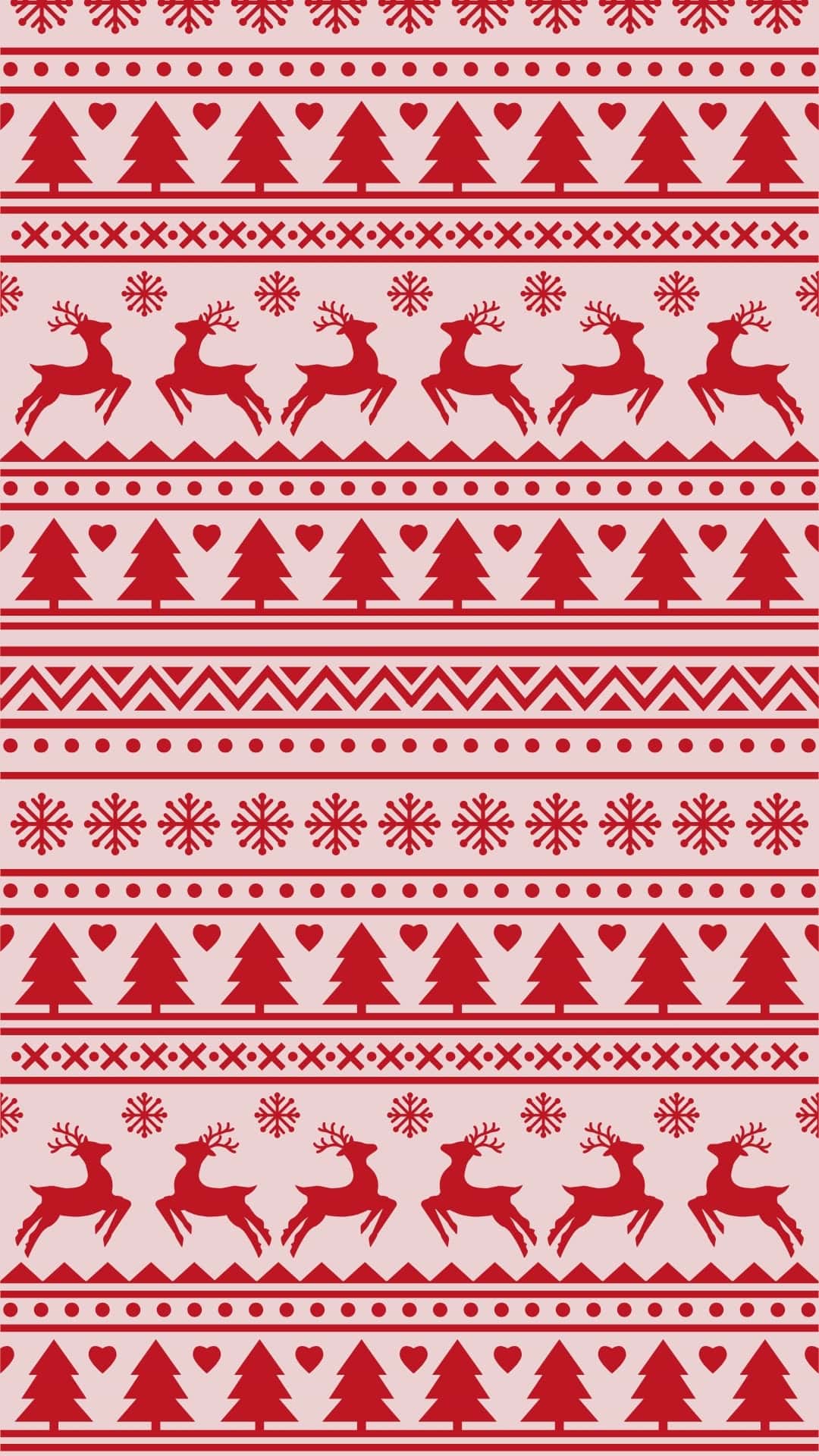
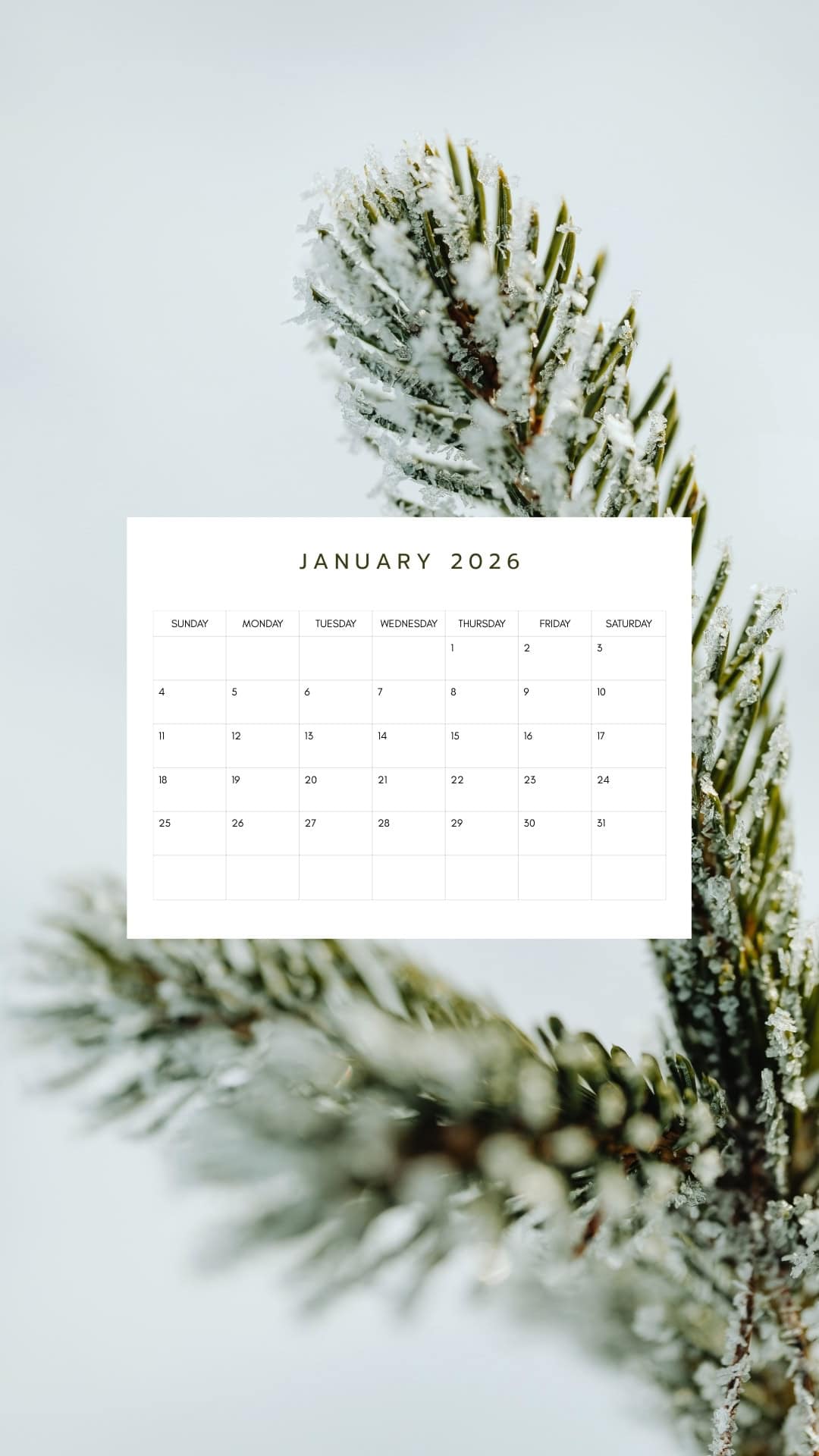
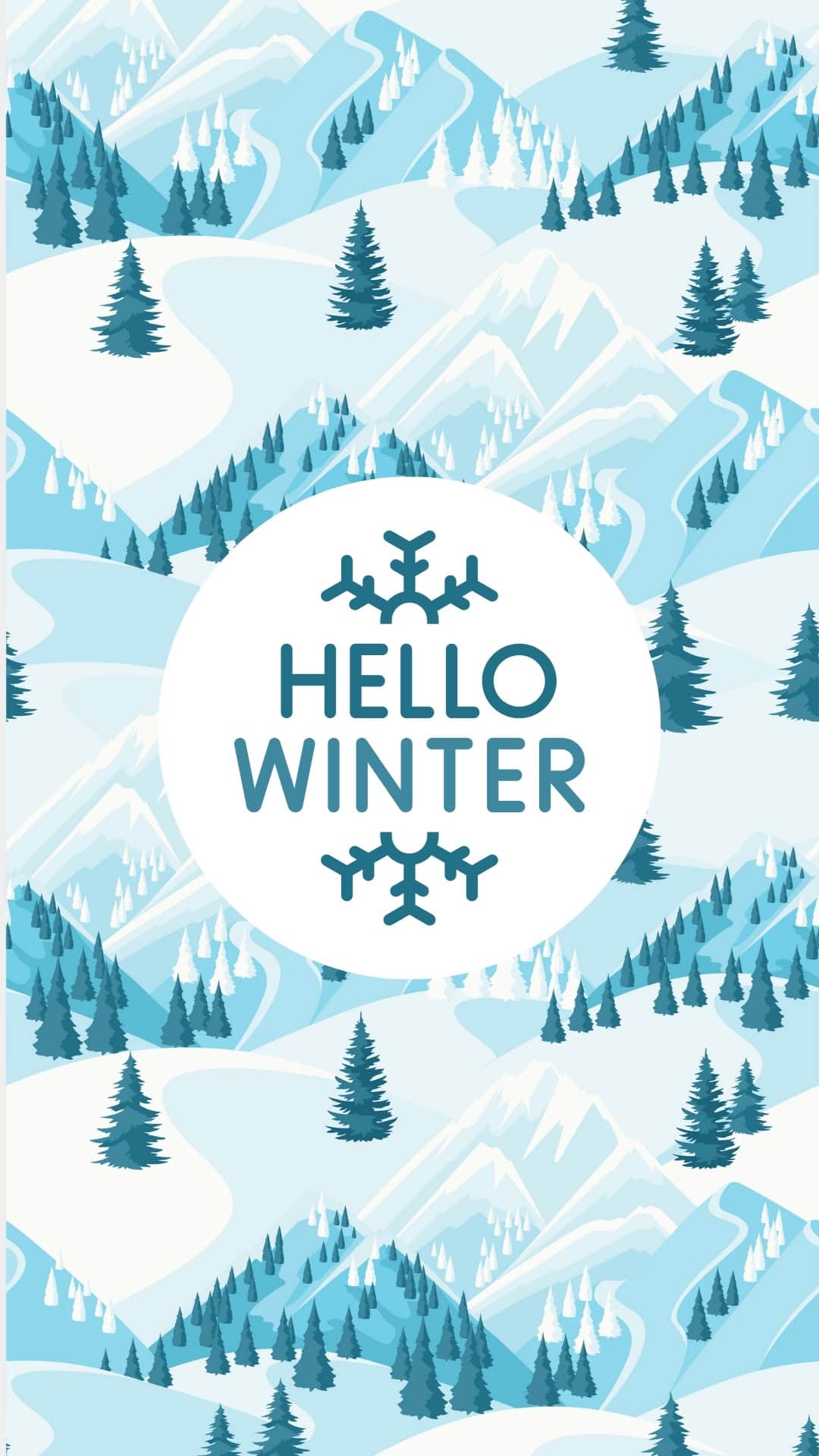
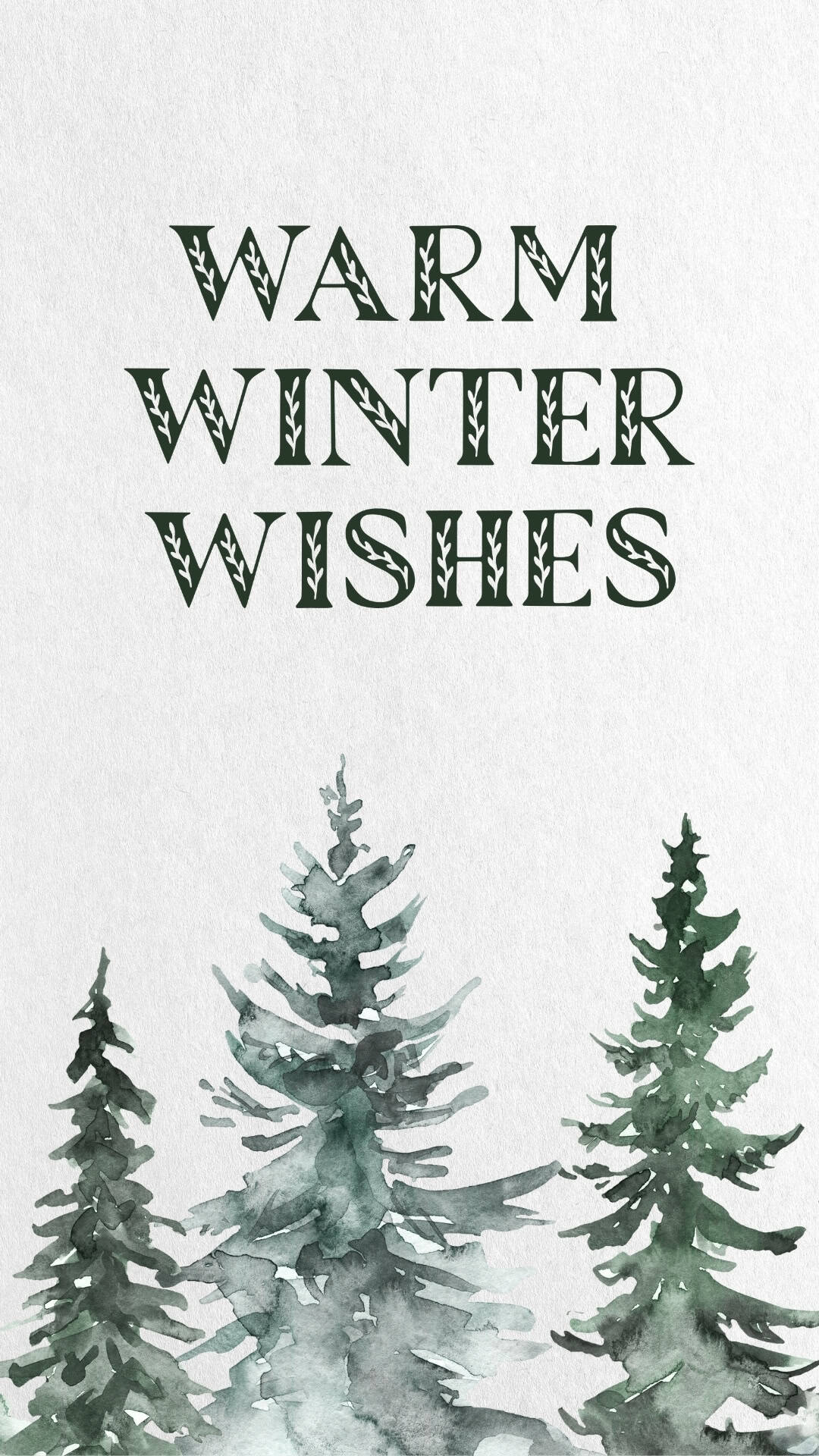
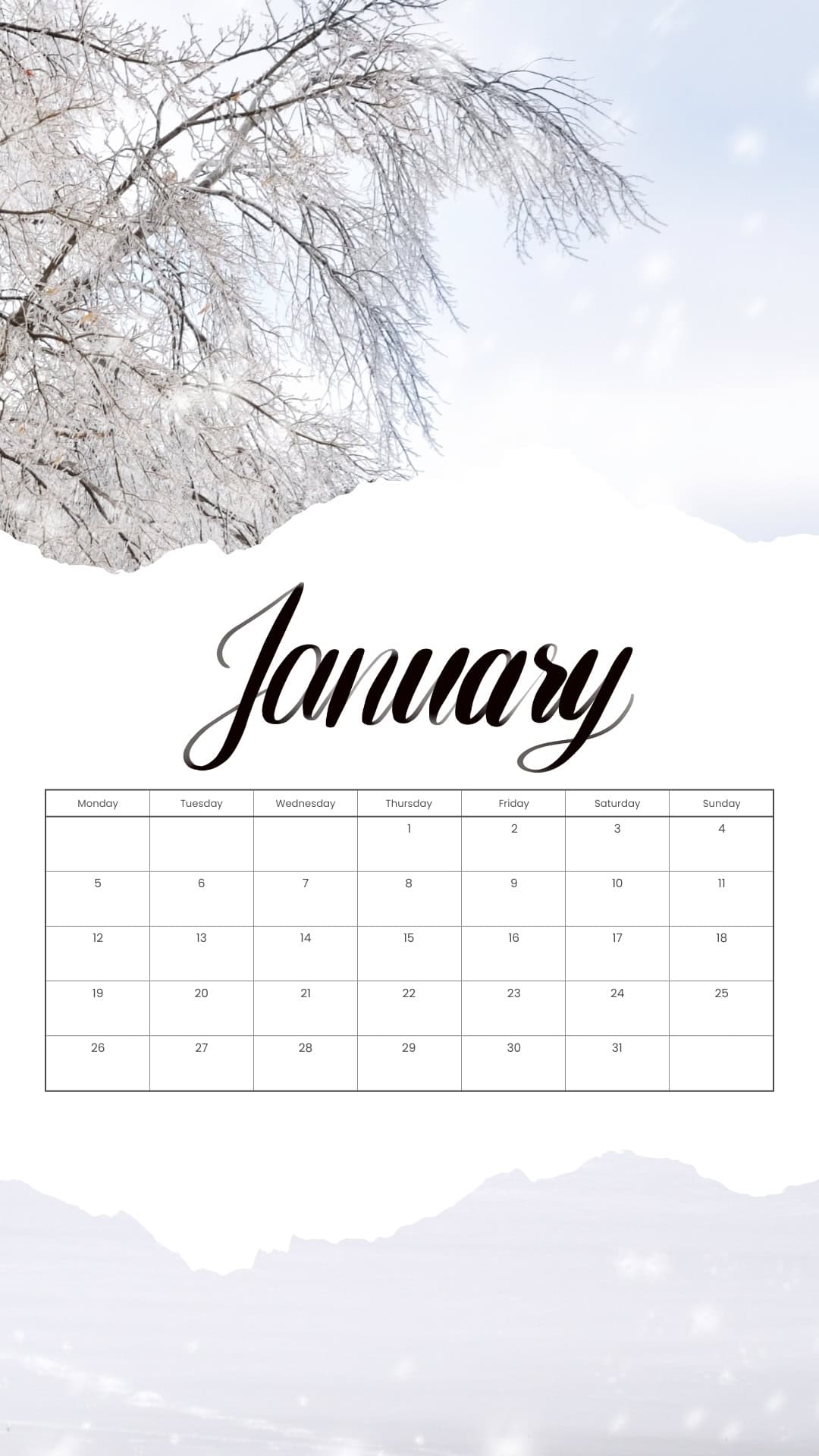
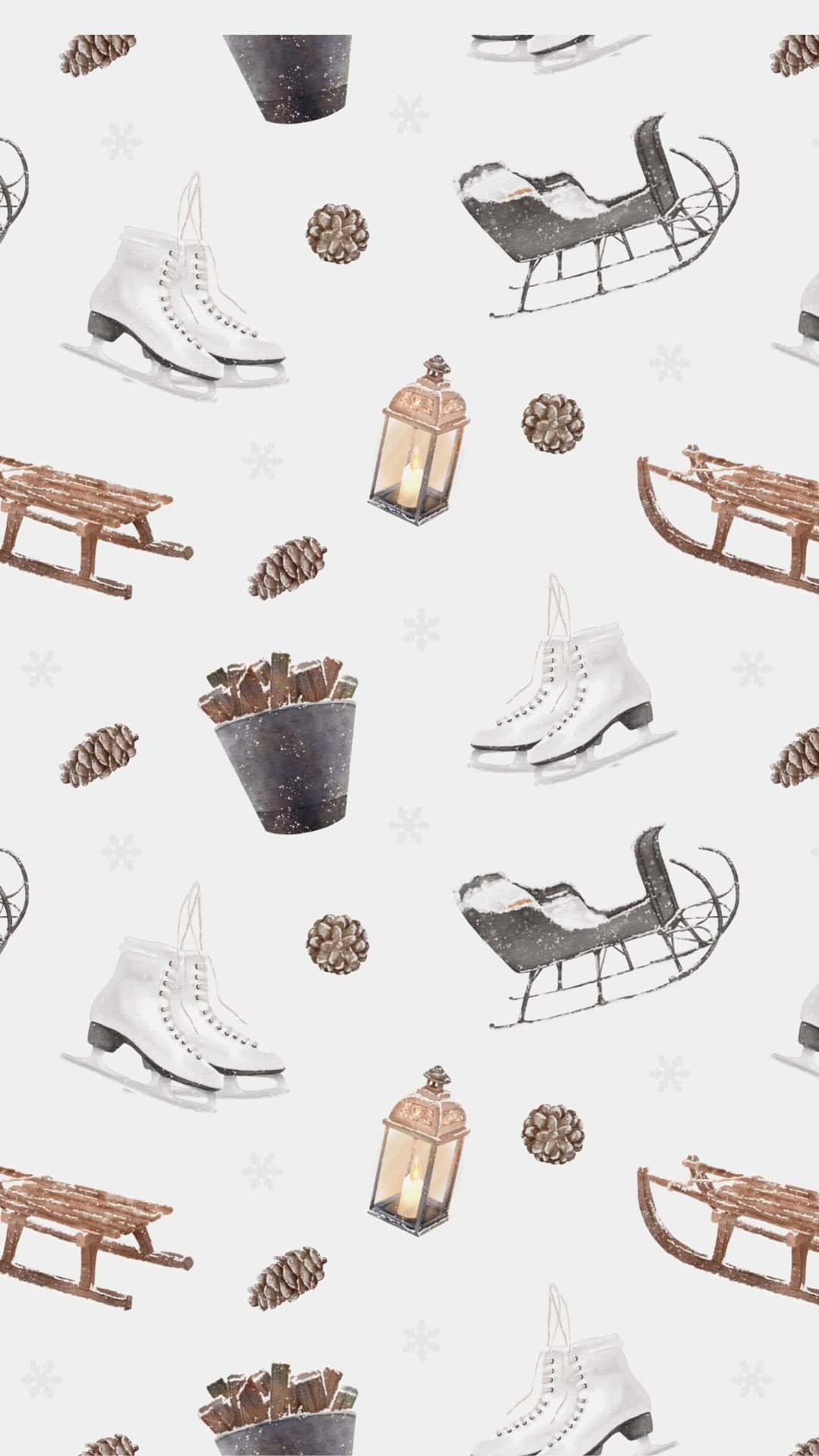
Inside this collection, you'll find a mix of styles to match any mood-clean and modern, soft and minimal, or nostalgic and vintage. There are simple patterns, artsy collages, and HD photos, snowflake illustrations in shades of red, blue, and gray, so you can coordinate your wallpaper with your case, outfit, or your phone’s theme if you want. Some designs are sweet and cute for kids, while others are elegant when you just want to give your phone a sparkle of wintertime magic.I've also included some January calendar wallpapers, too, so you can stay organized and seasonal at the same time.
Just download your favorites, set them as your lock or home screen, and swap them out whenever you're ready for a new winter vibe. With 60 options to choose from, you'll have a full selection of free wallpapers to carry you from the first snowflake all the way through the last cozy day of January and beyond.
Also, be sure to check out these free phone New Year wallpapers for 2026!
How to Download the Winter Wallpapers
- Tap the wallpaper you like.
Tapping/clicking on the image will open it in a new window at full HD size (1080 x 1920 px, 9:16 JPG file). - Save the full-size image to your phone.
- On iPhone: Press and hold the image, then choose "Add to Photos" or "Save Image."
- On Android: Press and hold the image, then select "Download image" or "Save image."
The wallpaper will be saved to your Photos/Gallery app.
How to Set the Wallpaper on Your iPhone
- Open the Photos app and find the wallpaper you just saved.
- Tap the image to open it, then tap the share icon (square with an arrow).
- Scroll down and choose "Use as Wallpaper" or "Wallpaper."
- Adjust the image with your fingers (pinch to zoom or move it) to fit your screen.
- Choose whether you want it as your Lock Screen, Home Screen, or Both.
- Tap "Done" or "Set" to apply your new winter background.
How to Set the Wallpaper on Your Android Device
Option 1: From the Gallery/Photos app
- Open your Gallery or Photos app and tap on the saved wallpaper.
- Tap the three dots or More button, then choose "Set as wallpaper" (or similar).
- Select where you want it: Home screen, Lock screen, or Both.
- Adjust the image if needed, then confirm to save your new wallpaper.
Option 2: From the Home Screen
- Long-press on an empty area of your Home Screen.
- Tap "Wallpaper" or "Wallpaper & style."
- Choose the image from your gallery/photos.
- Set it as your Home screen, Lock screen, or Both, then confirm.
Phone Winter Wallpapers












































More Wallpapers
- 45 Free Pink Christmas Wallpapers for Your Phone
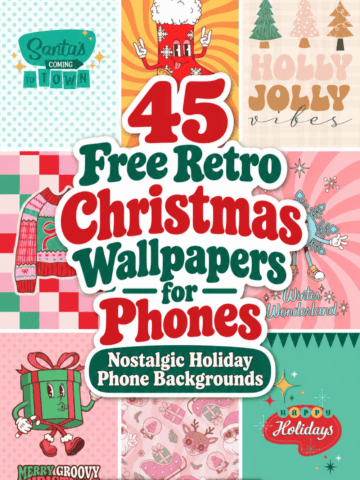
- 45 Free Retro Christmas Wallpapers for Your Phone
- 30+ Free Vintage Christmas Wallpapers for Your Phone
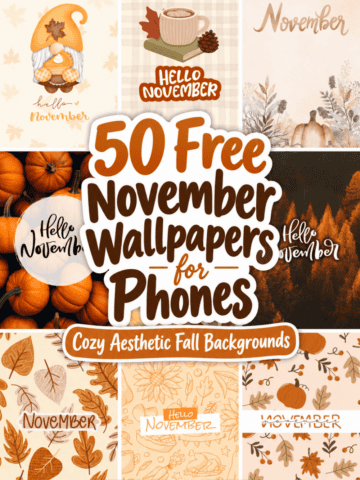
- 50 Free November Wallpapers for Phones

Follow me on Pinterest, Facebook, Flipboard, or Instagram for more inspiration on crafts, DIY, free printables, and recipes!






Leave a Reply