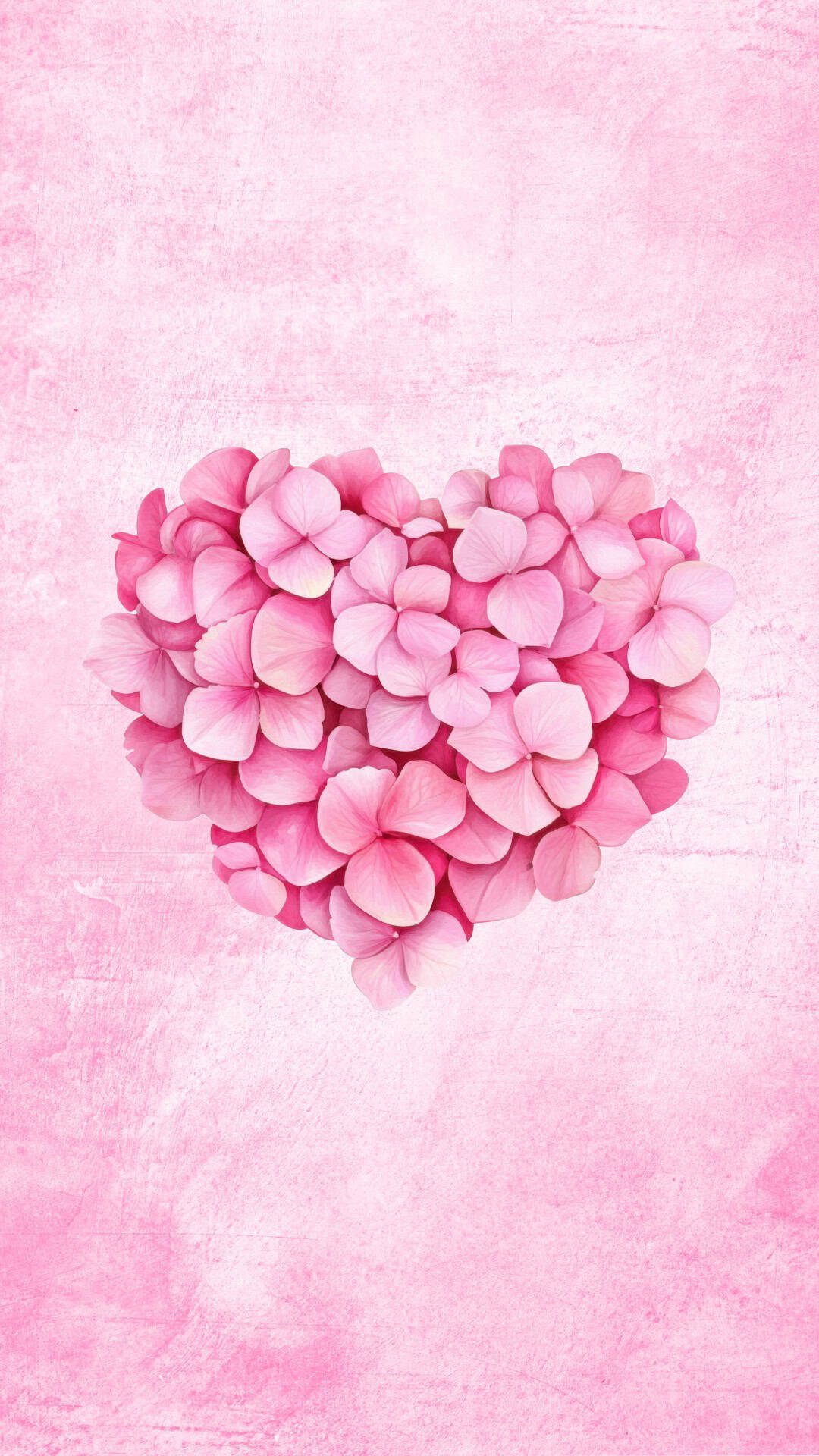
Give your phone a heartfelt makeover with these free phone heart wallpapers filled with cute and aesthetic designs for your lock screen and home screen.
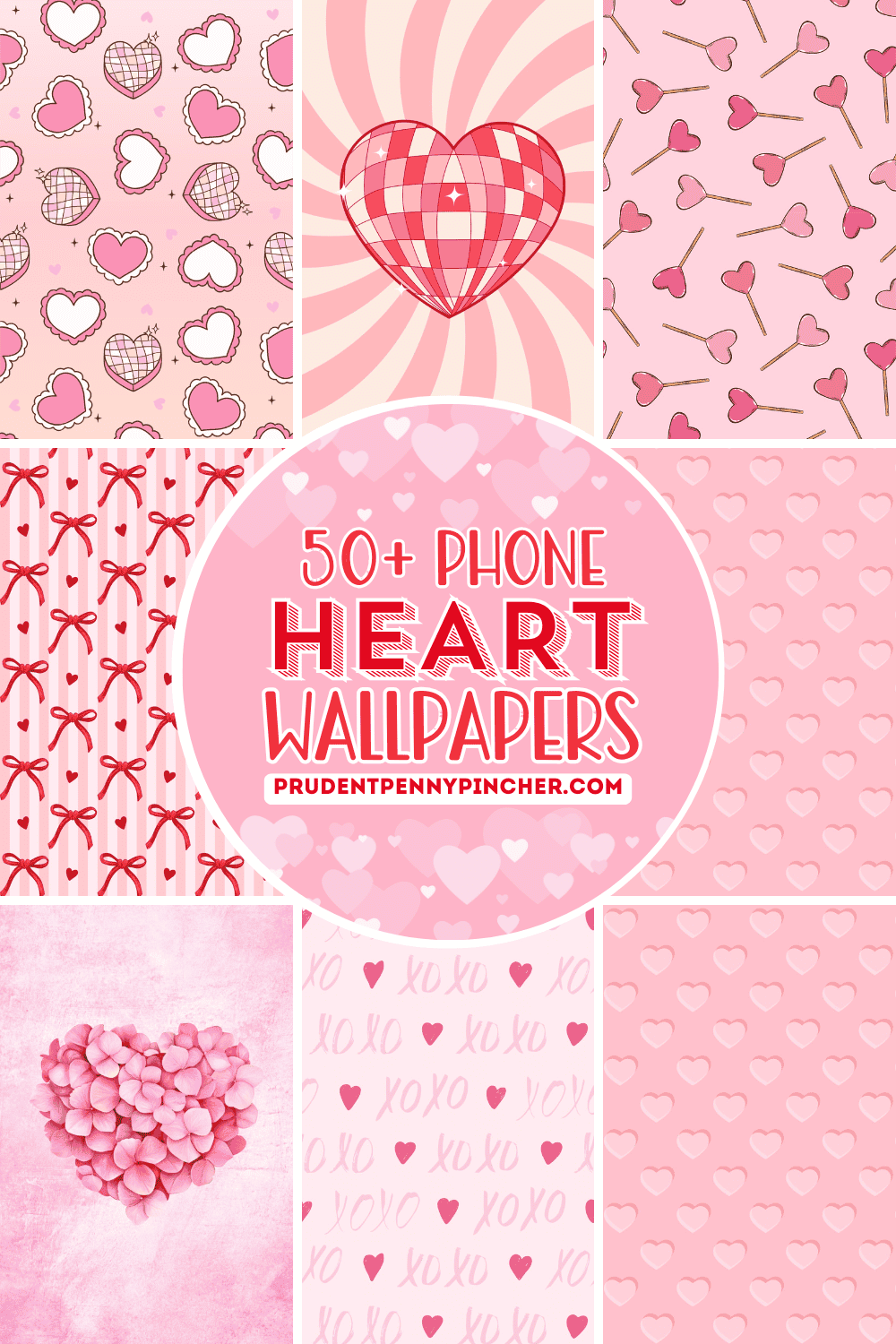
If your lock screen is begging for a little extra love, you're going to have way too much fun with these free wallpapers. This collection is packed with cute heart backgrounds in HD that look amazing on iPhone and Android-whether you're a full-on pink romantic, a bold red type of girl, or a "give me moody" black/dark vibe kind of person.
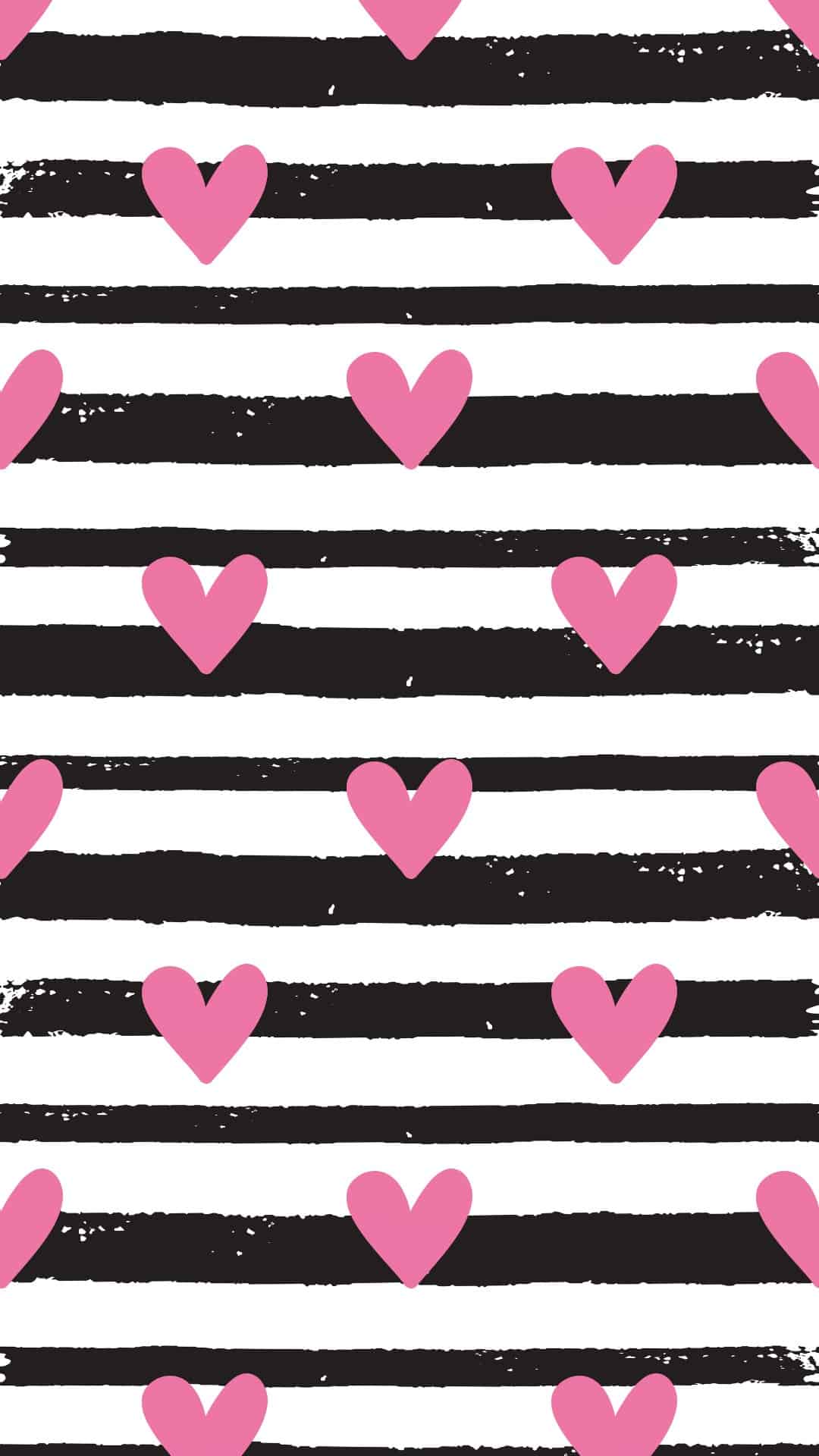
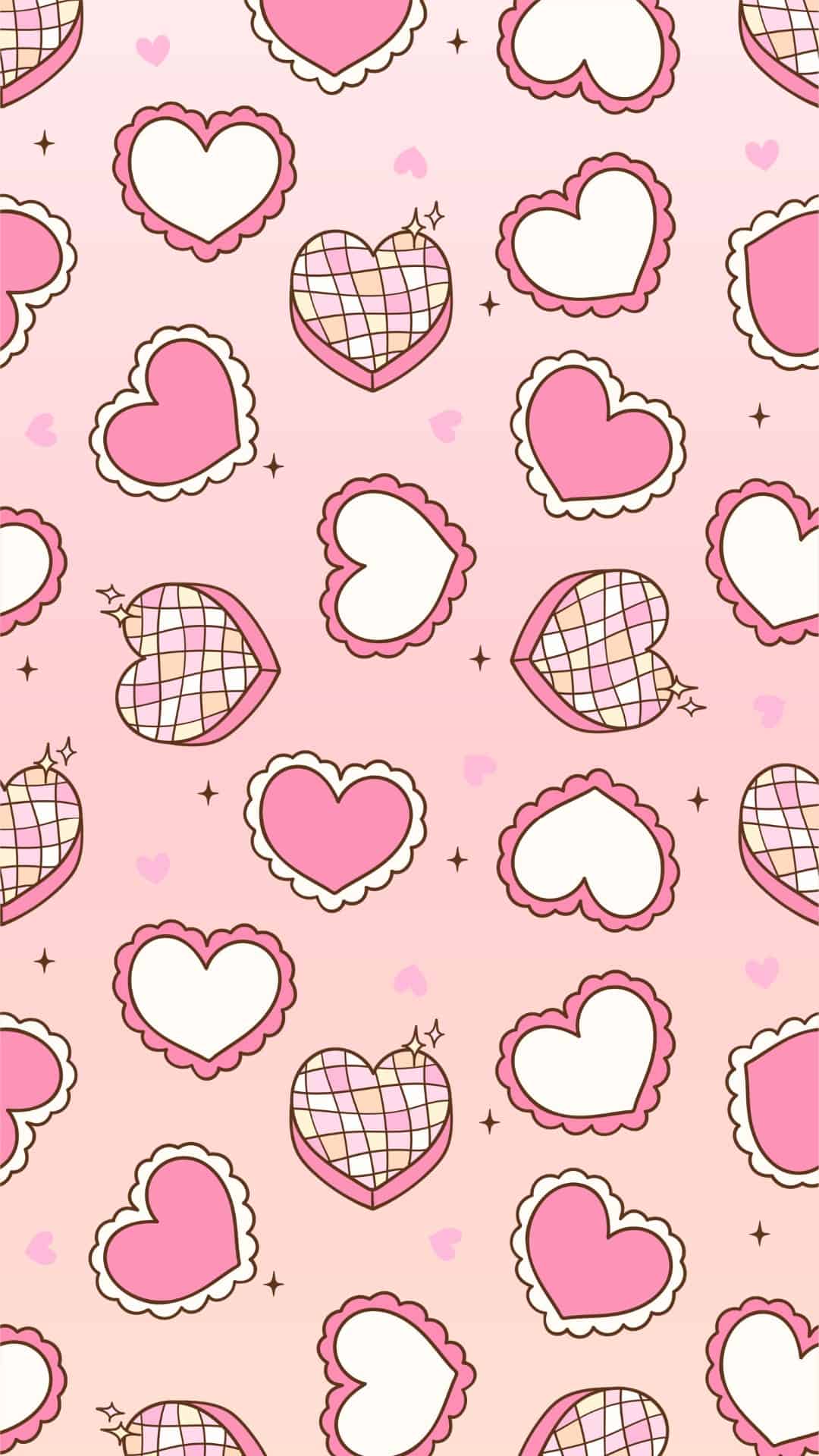
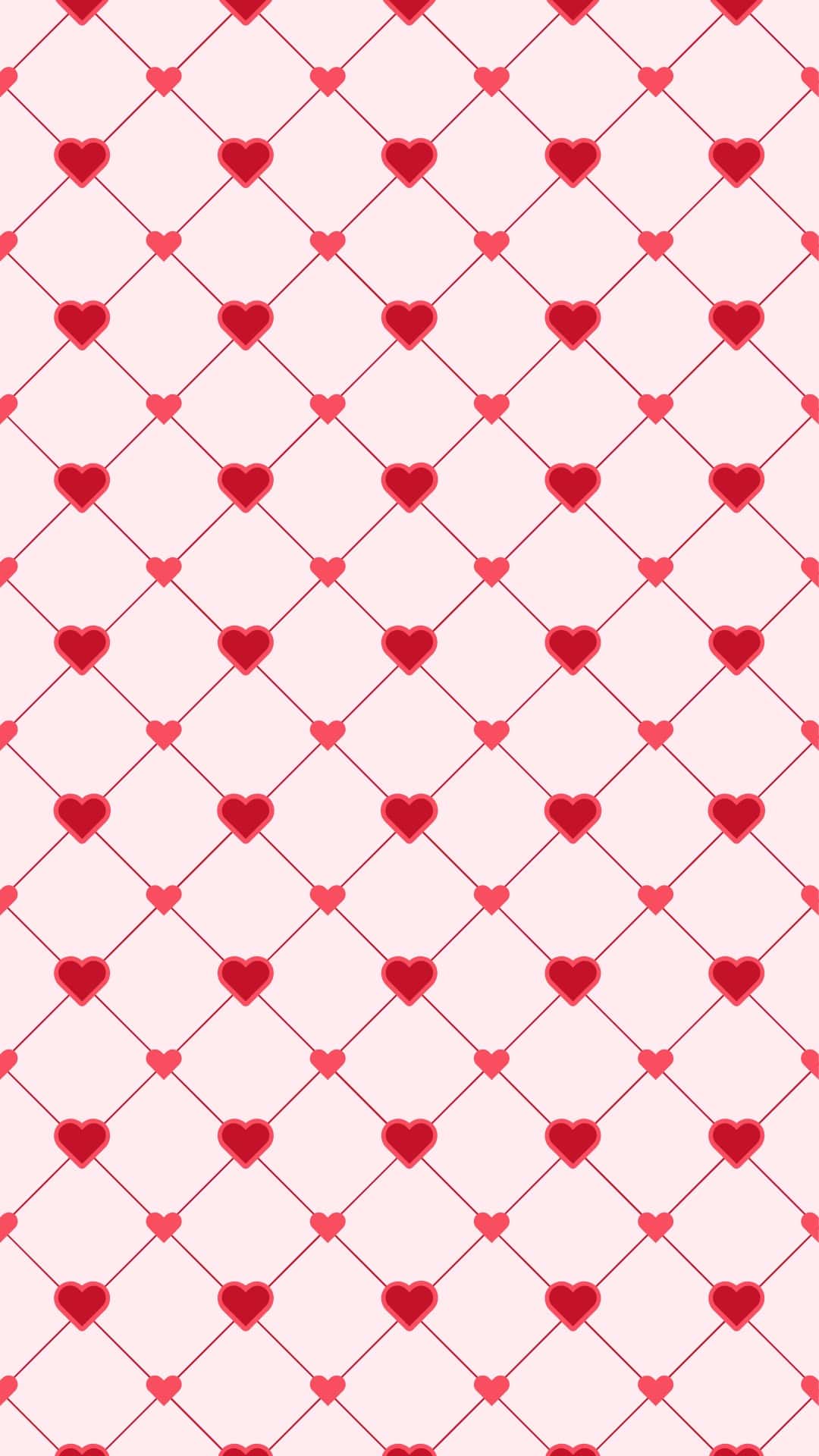
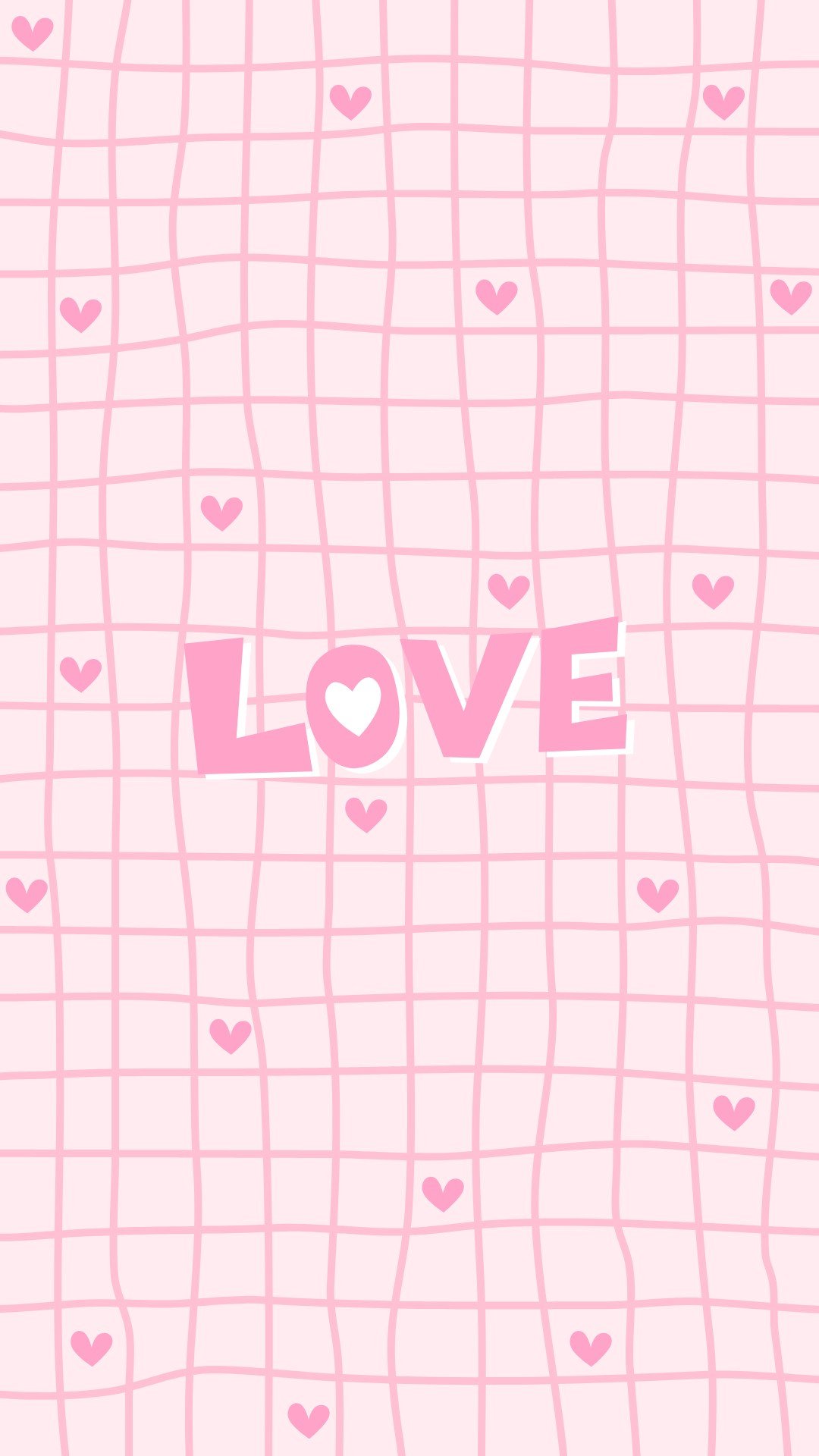
You'll find everything from soft, dreamy patterns to fun retro designs. There are adorable pink heart "cloud" doodles, heart lollipops scattered like confetti, and sweet stripe wallpapers with tiny hearts sprinkled in. If you love a clean look that still feels festive, the simple repeating heart patterns and tiled heart backgrounds are the perfect low-key-but-still-cute option.
Want something a little more statement-making? There are bold red heart backgrounds and a watercolor checkerboard with "XOXO." There are also plenty of heart patterns with lots of color options.
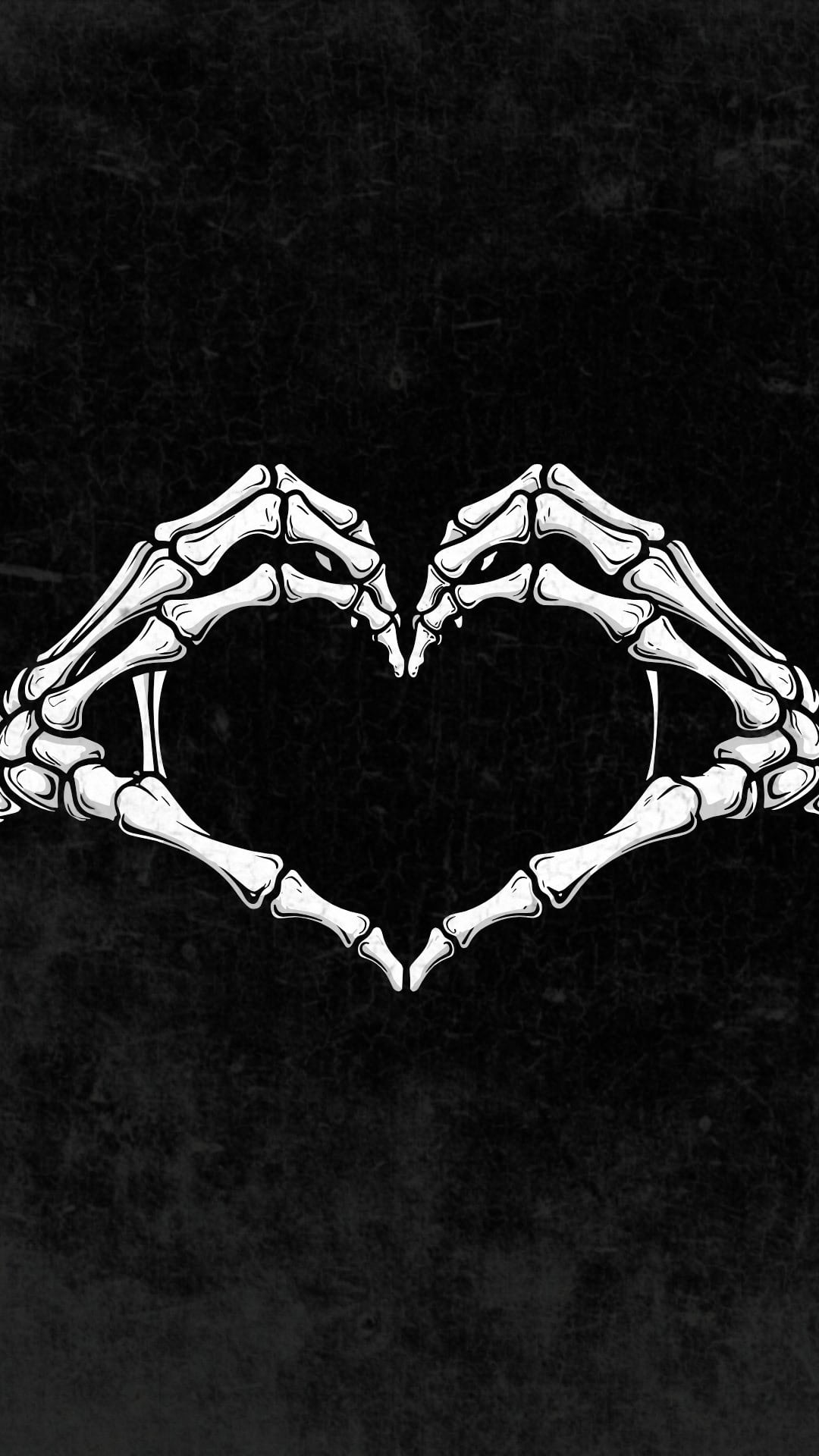
Also, if you are looking for a Valentine's Day wallpaper with a little more edge, there are darker designs too-like a grungy black-splatter heart on pink and moodier textures that give off a cool, artsy feel.
Basically, whether you want sweet, bold, or dark and modern, there's a background in here that'll make your screen look instantly more festive for February.
How to Download the Heart Wallpapers
- Tap the wallpaper you want to use.
- The image will open in a new tab at full HD size (1080 x 1920 px).
- Save the full-size image to your phone:
- iPhone: Press and hold the image, then tap Add to Photos or Save Image.
- Android: Press and hold the image, then tap Download image or Save image.
- Your wallpaper will be saved to your Photos (iPhone) or Gallery/Photos app (Android).
How to Set the Wallpaper on iPhone
- Open the Photos app and find the wallpaper you saved.
- Tap the image, then tap the Share icon (square with an arrow).
- Scroll down and select Use as Wallpaper (or Wallpaper).
- Pinch to zoom and drag to position it exactly how you want.
- Choose Lock Screen, Home Screen, or Both.
- Tap Set or Done to apply your new background.
How to Set the Wallpaper on Android
Option 1: From your Gallery/Photos app
- Open your Gallery or Photos app and tap the saved wallpaper.
- Tap the three dots (or More) and choose Set as wallpaper (wording may vary).
- Select Home screen, Lock screen, or Both.
- Adjust the image if needed, then confirm to save.
Option 2: From your Home Screen
- Press and hold on an empty area of your Home Screen.
- Tap Wallpaper or Wallpaper & style.
- Choose the Valentine wallpaper from your Gallery/Photos.
- Set it for your Home screen, Lock screen, or Both, then confirm.
Heart Wallpapers for the Phone

































More Wallpapers

Follow me on Pinterest, Facebook, Flipboard, or Instagram for more inspiration on crafts, DIY, free printables, and recipes!





Leave a Reply