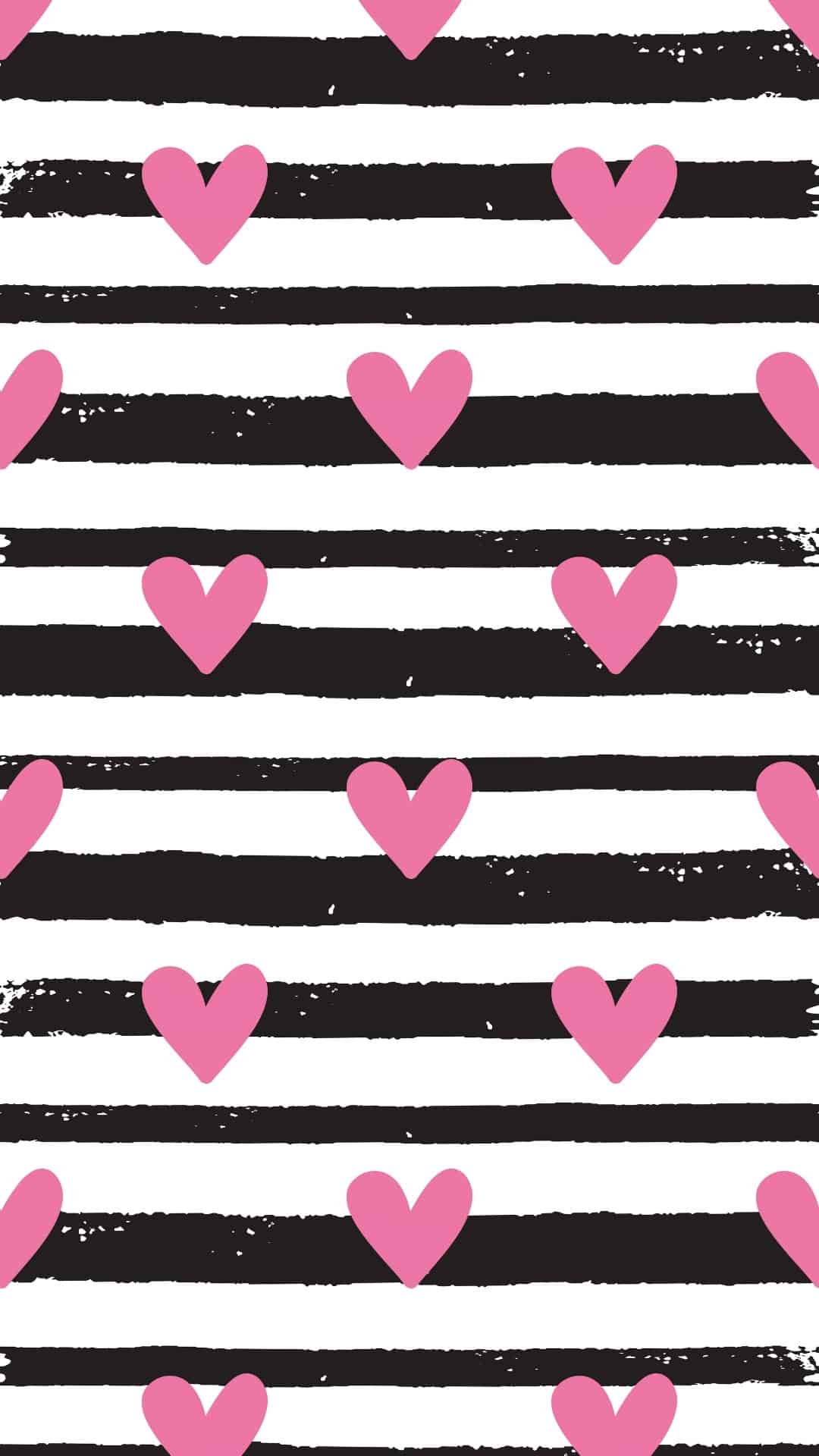
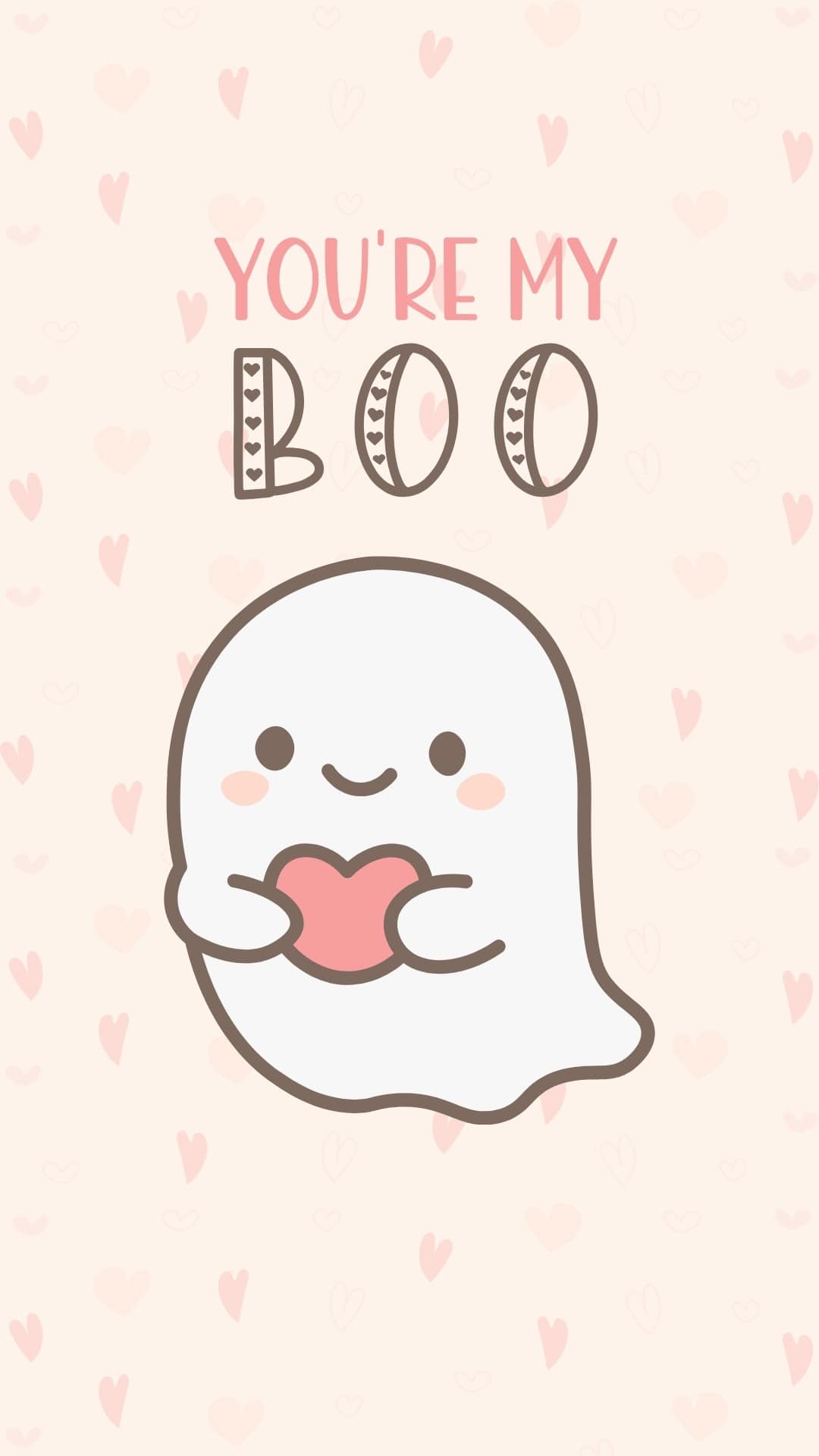
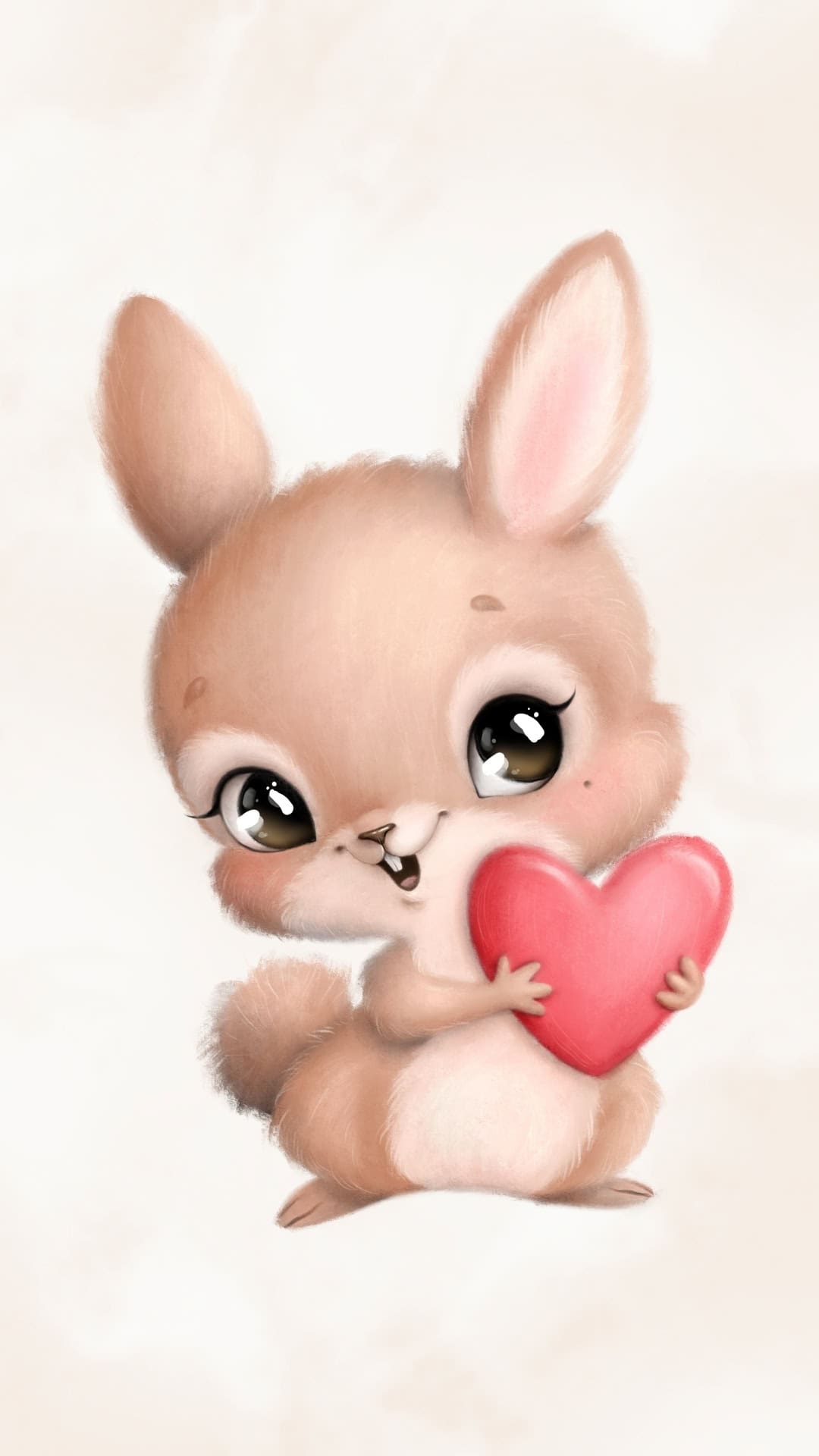
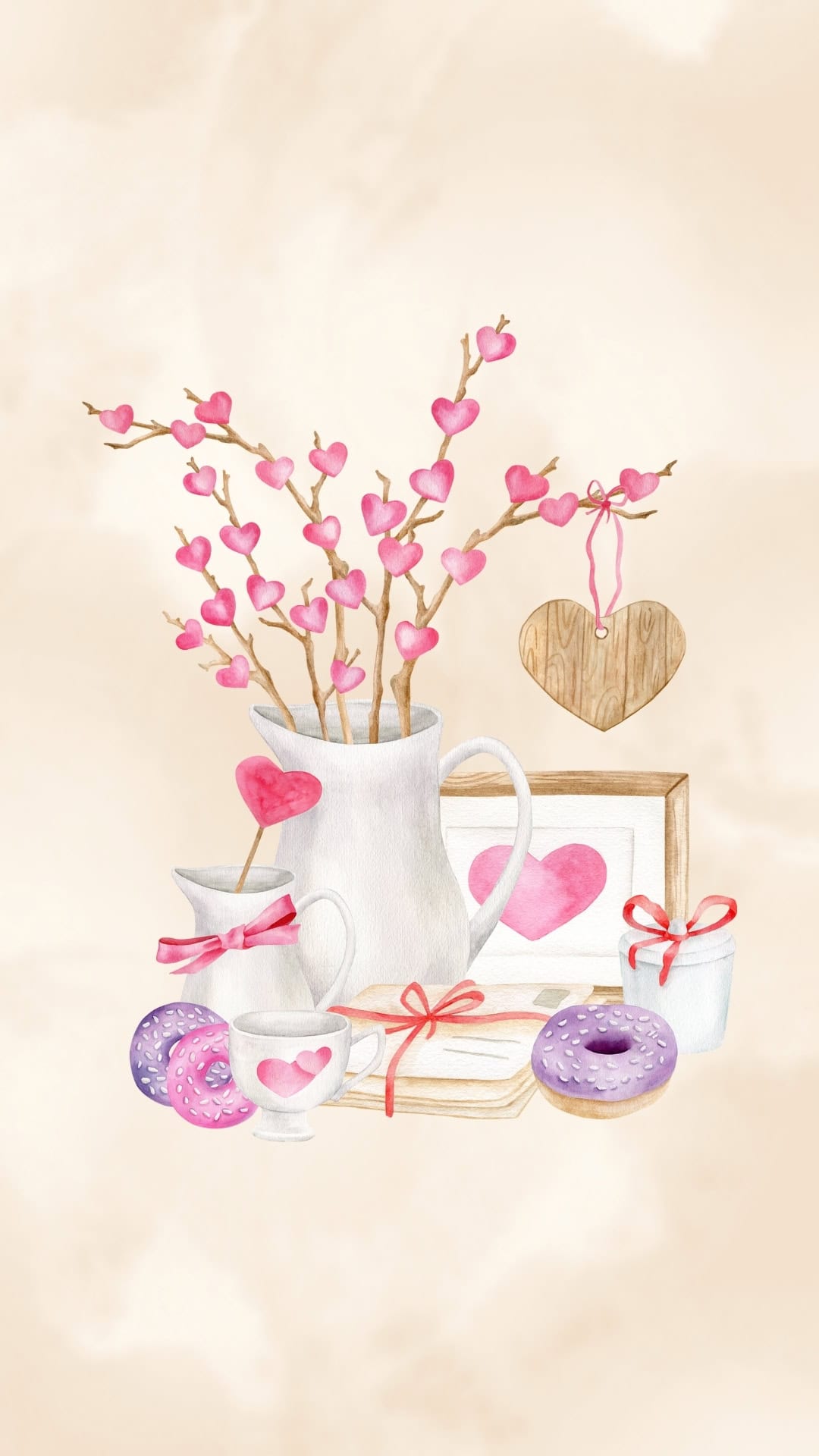
Give your phone a romantic makeover for February 14th with these free Valentine's Day wallpapers filled with hearts, pink and red designs, and cute aesthetic backgrounds for your lock screen.
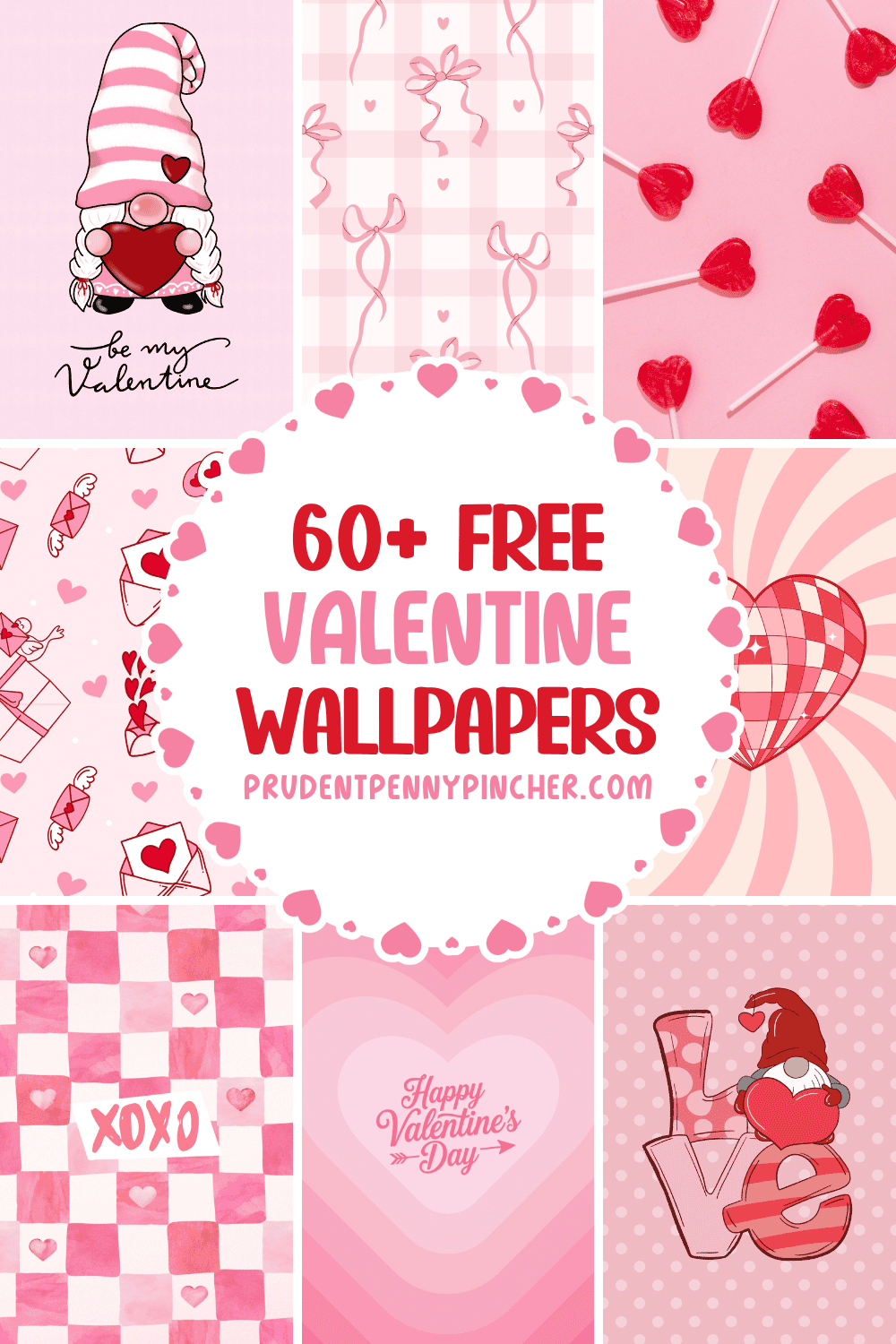
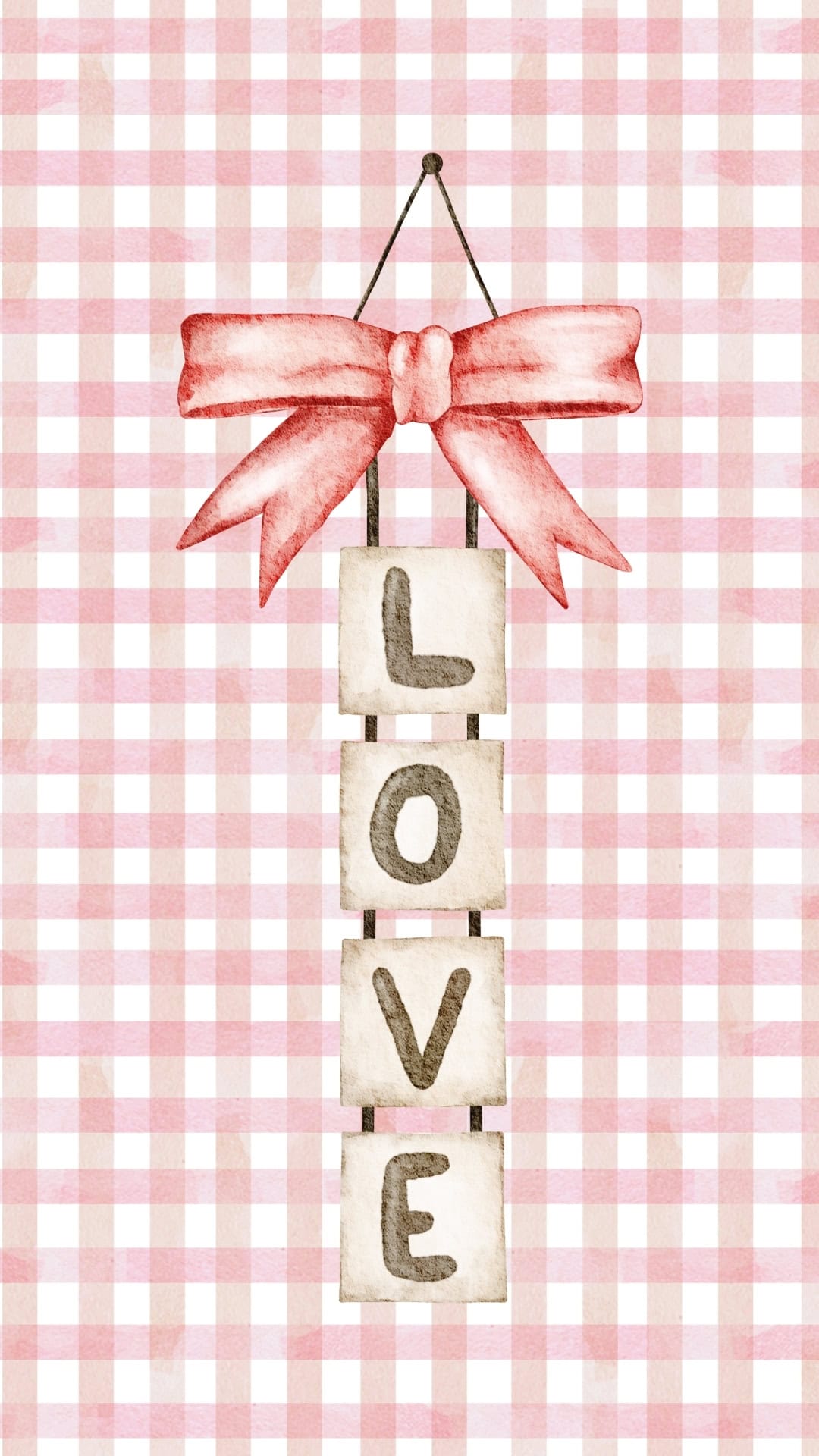
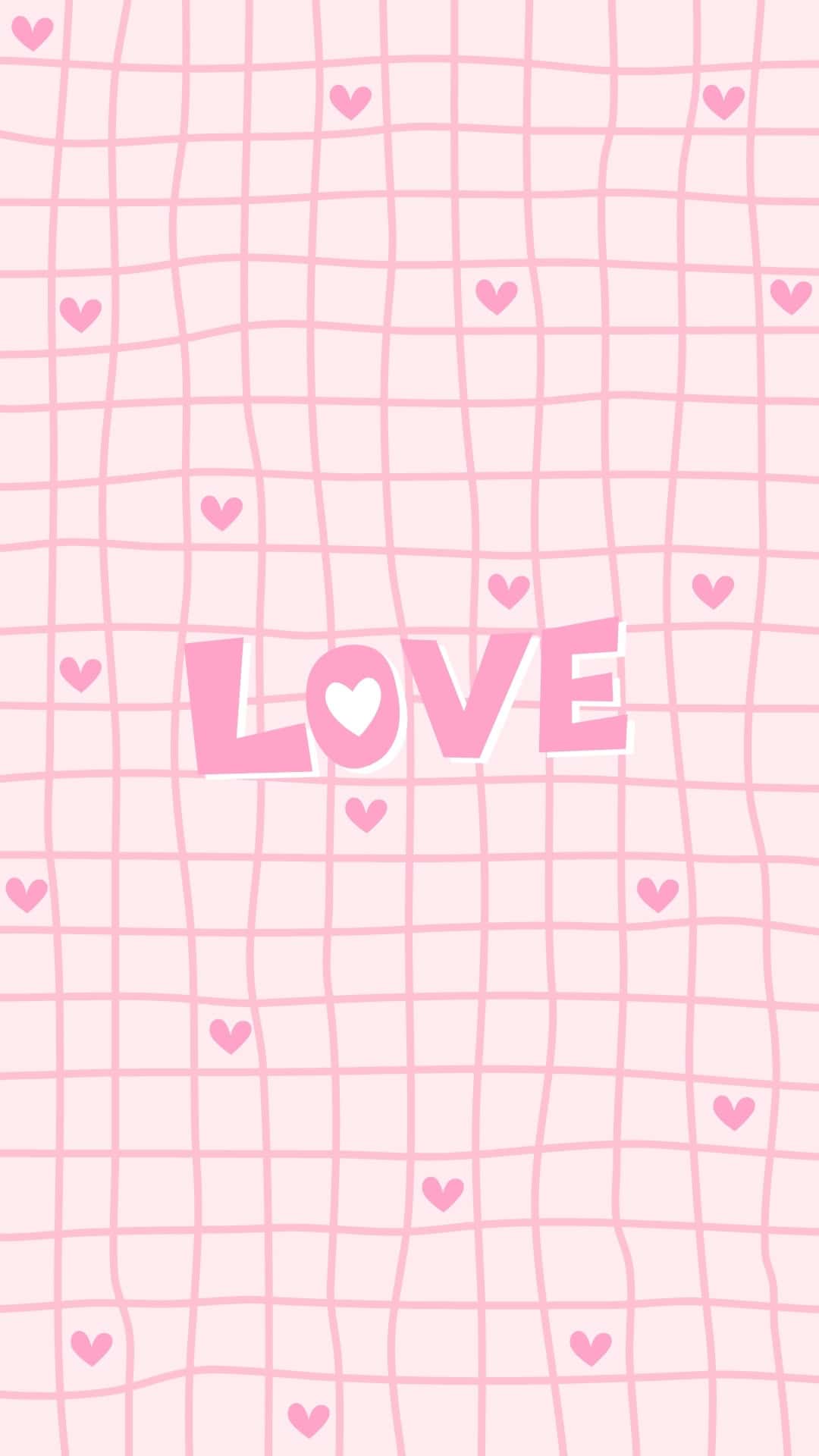
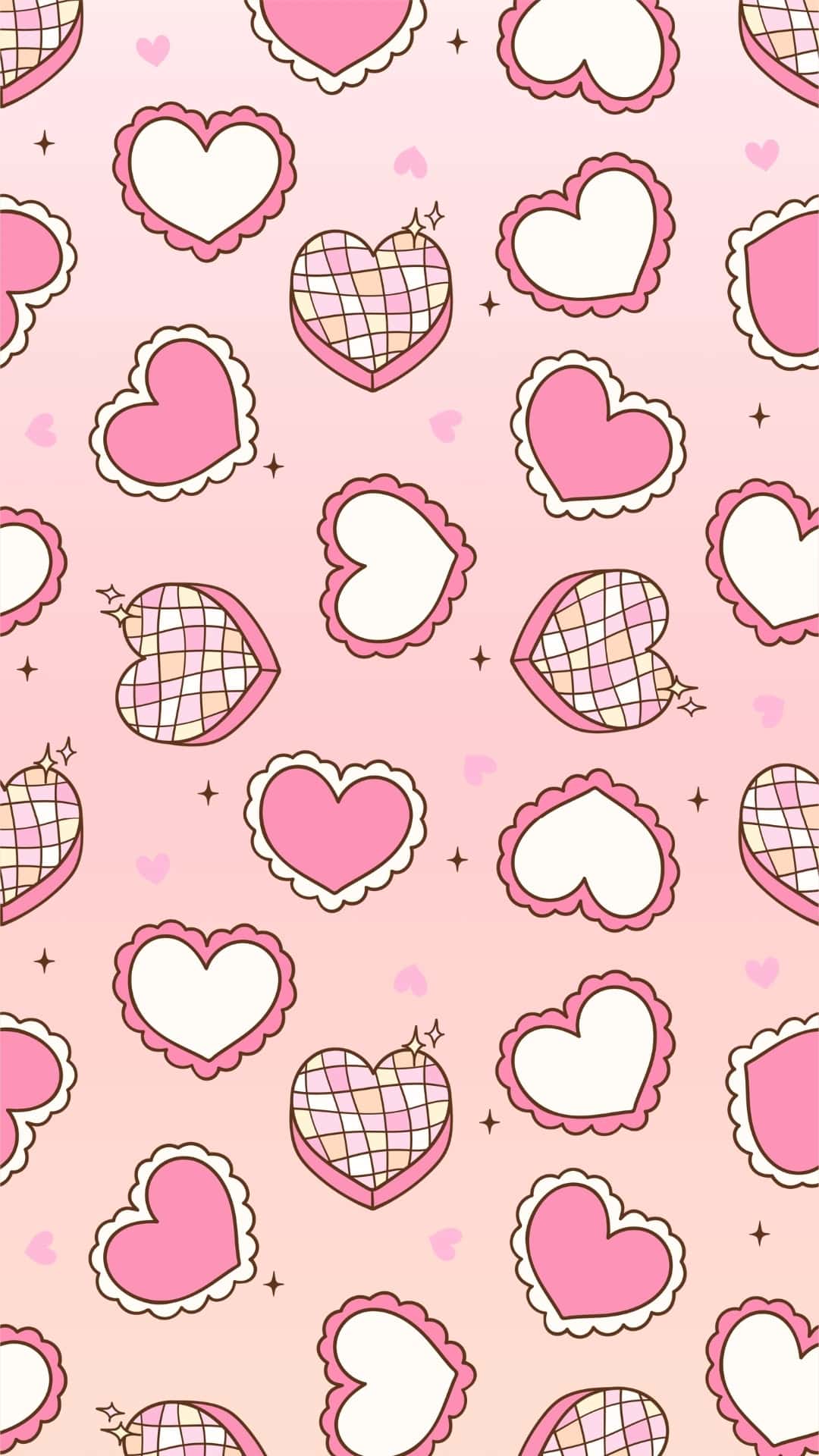
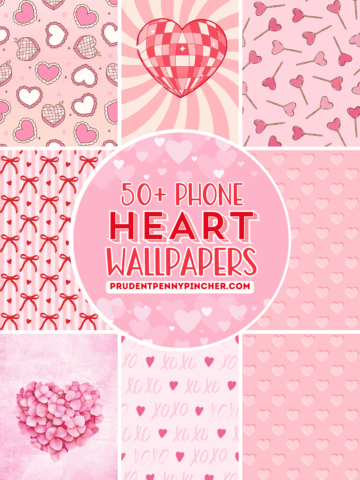
There's a fun mix of styles to match any mood-everything from soft watercolor backgrounds and dreamy pink gradients to charming vintage and retro-inspired art. You'll see cozy gingham checks with hanging "LOVE" signs, swirly heart "disco ball" designs, and romantic scripts that give off a modern vibe. There are also cute patterns filled with tiny hearts and hand-lettered love notes in every shade of pink and red.
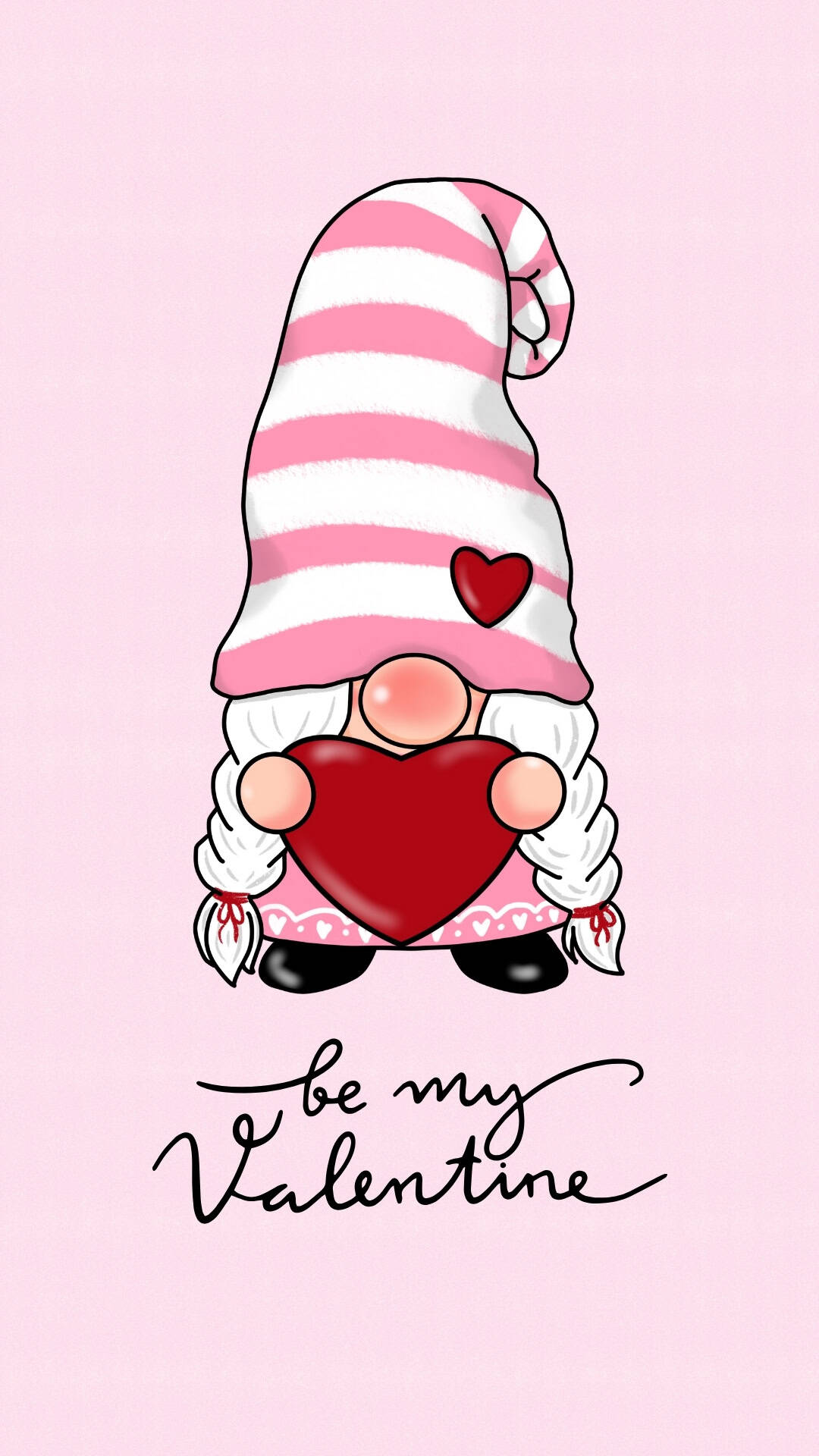
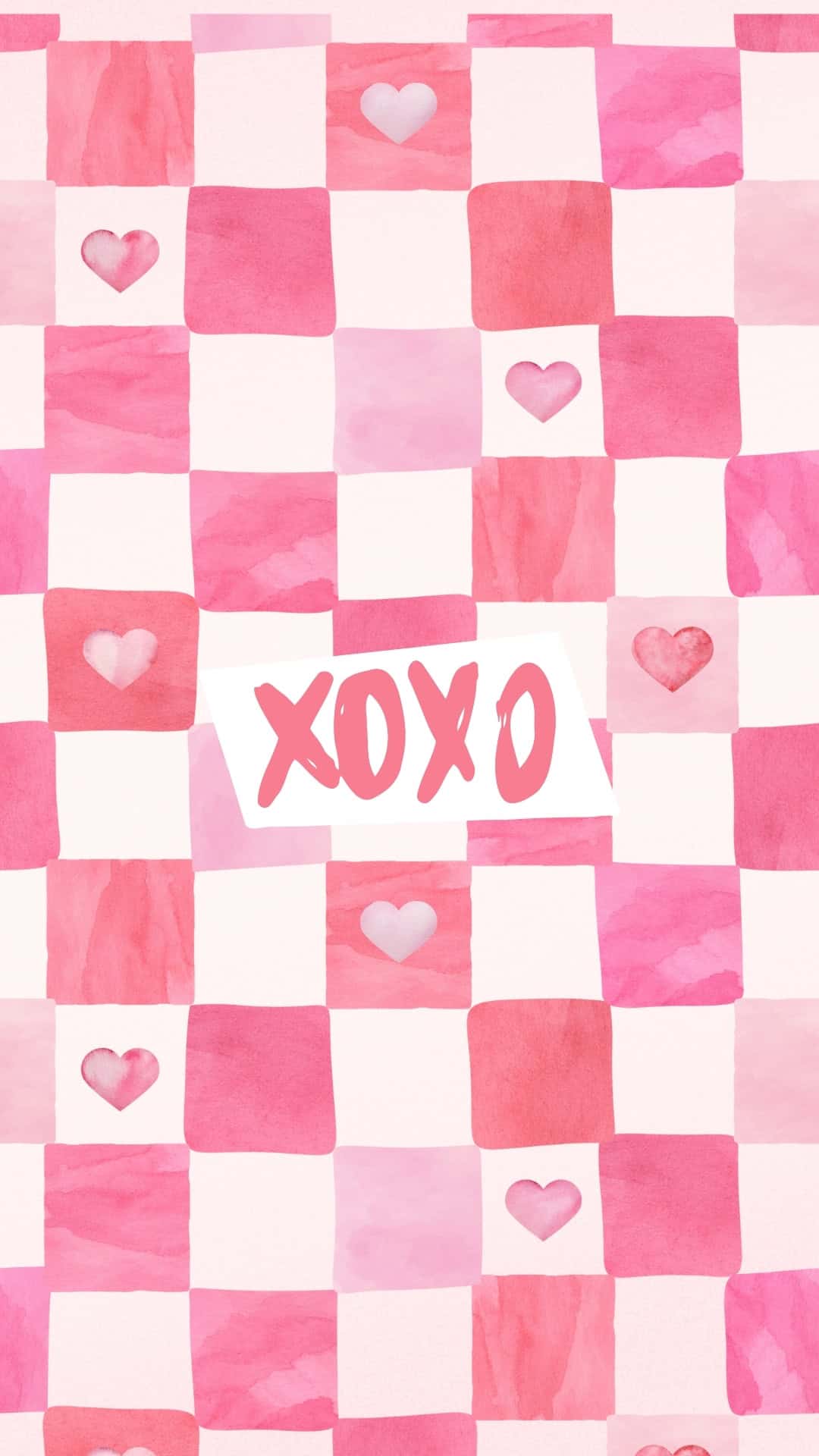
There are adorable Valentine gnomes hugging hearts, "Love you a latte" coffee cups, heart-shaped balloons tied with pretty bows, and sweet XOXO designs that are perfect for a more playful look. You'll also find simple Valentine’s Day backgrounds that keep things minimal but still festive.
For something a little more realistic, there are photos of rose bouquets, heart lollipops, and frosted cupcakes, and much more. These free wallpapers make it easy to switch up your look all month long. Just pick your favorite design, set it as your wallpaper, and enjoy a cute, romantic phone screen that celebrates love every time you unlock it.
Whether you have an iPhone or Android, these high-quality HD designs are sized just right for your screen so everything looks crisp, colorful, and ready for the season of love.
How to Download the Valentine Wallpapers
- Tap the Valentine wallpaper you love.
- The image will open in a new window at full HD size (1080 x 1920 px, 9:16 JPG).
- Save the full-size image to your phone:
- On iPhone: Press and hold the image, then choose "Add to Photos" or "Save Image."
- On Android: Press and hold the image, then select "Download image" or "Save image."
The wallpaper will be saved to your Photos/Gallery app.
How to Set the Wallpaper on Your iPhone
- Open the Photos app and find your saved Valentine wallpaper.
- Tap the image, then tap the share icon (square with an arrow).
- Scroll down and choose "Use as Wallpaper" or "Wallpaper."
- Pinch and drag to adjust the image so it fits your screen just right.
- Choose Lock Screen, Home Screen, or Both.
- Tap "Done" or "Set" to apply your new Valentine background.
How to Set the Wallpaper on Your Android Device
Option 1: From the Gallery/Photos app
- Open your Gallery or Photos app and tap the saved wallpaper.
- Tap the three dots or More button, then select "Set as wallpaper" (or similar).
- Choose Home screen, Lock screen, or Both.
- Adjust the image if needed, then confirm to save your new wallpaper.
Option 2: From the Home Screen
- Long-press on an empty area of your Home Screen.
- Tap "Wallpaper" or "Wallpaper & style."
- Pick the Valentine wallpaper from your gallery/photos.
- Set it as your Home screen, Lock screen, or Both, then confirm.
Free Phone Valentine’s Day Wallpapers













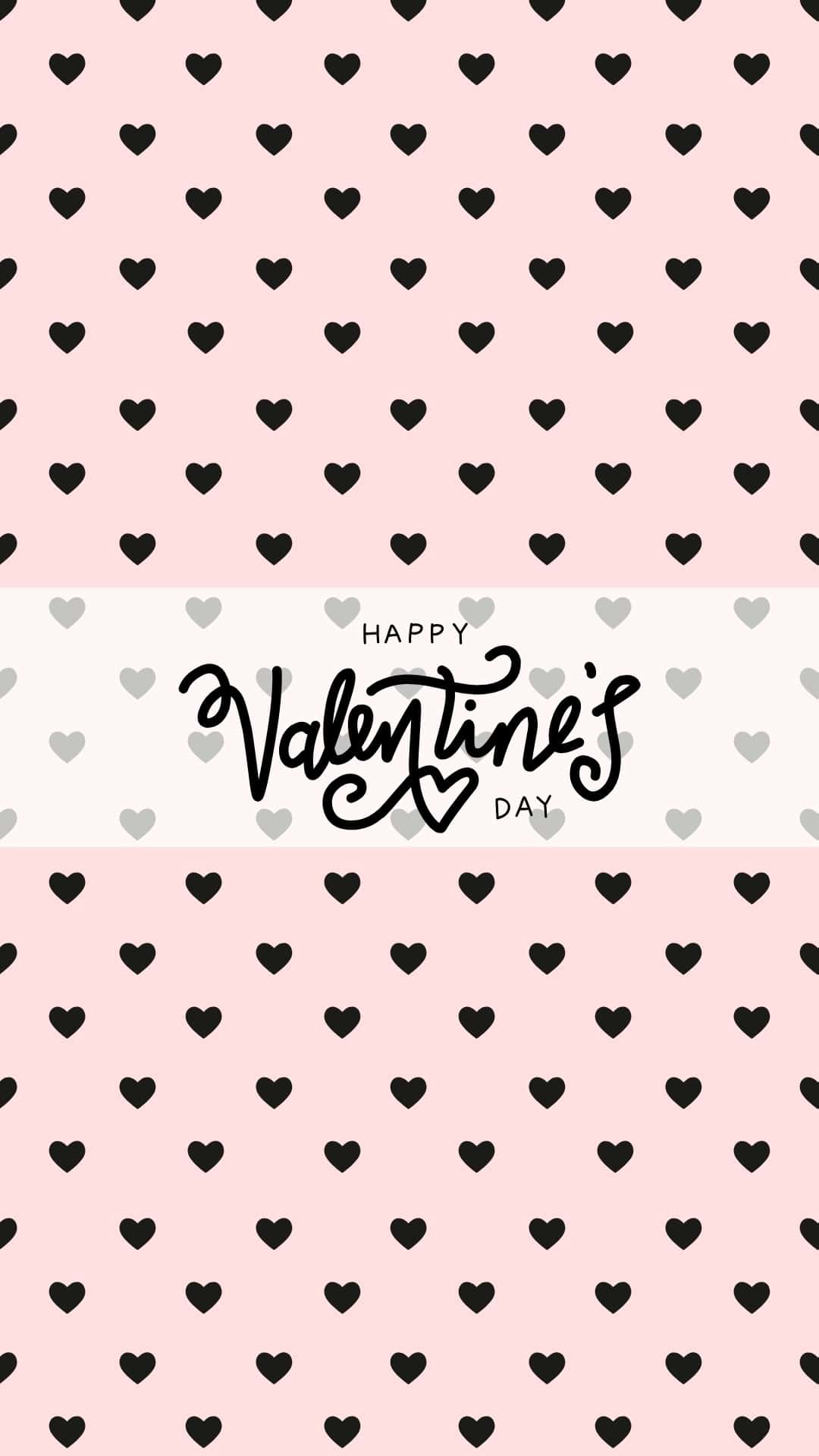



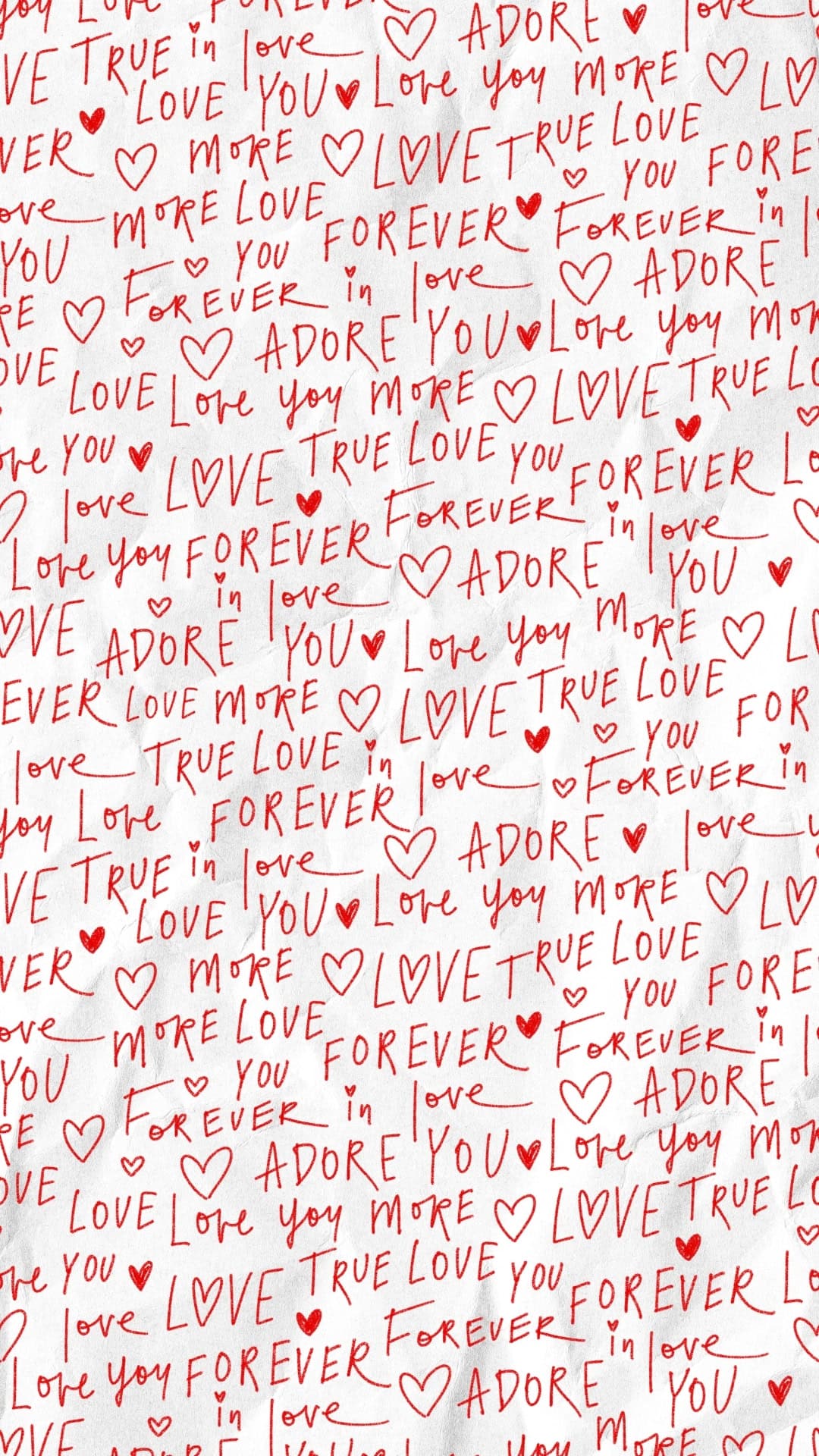





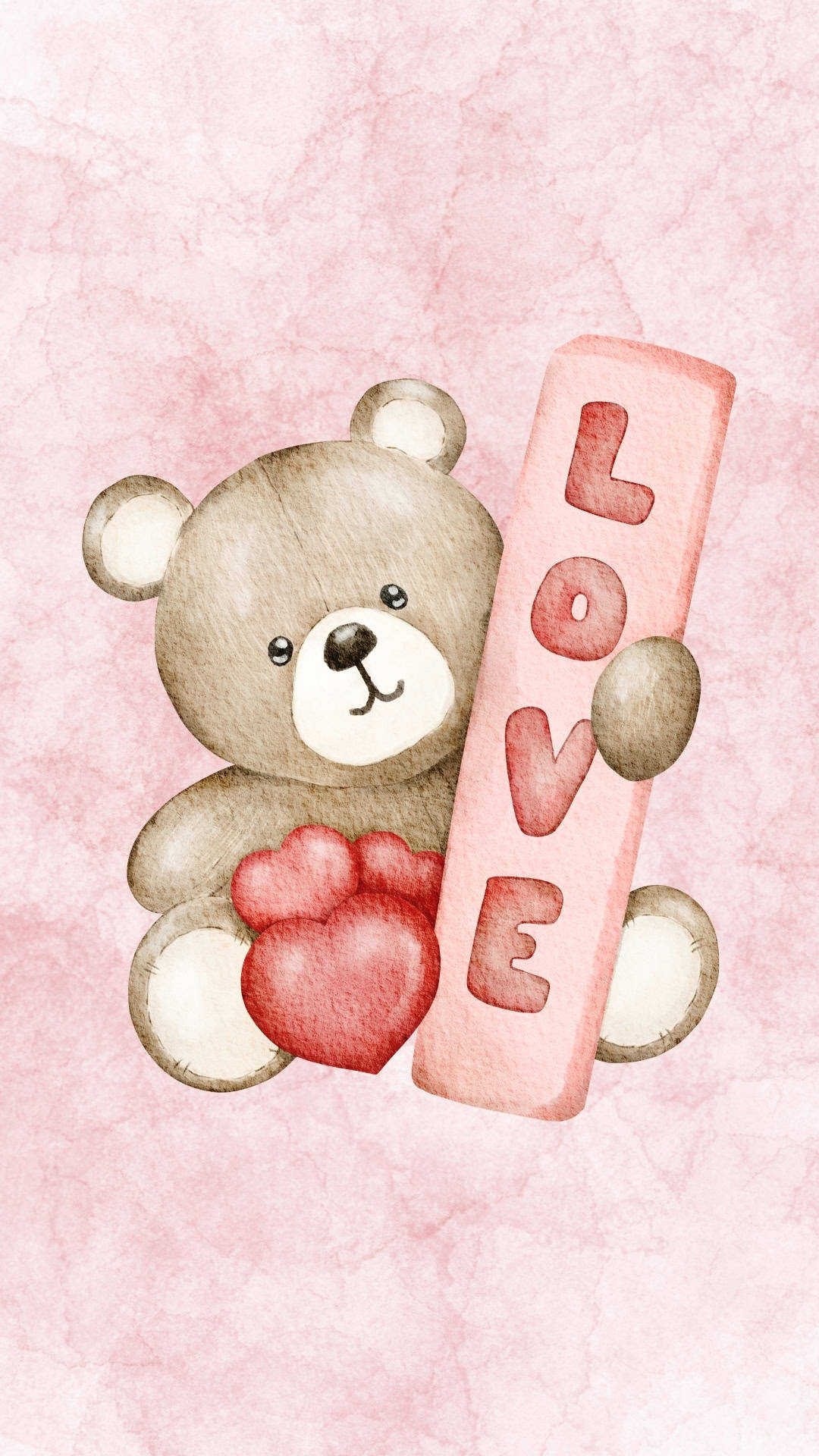


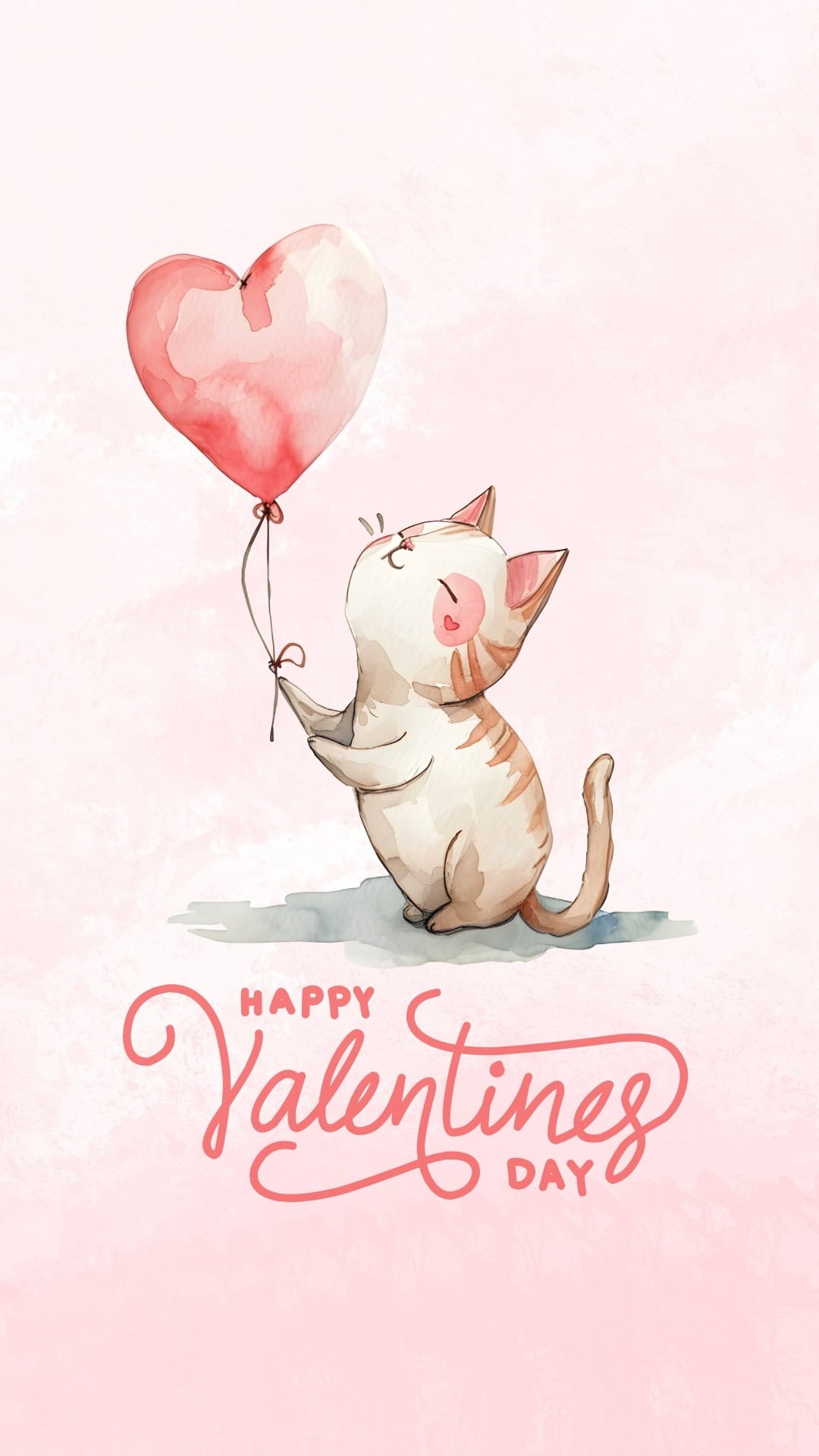



















More Wallpapers
- 60 Free Spring Wallpapers for the Phone
- 40 Free Phone February Wallpapers
- 50 Free Phone Heart Wallpapers
- 60 Free Winter Wallpapers for the Phone
Follow me on Pinterest, Facebook, Flipboard, or Instagram for more inspiration on crafts, DIY, free printables, and recipes!







Leave a Reply