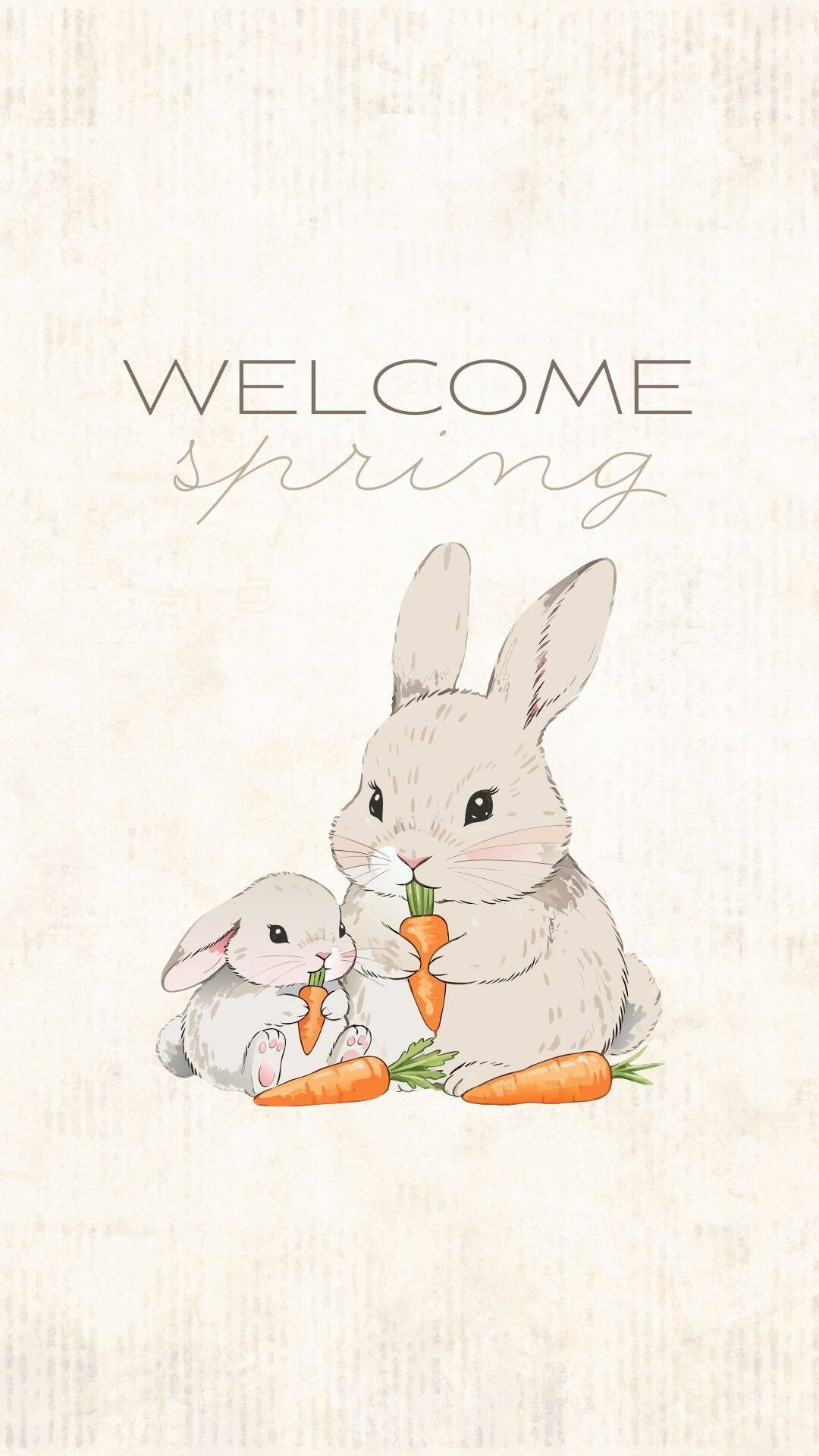
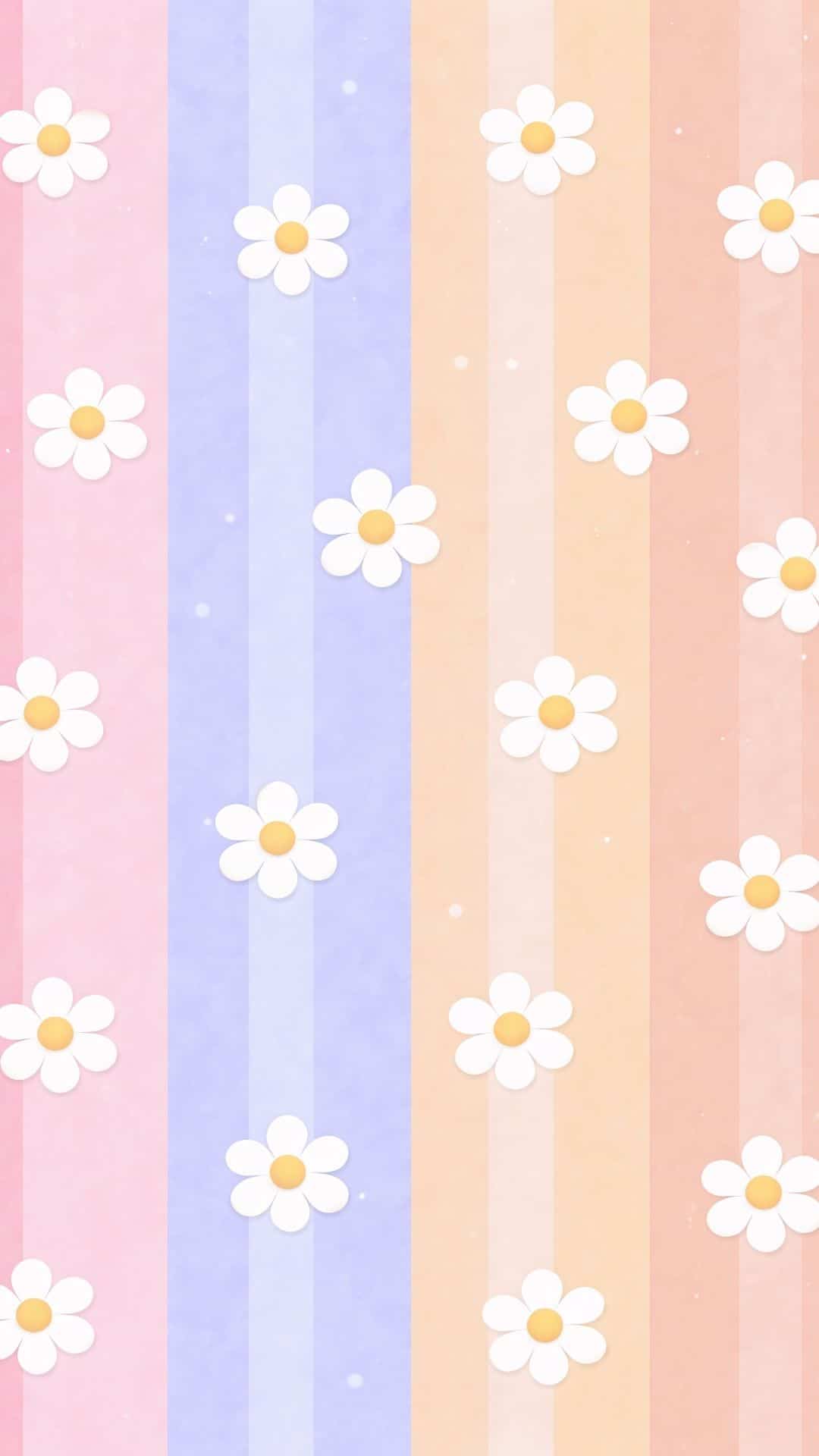
Give your phone a fresh spring makeover with one of these free spring wallpapers for your lock screen and home screen!
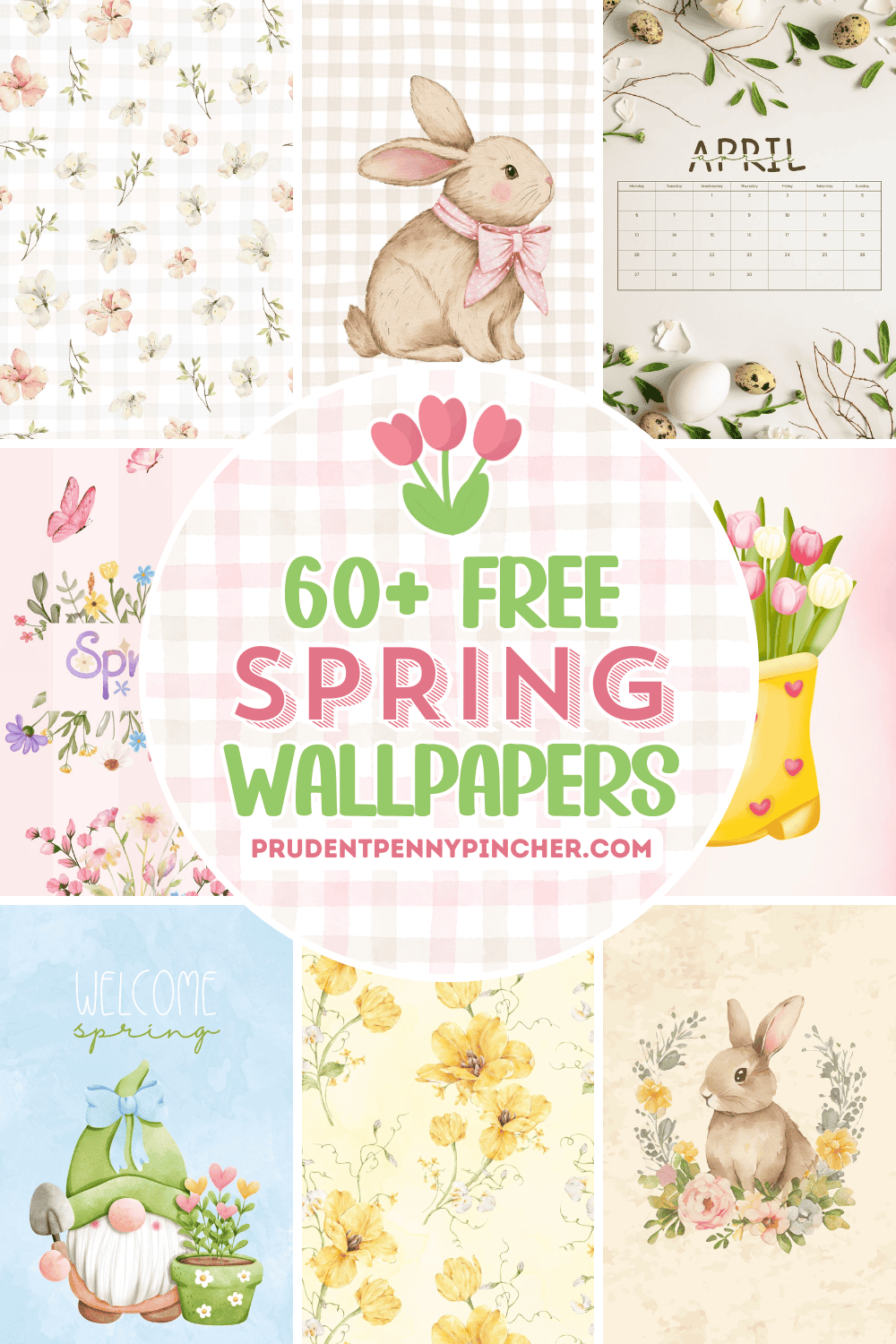
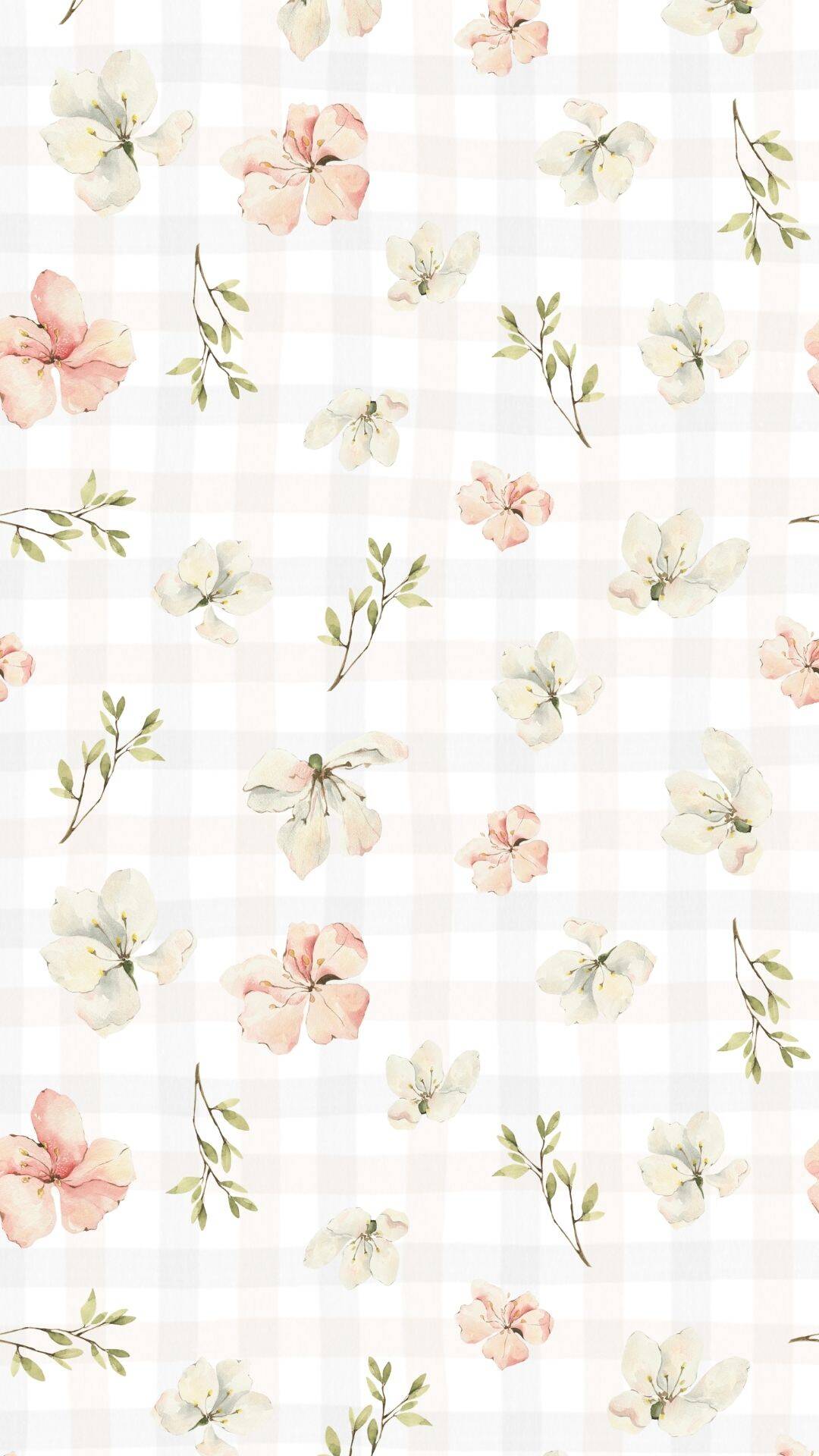
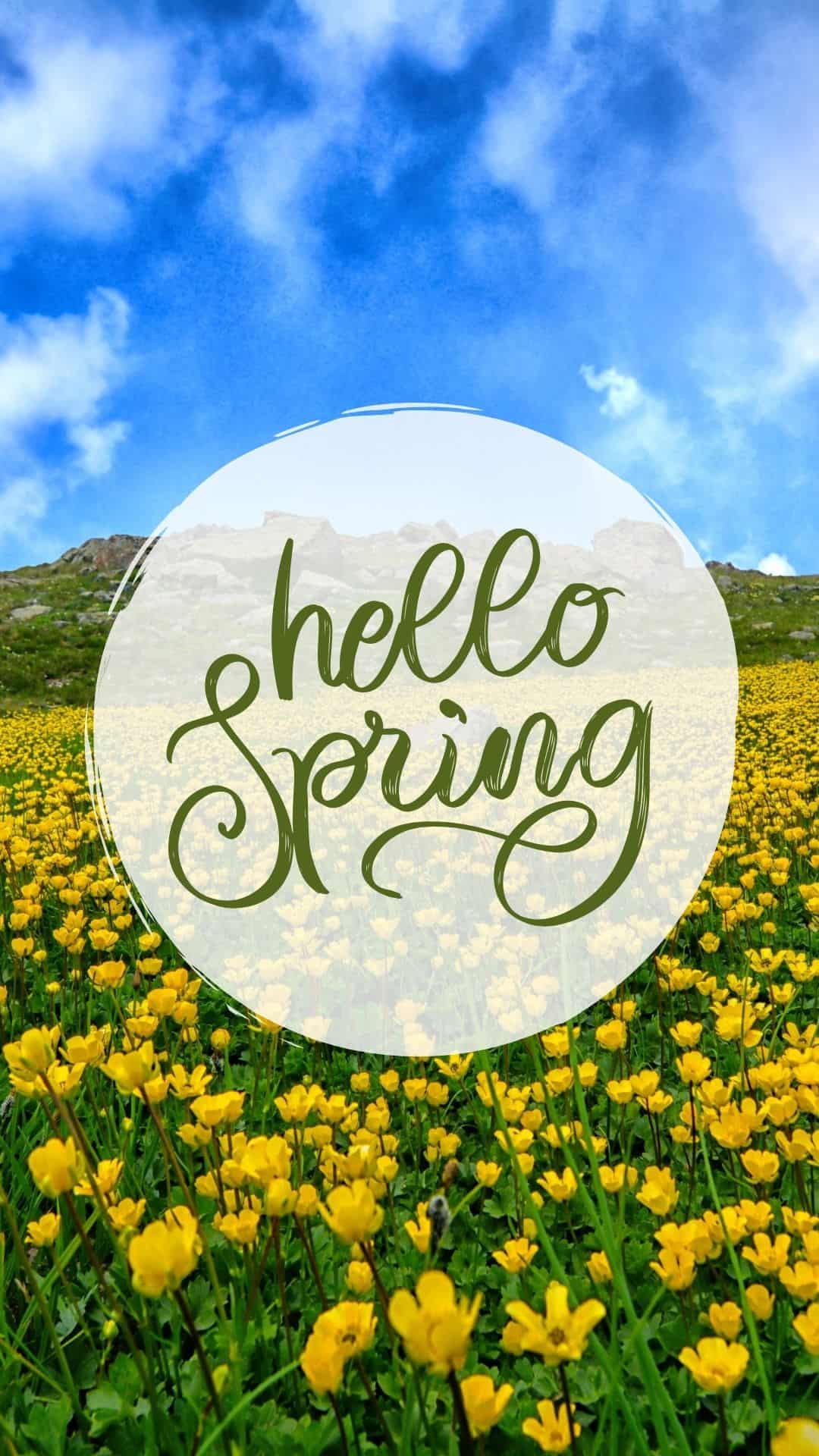
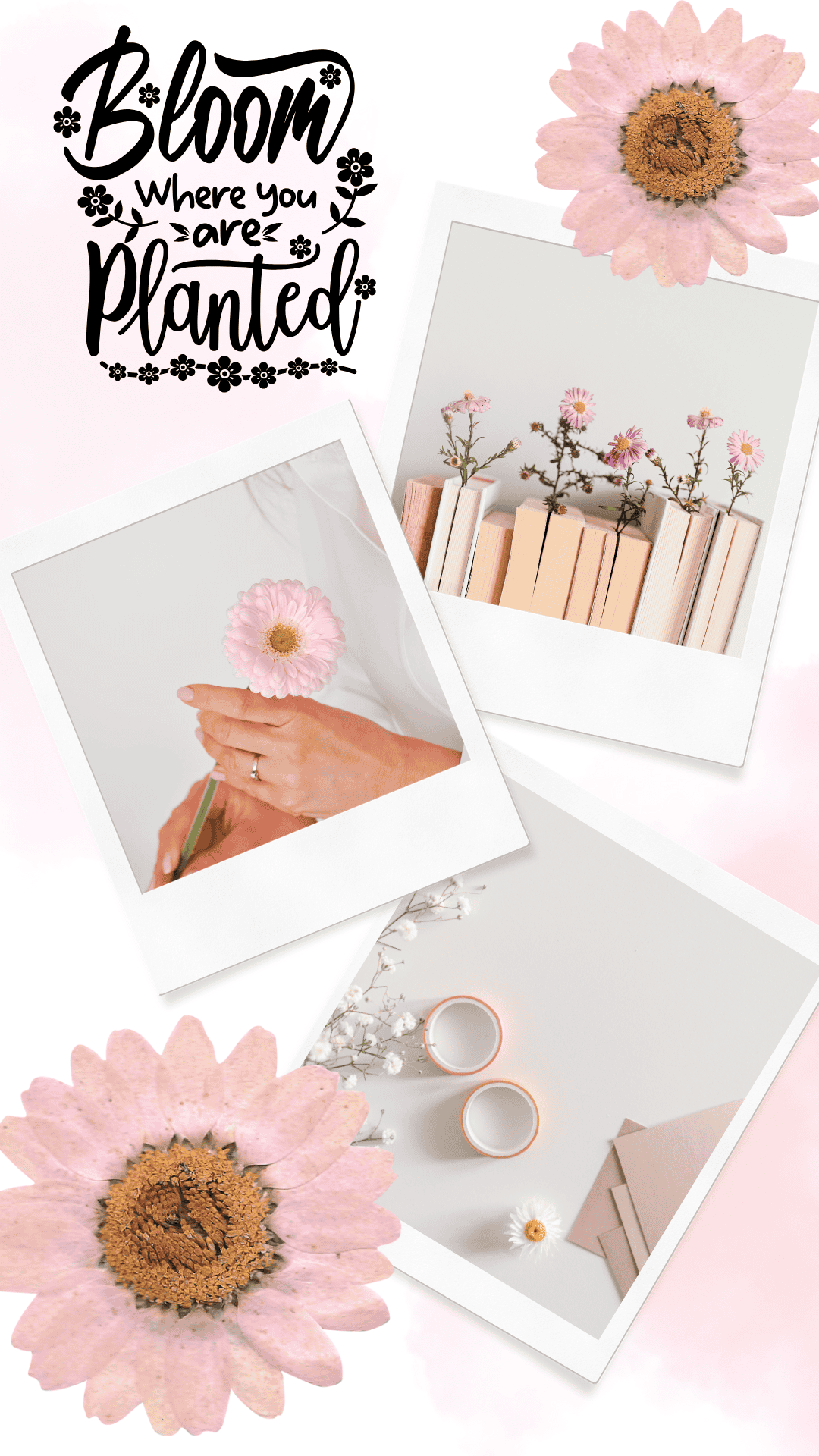
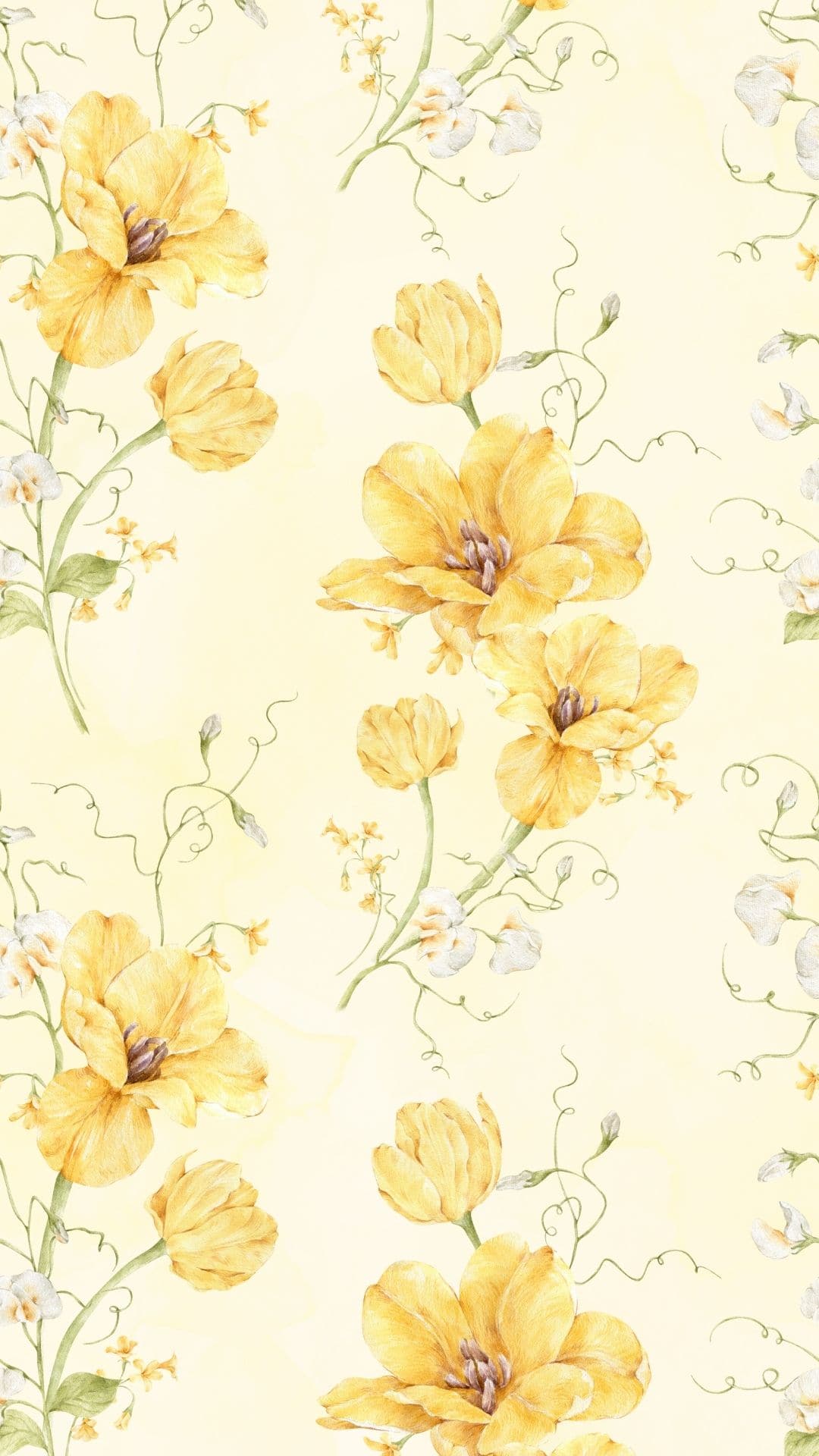
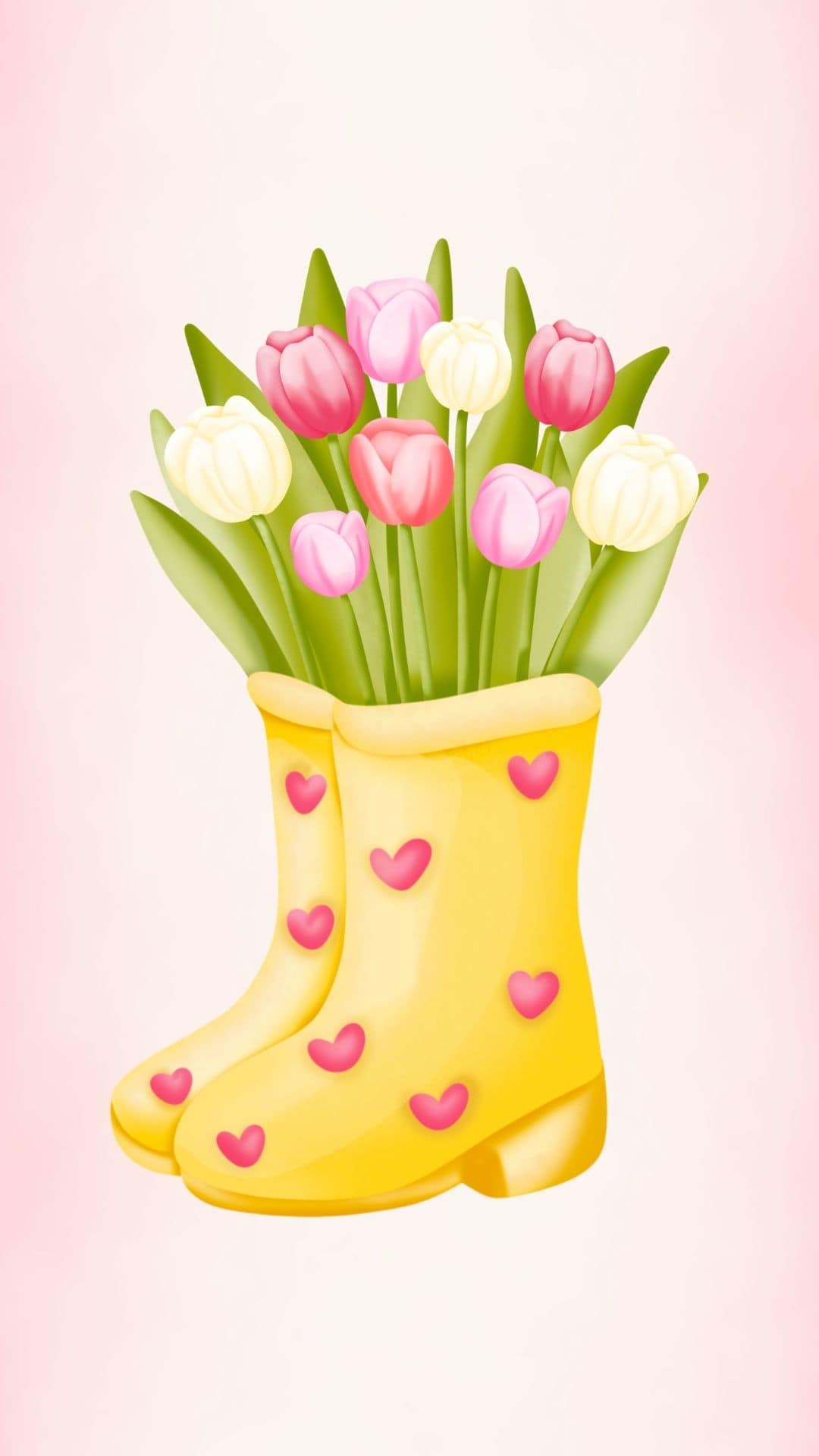
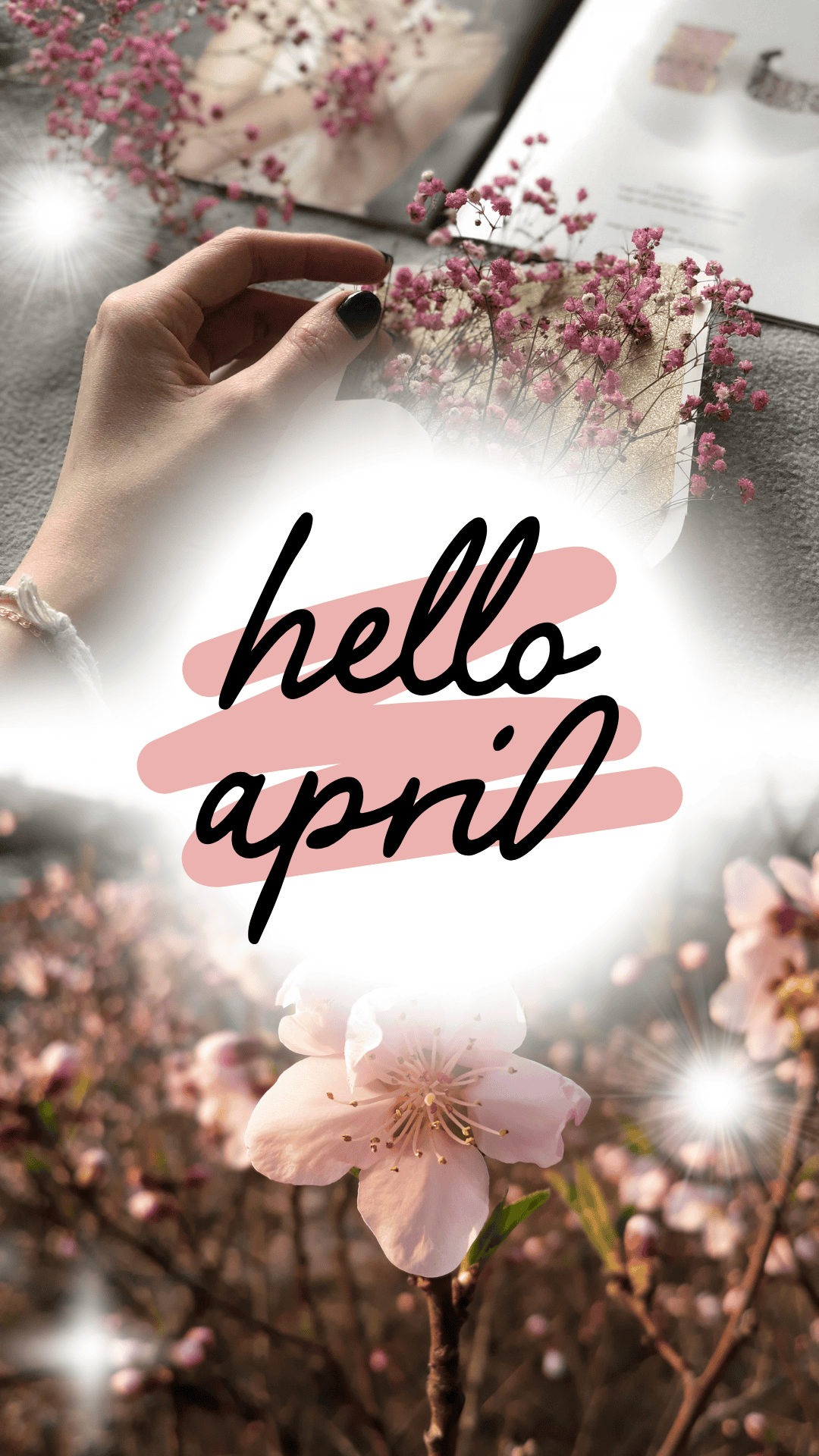
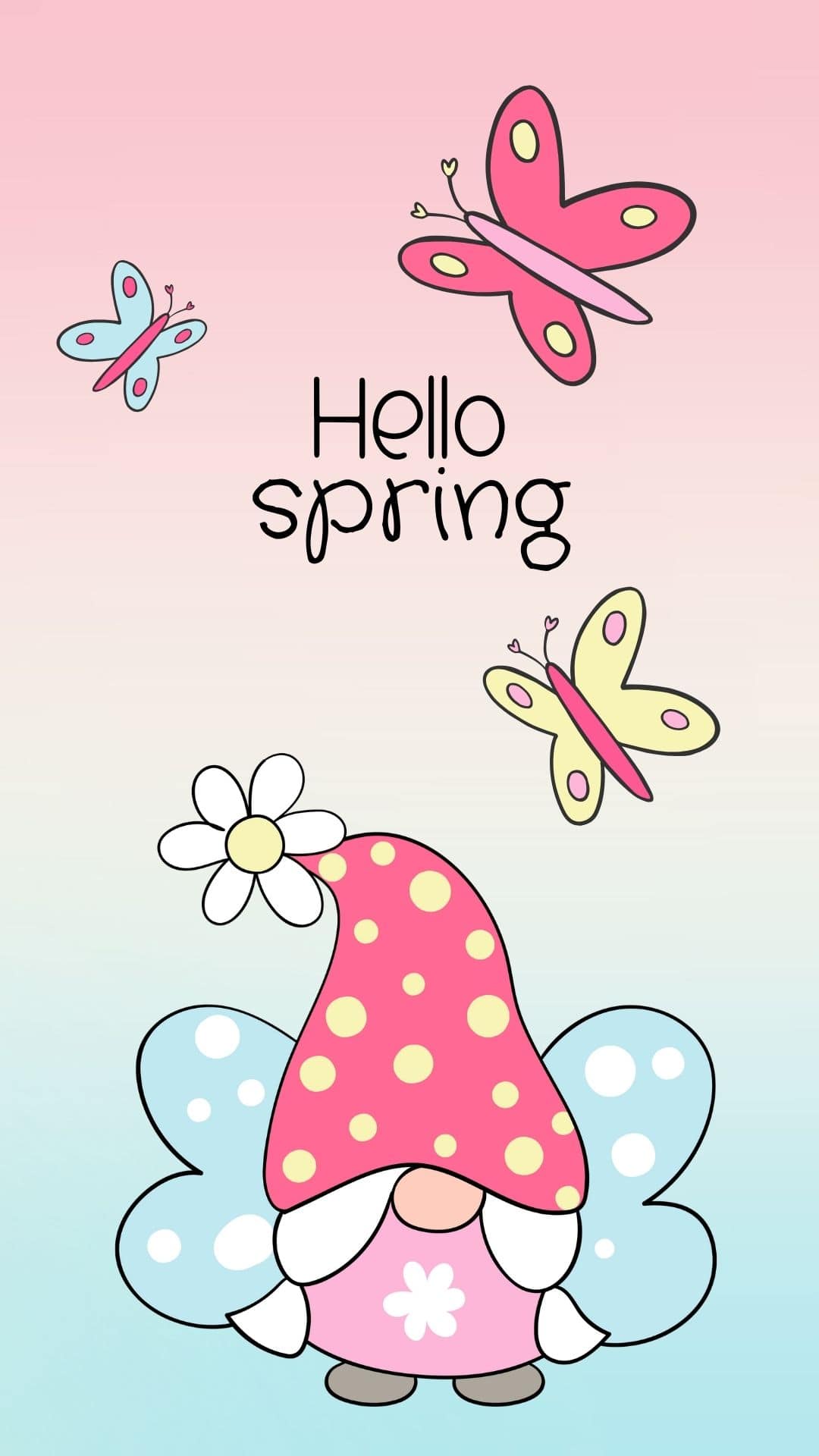
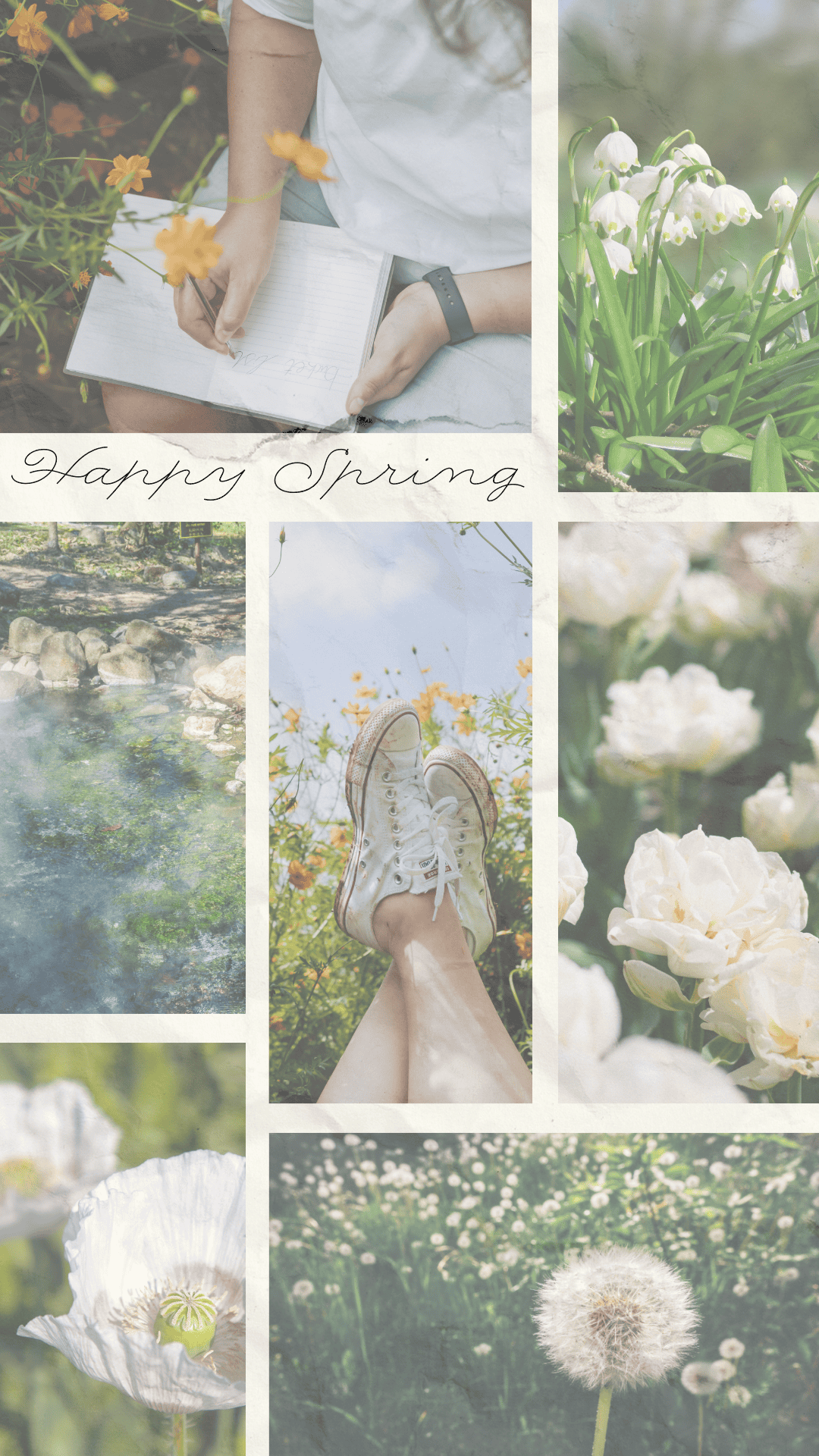
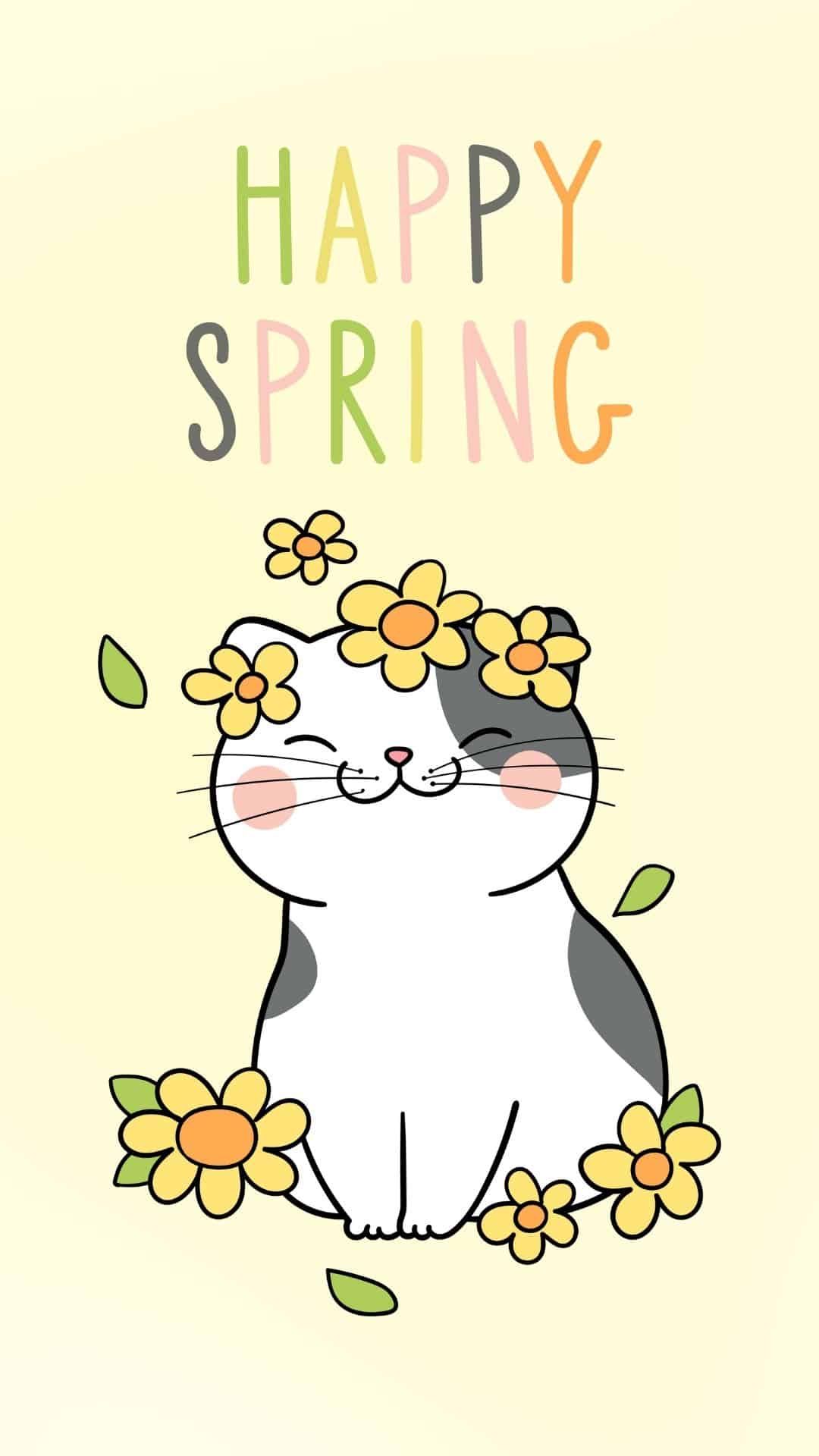
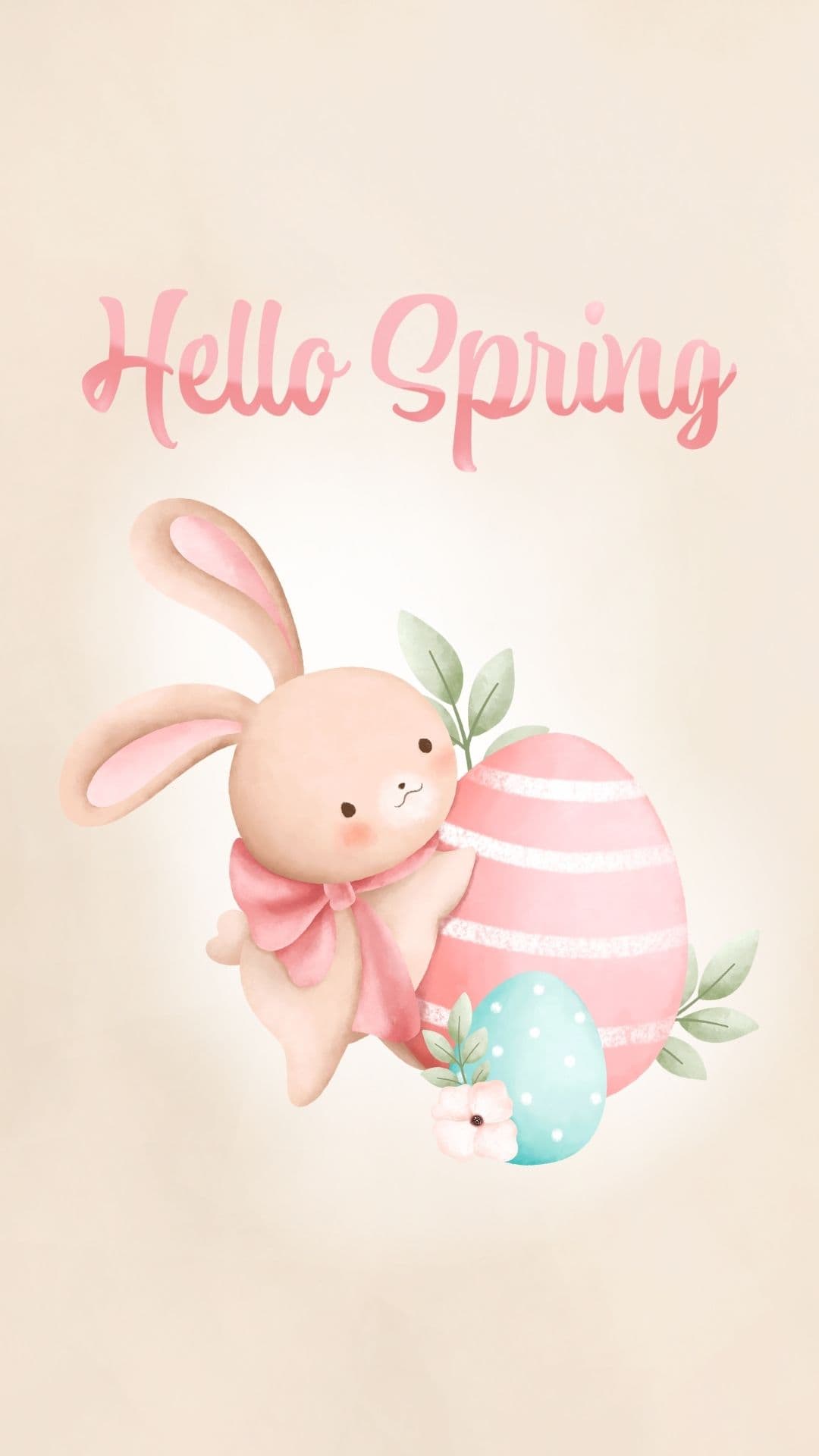
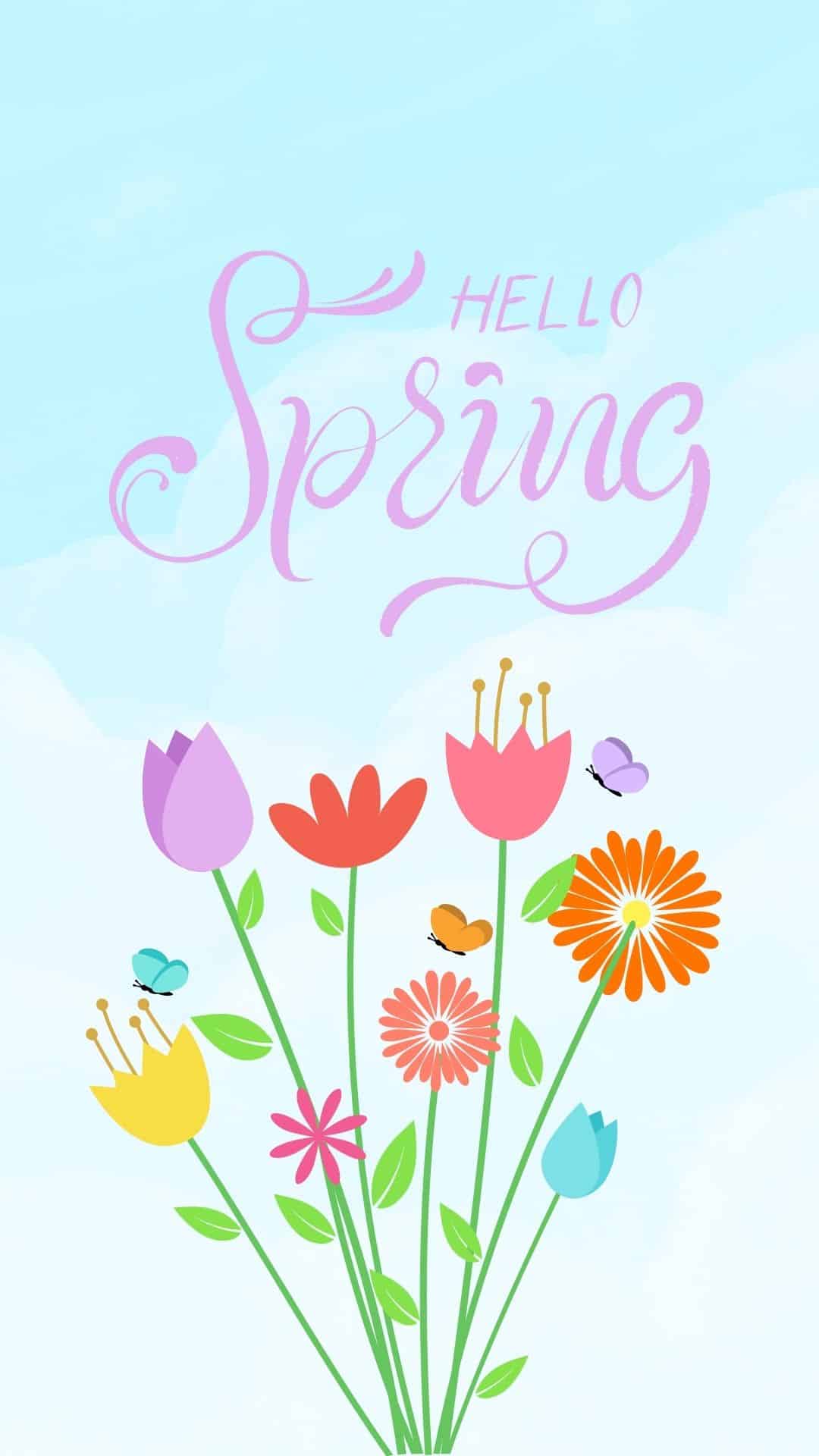
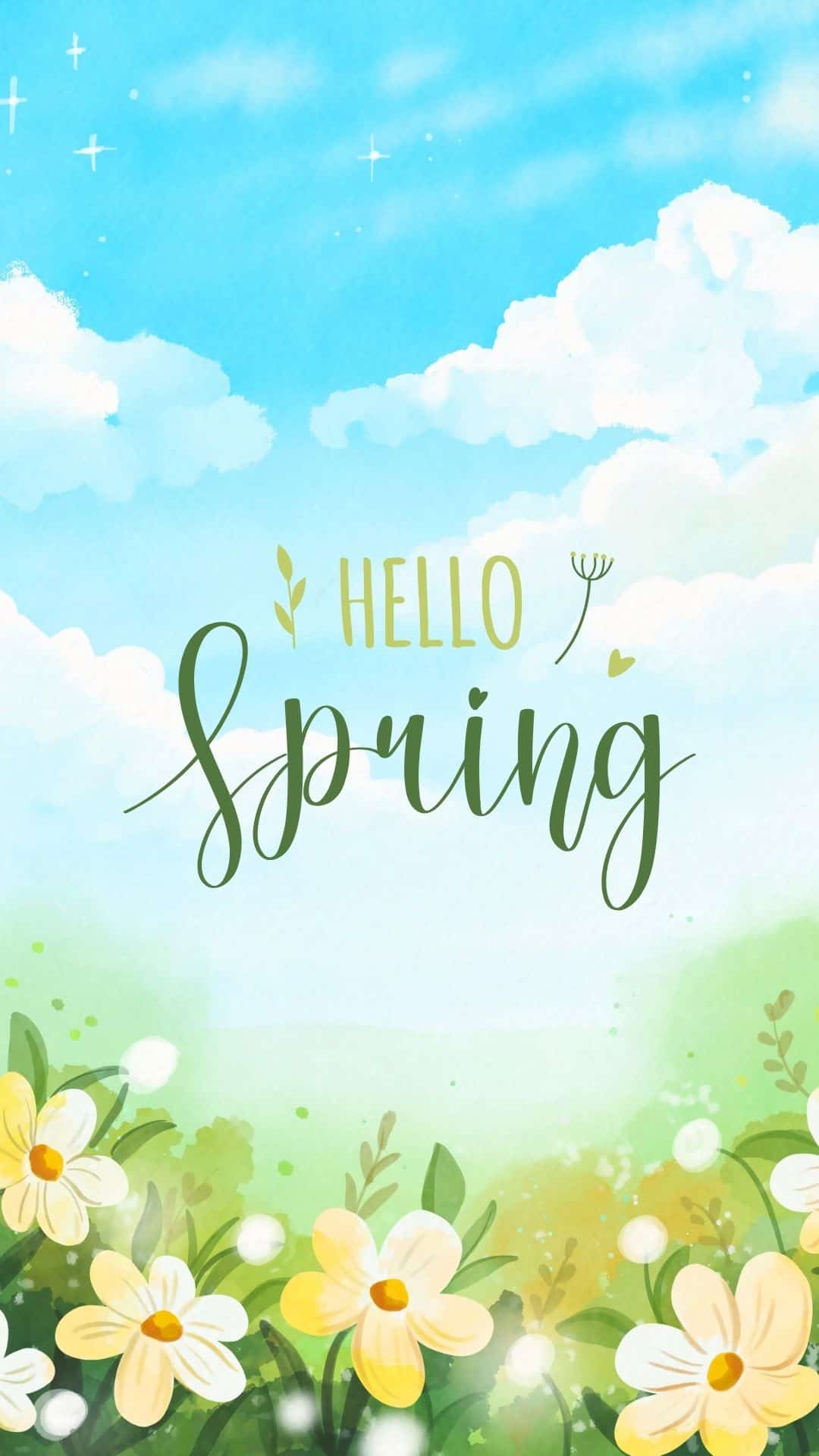
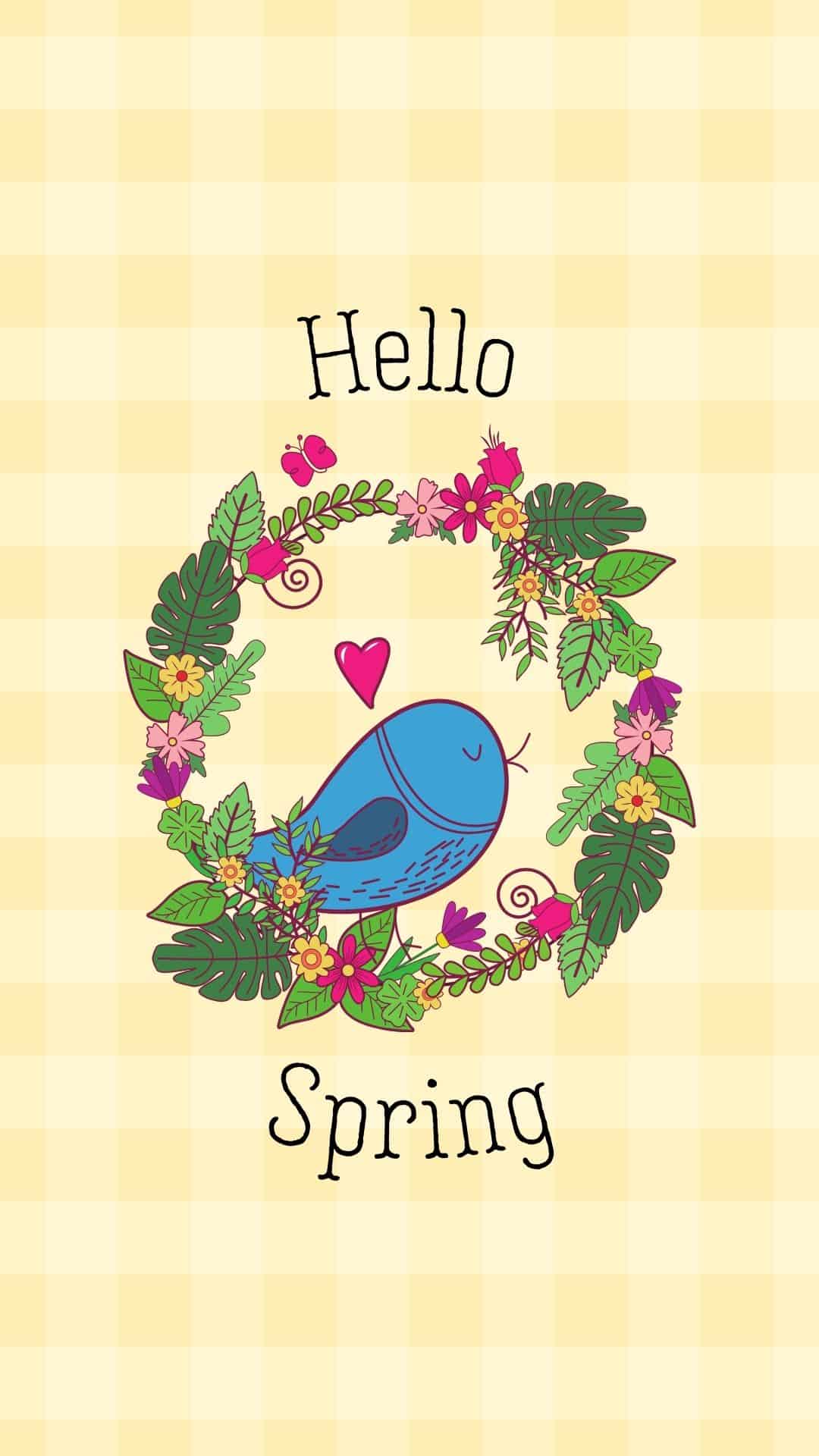
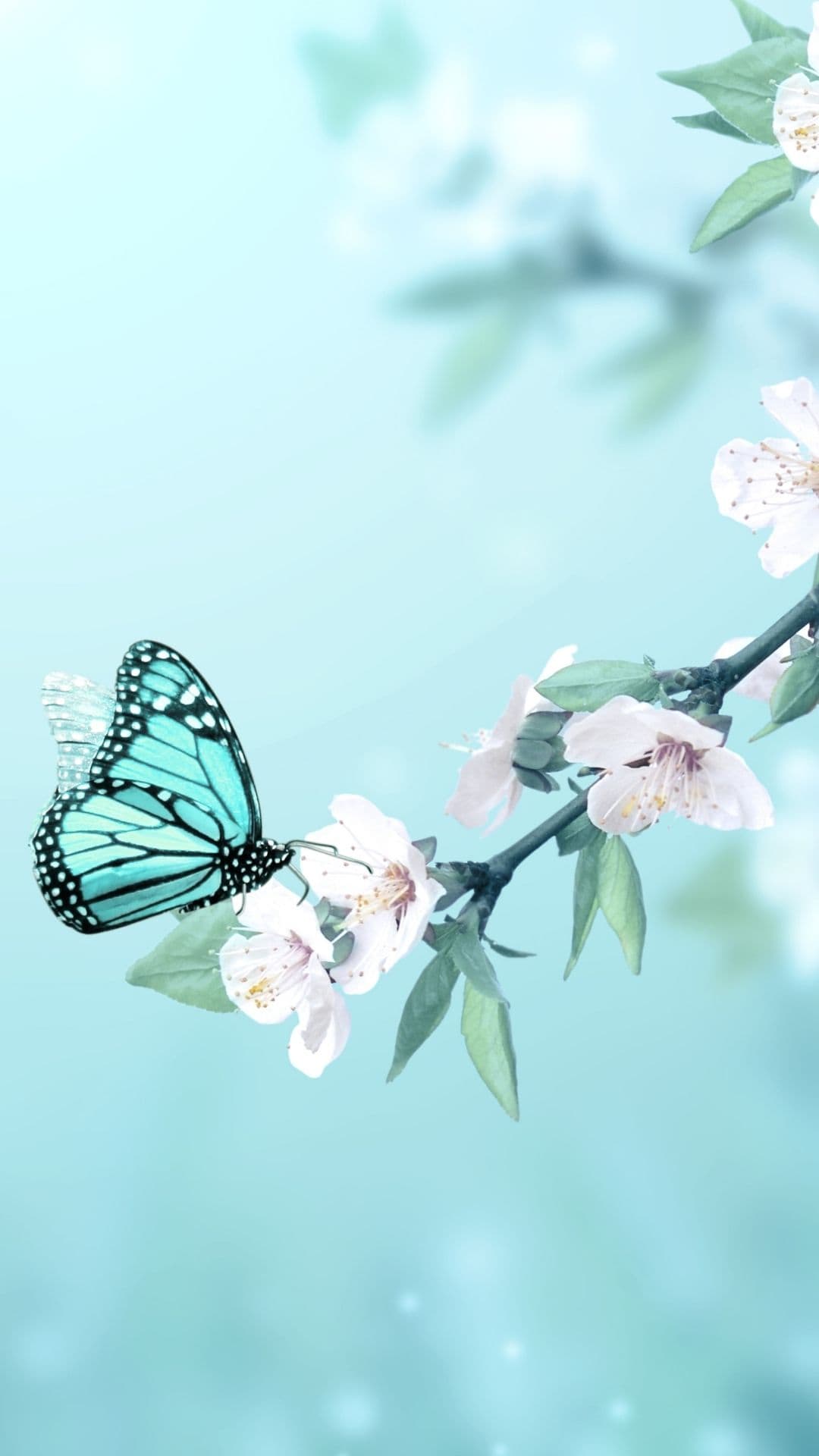
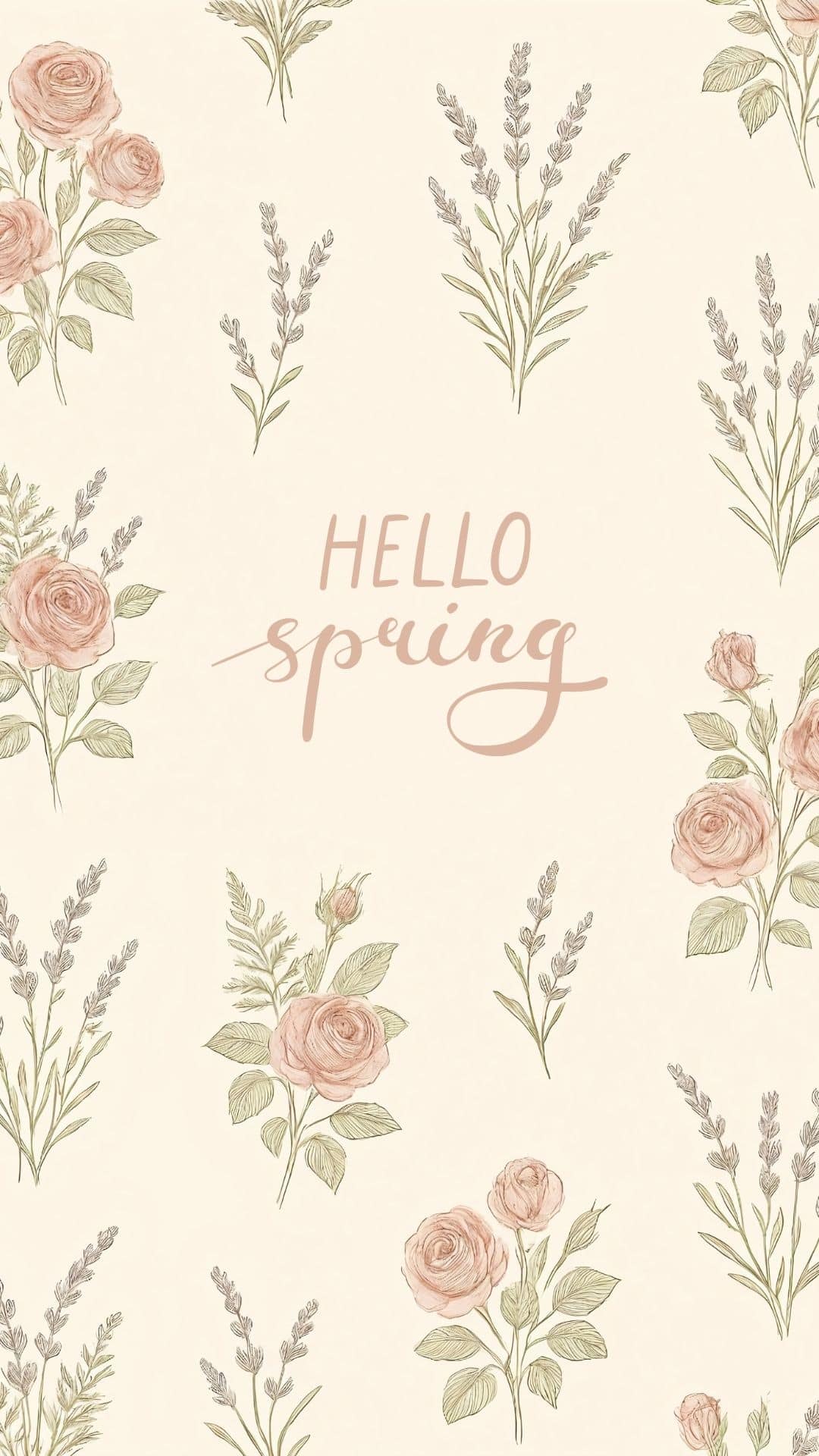
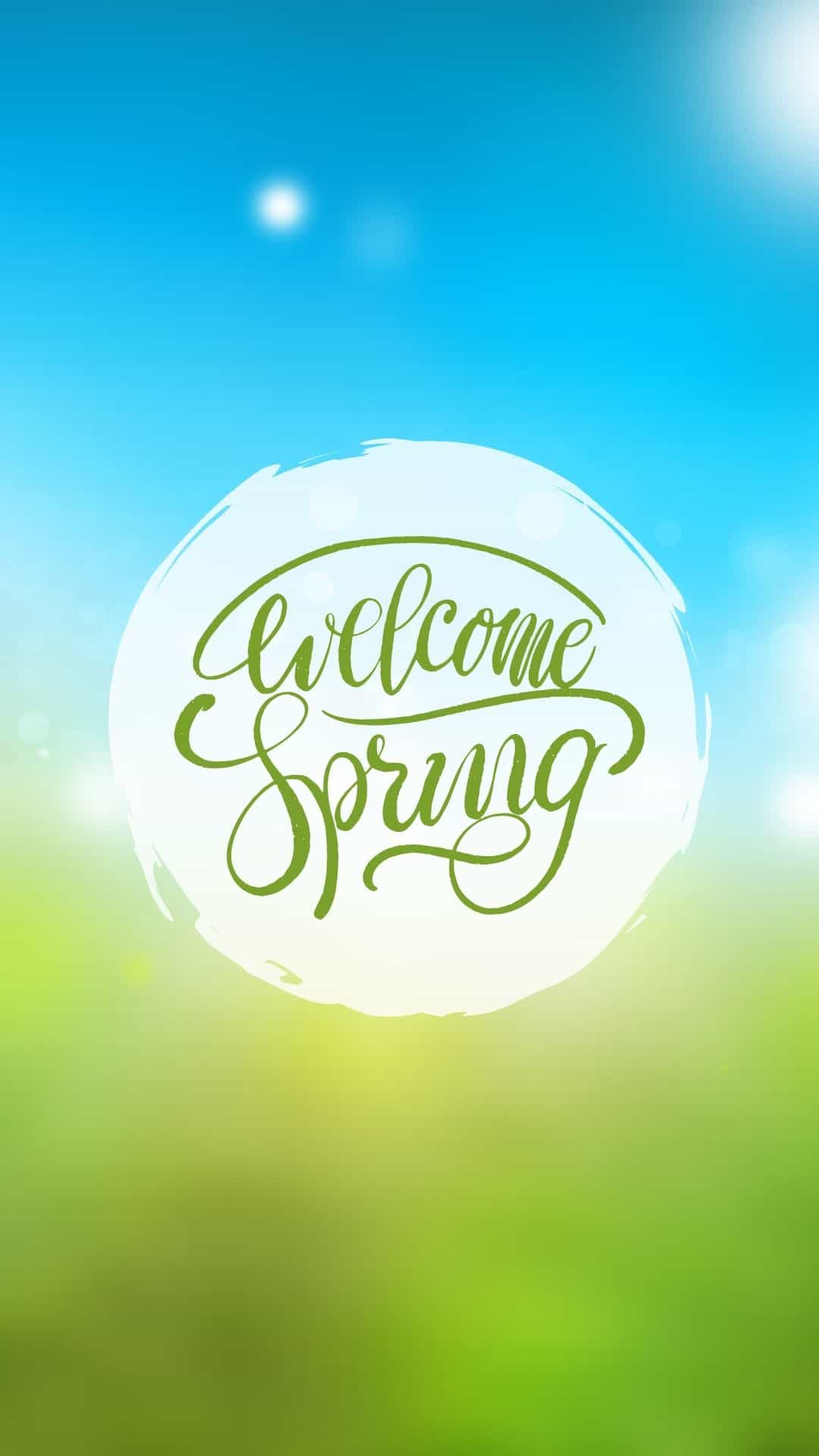
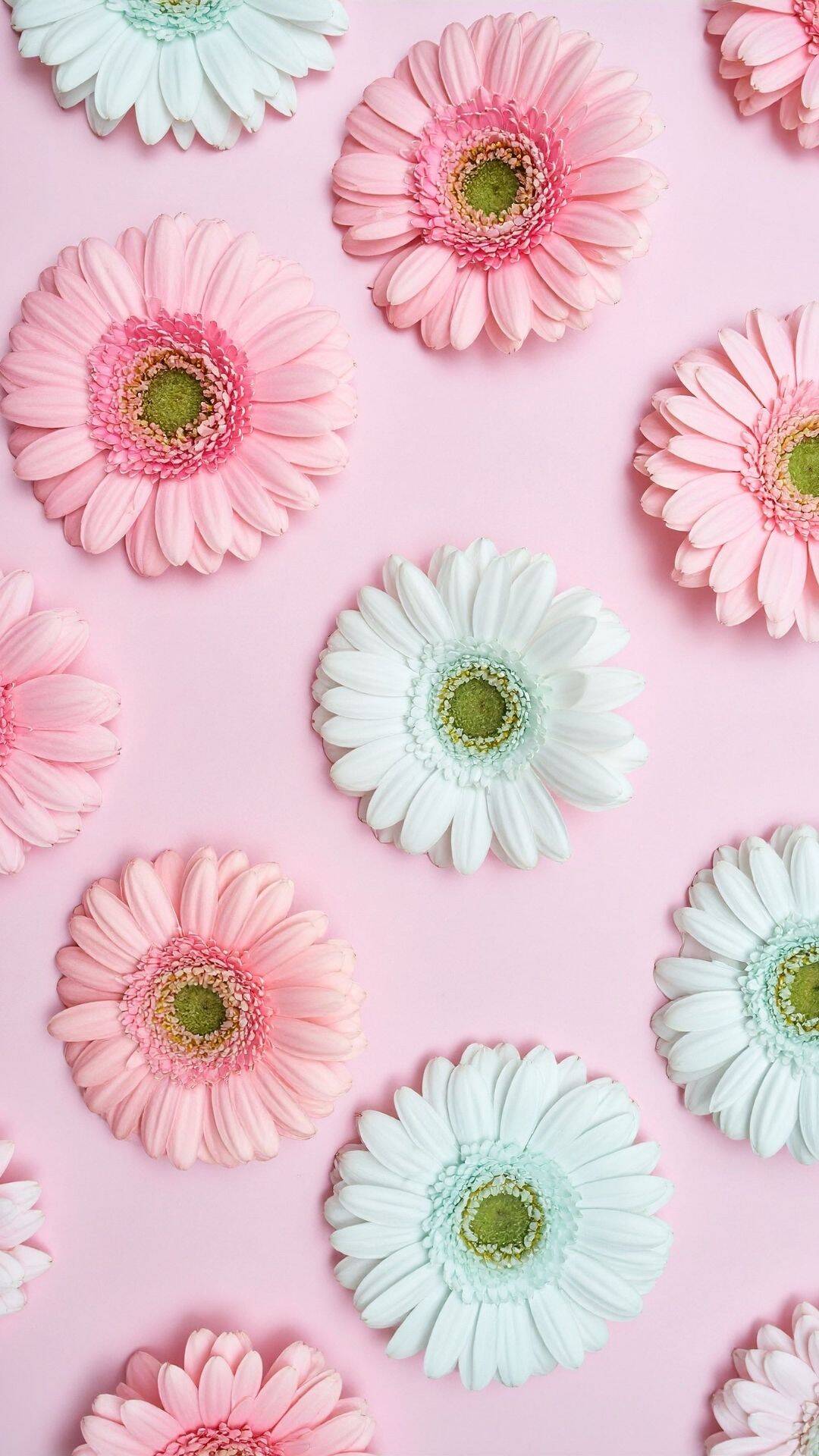
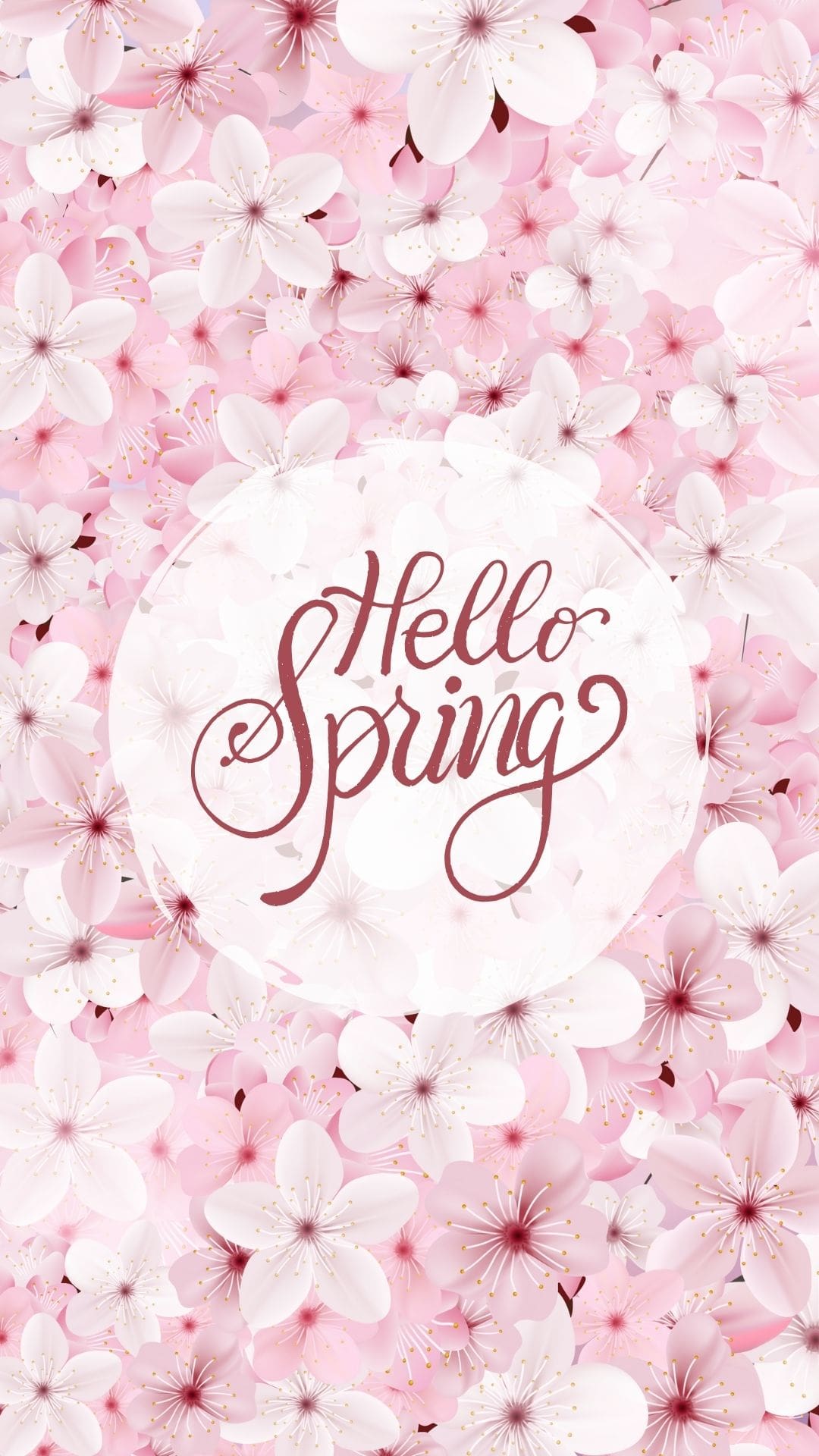
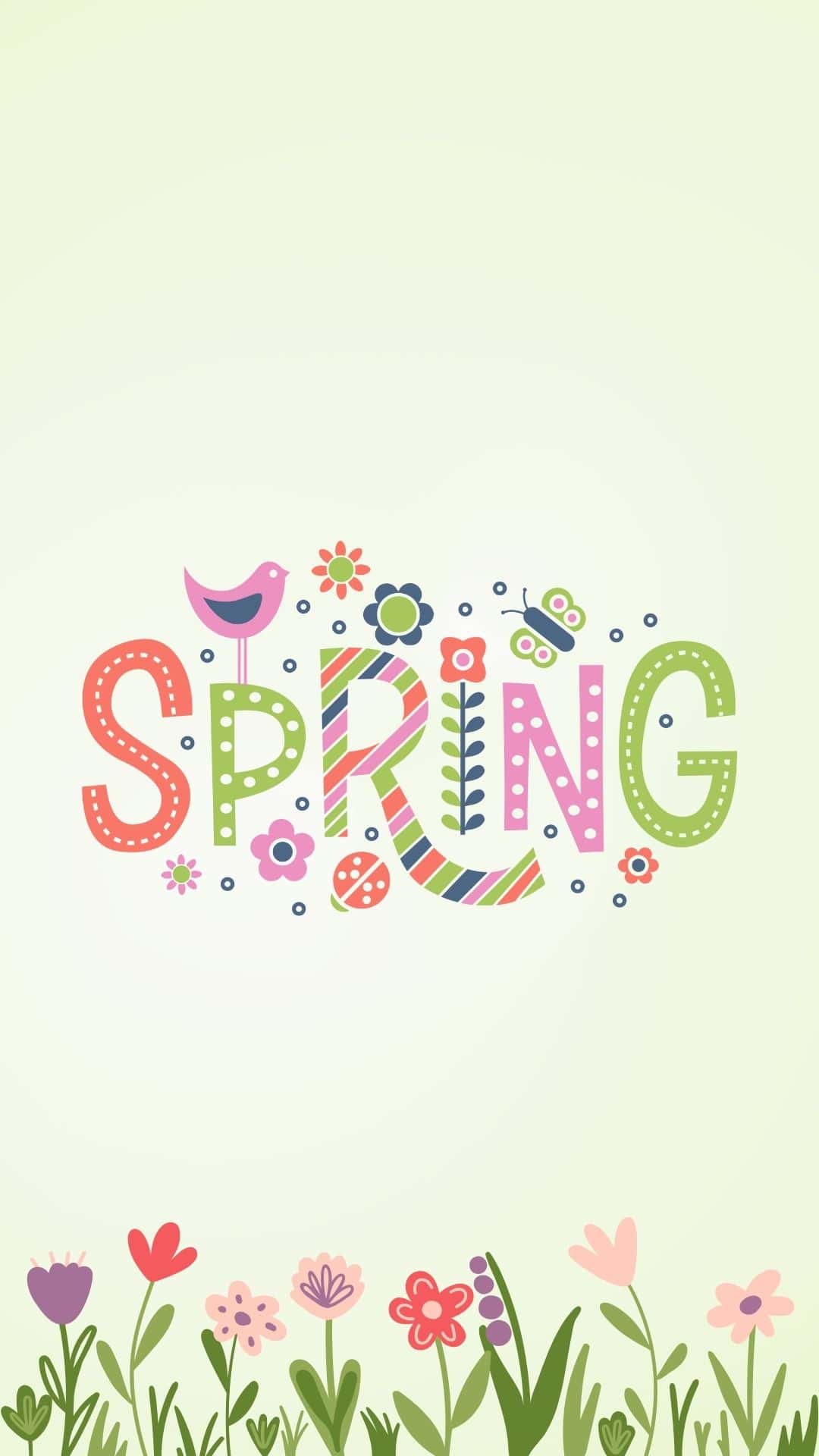
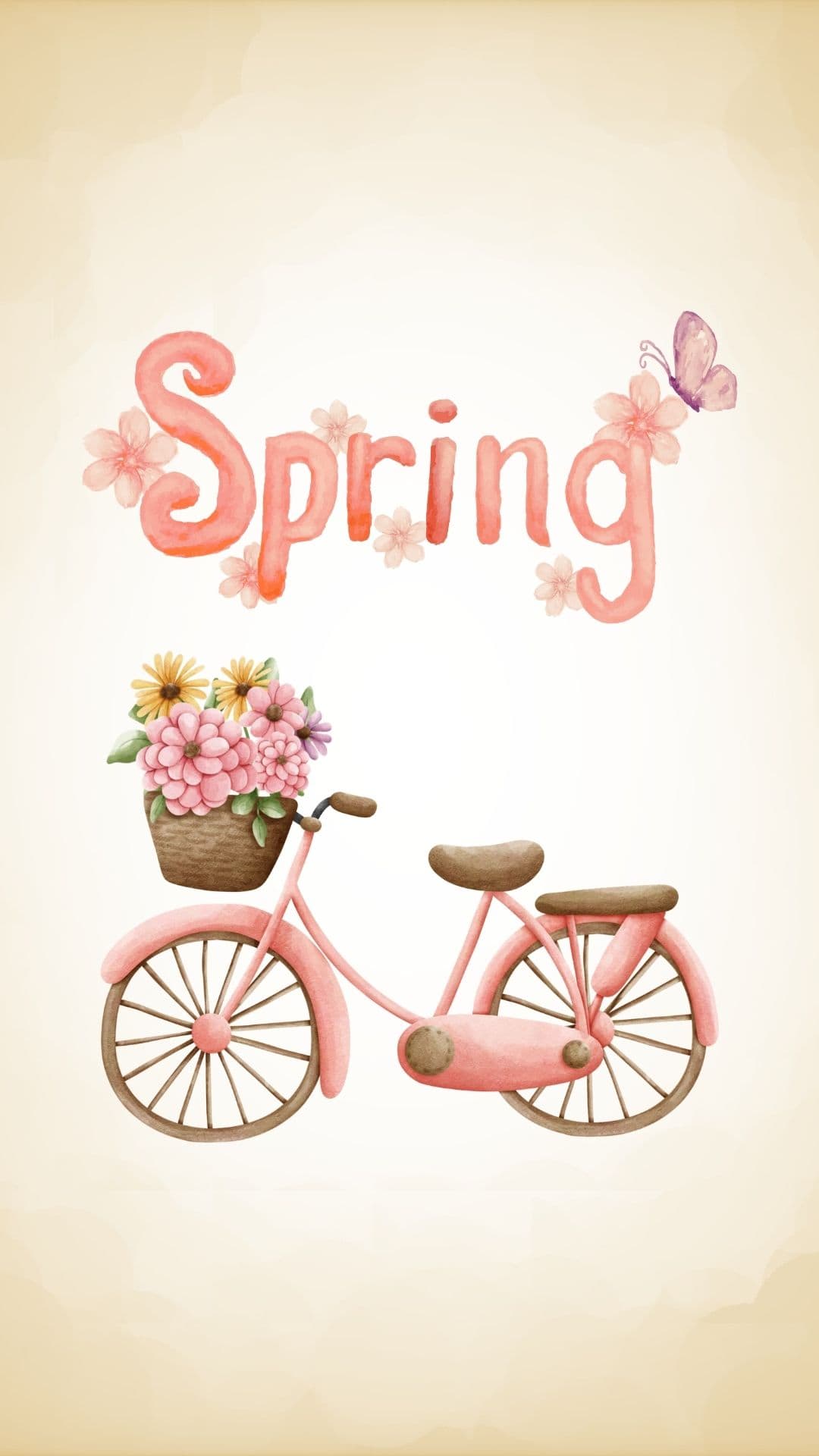
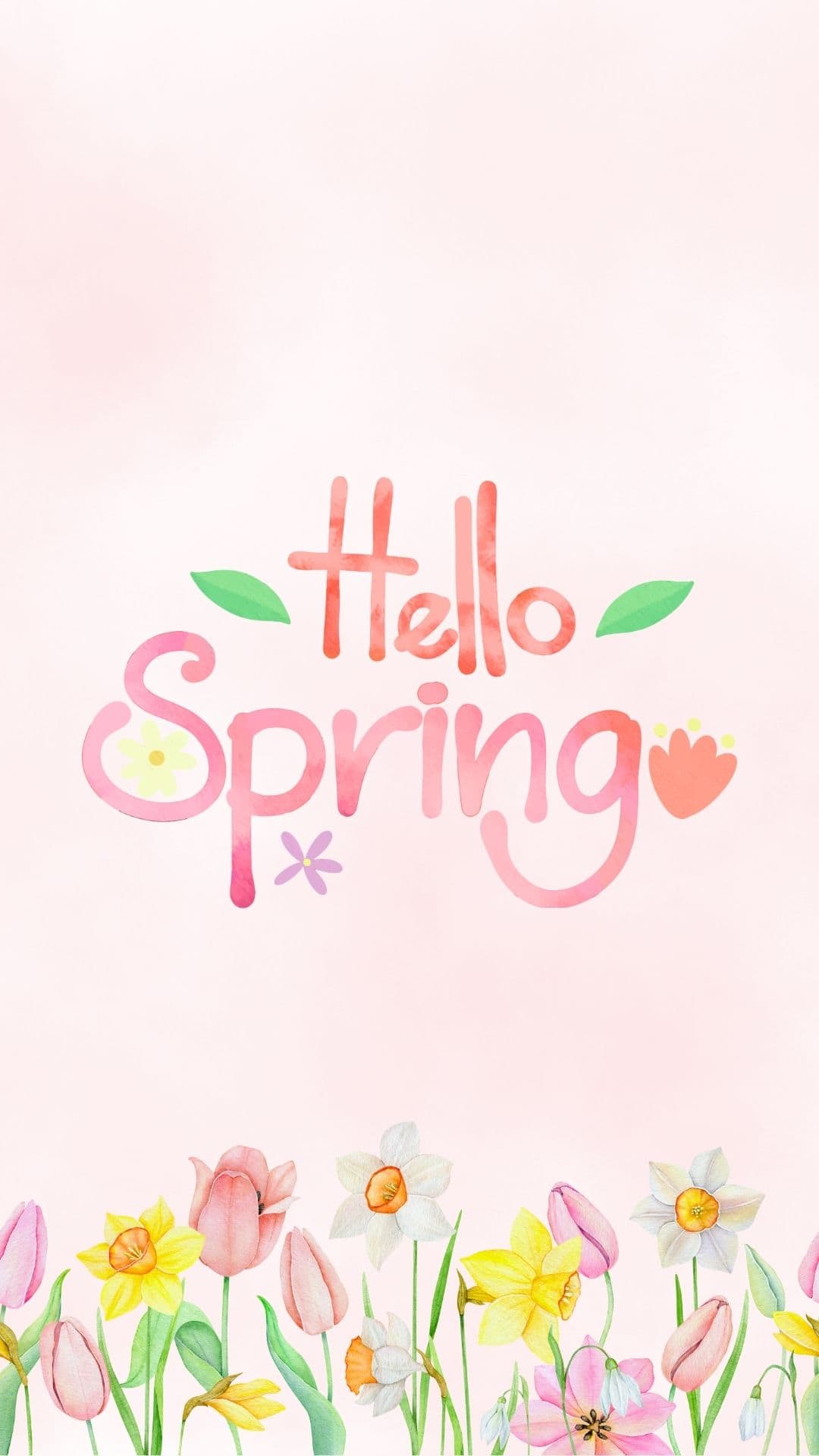
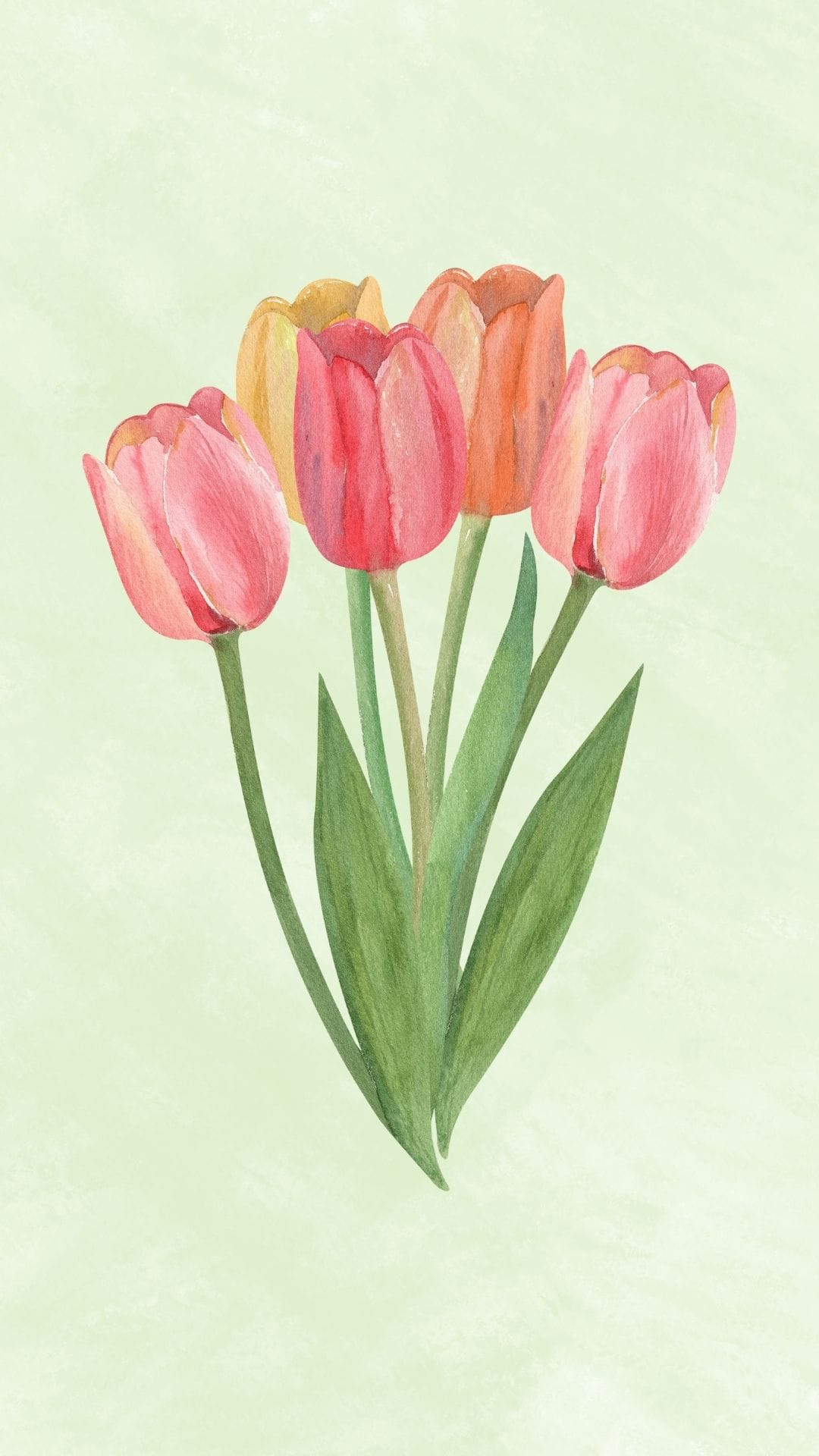
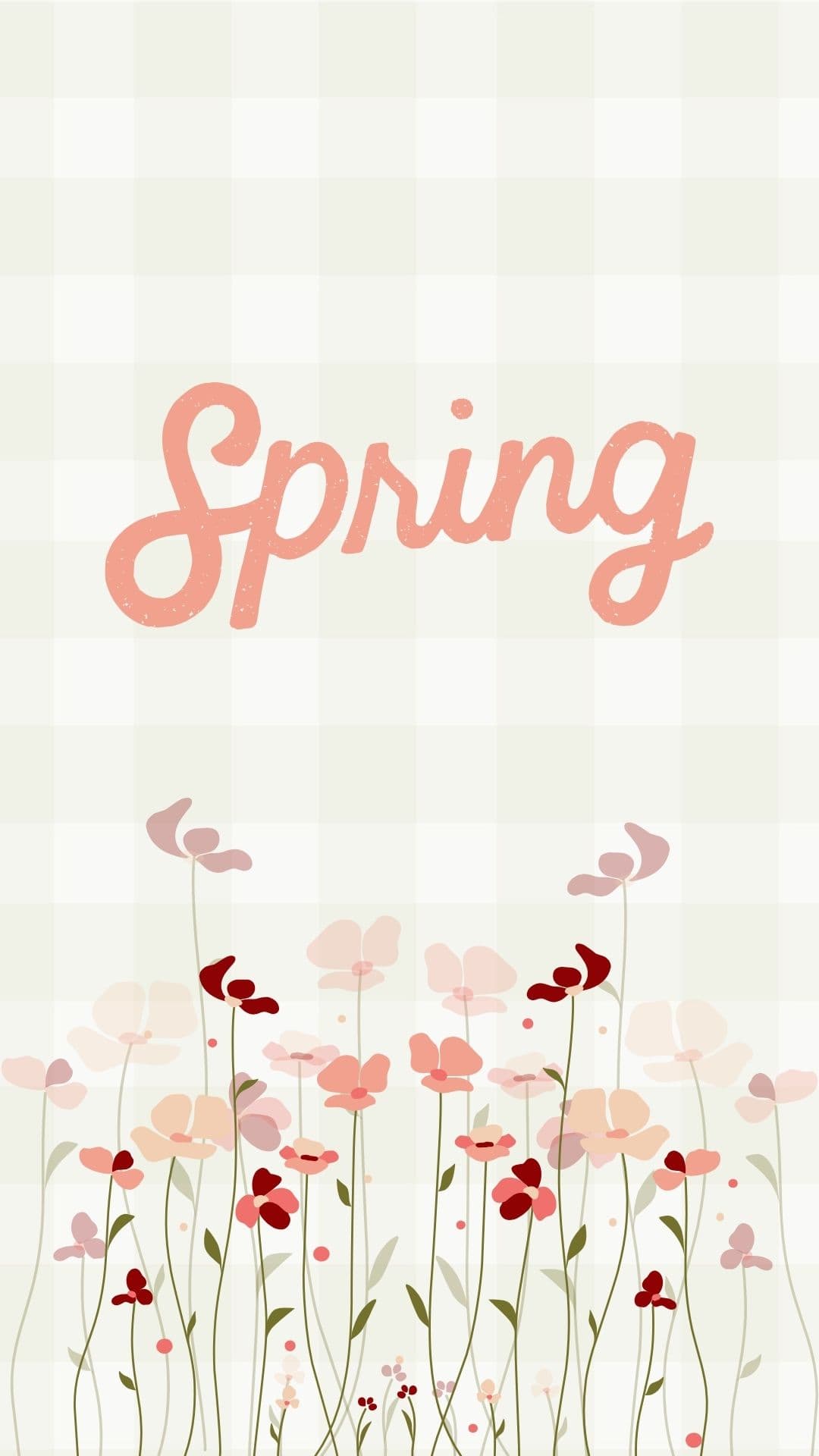
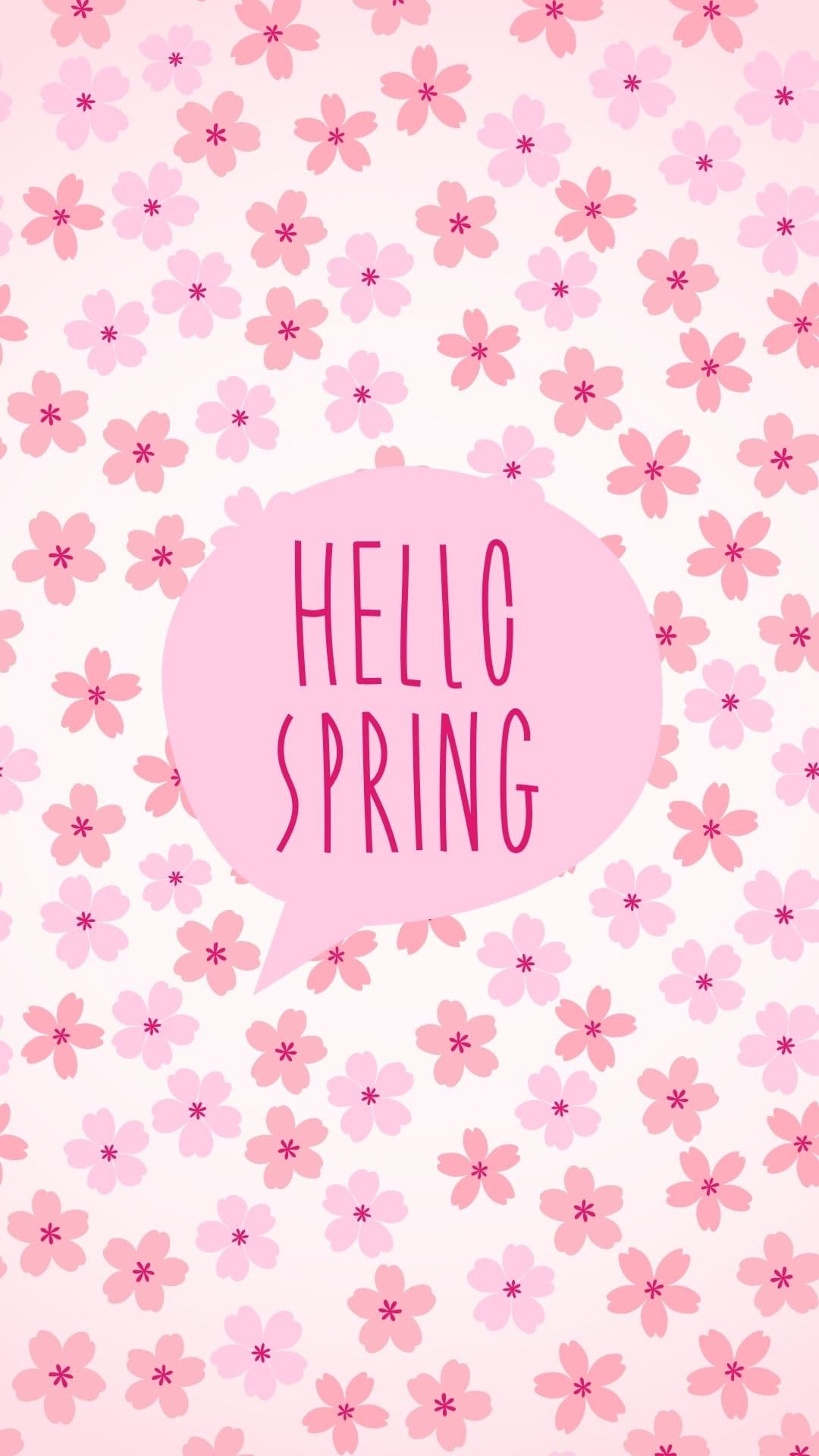
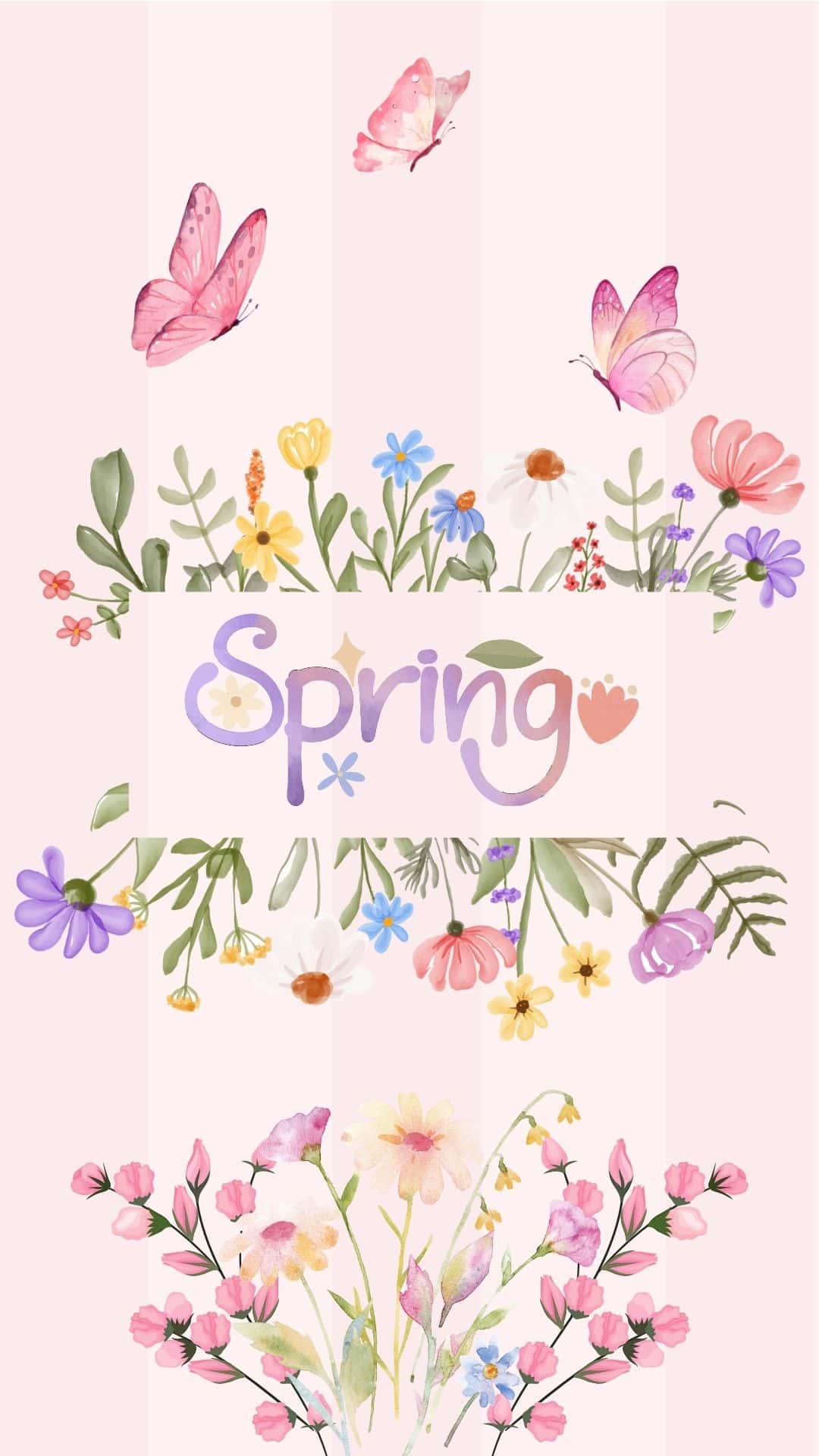
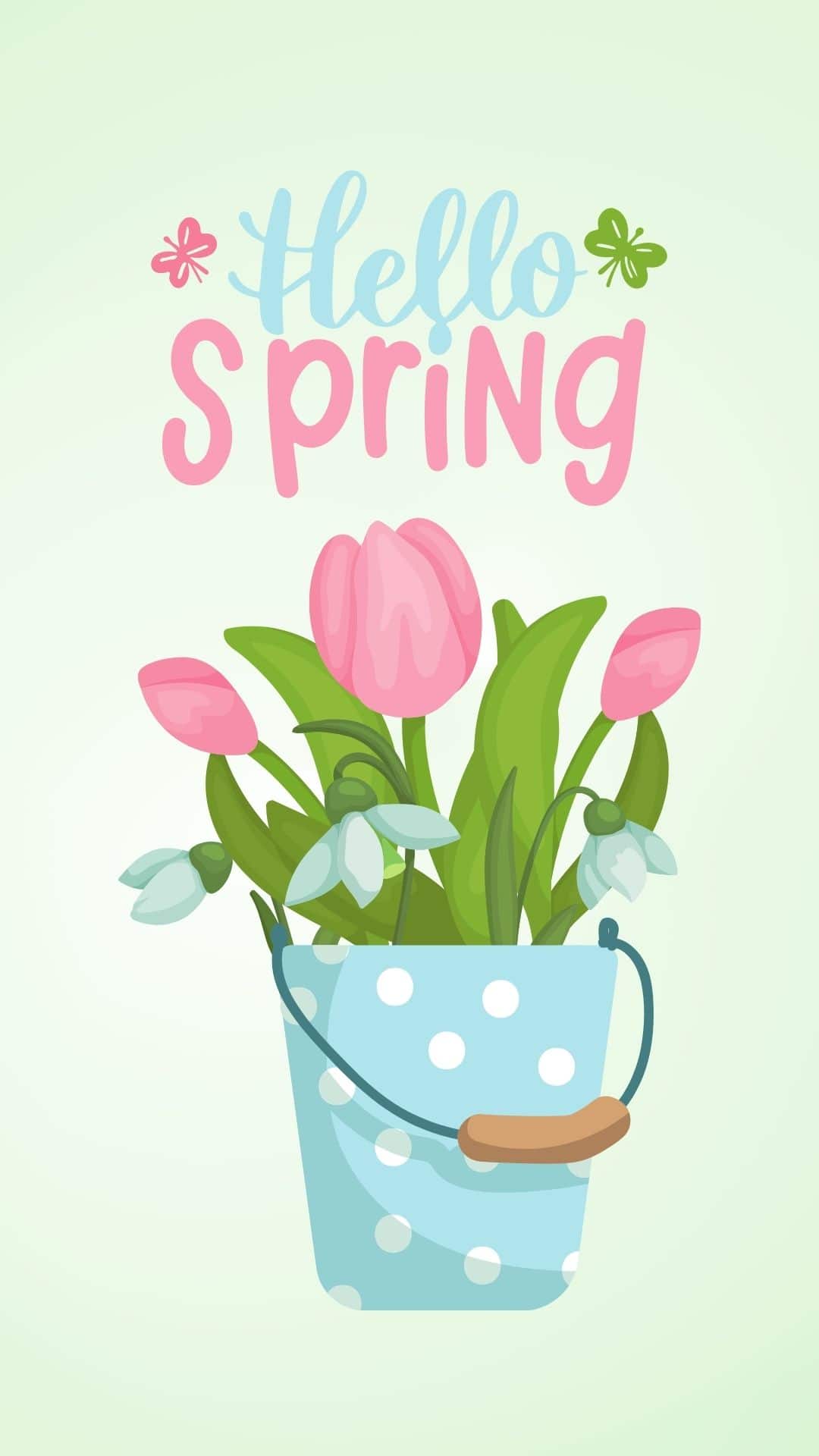
If your home screen is still giving winter vibes, you're going to love this collection of free wallpapers that feel aesthetic, cute, and perfect for the season. You'll find spring backgrounds in all kinds of festive styles, like pink and blue color palettes, bright and colorful themes, and lots of flowers and floral details.
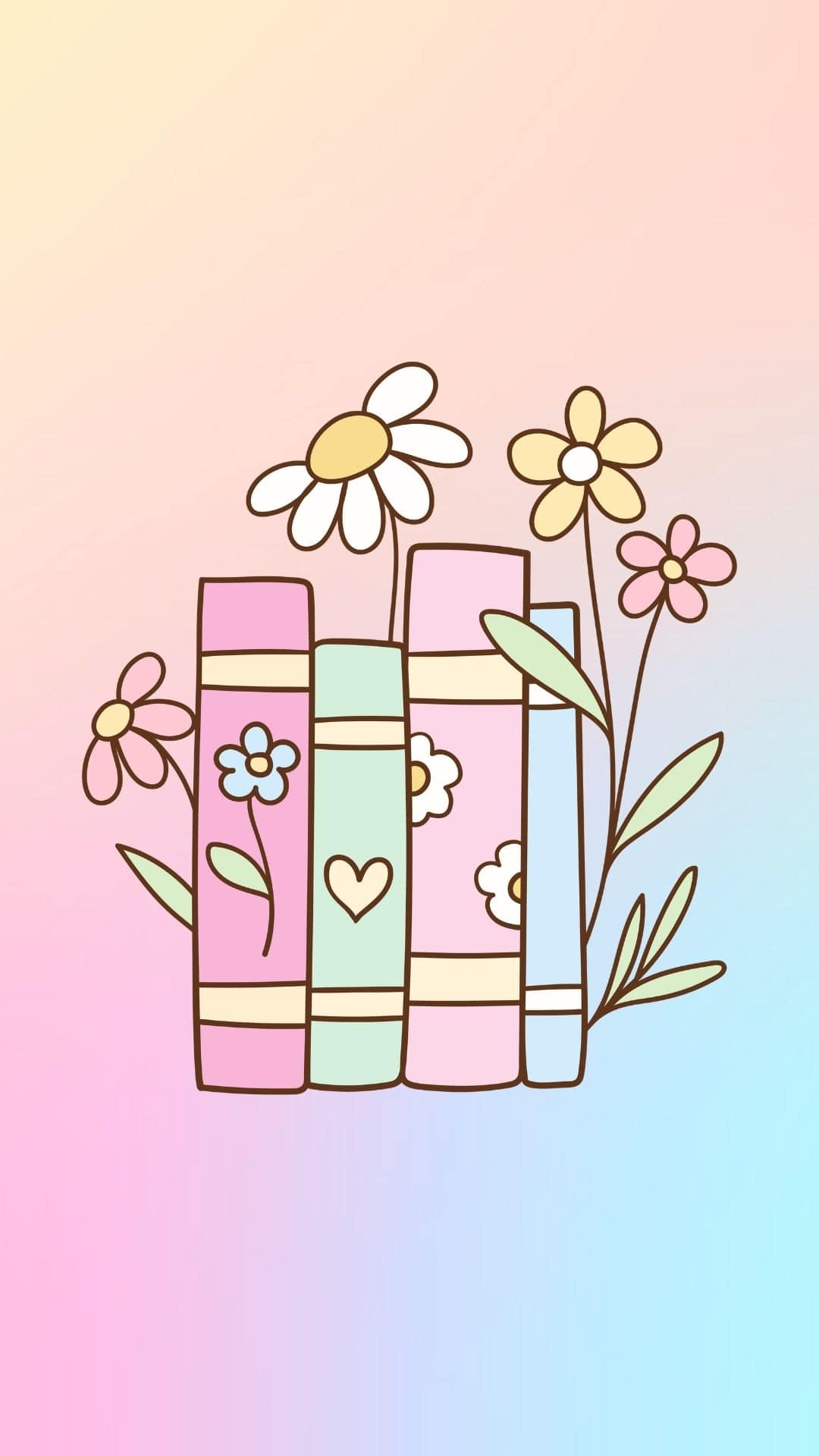
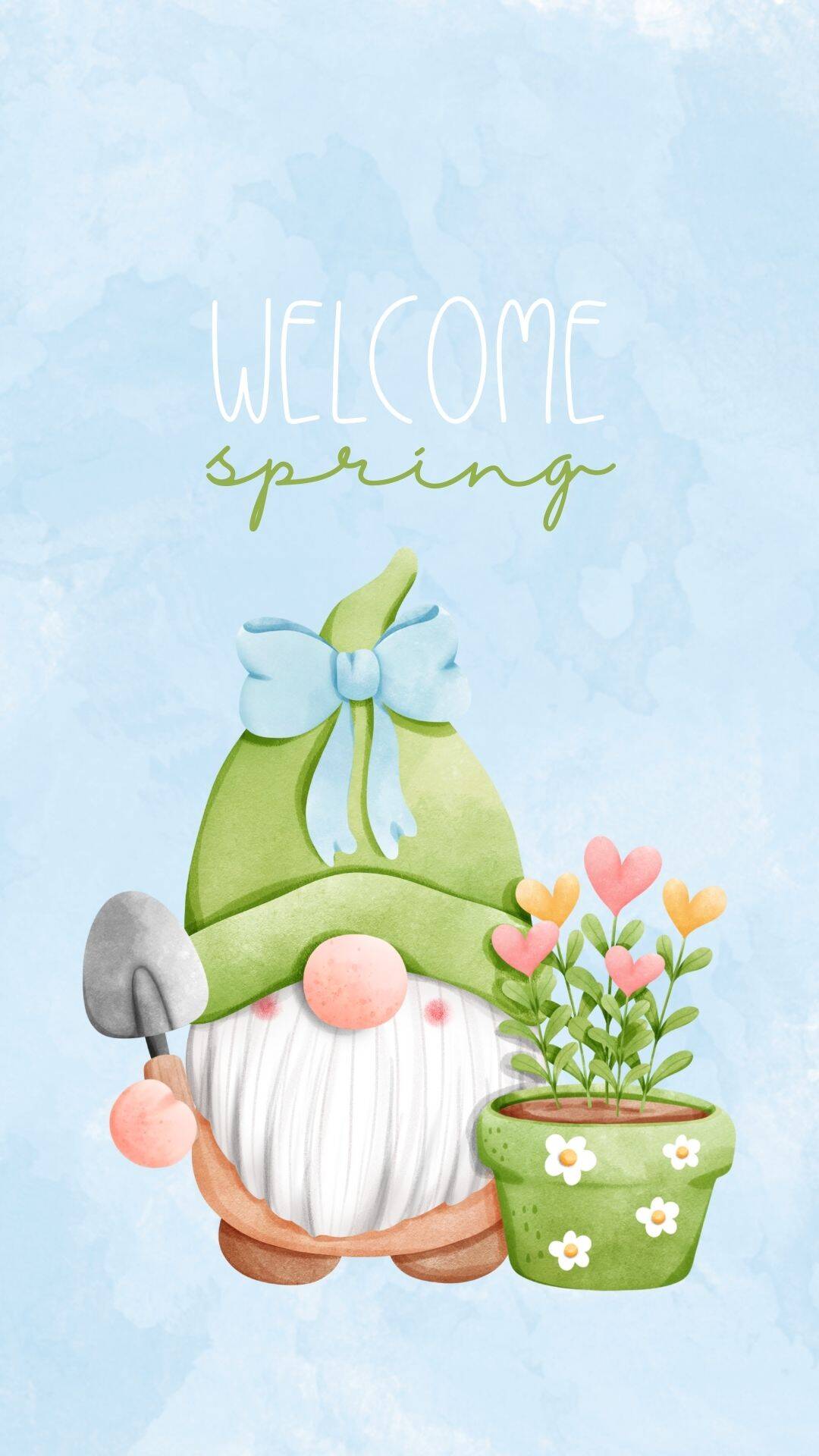
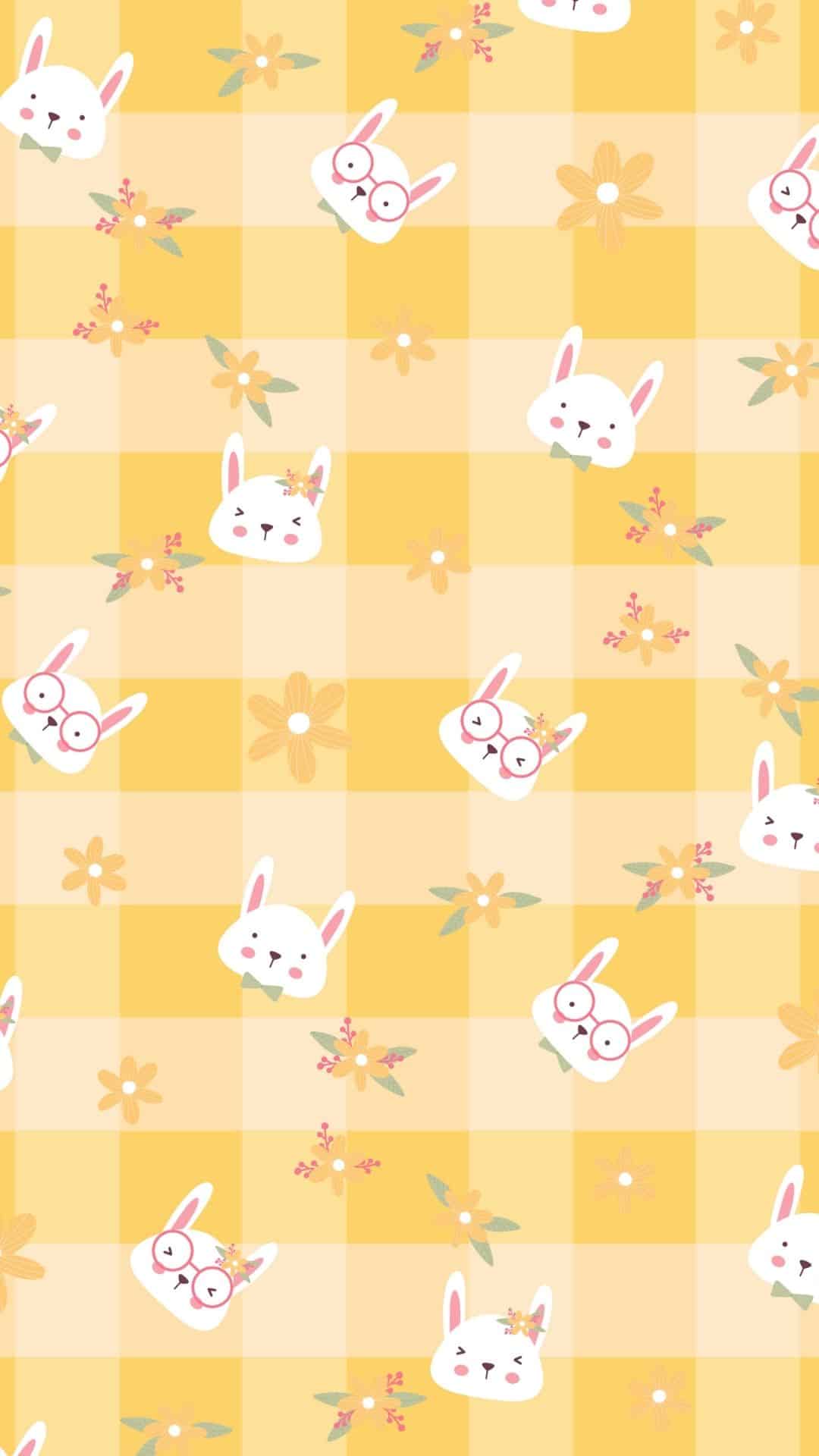
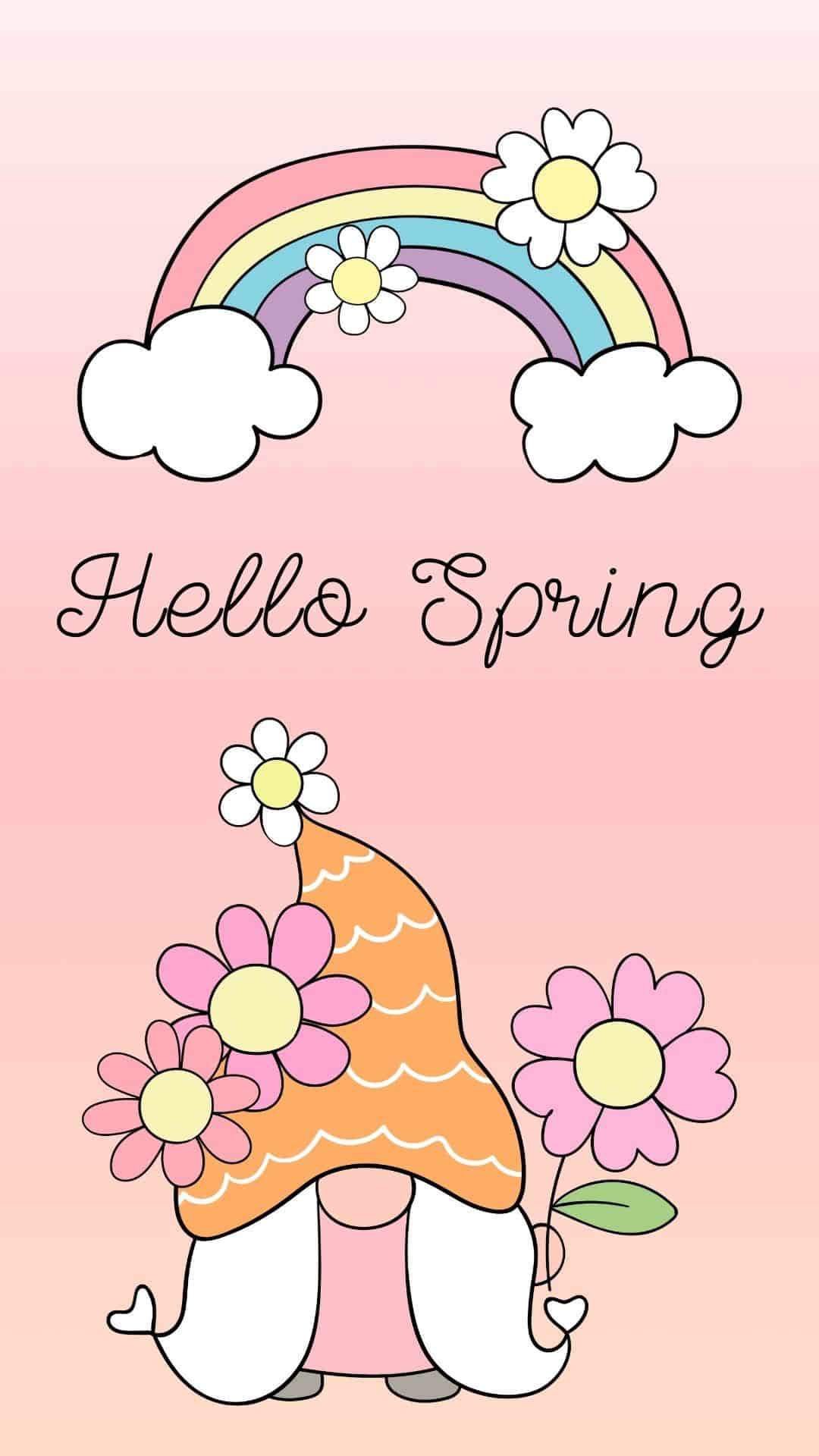
There are also trendy collage looks, fun cartoon picks, and plenty of minimal options that won't hide your icons. Whether you want something soft and sweet or bold and playful, there's a wallpaper here that'll make your home screen feel instantly refreshed.
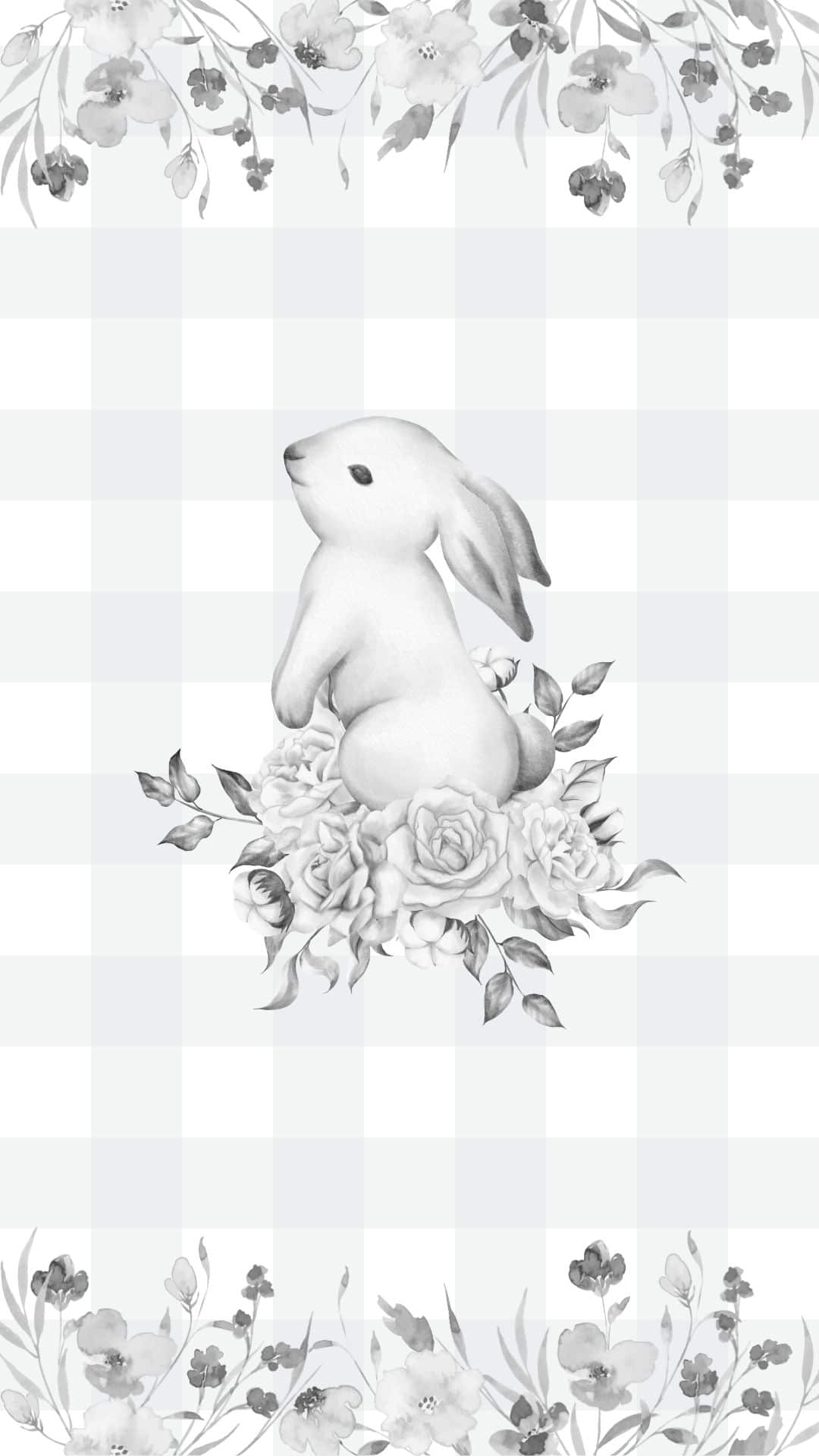
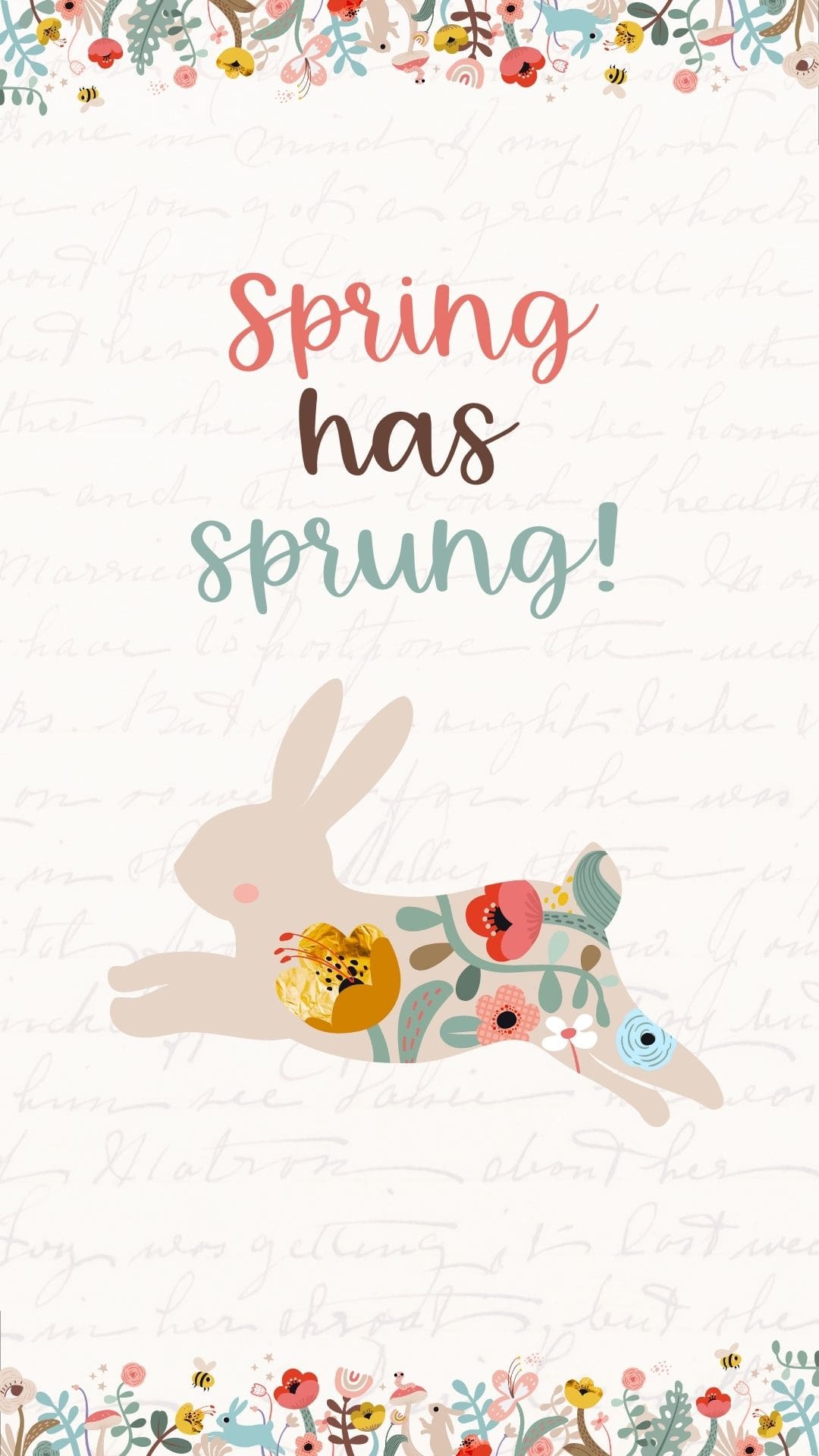
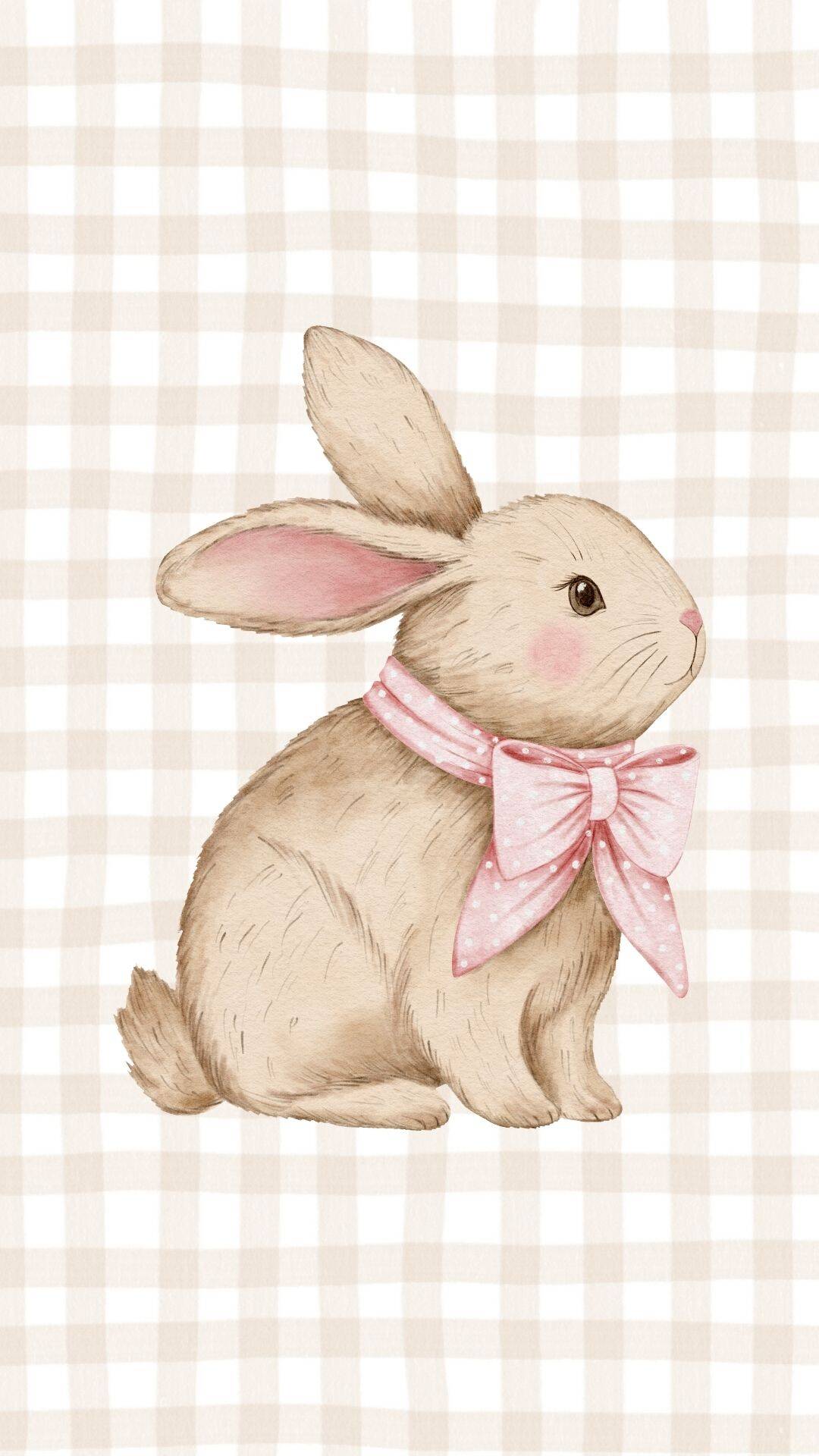
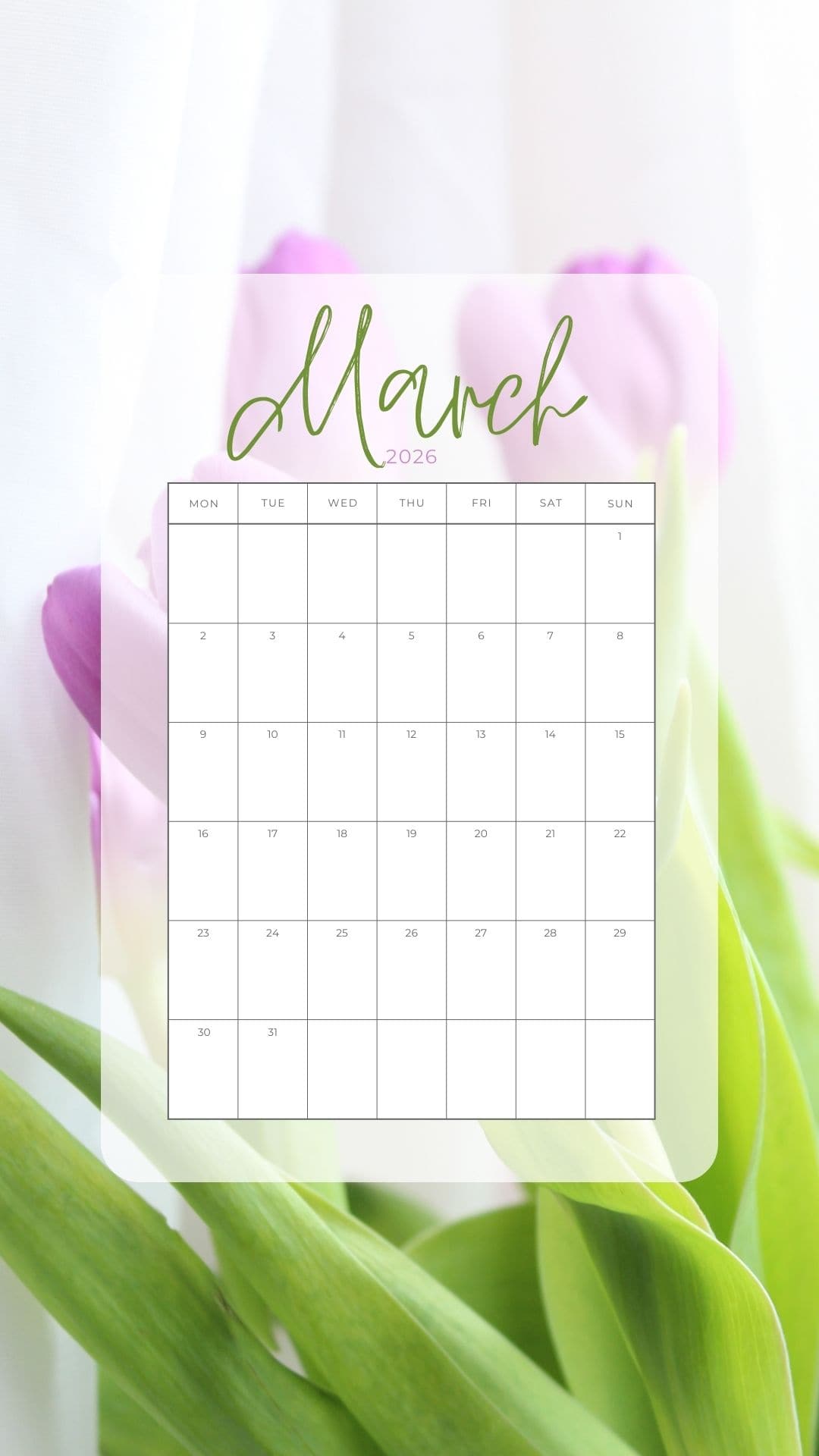
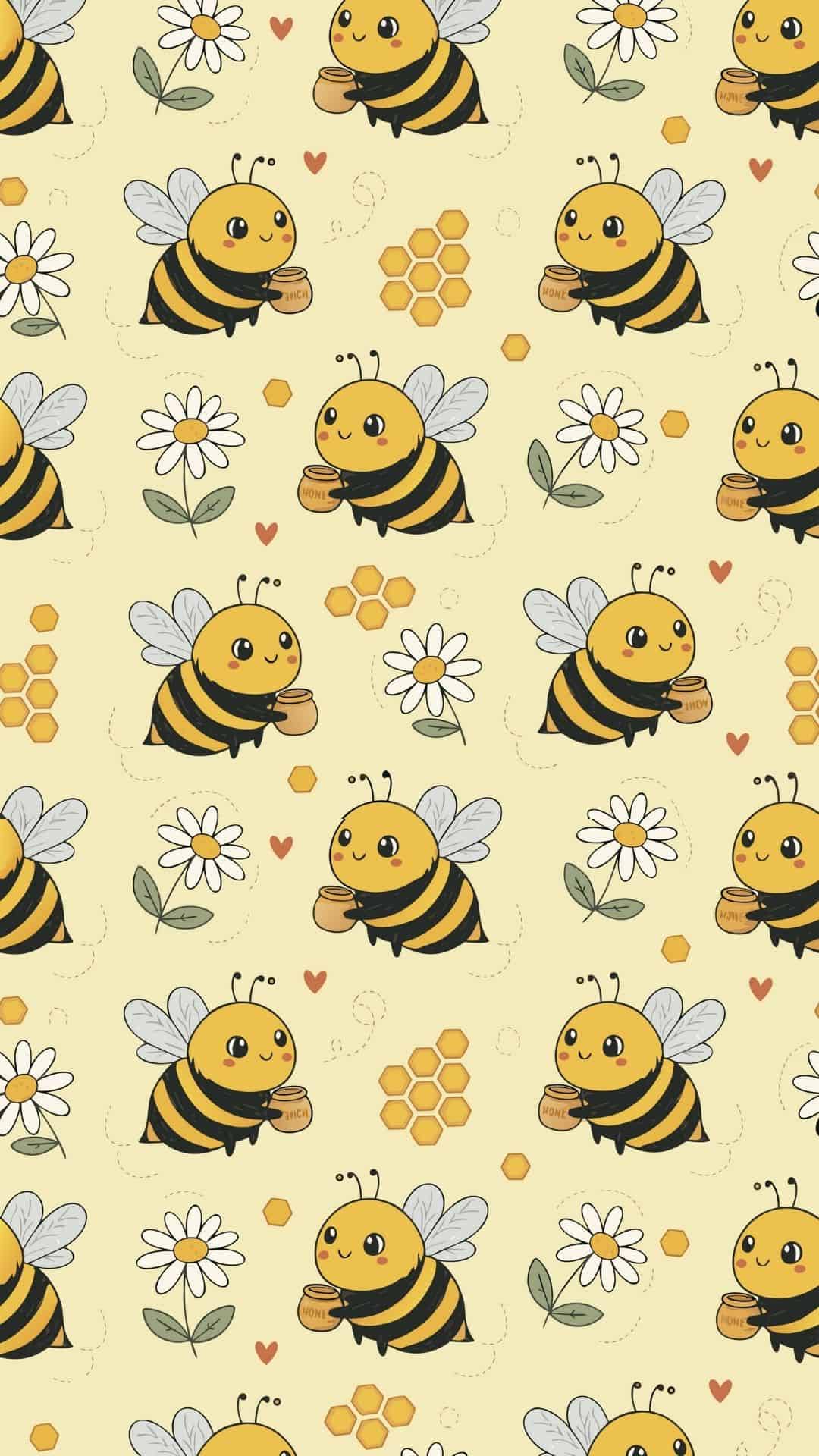
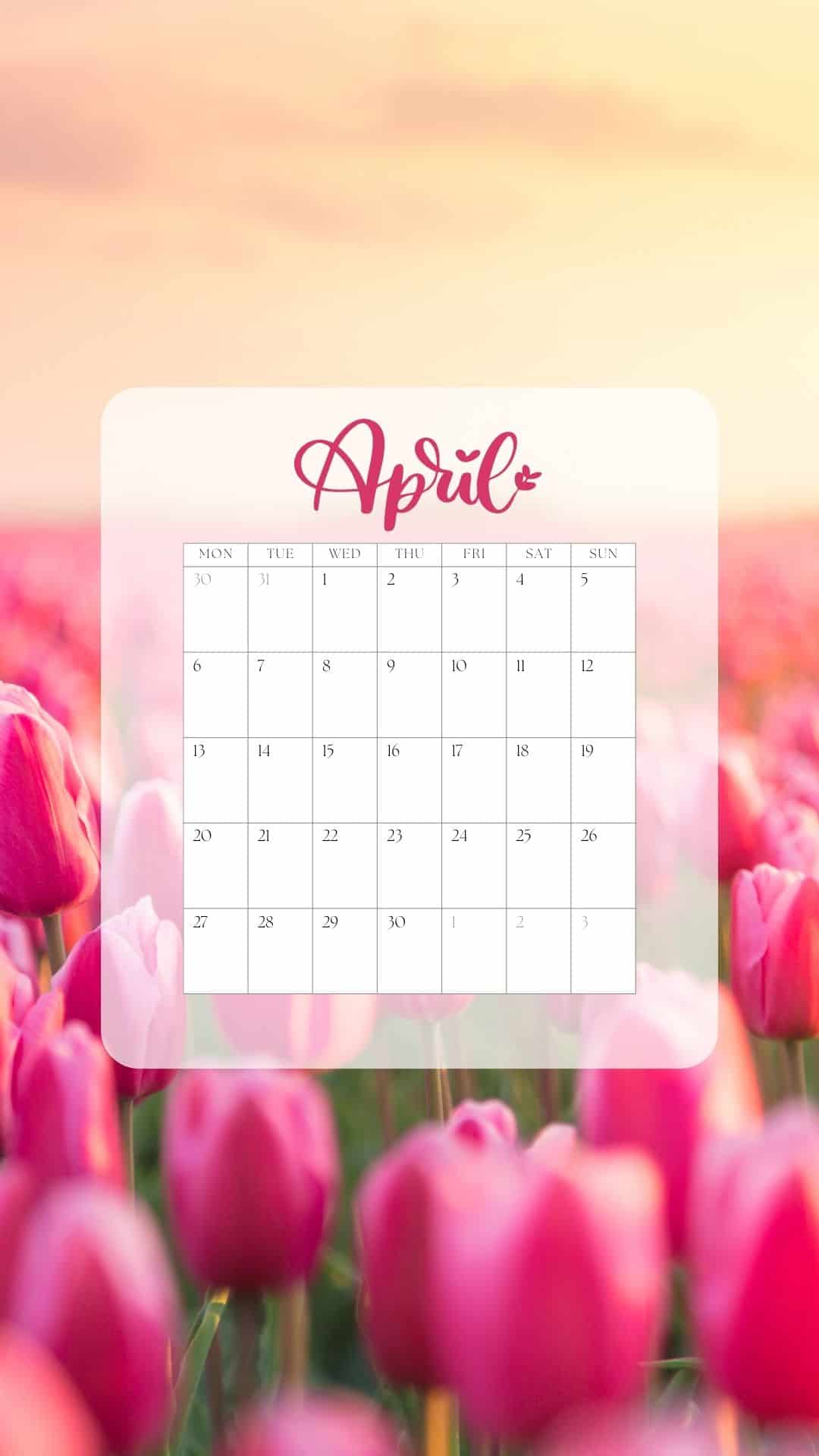
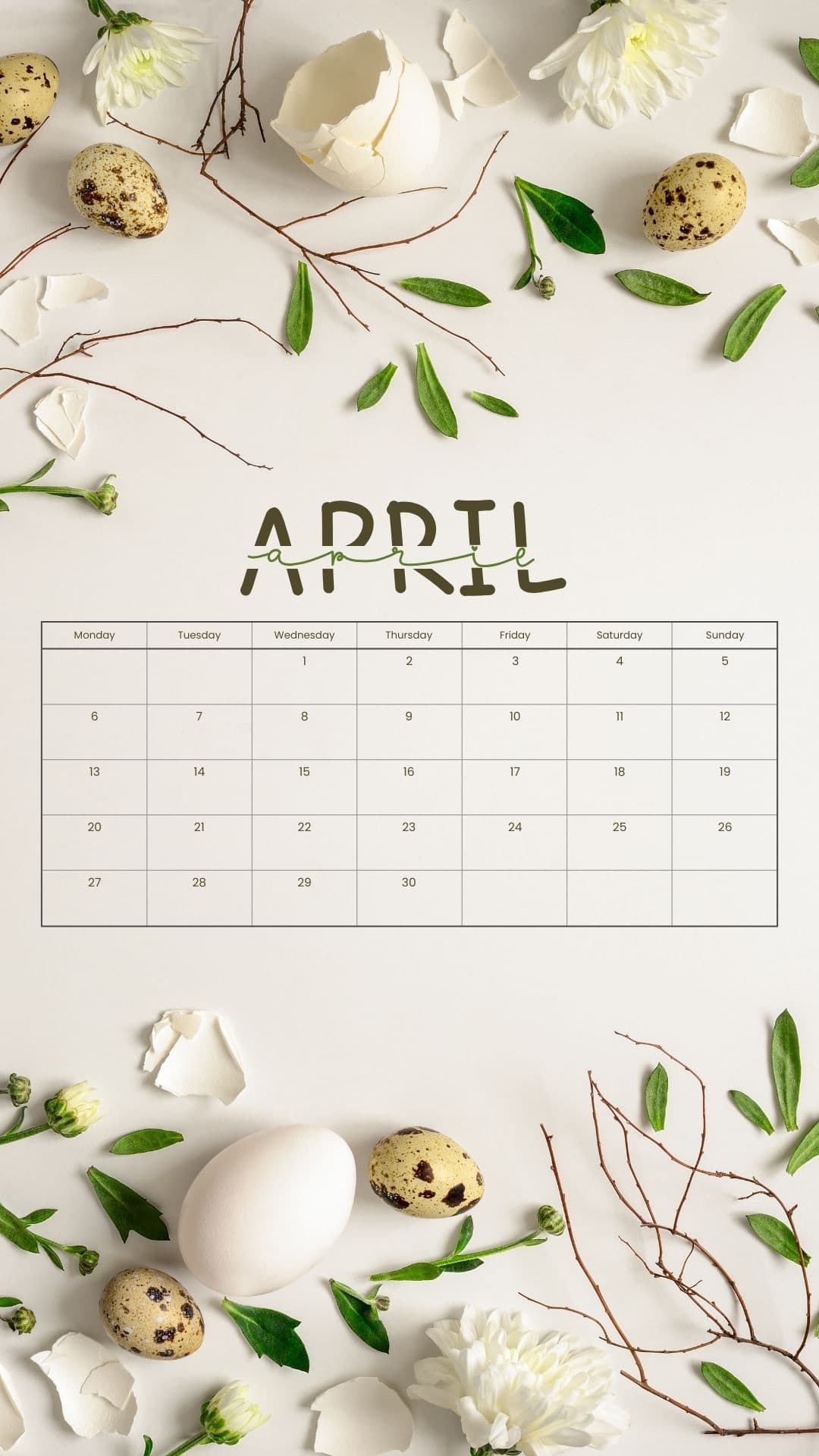
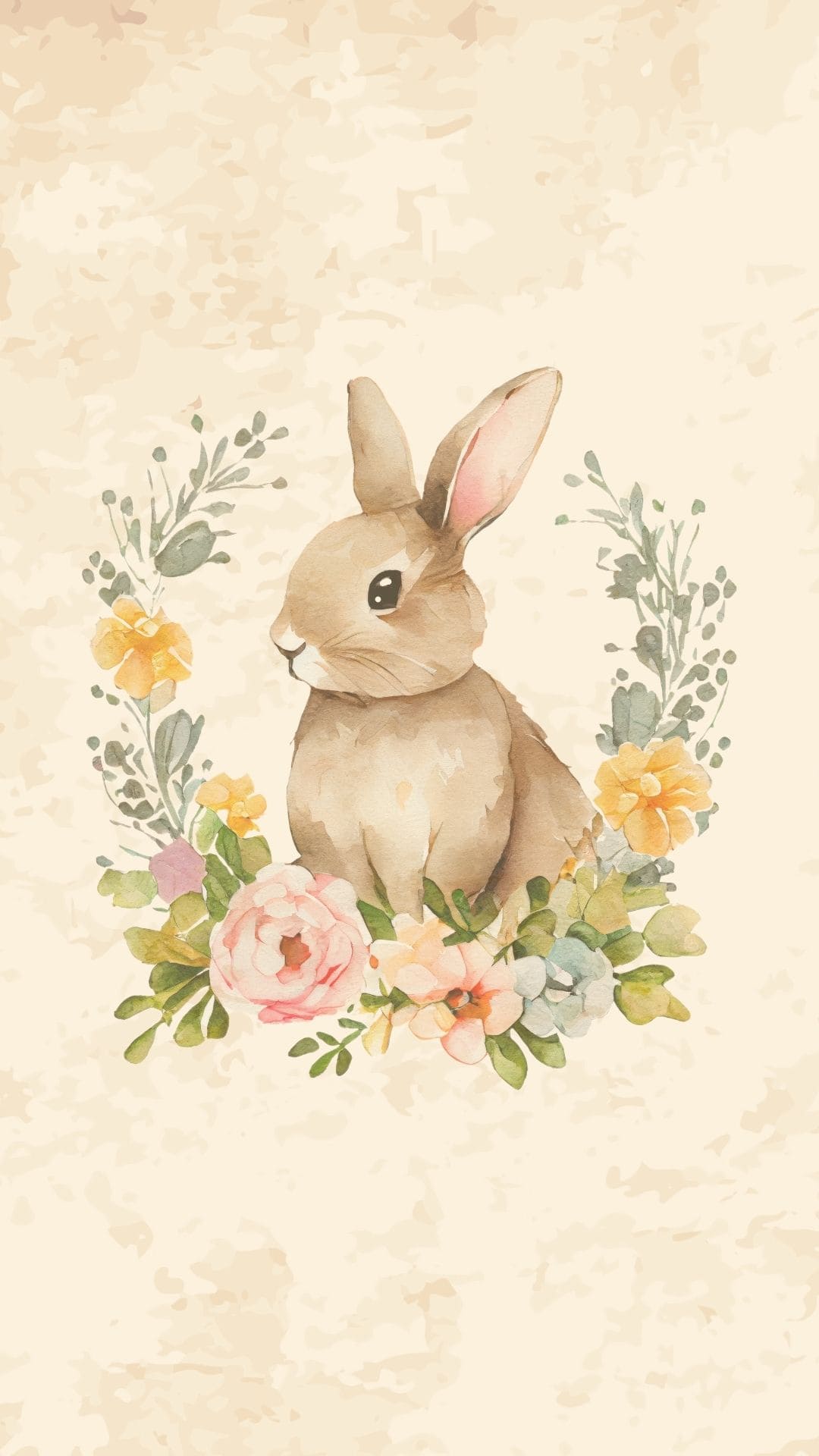
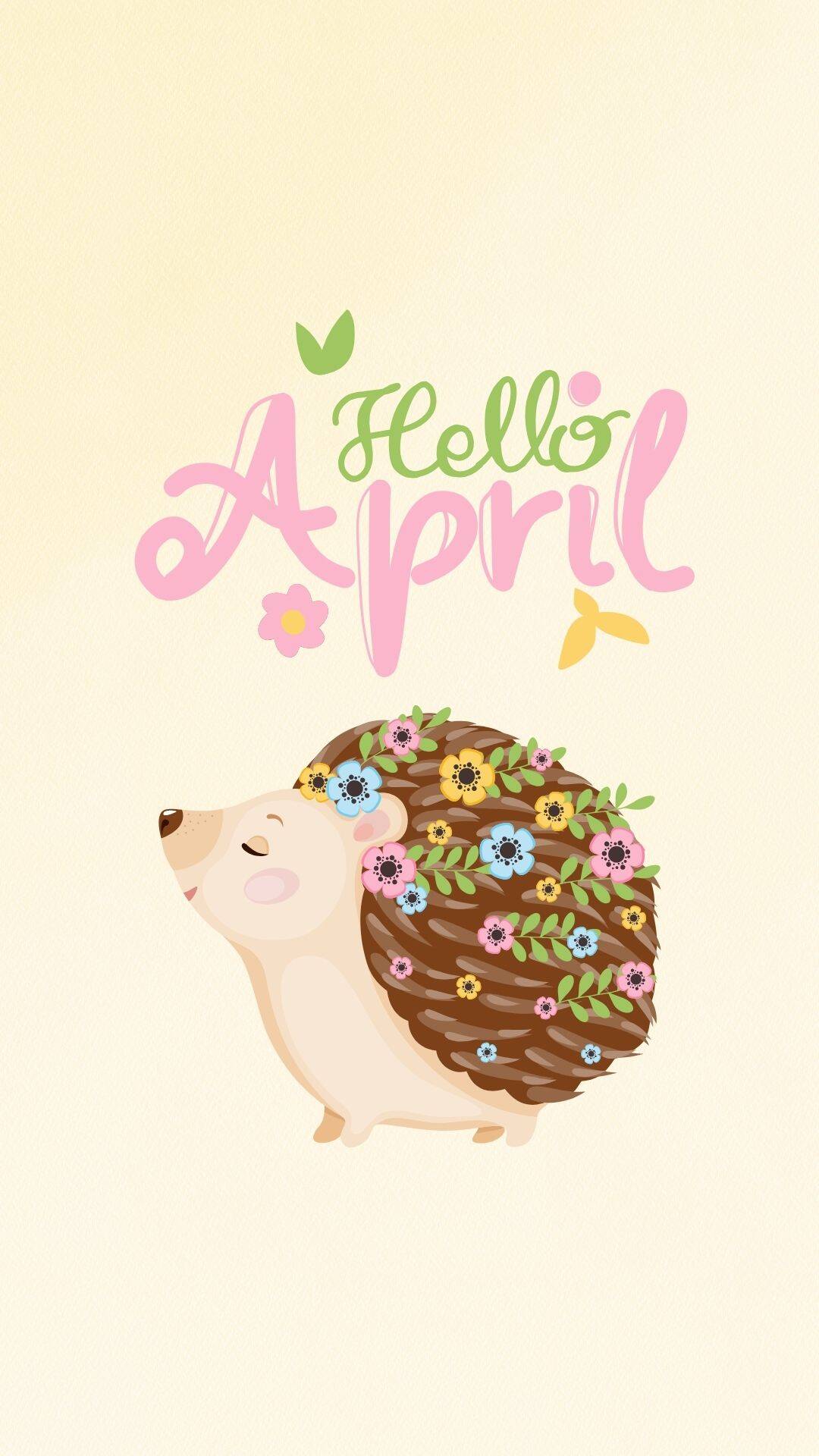
You'll also see March and April 2026 calendars if you want something more practical. There are also cute animals (bunnies, hedgehogs, etc), butterflies, bees, and much more. Every wallpaper is HD-quality at 1080x1920px.
Scroll through, pick your favorites, and give your screens that "fresh start" glow-up!
How to Open the Backgrounds
- Scroll to the image you want.
- Click/tap the background to open it in a larger view (full size).
- Save it to your phone:
- iPhone/iPad: Press and hold the image → Save to Photos
- Android: Press and hold the image → Download image or Save image
How to Set the Background for iPhones
- Open the Photos app.
- Tap the image you saved.
- Tap the Share button (square with arrow).
- Scroll down and tap Use as Wallpaper.
- Pinch to zoom/move the image until it's positioned how you want.
- Choose your option:
- Set Lock Screen
- Set Home Screen
- Set Both
Optional: You can toggle Perspective Zoom on/off (if you want it to stay perfectly still).
Android Instructions
Option 1 (most common):
- Open the Gallery or Photos app.
- Tap the image you downloaded.
- Tap the 3-dot menu (or More) and choose Set as wallpaper.
Option 2 (from Settings):
- Go to Settings → Wallpaper & style (or Display → Wallpaper).
- Tap Change wallpaper.
- Select the image from Gallery/Photos/Downloads.
Then:
4. Adjust the crop/position.
5. Choose where you want it:
- Home screen
- Lock screen
- Both
- Tap Set or Apply.
Phone Spring Wallpapers













Leave a Reply