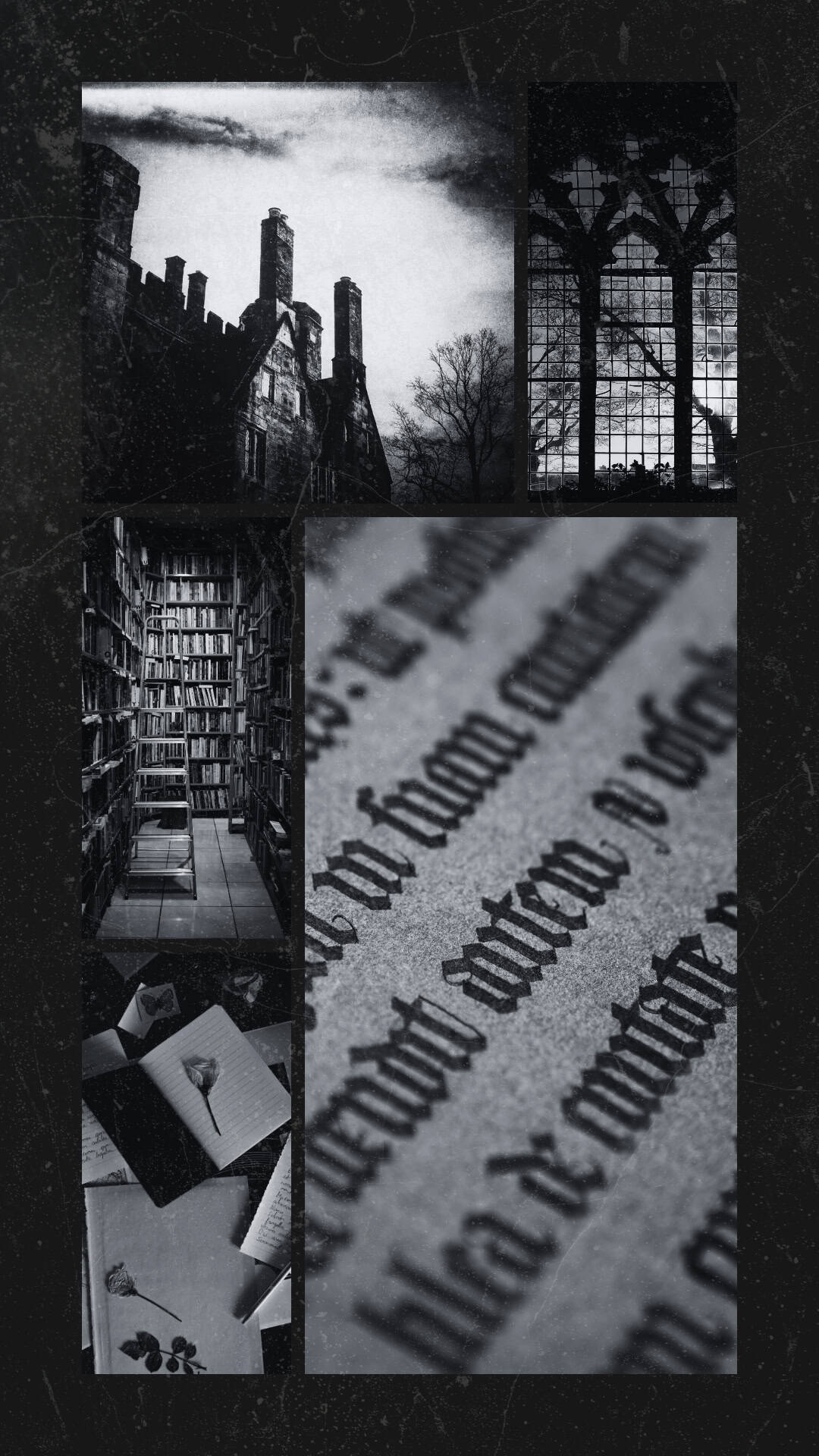
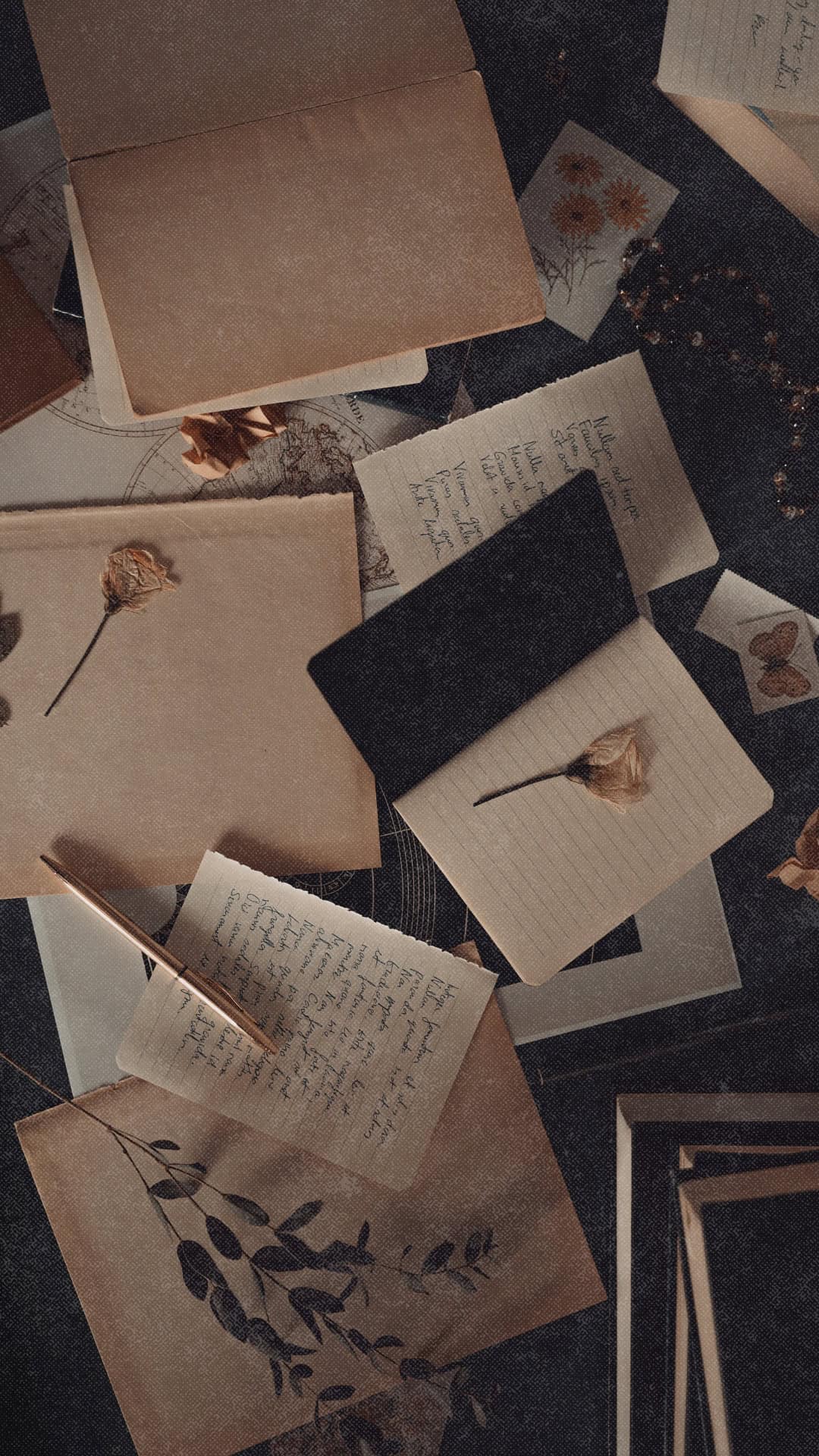
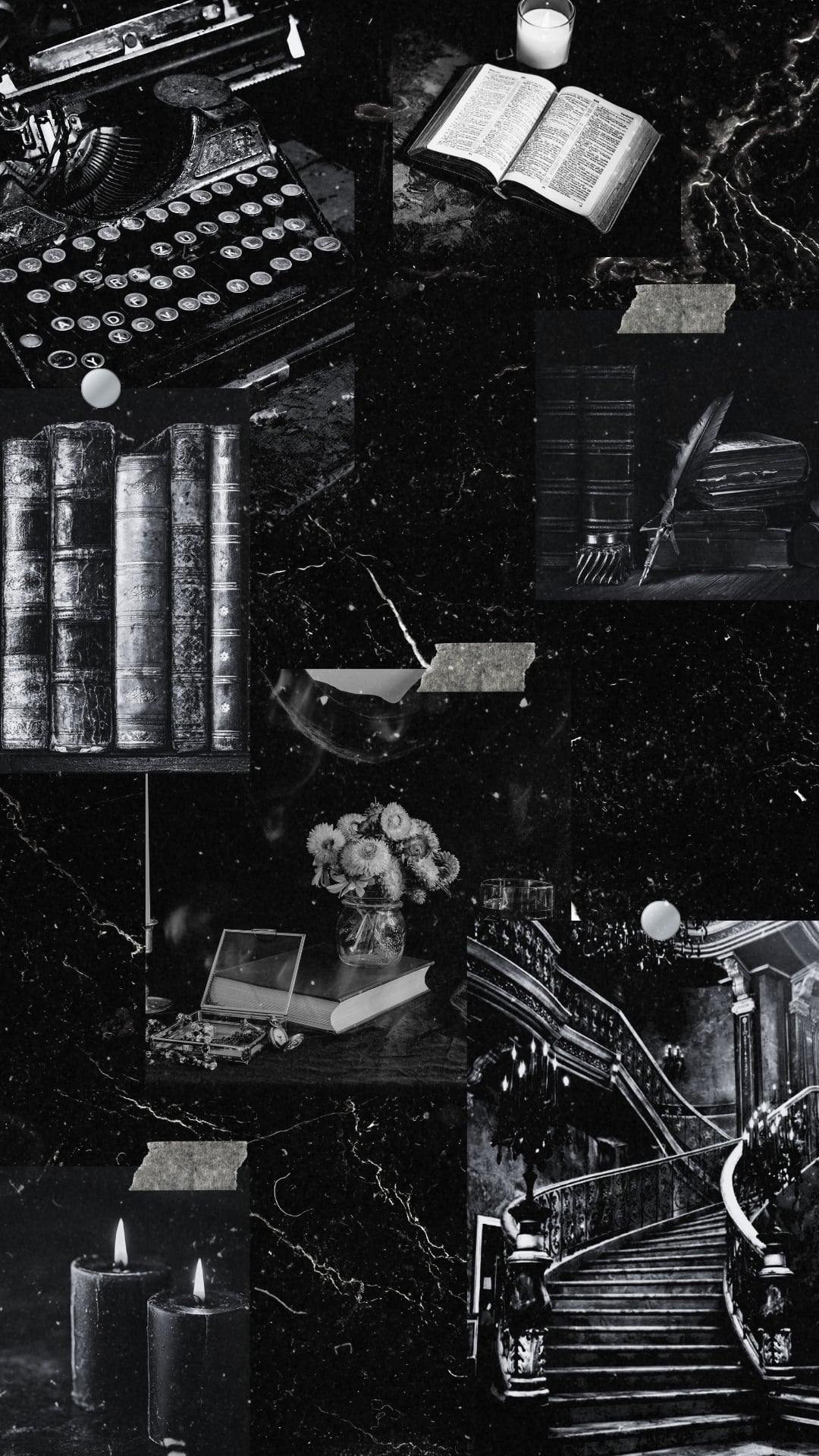
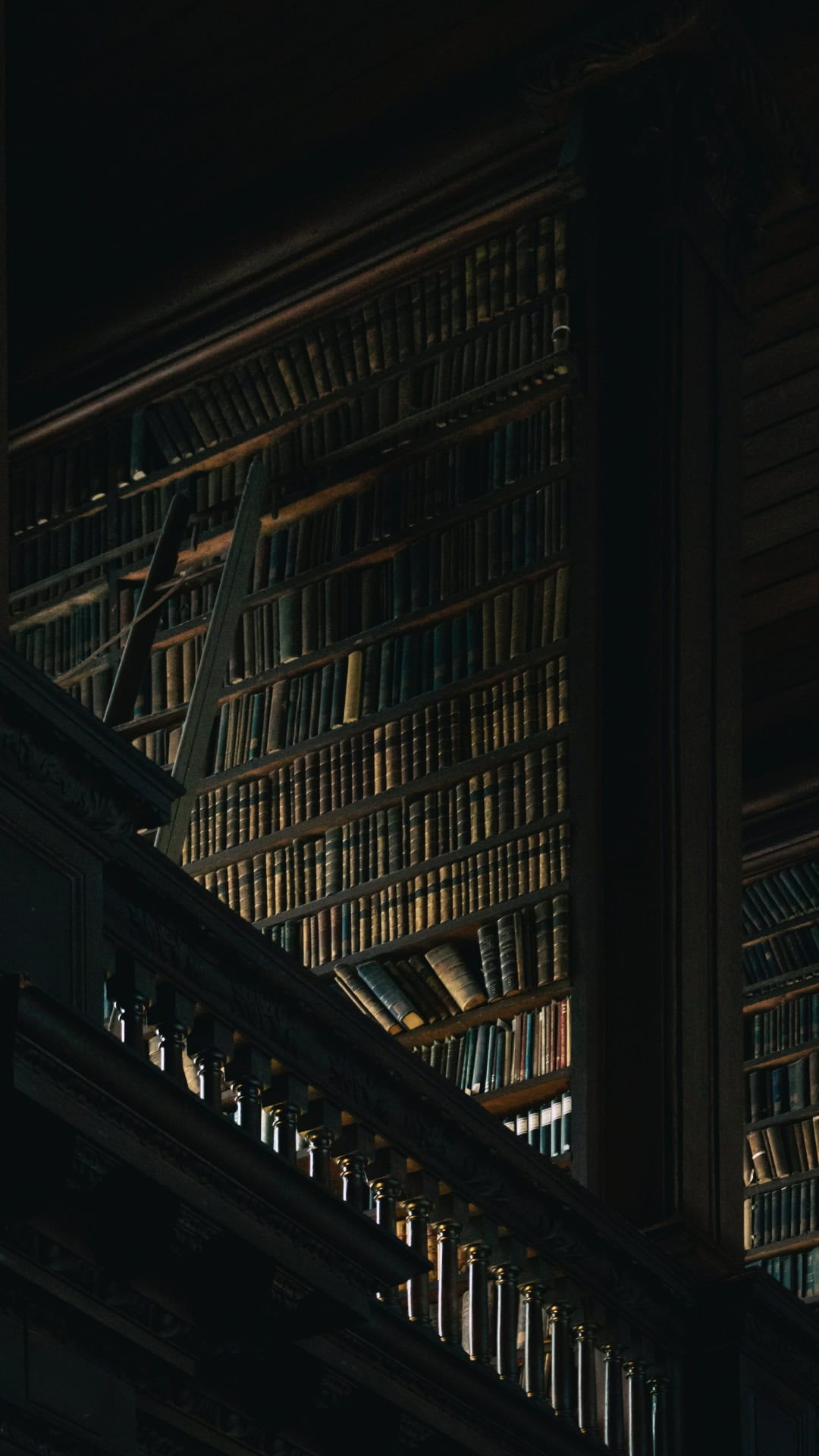
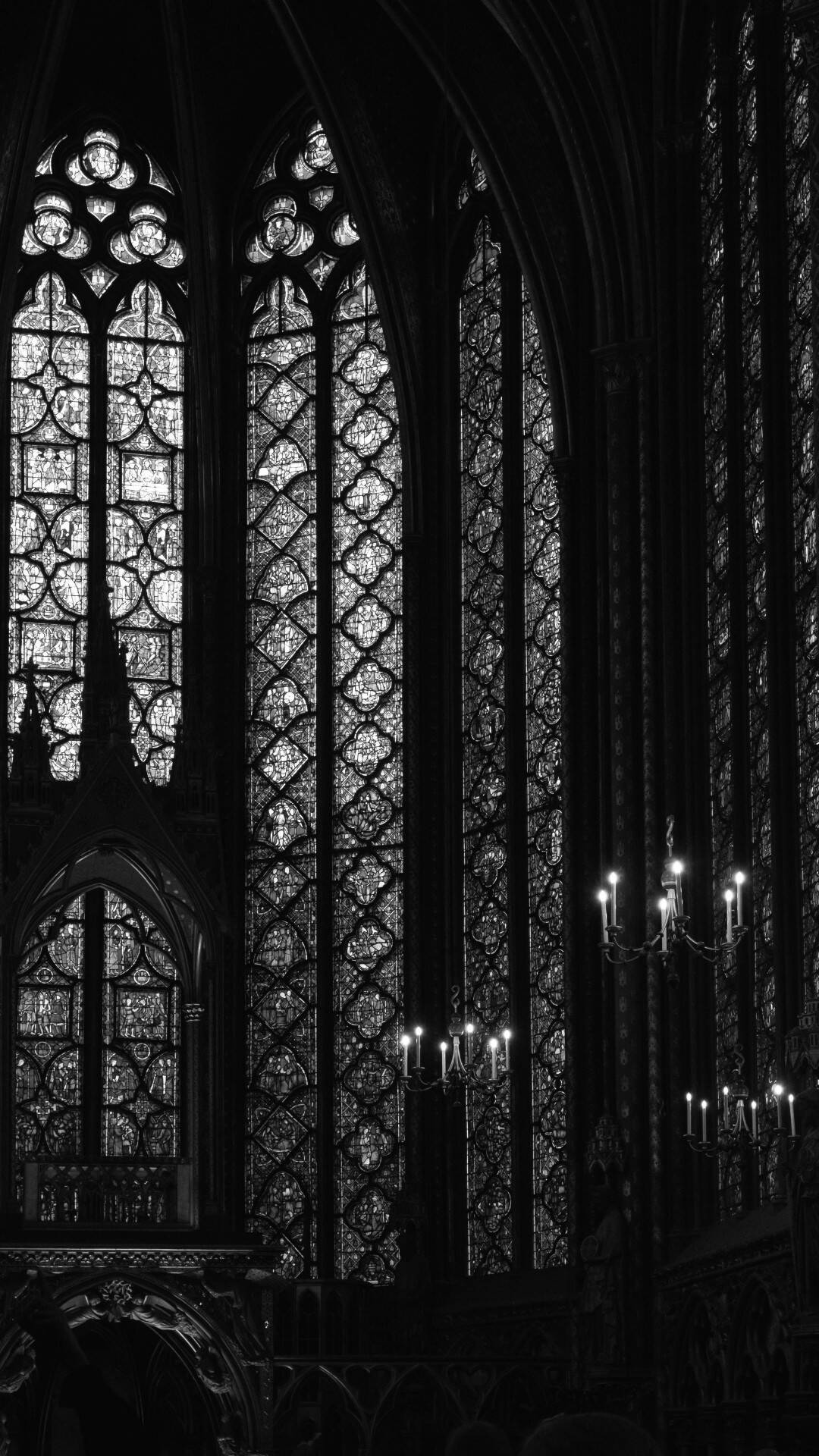
Turn your phone into a candlelit corner of an old library with these free dark academia wallpapers for phones.
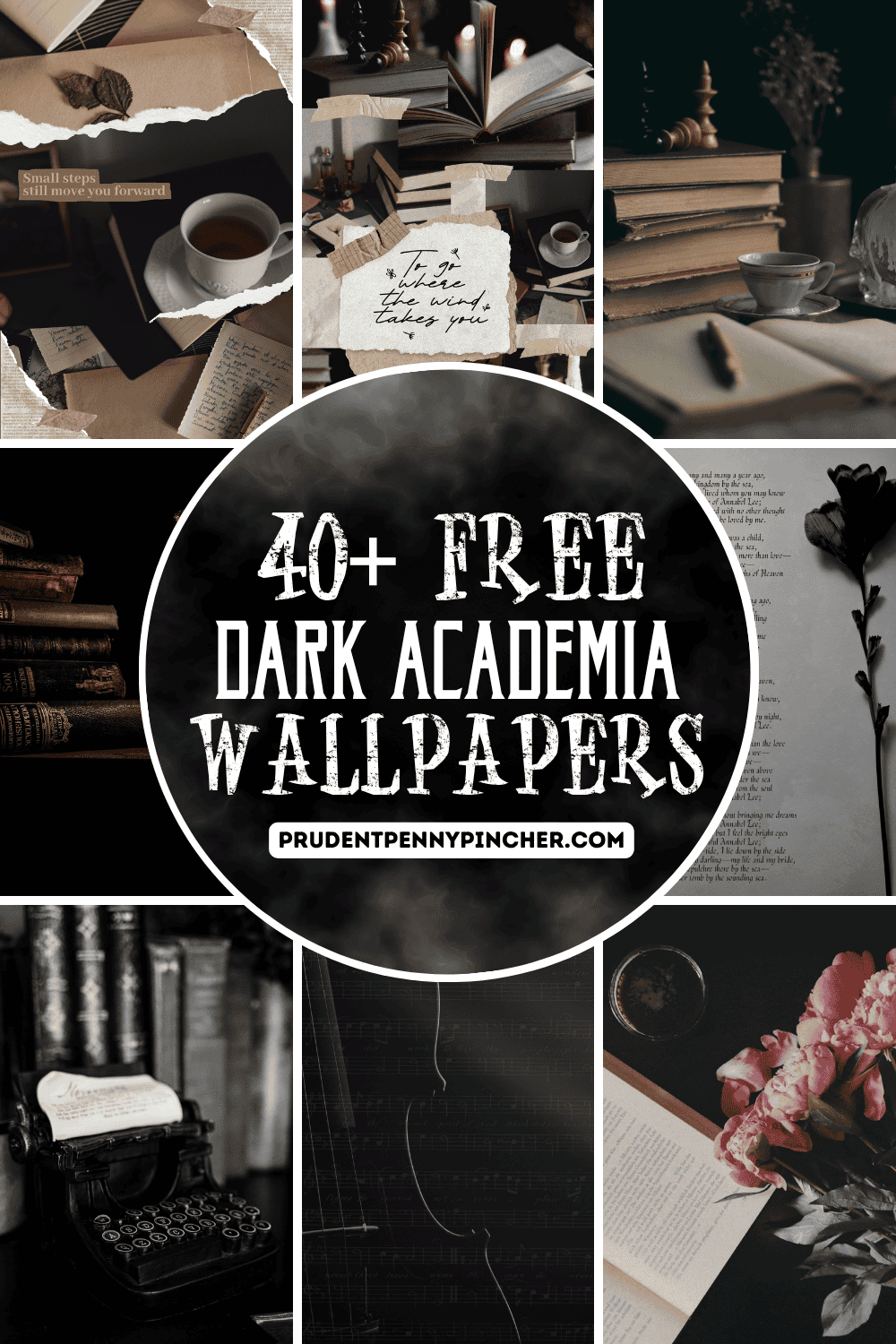
Inspired by classic literature, Gothic architecture, antique books, handwritten letters, and shadowy study rooms, these phone wallpapers bring a beautifully mysterious and scholarly atmosphere to your screen. Whether you love the romantic side of the dark academia aesthetic or prefer something a little darker and more dramatic, there are plenty of designs to explore.
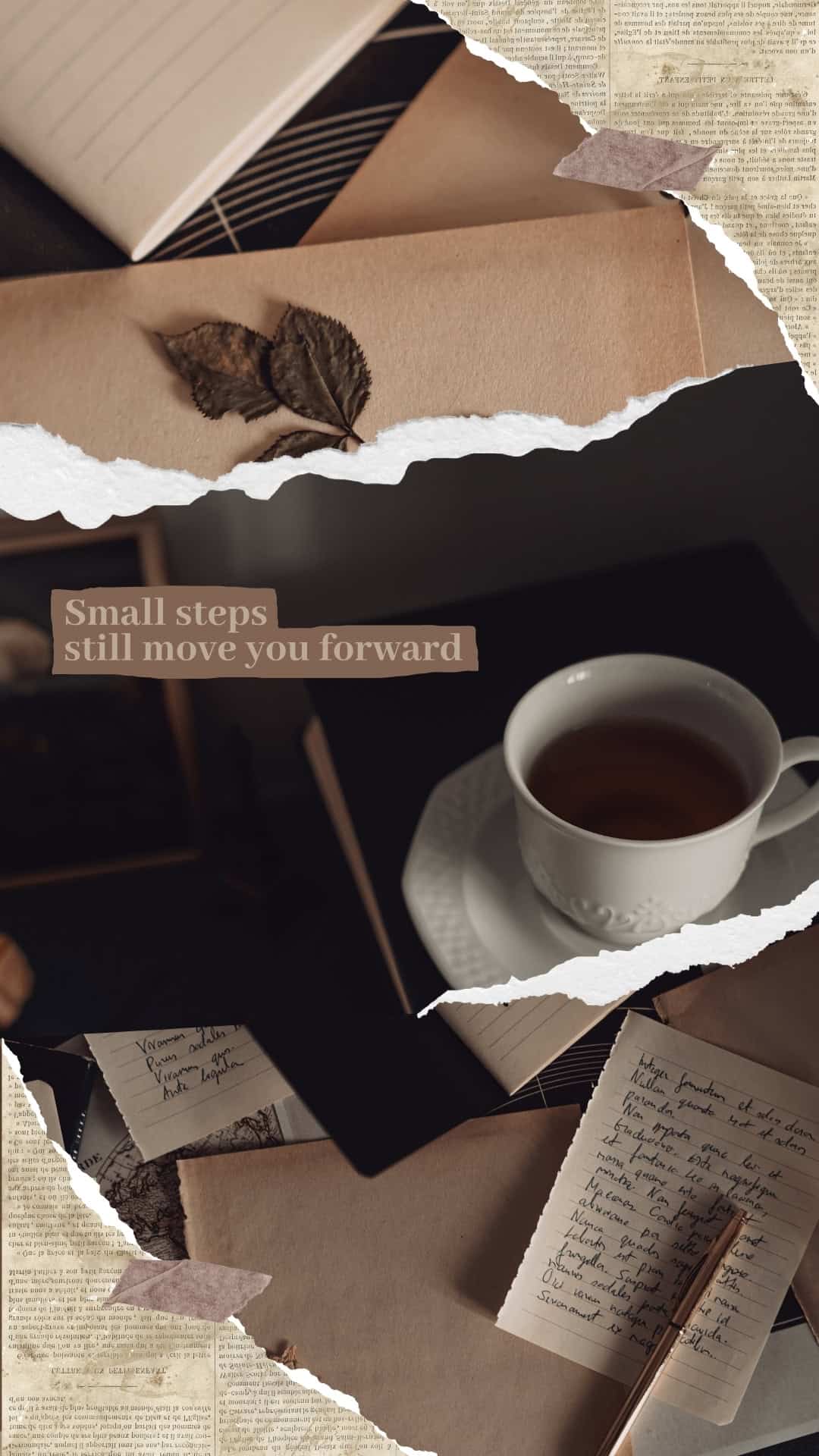
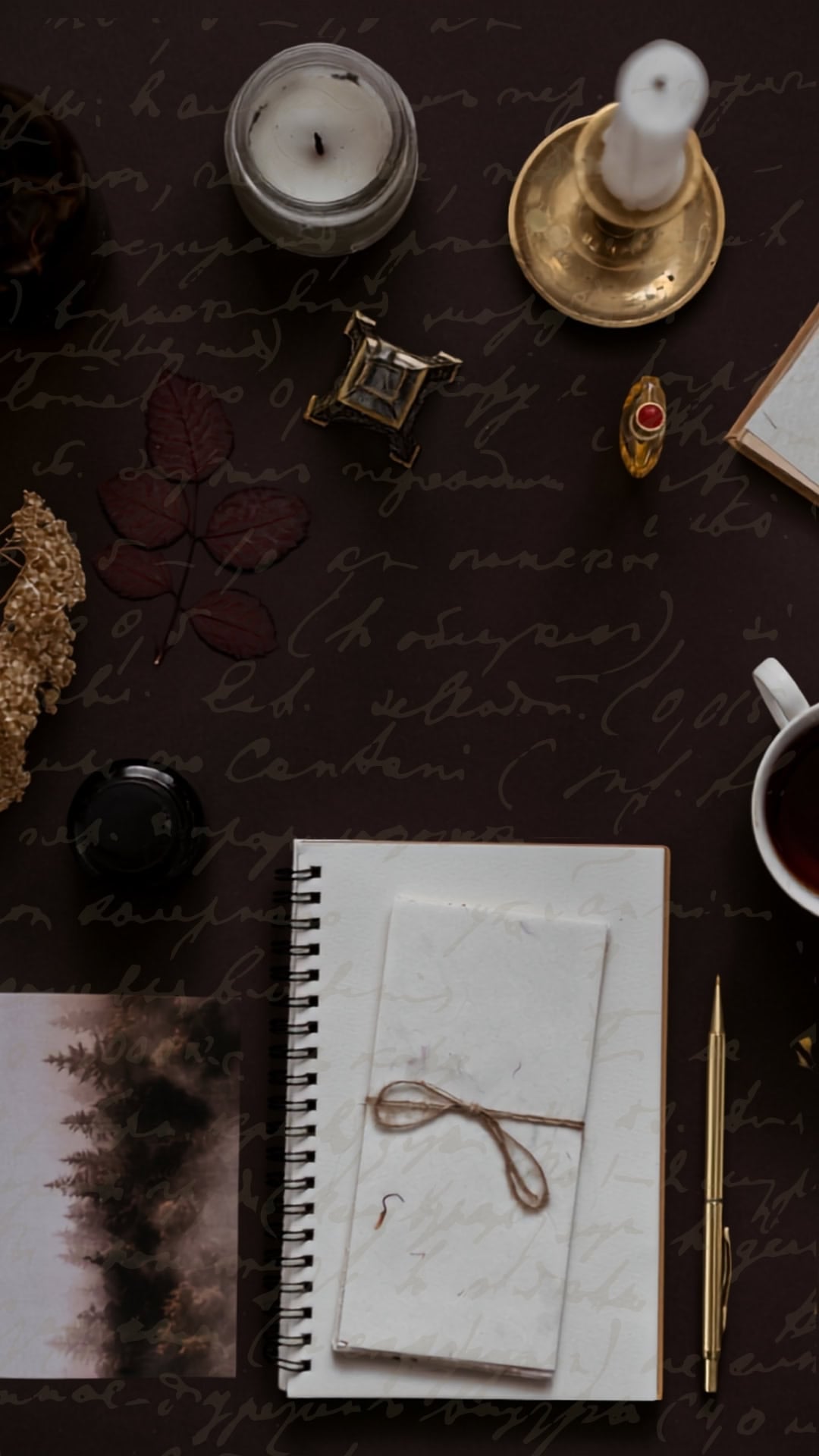
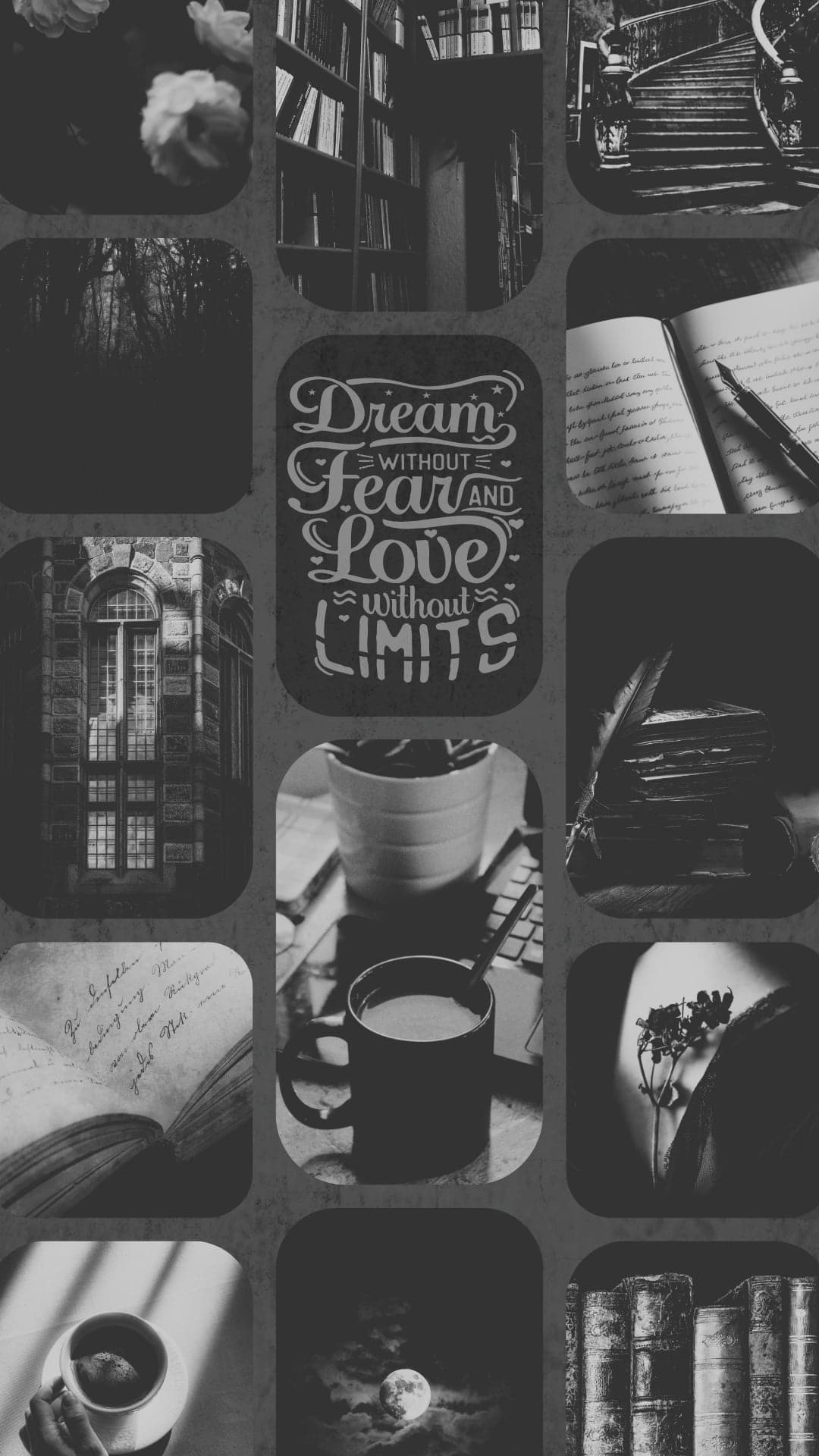
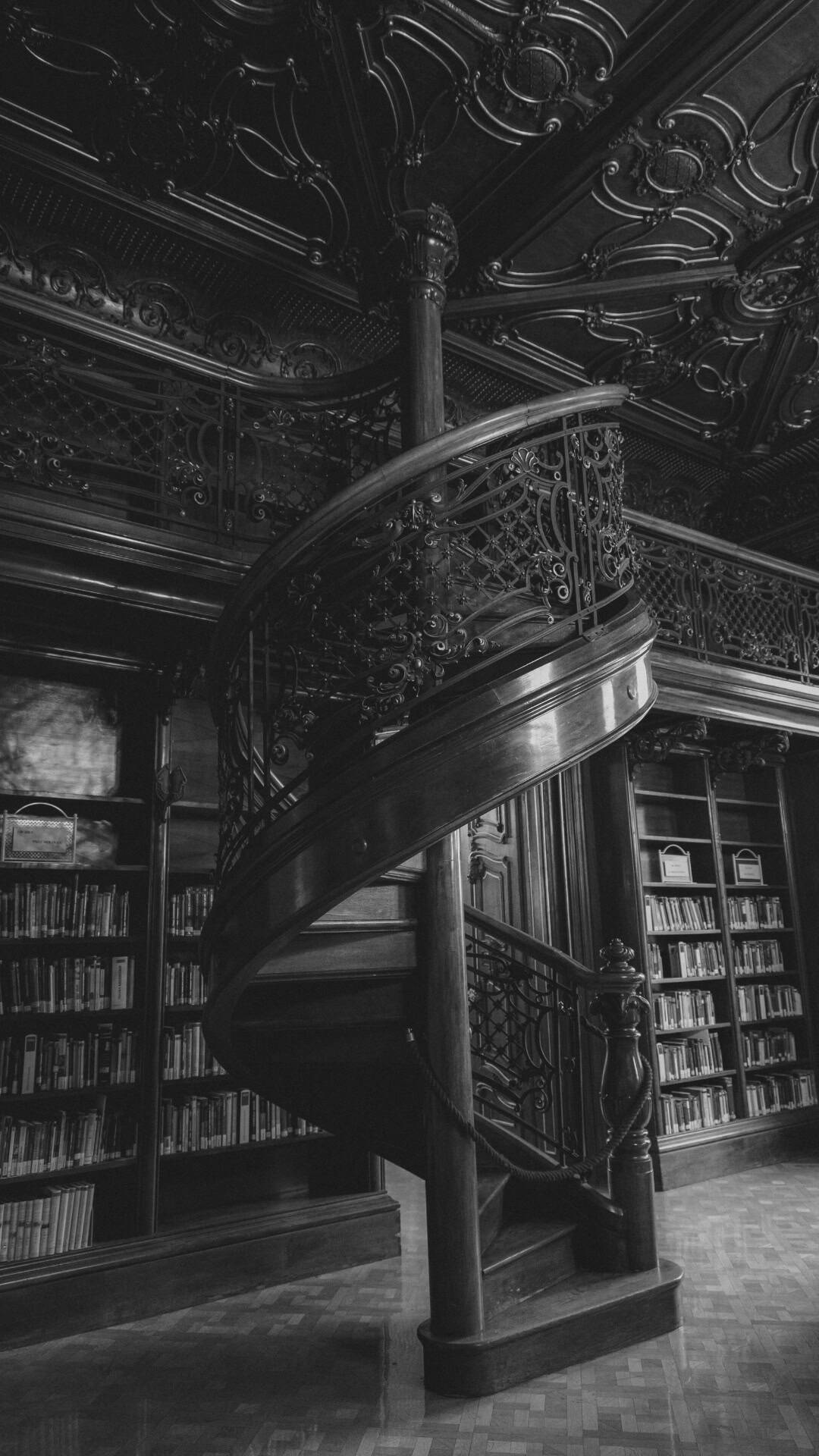
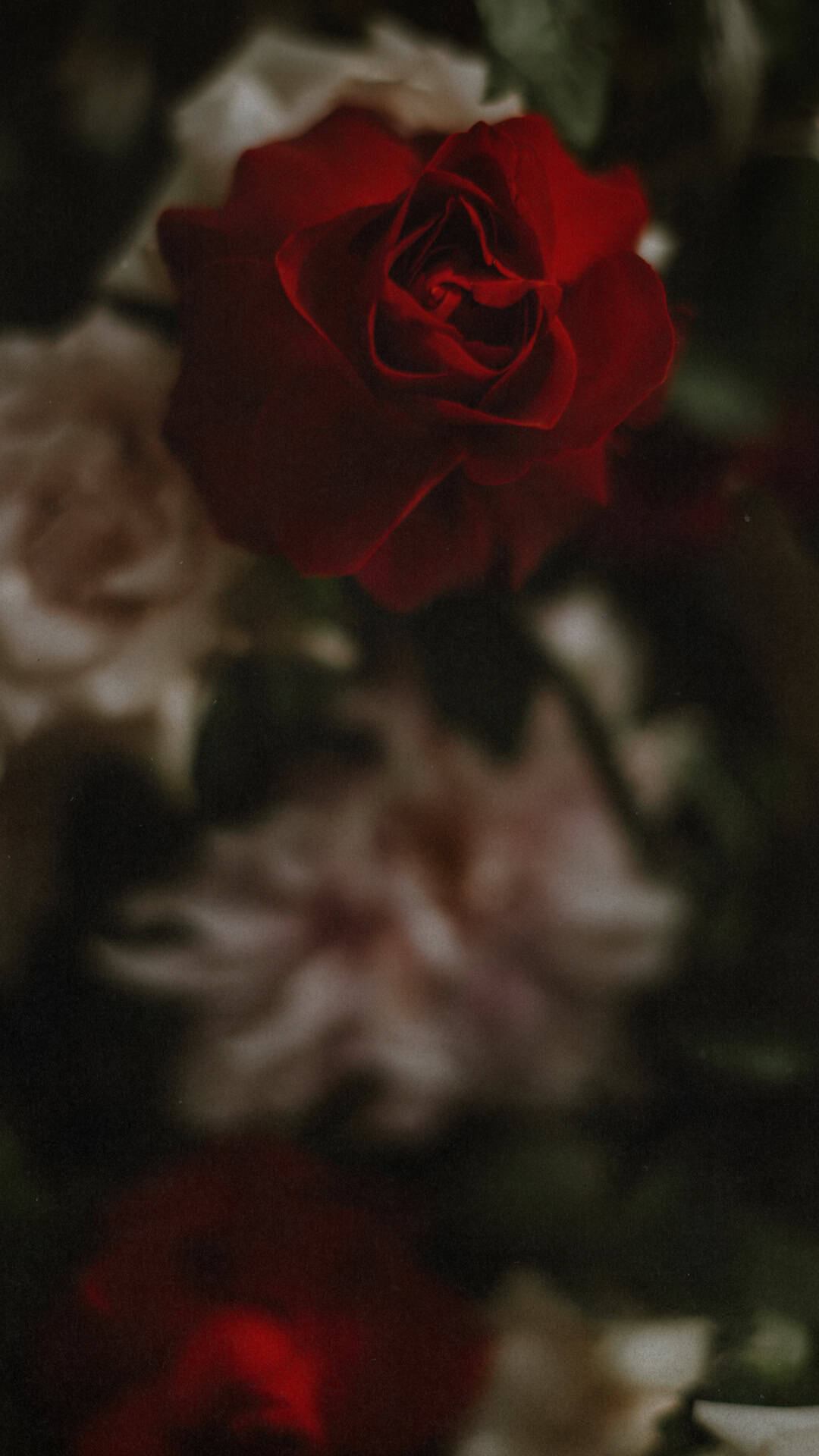
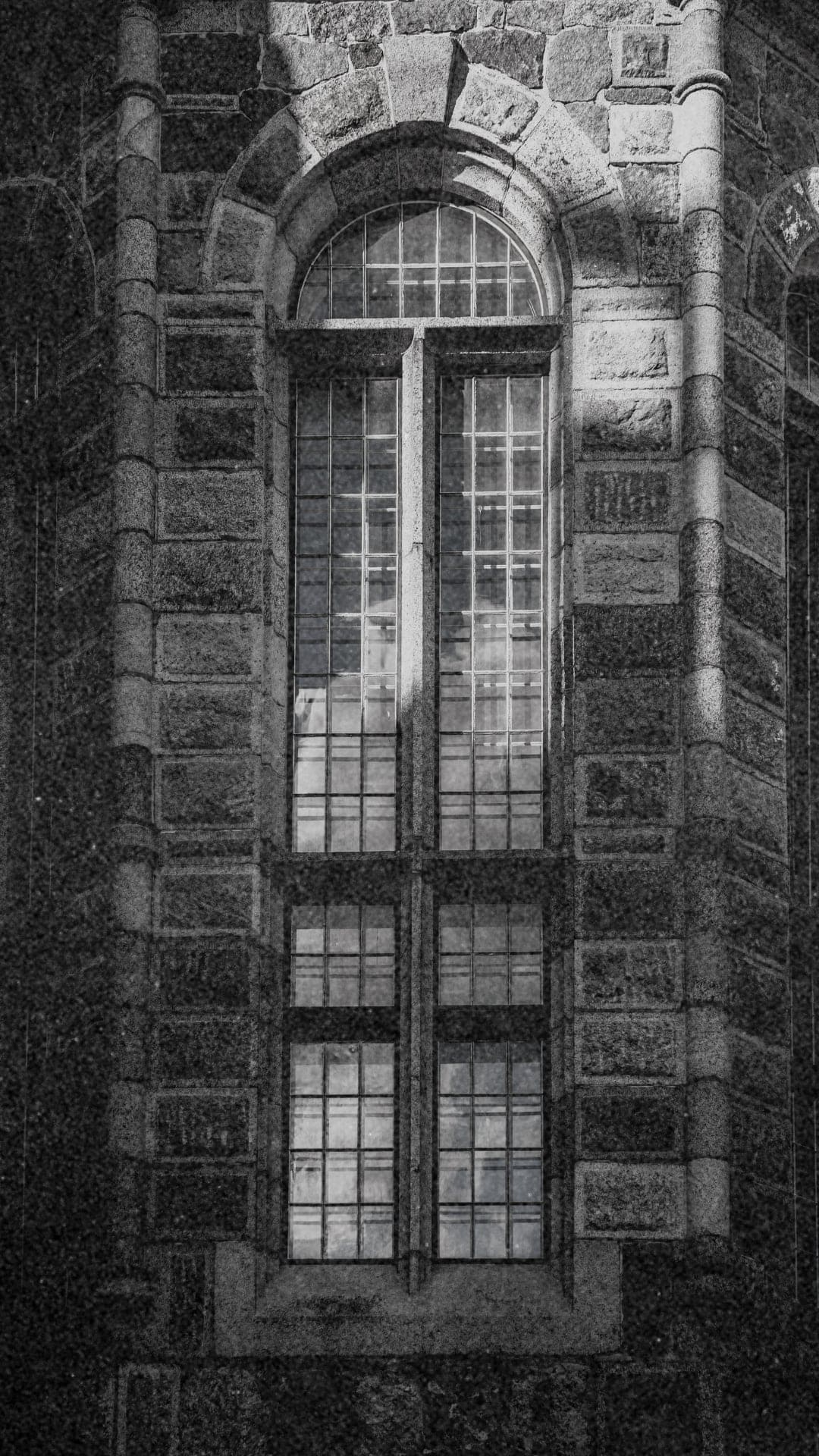
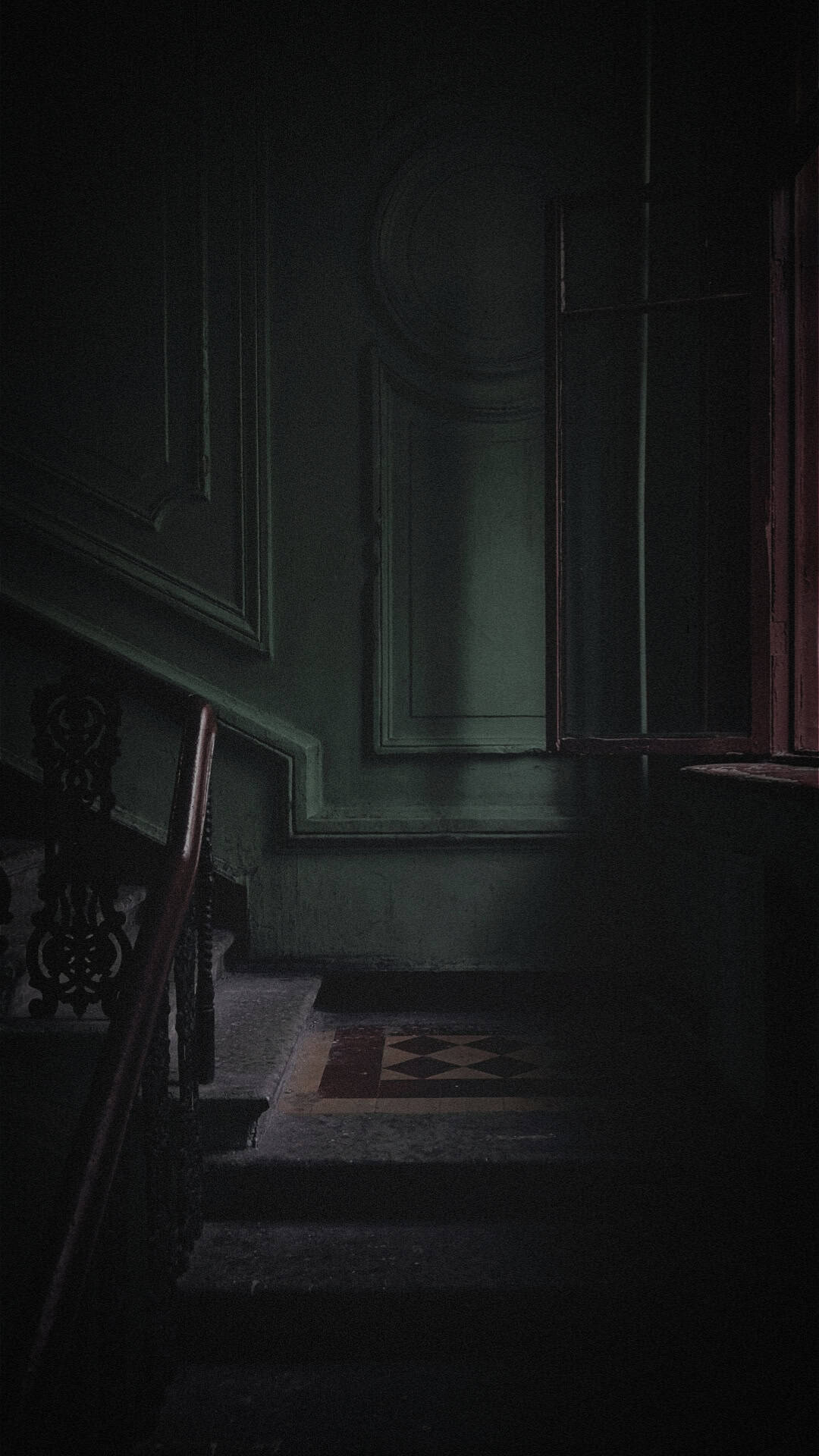
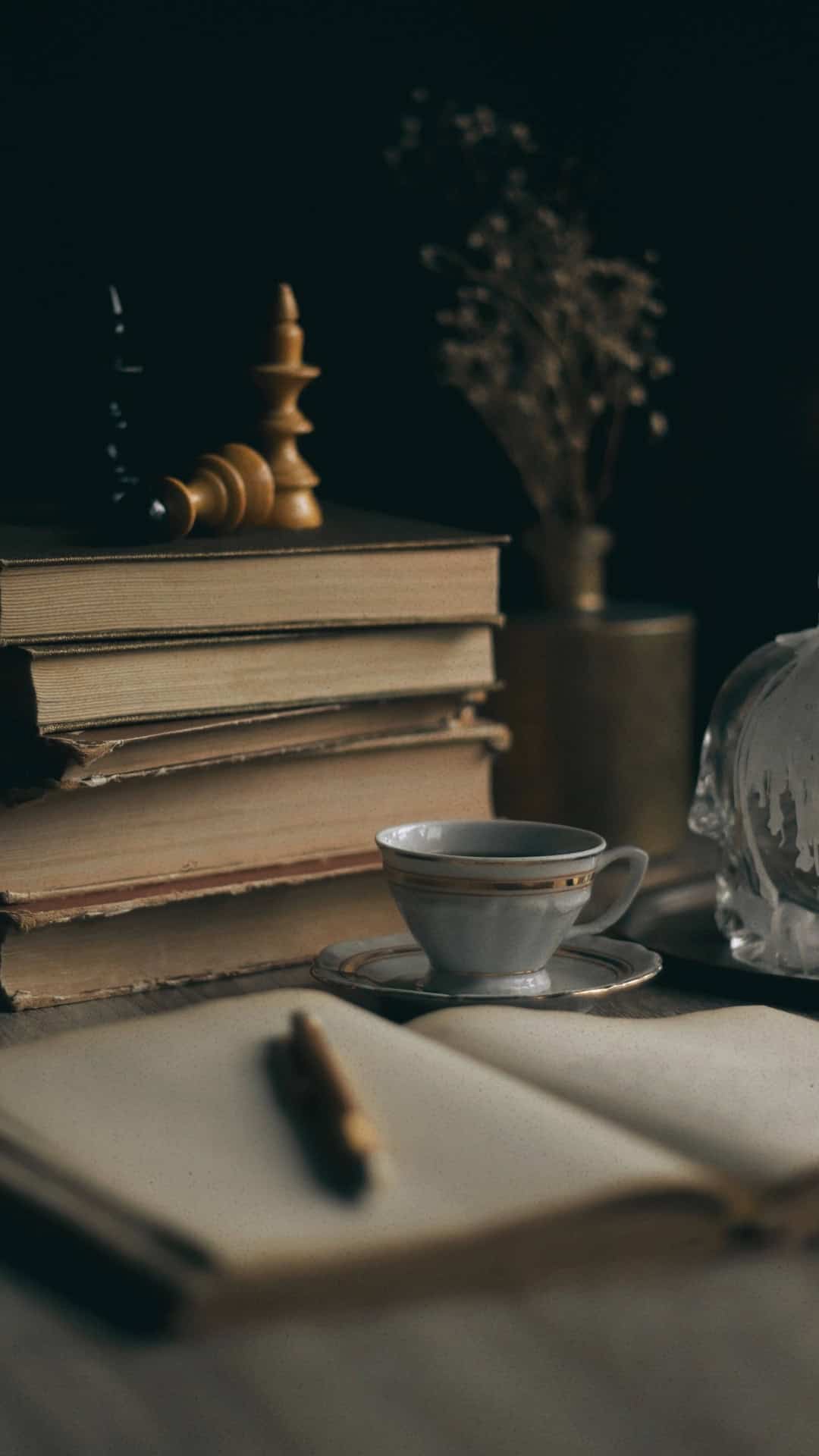
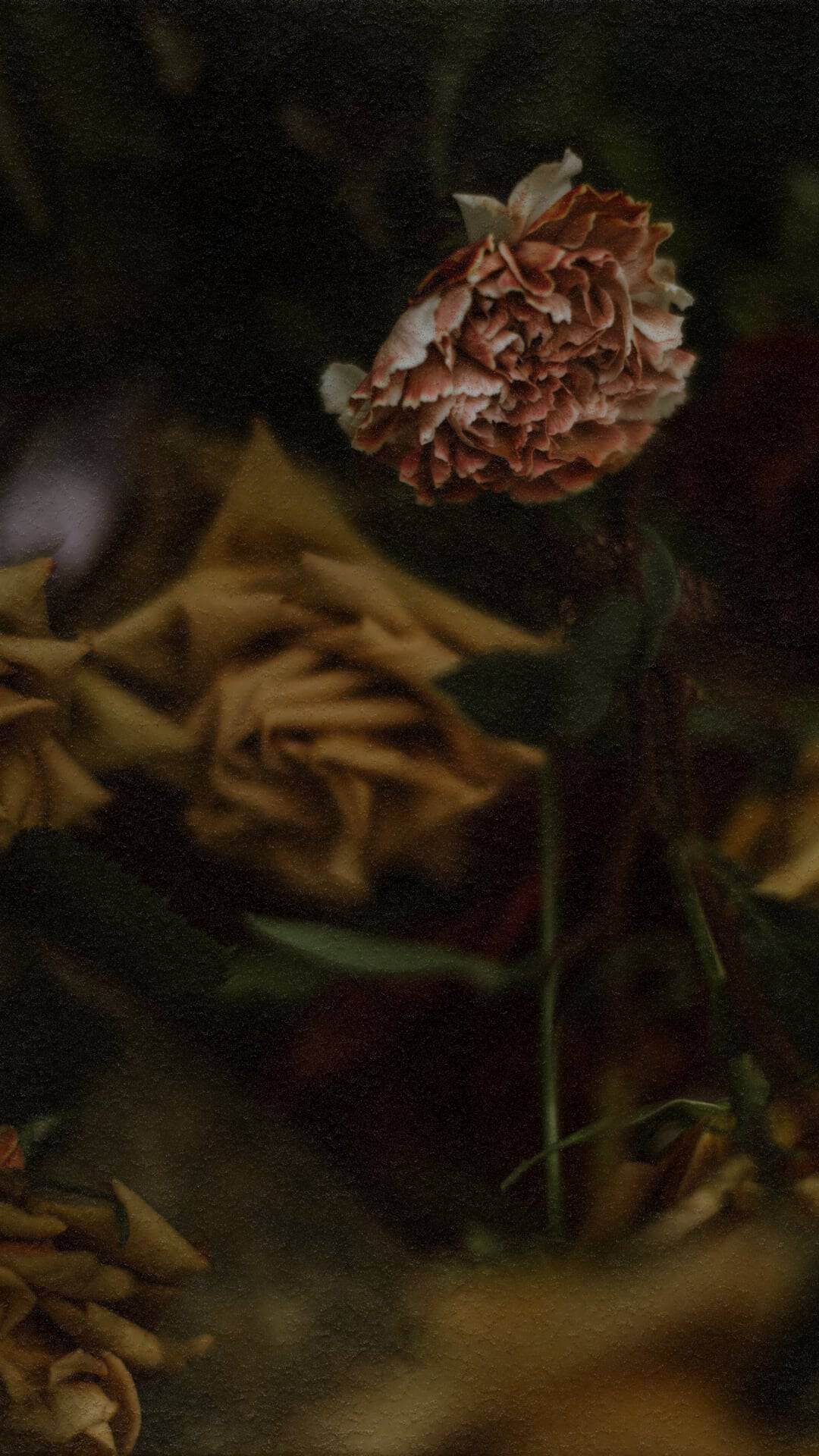
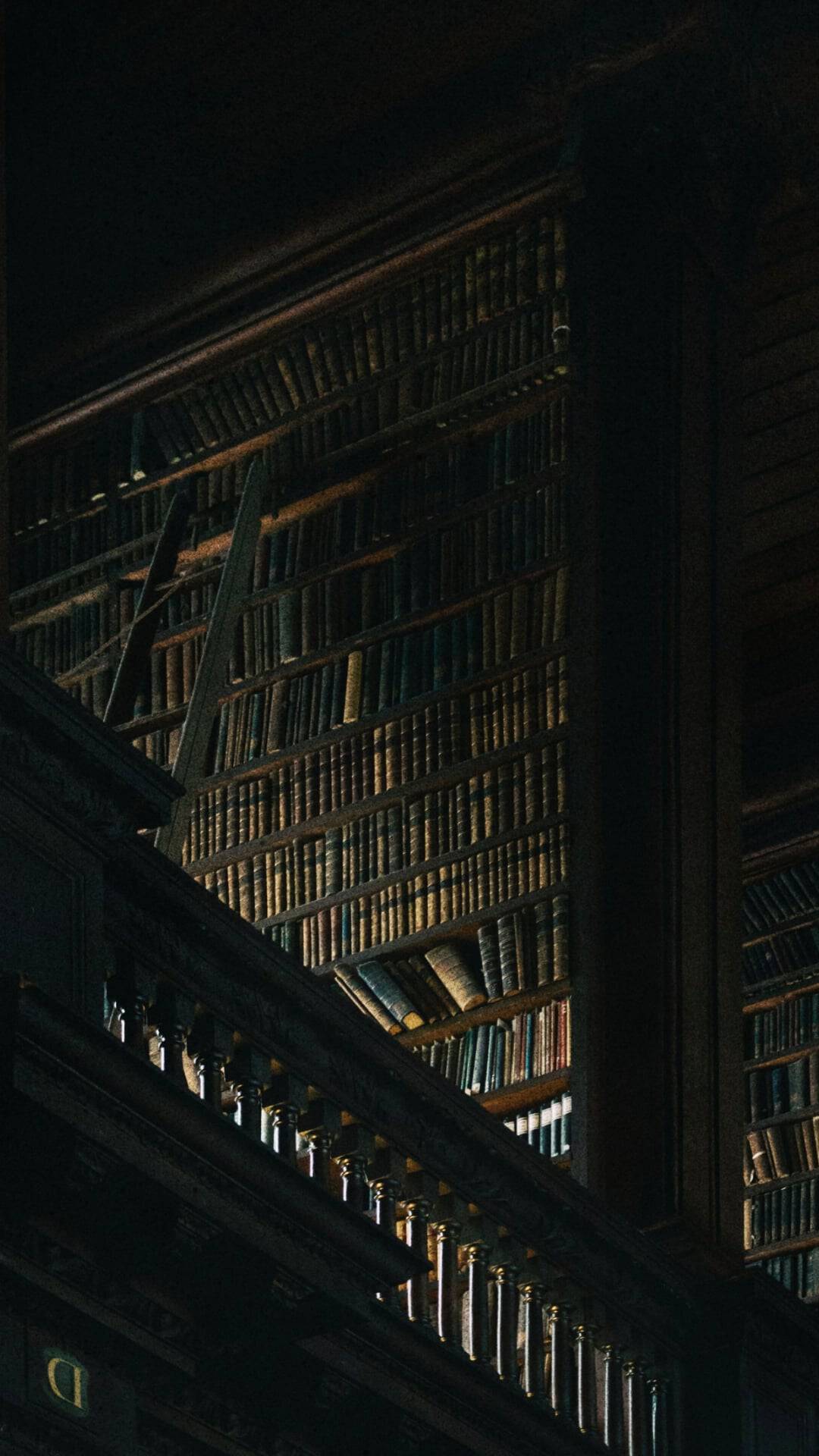
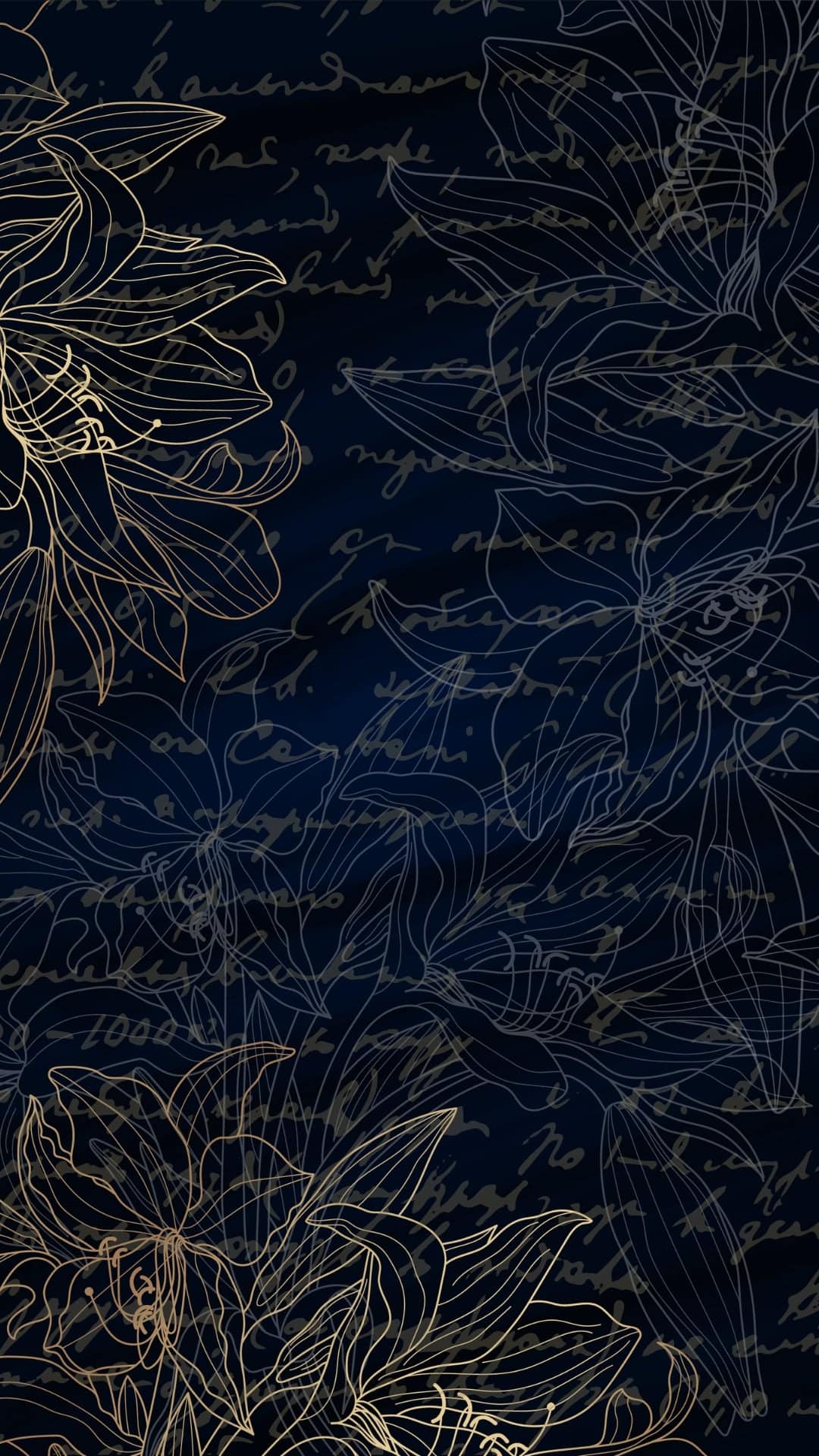
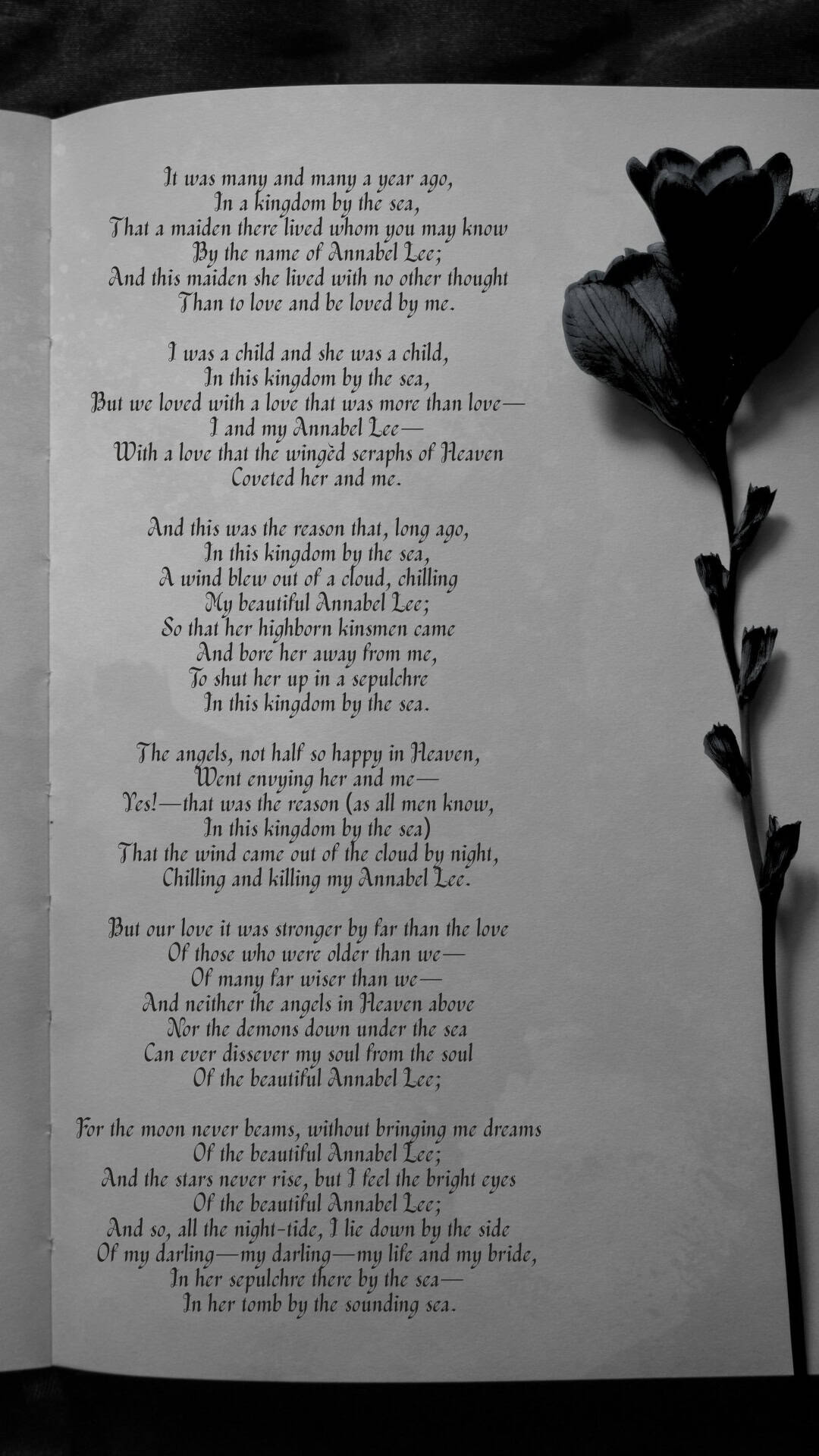
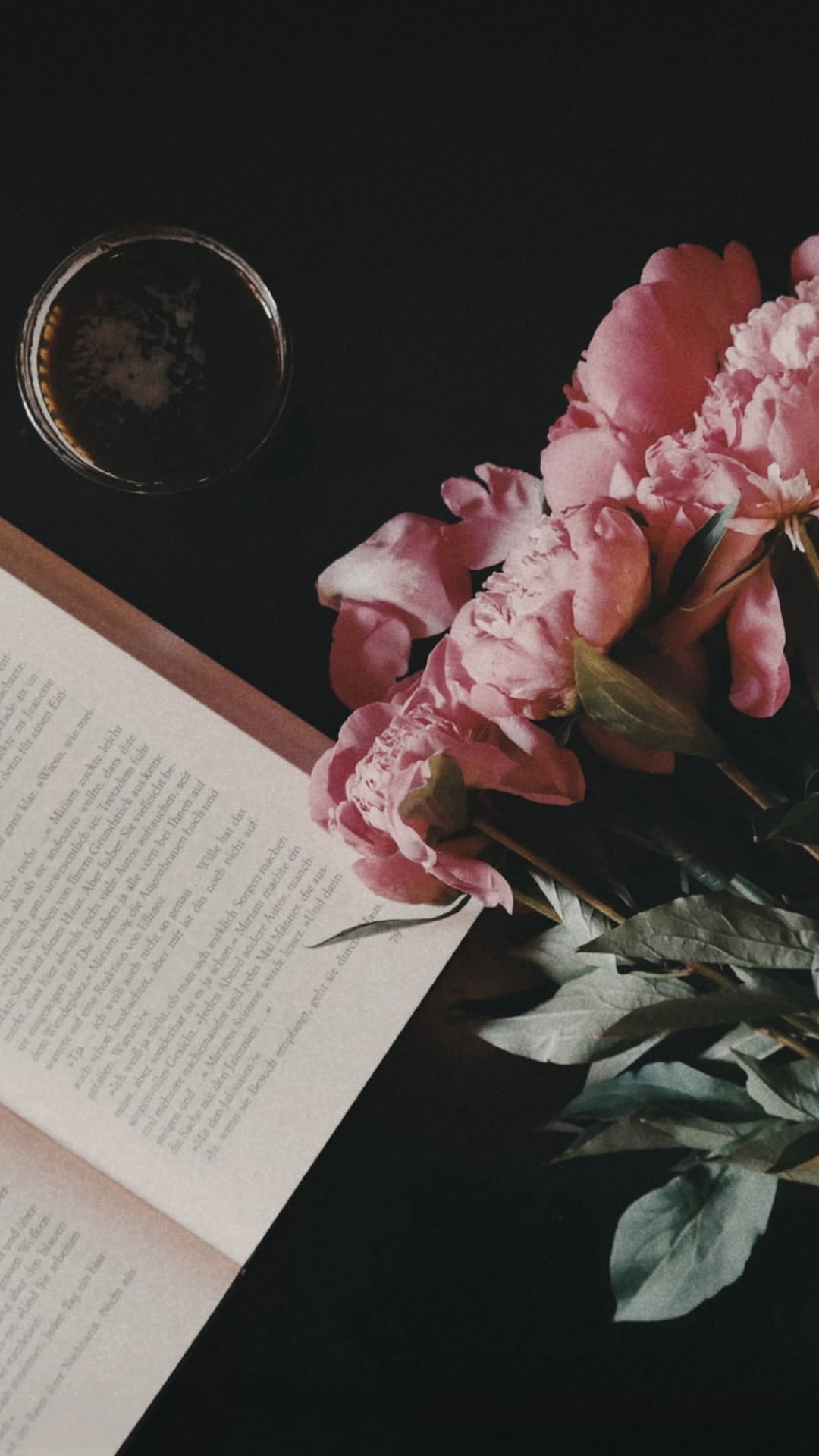
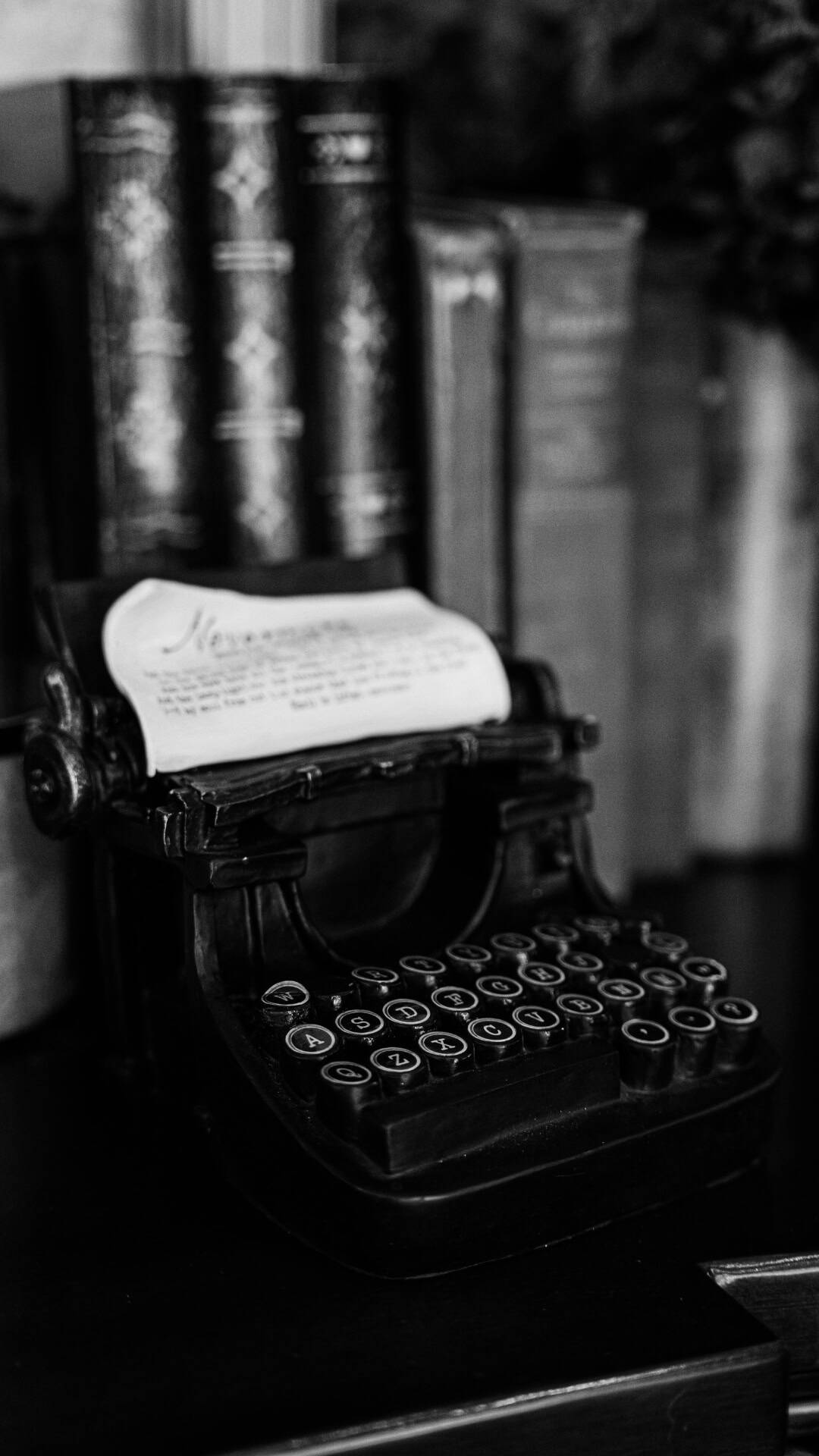
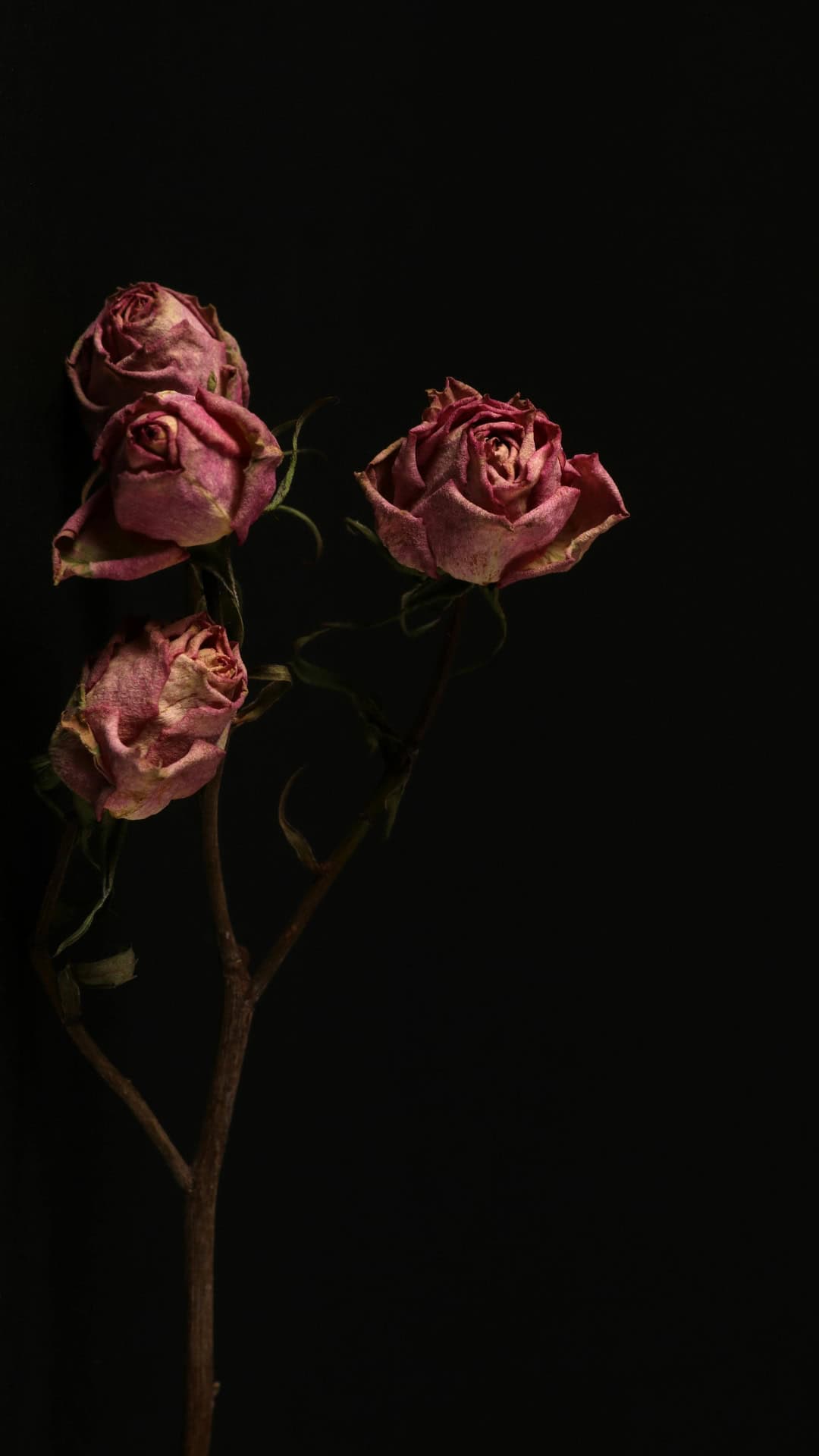
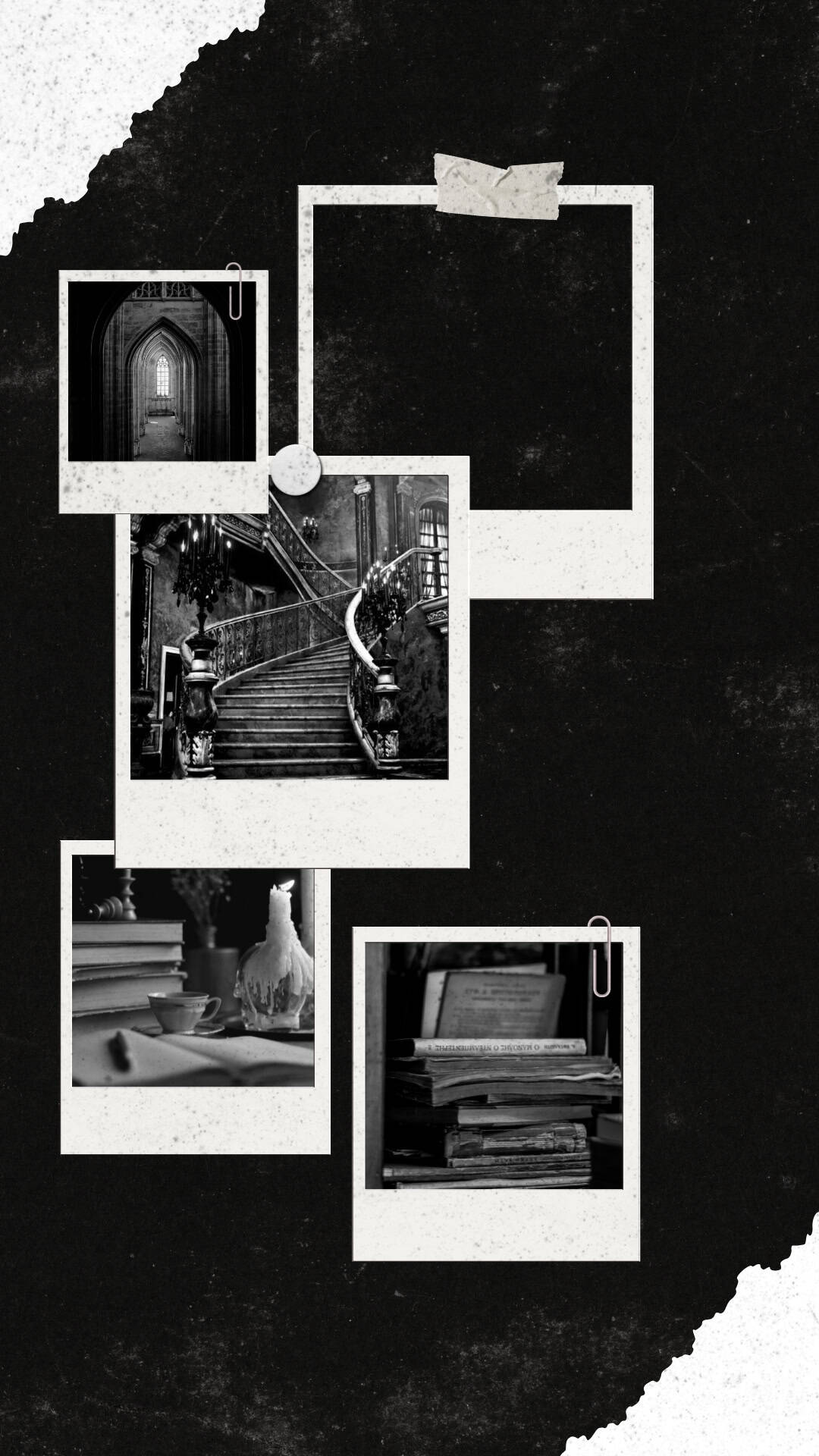
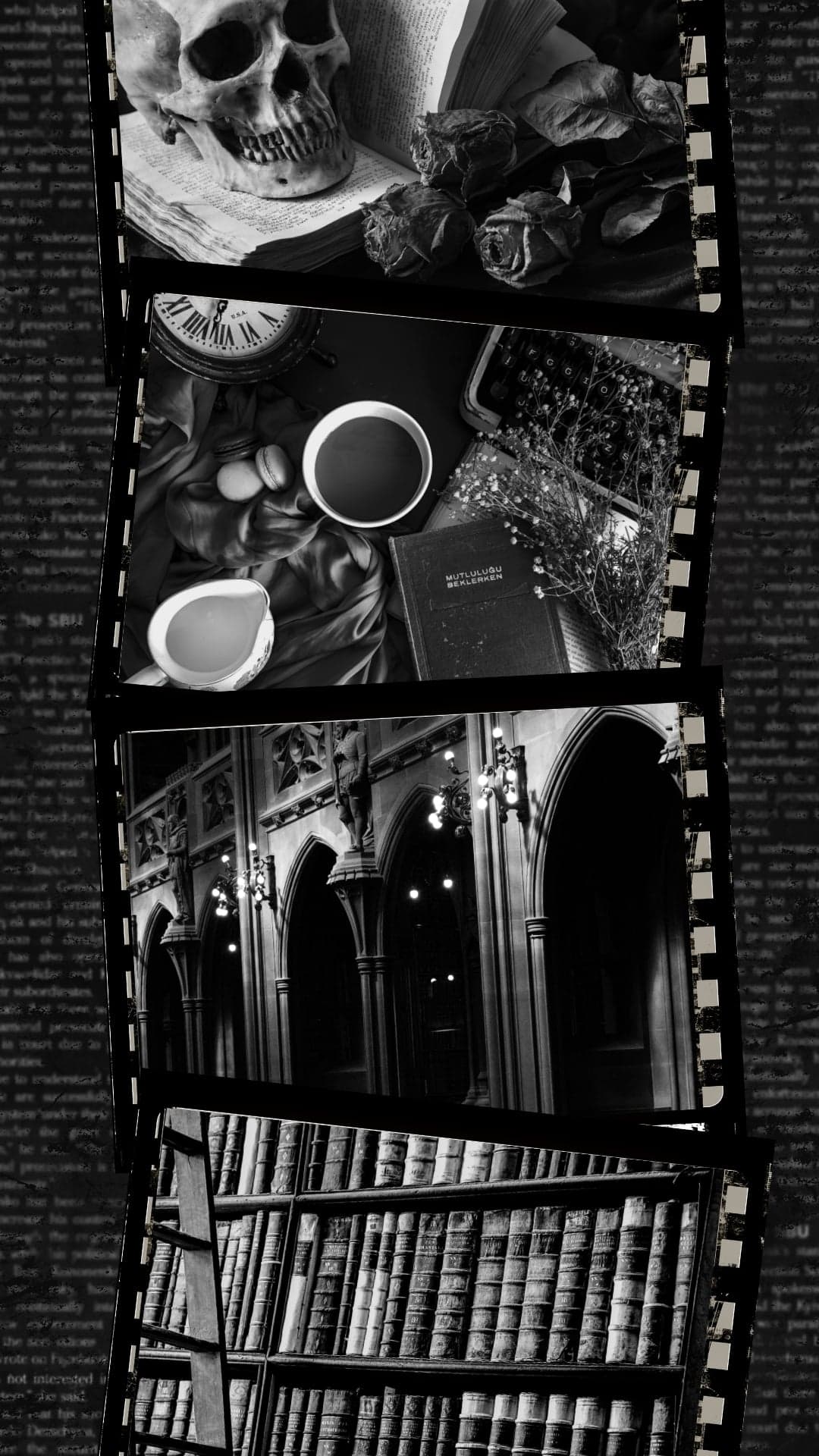
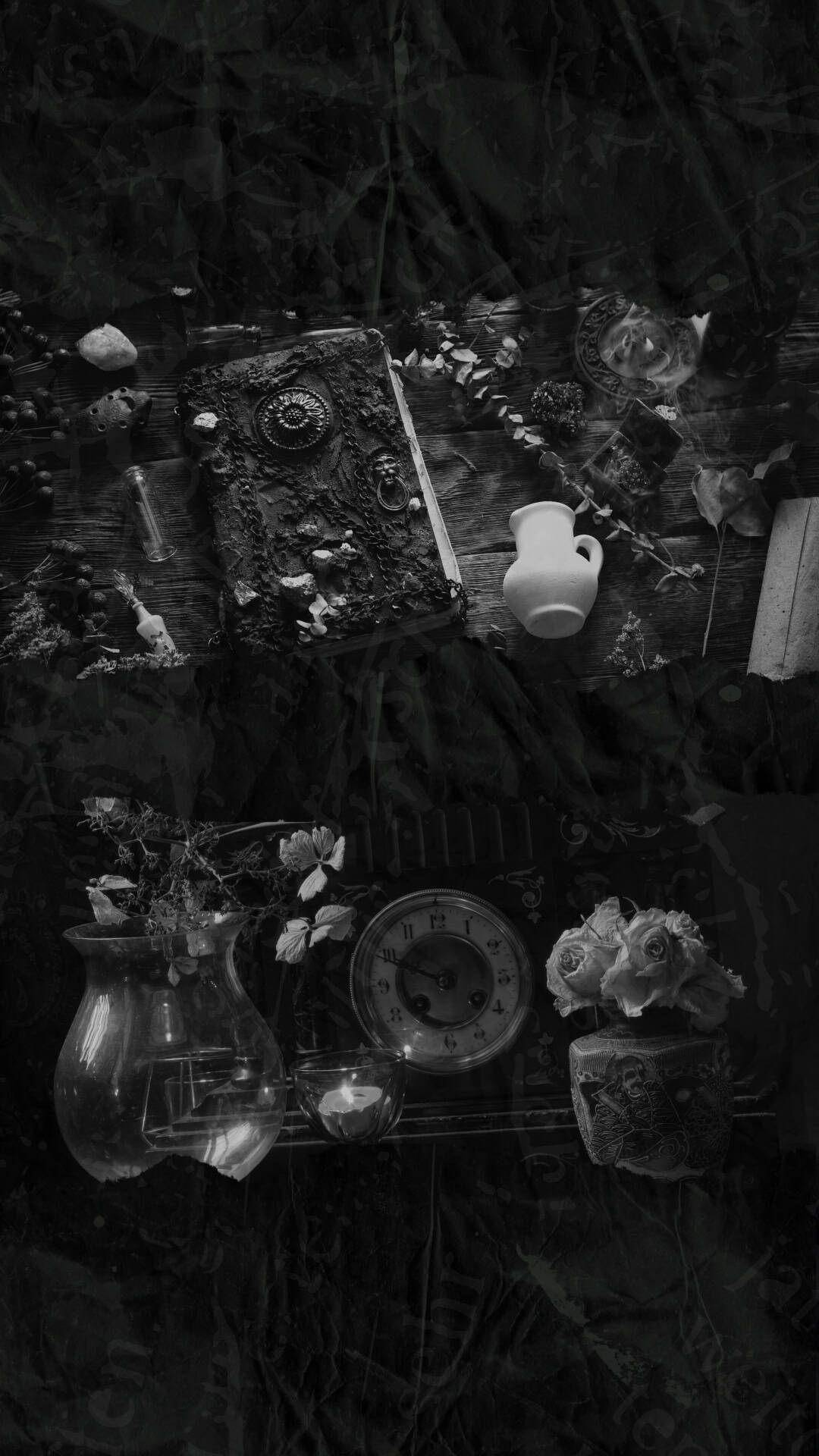
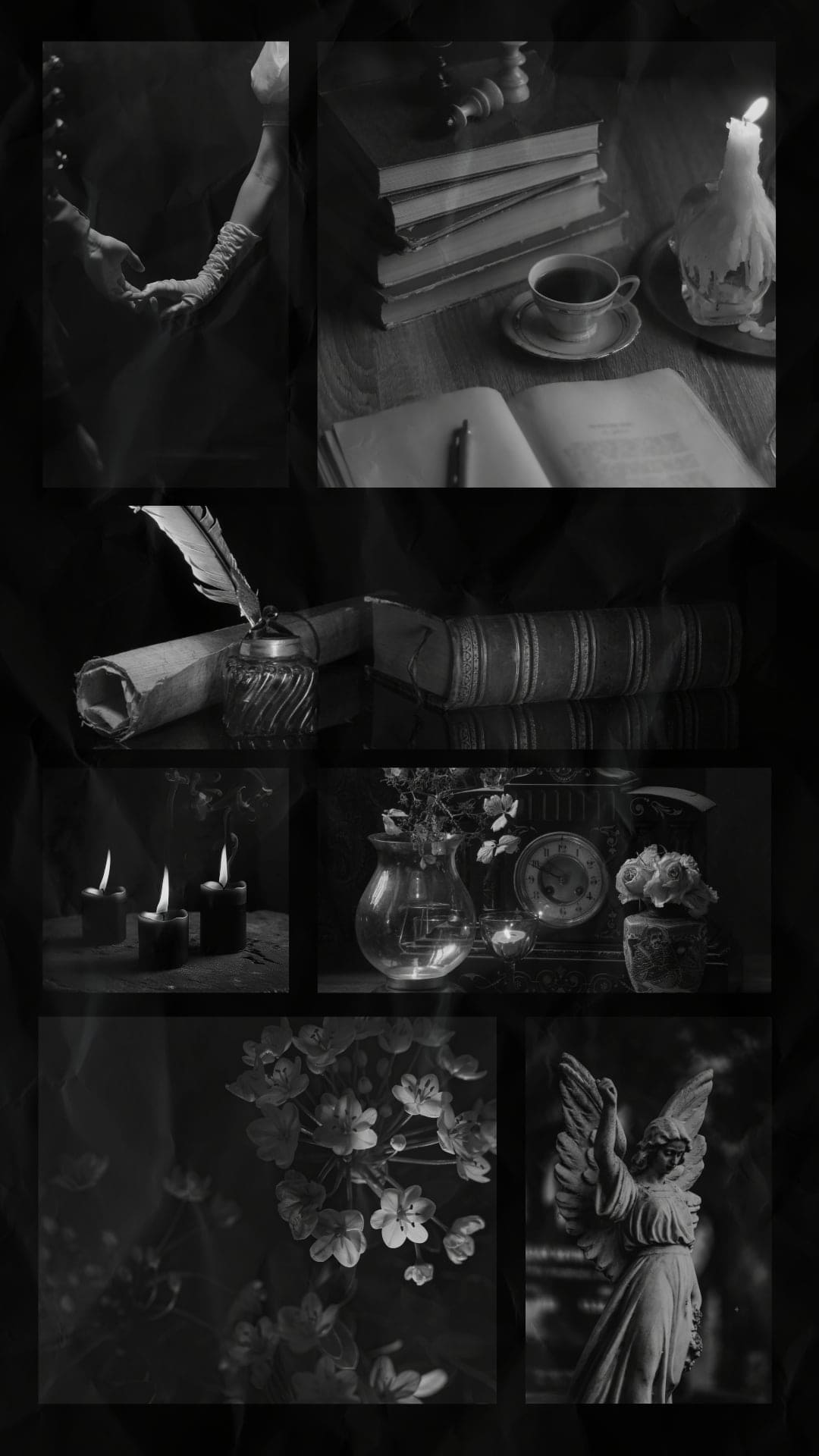
This collection of free wallpapers includes vintage-inspired collages, towering libraries, ornate staircases, candlelit books, chess pieces, writing desks, roses, sheet music, coffee, poetry, and elegant floral patterns. You will find rich brown and sepia tones, dramatic black-and-white photography, deep botanical shades, and atmospheric dark academia backgrounds that feel like scenes from a classic novel.
Choose your favorite dark academia aesthetic wallpaper to personalize your iPhone or Android home screen, lock screen, or both. These free phone backgrounds are perfect for book lovers, students, writers, poetry lovers, and anyone drawn to vintage academia, old-world libraries, romantic Gothic details, and cozy fall wallpapers.
What Is the Dark Academia Aesthetic?
Dark academia is a moody aesthetic inspired by classic literature, higher education, poetry, vintage aesthetic, and Gothic architecture. It often features old libraries, leather-bound books, candlelit study rooms, handwritten letters, classical music, dark florals, and historic university buildings. Its rich palette of black, brown, burgundy, navy, and sepia gives it a mysterious, scholarly, and romantic feel that works beautifully.
How to Download and Save the Wallpapers on an iPhone
- Tap the wallpaper you want to use to open the full-size image.
- Touch and hold the image.
- Tap Save to Photos or Save Image. If the image downloads as a file, open the Files app and look in the Downloads folder.
- Open the Settings app.
- Tap Wallpaper, followed by Add New Wallpaper.
- Tap Photos and select the dark academia wallpaper you saved.
- Pinch, zoom, or move the image until it fits your screen the way you want.
- Tap Add.
- Choose Set as Wallpaper Pair to use it on both screens, or tap Customize Home Screen to use a different image or effect on your Home Screen.
Apple's current wallpaper settings let you select one of your photos, adjust its appearance, and use it as a matching Lock Screen and Home Screen pair, or customize the screens separately.
How to Download and Save the Wallpapers on an Android Phone
- Tap your chosen wallpaper to open the full-size image.
- Touch and hold the image.
- Select Download image, Save image, or a similarly worded option.
- Open your Gallery, Photos, or Downloads folder to find the saved wallpaper.
- Touch and hold an empty area of your Home Screen.
- Tap Wallpaper & style, Wallpapers, or Change wallpaper. The exact wording varies by phone brand.
- Choose My Photos, Gallery, or More wallpapers.
- Select the dark academia phone background you downloaded.
- Adjust the position and cropping, then tap Apply or Set wallpaper.
- Choose whether to display it on your Home Screen, Lock Screen, or both.
On Pixel phones, Google's current instructions use the path touch and hold the Home Screen → Wallpapers and style → More wallpapers → Change wallpaper → Preview → Apply. Other Android models, including Samsung and Motorola phones, may label the menus slightly differently.
When an image is stored in Google Photos but not directly on the device, open it, tap the three-dot More menu, and select Download before setting it as your wallpaper.
Tips for Choosing Your Wallpaper
Detailed collages, quotations, and dramatic library scenes work especially well as Lock Screen wallpapers, letting you enjoy the full design whenever you pick up your phone. For your Home Screen, consider choosing a simpler image with open space around the center so your apps and widgets remain easy to see. You can use the same wallpaper on both screens or select two coordinating dark academia backgrounds.
Dark Academia Wallpapers for the Phone






Follow me on Pinterest, Facebook, Flipboard, or Instagram for more inspiration on crafts, DIY, free printables, and recipes!




Leave a Reply