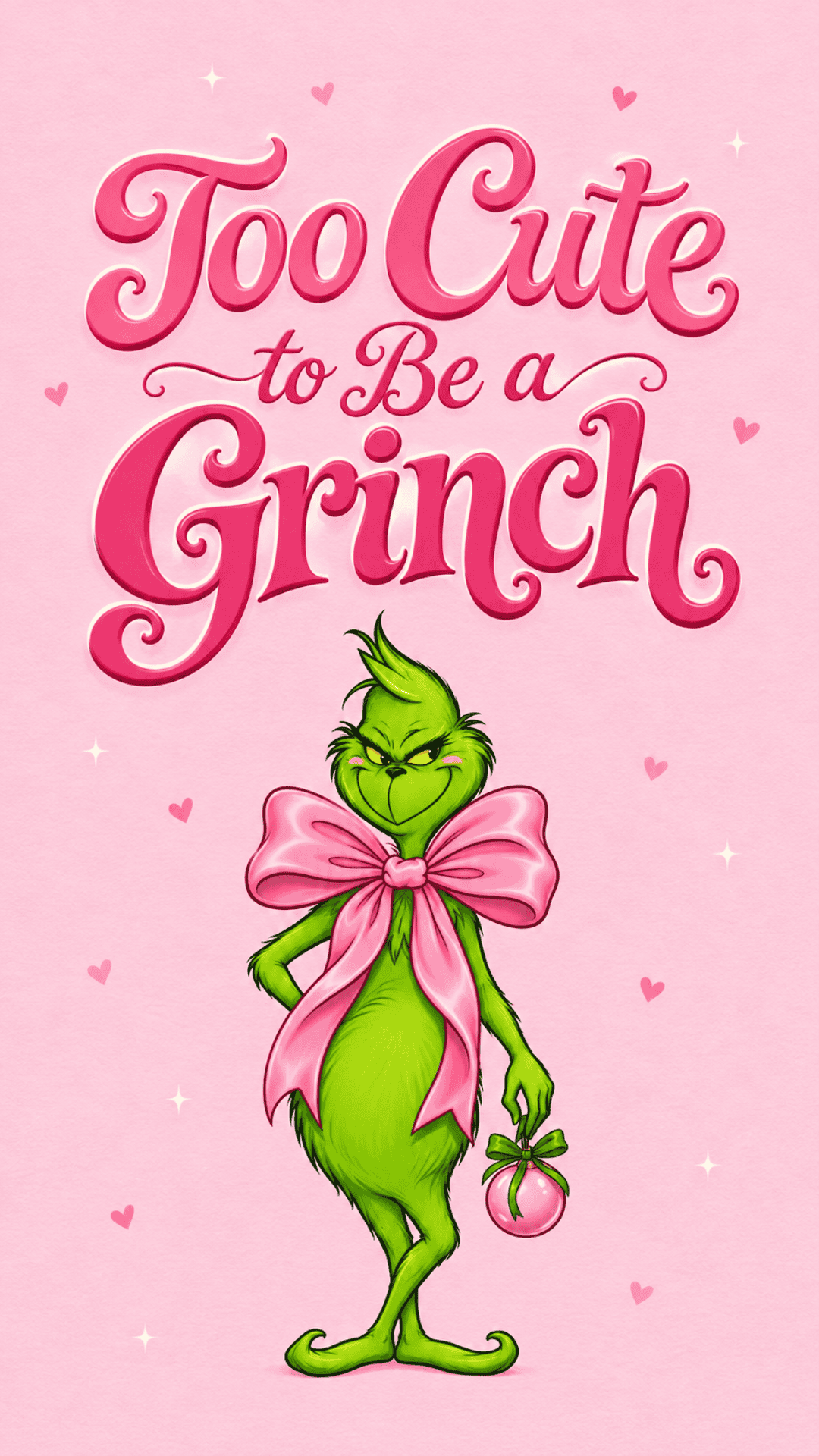
Add a little holiday mischief to your phone with these free Grinch-inspired wallpapers!
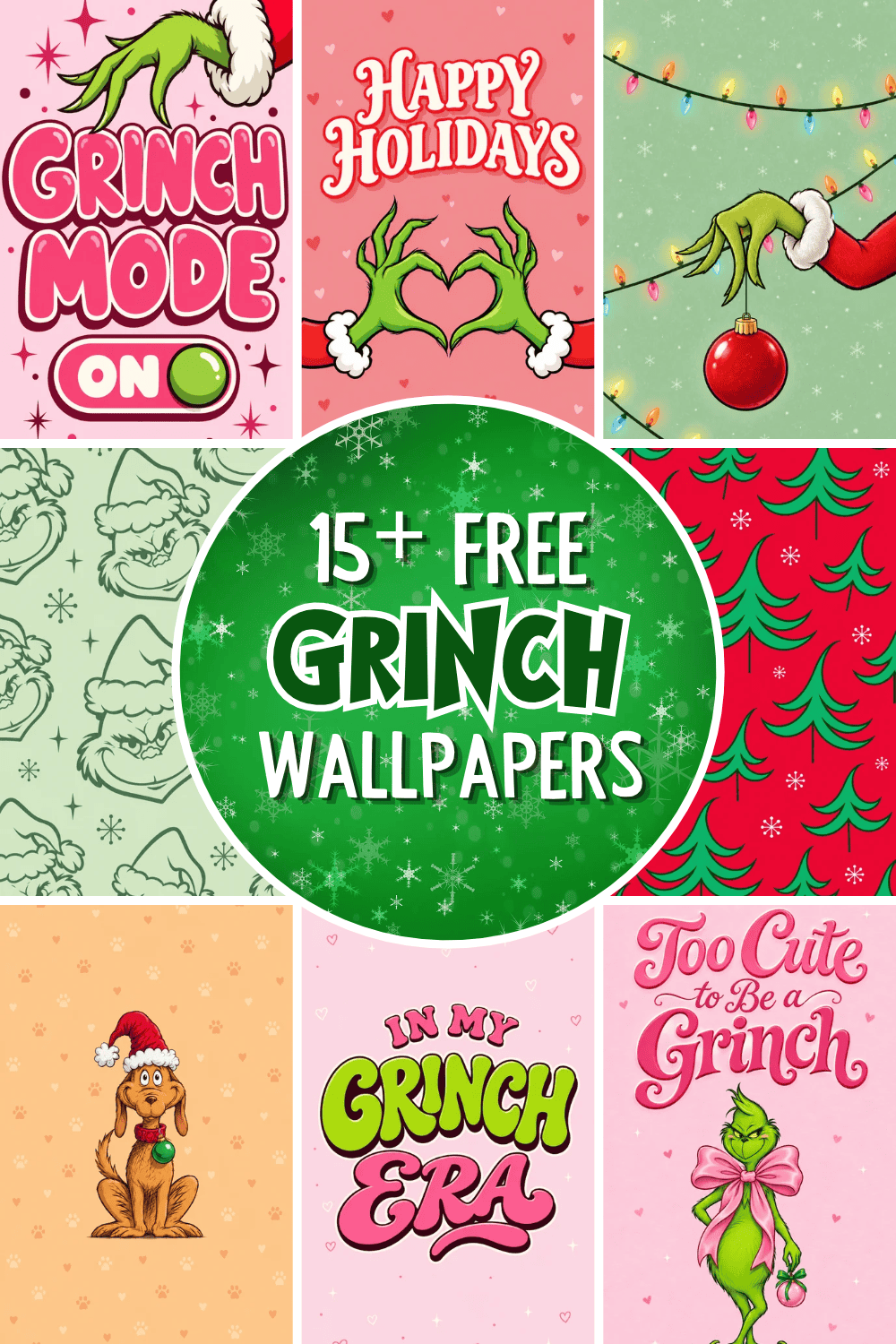
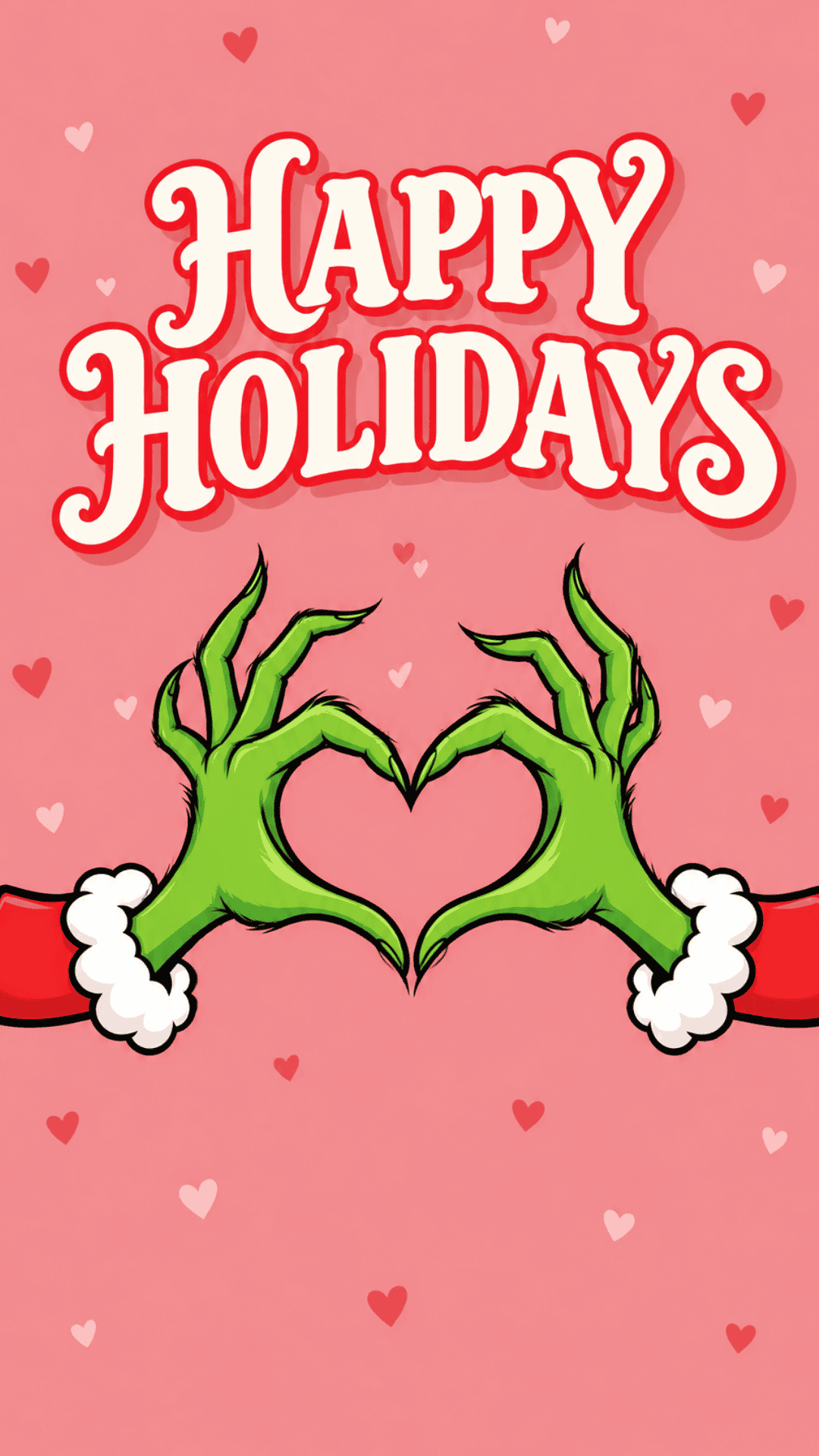
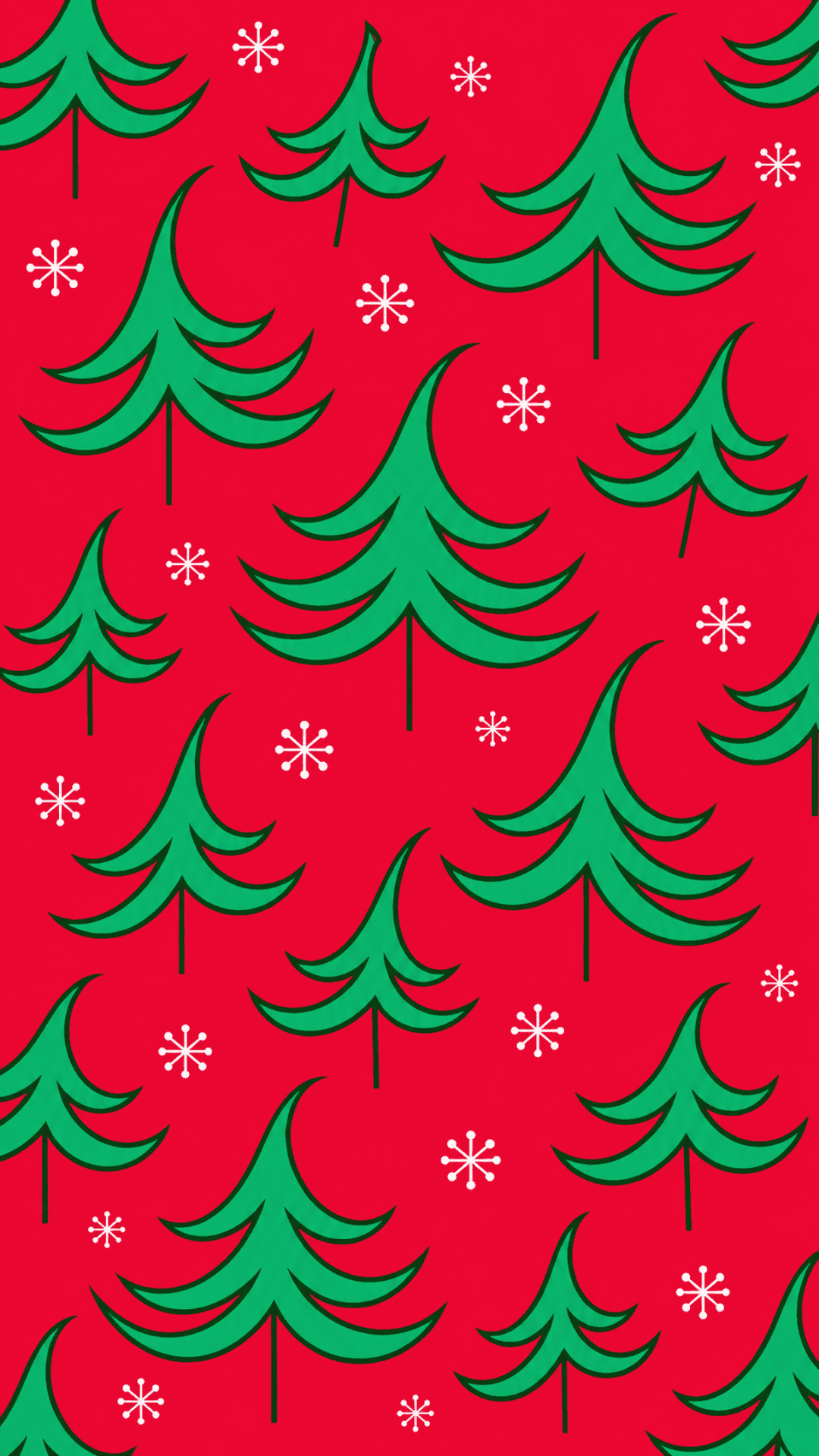
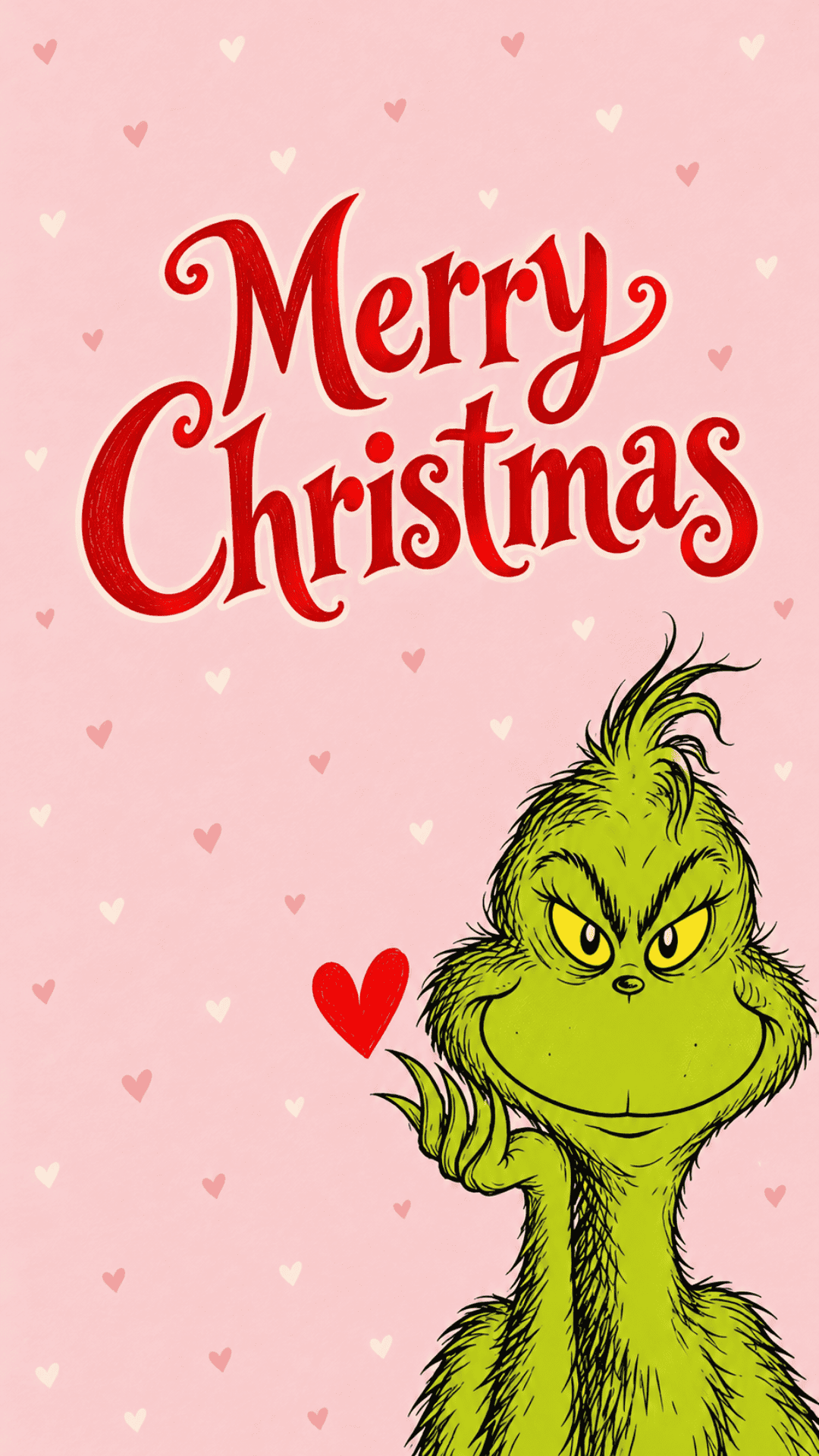
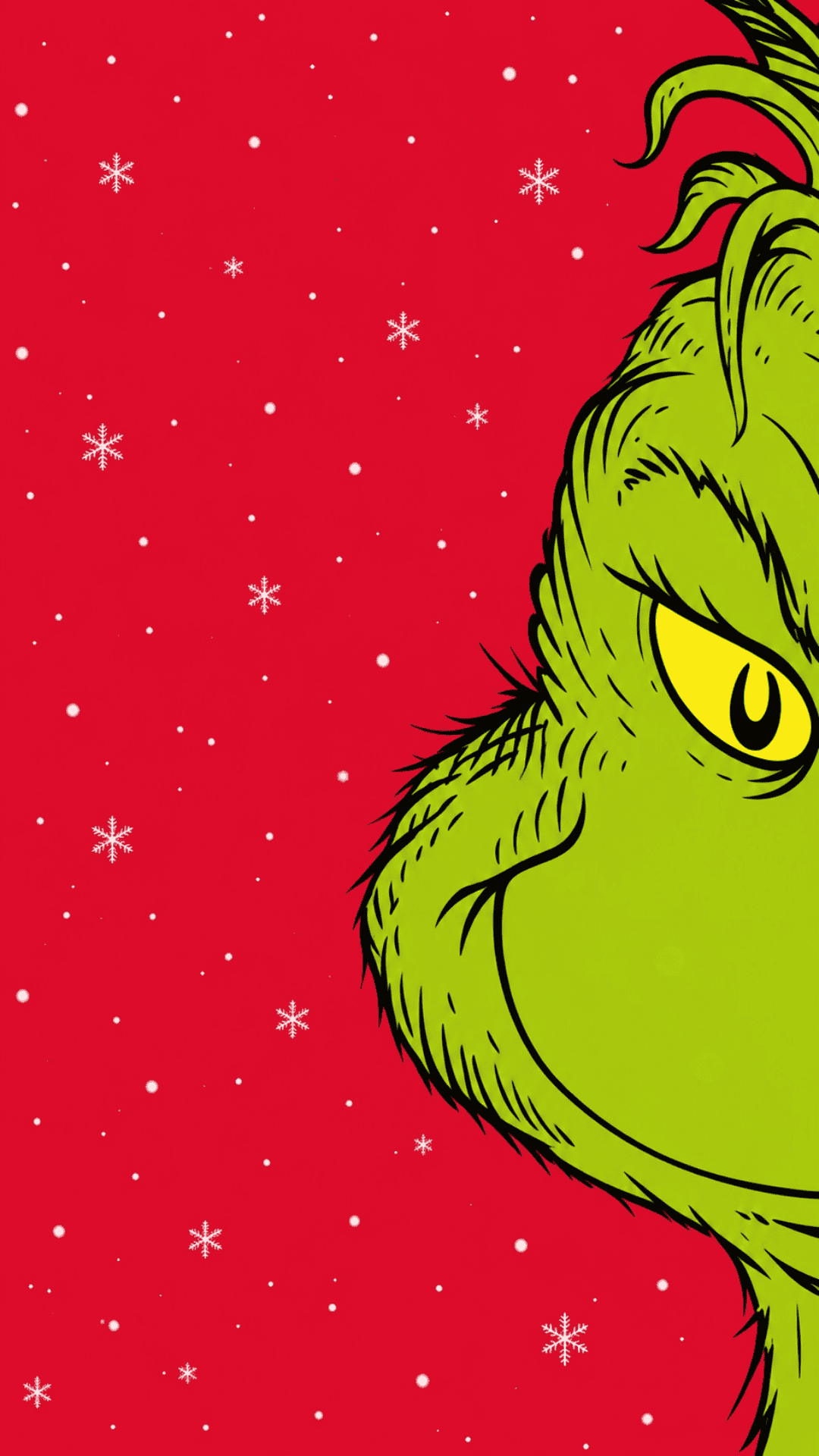
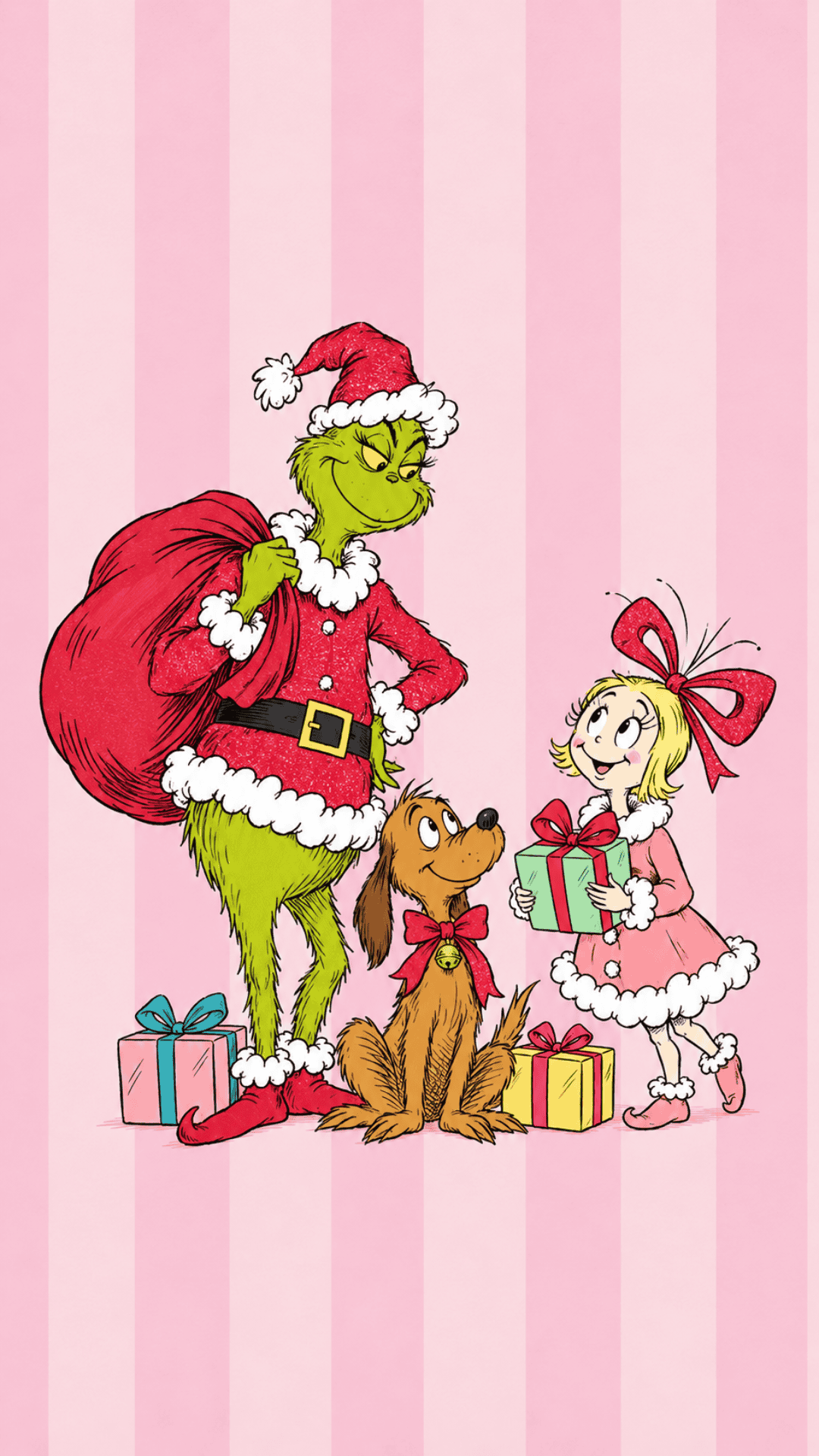
Whether you love the Grinch’s signature grumpy expression or his softer, sweeter side, this collection is full of festive designs to get you in the Christmas spirit. From classic red and green backgrounds to adorable pink Christmas wallpaper with hearts and pastel colors, there’s something for every holiday aesthetic.
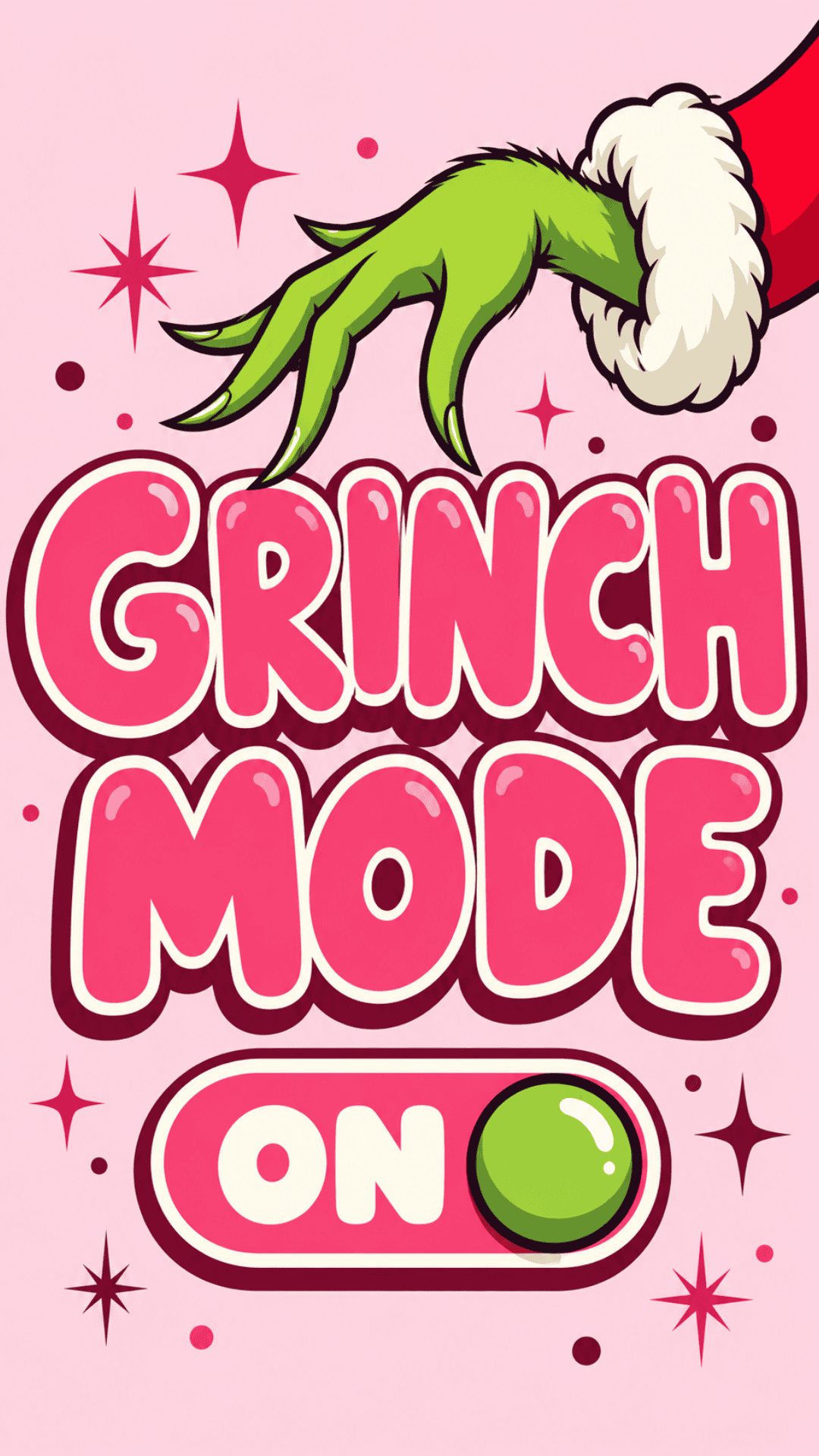
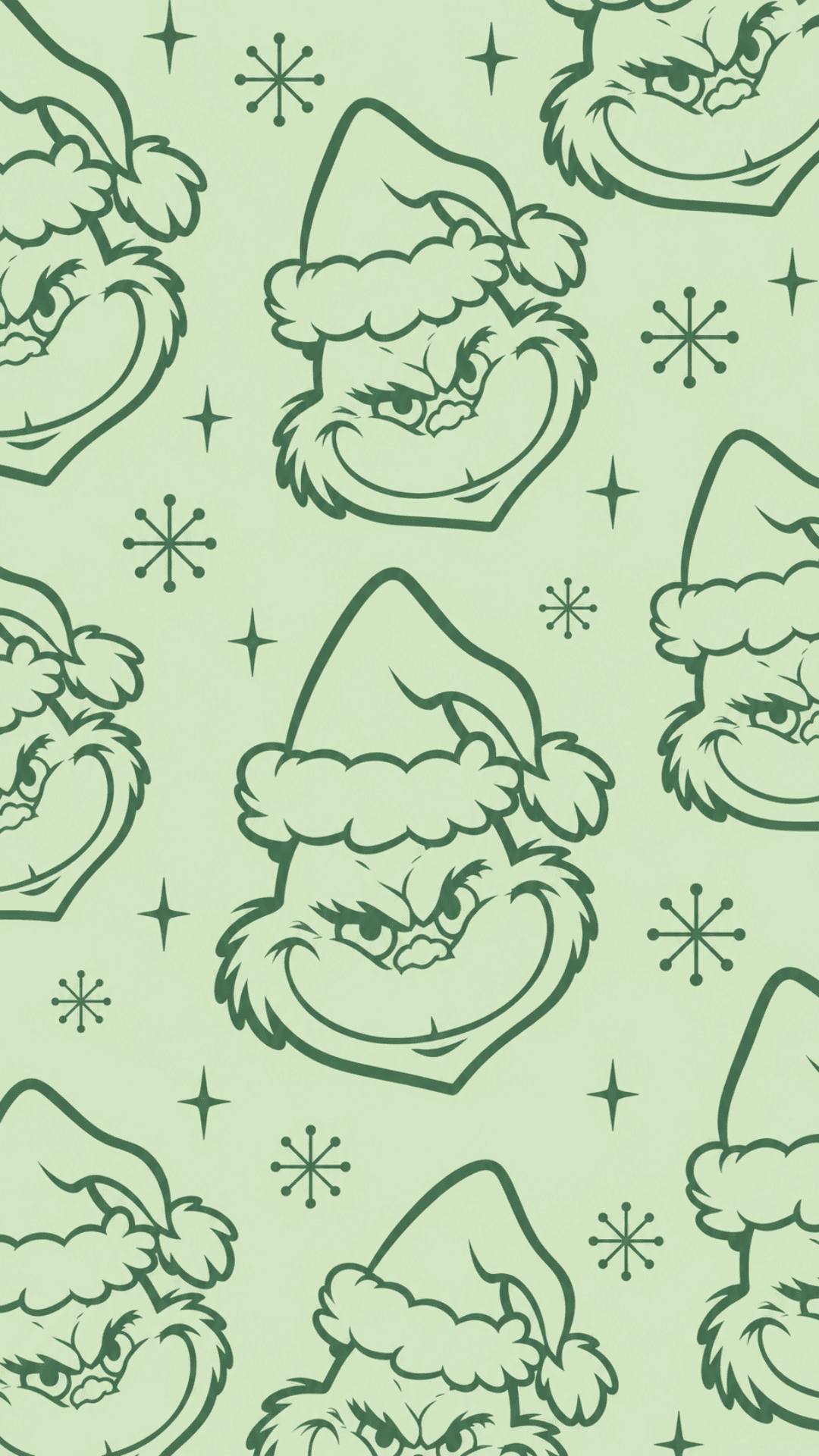
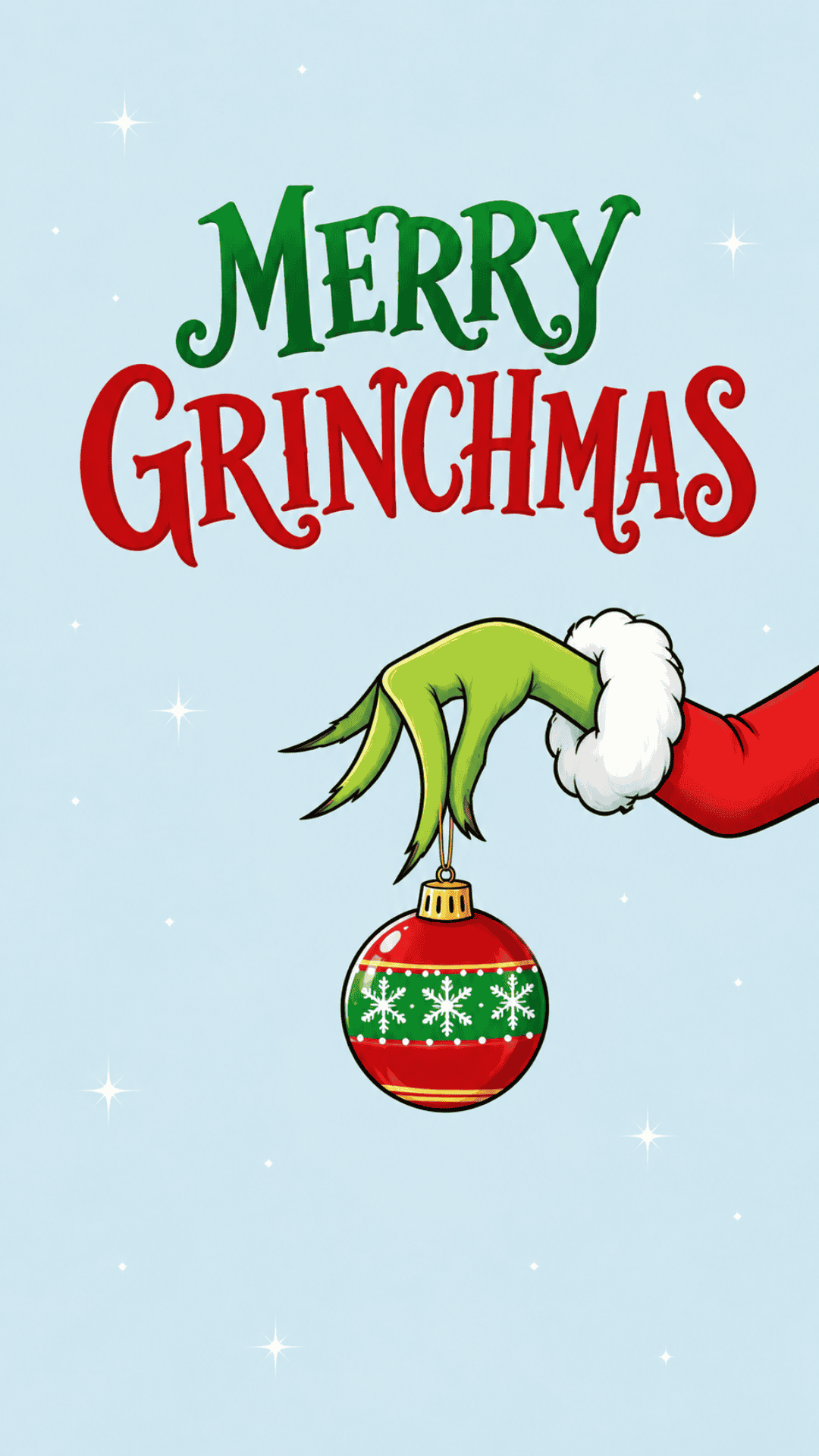
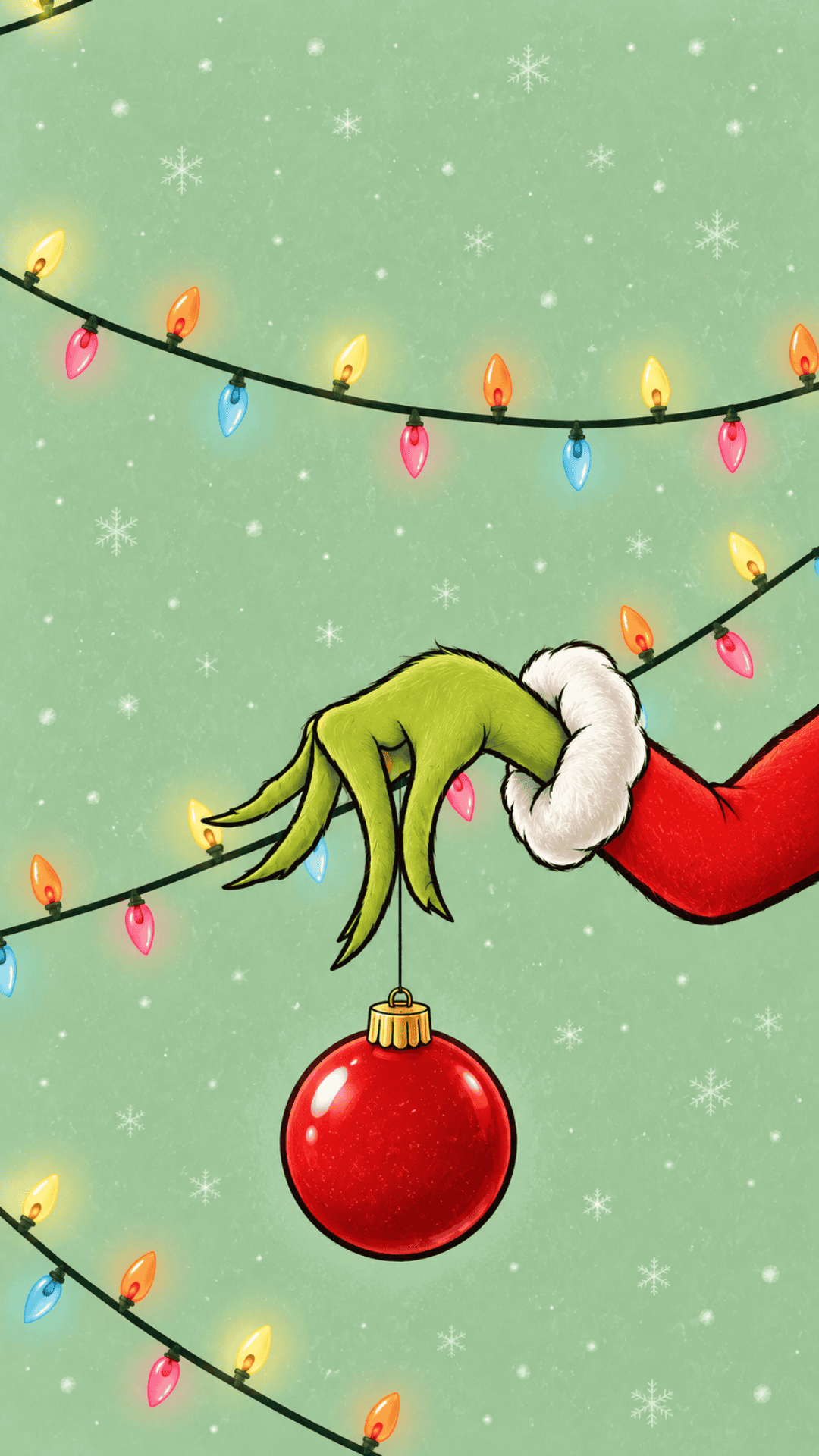
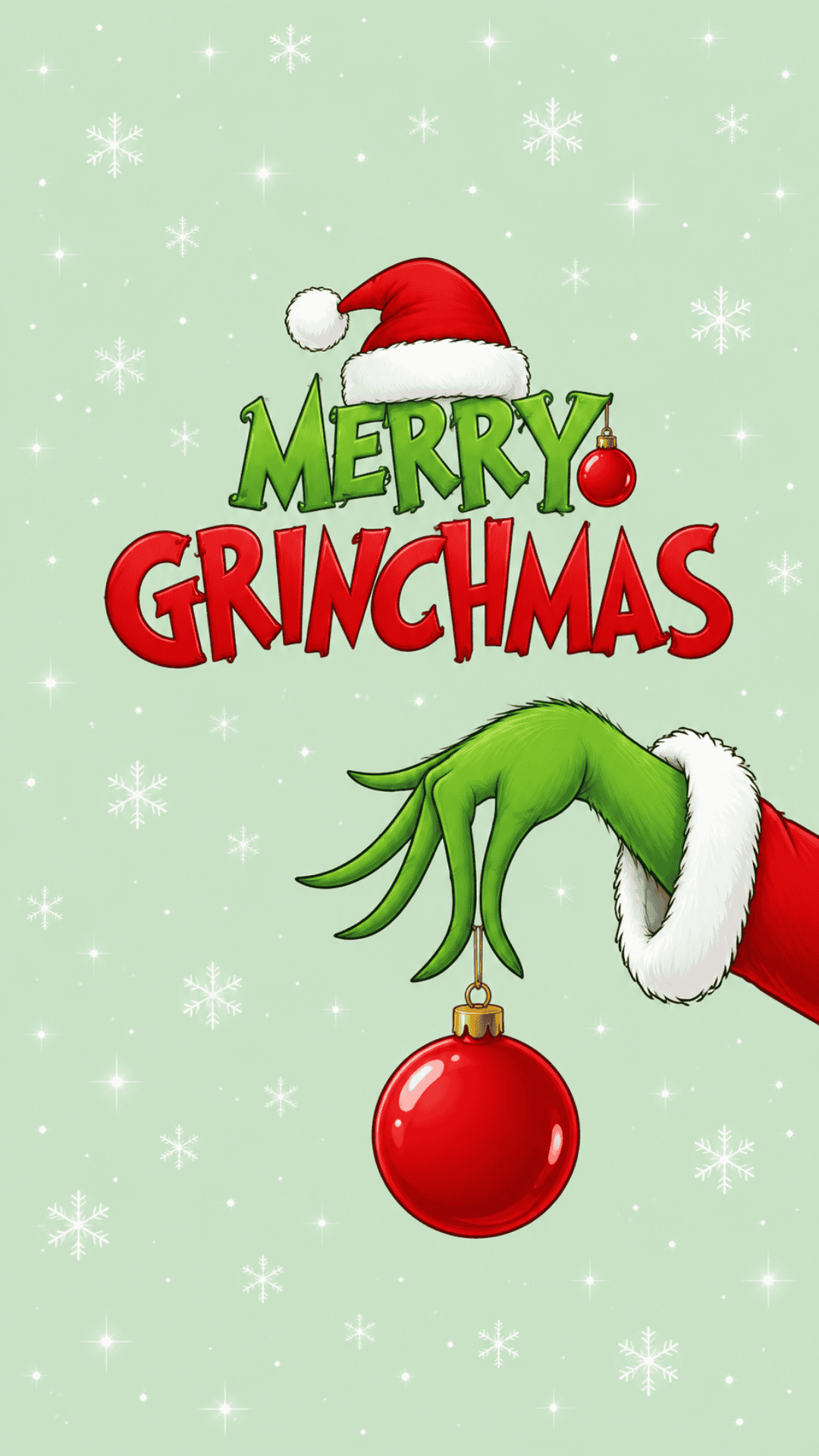
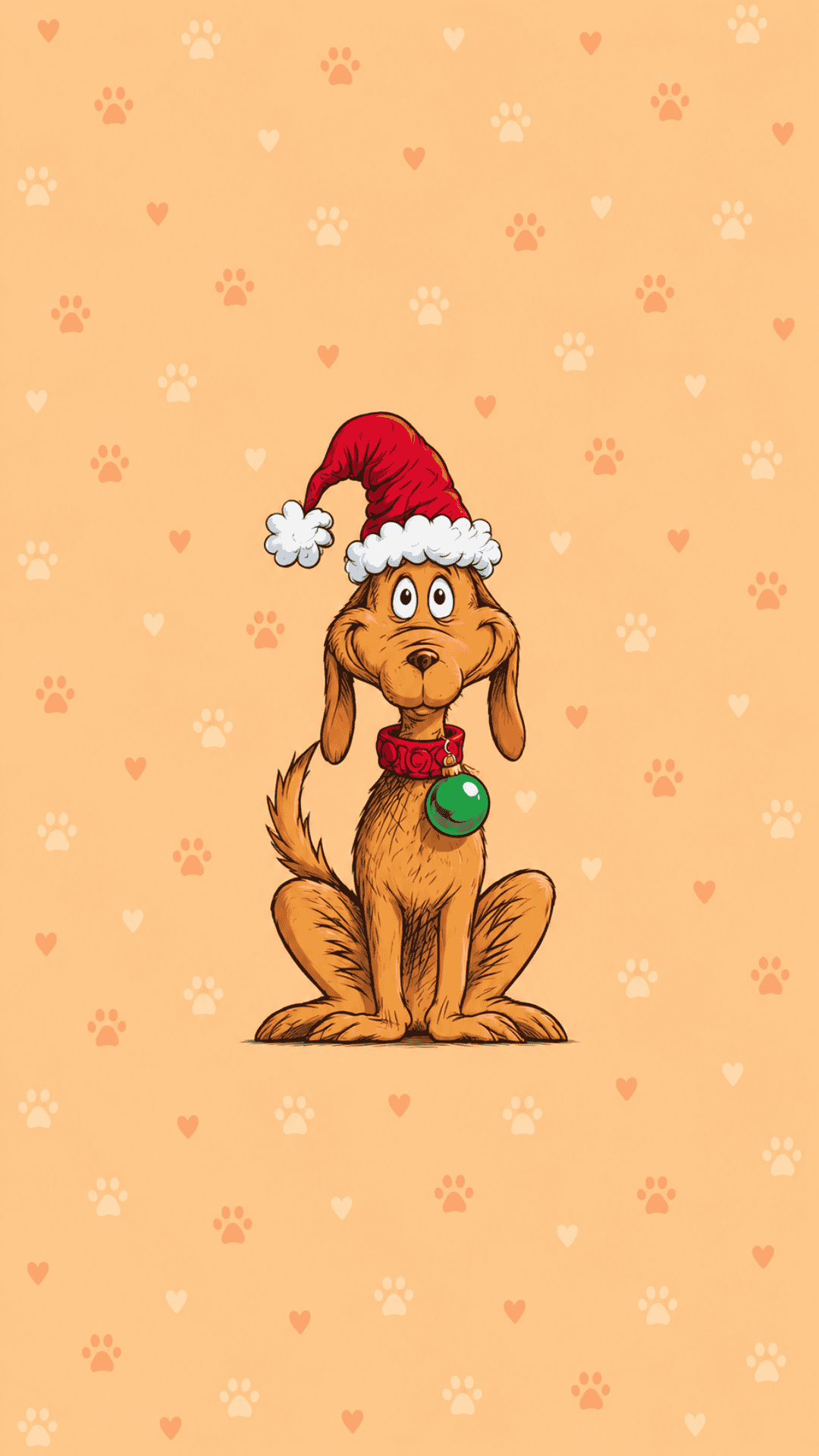
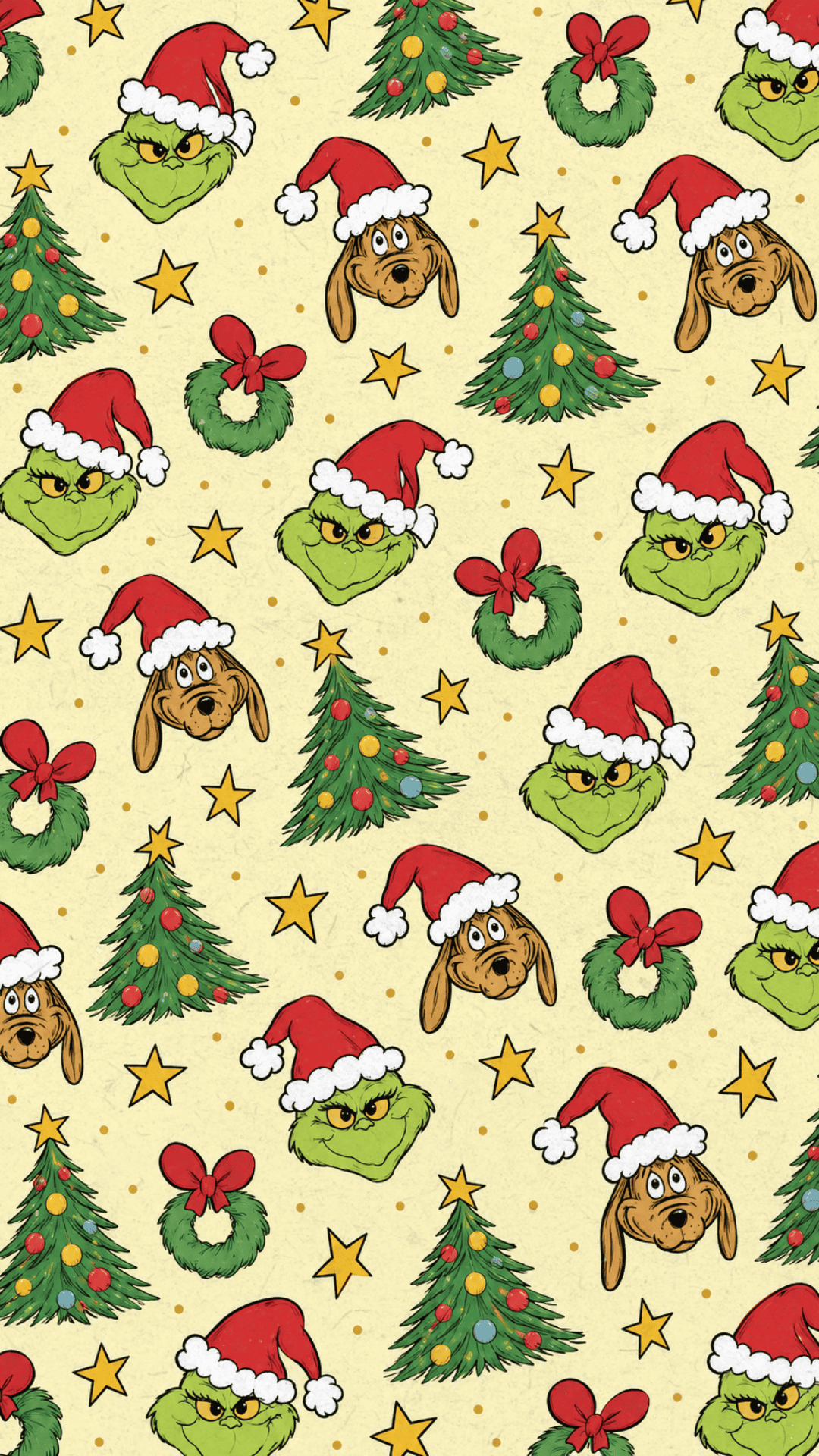
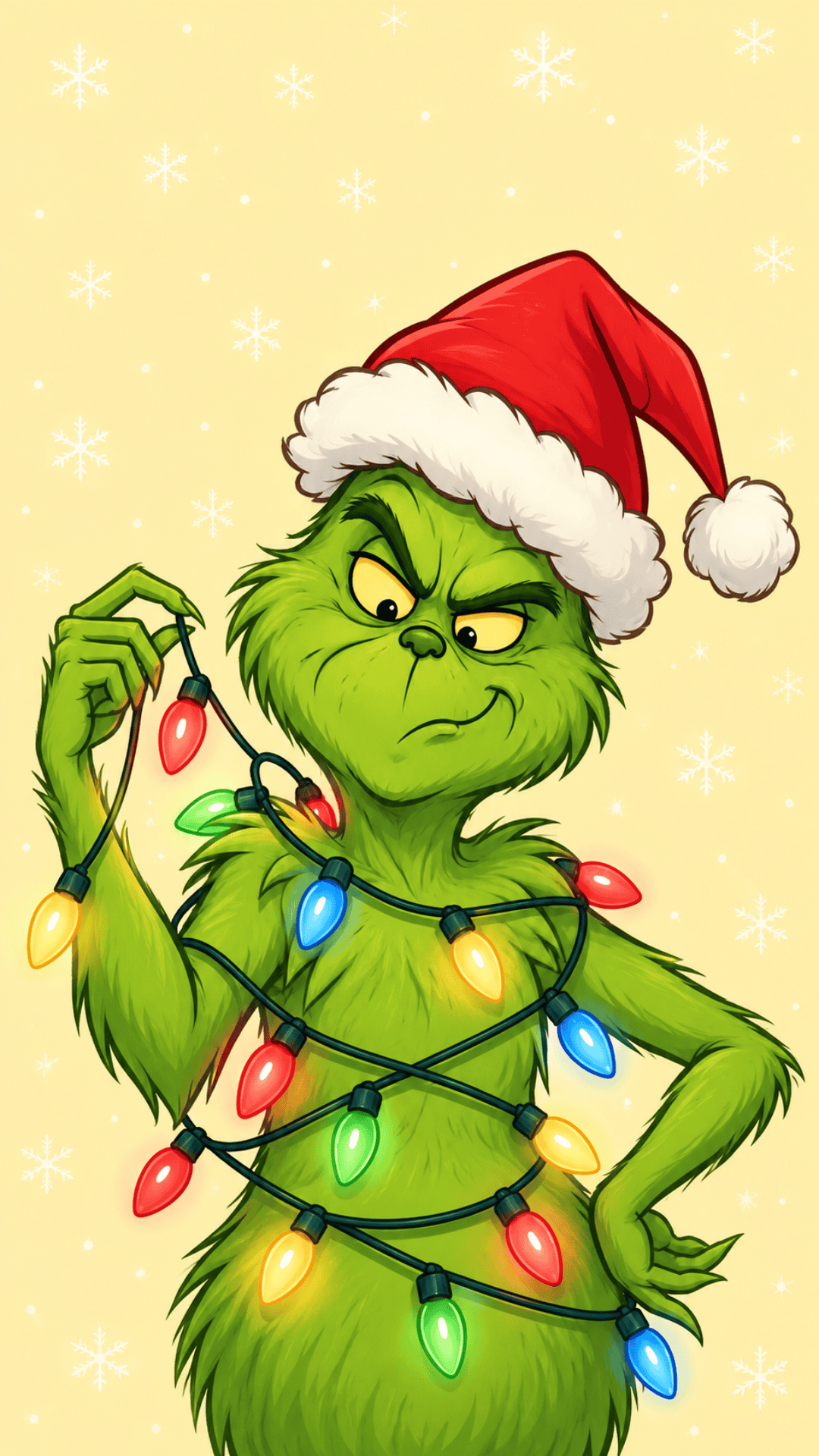
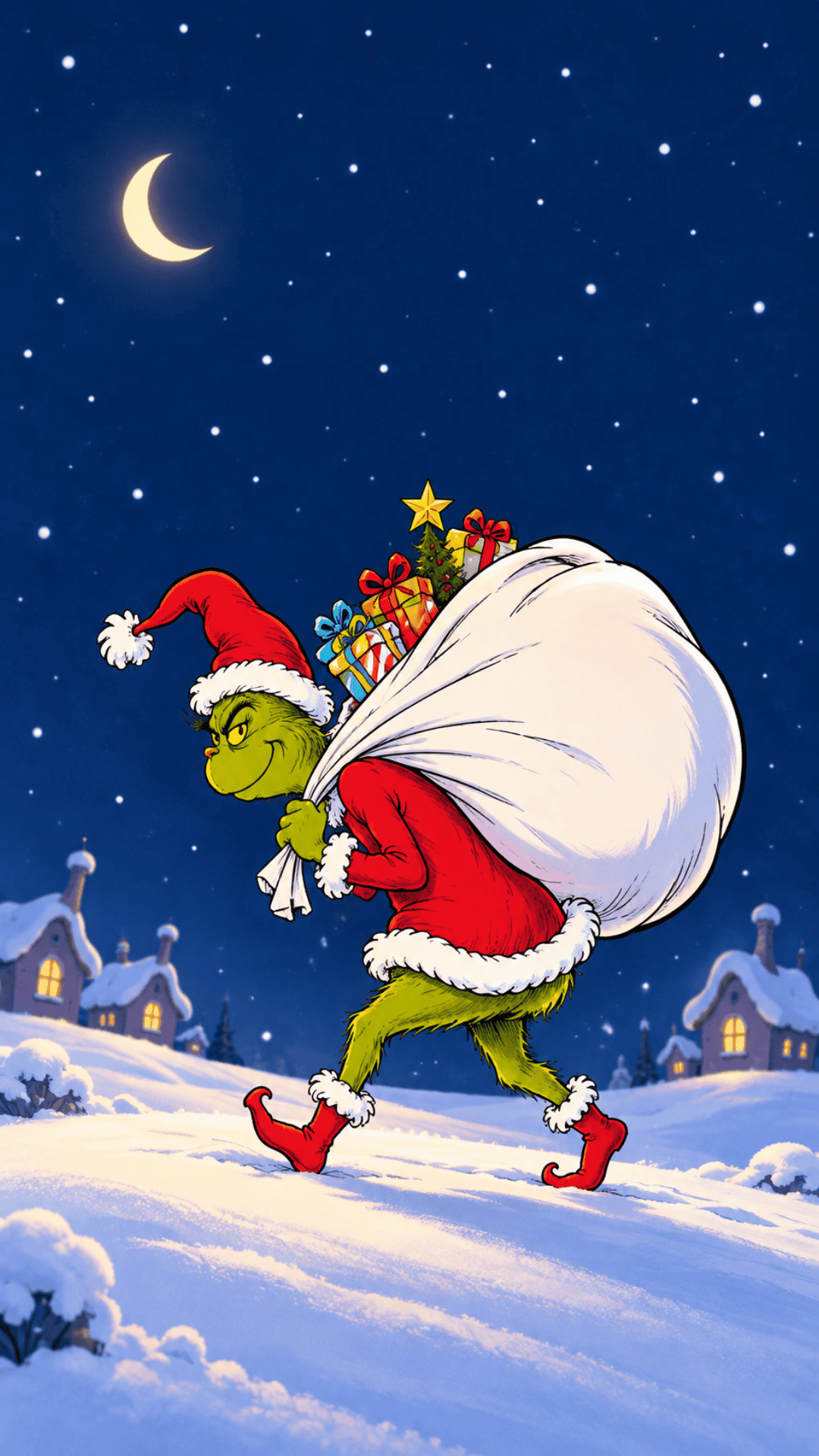
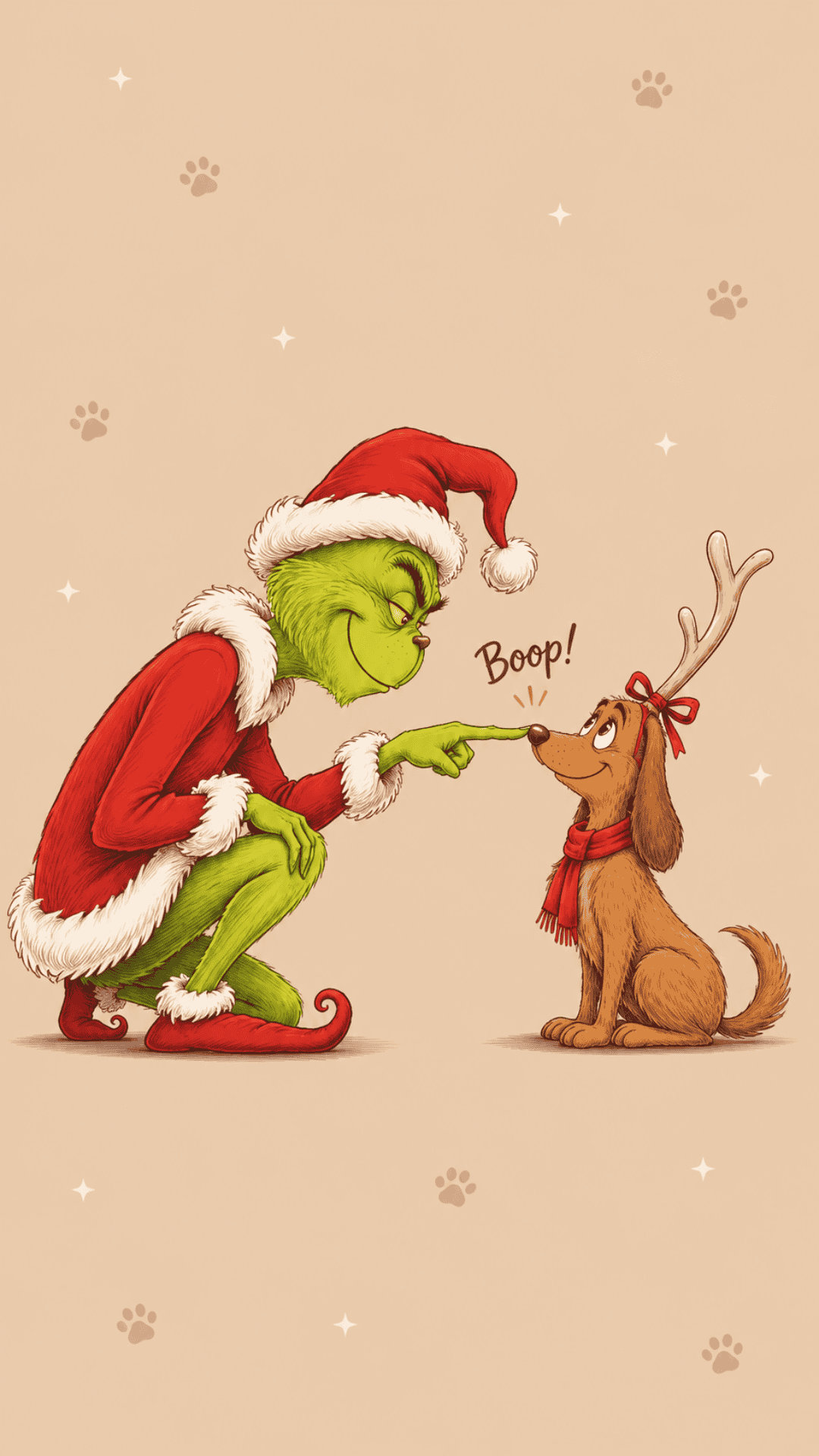
You’ll find all kinds of cute Christmas wallpapers featuring the Grinch in his Santa hat, holding ornaments, getting tangled in Christmas lights, and enjoying snowy Whoville-inspired scenes. There are also fun designs featuring Max and Cindy Lou, along with fun holiday sayings like “Merry Grinchmas,” “Grinch Mode On,” and “In My Grinch Era.”
If you prefer a simple, minimalist look, you’ll love the subtle snowflake patterns, green outlines, and simple backgrounds. Or, if you’re all about bright colors and a preppy Christmas aesthetic, the cheerful pink designs, whimsical lettering, and festive patterns are sure to make you smile.
These Grinch phone wallpapers are perfect for giving your iPhone or Android a festive makeover. Use your favorite as a Christmas lock screen, brighten up your home screen, or switch between different designs throughout the holiday season. Just scroll through the collection, pick the ones you love, and follow the simple instructions below to download them!
How to Save and Download Your Grinch Wallpapers
Downloading your favorite Christmas backgrounds is quick and easy! Follow these simple steps to save an image and set it as your phone wallpaper.
For iPhone:
- Tap on your favorite wallpaper to open the full-size image.
- Touch and hold the image, then select Save to Photos or Add to Photos.
- Open your iPhone’s Settings app and tap Wallpaper.
- Select Add New Wallpaper, then choose Photos.
- Find the wallpaper you saved and adjust it to fit your screen.
- Tap Add, then select Set as Wallpaper Pair to use it on both screens, or Customize Home Screen if you’d like a different home screen background.
For Android:
- Tap on the wallpaper you want to download to view the full-size image.
- Touch and hold the image, then select Download Image or Save Image.
- Open your phone’s Gallery or Google Photos app and find the downloaded wallpaper.
- Tap the menu and select Set as Wallpaper. Depending on your phone, you may also find this option under Settings > Wallpaper & Style.
- Adjust the image to fit your screen and choose whether to apply it to your Home Screen, Lock Screen, or both.
Tip: For the best image quality, always open and save the full-size wallpaper instead of taking a screenshot of the preview.
Now you’re ready to give your phone a little Grinch-inspired Christmas magic! 💚
Grinch-Inspired Wallpapers

More Christmas Wallpapers
- 60+ Free Red Christmas Wallpapers for iPhone & Android
- 45 Free Retro Christmas Wallpapers for Your Phone
- 30+ Free Vintage Christmas Wallpapers for Your Phone
- 40 Free Phone Christmas Tree Wallpapers


Follow me on Pinterest, Facebook, Flipboard, or Instagram for more inspiration on crafts, DIY, free printables, and recipes!



Leave a Reply