Want a lucky lock screen for March 17th? Grab one of these free St. Patrick's Day wallpapers for your phone!
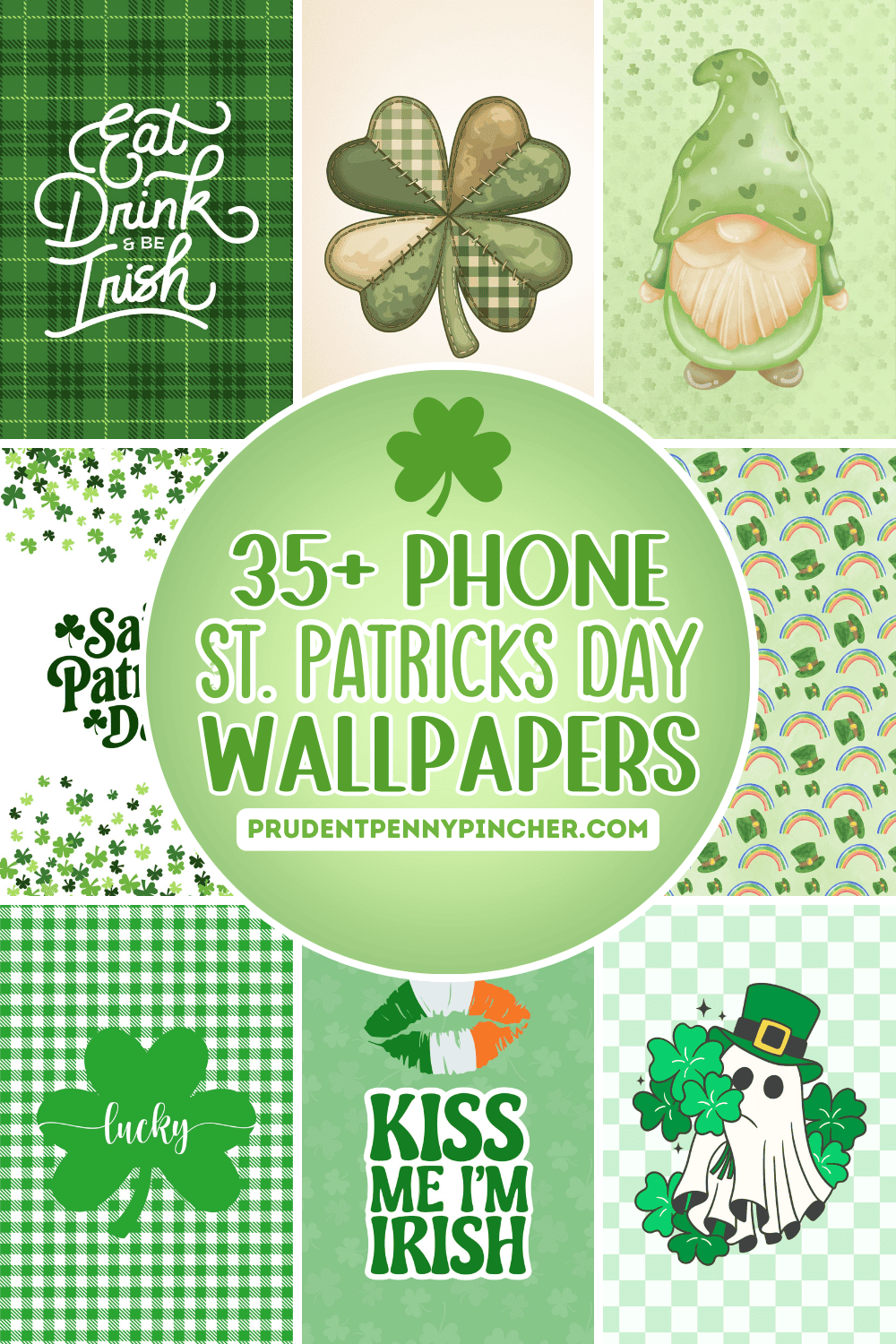
This collection of free wallpapers is packed with fun options for every style-whether you want an aesthetic and cute background or something simple and sleek. You'll find everything from festive illustrations to real-life photos, plus a few designs that include a March calendar so you can stay organized without sacrificing the holiday vibe. These backgrounds are a fun way to celebrate March in style!
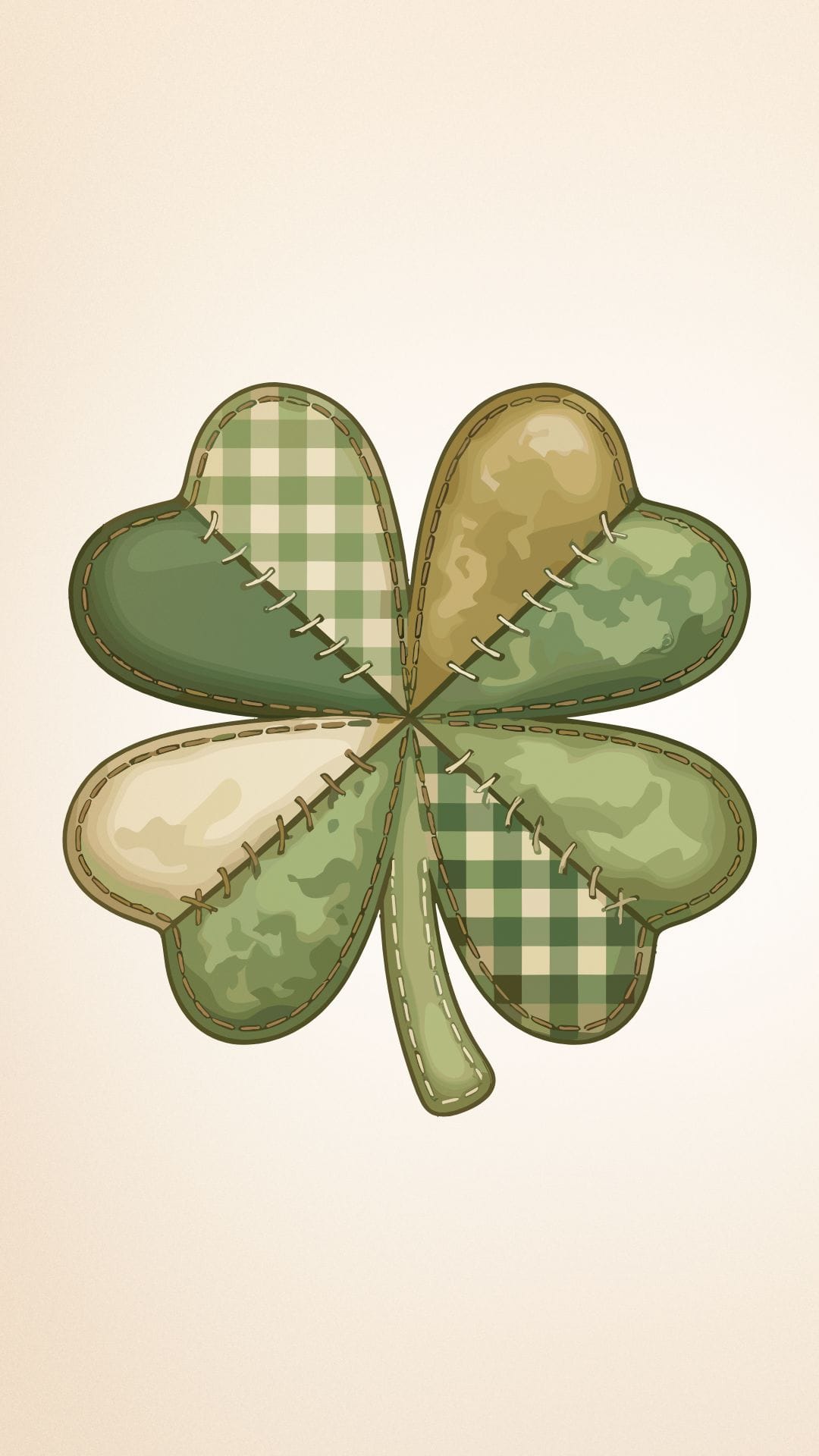
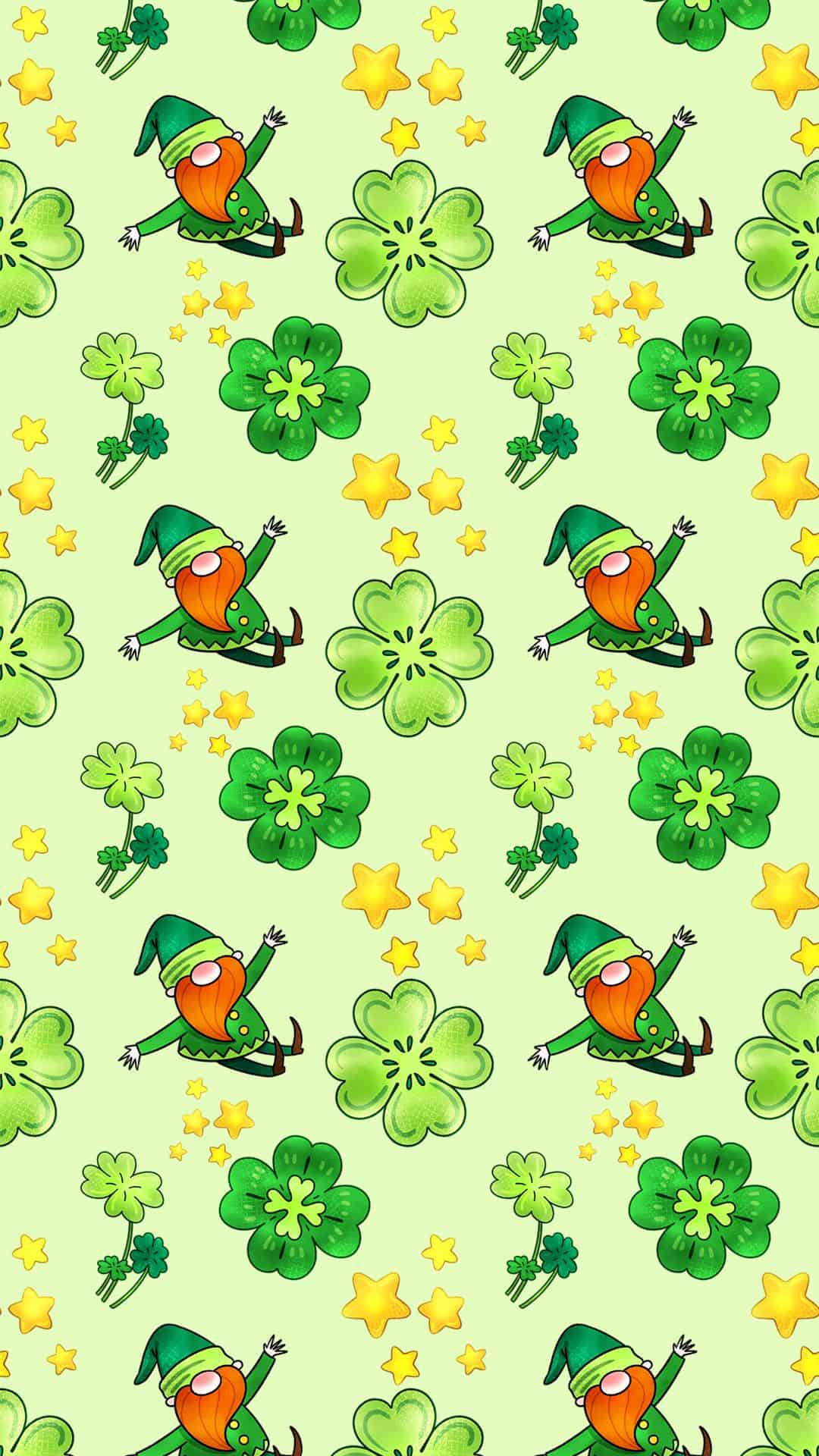
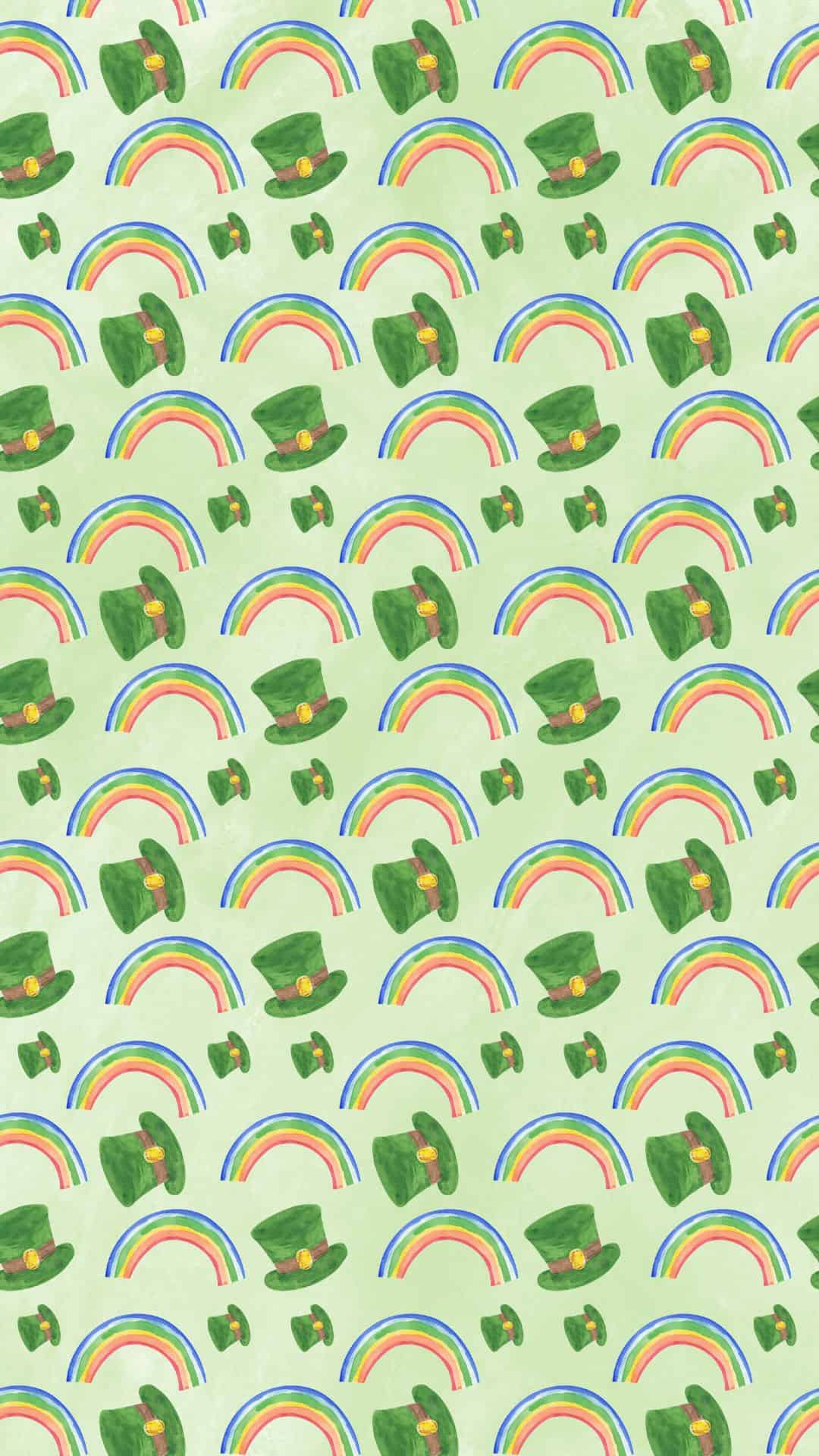
In this roundup, you'll find a mix of Saint Patrick’s Day wallpapers for phones that work perfectly on iPhone and Android devices. There are plenty of shamrock designs, festive patterns, and whimsical gnomes and leprechauns that look adorable on any home screen.
And because not everyone wants the same look, there's a little bit of everything: retro styles with vintage flair, clean, minimalist designs, and trendy aesthetic wallpapers that give your phone an Irish charm in a stylish way. Whether you're going full green-and-gold or keeping it subtle, you'll definitely find a Saint Patrick’s Day background that matches your mood.
Scroll through, pick your favorites, and save a few so you can swap them all month long. These designs are an easy way to add a little extra luck to the month.
How to Download the Backgrounds
1) Open the wallpaper you want
Scroll through the post and tap on the St. Patrick’s Day wallpapers you want. It will pop up at full size.
2) Save it to your device
On iPhone (Safari or Chrome):
- Tap the background to open it full size.
- Press and hold on the image.
- Tap Add to Photos (or Save Image).
- Find it in your Photos app.
On Android (Chrome, Samsung Internet, etc.):
- Tap the background to open it full size.
- Press and hold on the image.
- Tap Download image or Save image.
- Find it in Gallery or Photos (sometimes in a "Downloads" album).
3) Set it as your background
On iPhone:
- Open the Photos app and select the saved background.
- Tap the Share icon (square with arrow).
- Tap Use as Wallpaper.
- Adjust/zoom if needed, then tap Add.
- Choose Set as Lock Screen, Set as Home Screen, or Set as Both.
On Android:
- Open Gallery or Photos and select the background.
- Tap More (three dots) or the Share icon.
- Tap Set as wallpaper.
- Choose Home screen, Lock screen, or Both, then confirm.
St. Patrick’s Day Wallpapers
























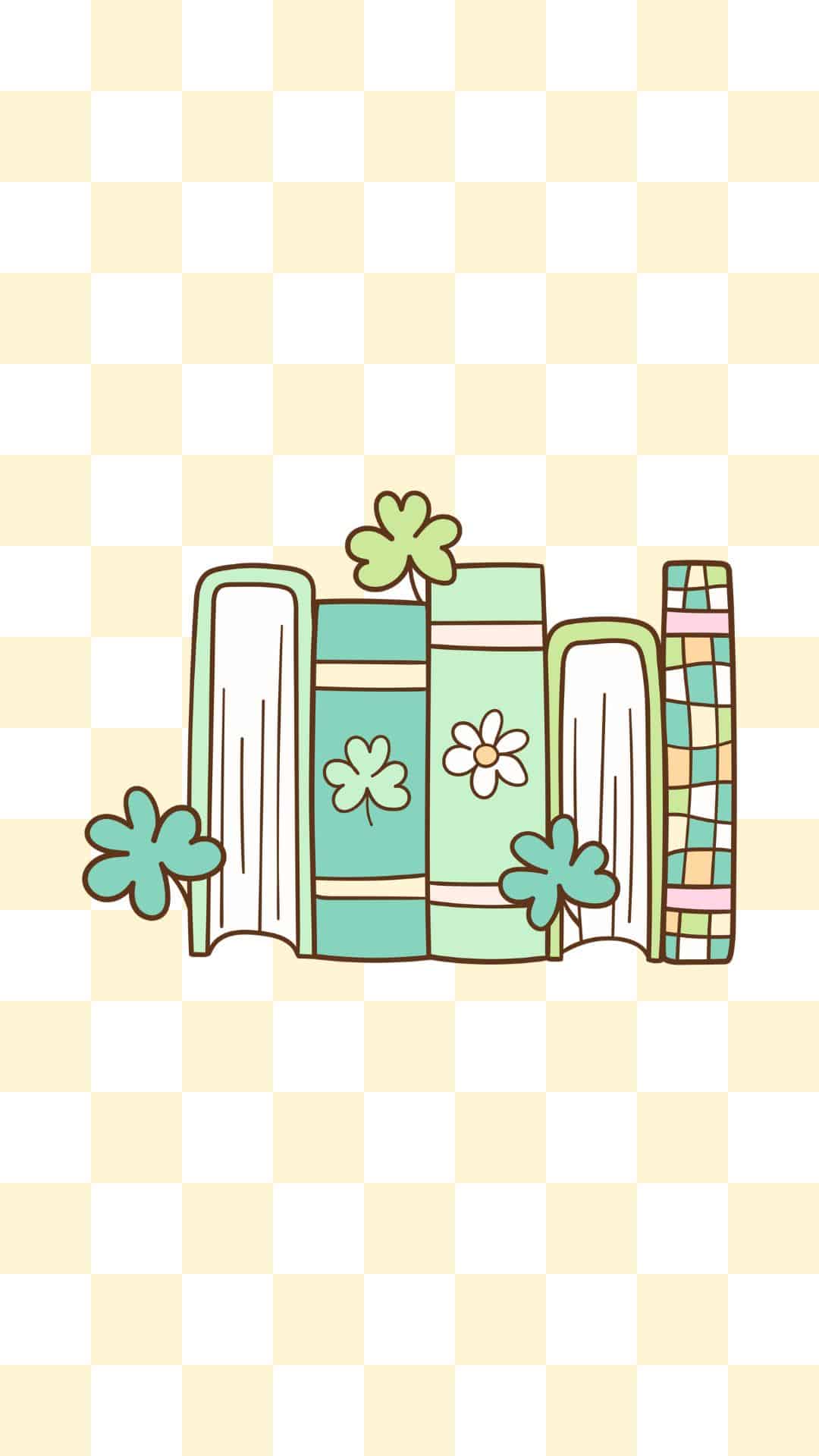

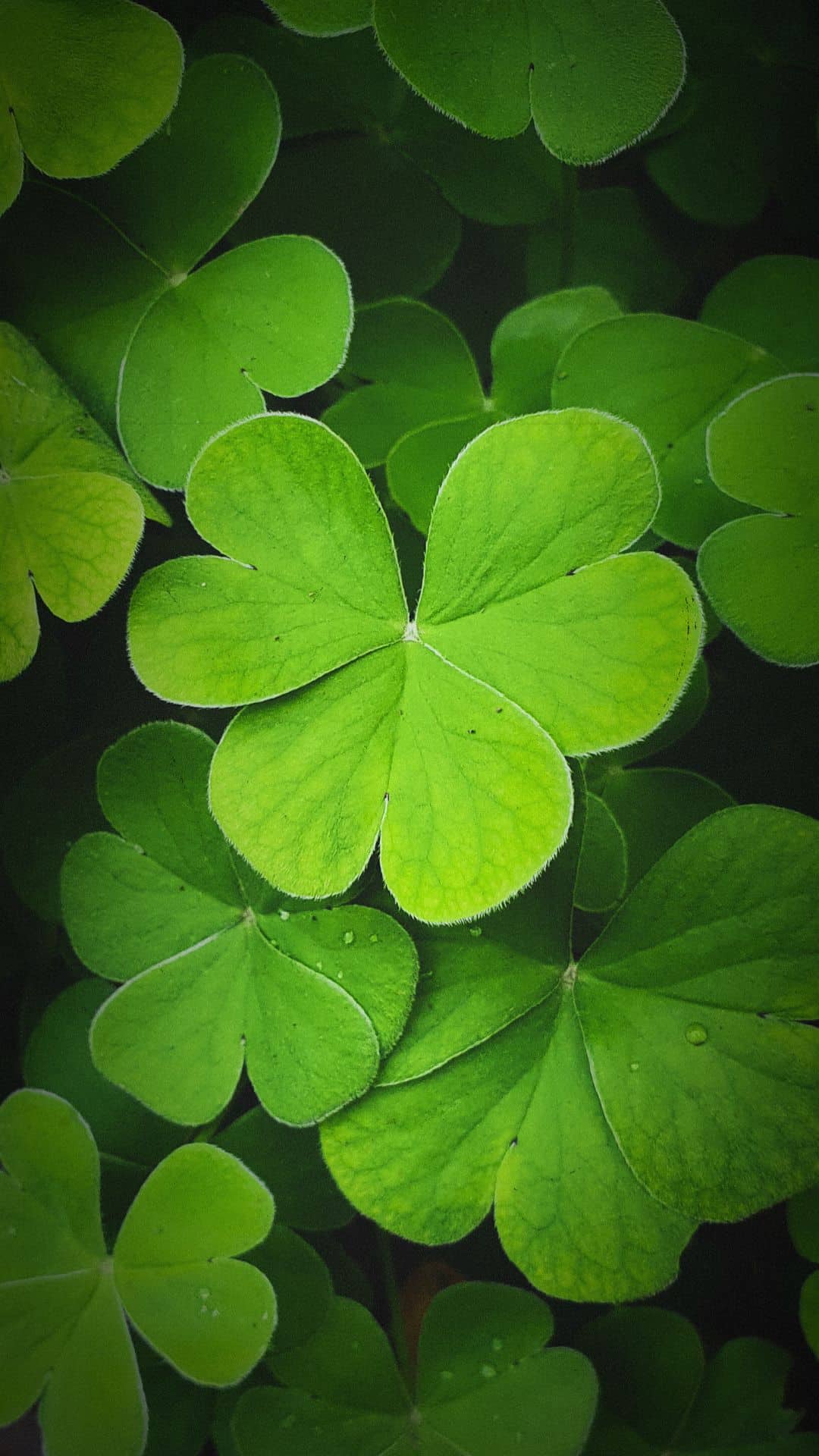


More Wallpapers
- 30+ Free Vintage Christmas Wallpapers for Your Phone
- 50 Free November Wallpapers for Phones
- 50 Free Vintage and Retro Halloween Phone Wallpapers
- 45 Cute Ghost Wallpapers for iPhone & Android


Follow me on Pinterest, Facebook, Flipboard, or Instagram for more inspiration on crafts, DIY, free printables, and recipes!






Leave a Reply