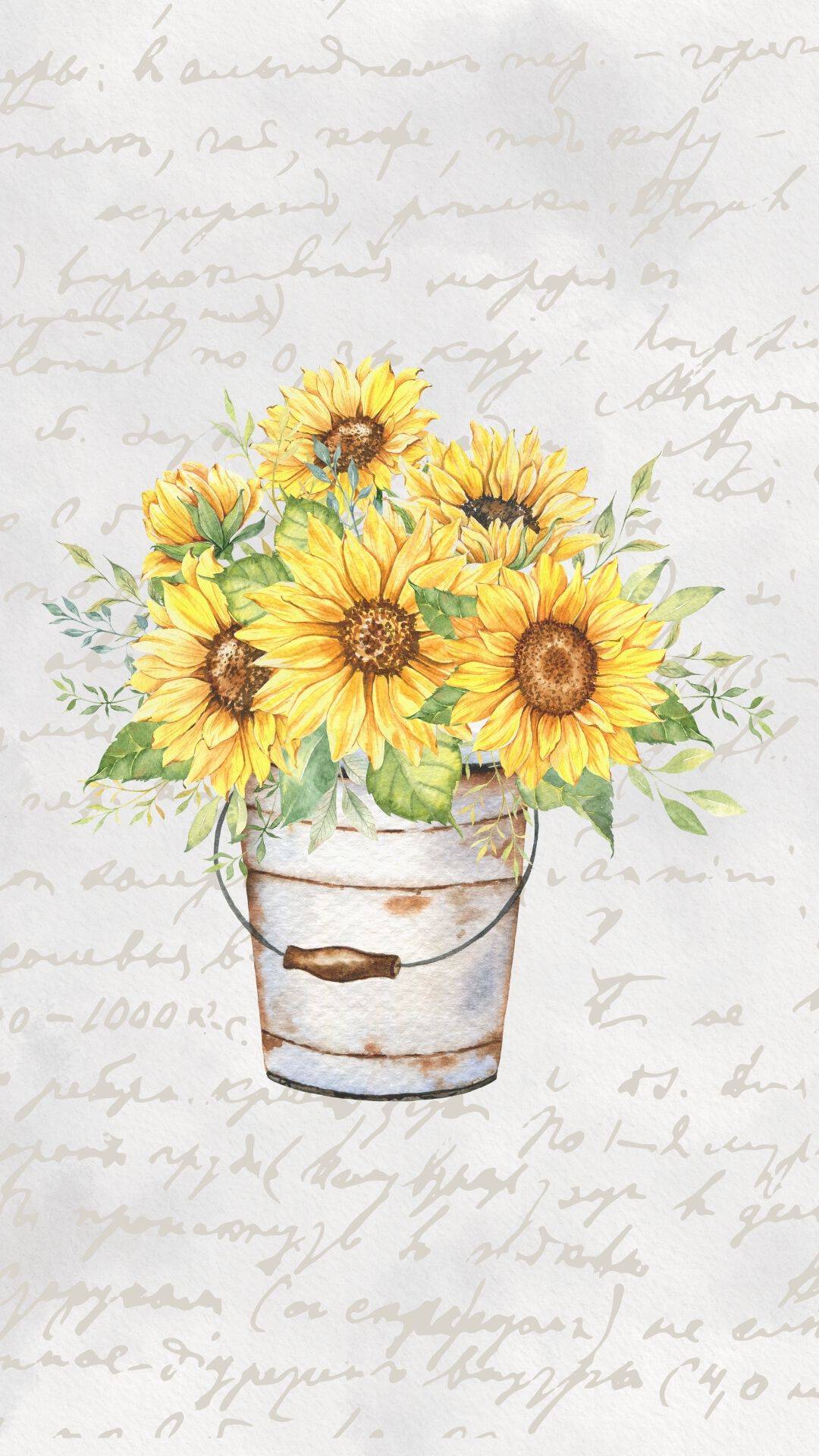
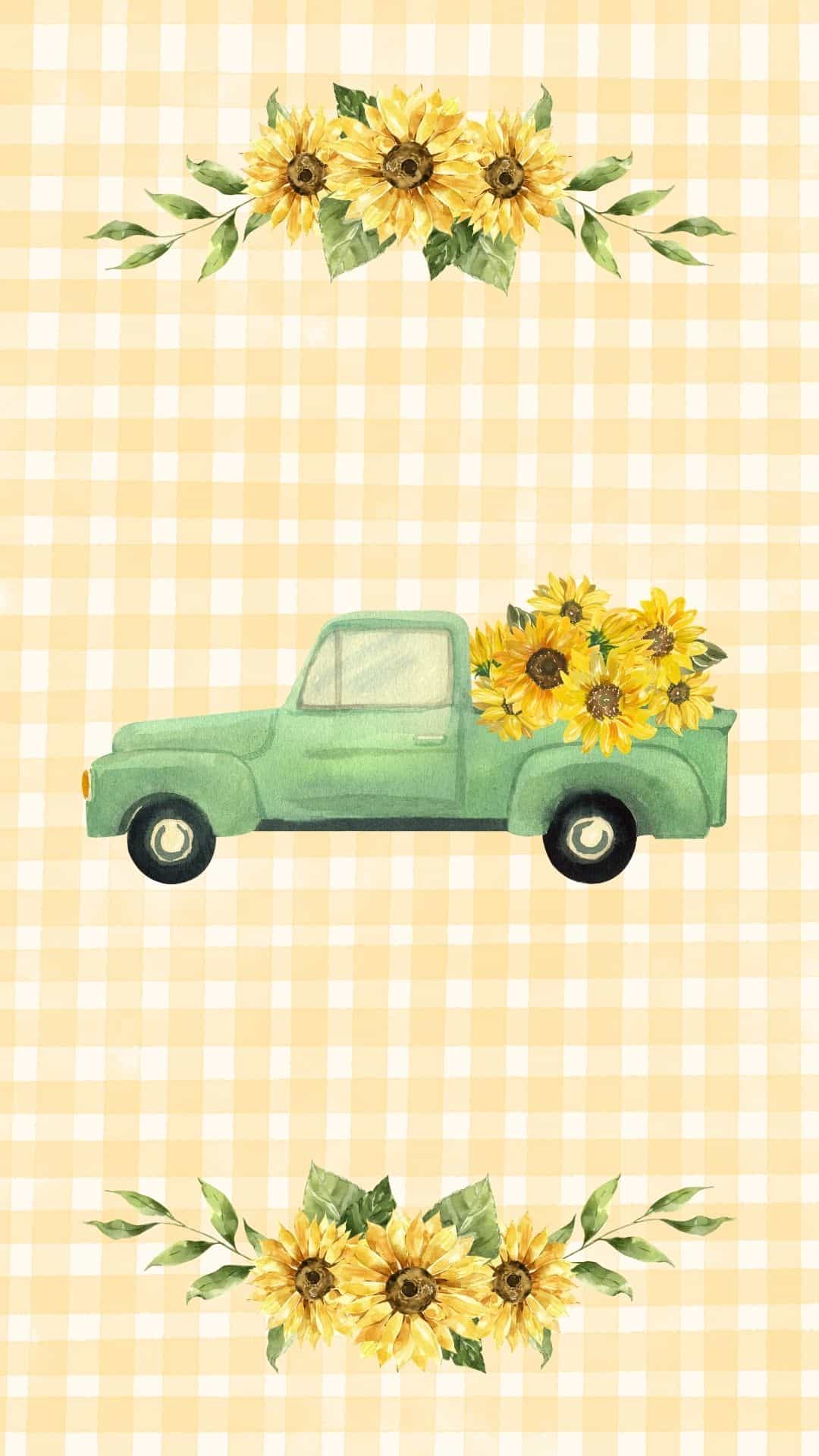
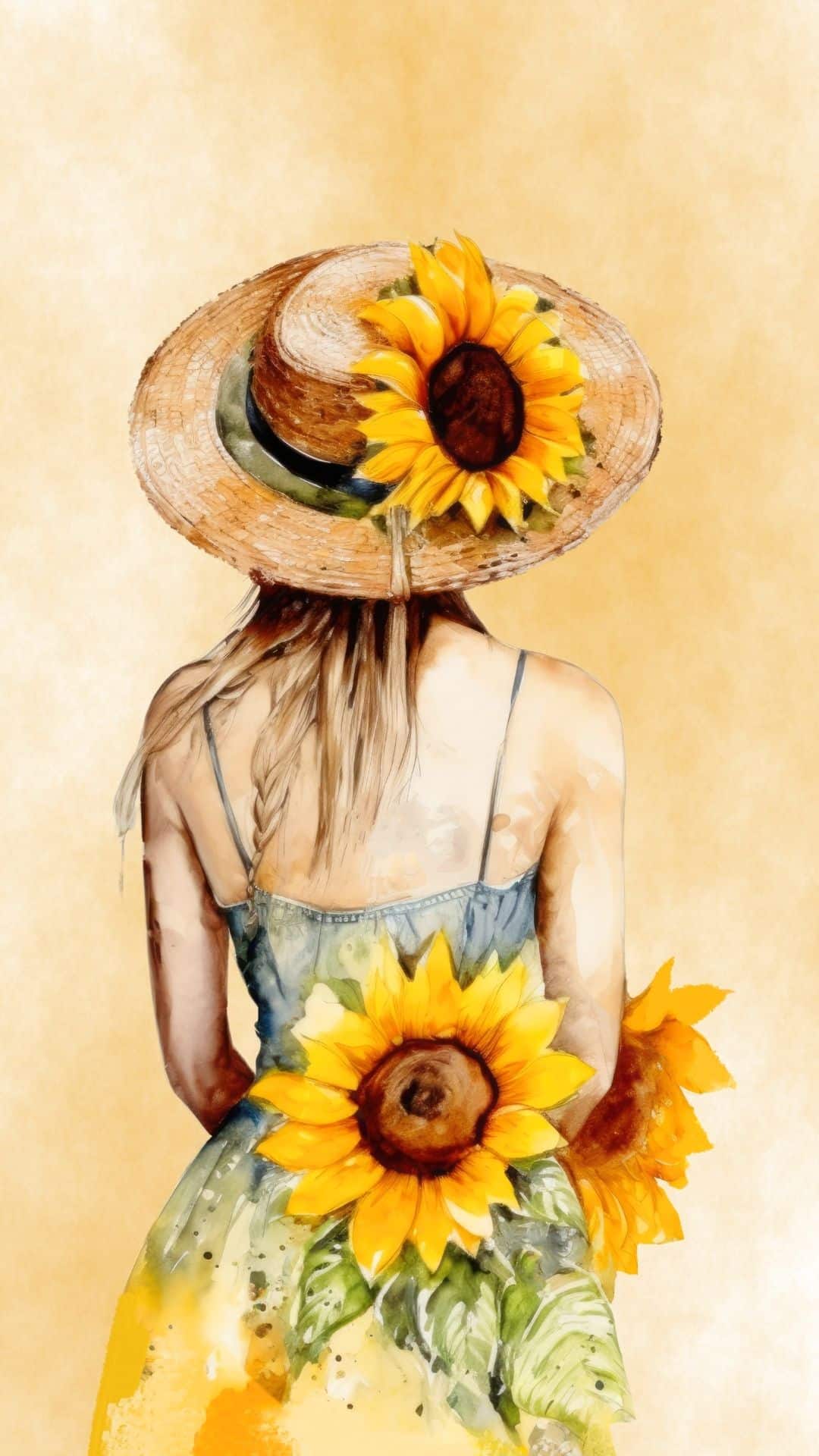
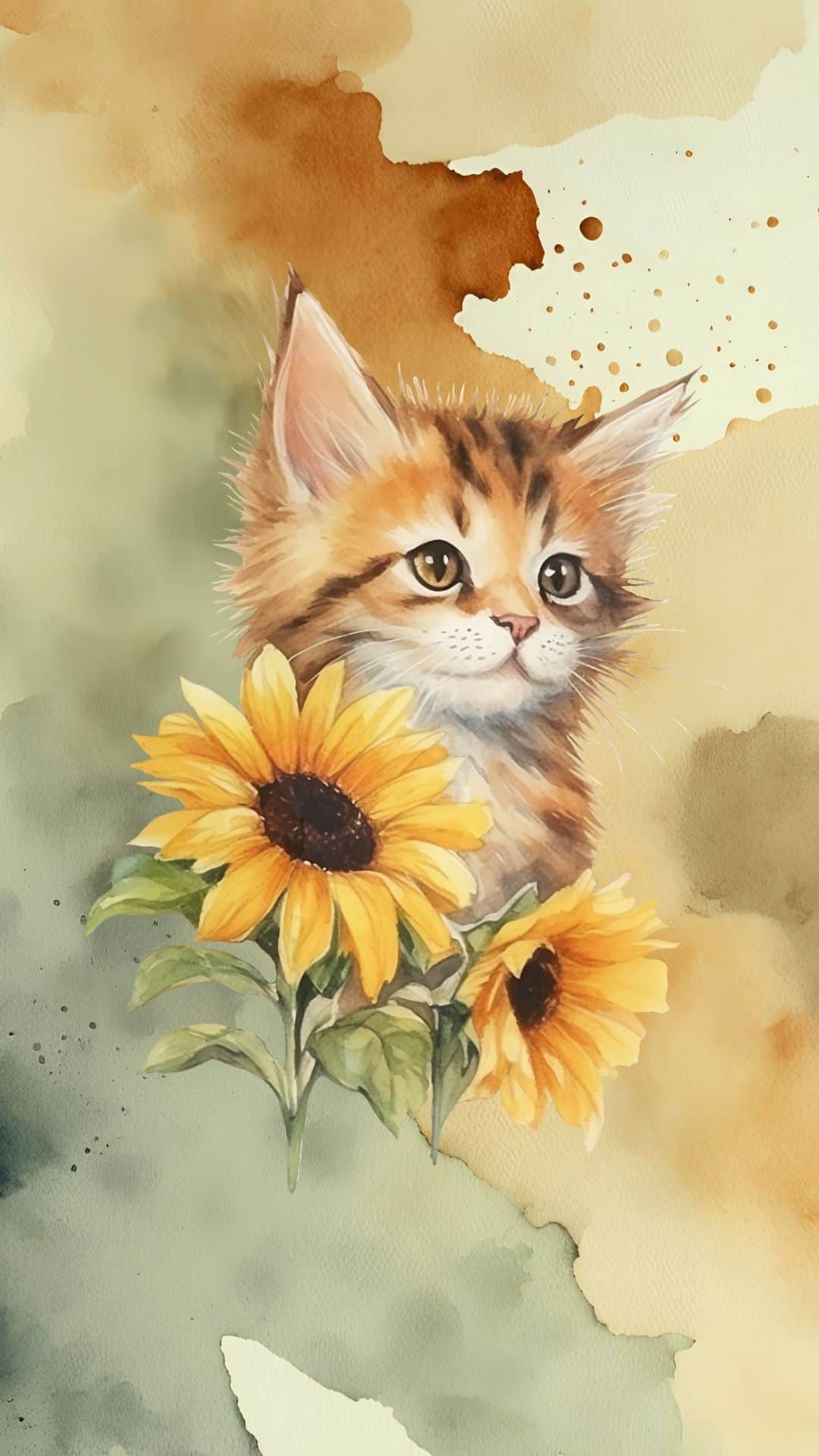
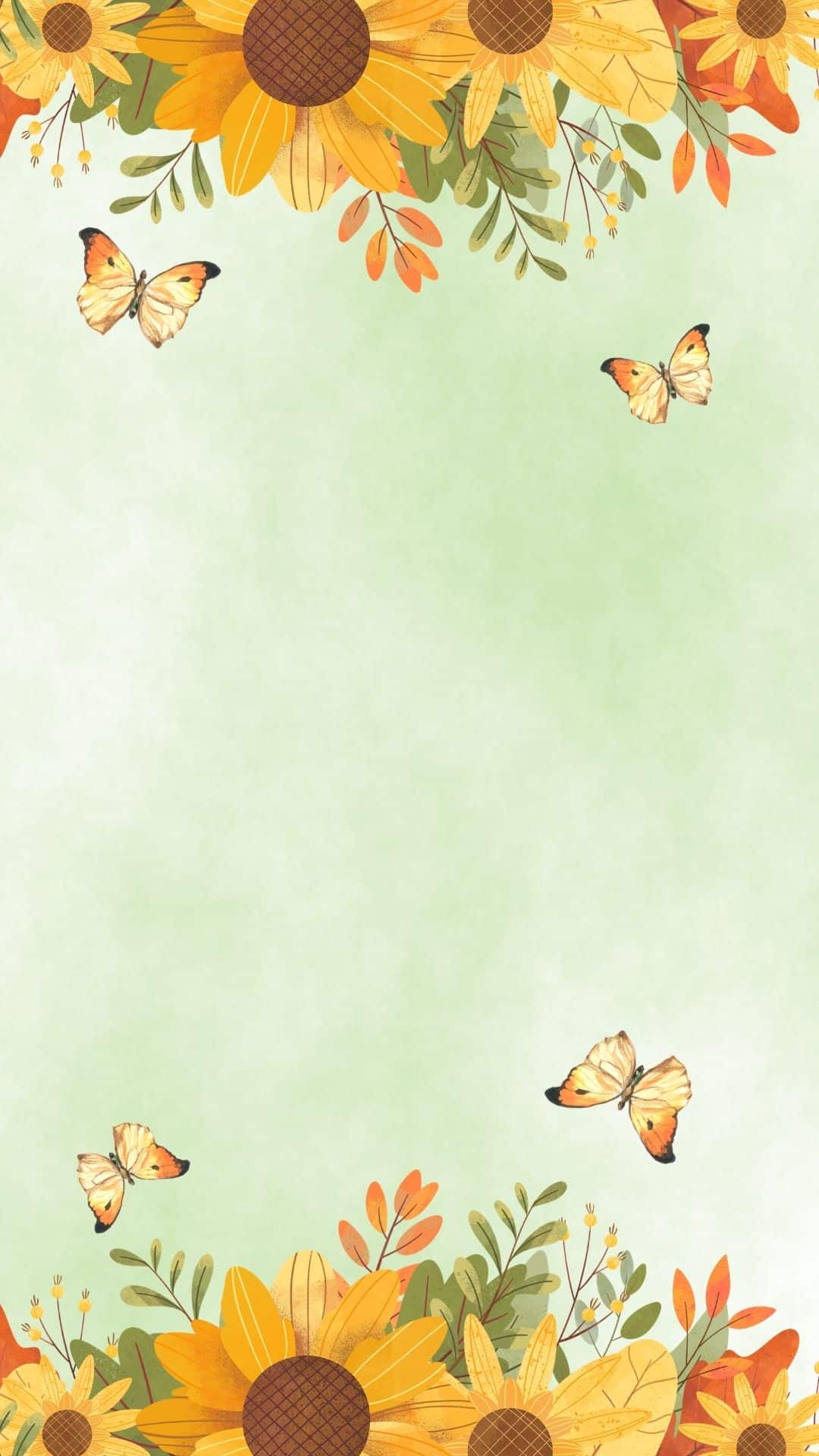
Bring a little sunshine to your phone screen with these free sunflower wallpapers!
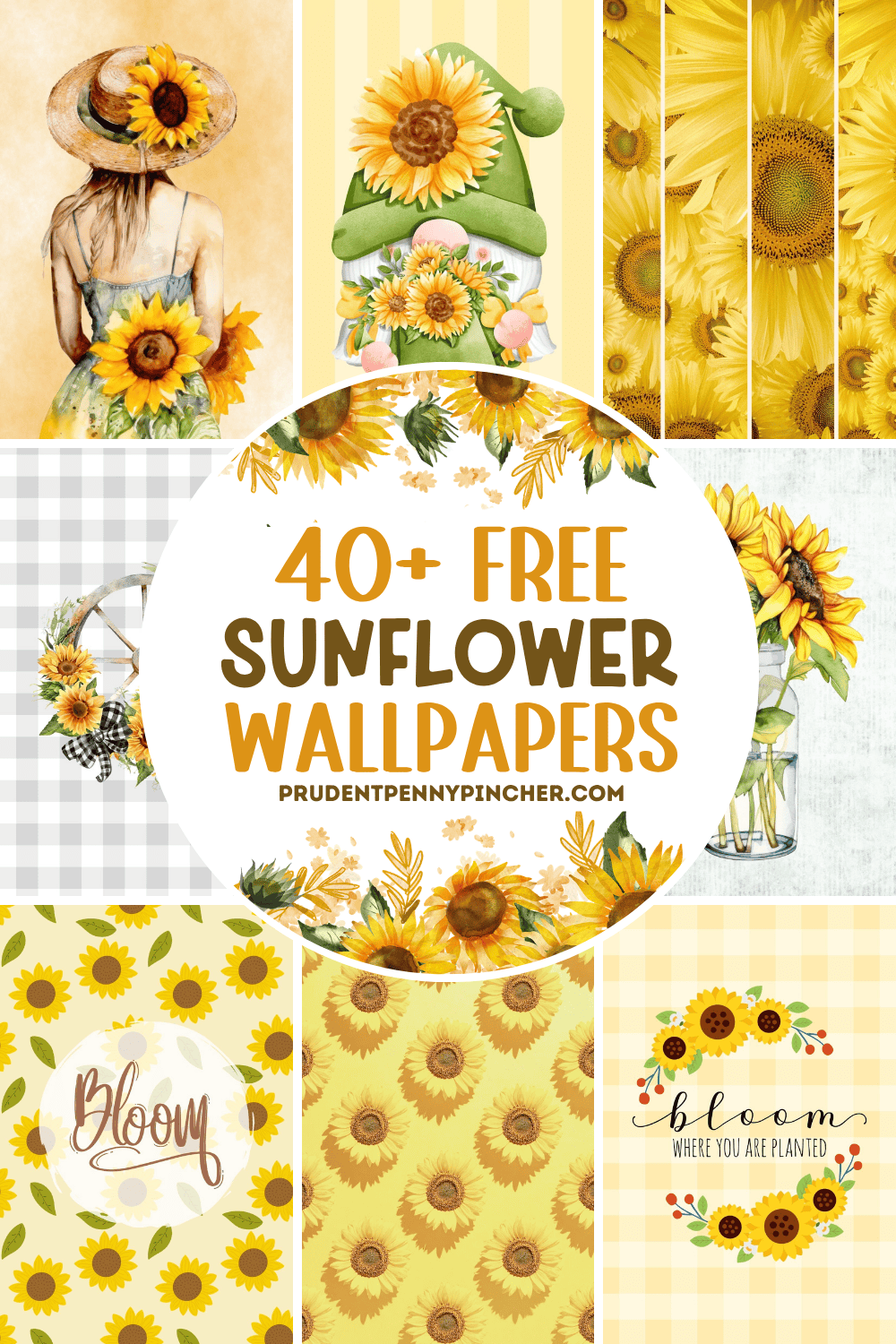
Whether you love bright summer wallpaper designs, cozy fall background styles, or pretty floral wallpaper with a soft country feel, these sunflower backgrounds are an easy way to give your phone a fresh new look.
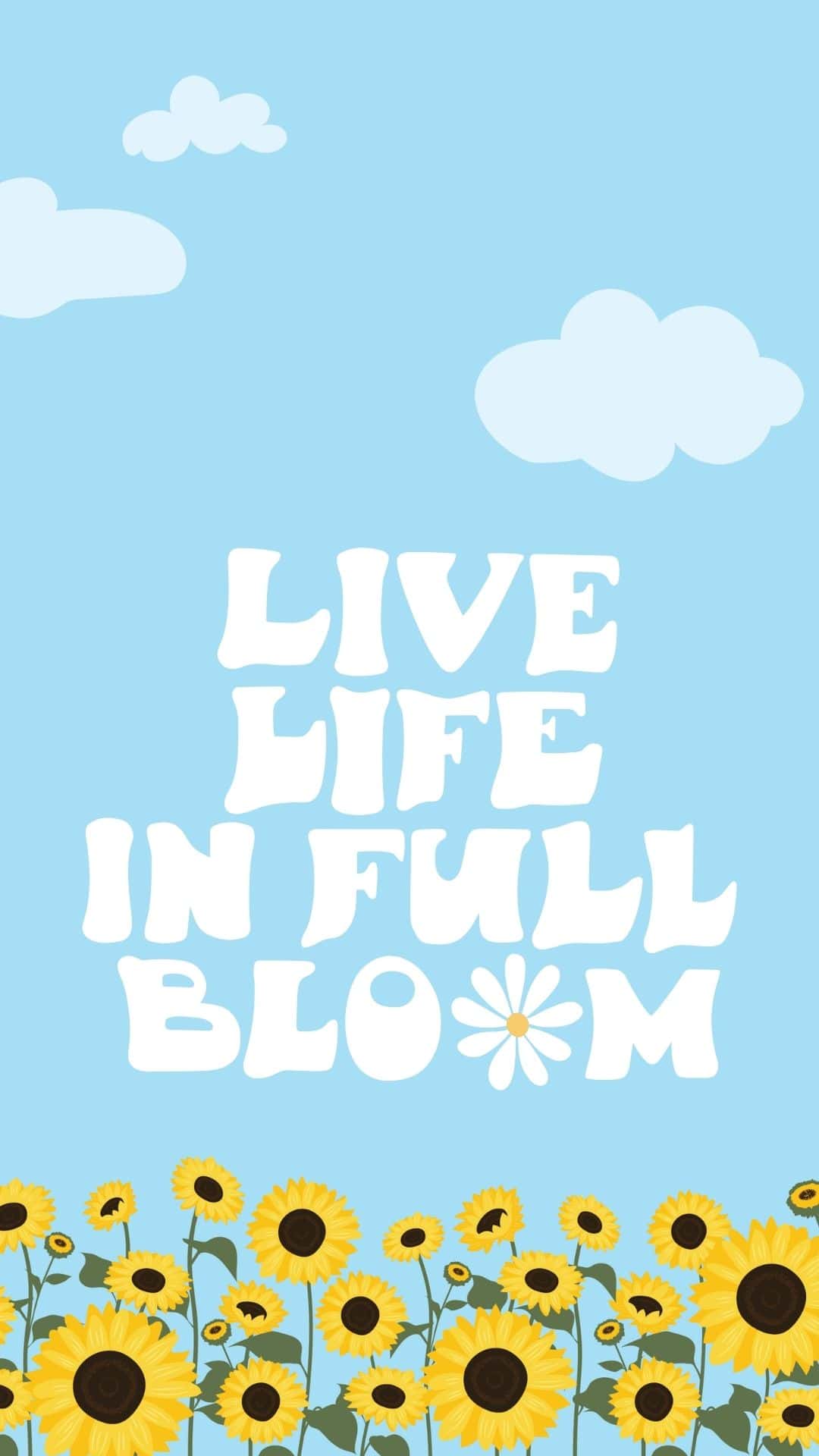
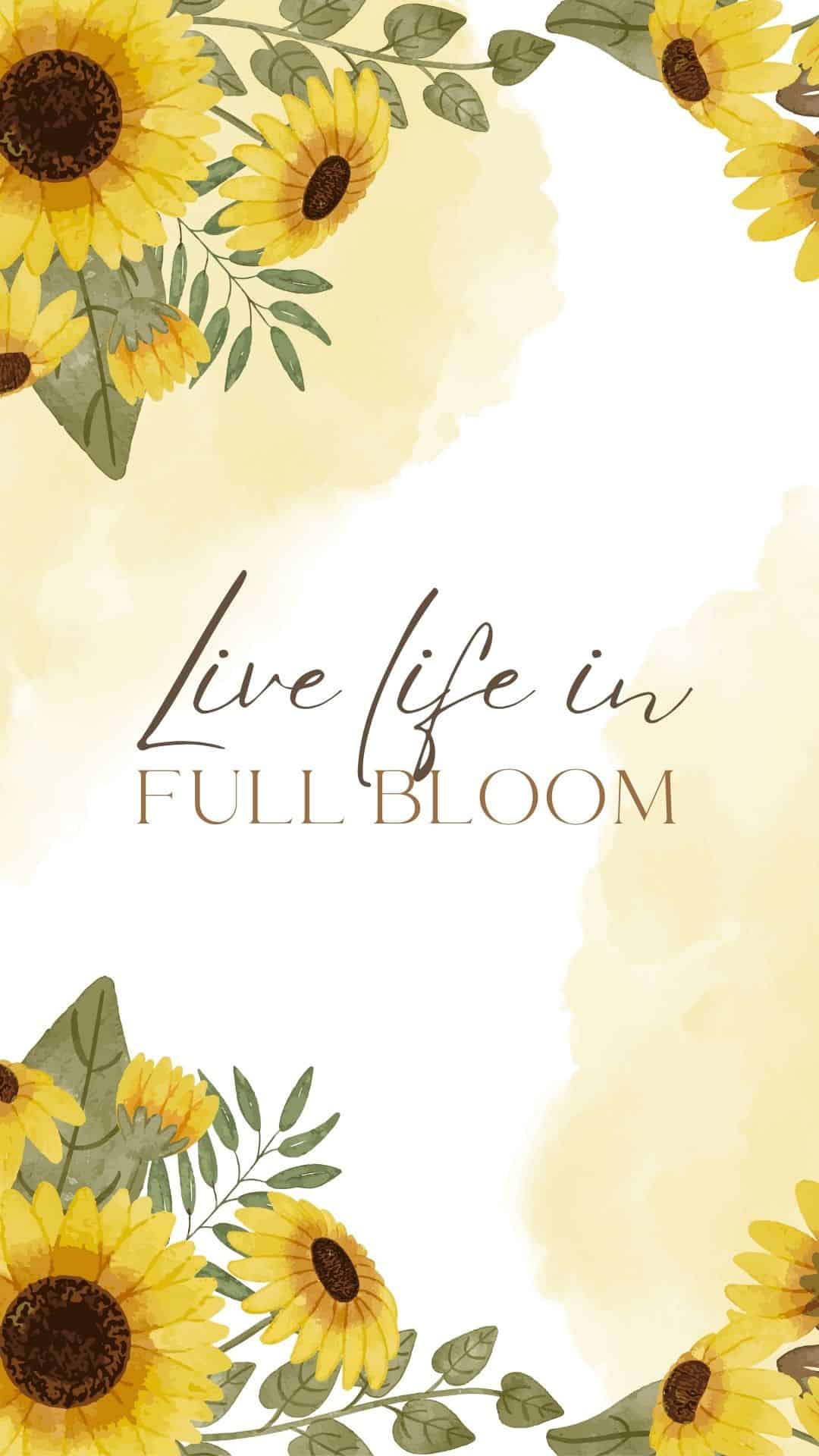
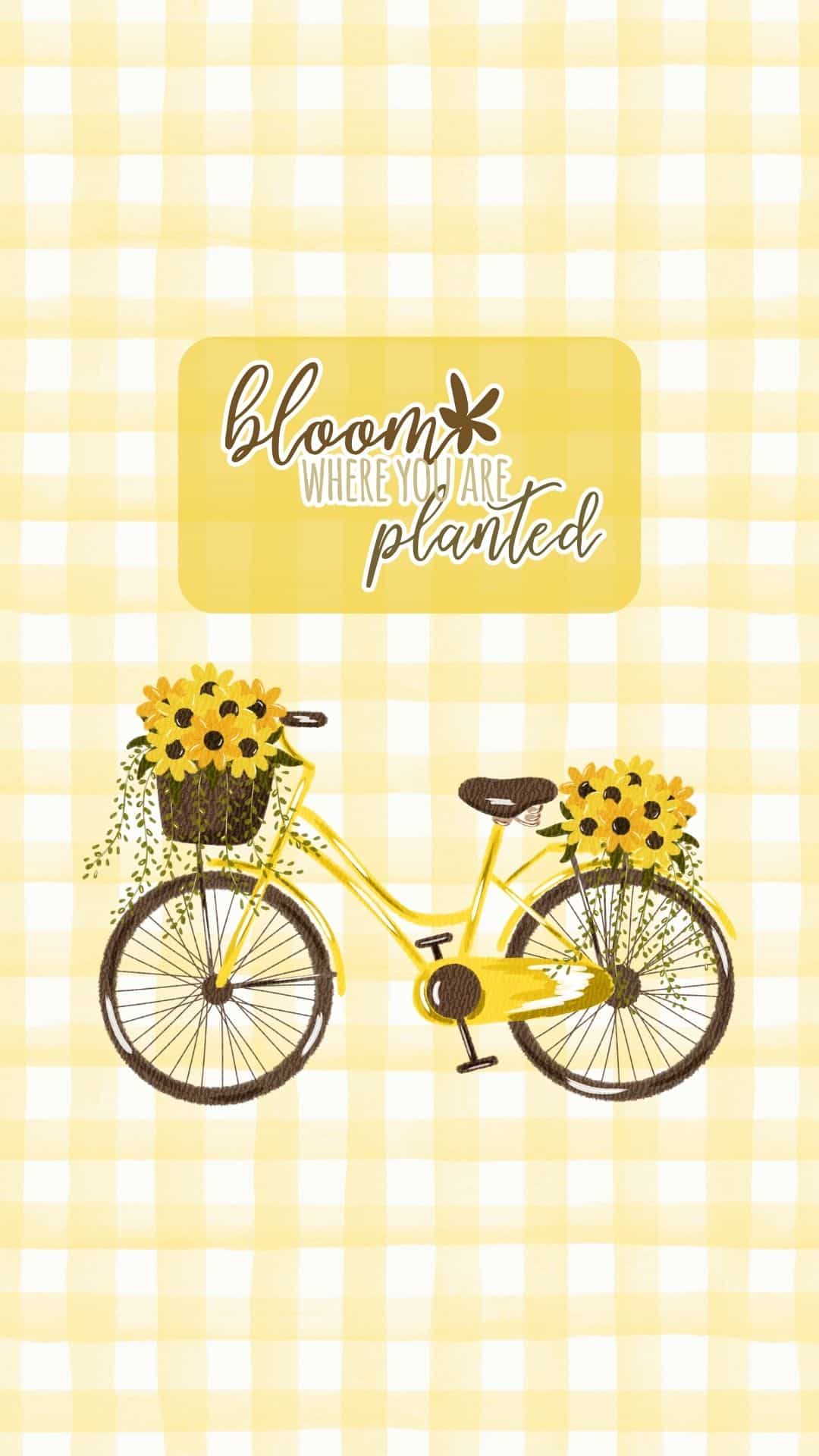
This collection includes a variety of sunflower wallpapers for phones, with options for both iPhone and Android users. You’ll find cute designs, aesthetic styles, vintage-inspired backgrounds, watercolor art, and cheerful illustration options that look beautiful on your lock screen or home screen.
Sunflowers are perfect for so many seasons and styles. They feel bright and cheerful for summer, warm and rustic for fall, and classic enough to use year-round. From simple sunflower pattern designs to landscapes filled with golden blooms, there is something here for every style, whether you prefer a soft and feminine look, a rustic country background, or a bold floral design that instantly brightens your phone.
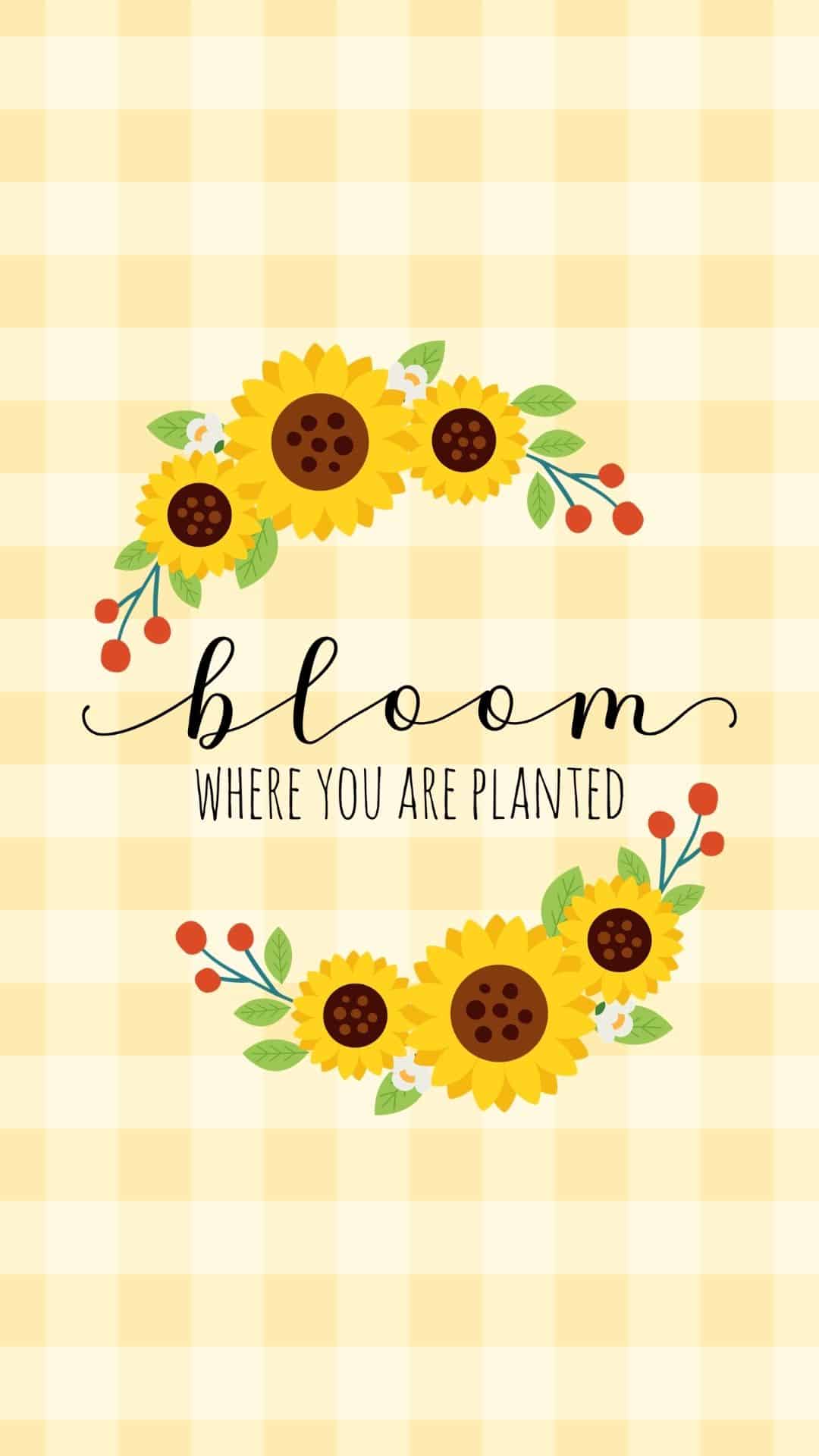
You’ll also find free wallpapers with quotes for a little extra inspiration every time you unlock your screen. Just browse the designs, choose your favorite, and download the one that best fits your style. These free phone wallpapers are a beautiful way to add a sunny, uplifting touch to your device.
How to Save and Set Sunflower Wallpapers on iPhone
- Tap the background image you want to use.
- Make sure the JPG opens in full size.
- Press and hold the image, then tap Save to Photos.
- Open the Photos app and select the one you saved.
- Tap the Share icon.
- Scroll down and tap Use as Wallpaper.
- Adjust the image by pinching or dragging it into place.
- Tap Add.
- Choose whether you want to set it as your Lock Screen, Home Screen, or both.
You can also set it by going to Settings > Wallpaper > Add New Wallpaper > Photos, then choosing the sunflower image from your camera roll.
How to Save and Set it on Android
- Tap the background image you want to use.
- Open the JPG in full size for the best quality.
- Press and hold the image, then tap Download Image or Save Image.
- Open your Photos or Gallery app and find the saved image.
- Tap the menu icon, which usually looks like three dots.
- Select Set as wallpaper.
- Adjust the image to fit your screen.
- Choose whether you want to use it for your Home Screen, Lock Screen, or both.
Sunflower Wallpapers



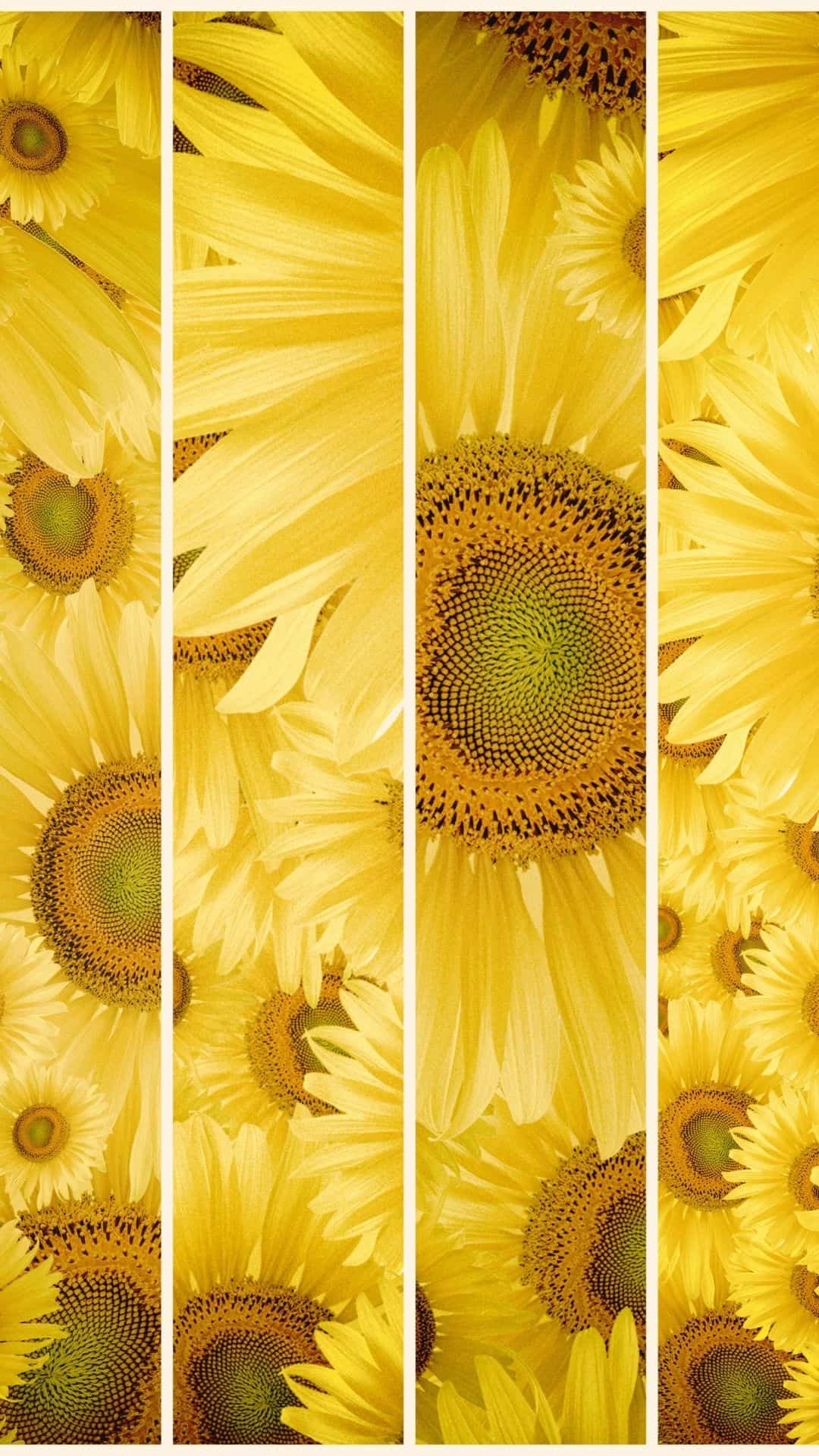
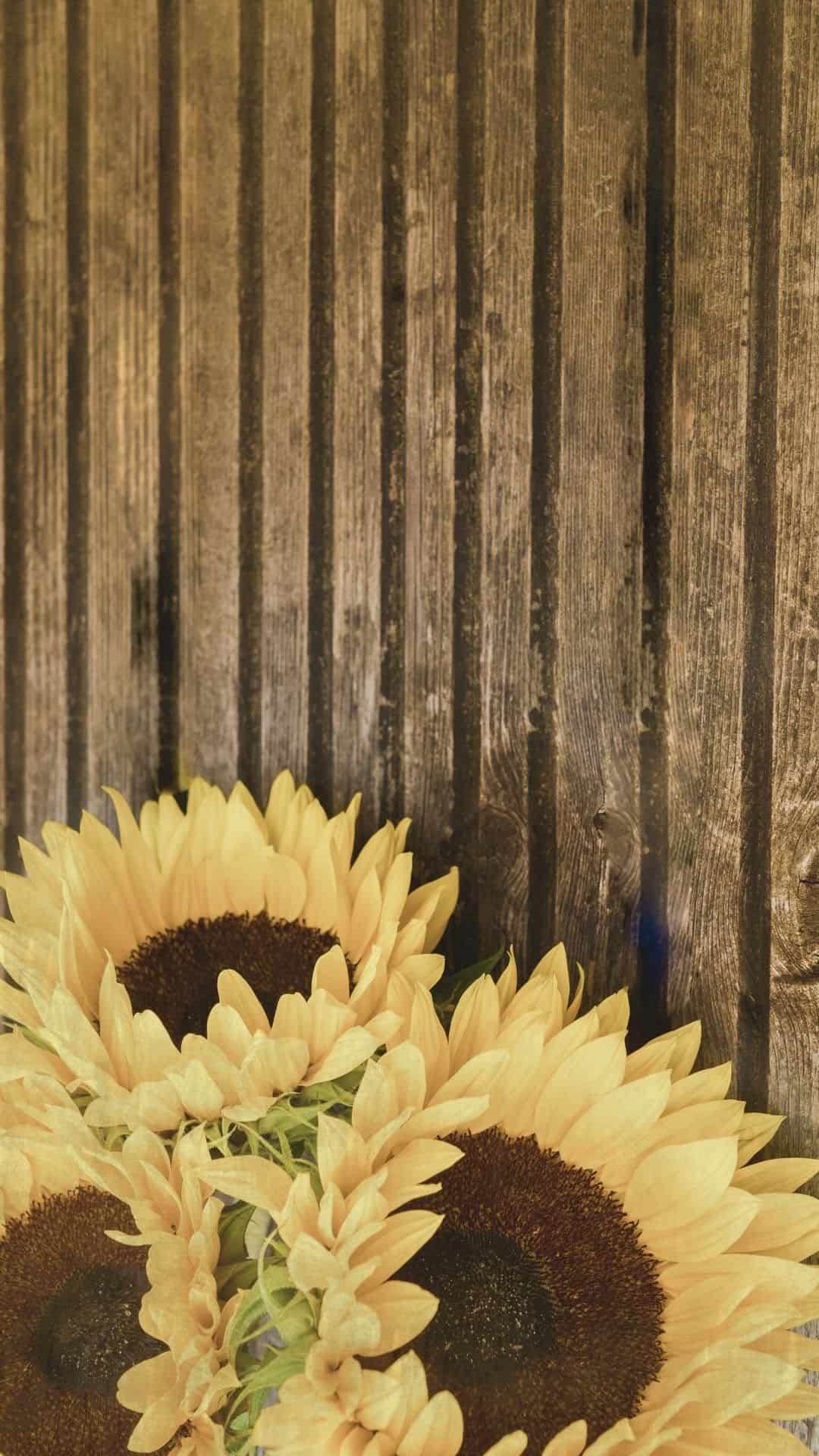
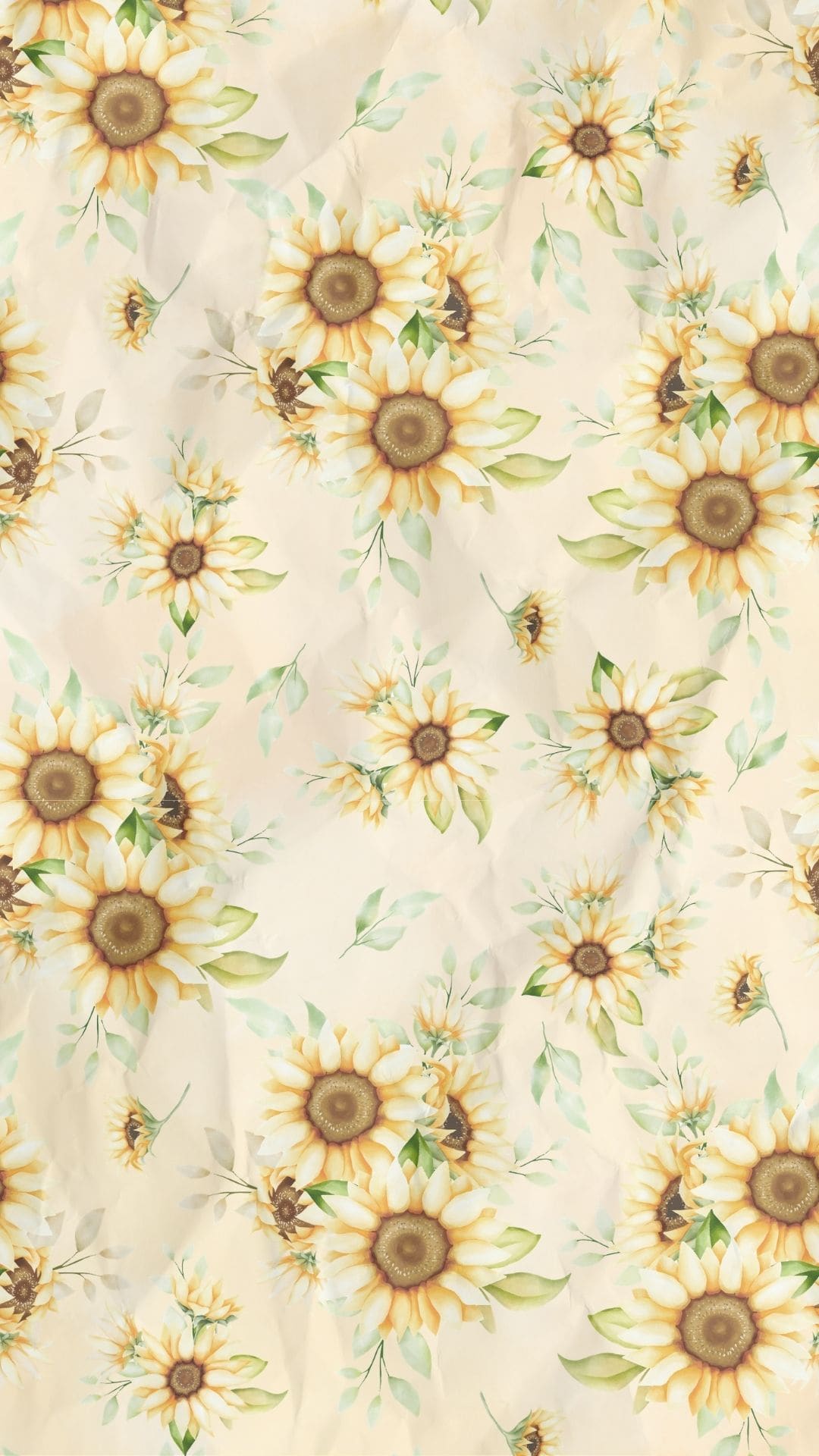
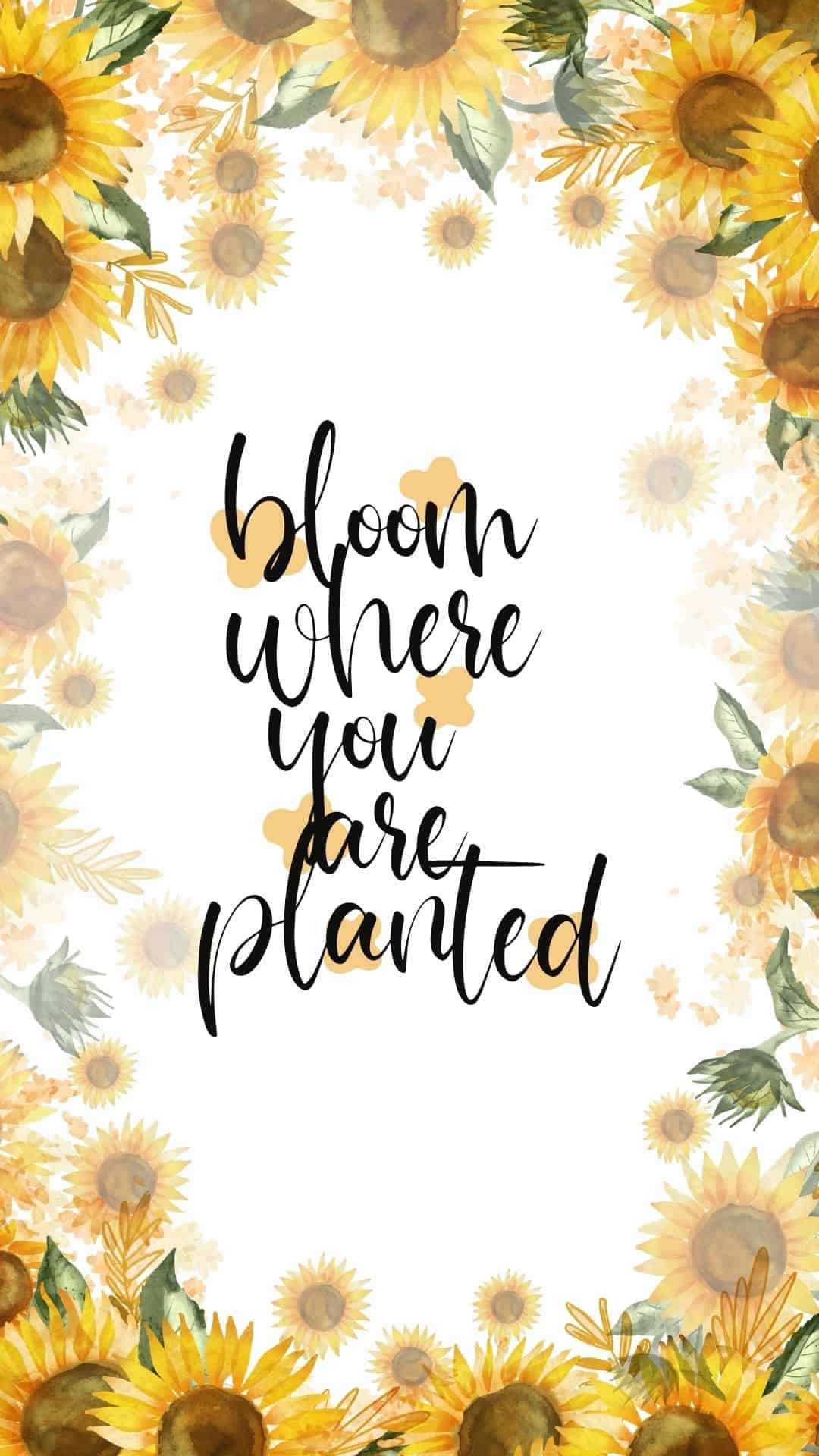
More Wallpapers
- 35 Free Santa Wallpapers for Phones (Cute Christmas Backgrounds)
- 45 Free Pink Christmas Wallpapers for Your Phone
- 45 Free Retro Christmas Wallpapers for Your Phone
- 30+ Free Vintage Christmas Wallpapers for Your Phone


Follow me on Pinterest, Facebook, Flipboard, or Instagram for more inspiration on crafts, DIY, free printables, and recipes!





Wanda Reed says
Thank you. They’re all beautiful.
I chose one to use as a background
to a poem for my daughter.
I tried to paste it here; but it was not allowed.
The poem is not mine and I don’t know who the author is. But I rewrote it somewhat for my daughter.
“A Prayer for the Daughter I Cherish
Dear God,
Please keep my daughter safe wherever life takes her.
Walk beside her through every journey and protect her from anything that may hurt her.
When she feels tired, be her strength.
When she feels afraid, calm her heart.
When she faces difficult days, remind her that she is never alone.
Guide her steps, protect her dreams, and fill her life with peace, love, and happiness.
I may not always be there to hold her hand, but I will always pray for her and trust You to watch over her.
Keep her safe, keep her strong,
and keep her close to Your loving care.
I humbly thank You in Christ Jesus’ name. Amen”
Stephy says
That’s a really beautiful poem! Thank you for sharing. God bless!