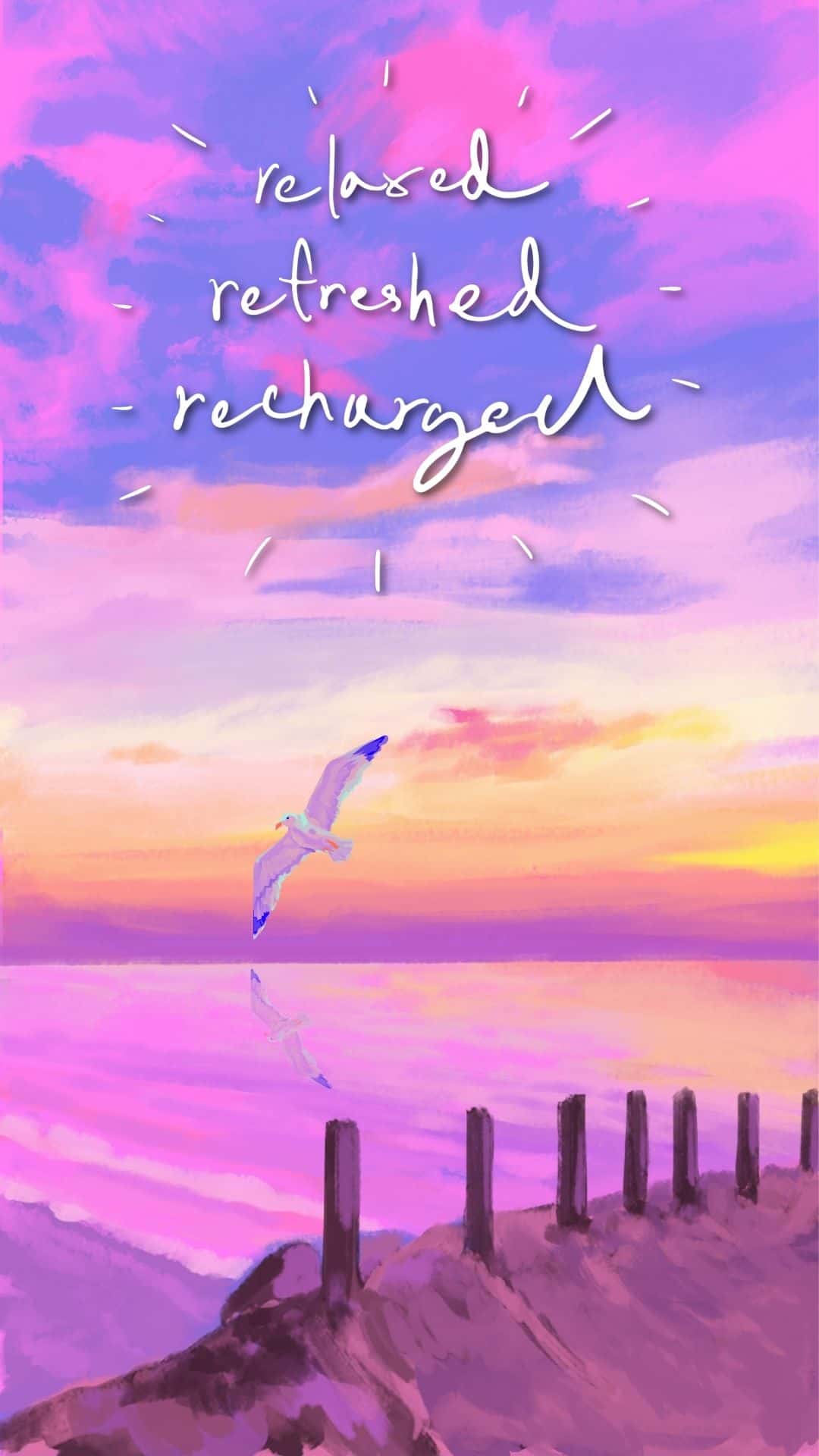
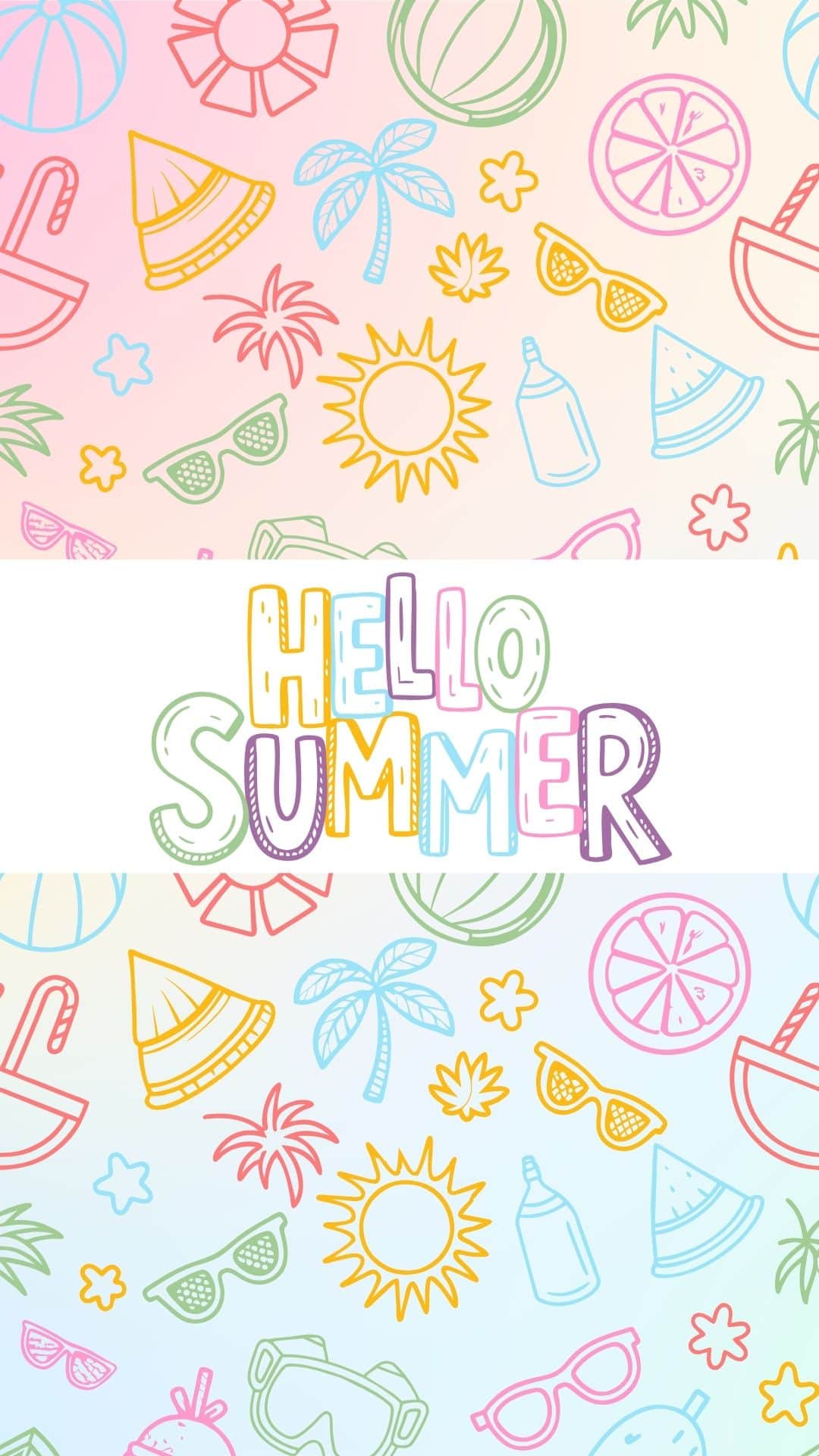
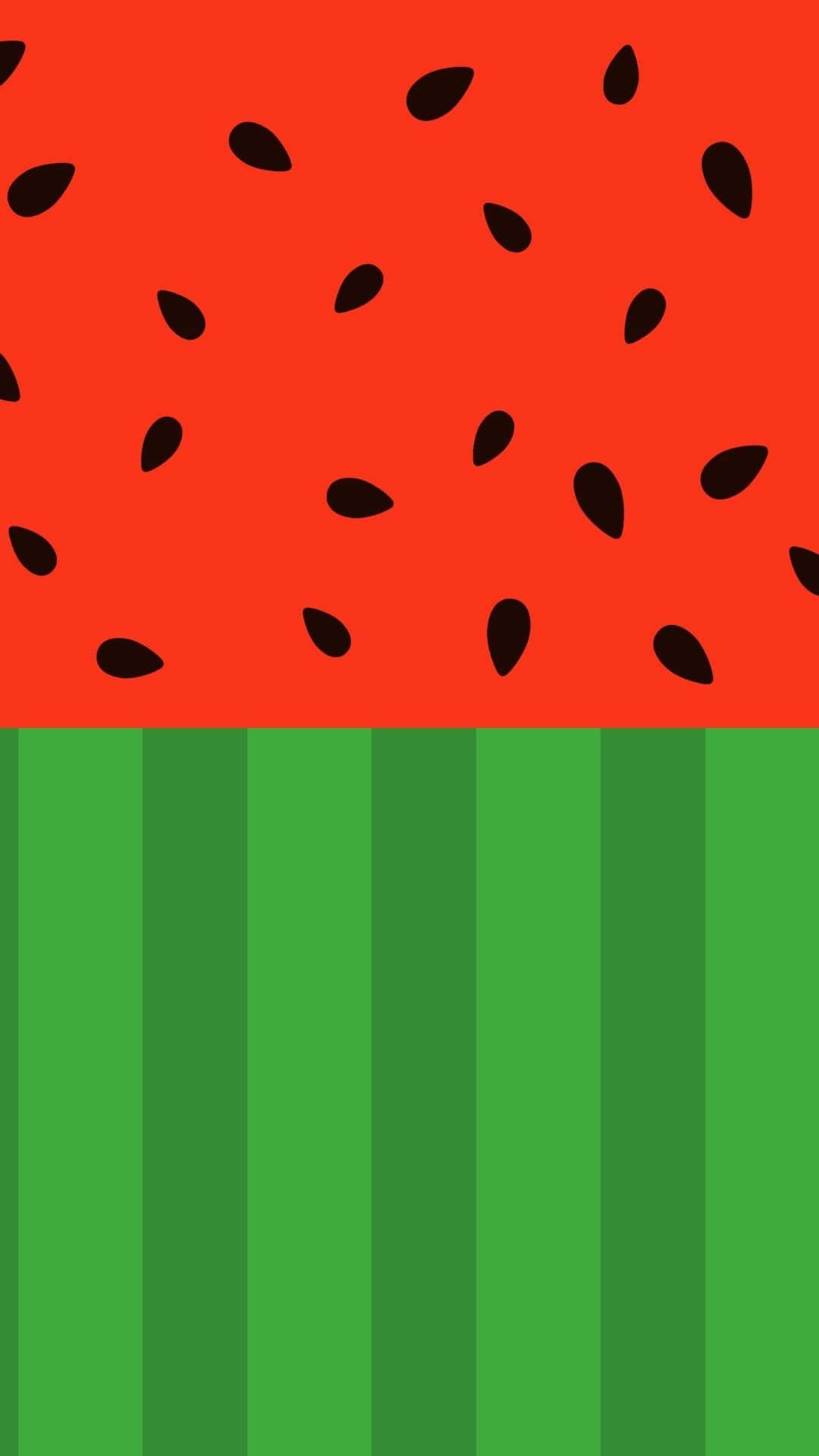
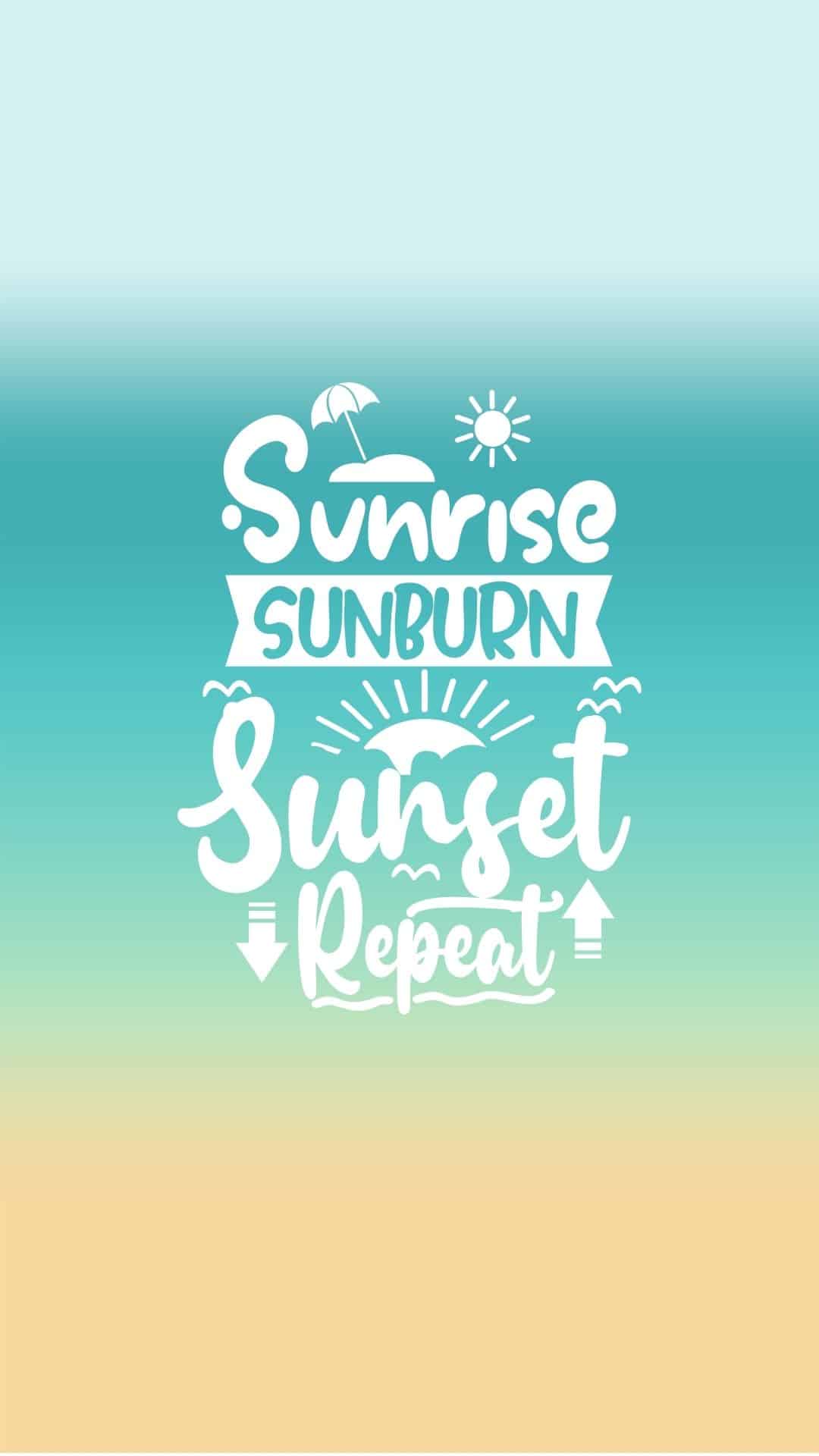
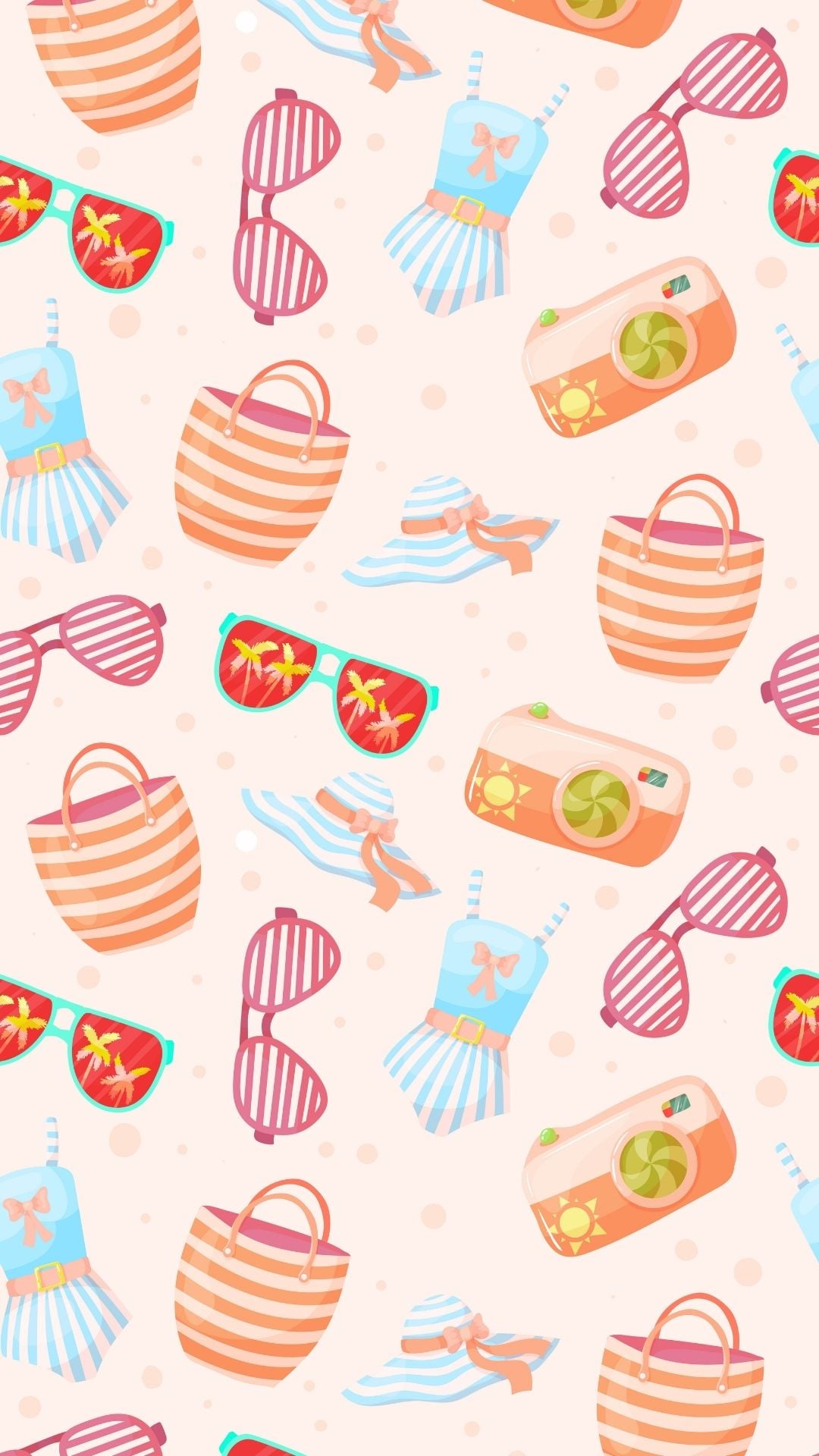
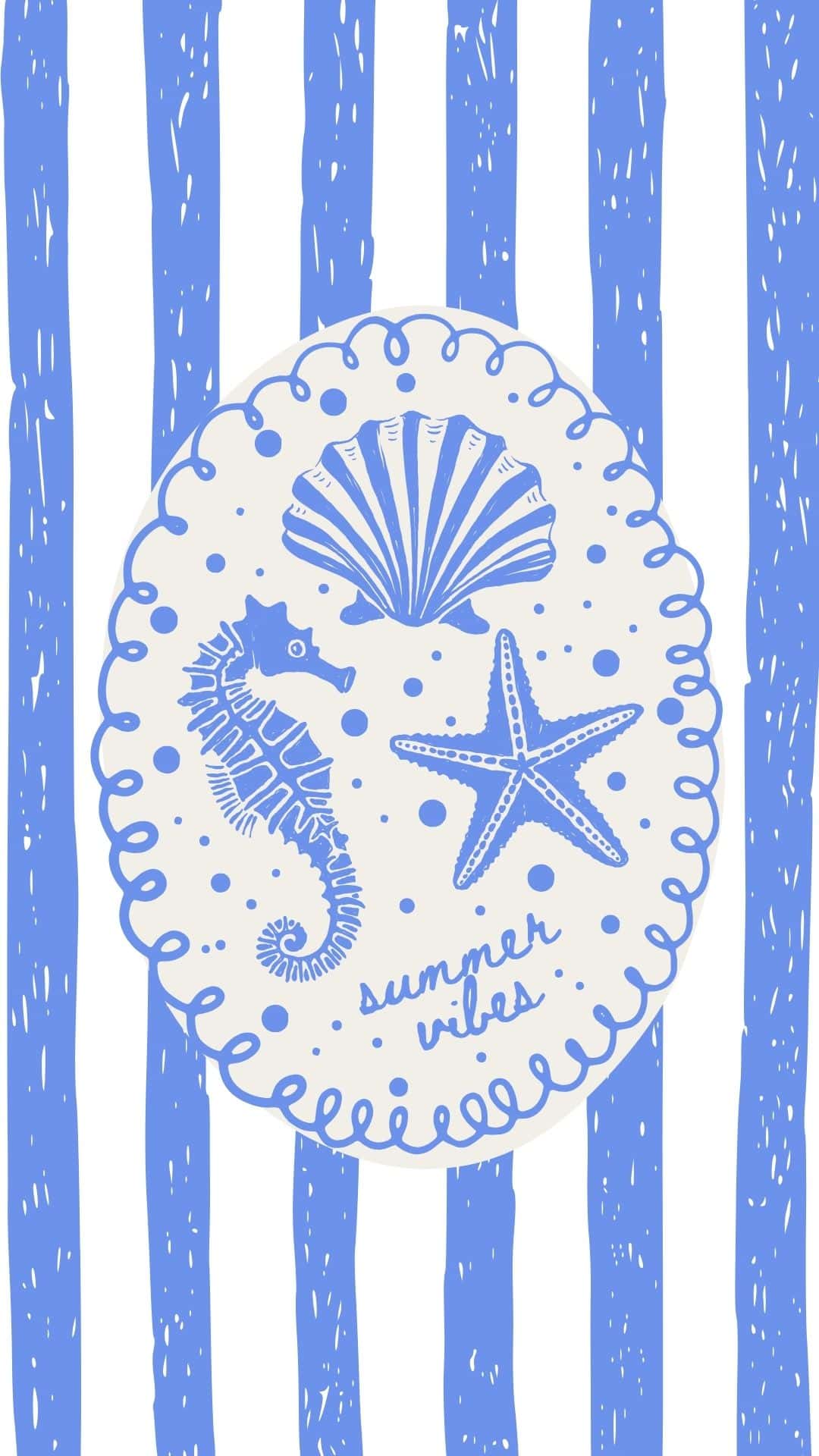
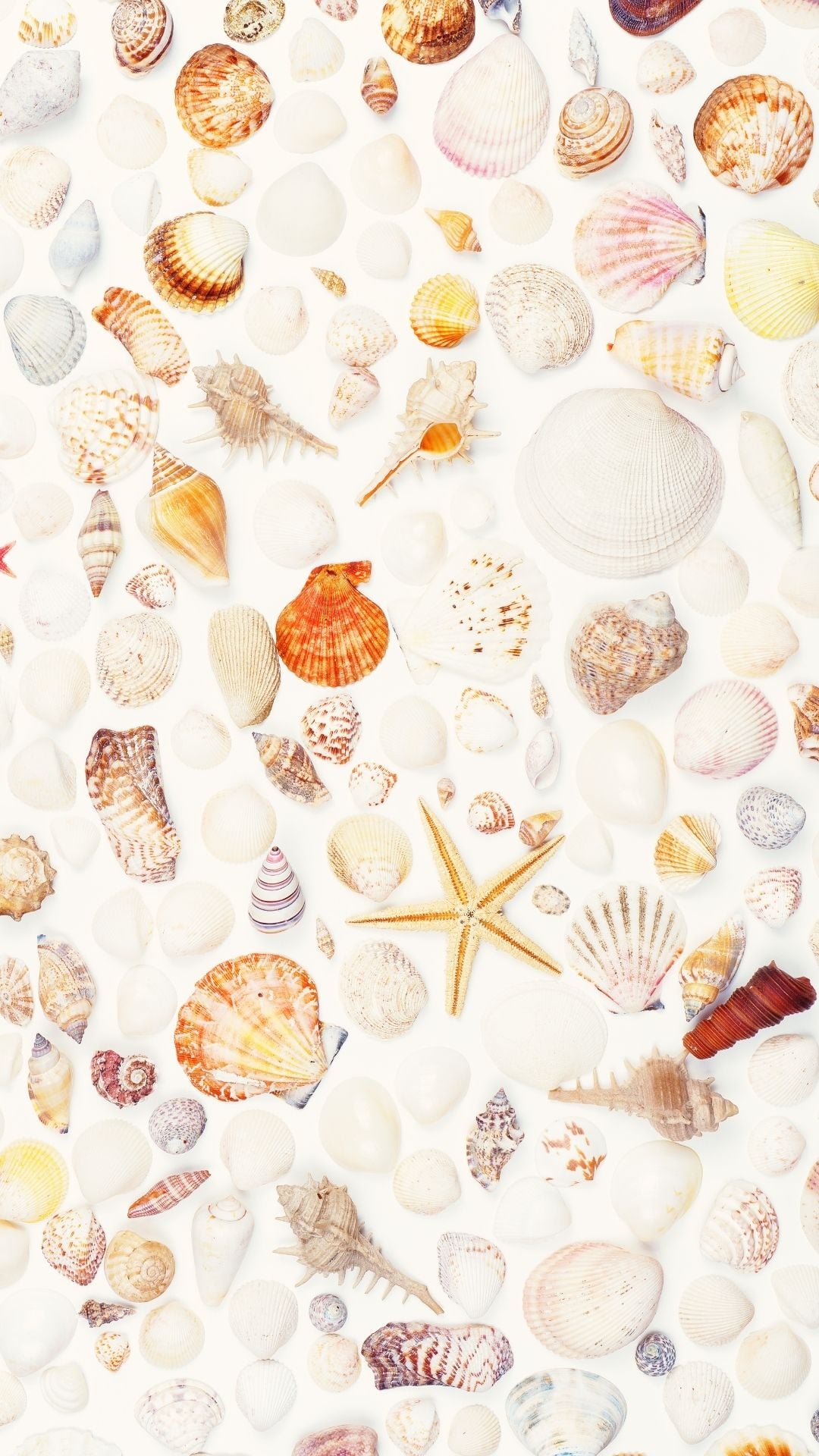
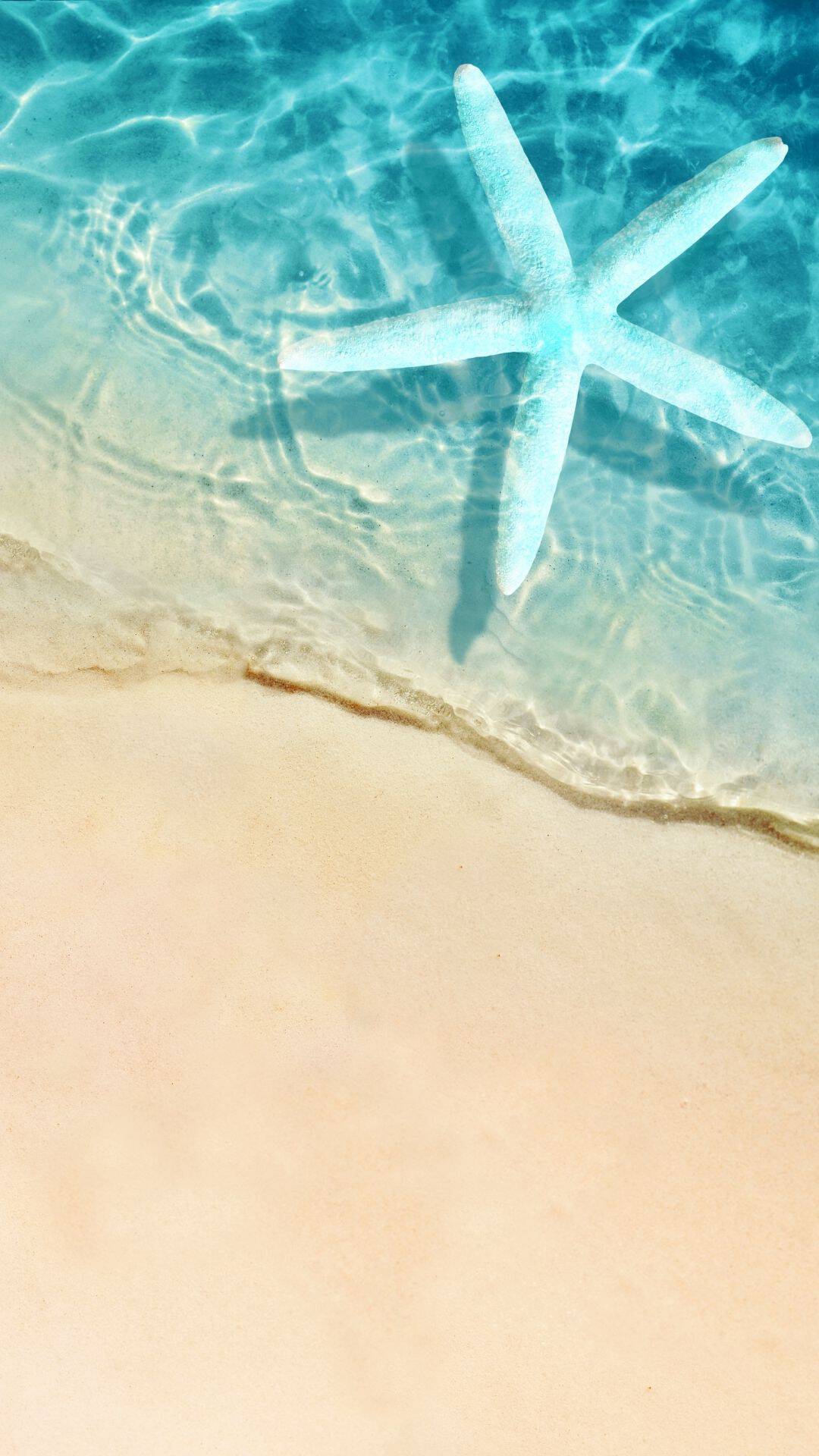
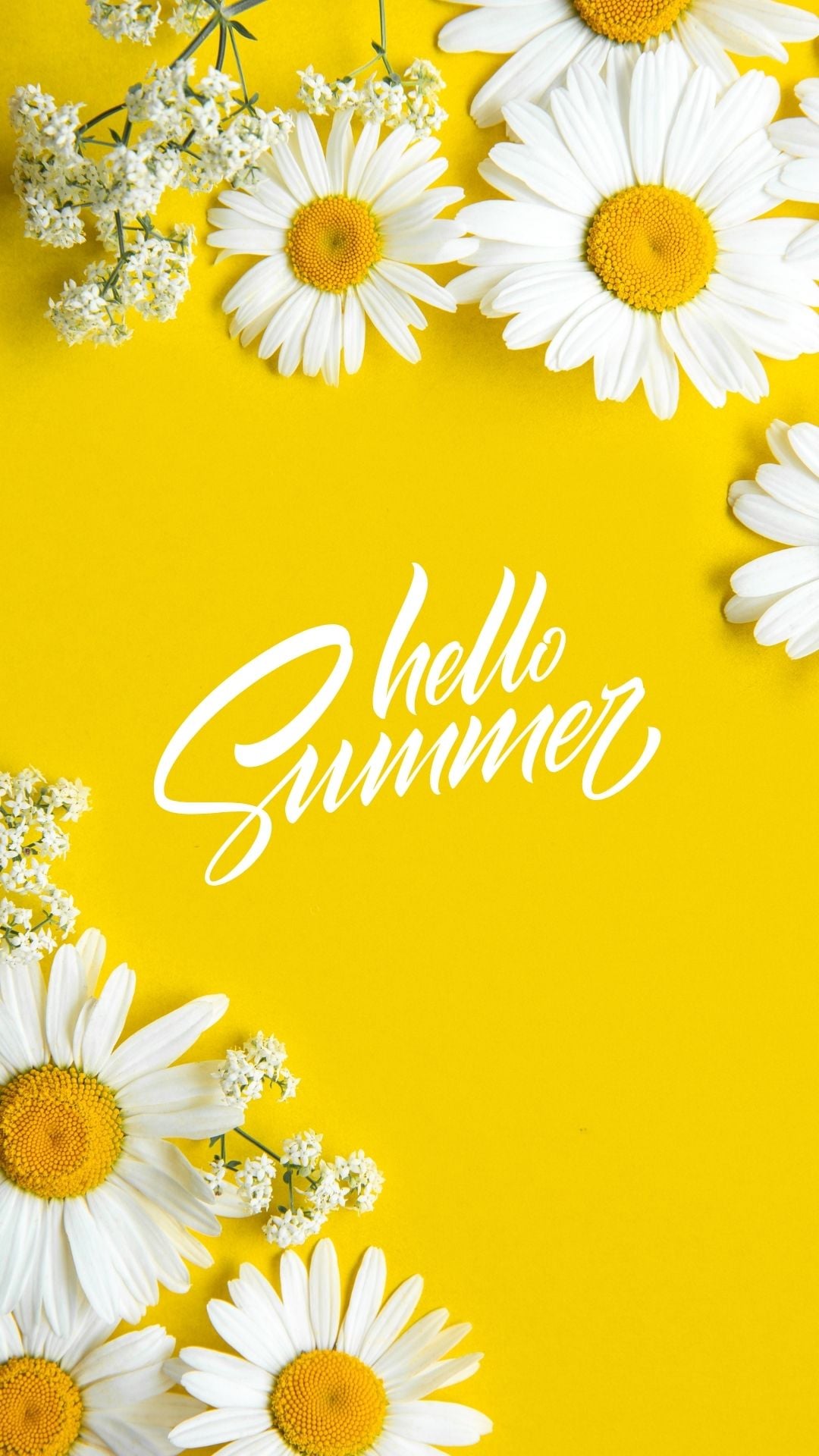
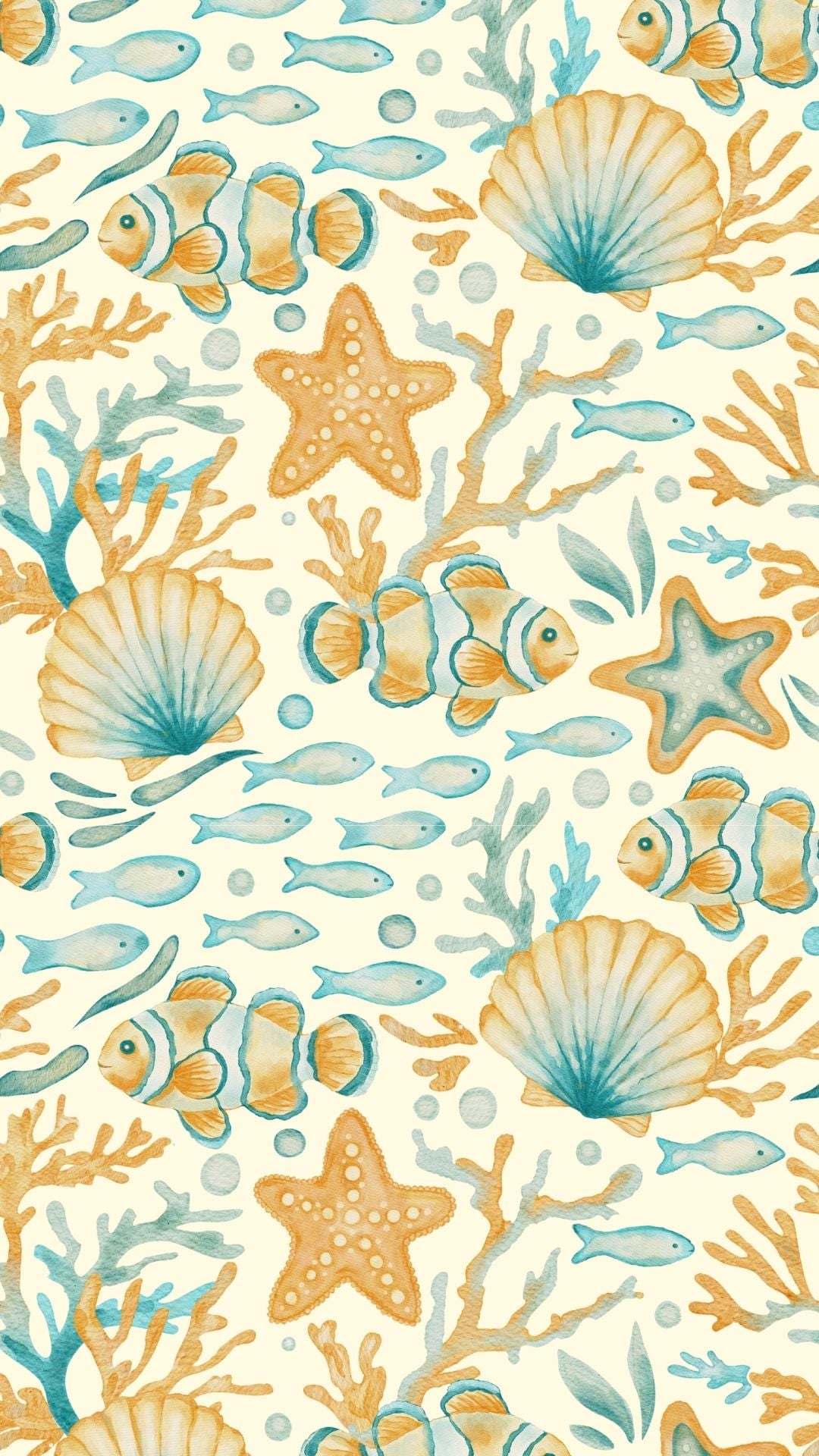
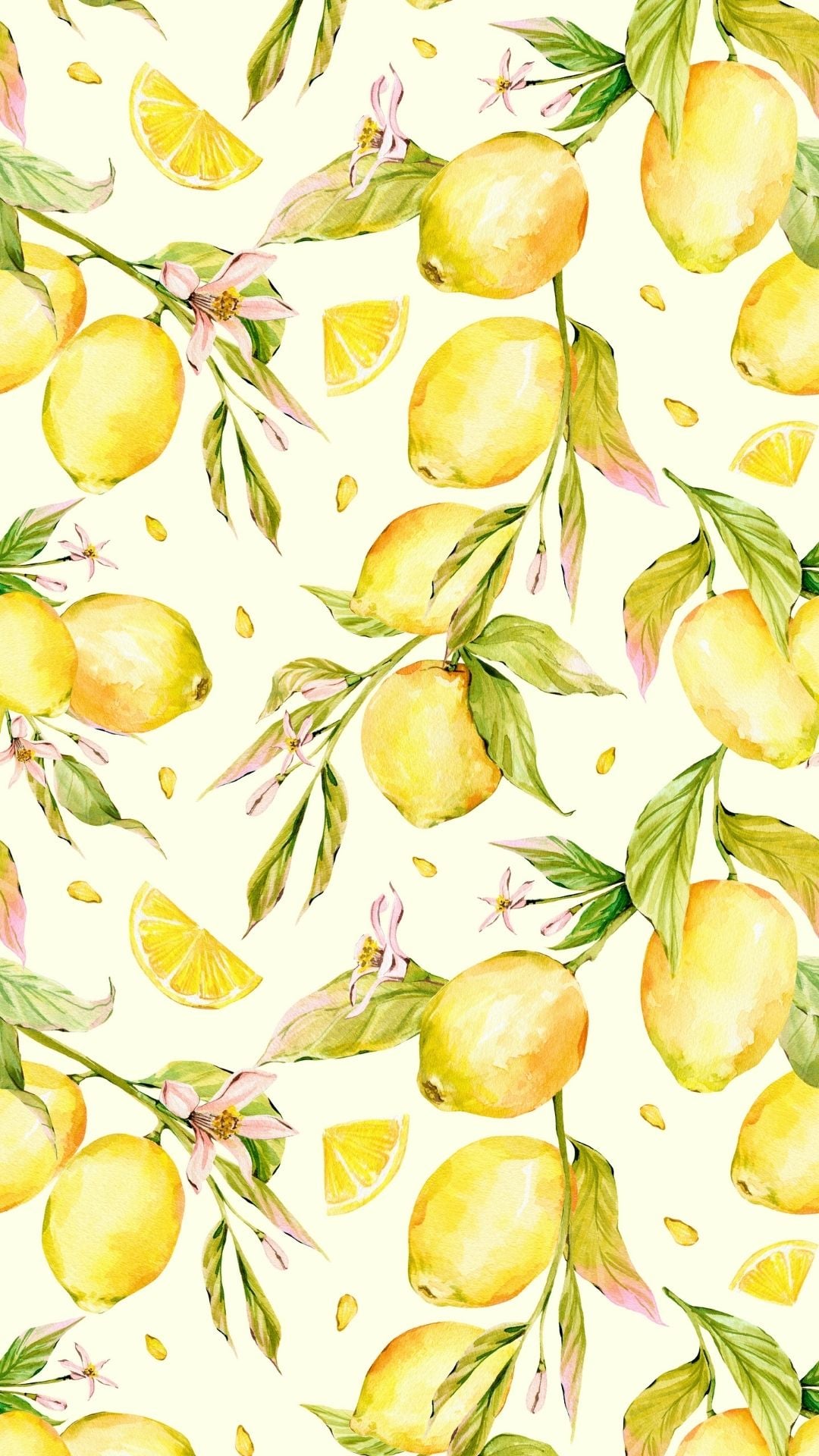
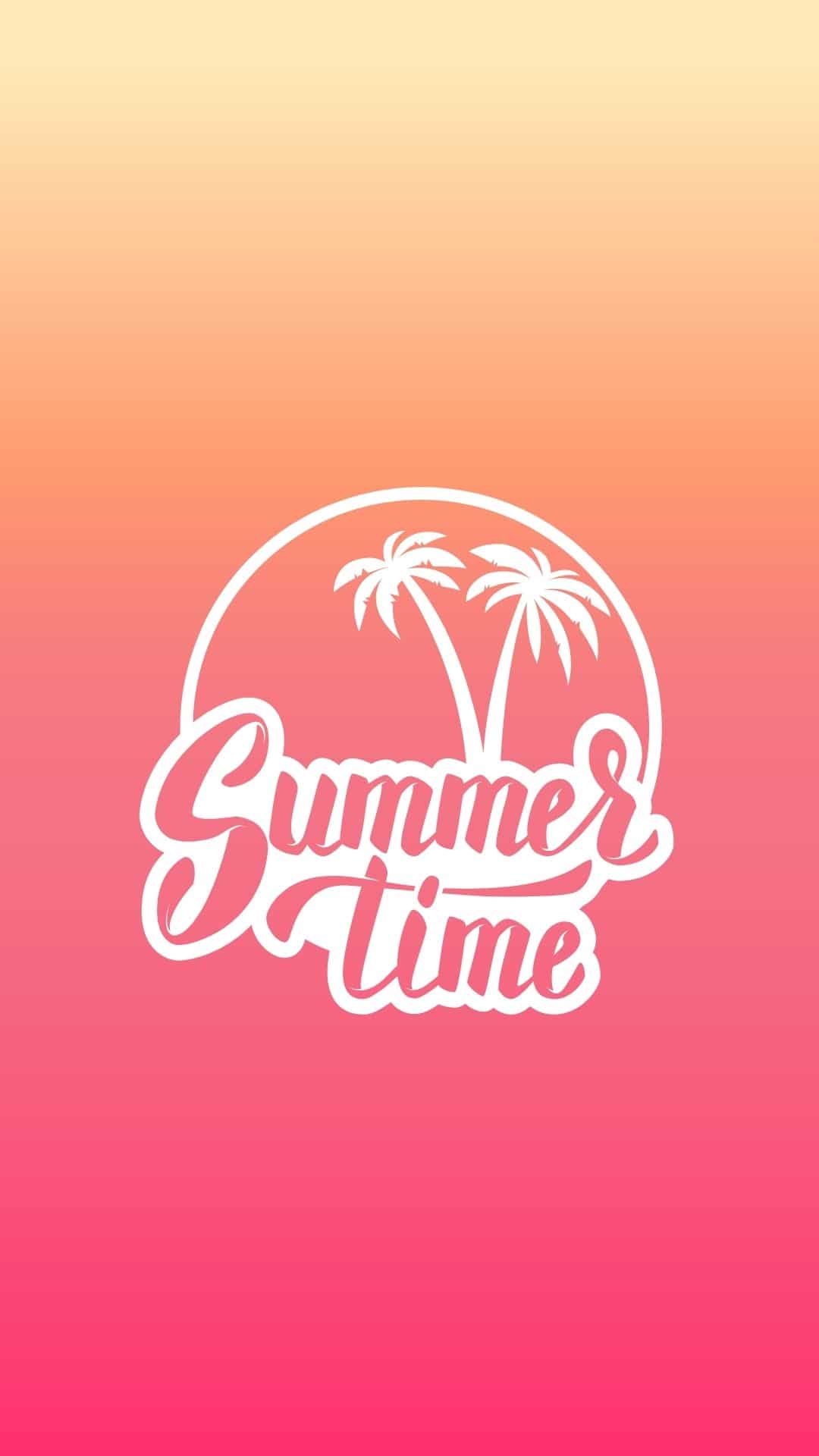
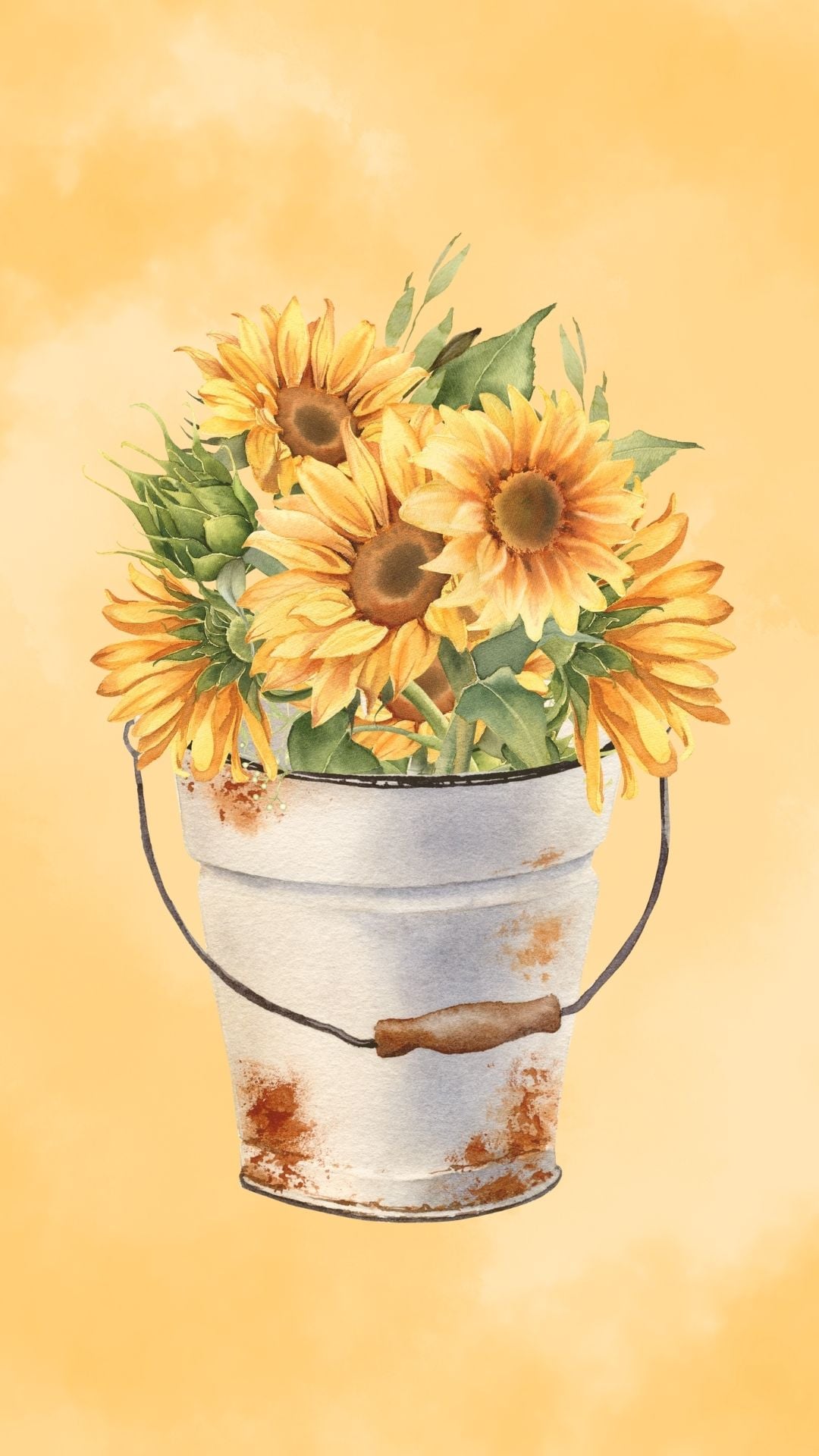
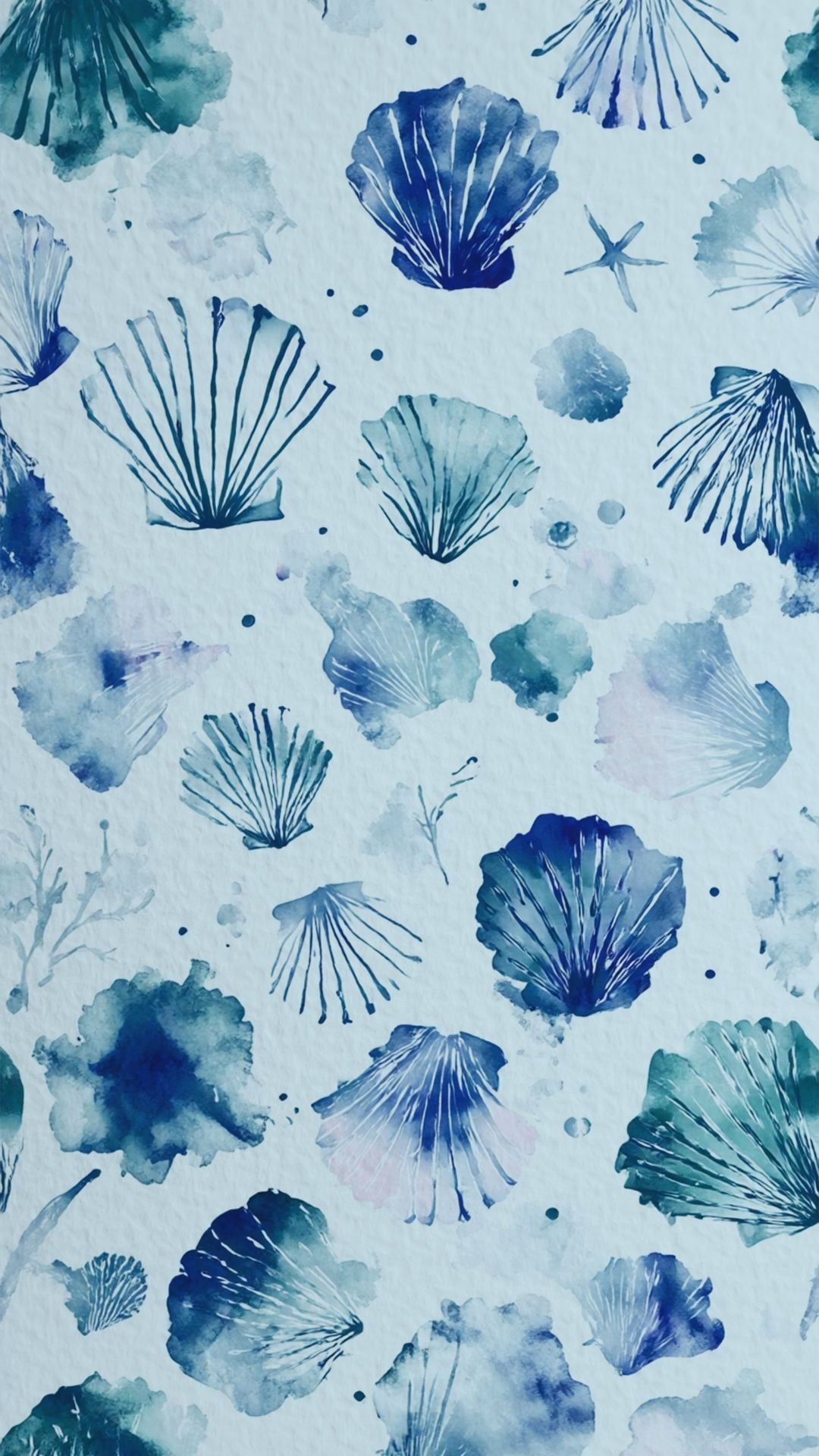
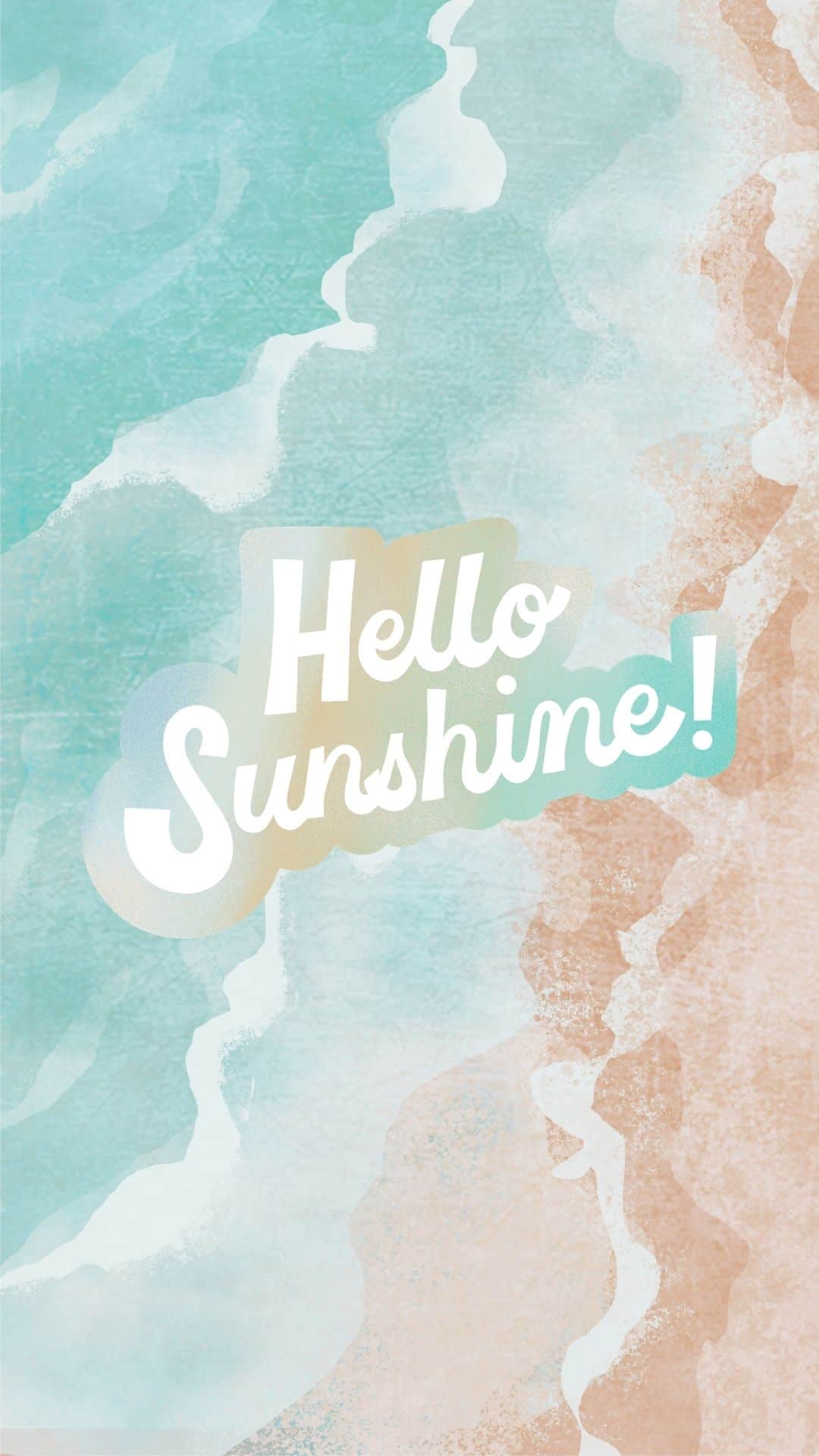
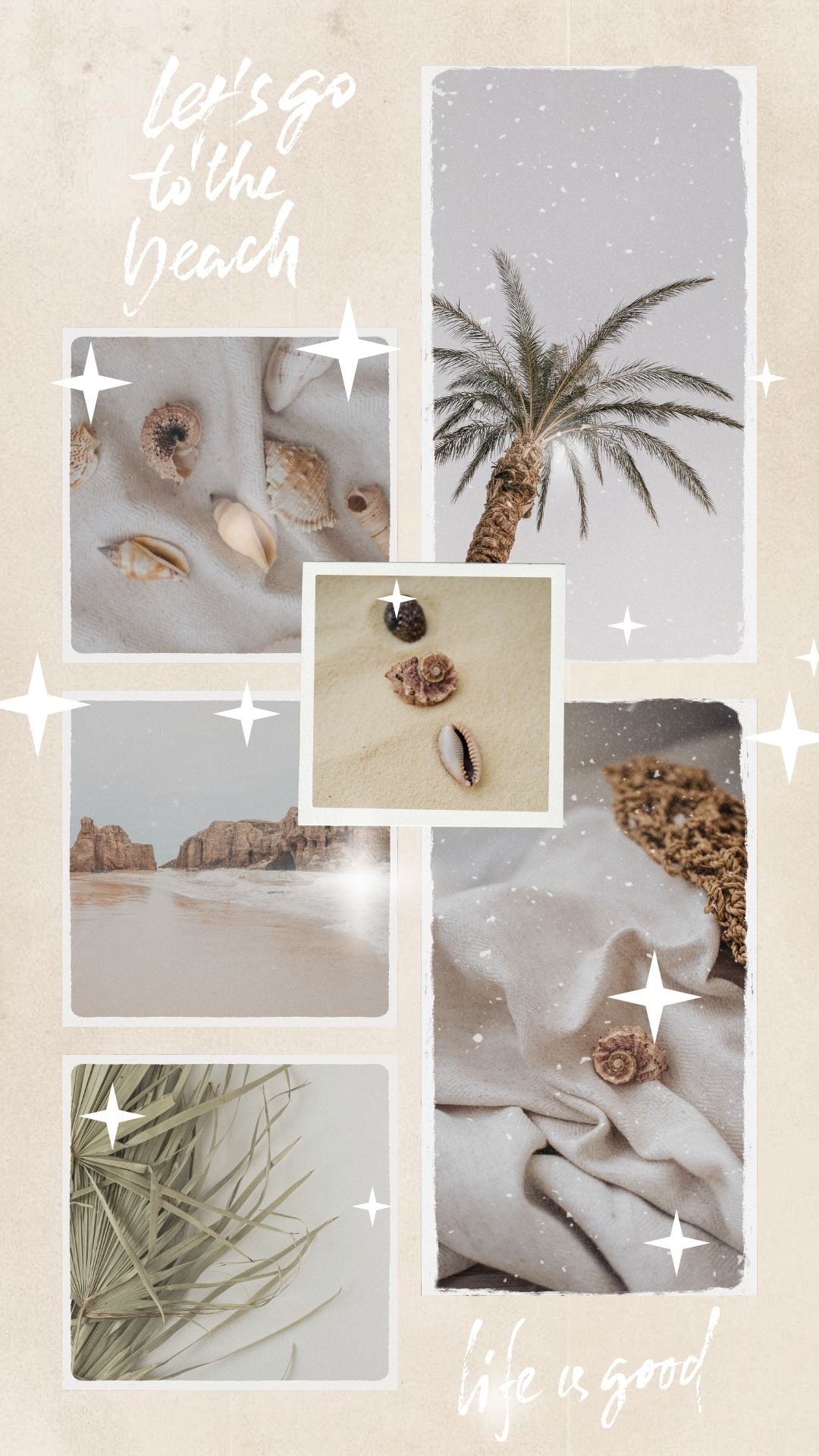
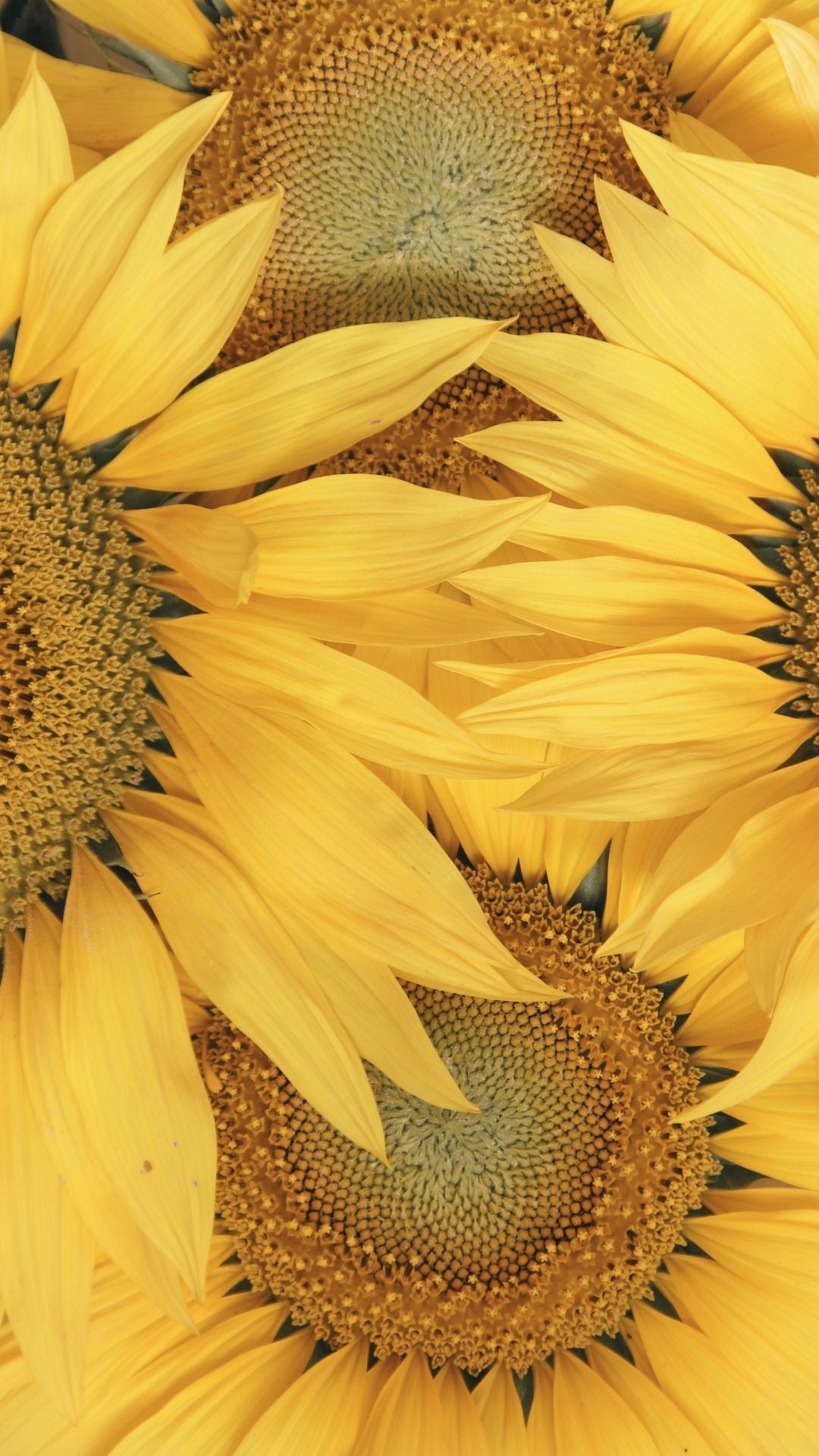
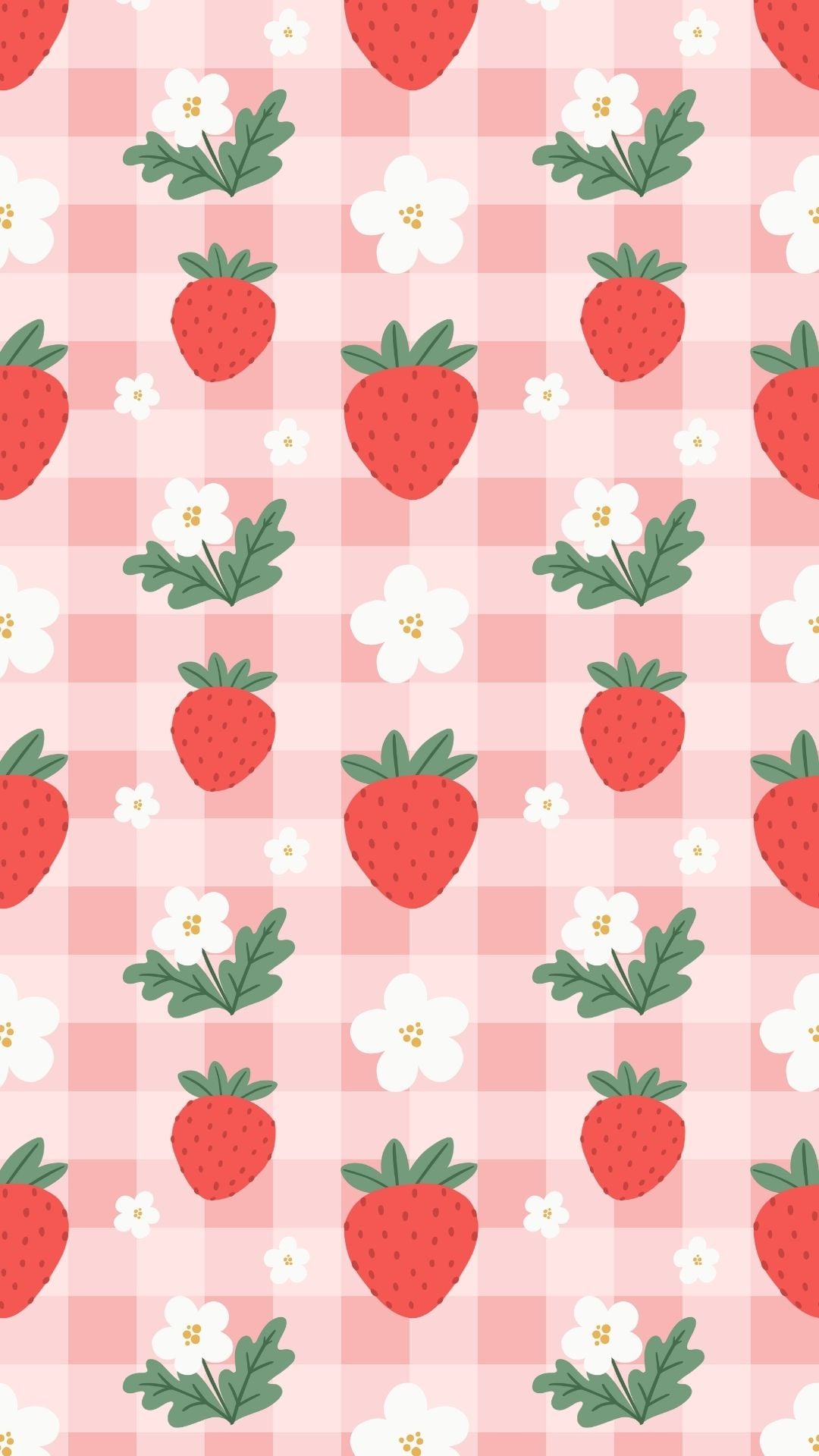
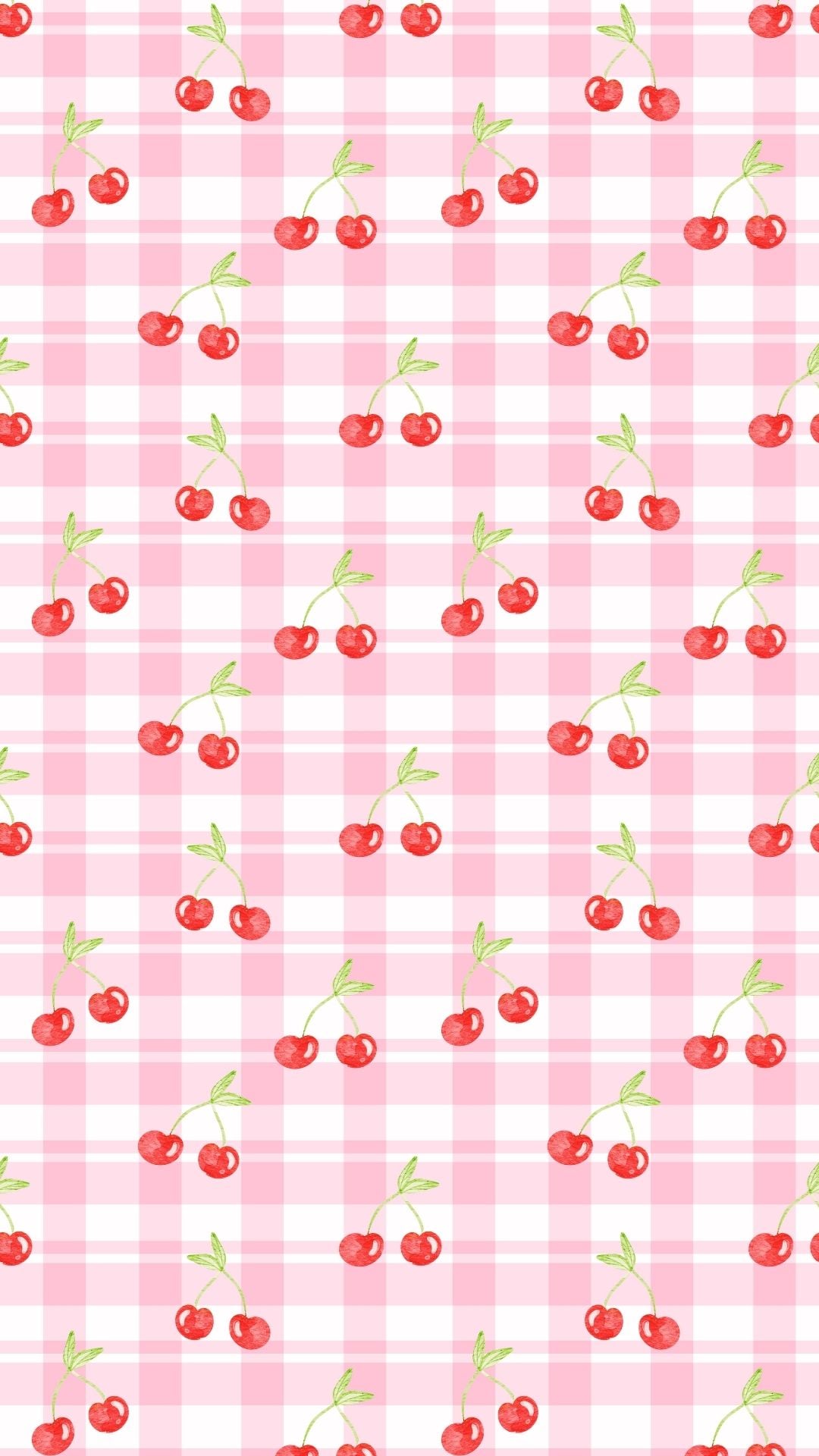
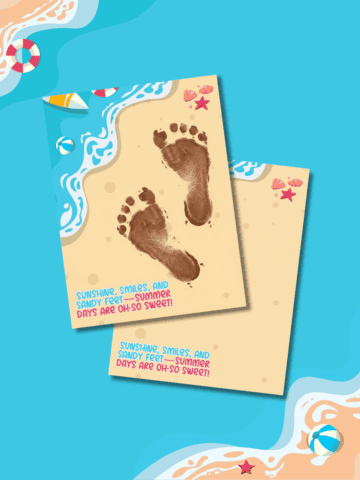
Give your phone refresh for the sunny season with these free summer wallpapers filled with beachy vibes, bright colors, cute patterns, fruit designs, flowers, seashells, and more.
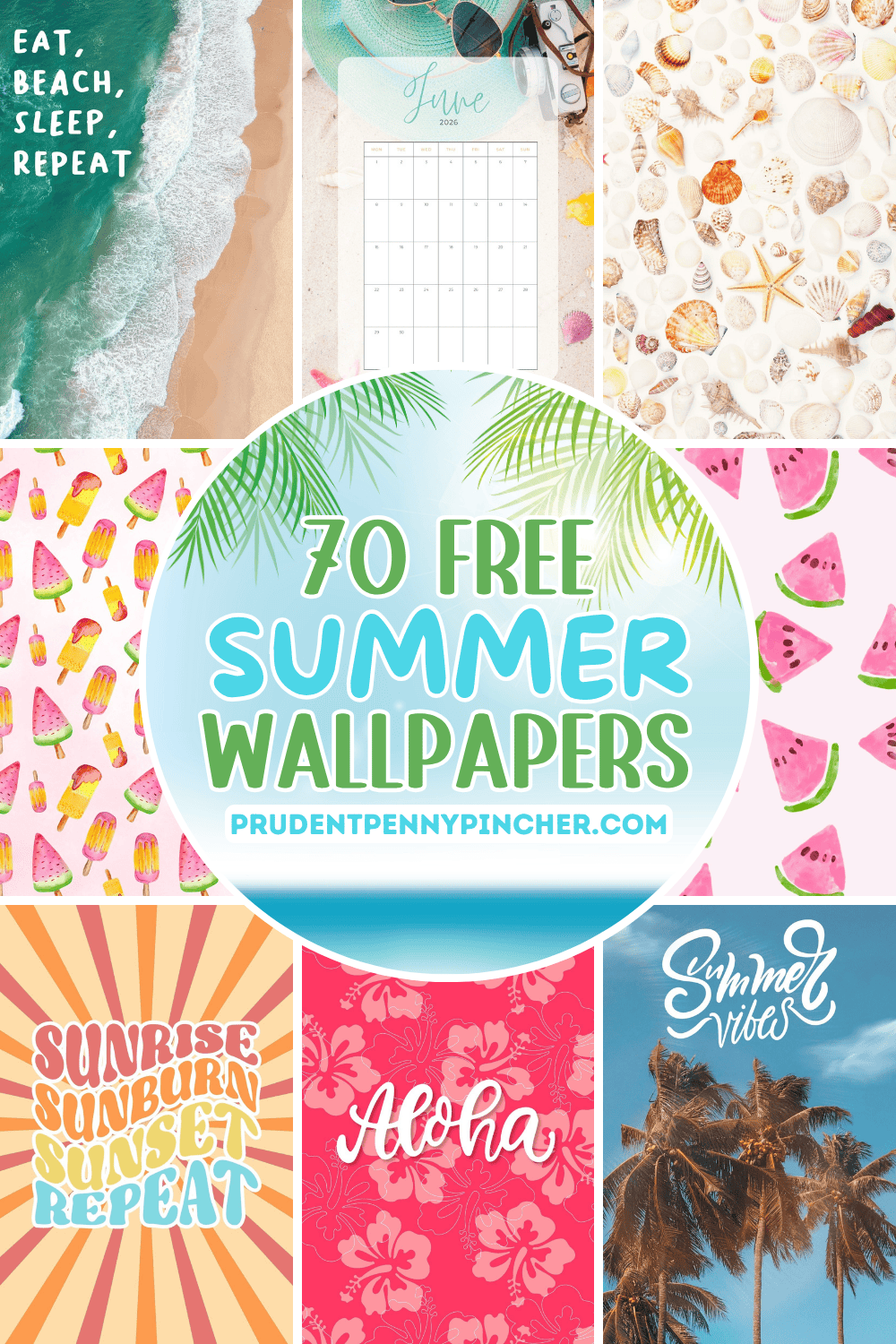
Summer is the perfect time to give your phone a fresh new look, and these wallpapers are full of bright, cheerful designs that make every lock screen feel sunny and fun. Whether you love a soft aesthetic style, colorful patterns, or something cute and festive, this collection has tons of summer backgrounds to match your mood all season long.
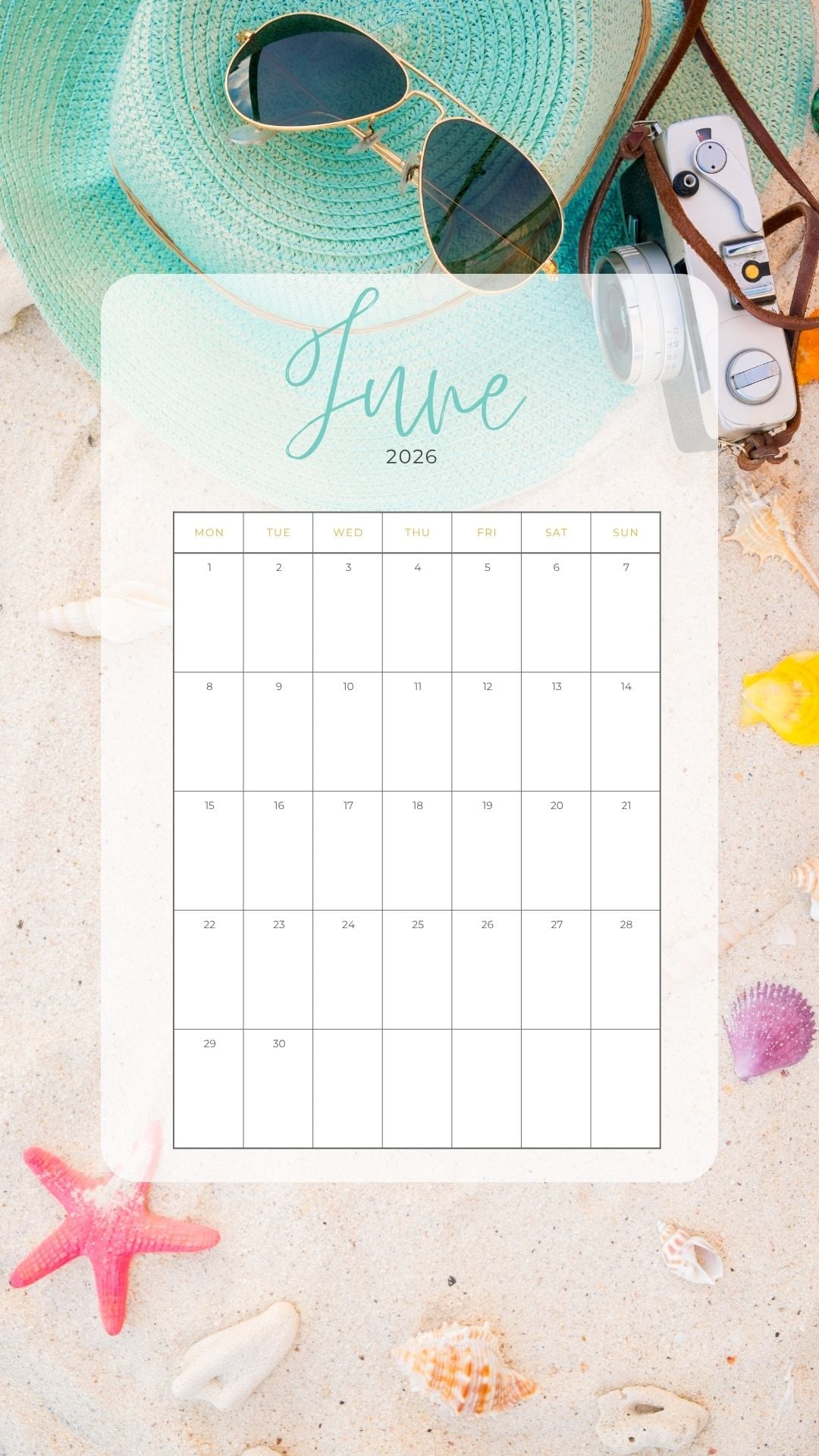
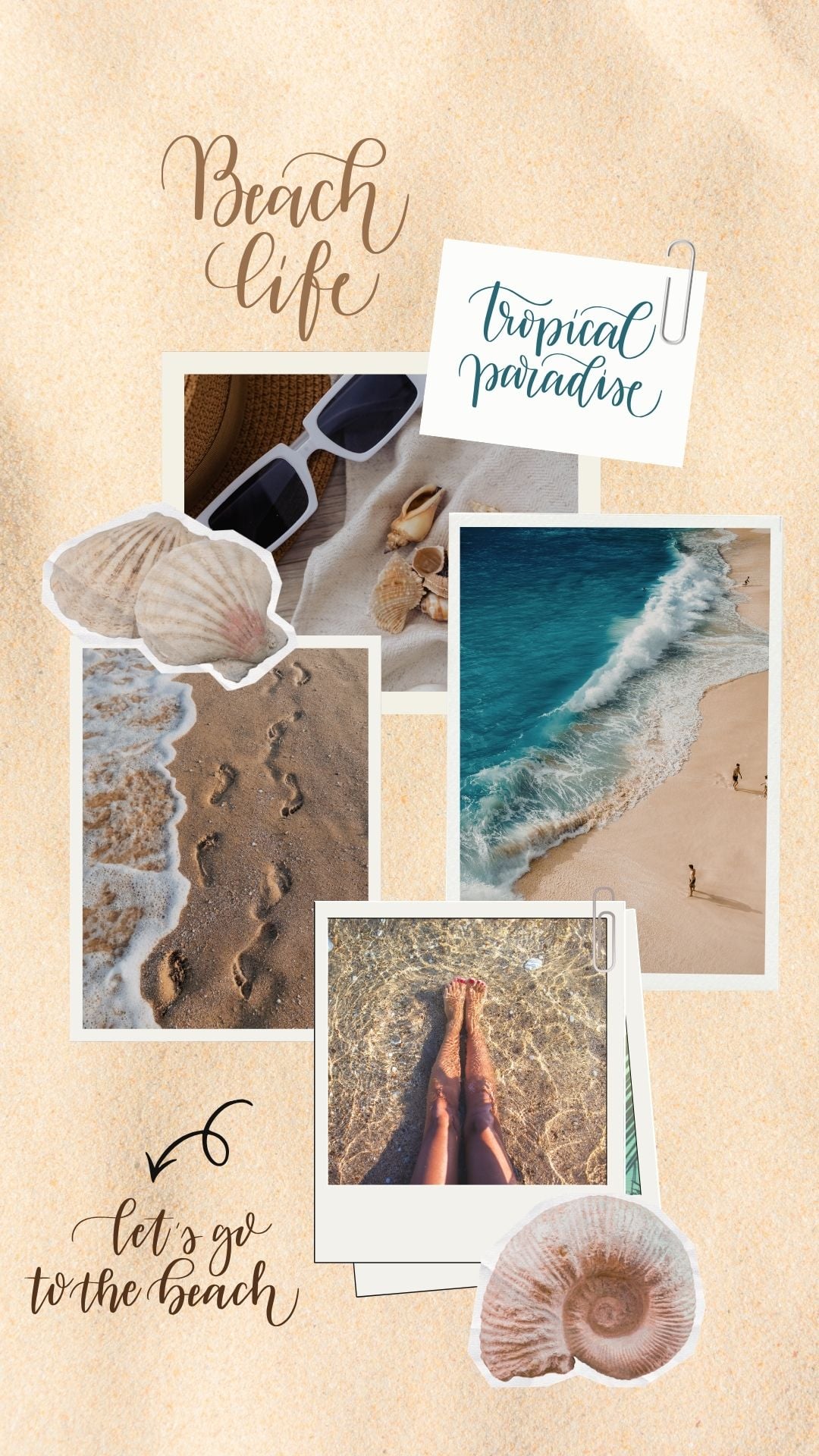
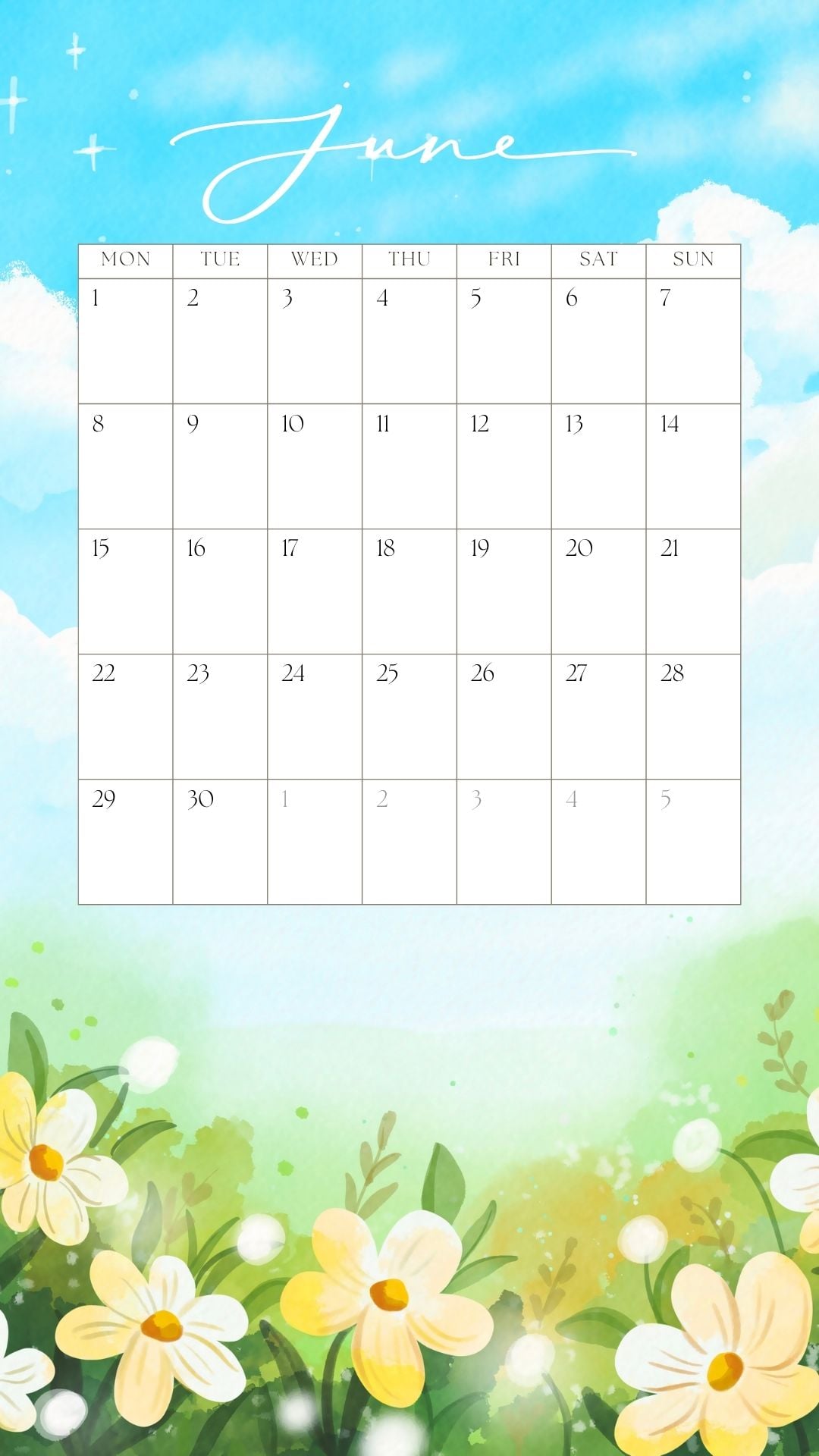
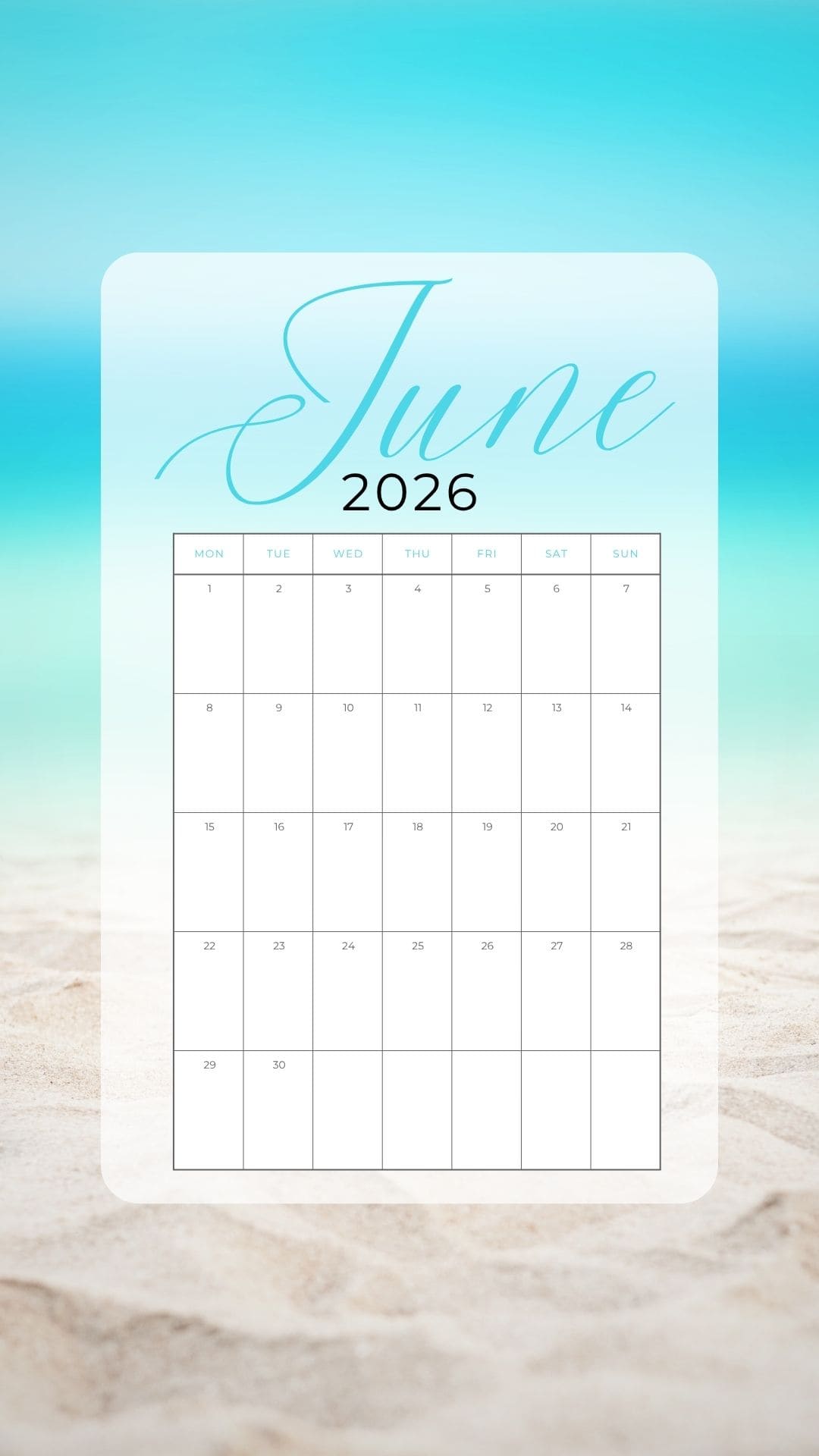
In this roundup, you’ll find phone backgrounds with summery flowers, dreamy beach scenes, seashells, tropical prints, blue ocean-inspired backgrounds, and fun fruit designs with strawberry and watermelon details. You’ll also find photo collage backgrounds, seasonal patterns, and calendar backgrounds to keep your phone both cute and useful.
These wallpaper ideas are perfect for refreshing your screen on vacations, beach days, poolside lounging, summertime parties, or everyday sunny-season vibes. From soft coastal looks to bold patriotic designs for the 4th of July, there’s a little something for every style. Scroll through the collection and find your favorite free wallpaper to use all season long!
How to Download and Use Them
- Choose your favorite background.
Scroll through the collection and find the one you want to use. - Click or tap the image.
Make sure to click the wallpaper image first so it opens in full size. This will give you the best quality version to download. - Save the full-size image to your phone.
On a phone, press and hold the image, then choose Save to Photos, Save Image, or Download Image, depending on your device. - Save from a computer, if needed.
If you are using a computer, right-click the full-size image and select Save Image As. Then send the image to your phone. - Set it as your background on iPhone.
Open the image in your Photos app, tap the share icon, and select Use as Wallpaper. Adjust the image as needed, then set it as your Lock Screen, Home Screen, or both. - Set it as your background on Android.
Open the saved image in your photo gallery, tap the menu icon, and choose Set as wallpaper. Then select whether you want it on your Home Screen, Lock Screen, or both. - Enjoy your new summer background!
These are for personal use only, so feel free to switch them out whenever your phone needs a fresh seasonal look.
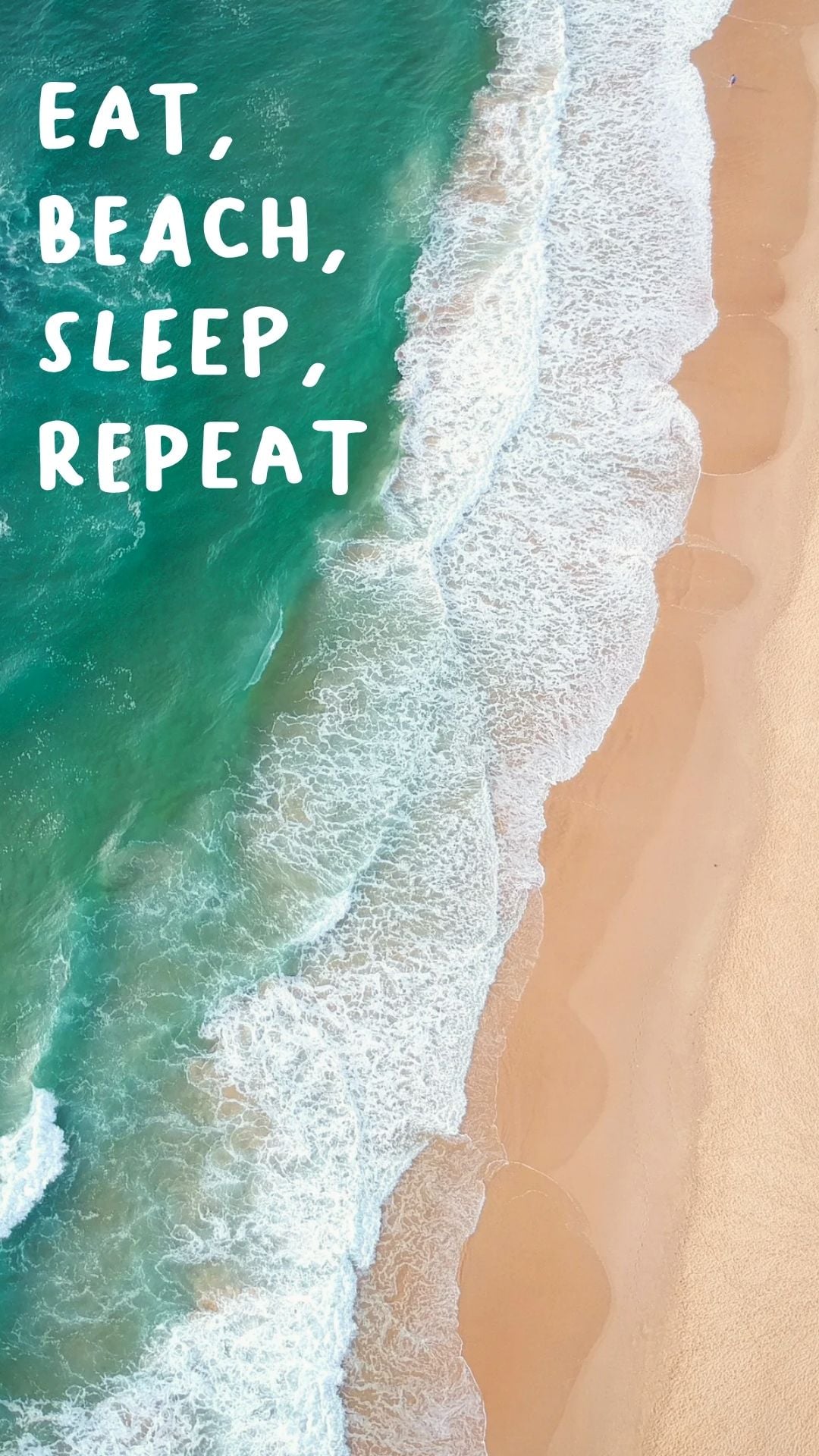
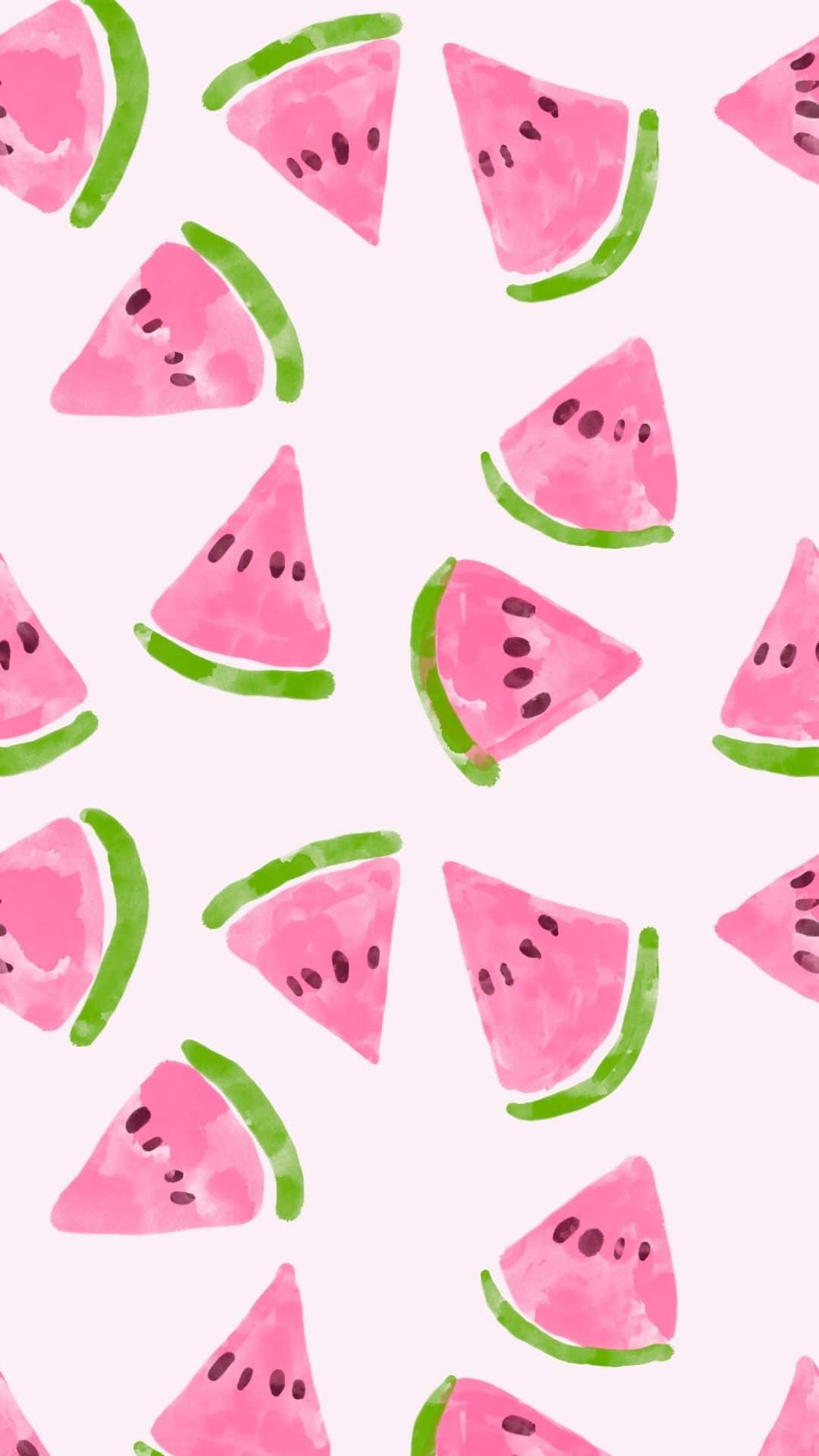
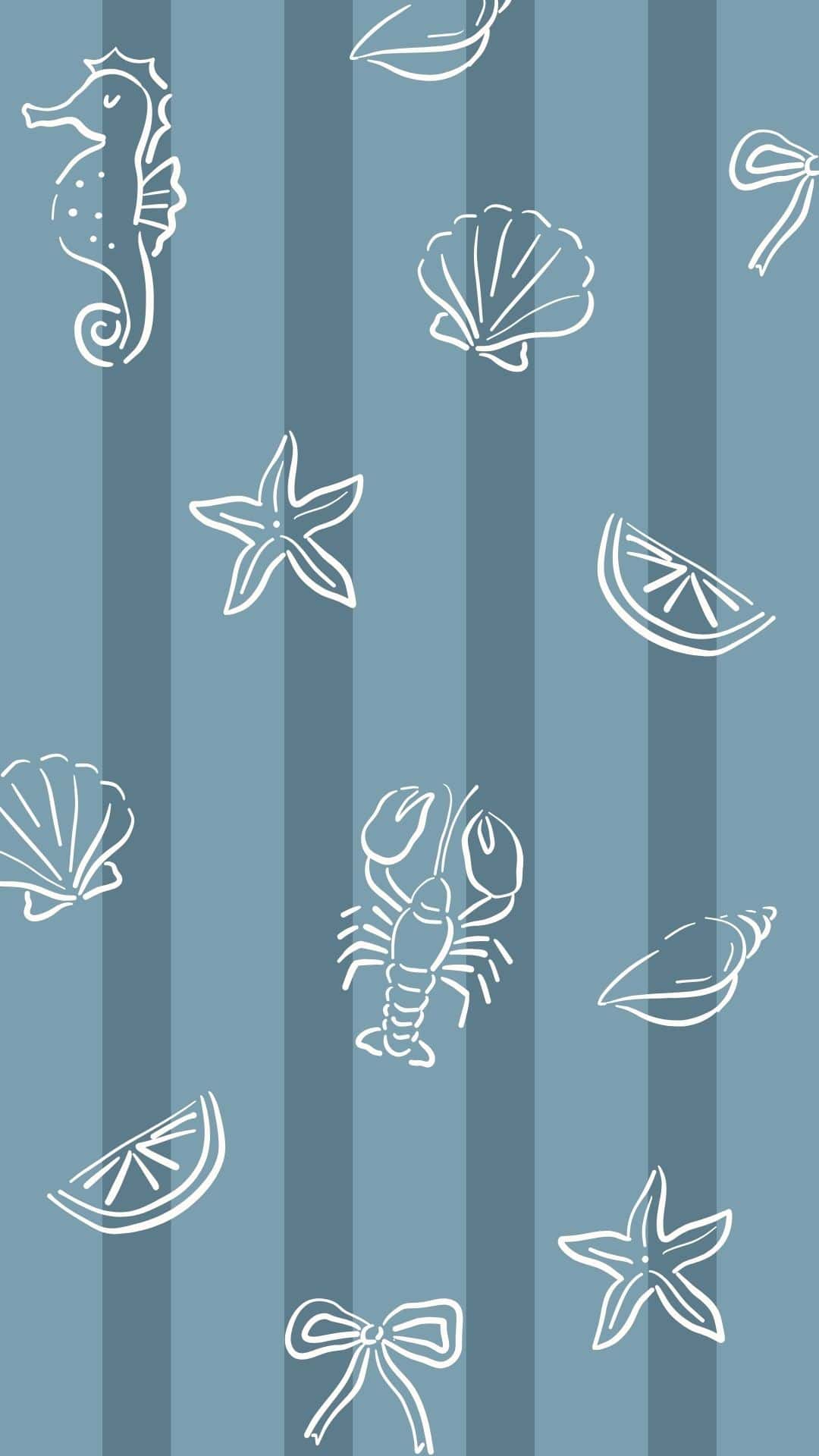
Phone Summer Wallpapers














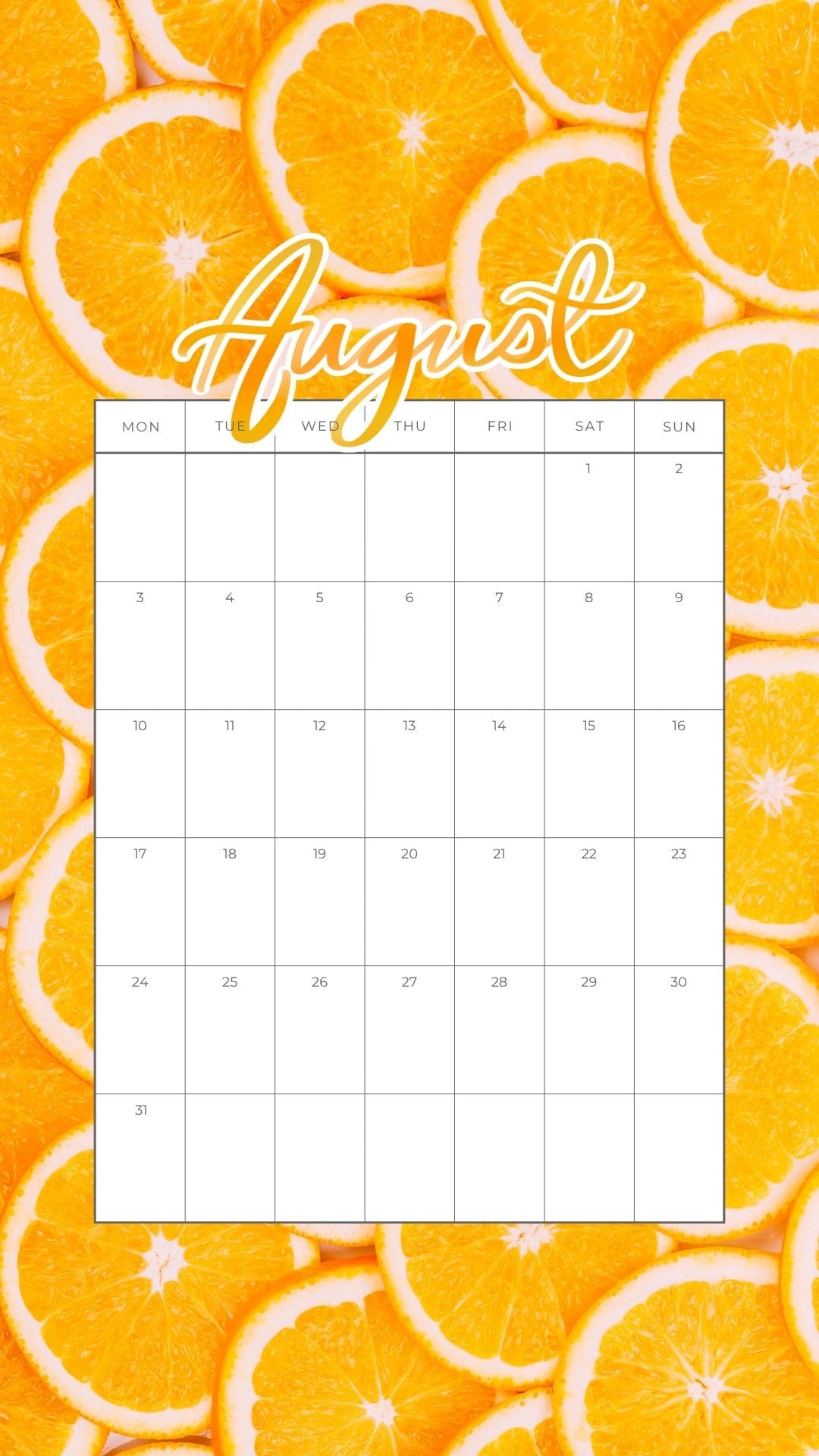












More Wallpapers
- 30+ Free Vintage Christmas Wallpapers for Your Phone
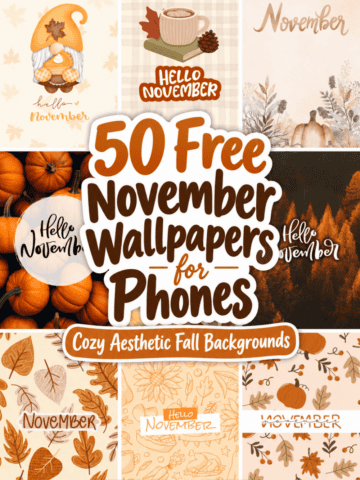
- 50 Free November Wallpapers for Phones
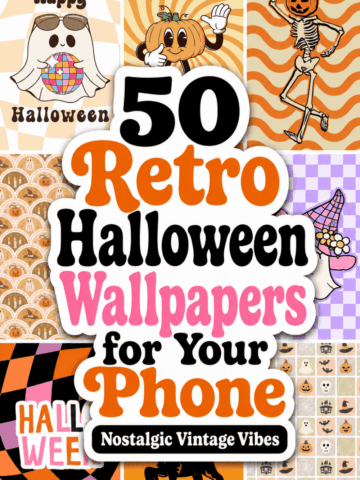
- 50 Free Vintage and Retro Halloween Phone Wallpapers
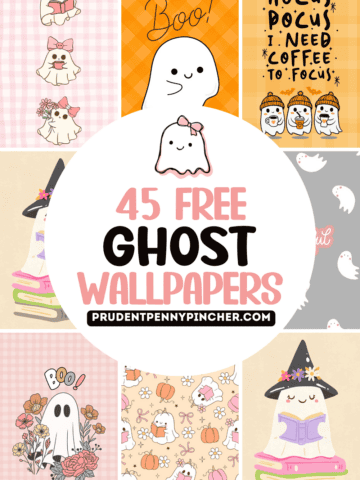
- 45 Cute Ghost Wallpapers for iPhone & Android

Follow me on Pinterest, Facebook, Flipboard, or Instagram for more inspiration on crafts, DIY, free printables, and recipes!





Leave a Reply