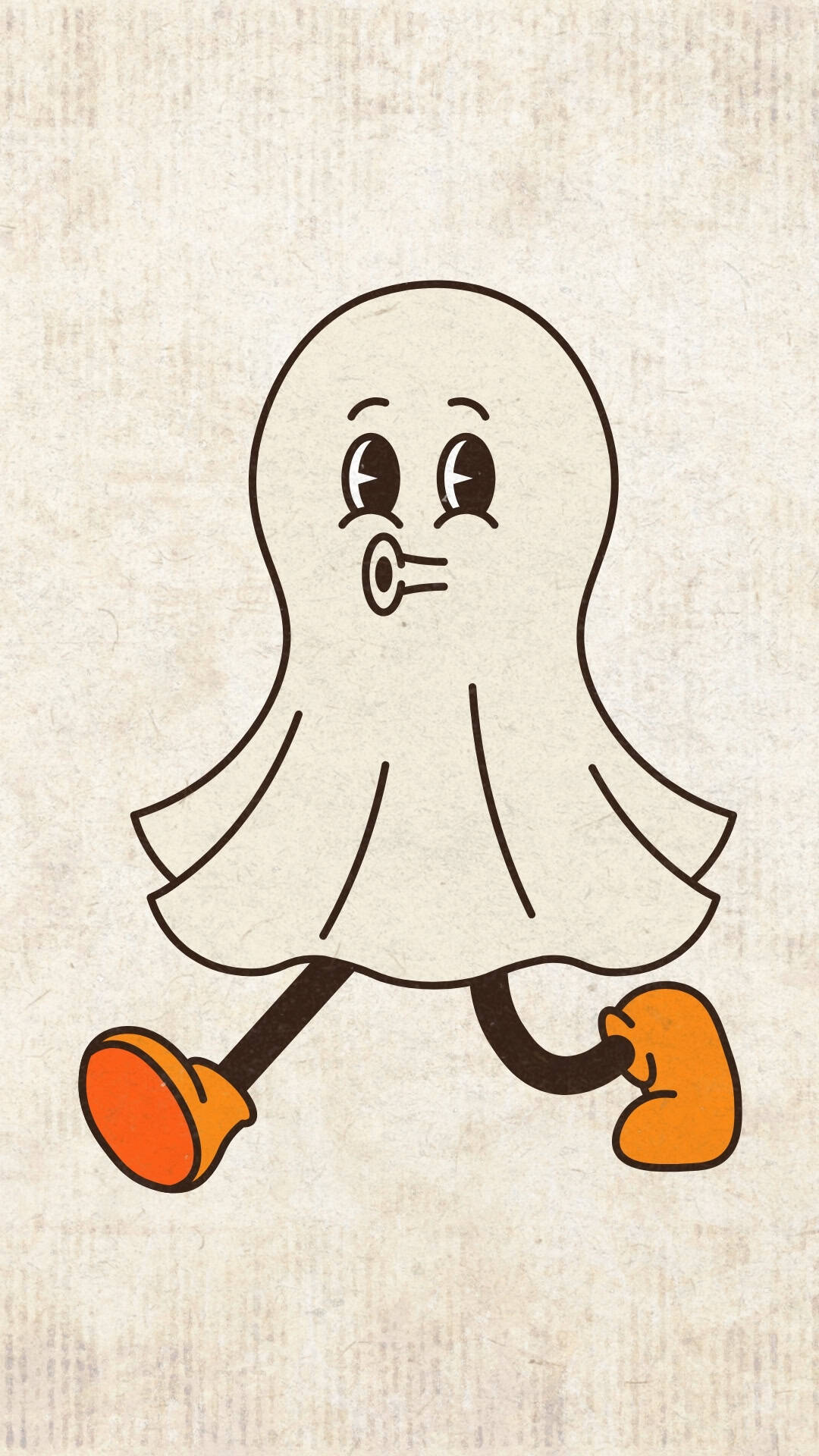
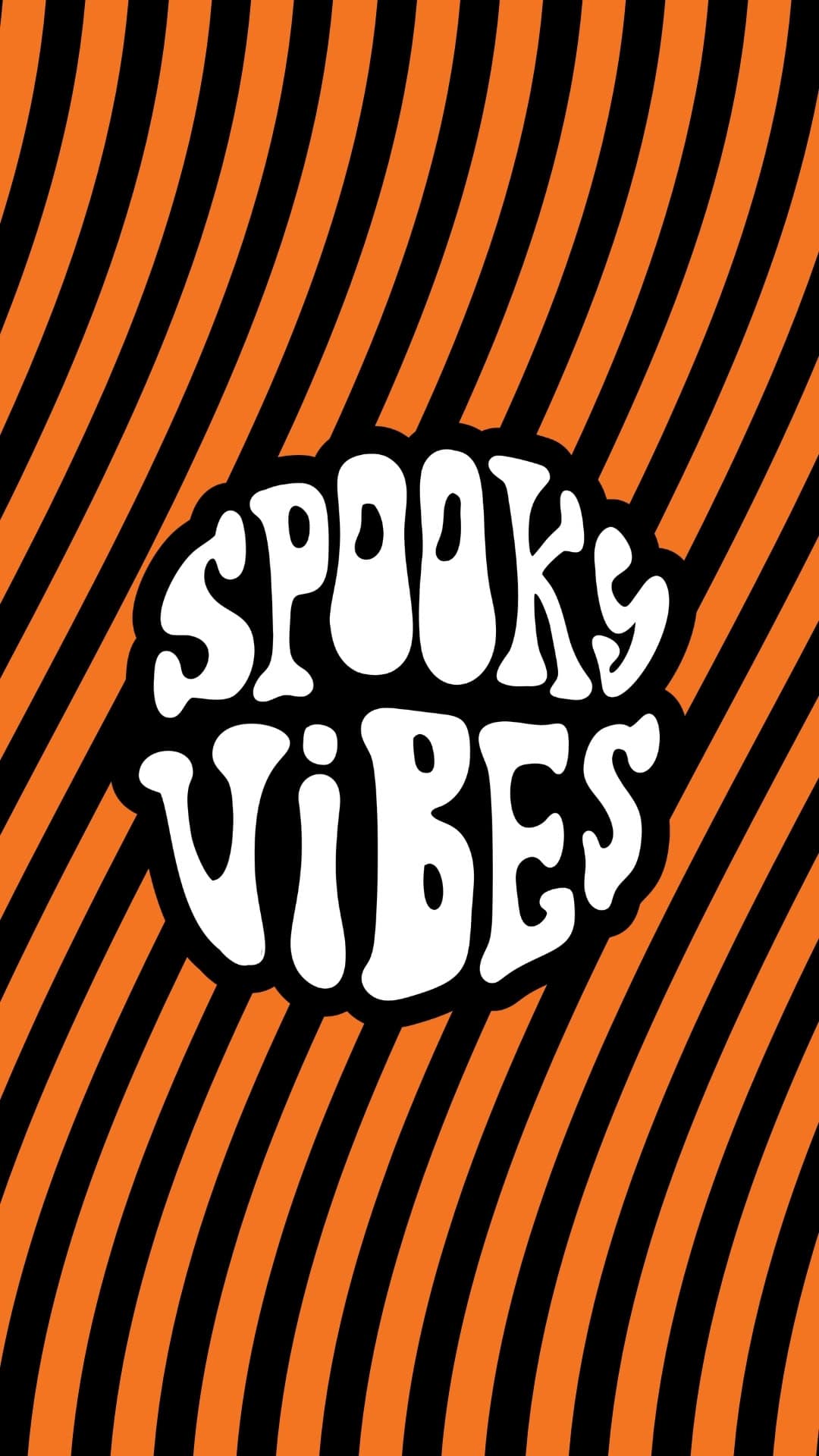
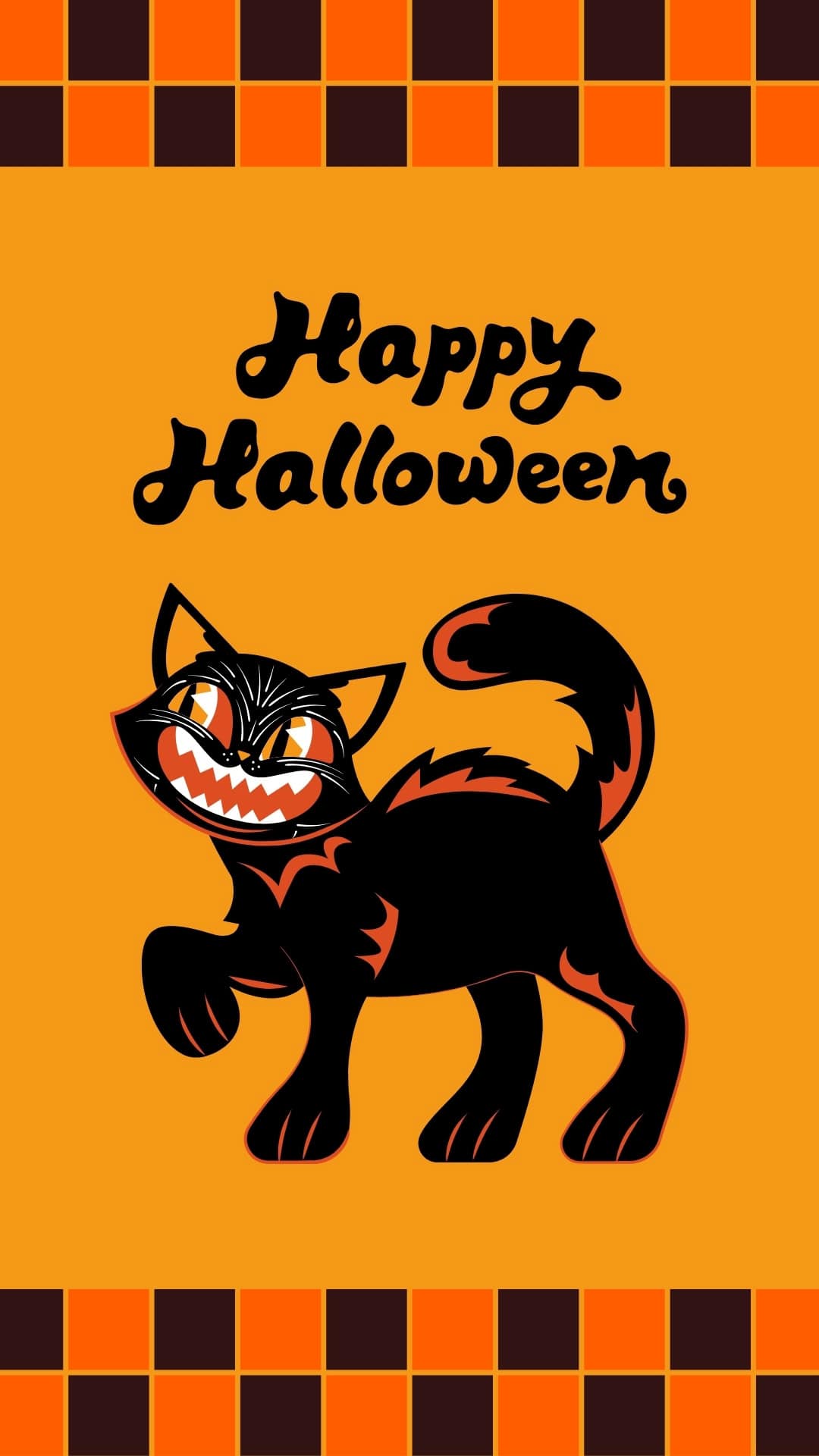
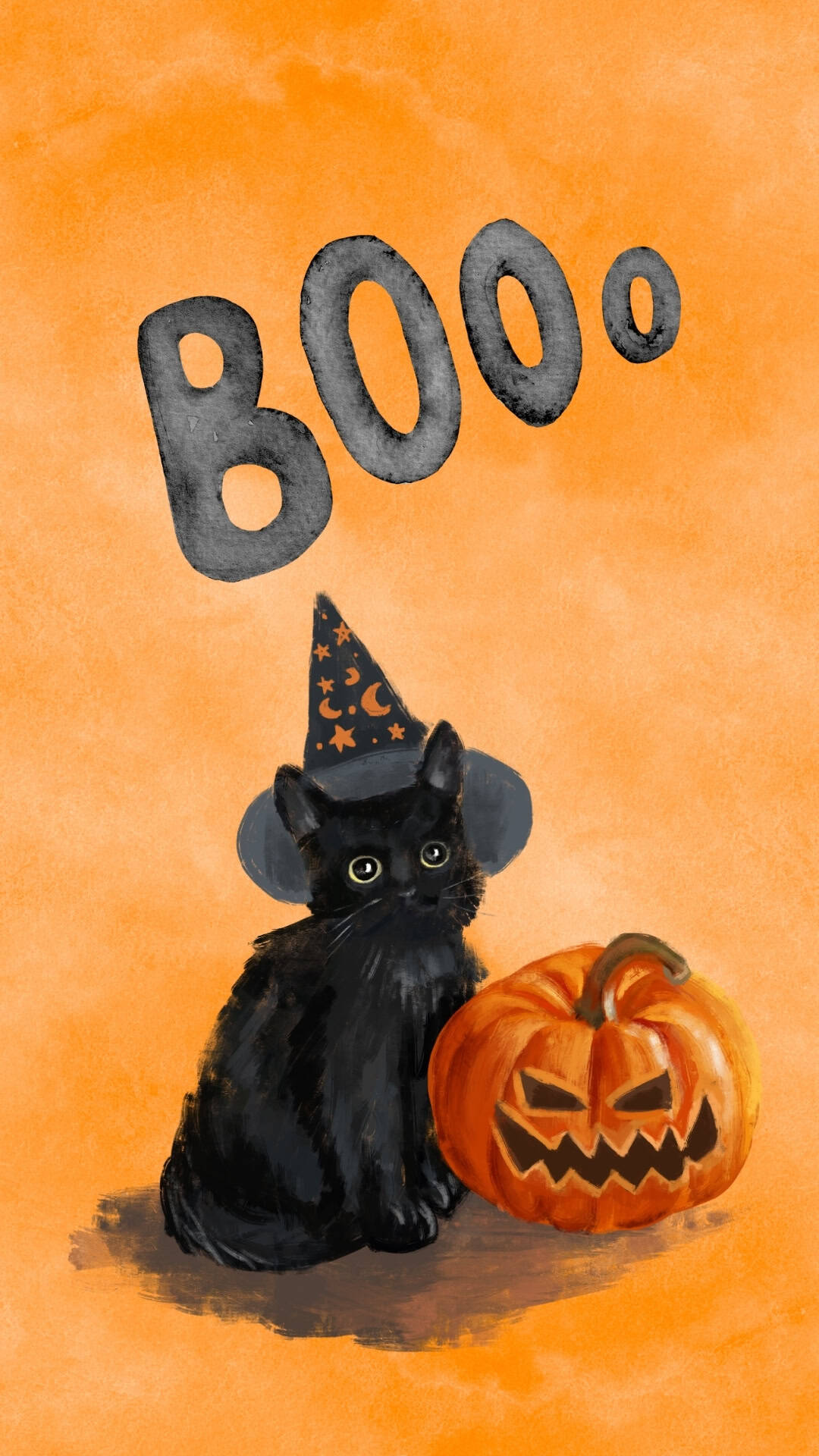
Give your phone a spooky throwback makeover with these free retro Halloween phone wallpapers!
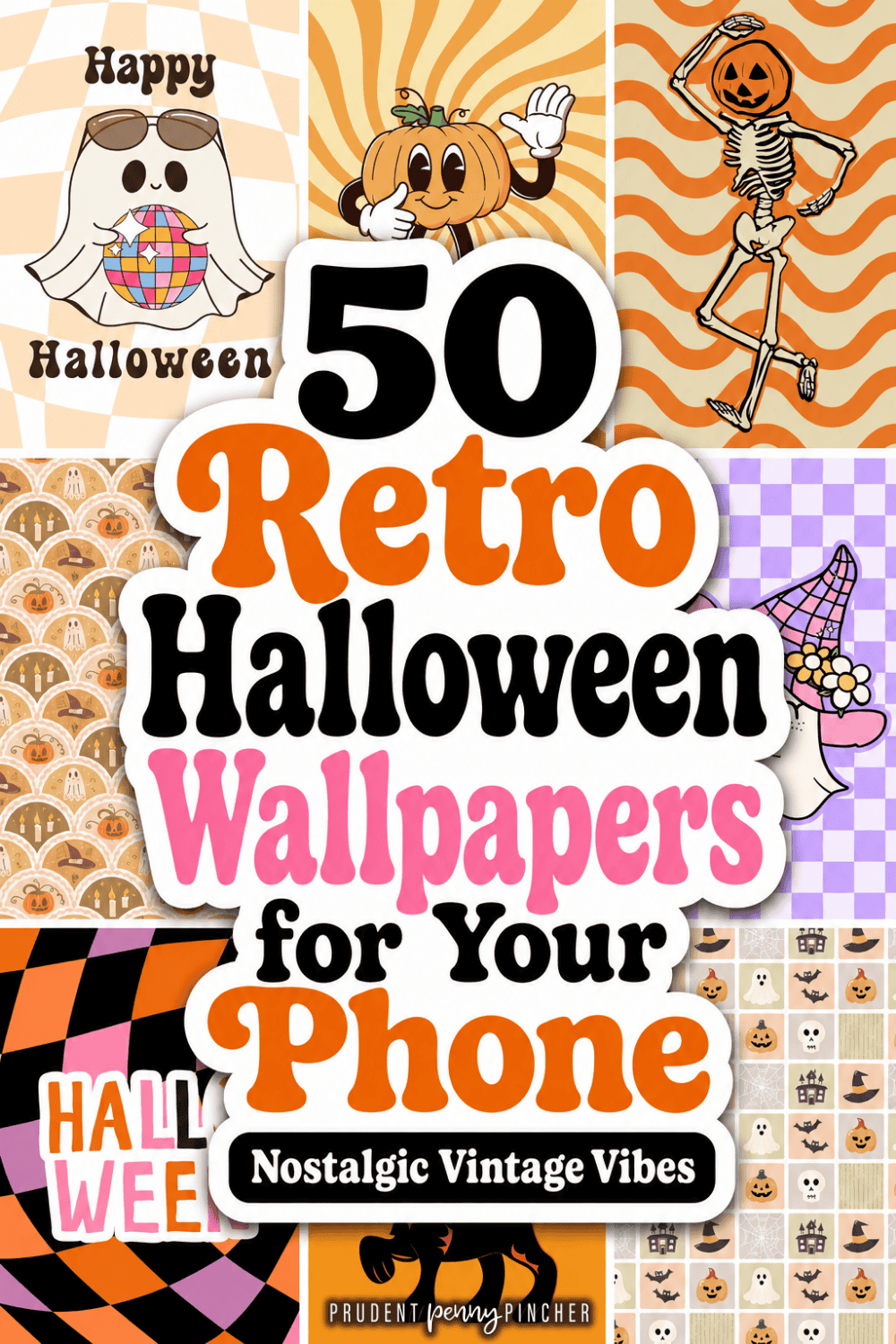
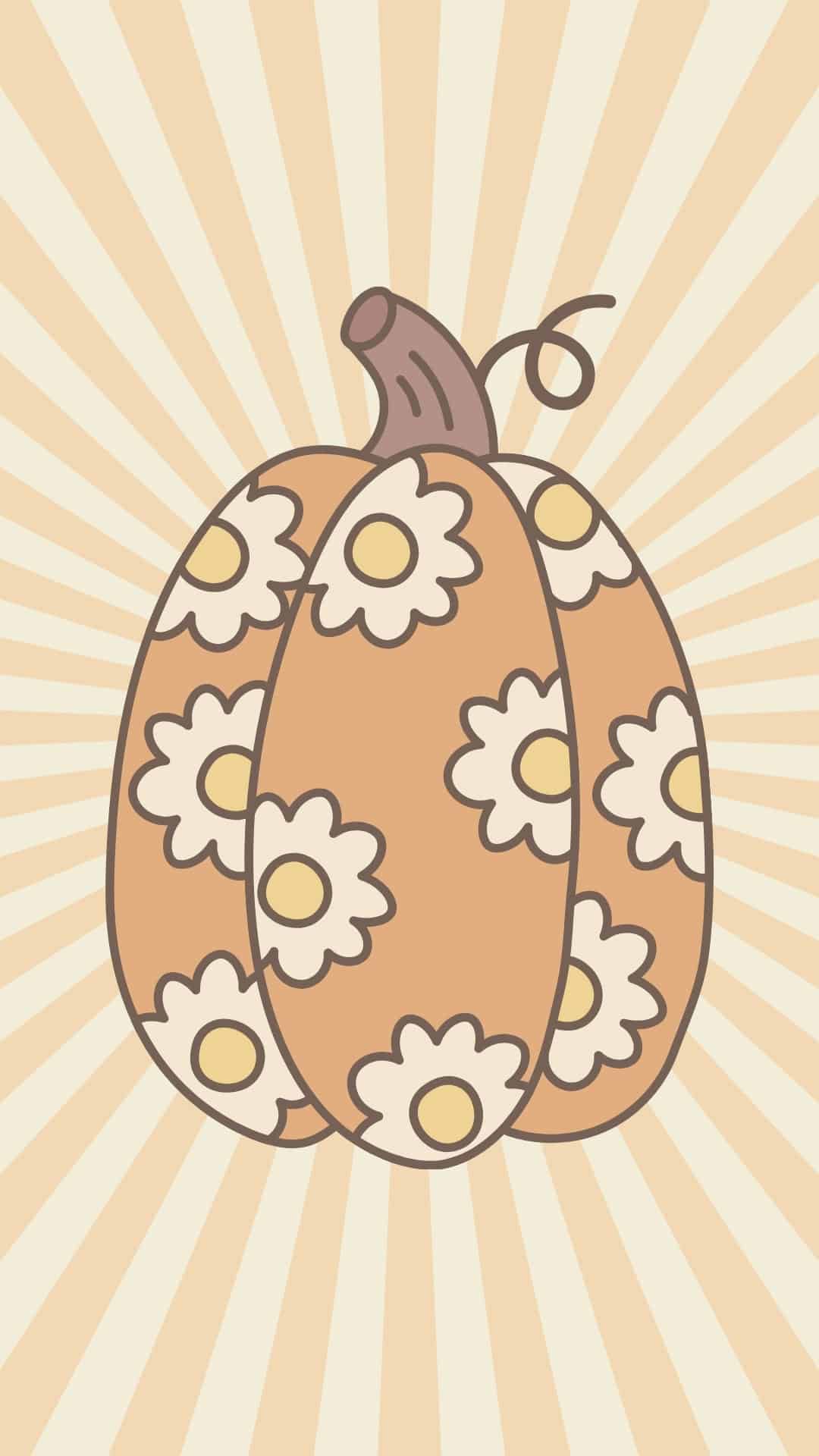
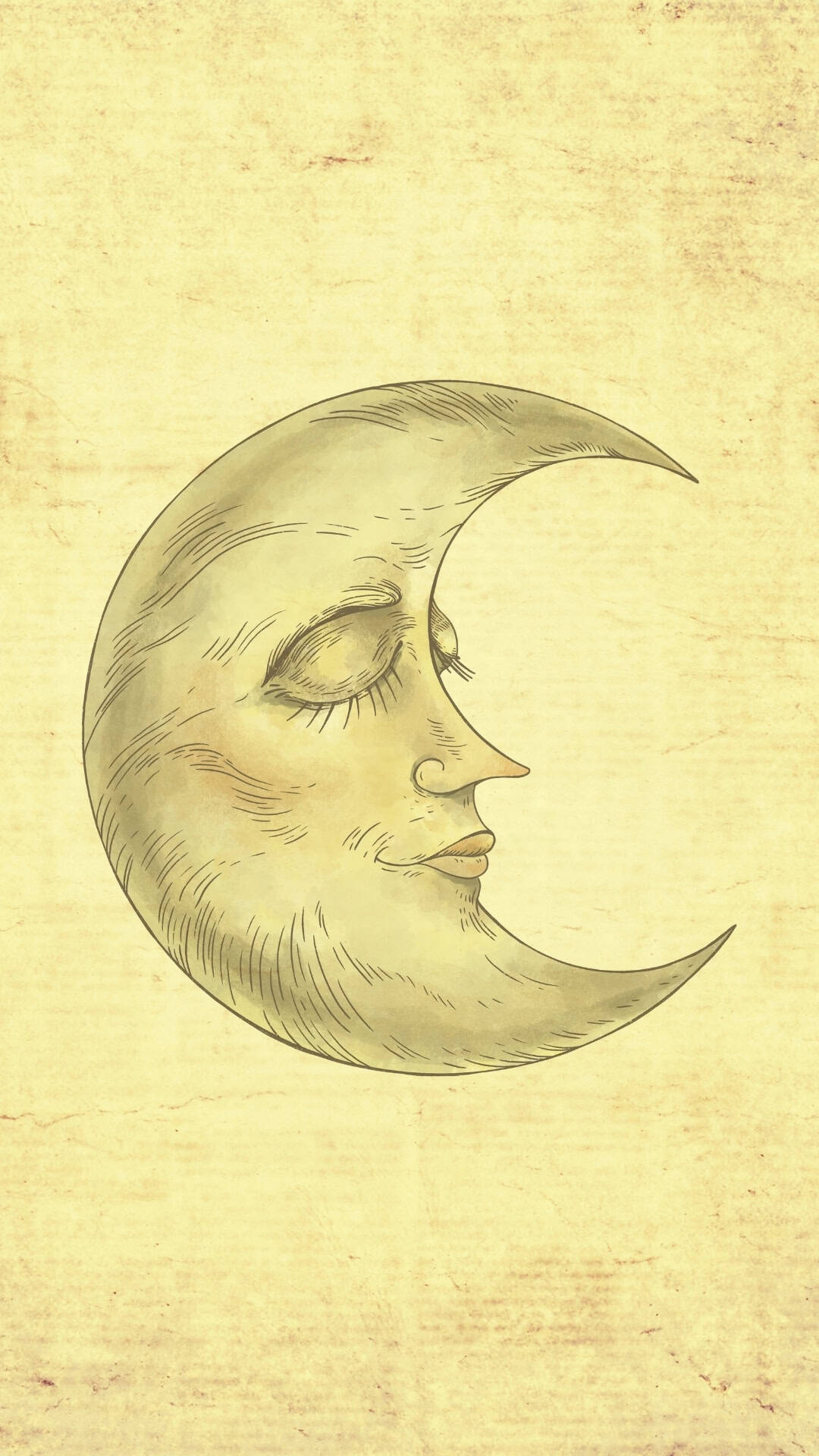
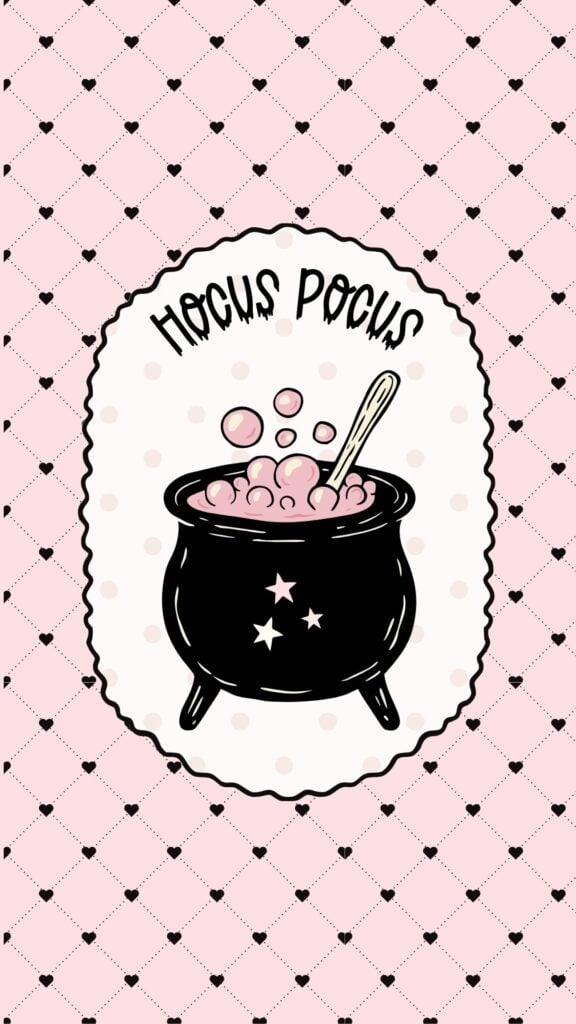
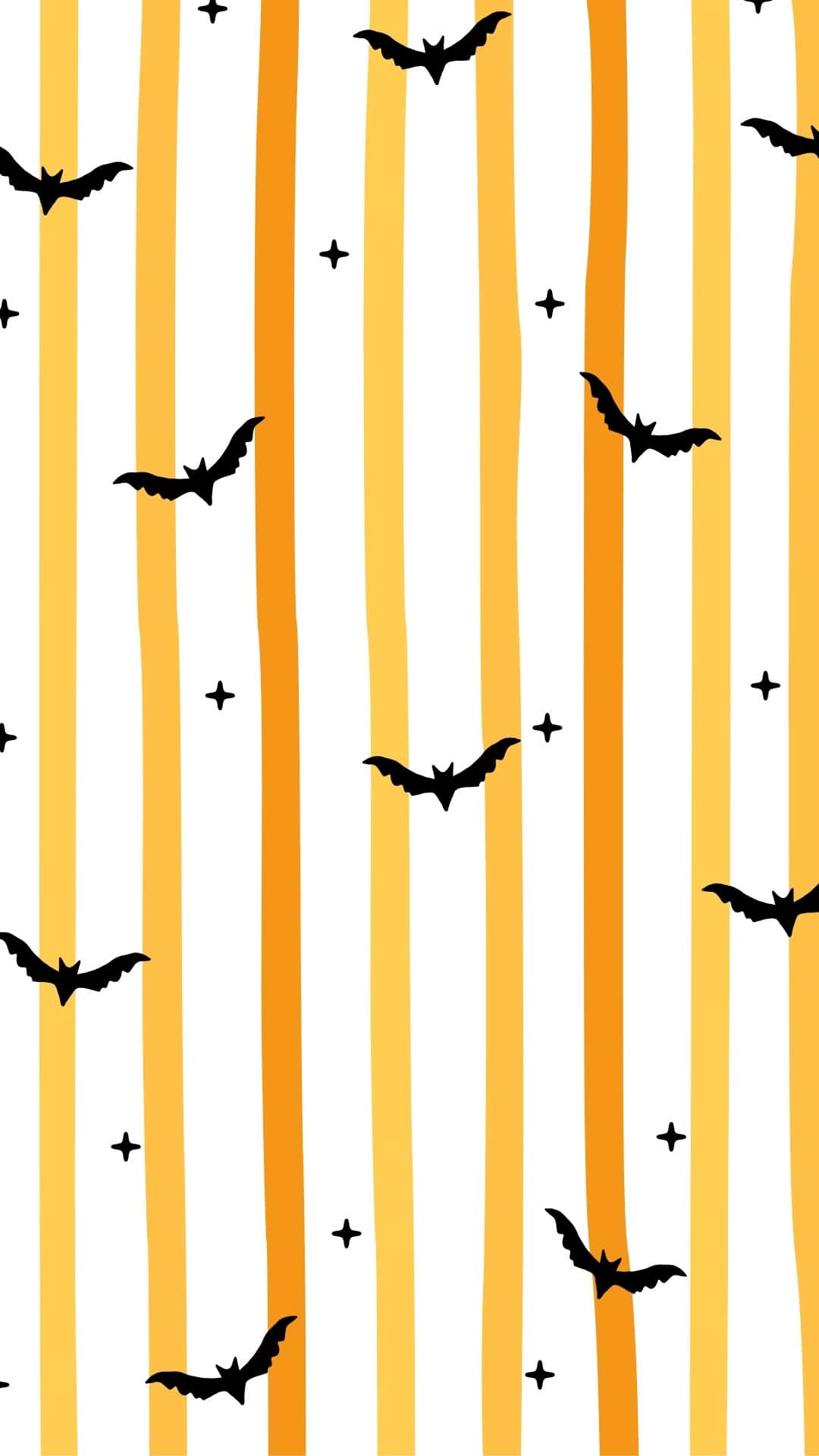
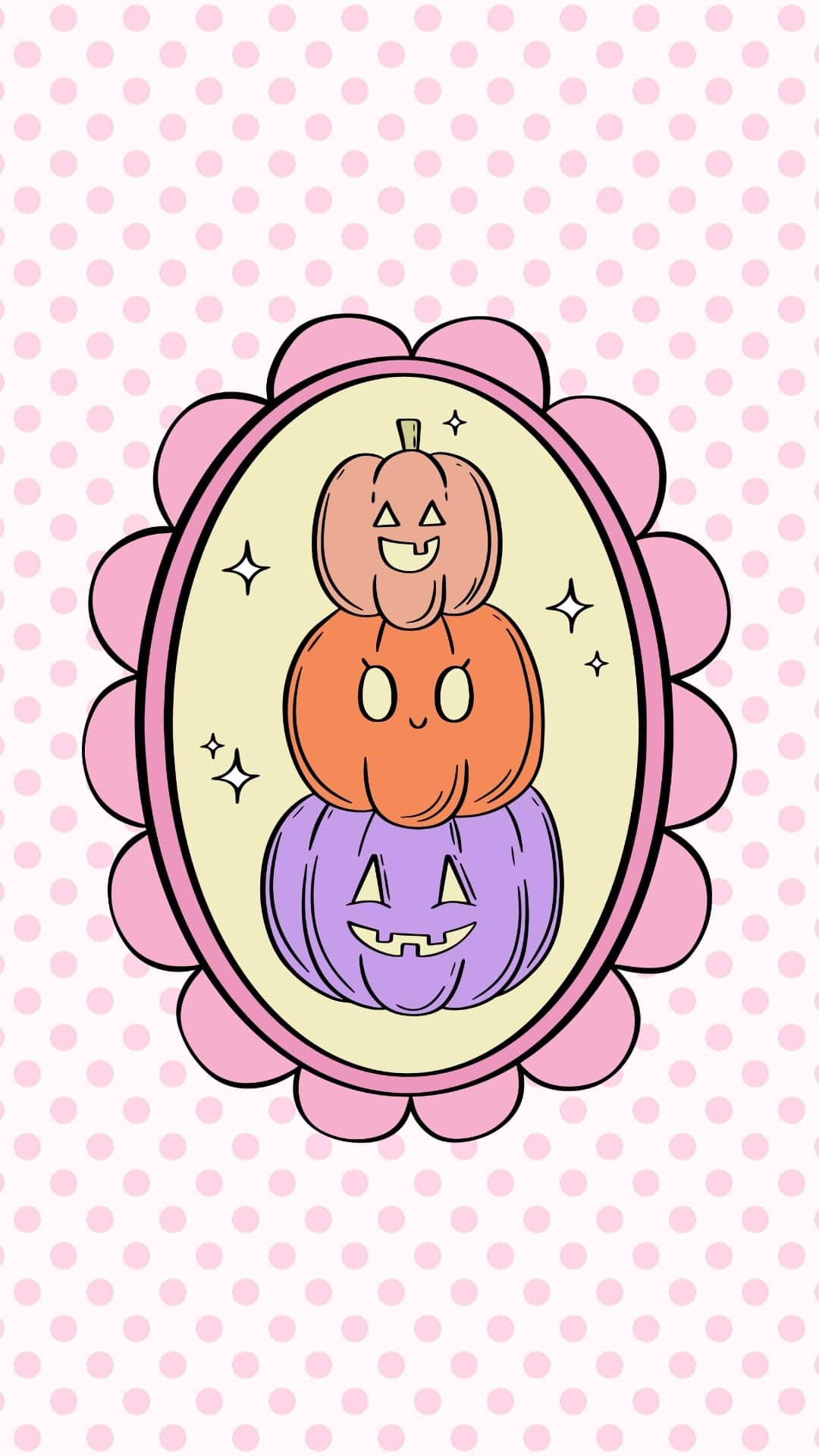
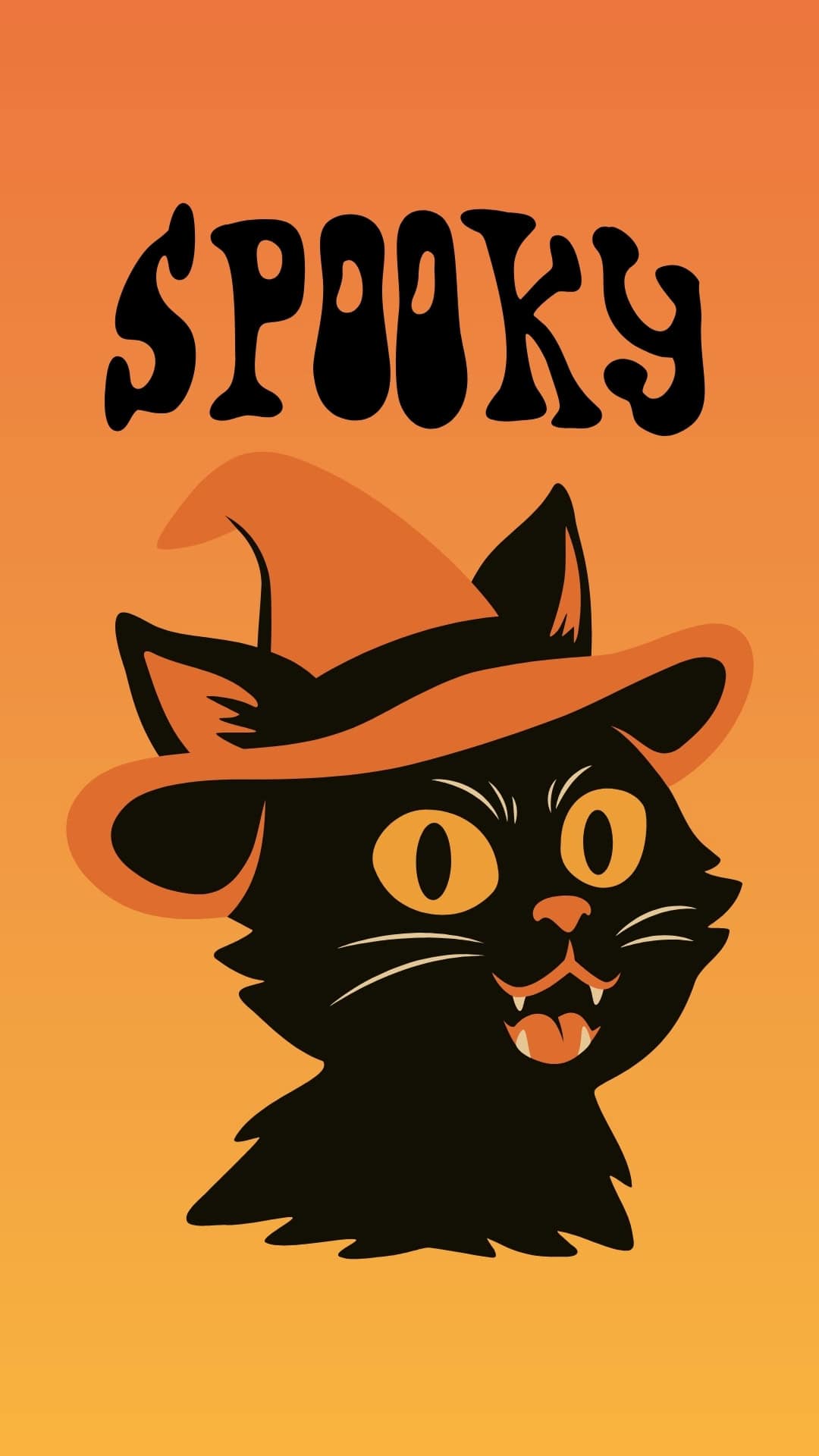
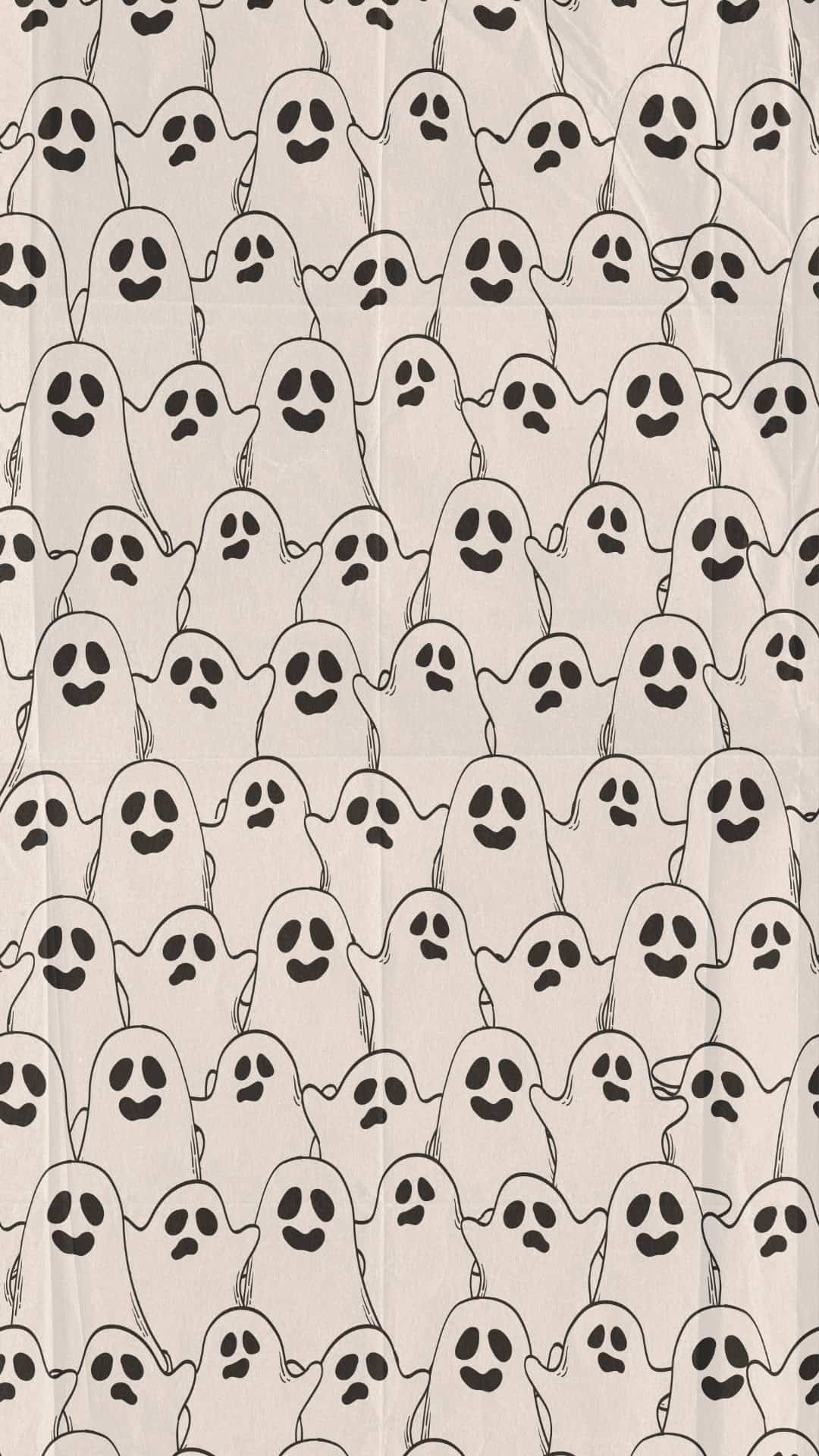
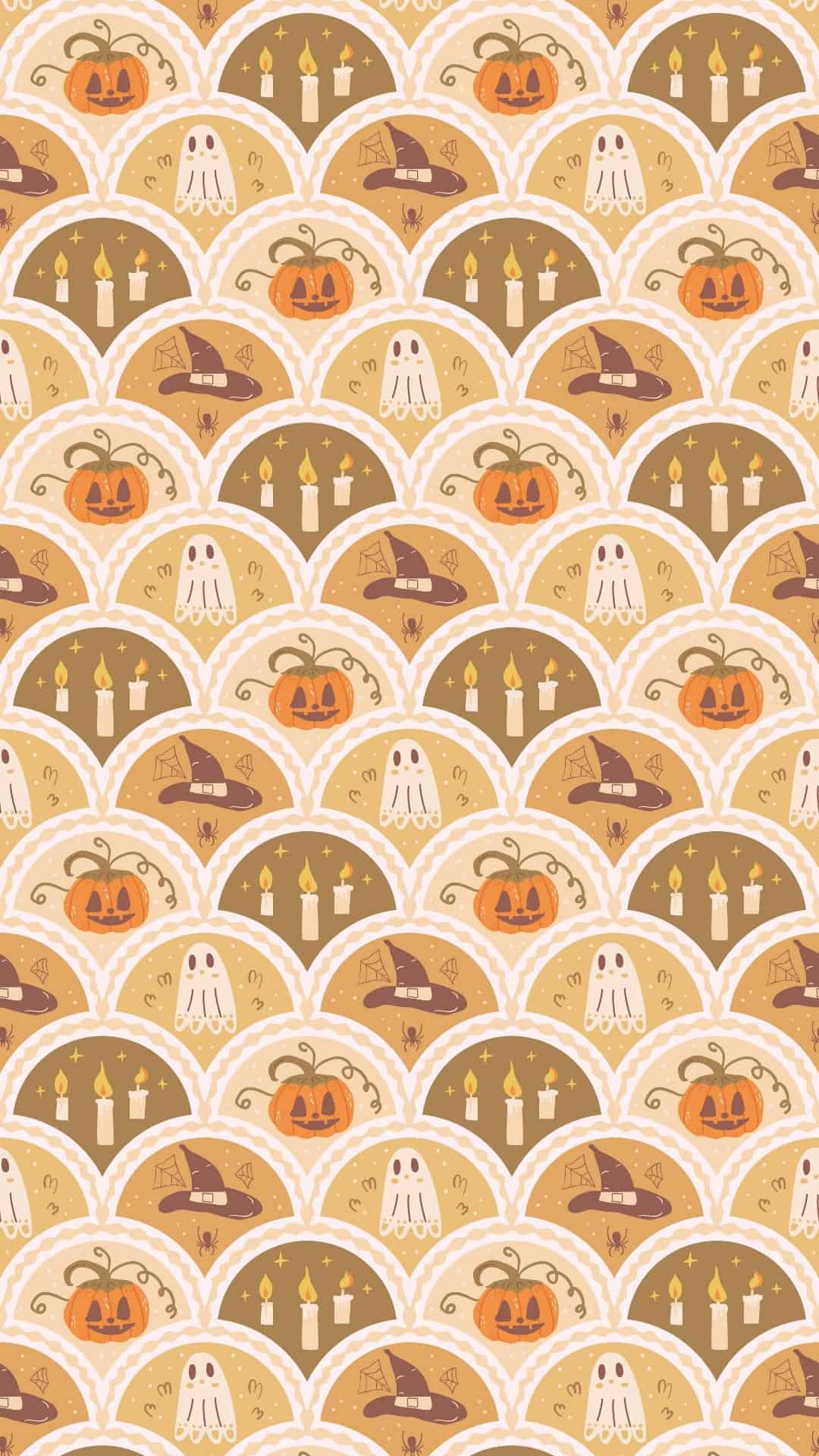
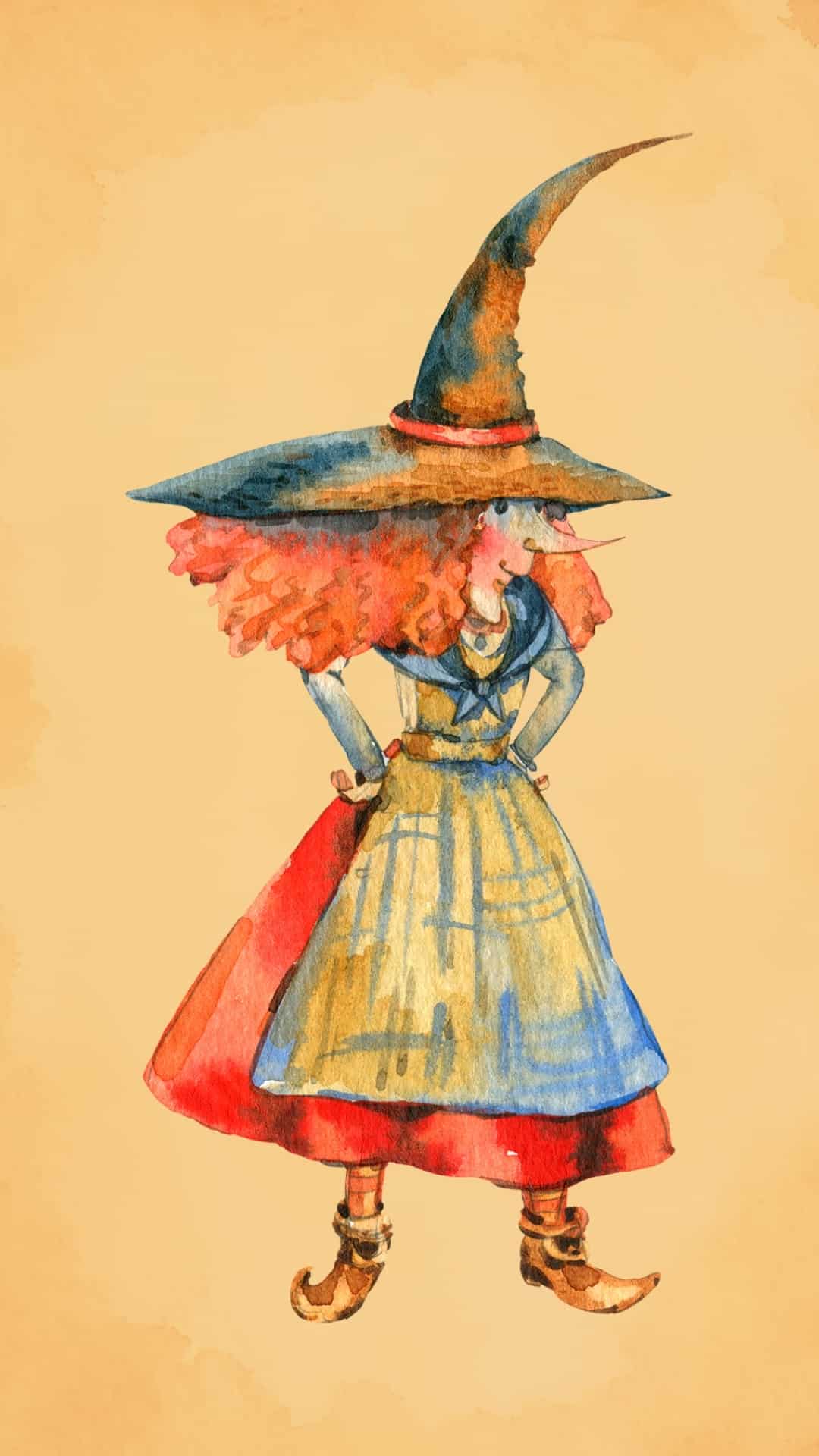
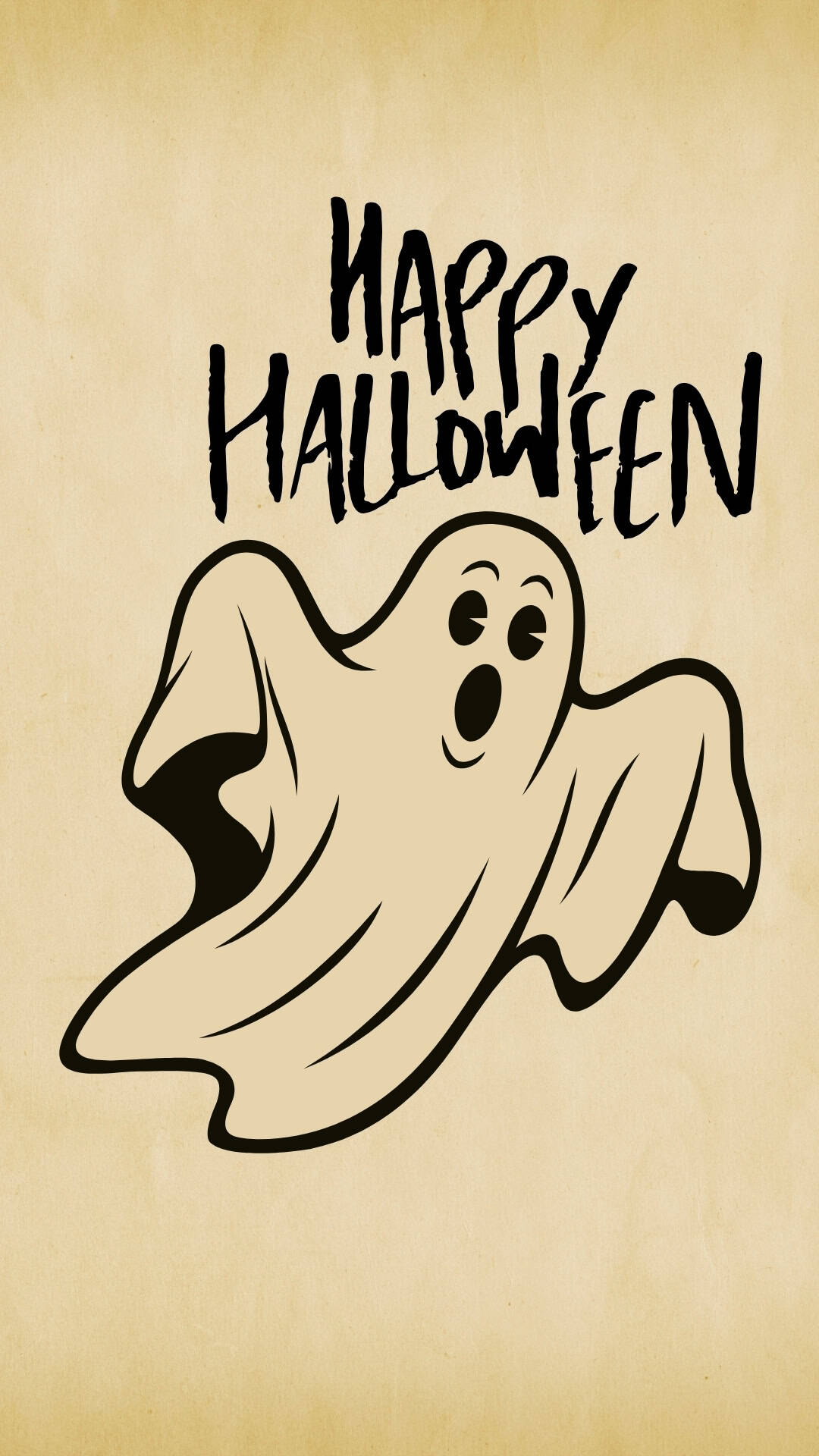
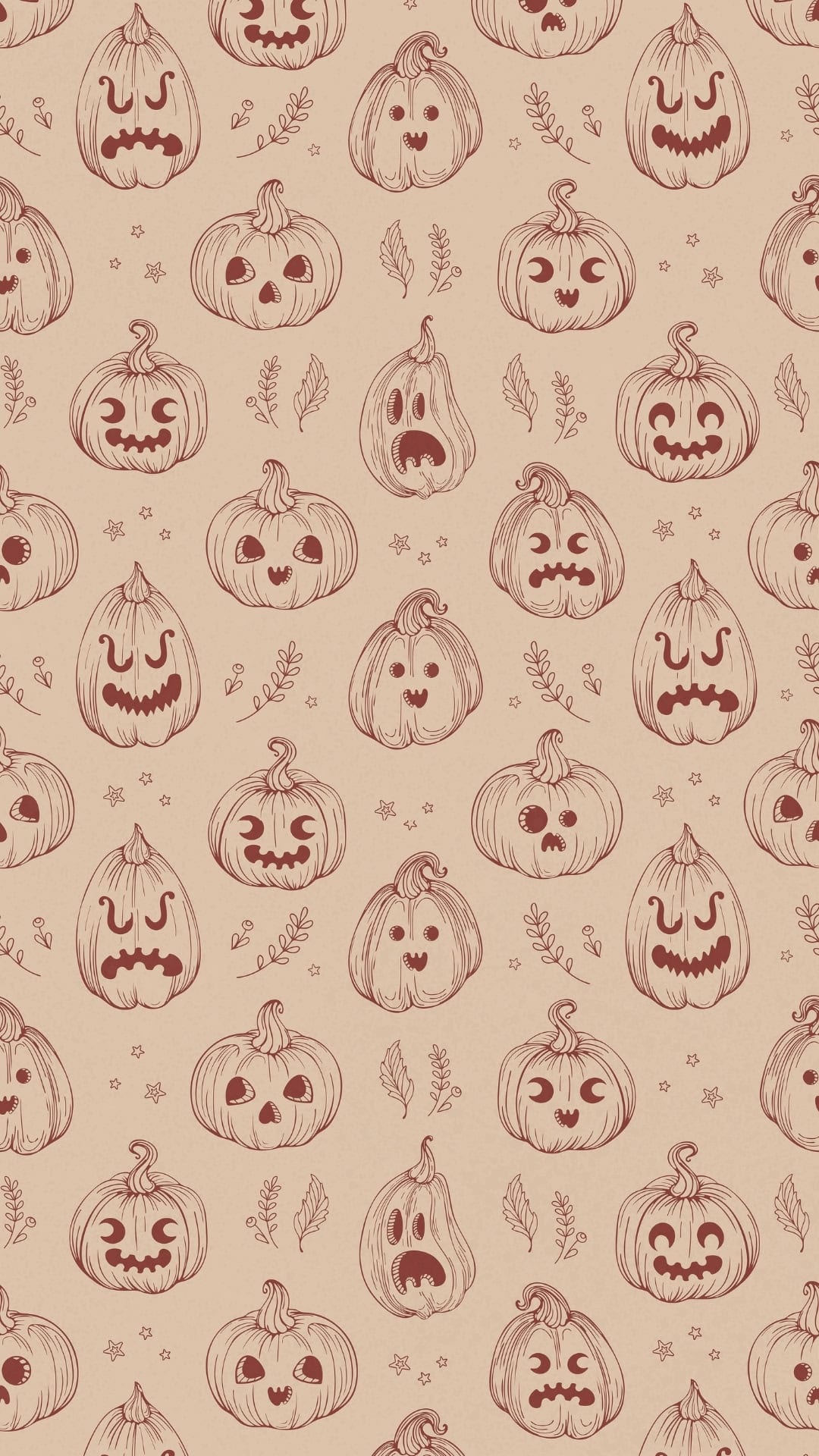
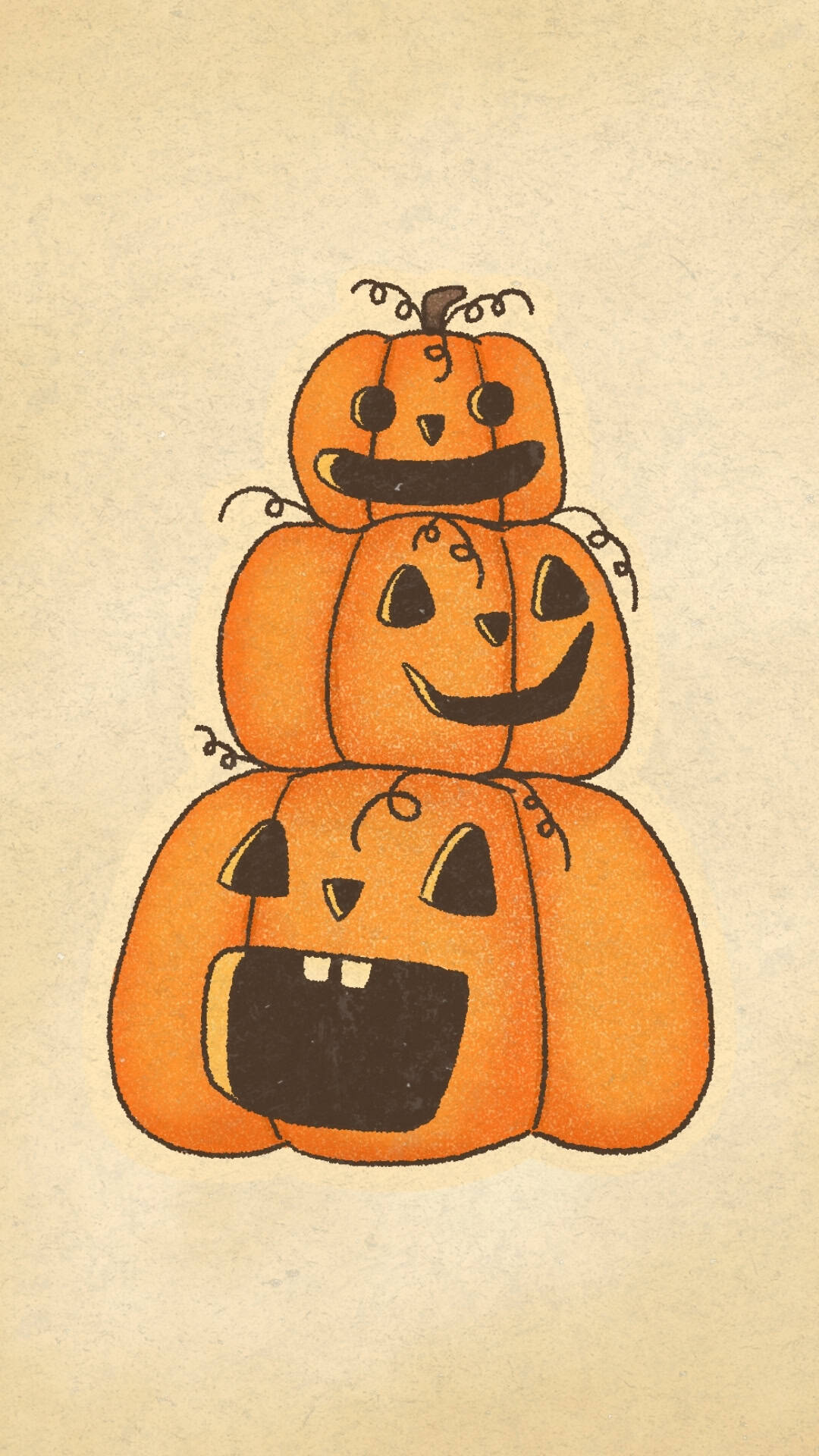
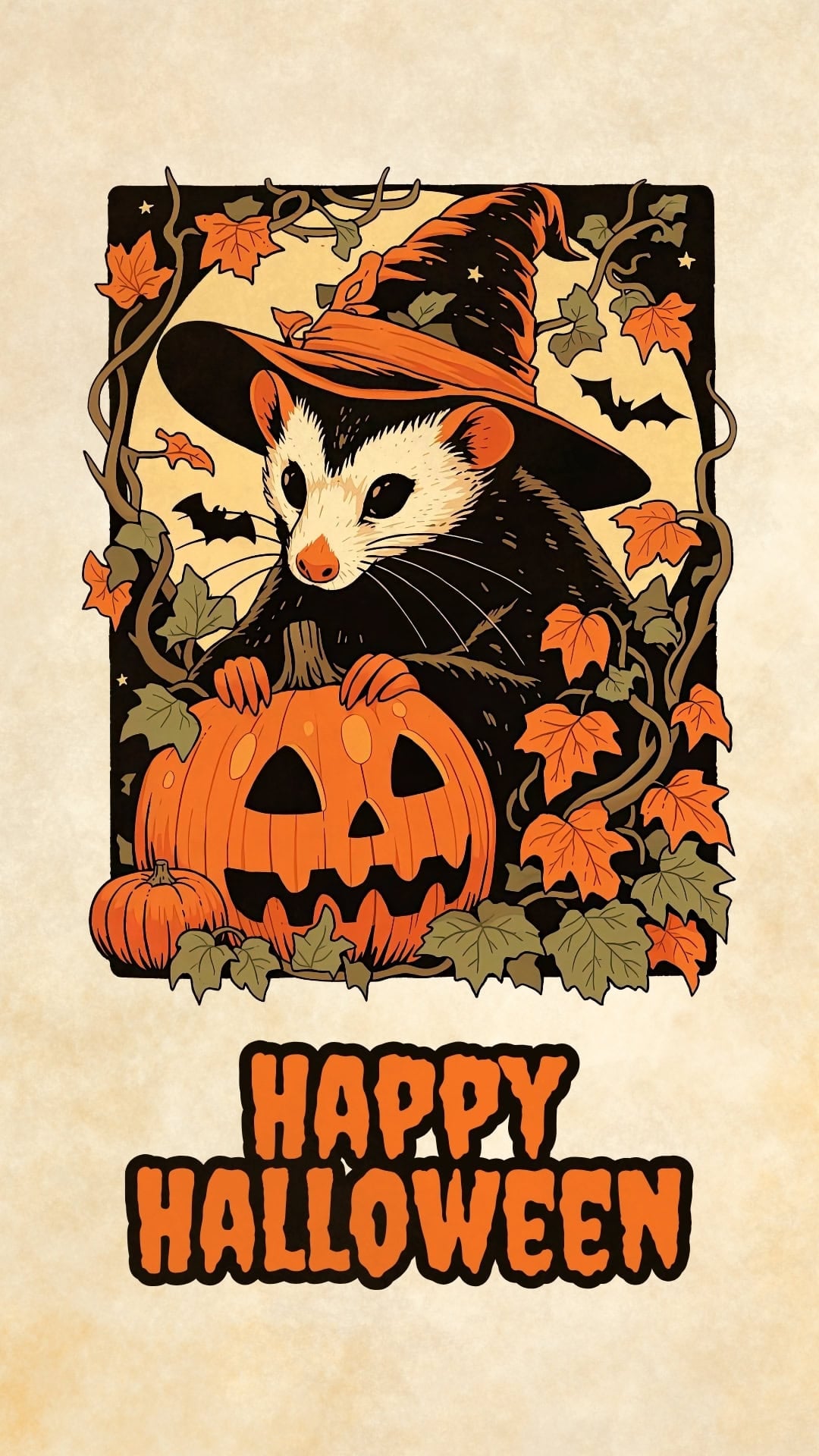
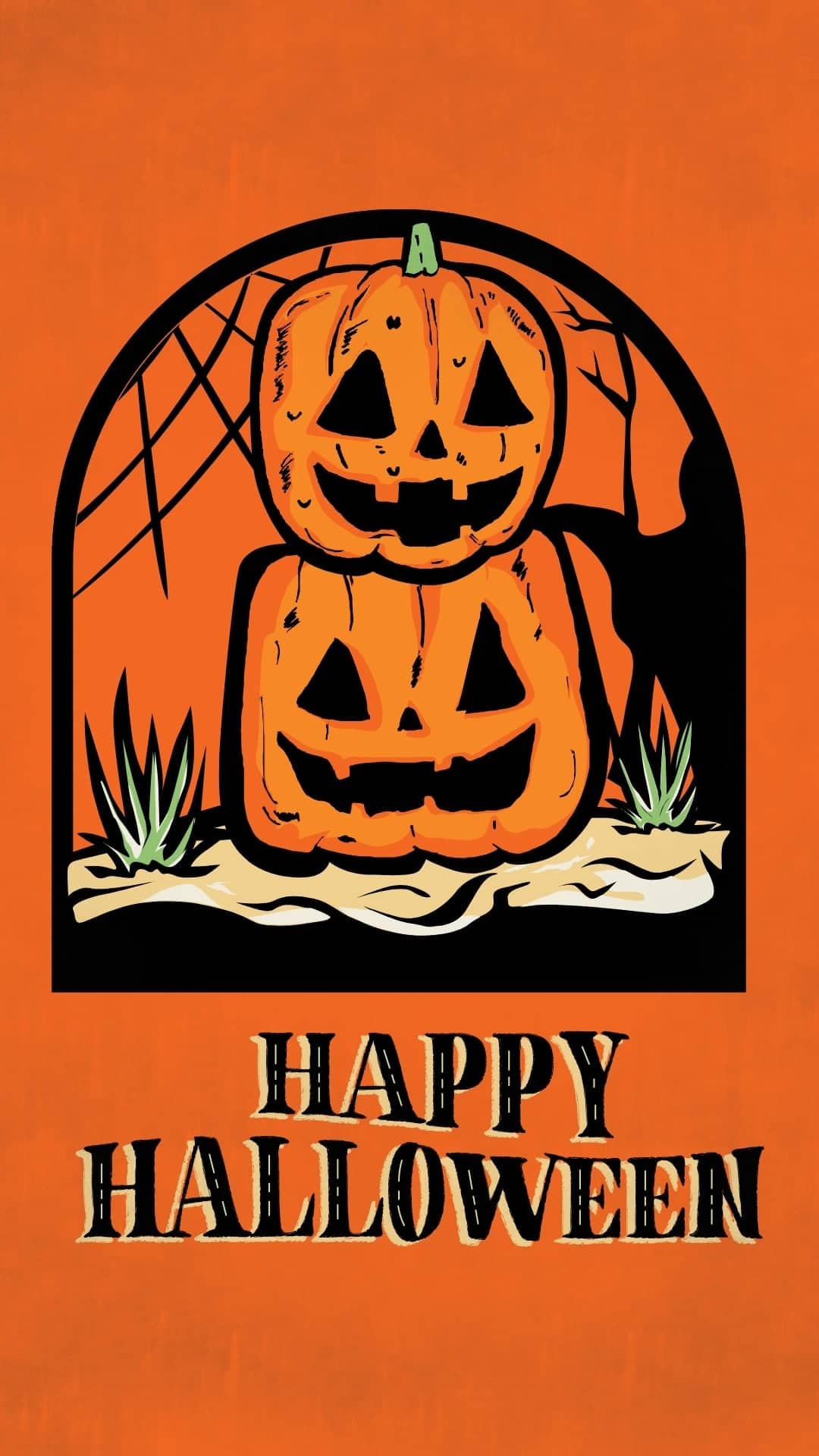
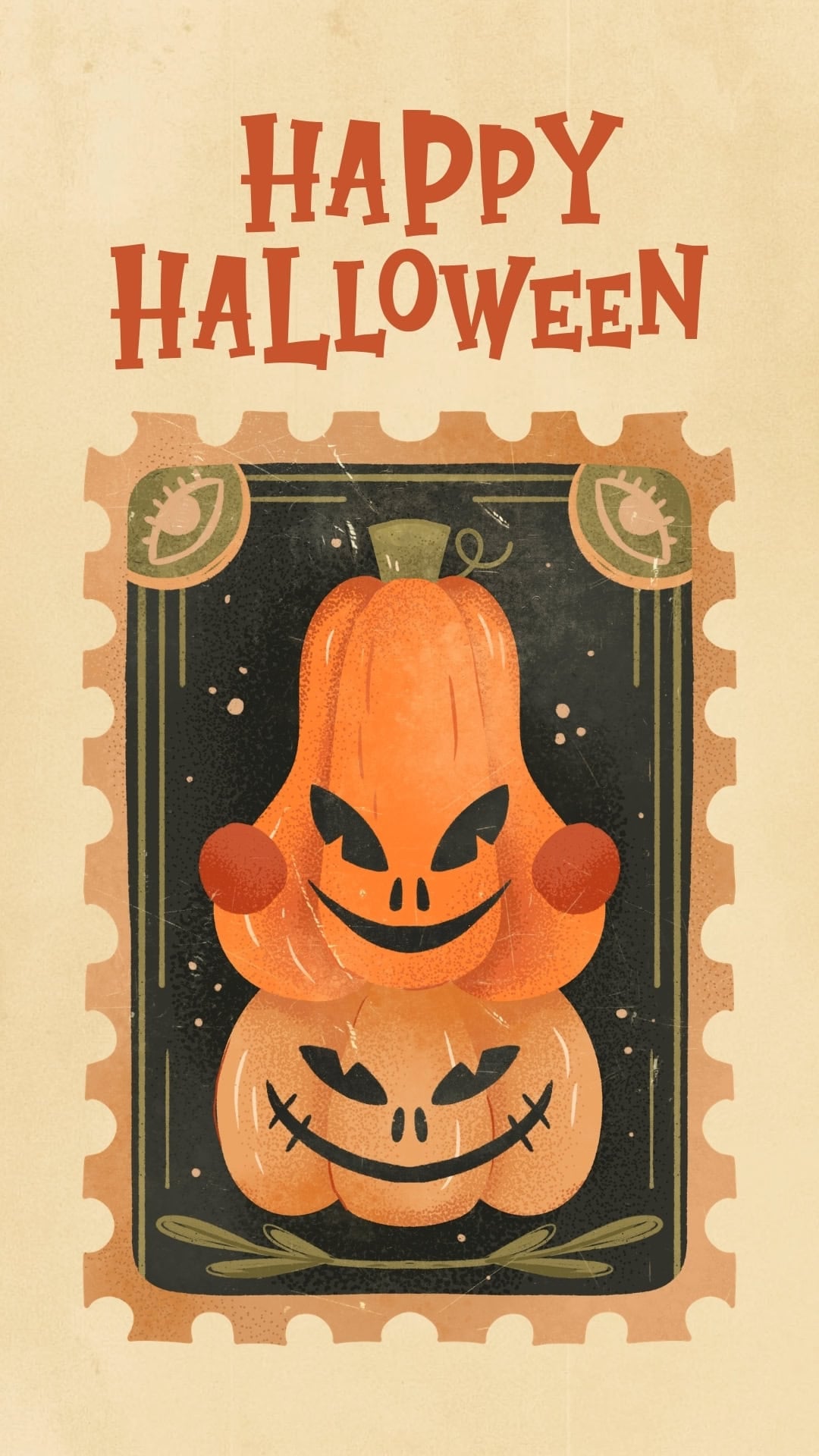
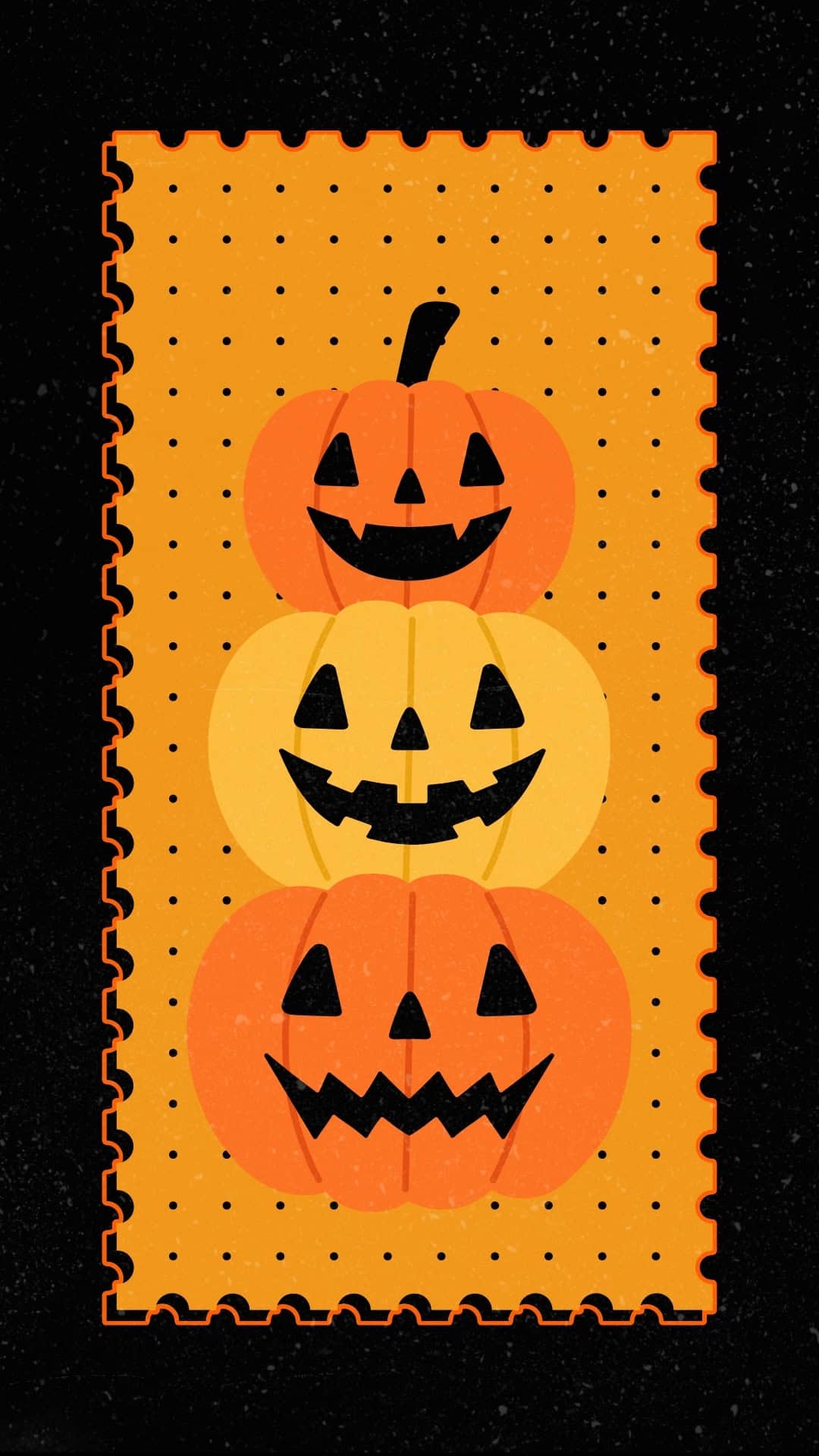
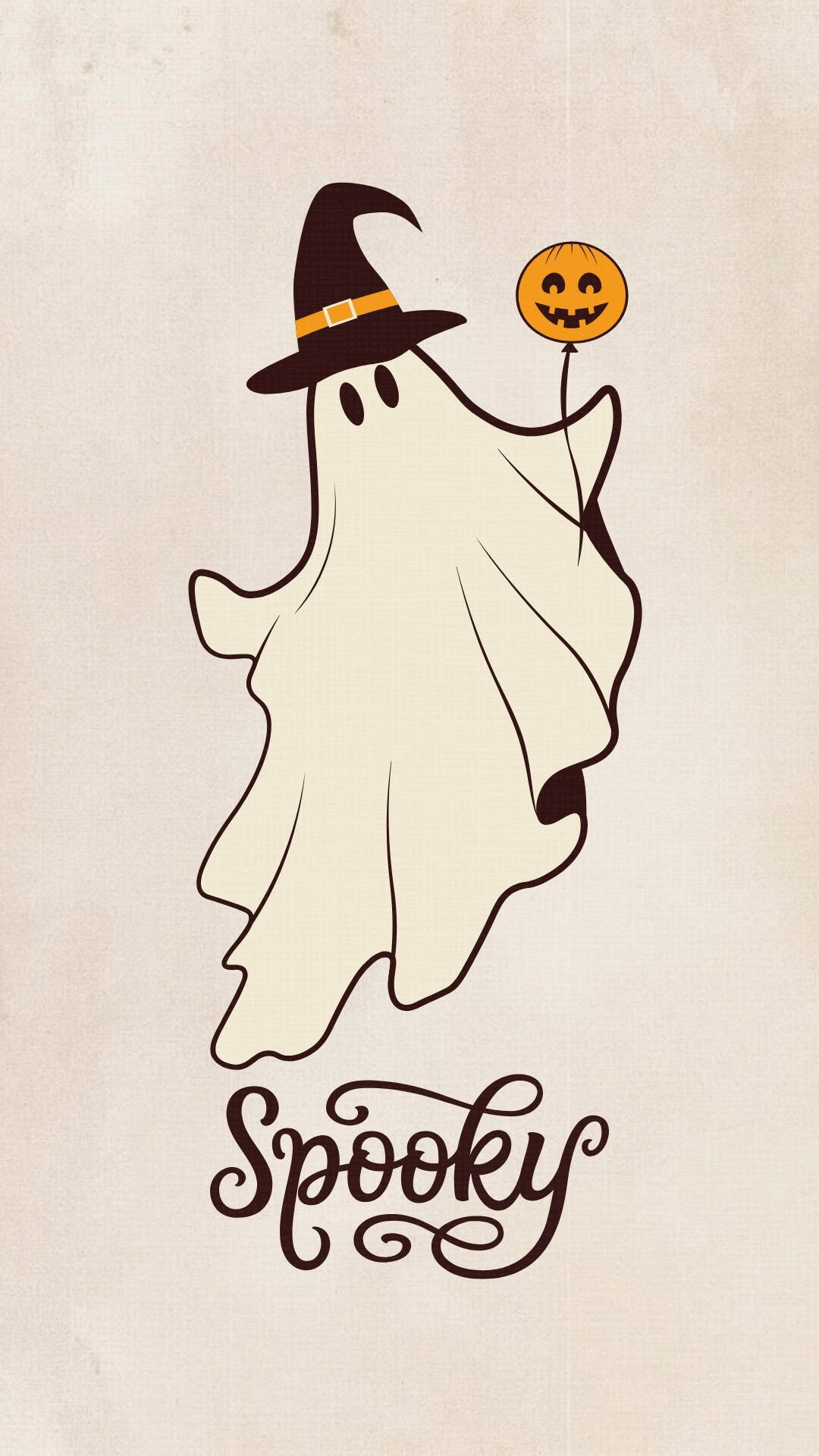
This collection is packed with nostalgic Halloween style, from groovy ghost wallpapers and funky pumpkins to vintage black cats, witches, skeletons, bats, and classic jack-o’-lanterns. Whether you love bold 70s-inspired designs or an old-fashioned Halloween look, there are plenty of fun backgrounds to choose from.
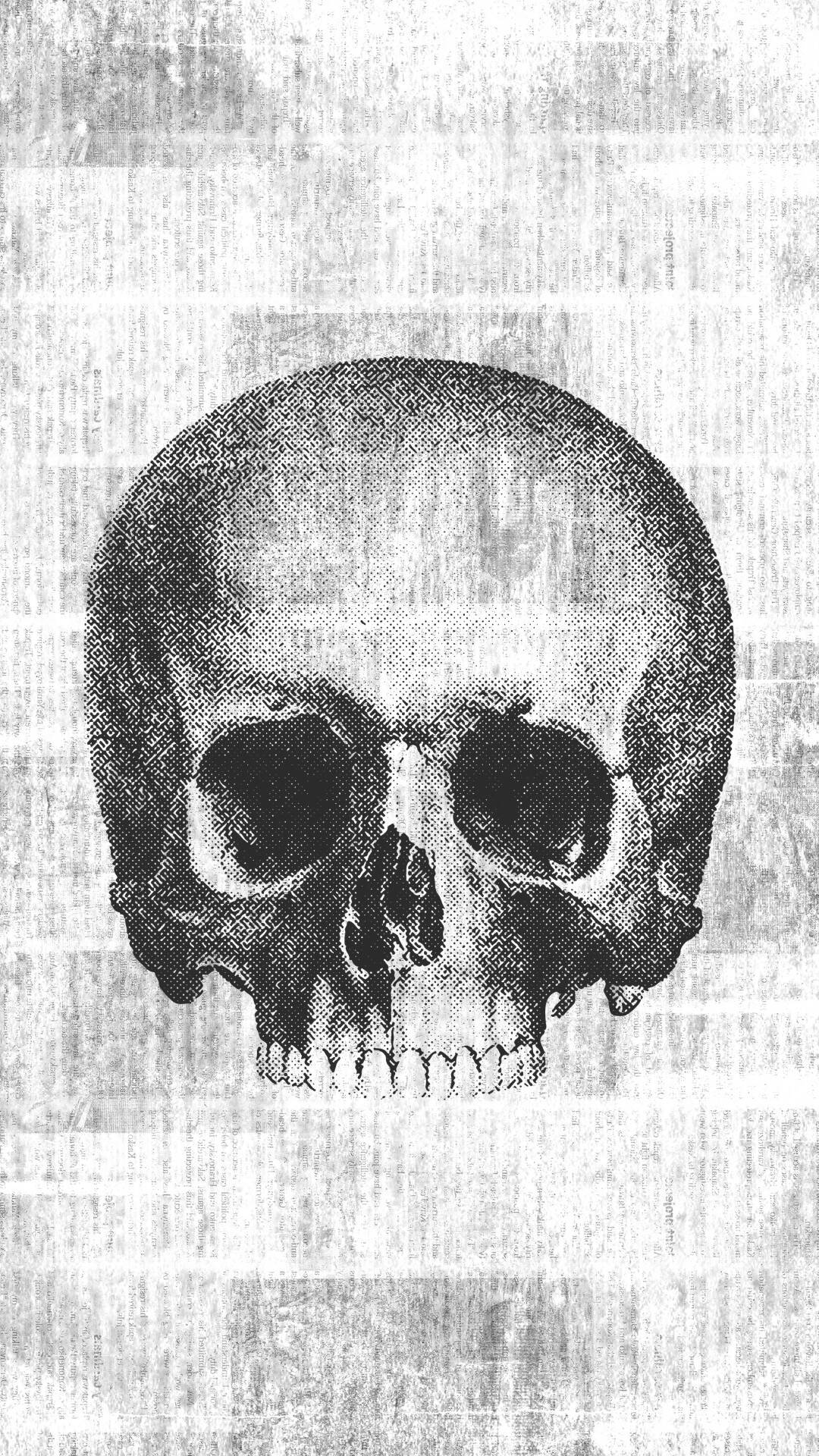
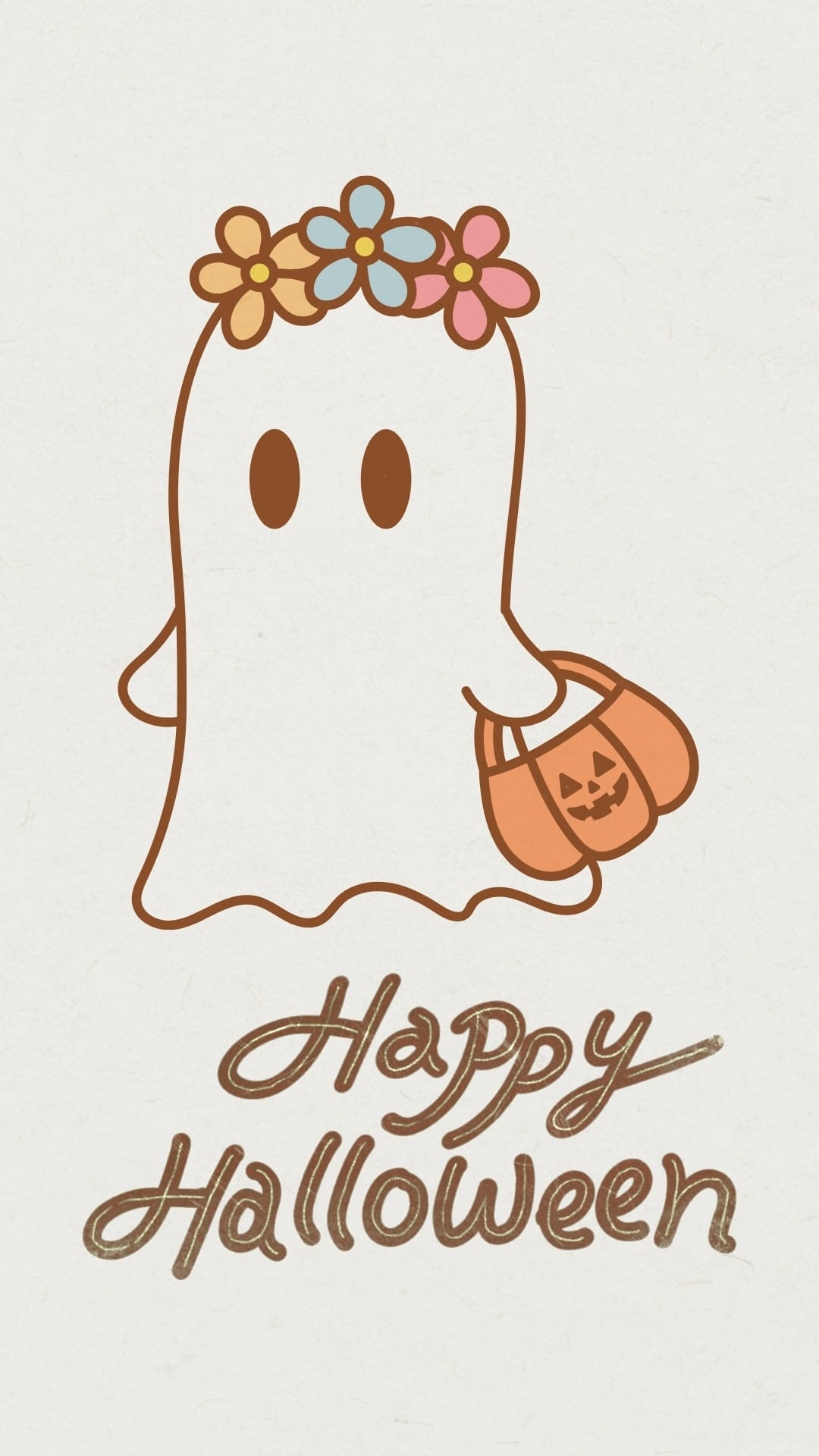
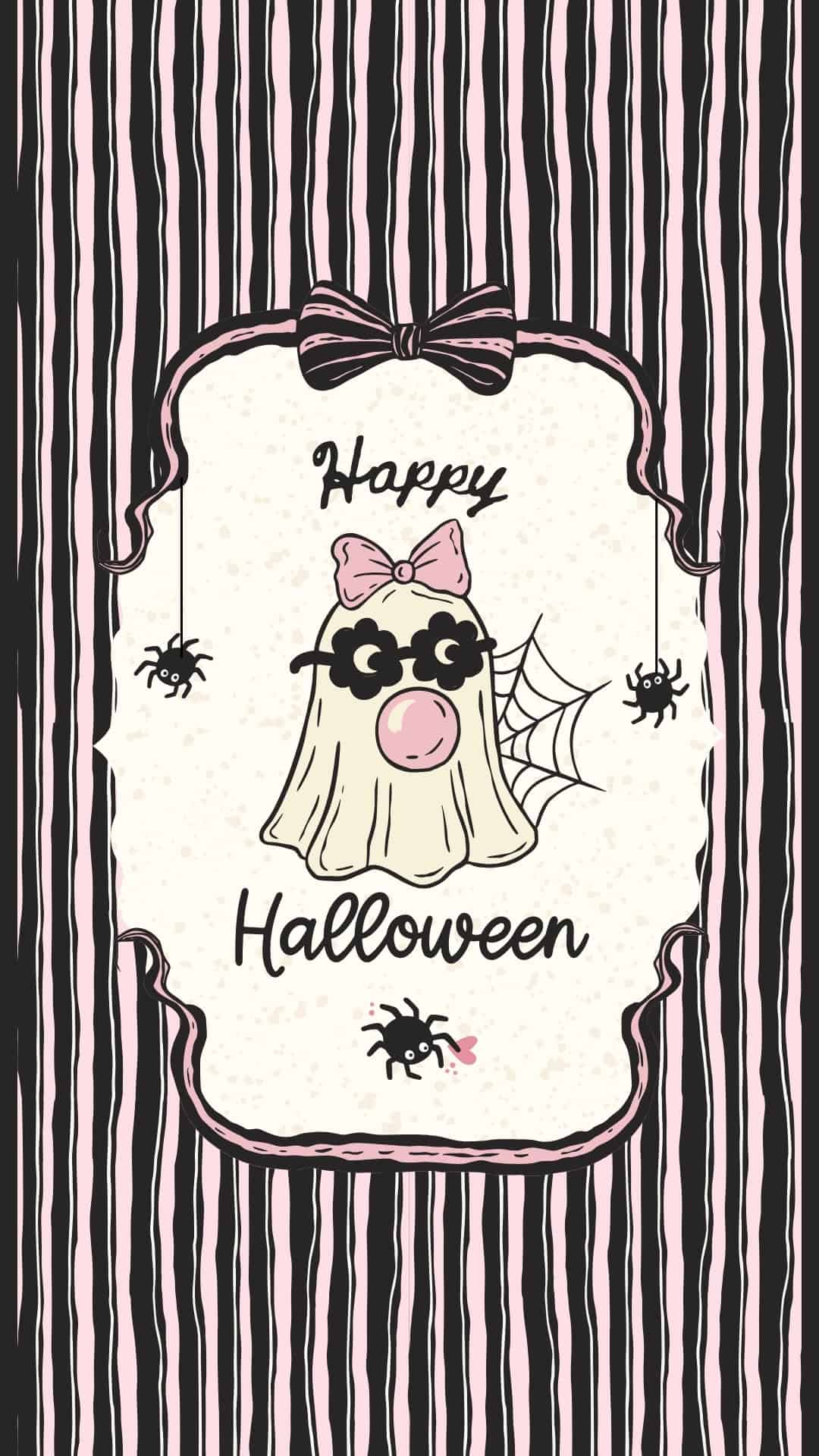
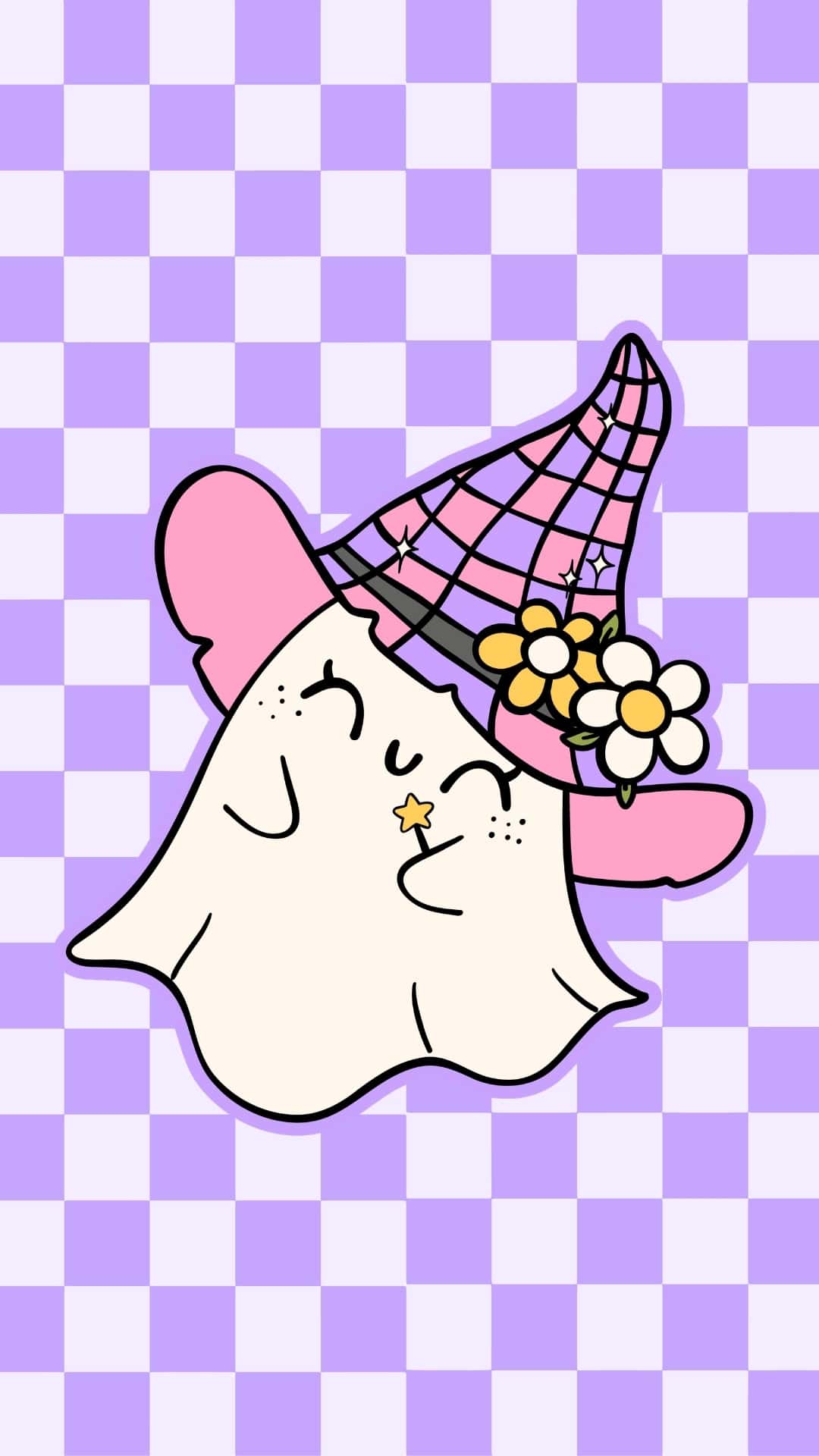
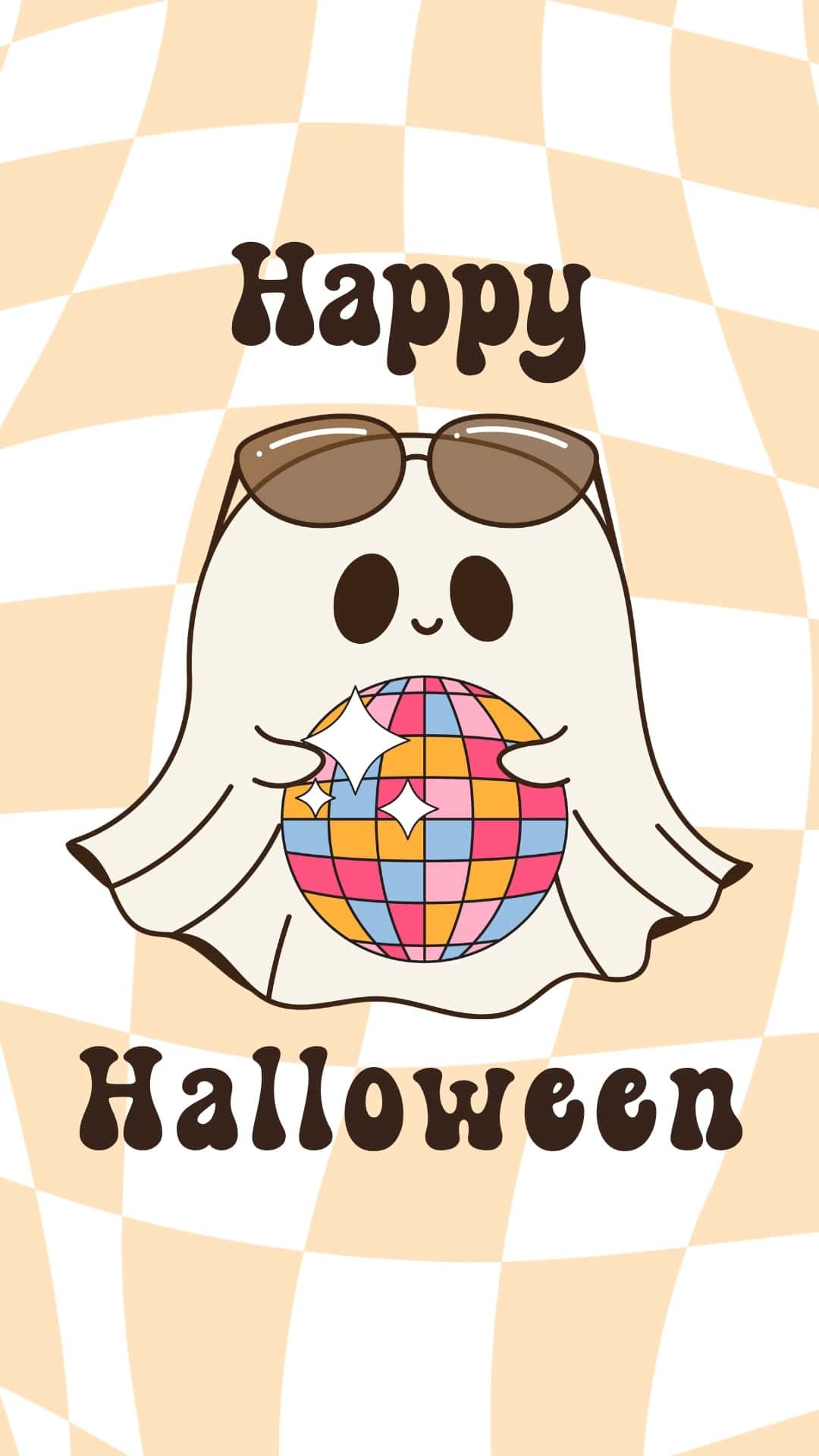
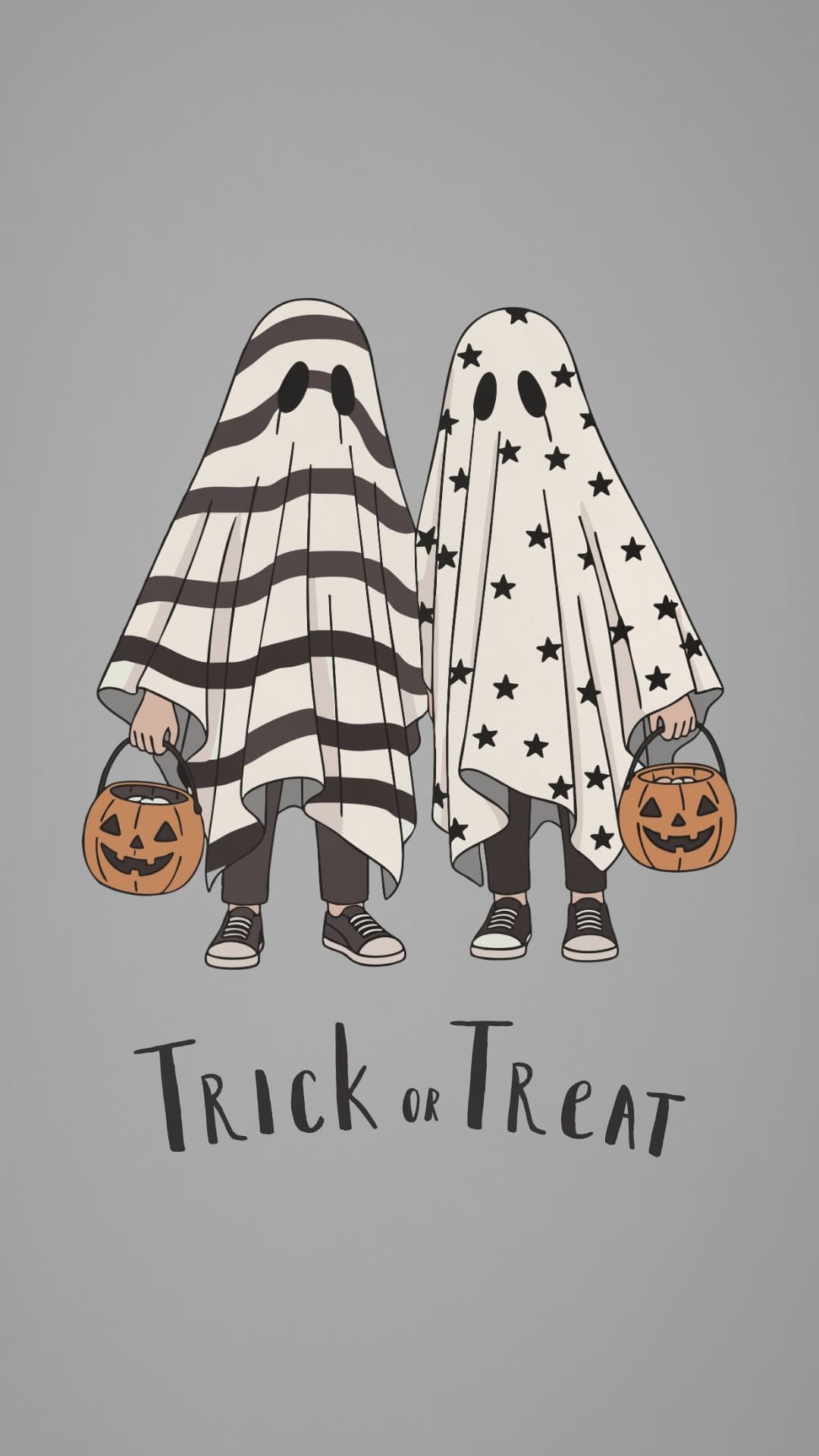
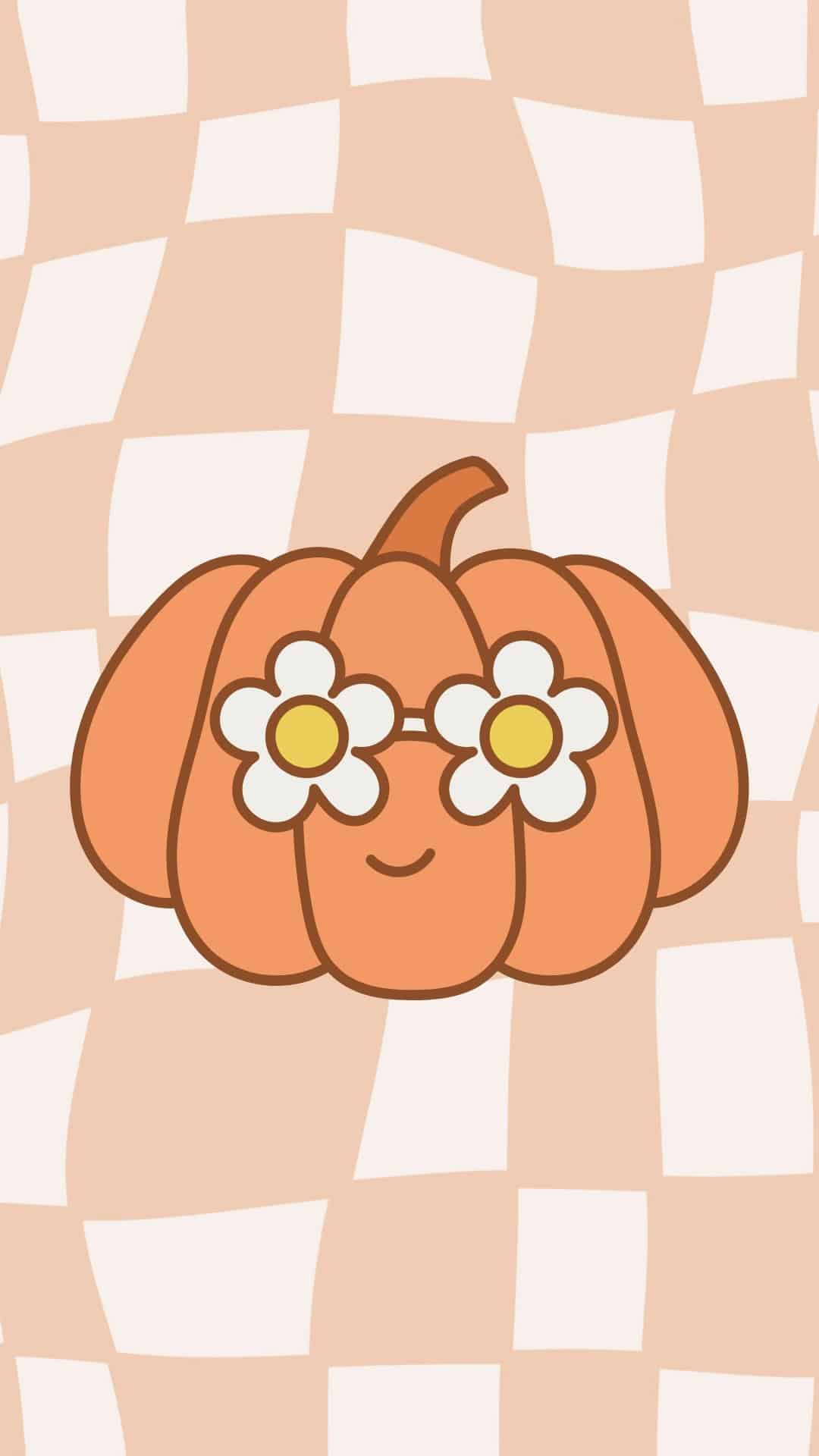
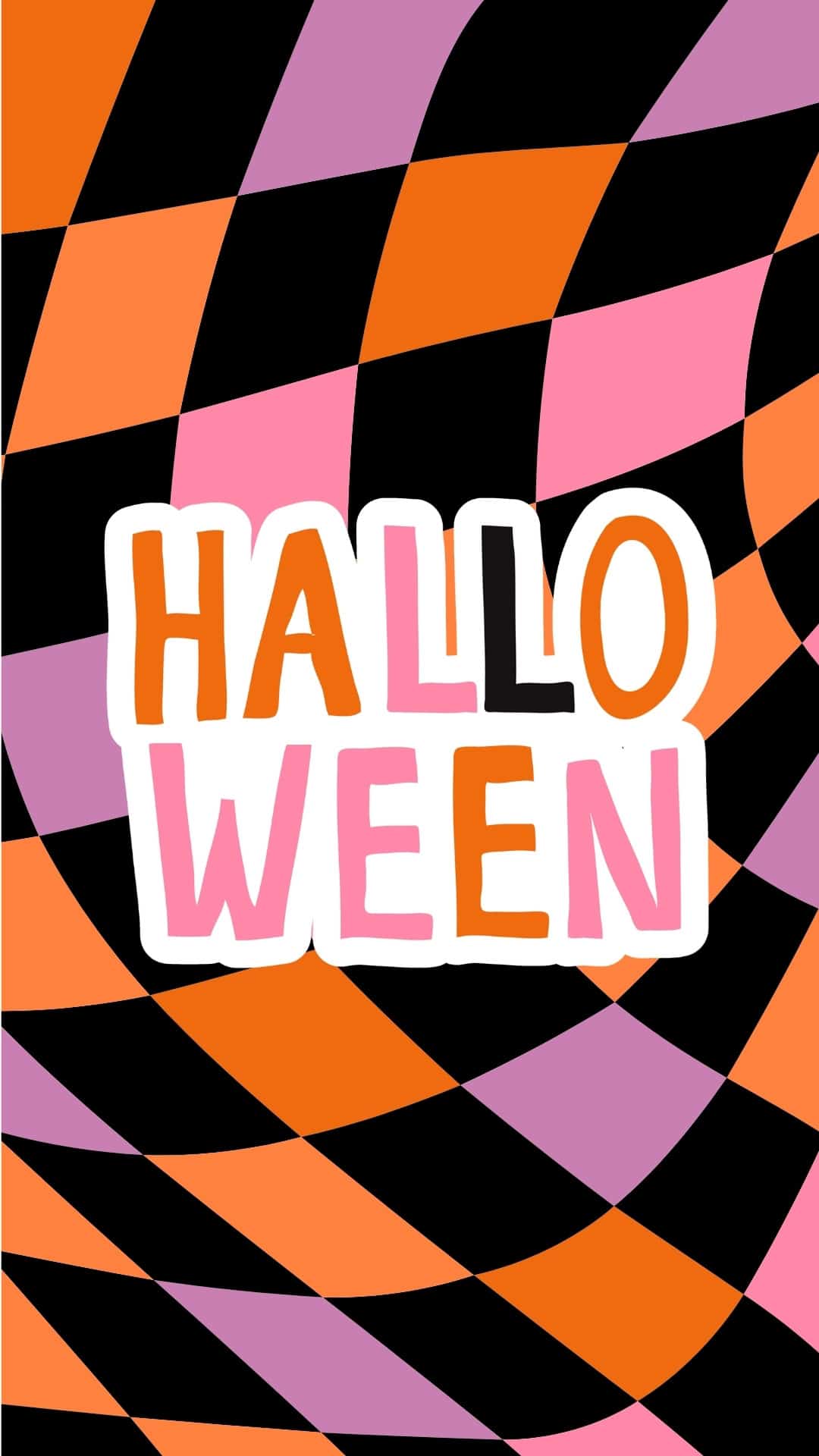
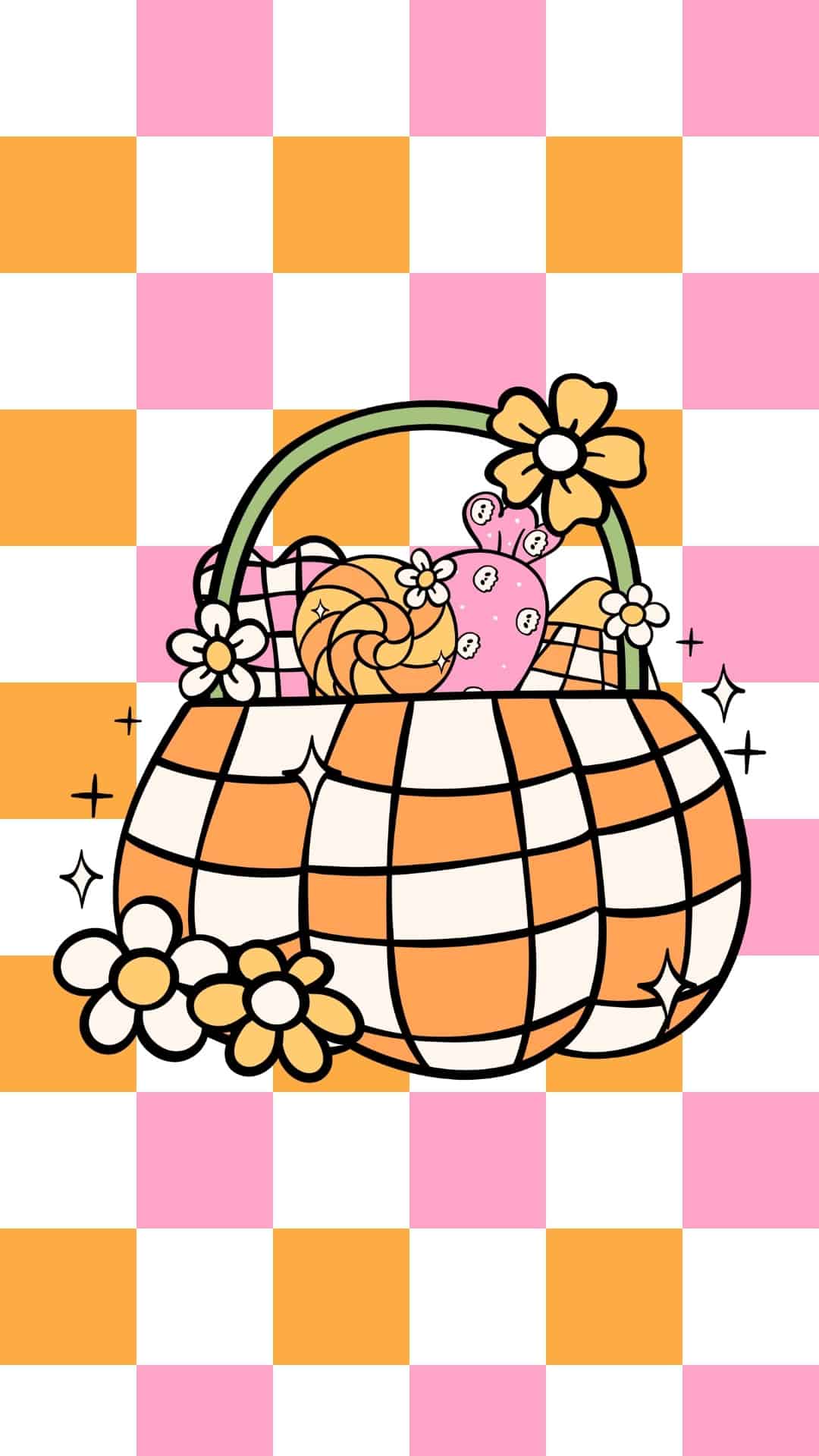
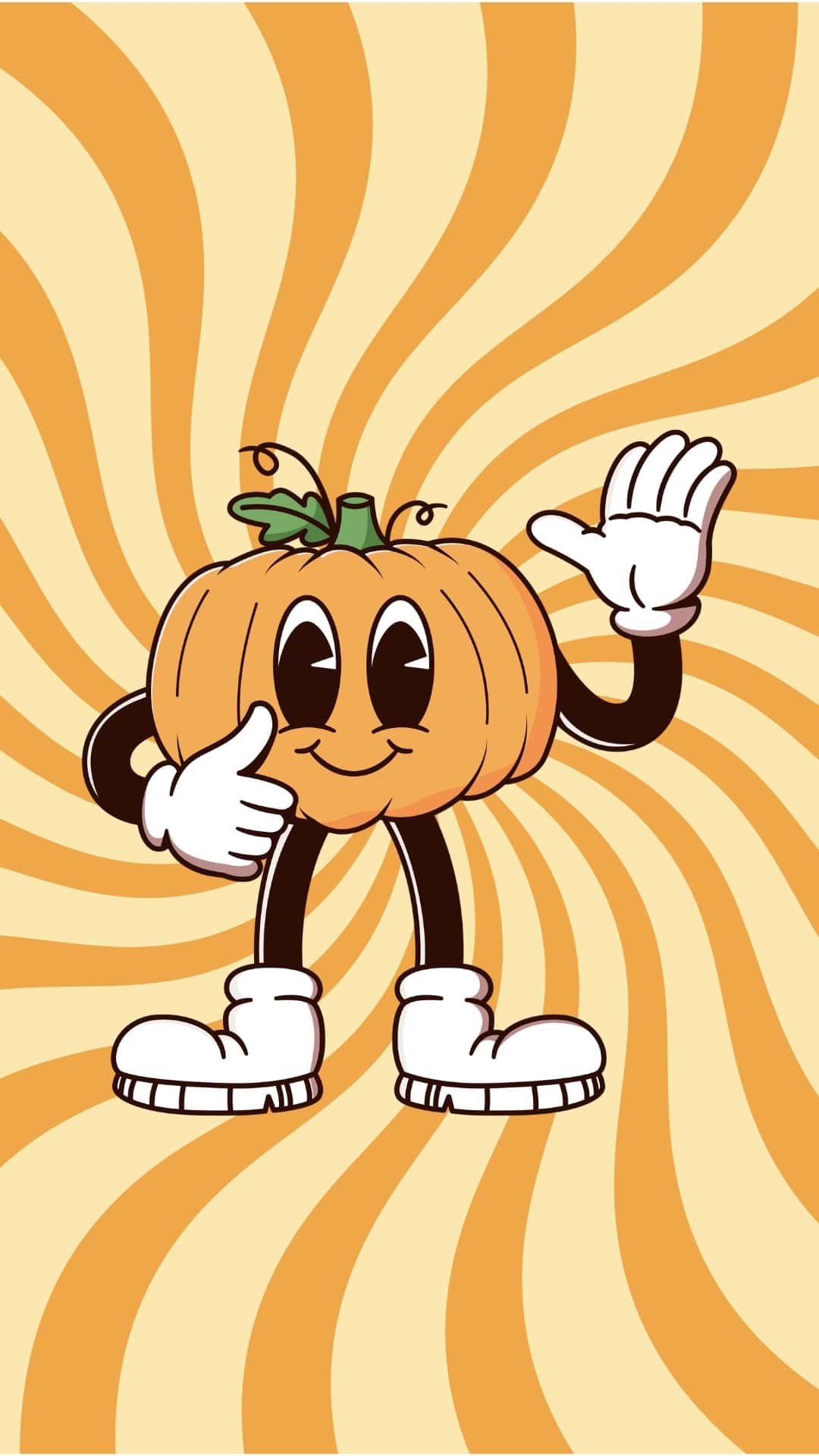
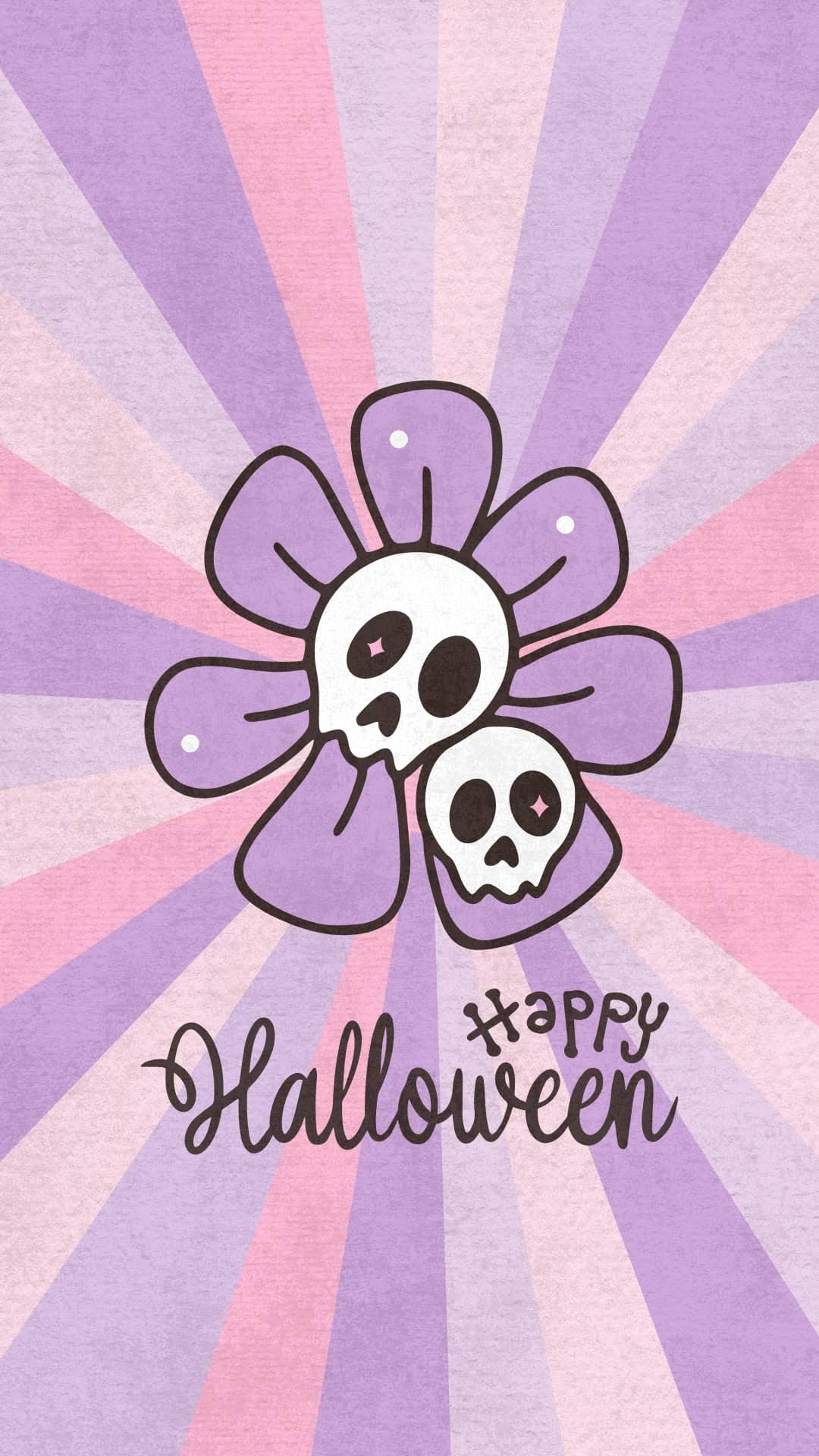
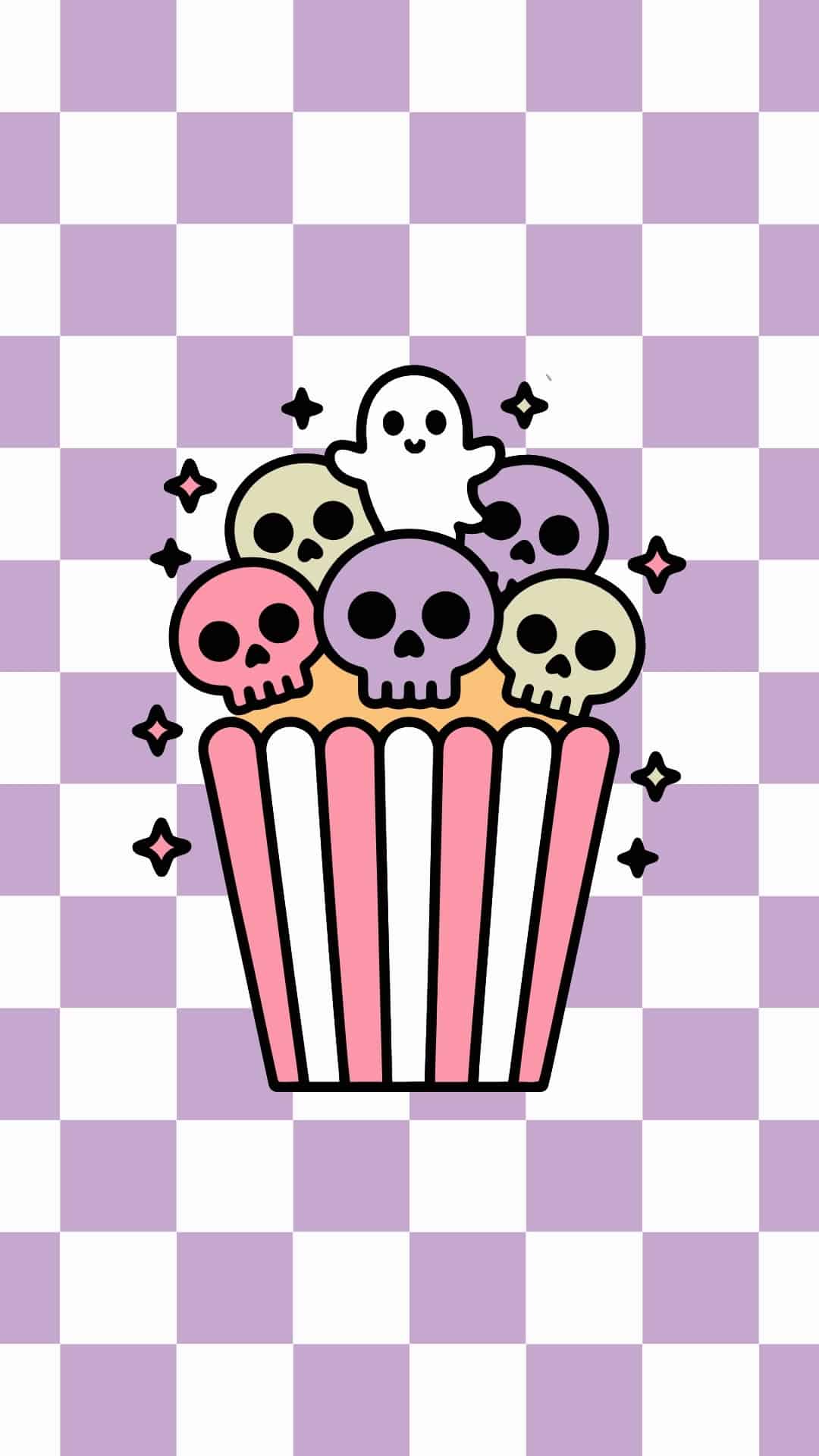
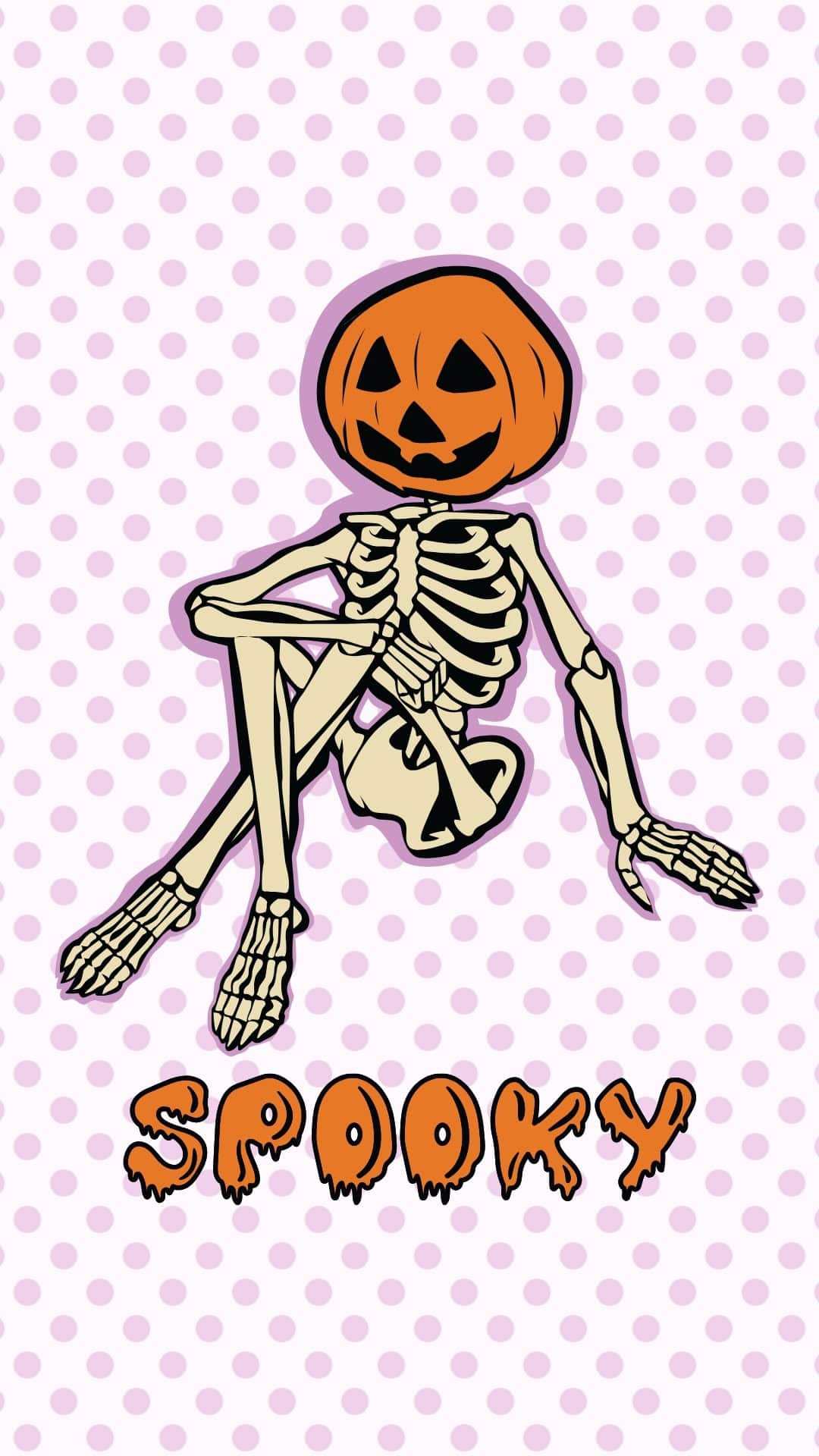
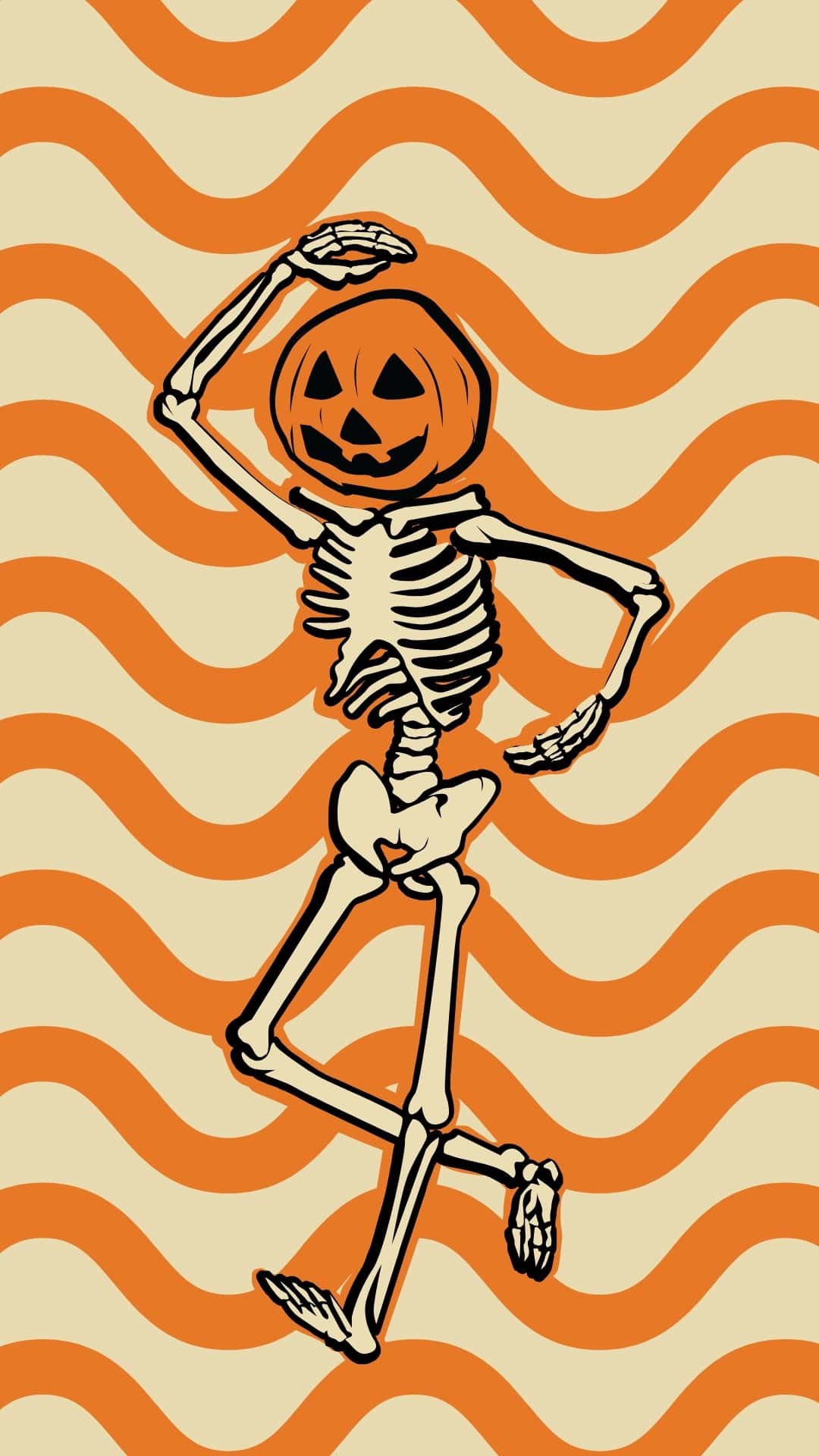
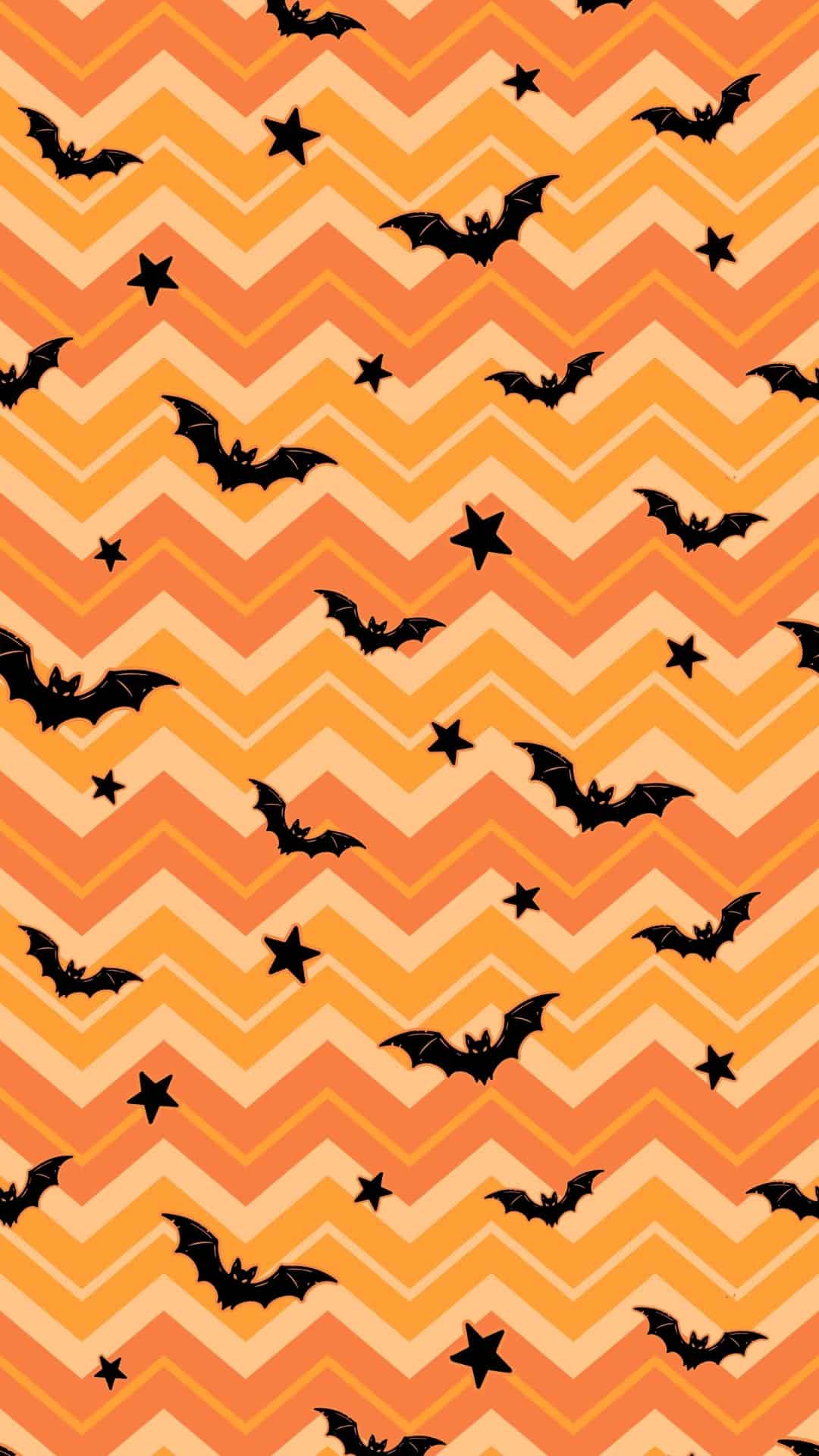
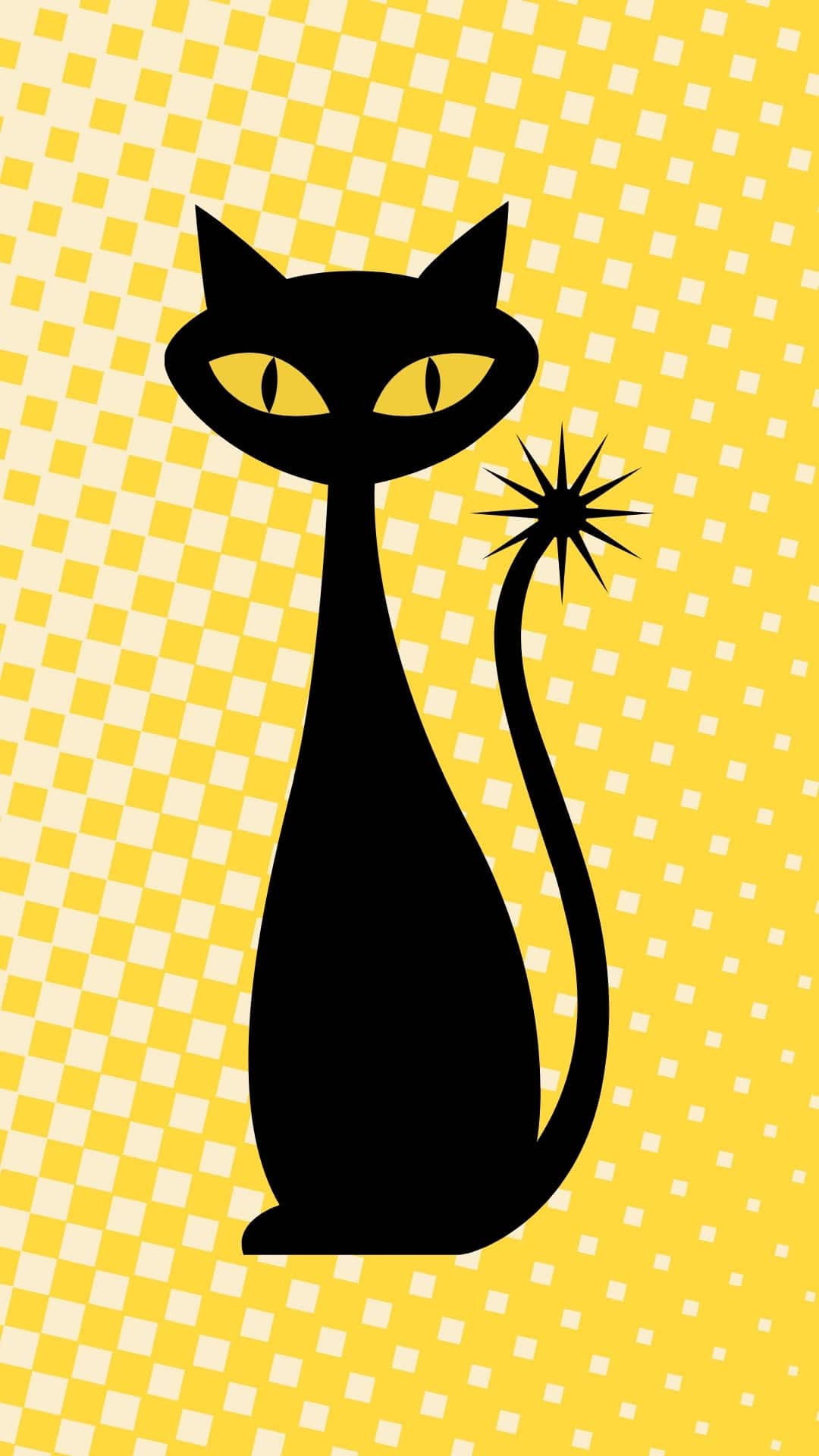
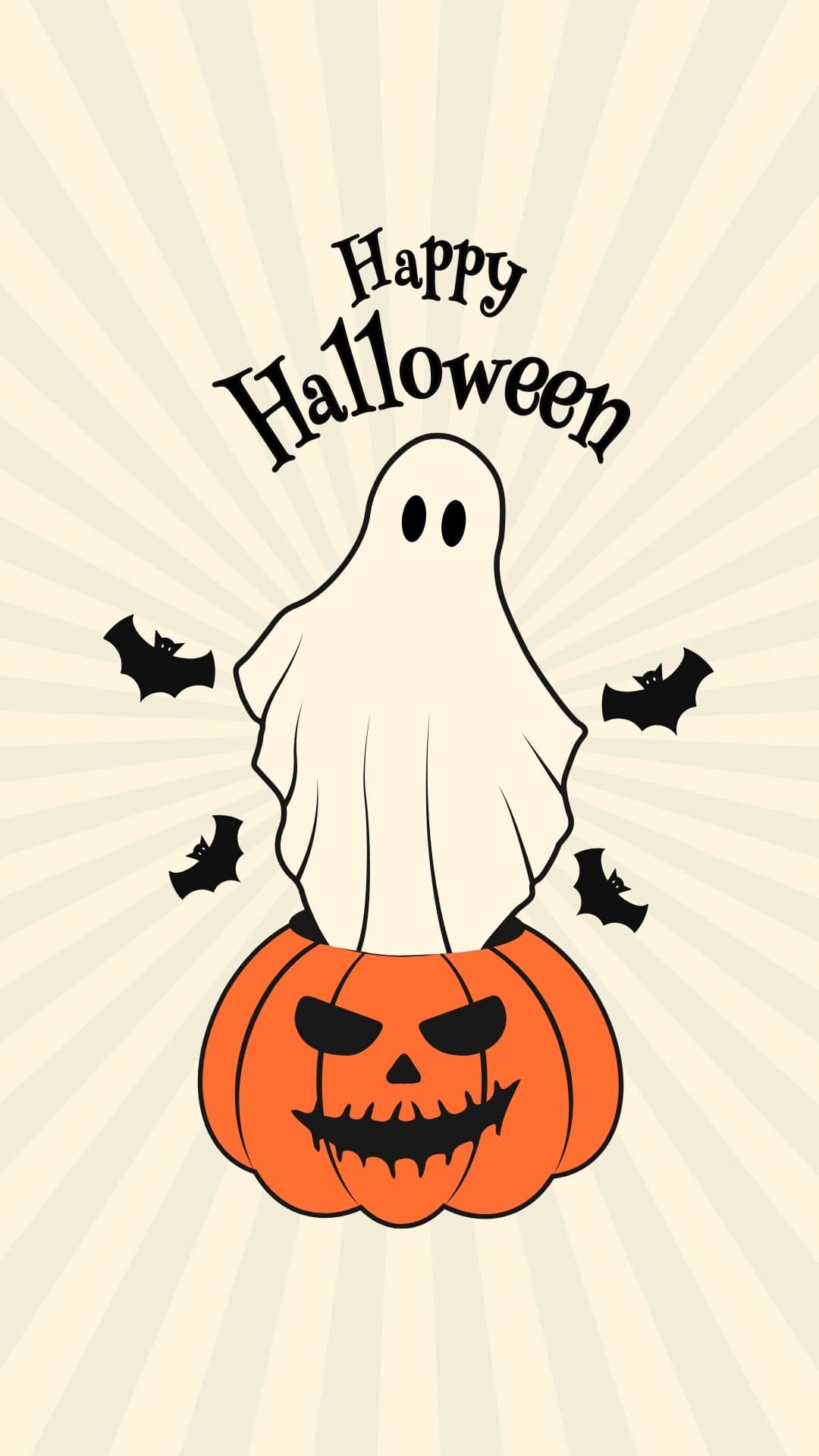
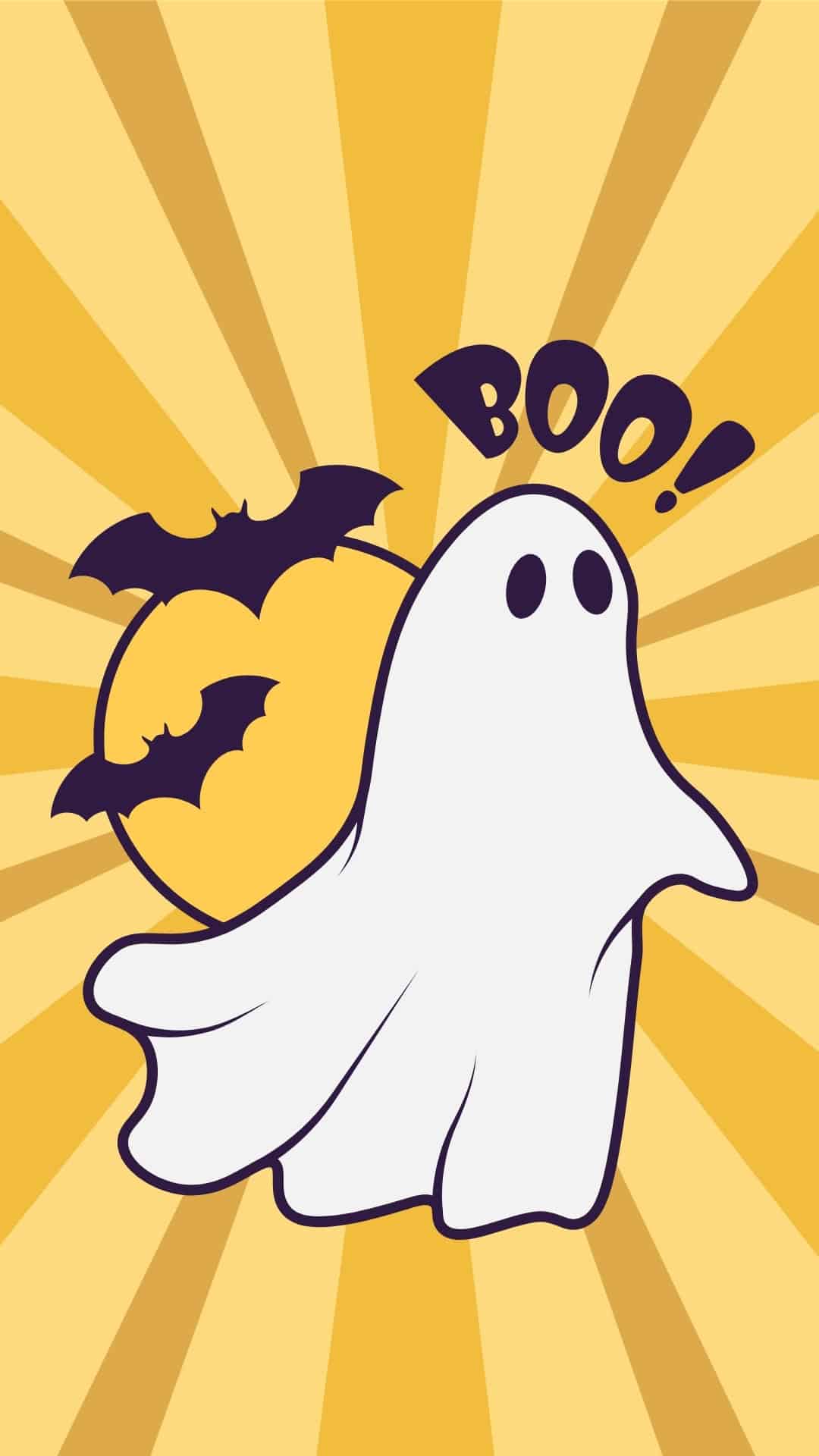
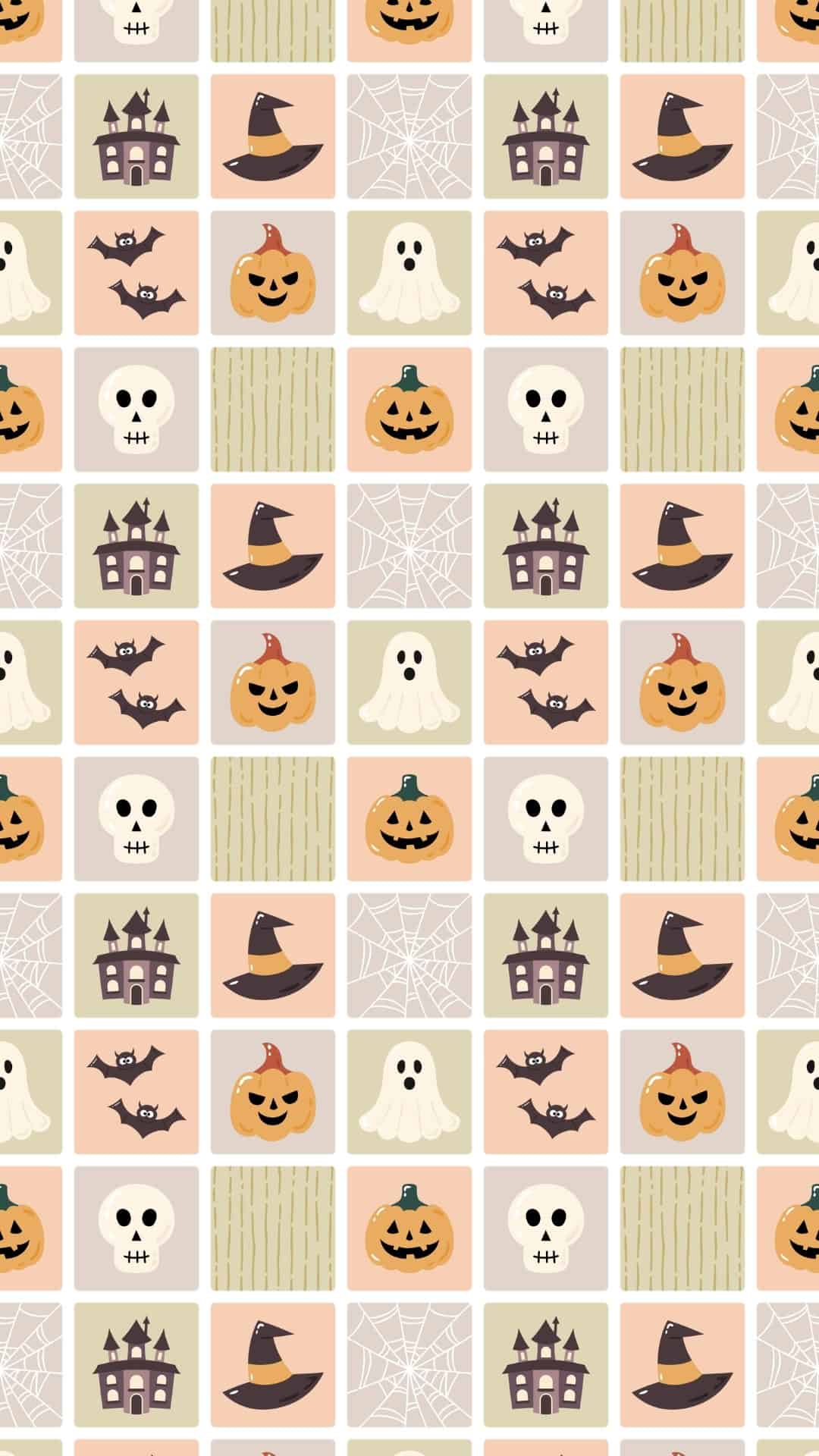
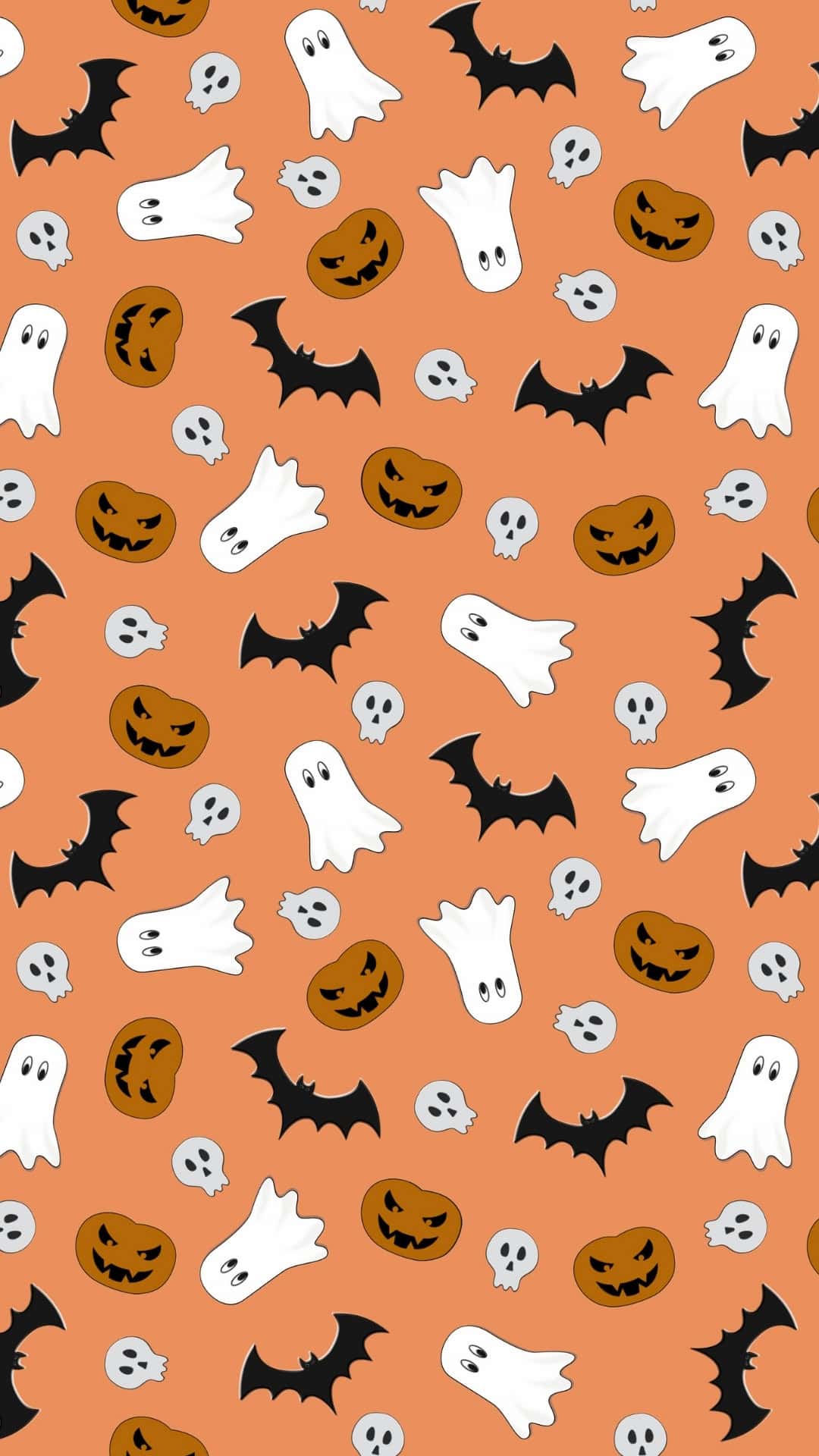
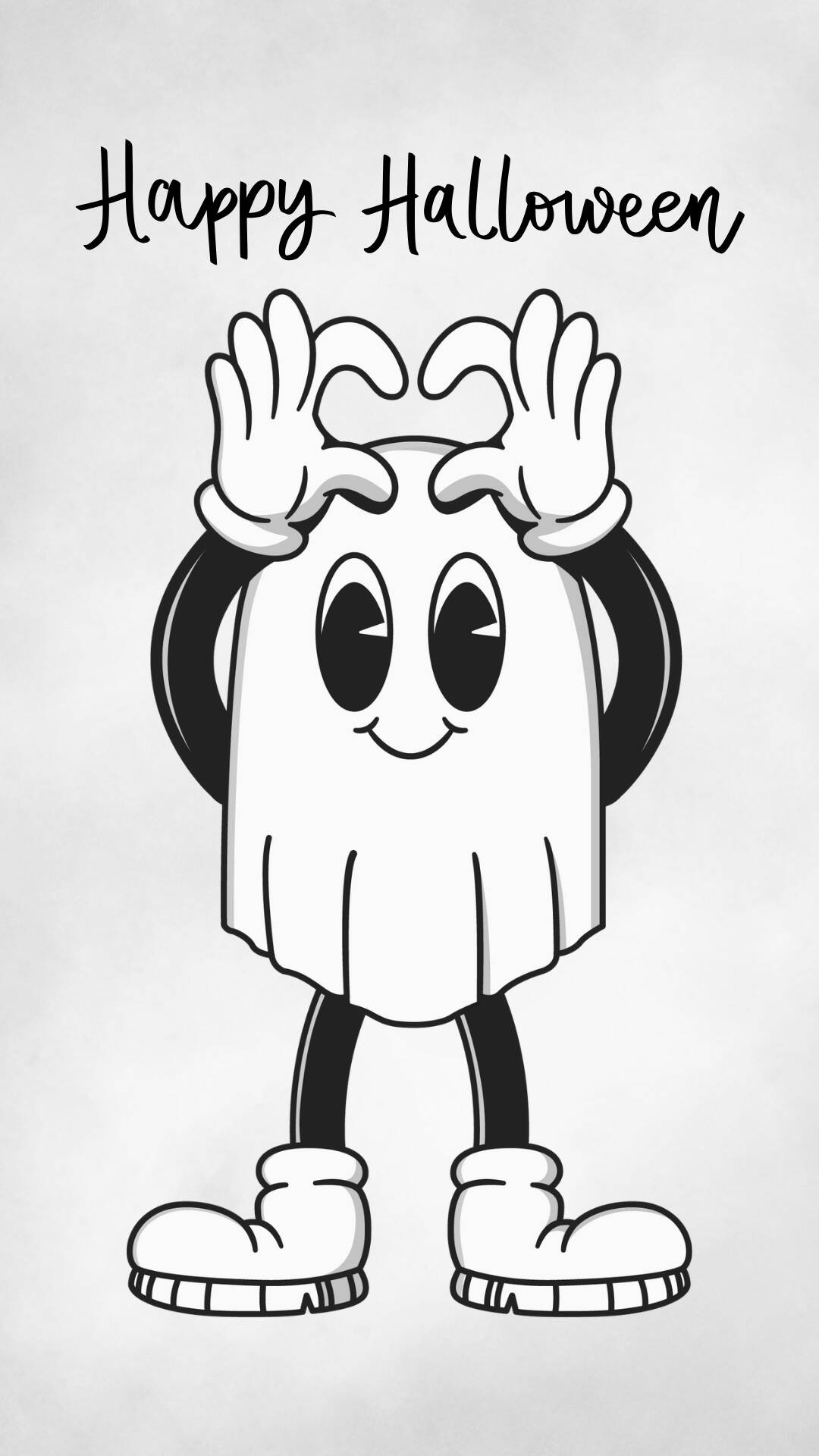
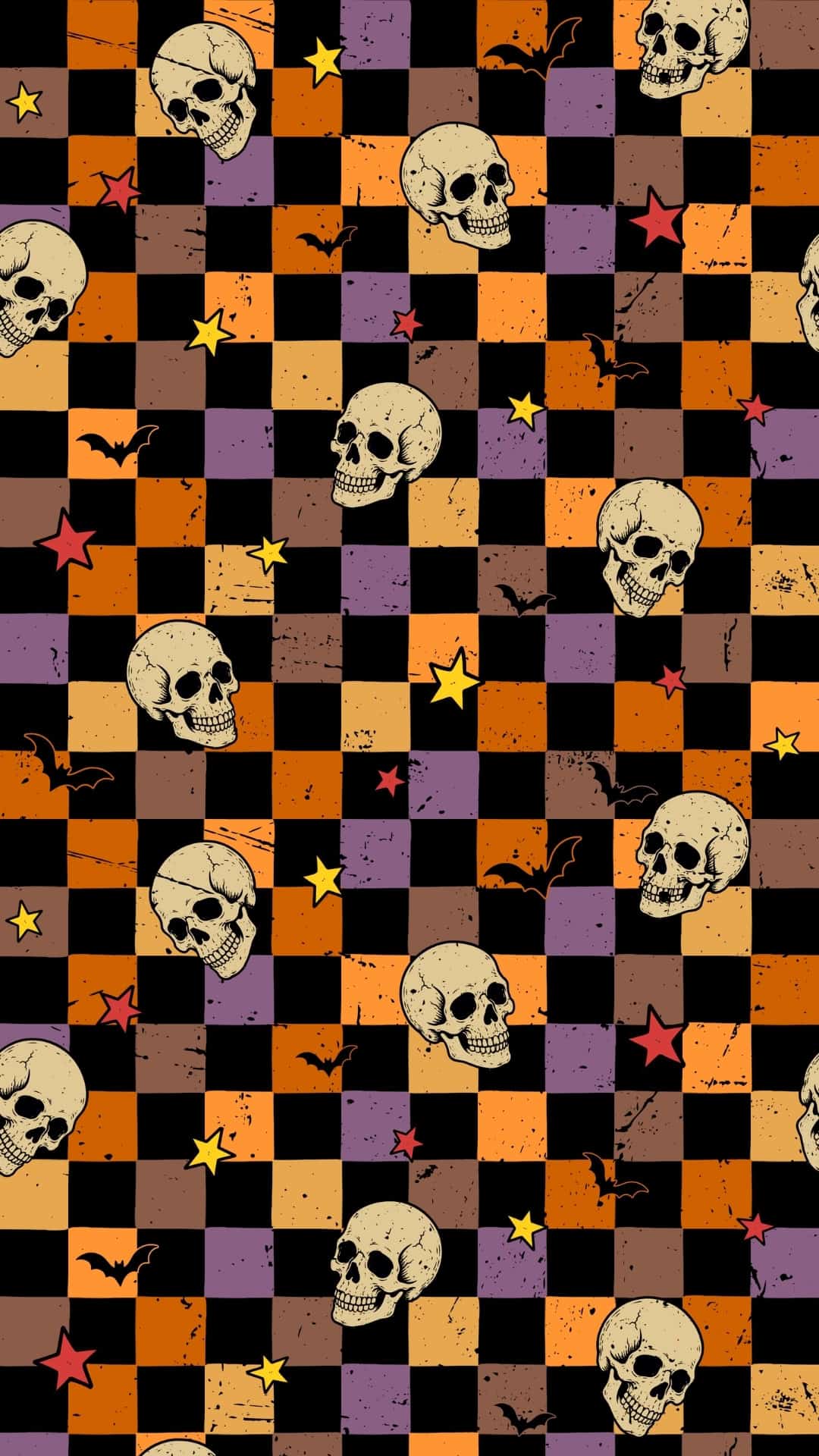
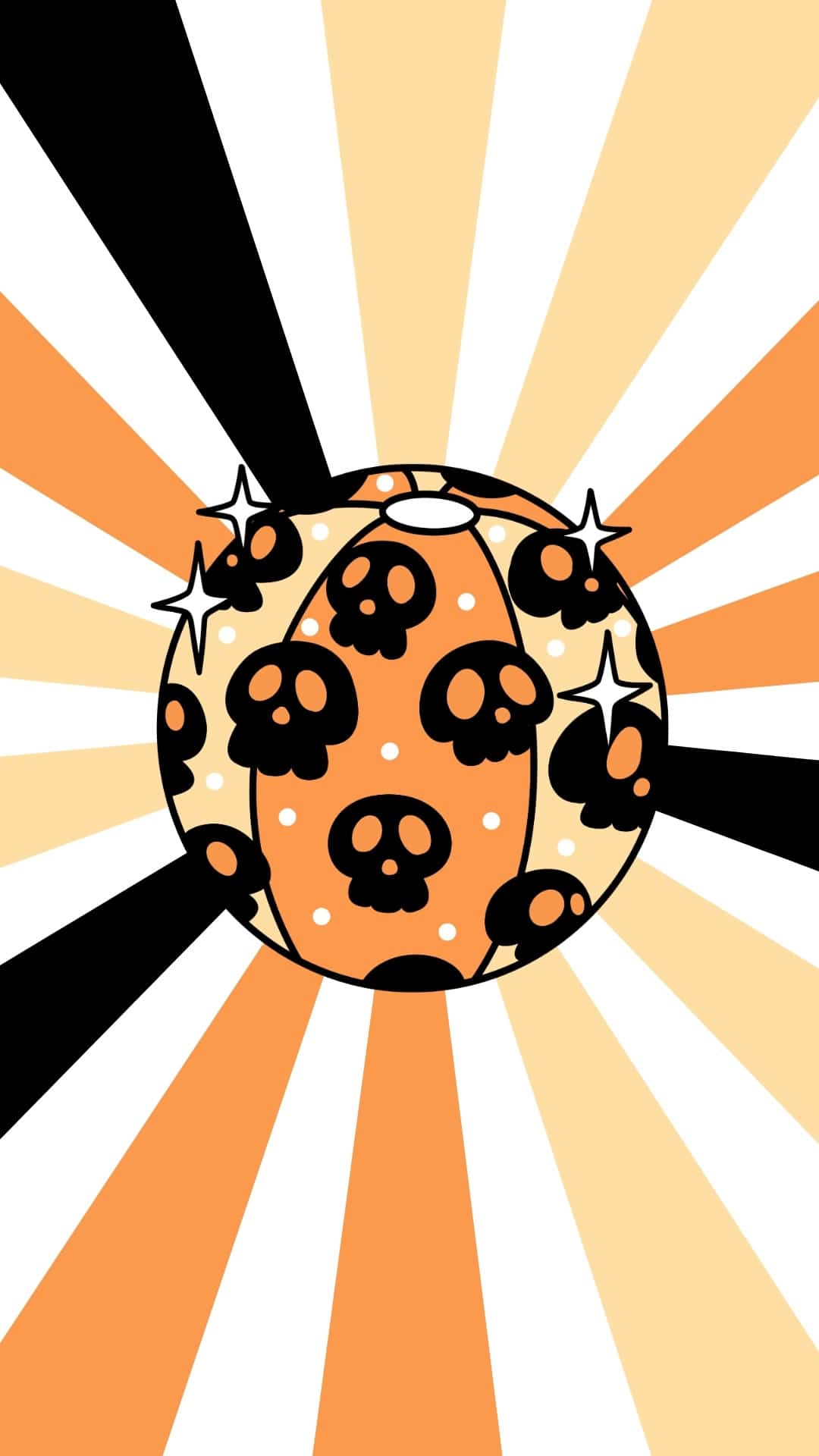
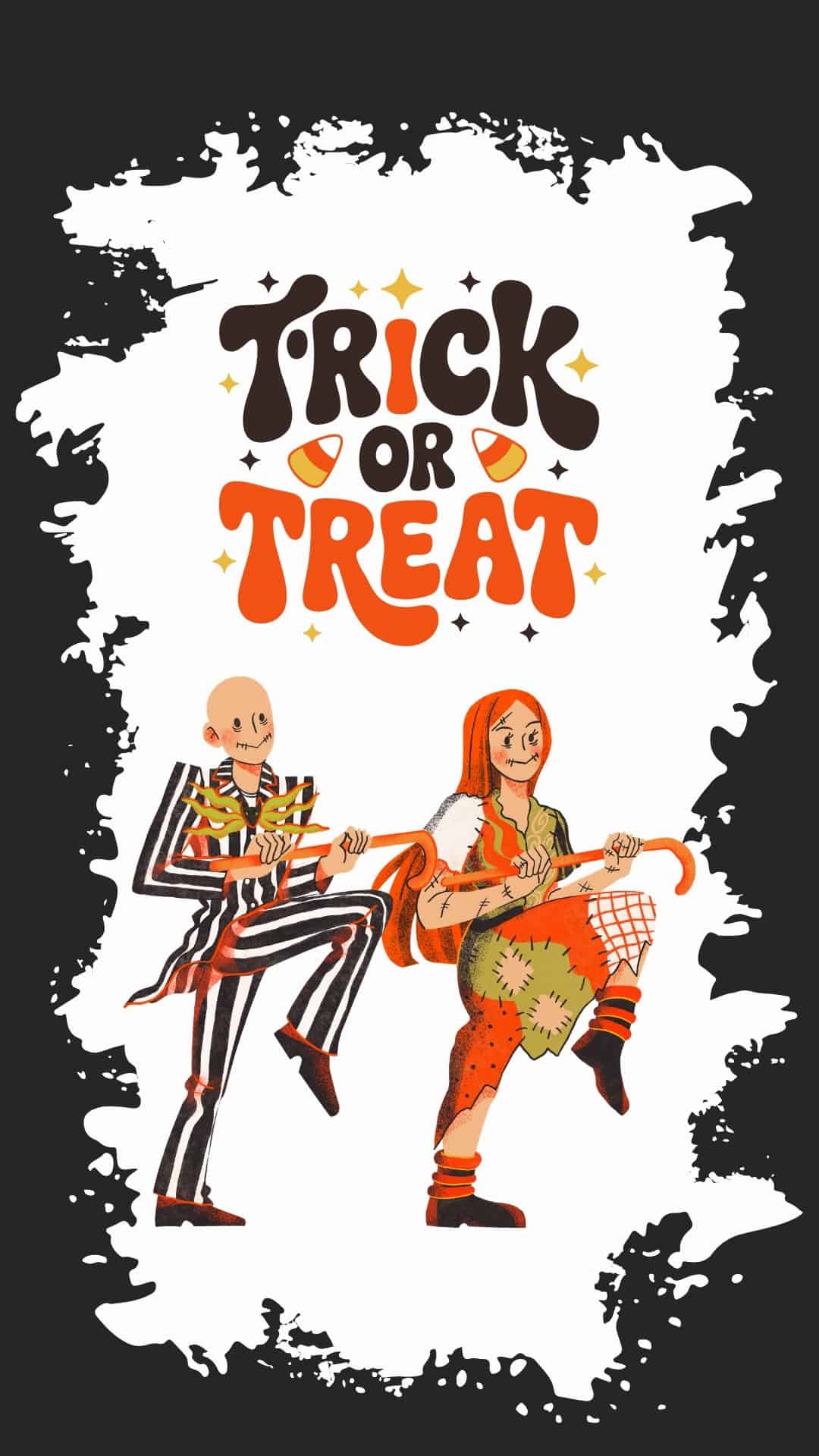
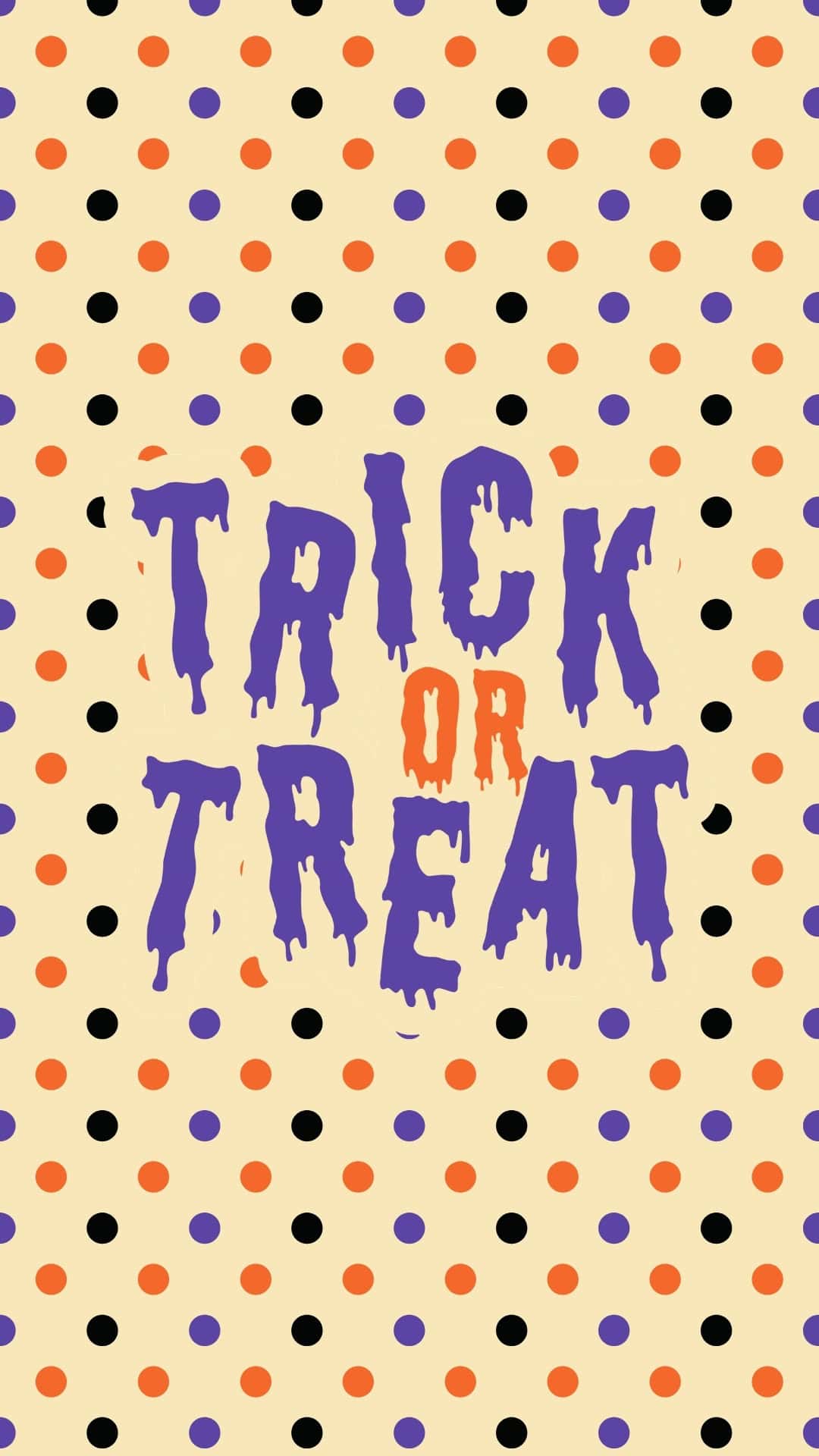
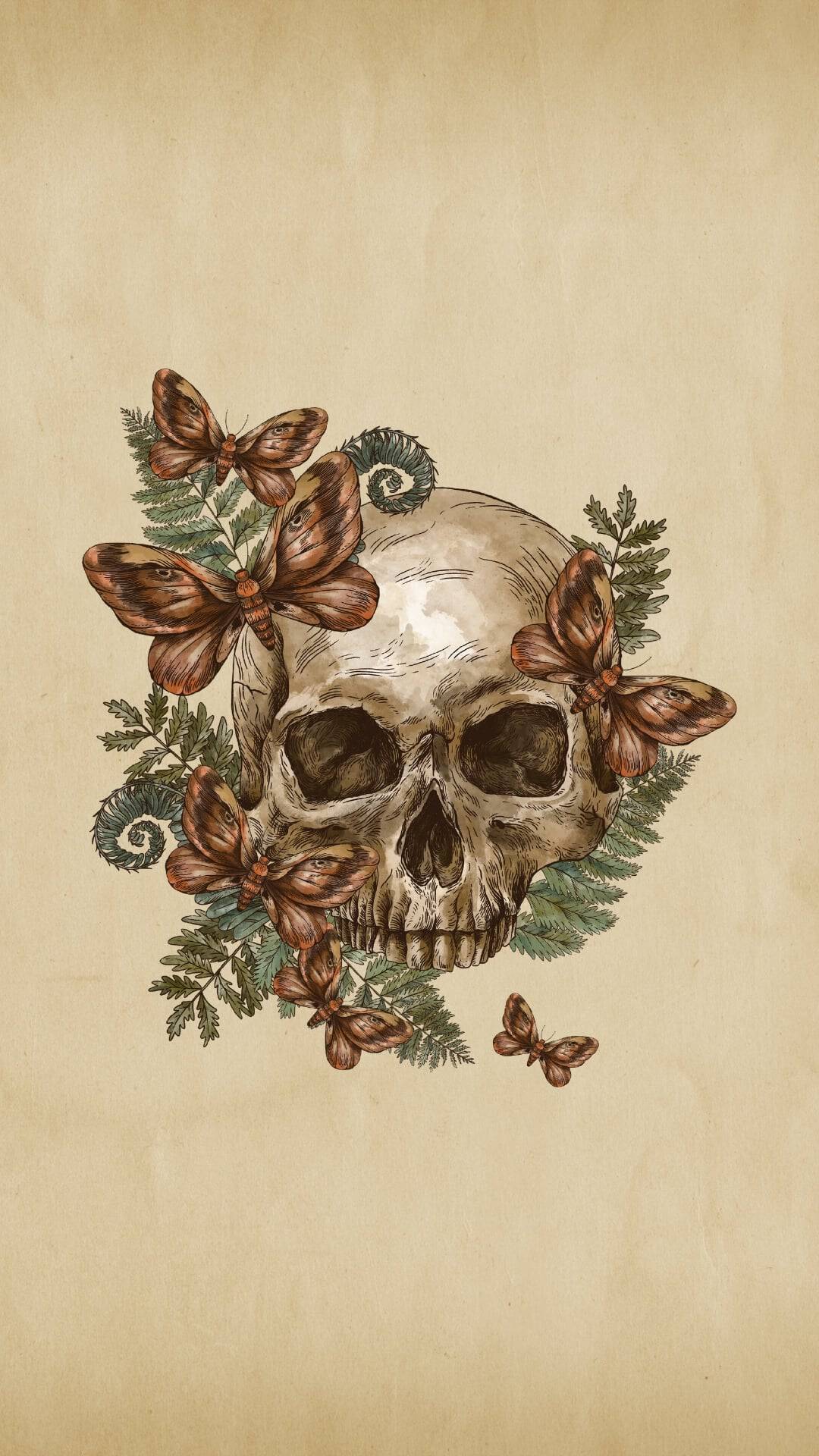
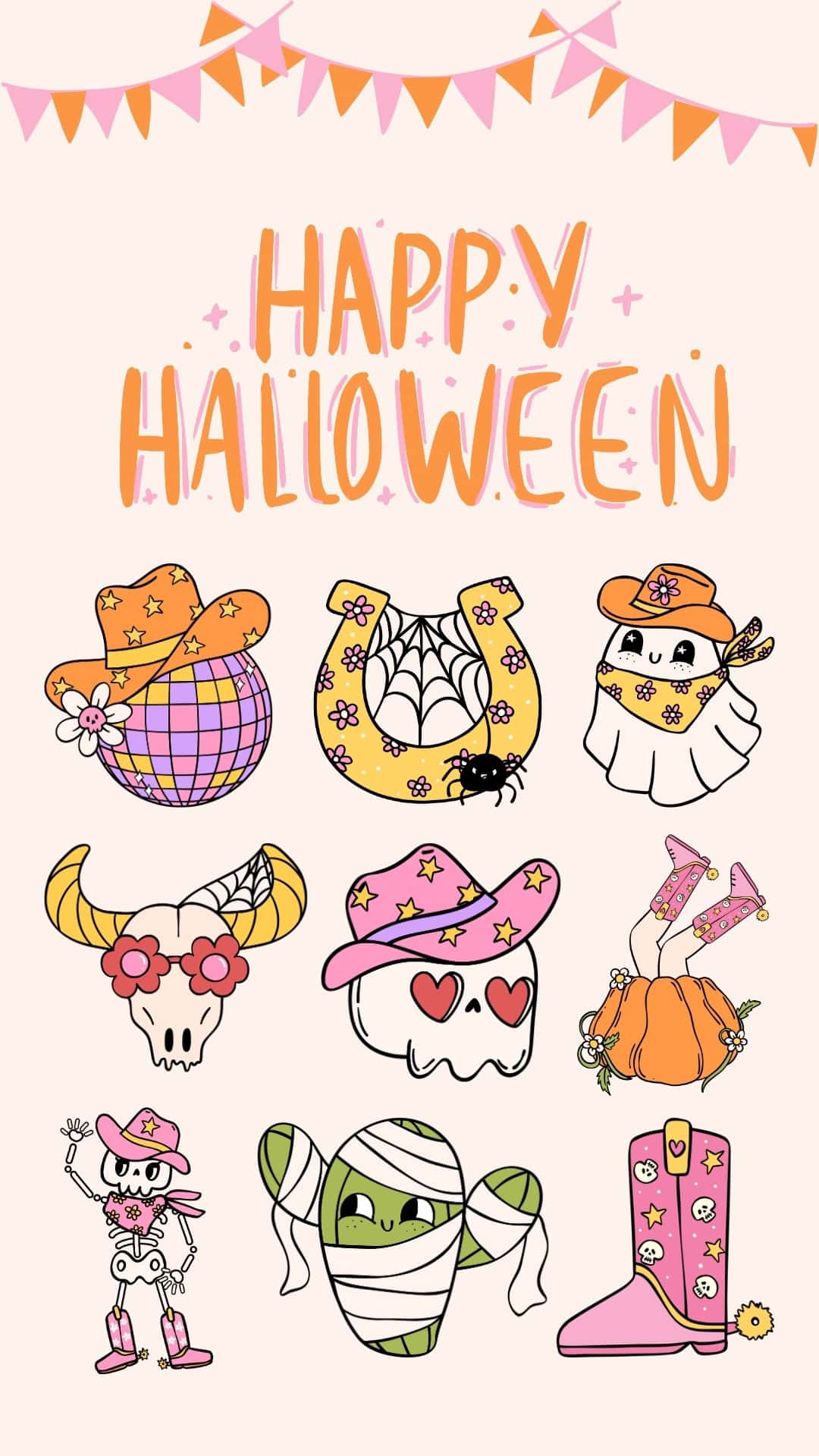
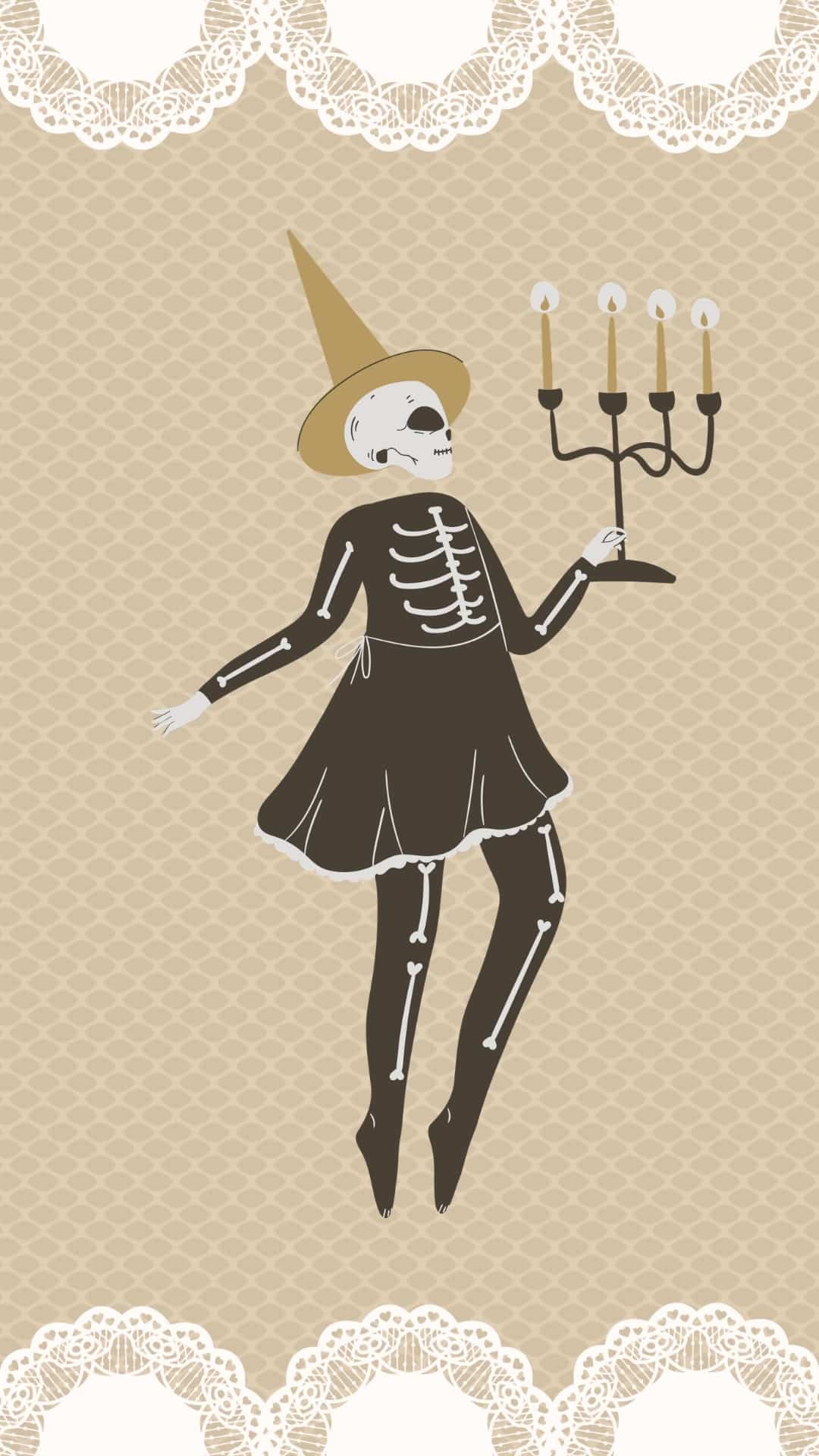
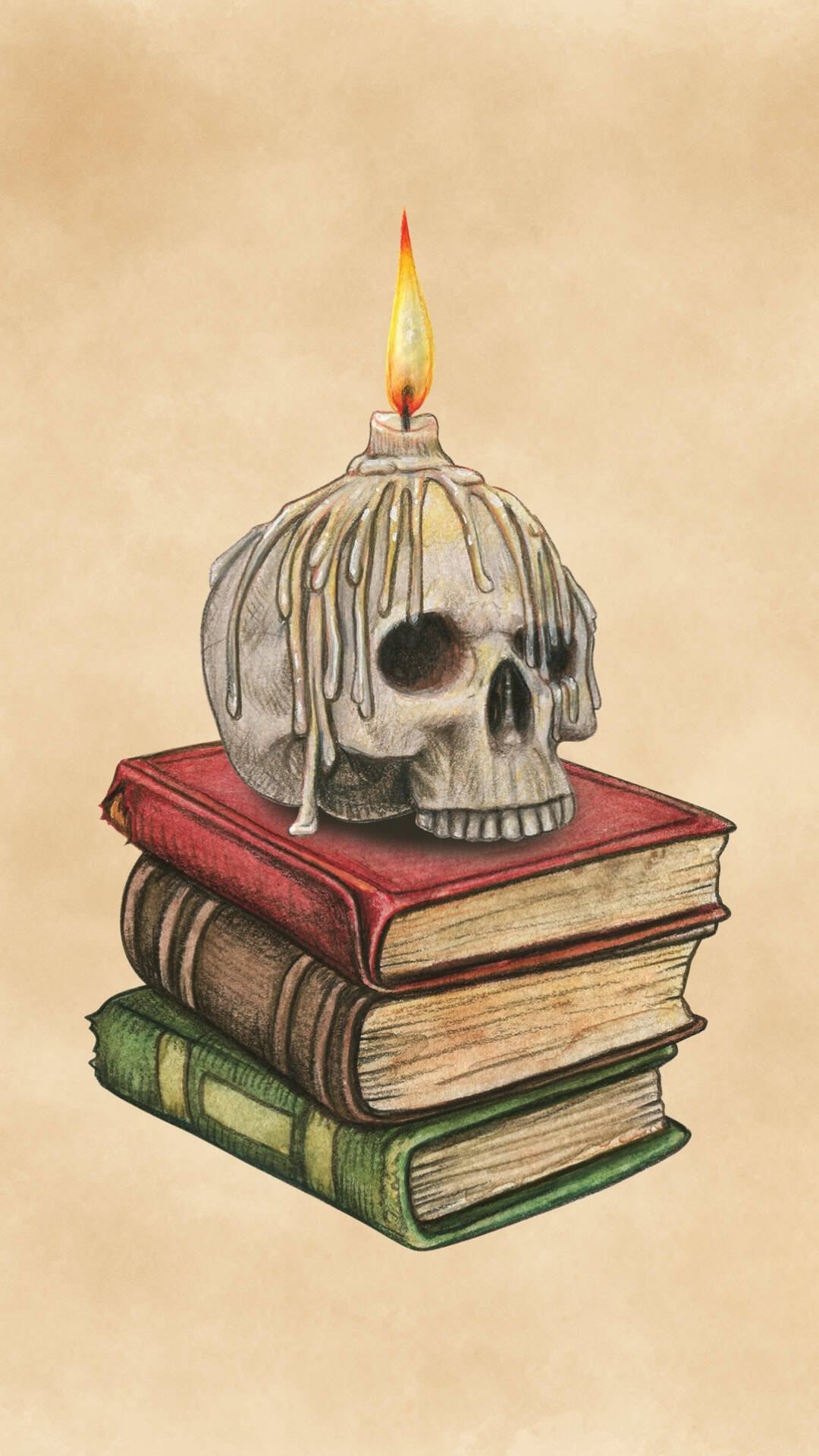
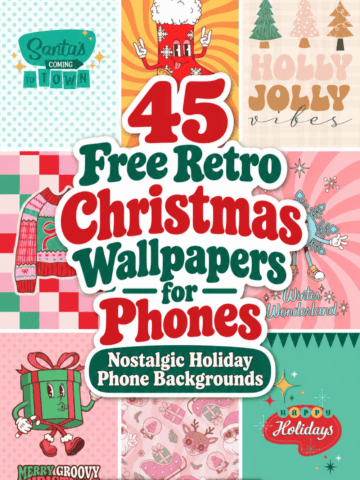
You'll find a mix of retro Halloween wallpapers featuring checkerboards, wavy patterns, pastel colors, funky typography, and cute spooky characters, along with vintage Halloween wallpapers inspired by antique illustrations and classic Halloween artwork. There are also darker designs featuring skulls, skeletons, witches, and other spooky details for anyone who prefers a more eerie vintage aesthetic.
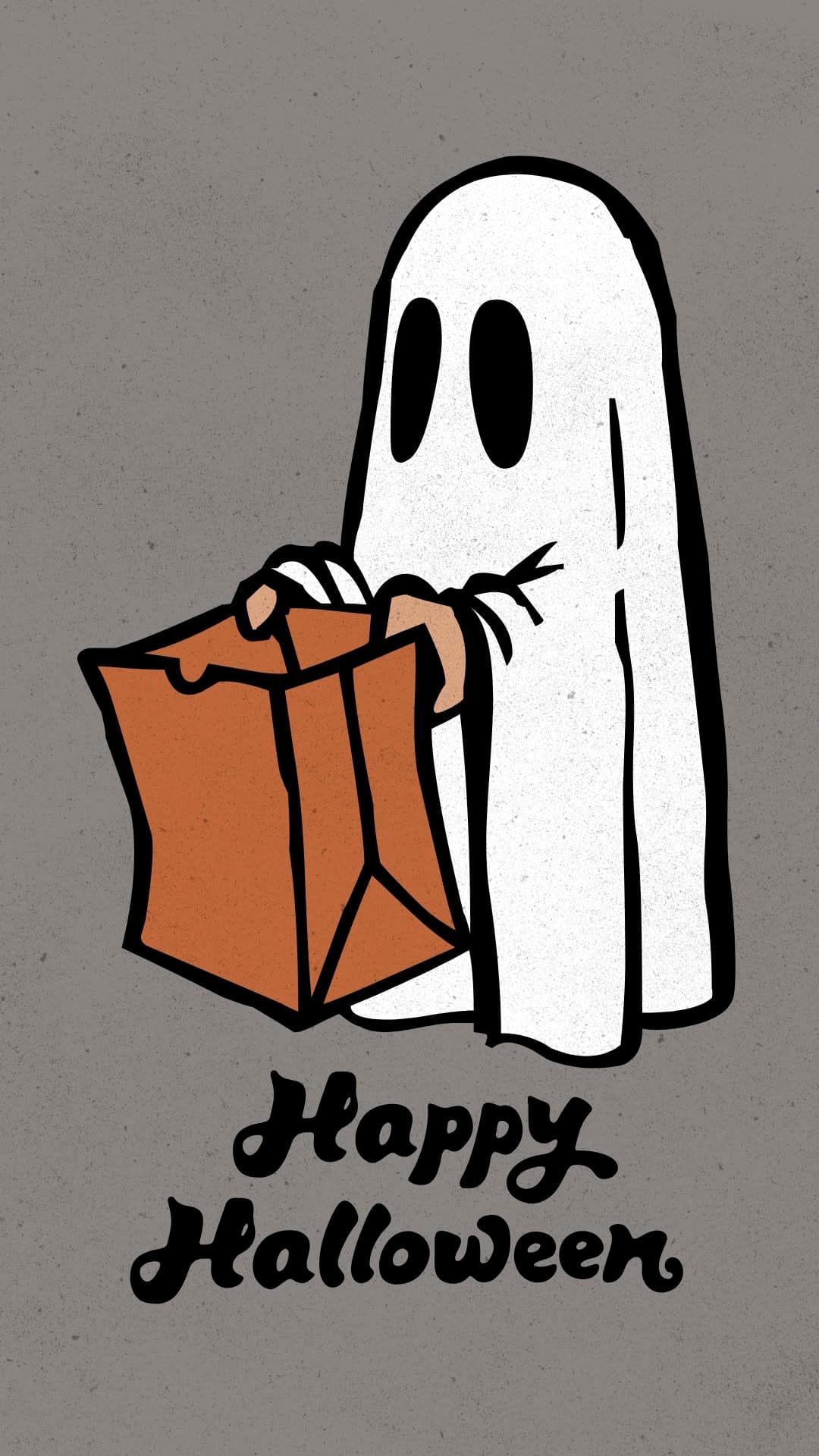
These Halloween phone backgrounds are perfect for giving your lock screen or home screen a little seasonal personality throughout October. Choose a cute ghost, nostalgic pumpkin, spooky black cat, retro pattern, or vintage-inspired design and save your favorite to your iPhone or Android phone.
Scroll through the phone wallpapers below to find the perfect one that matches your retro Halloween aesthetic this spooky season. With everything from cute and groovy to classic and creepy, there's a little something for every Halloween mood.
How to Save and Download These Wallpapers
All of these free wallpapers are JPG files, so you can easily save your favorites directly to your phone and use them as lock or home screen backgrounds.
On iPhone: Tap the wallpaper you want to download to open the full-size image. Press and hold the image, then select Save to Photos. Open your Photos app, choose the wallpaper, tap the Share button, and select Use as Wallpaper. Adjust the image if needed, then set it as your Lock Screen, Home Screen, or both.
On Android: Tap the wallpaper you want to save to open the full-size JPG. Press and hold the image, then choose Download Image or Save Image. Open the image from your Gallery or Photos app, tap the menu icon, and select Set as Wallpaper. From there, choose whether to use it on your Home Screen, Lock Screen, or both.
For the best quality, be sure to open the full-size JPG before saving rather than downloading a smaller preview image.
Retro Halloween Wallpapers for iPhone and Android
More Halloween Wallpapers
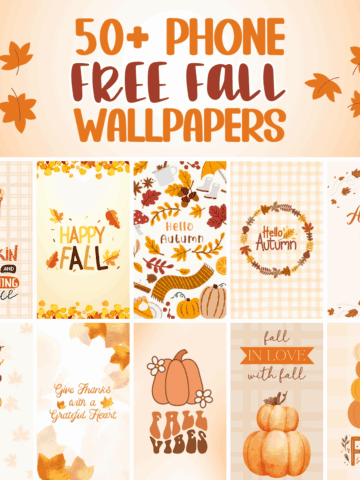
- 50 Free Fall Wallpapers for the Phone
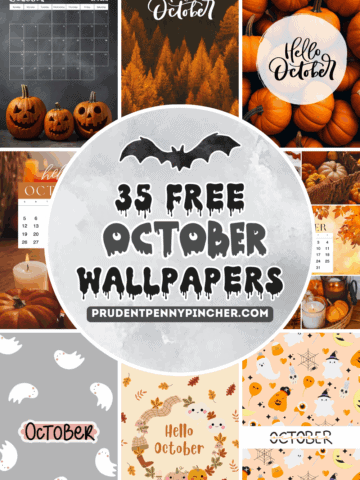
- 35 Free Phone October Wallpapers
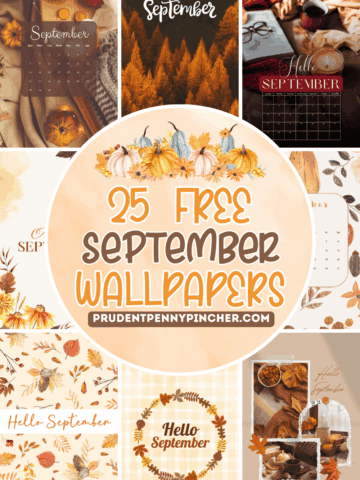
- 25 Free Phone September Wallpapers
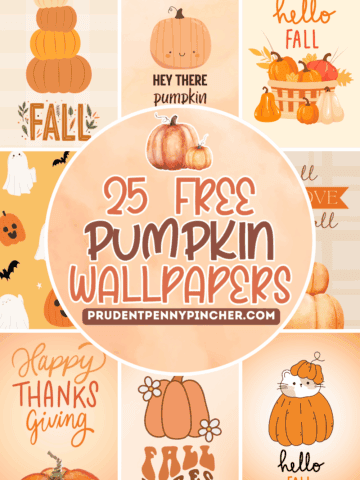
- 25 Free Phone Pumpkin Wallpapers
Follow me on Pinterest, Facebook, Flipboard, or Instagram for more inspiration on crafts, DIY, free printables, and recipes!


Leave a Reply