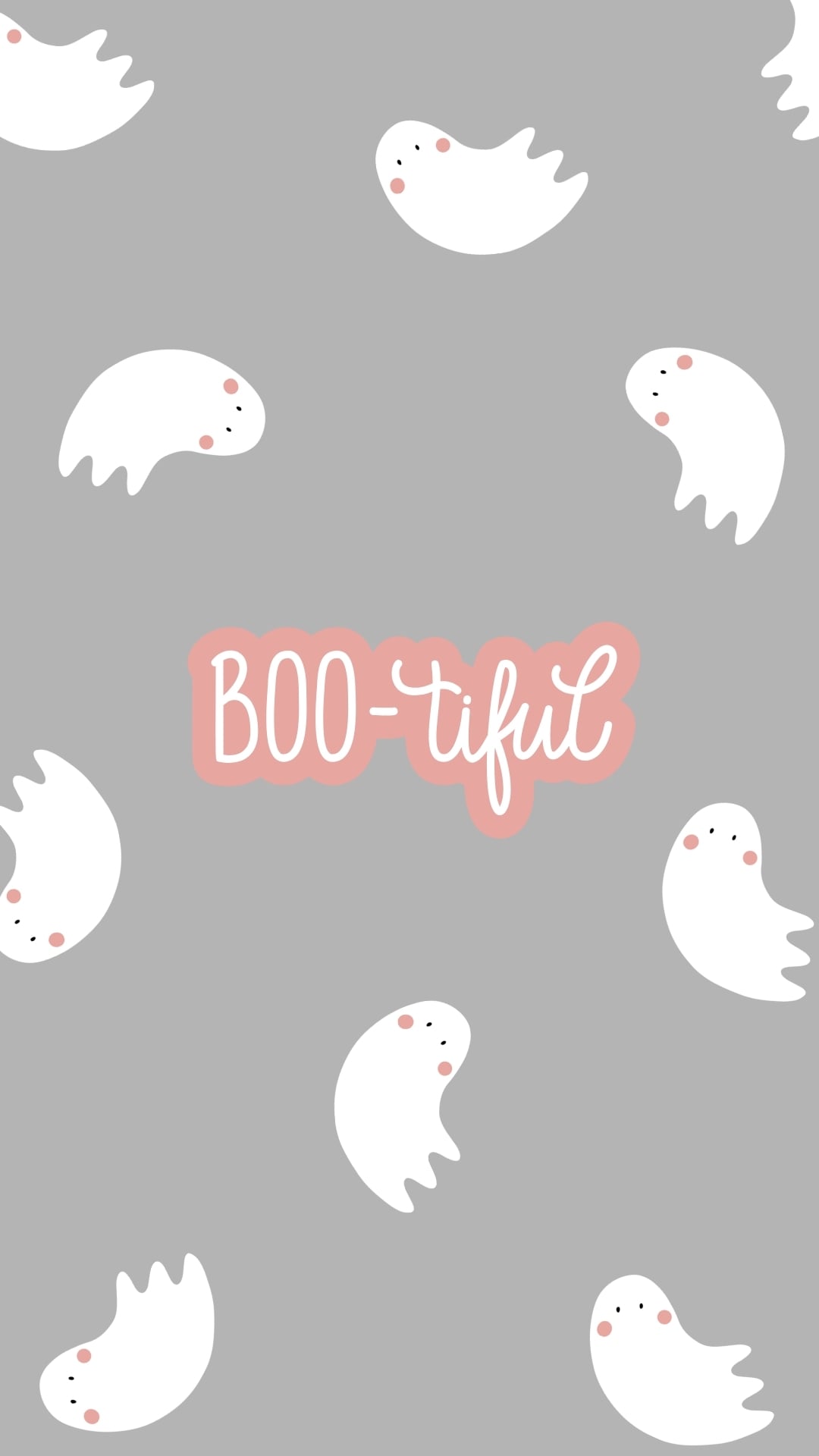
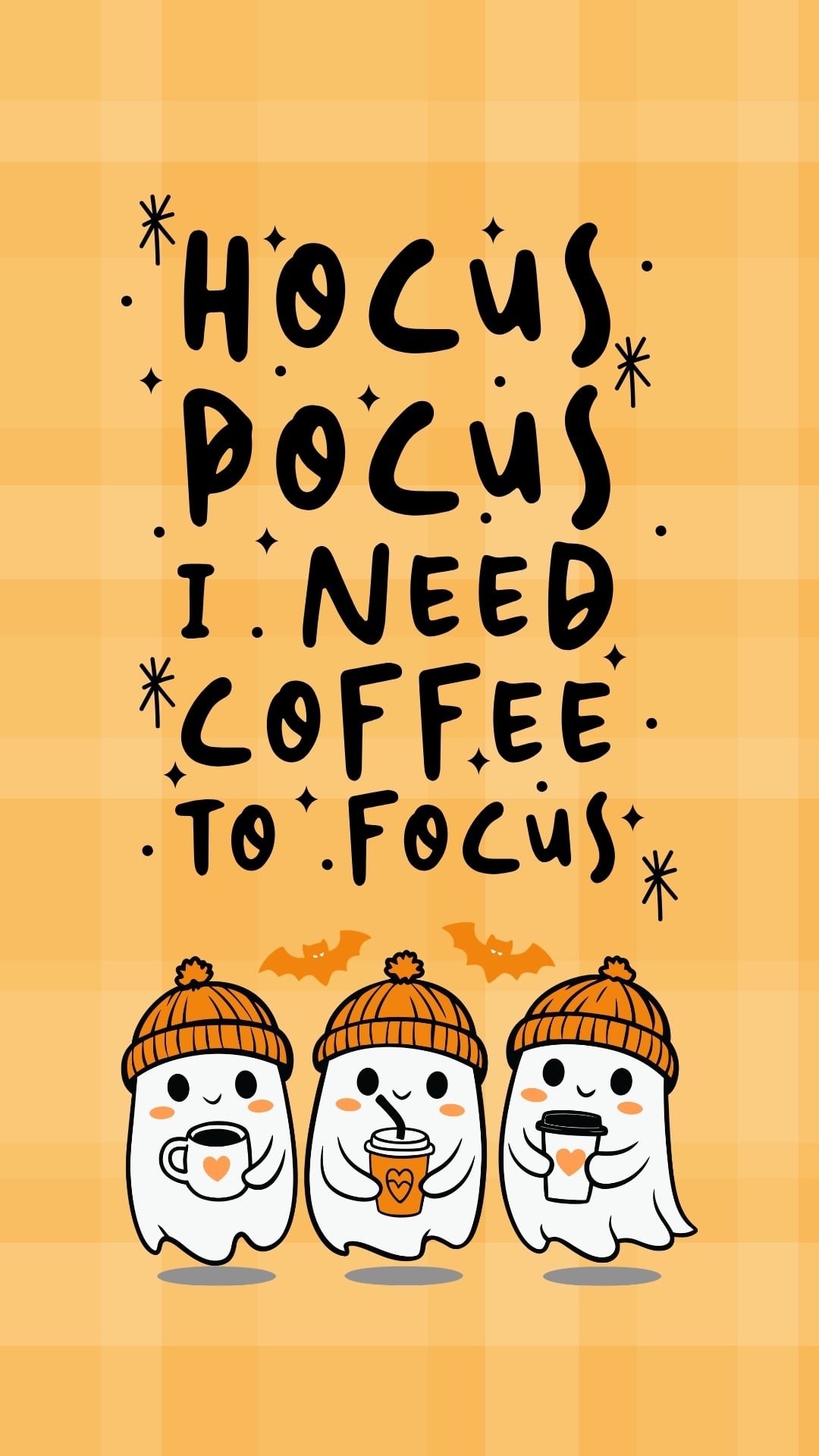
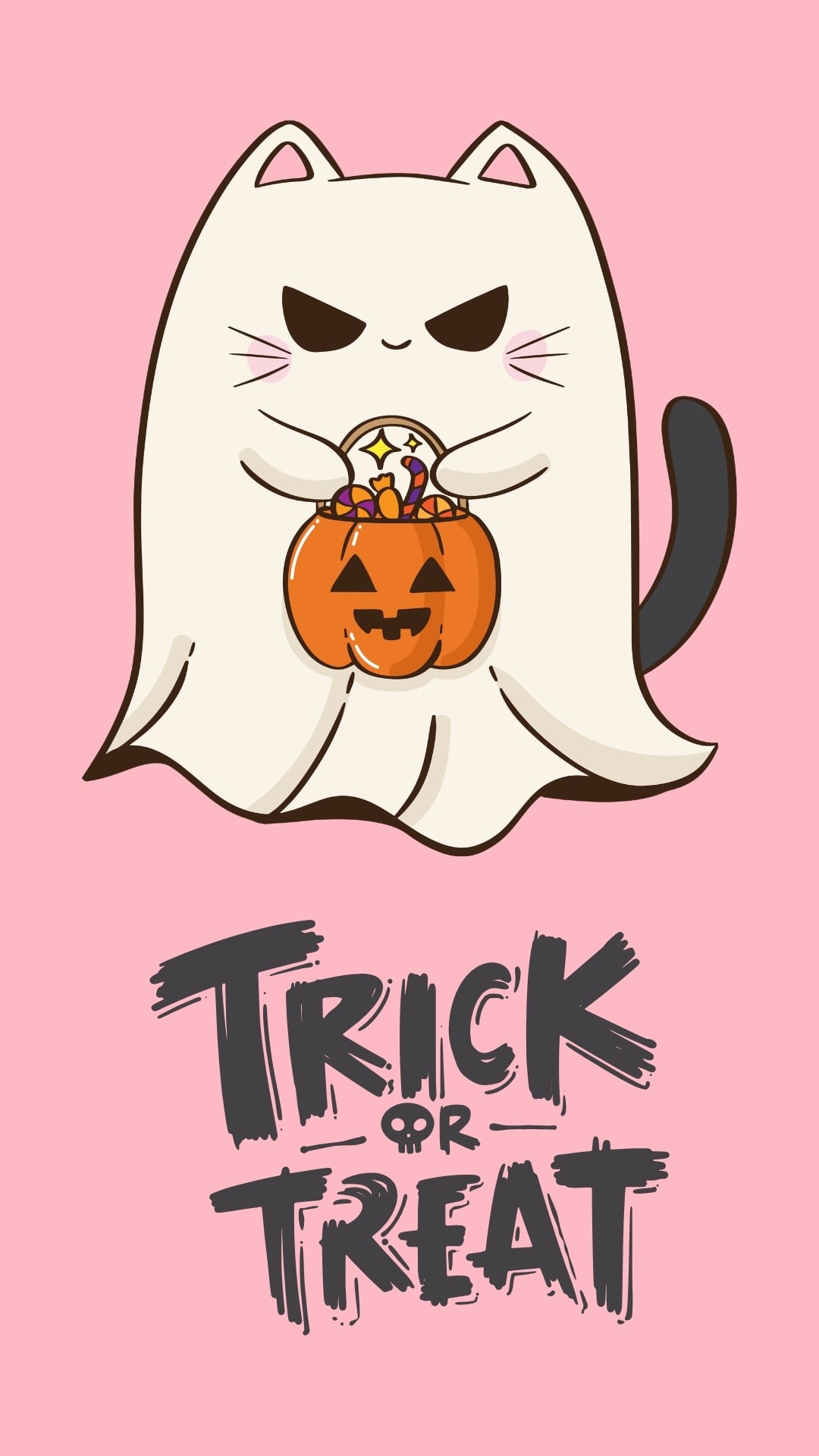
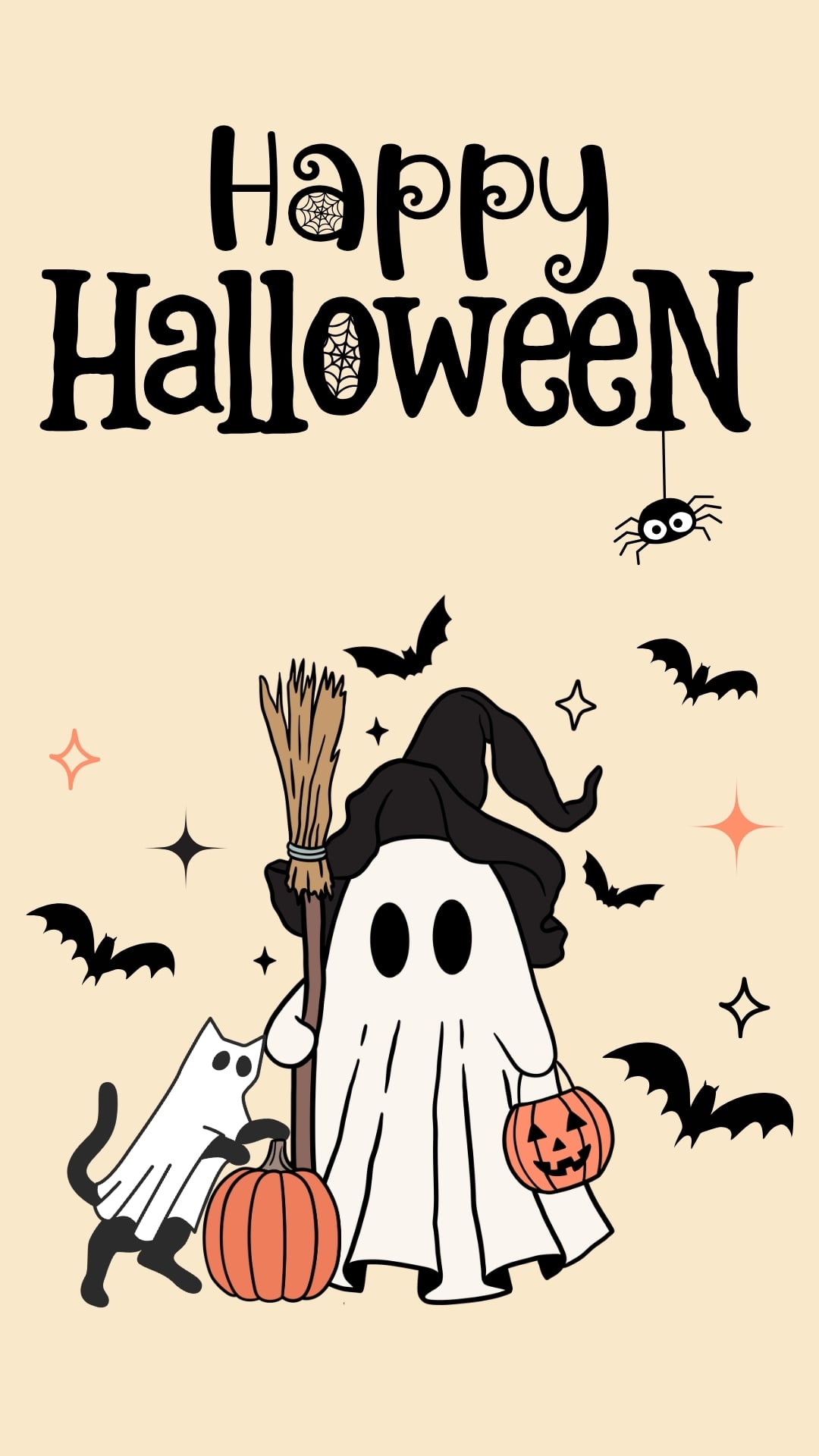
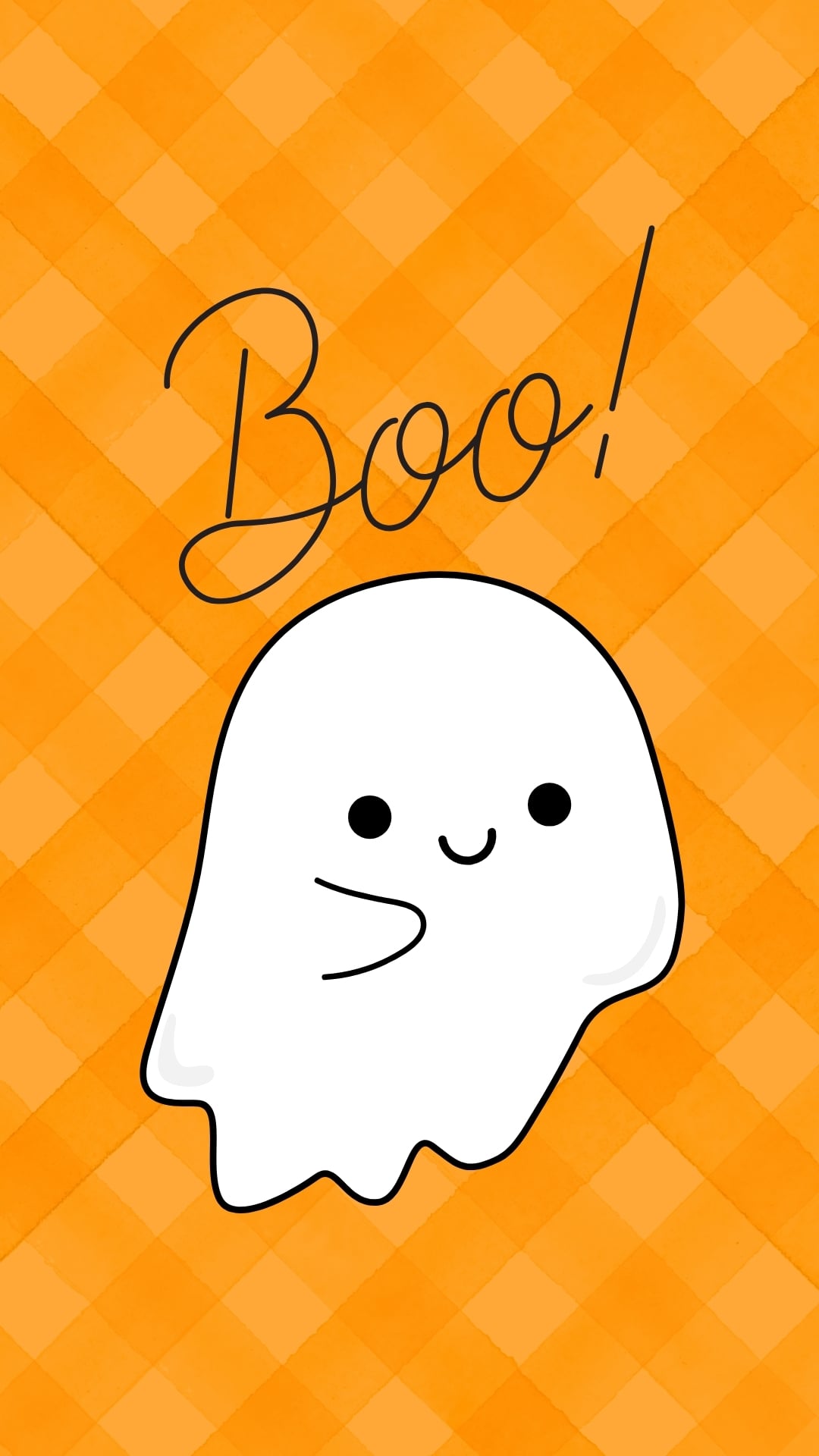
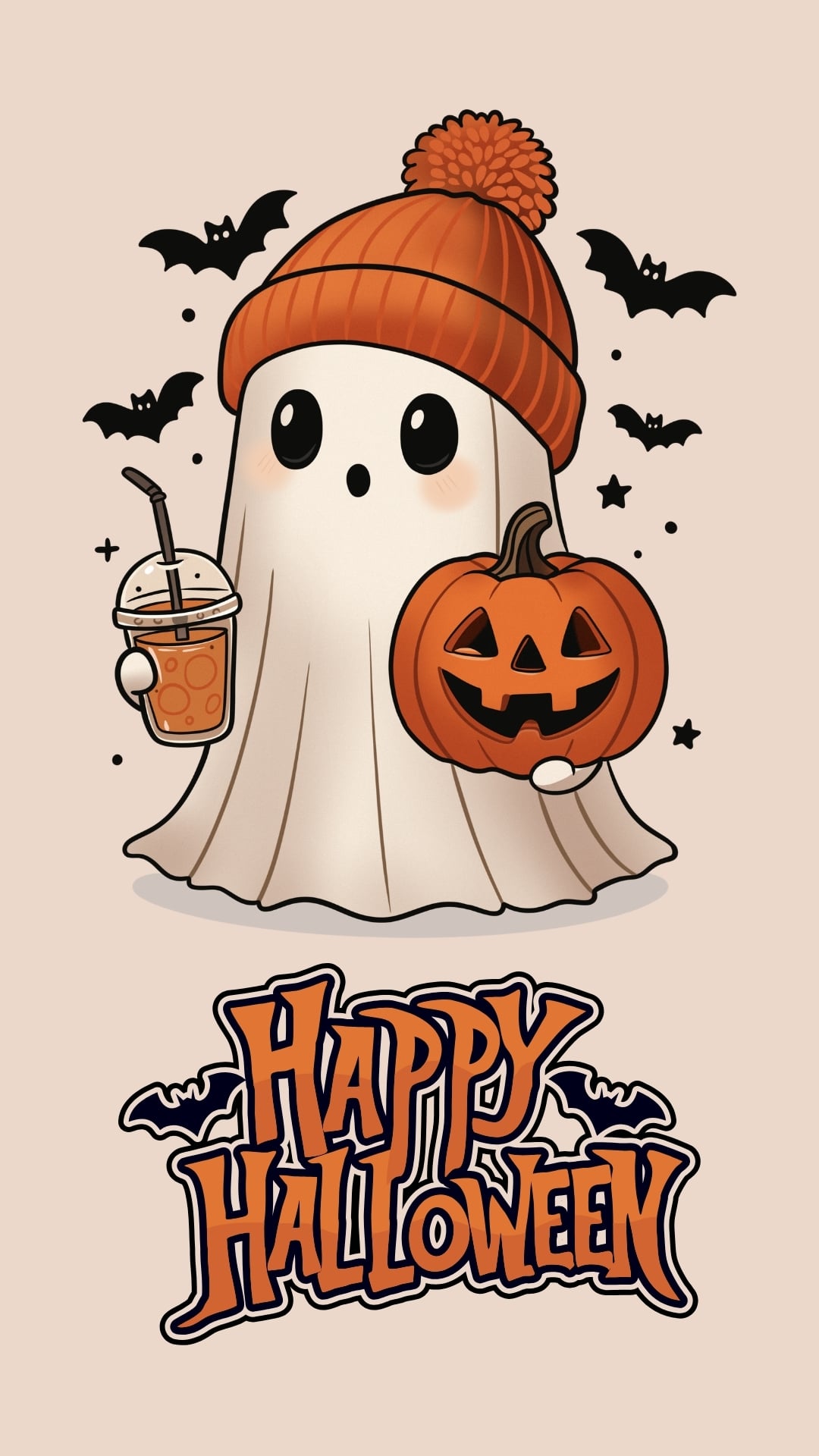
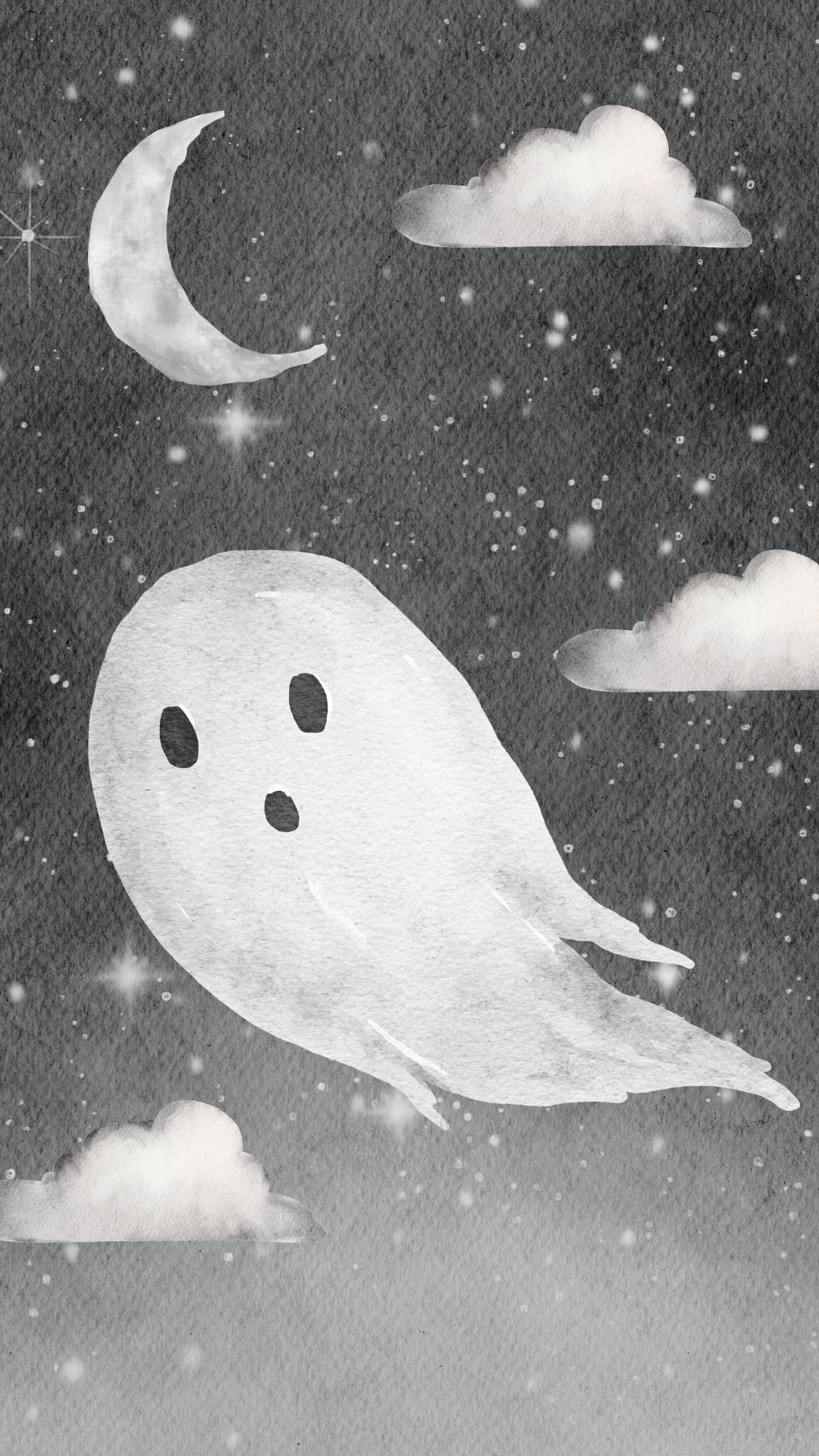
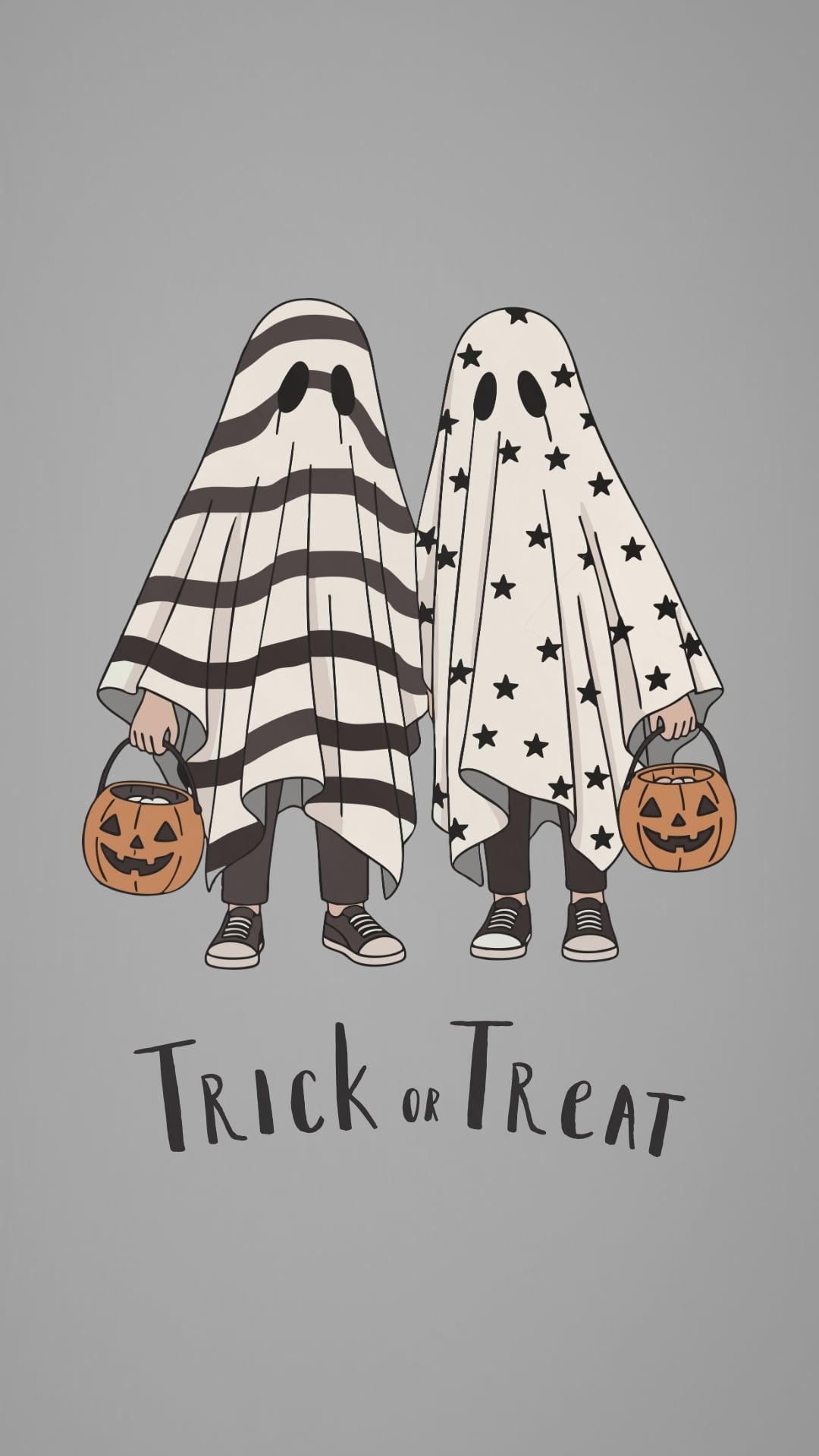
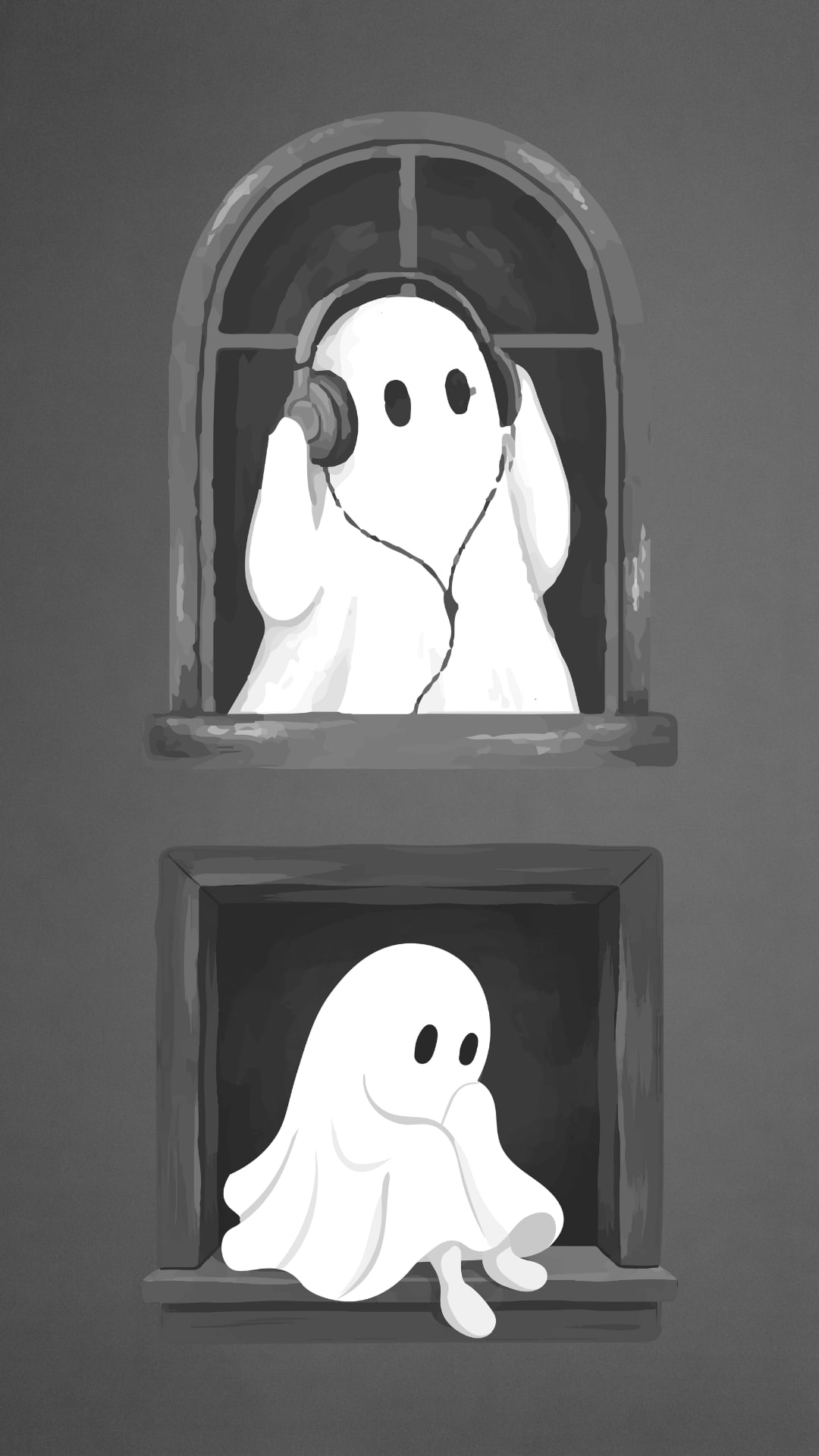
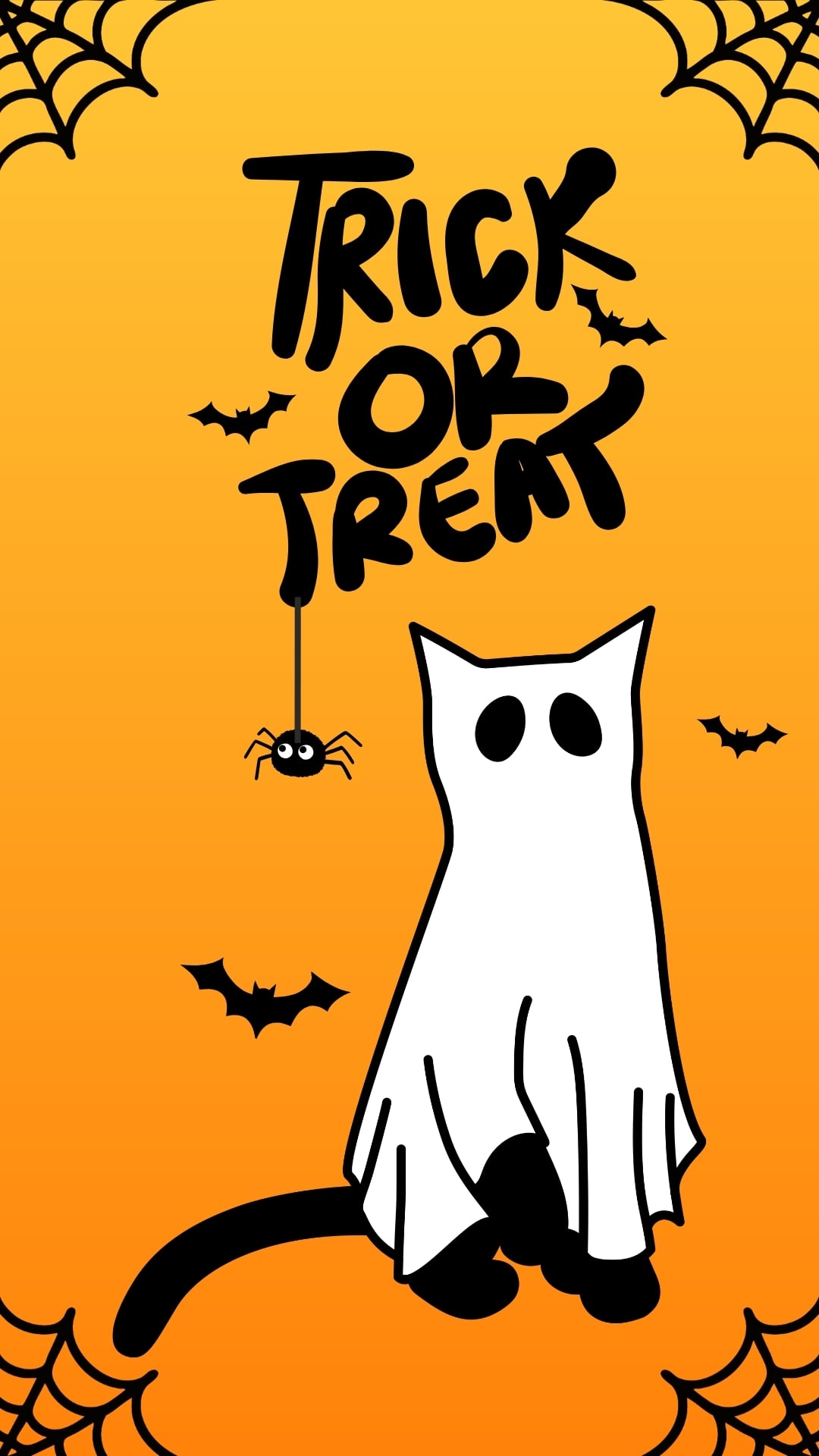
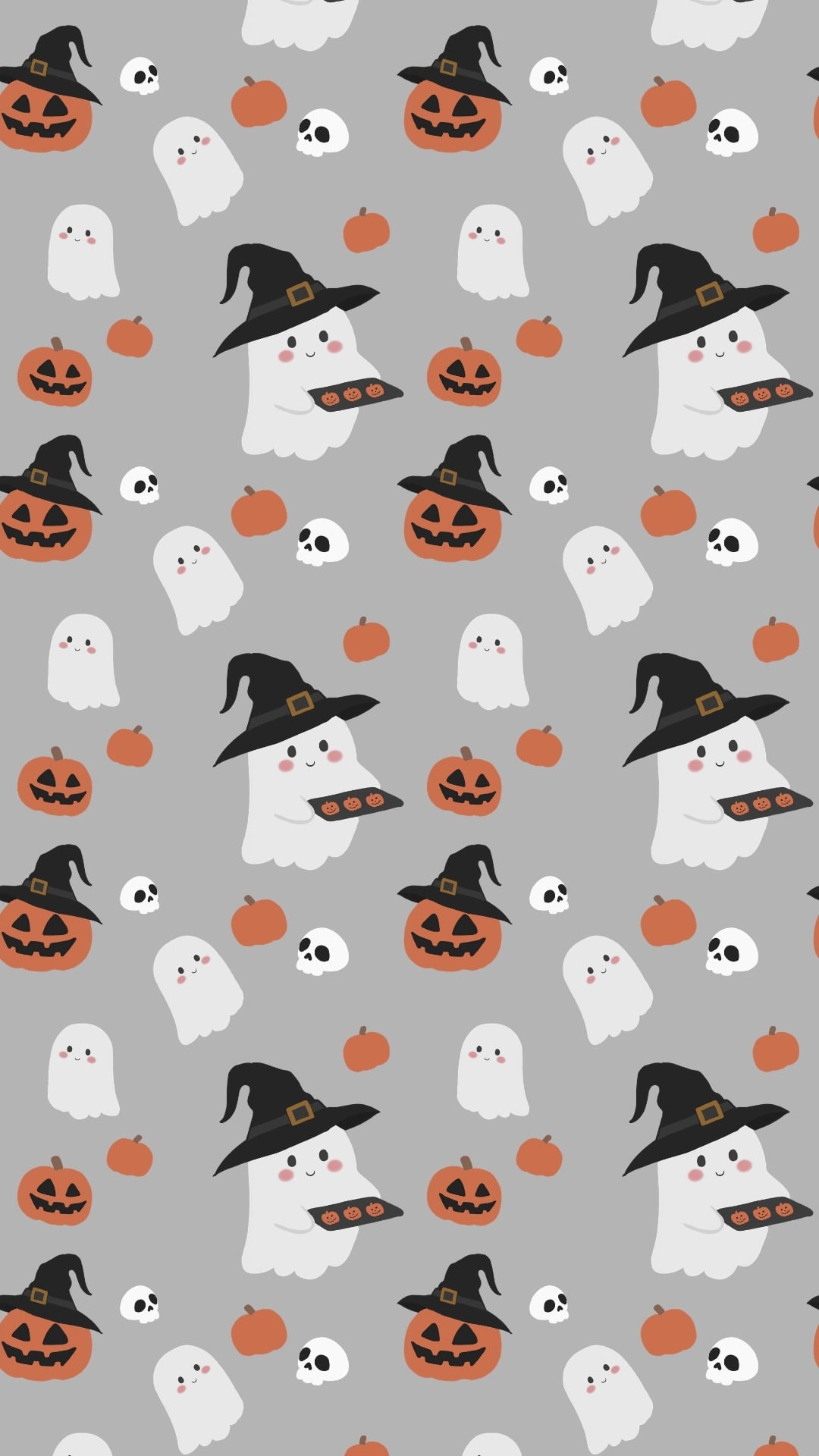
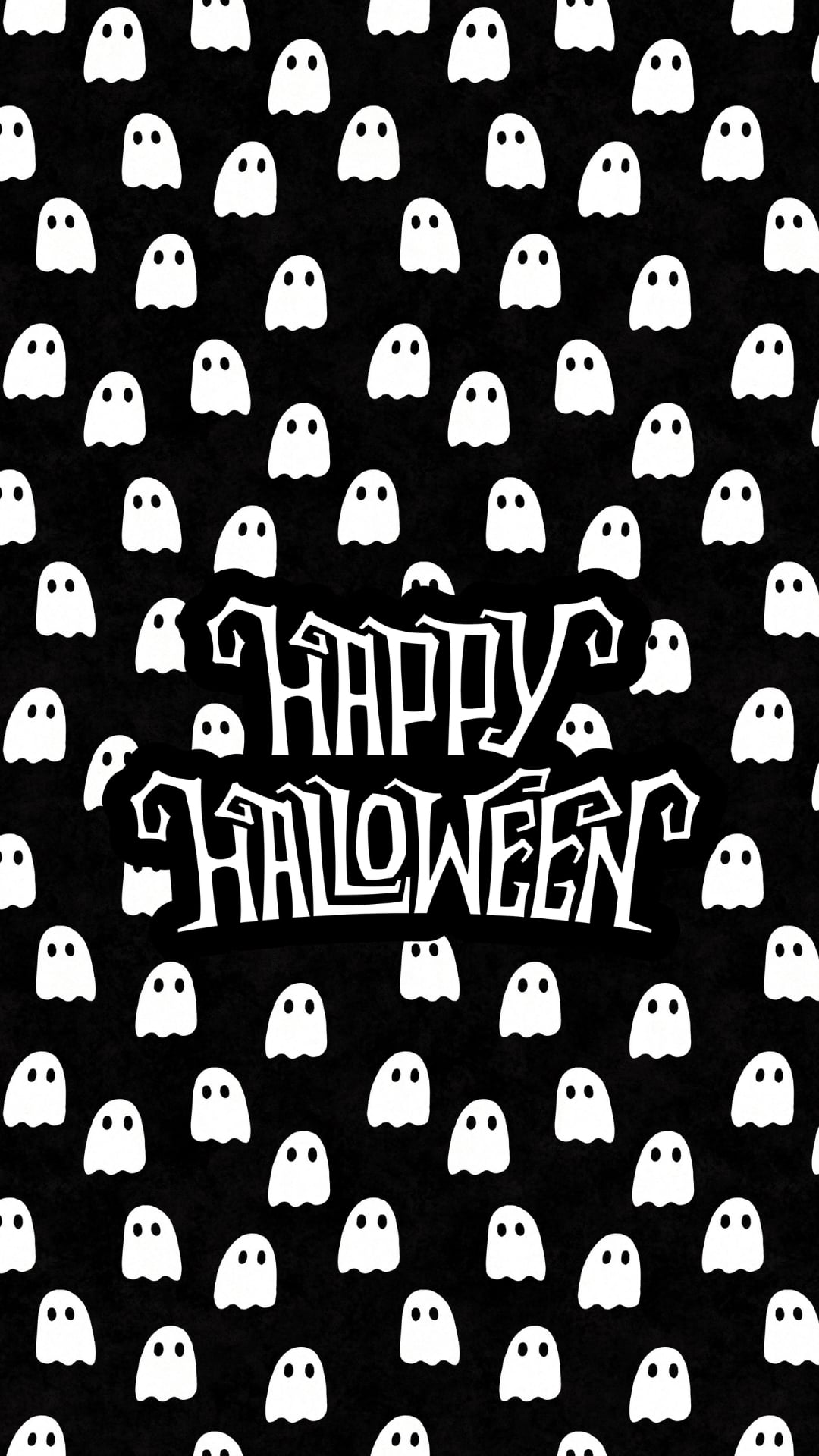
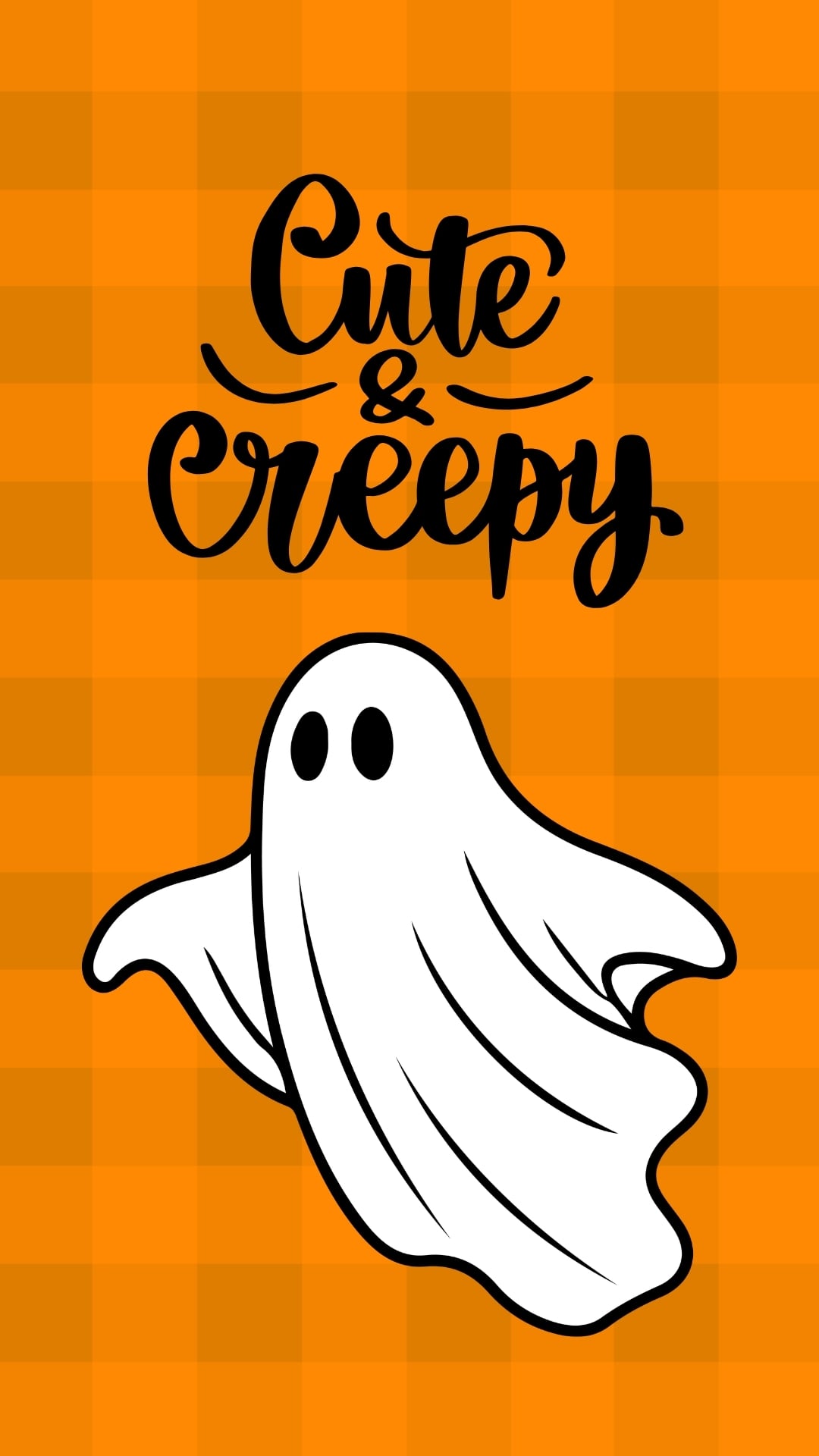
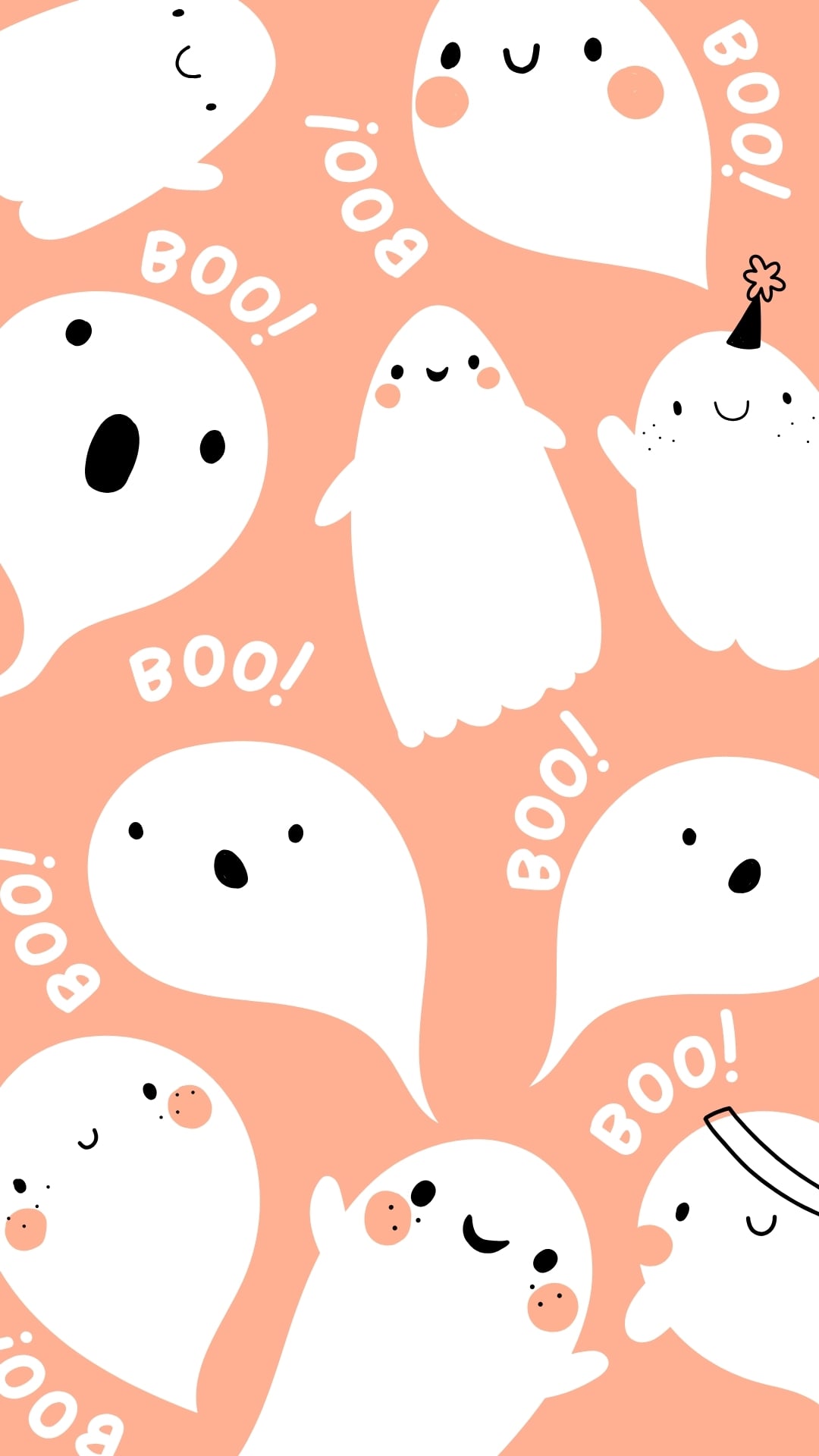
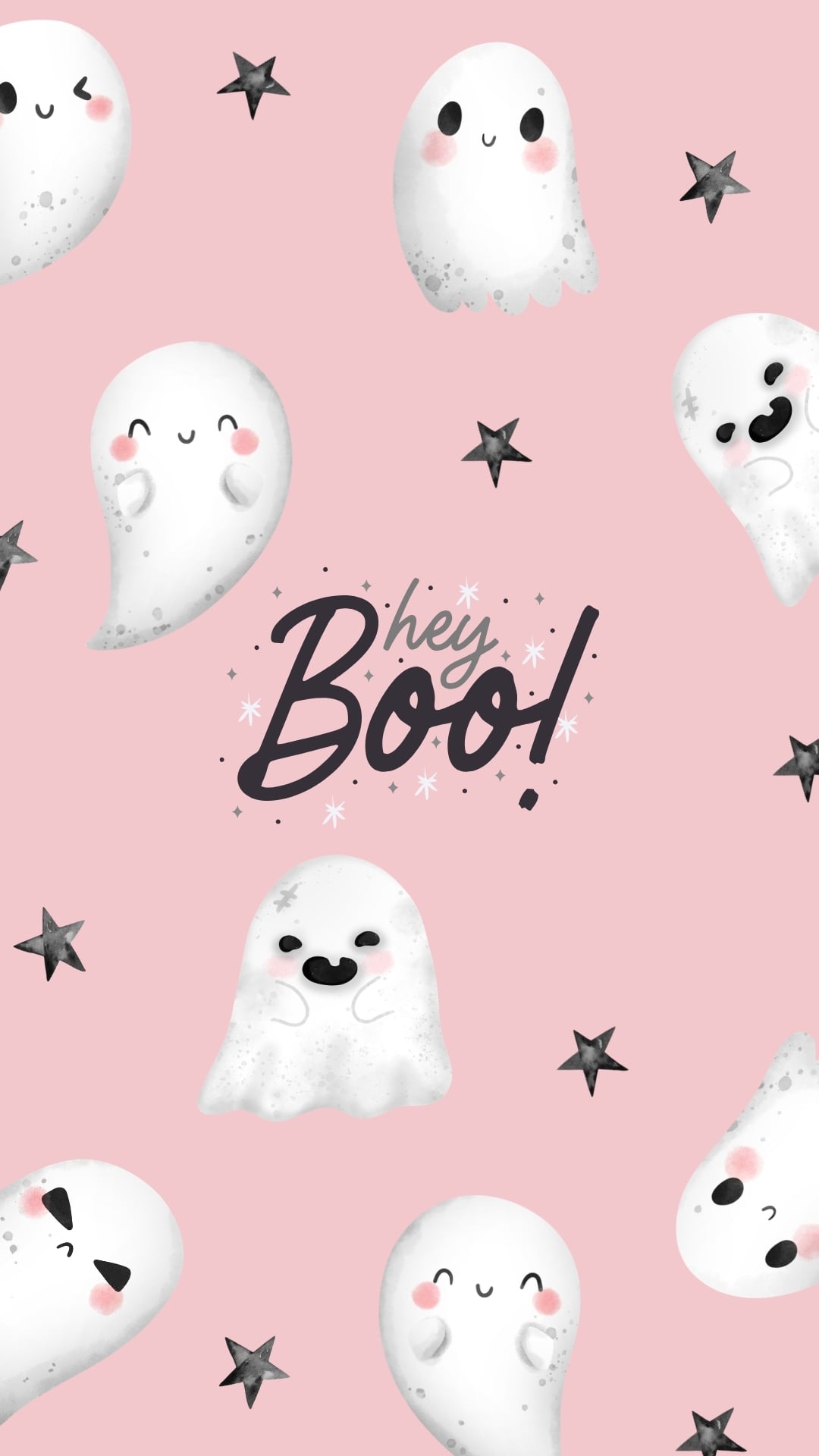
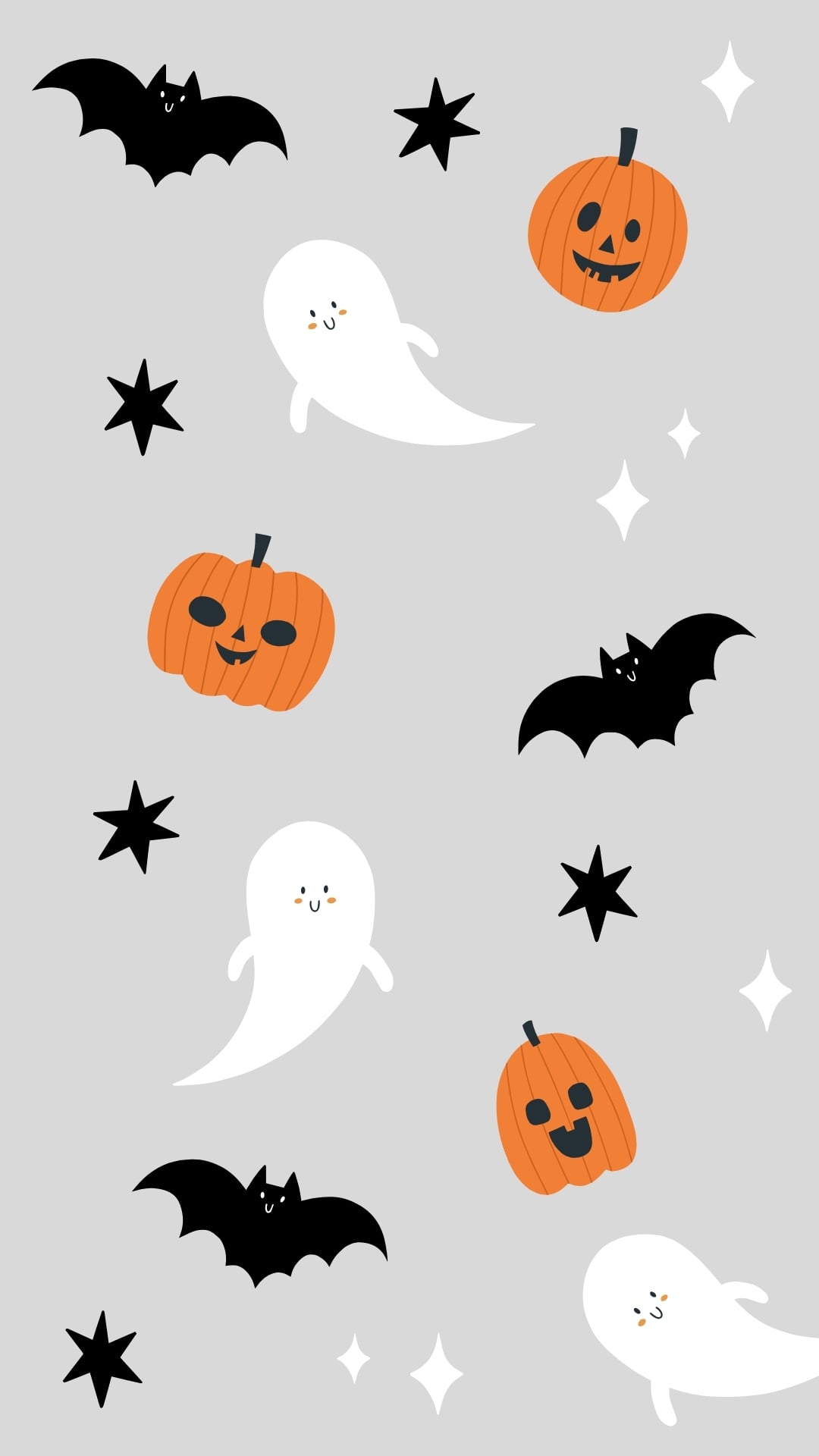
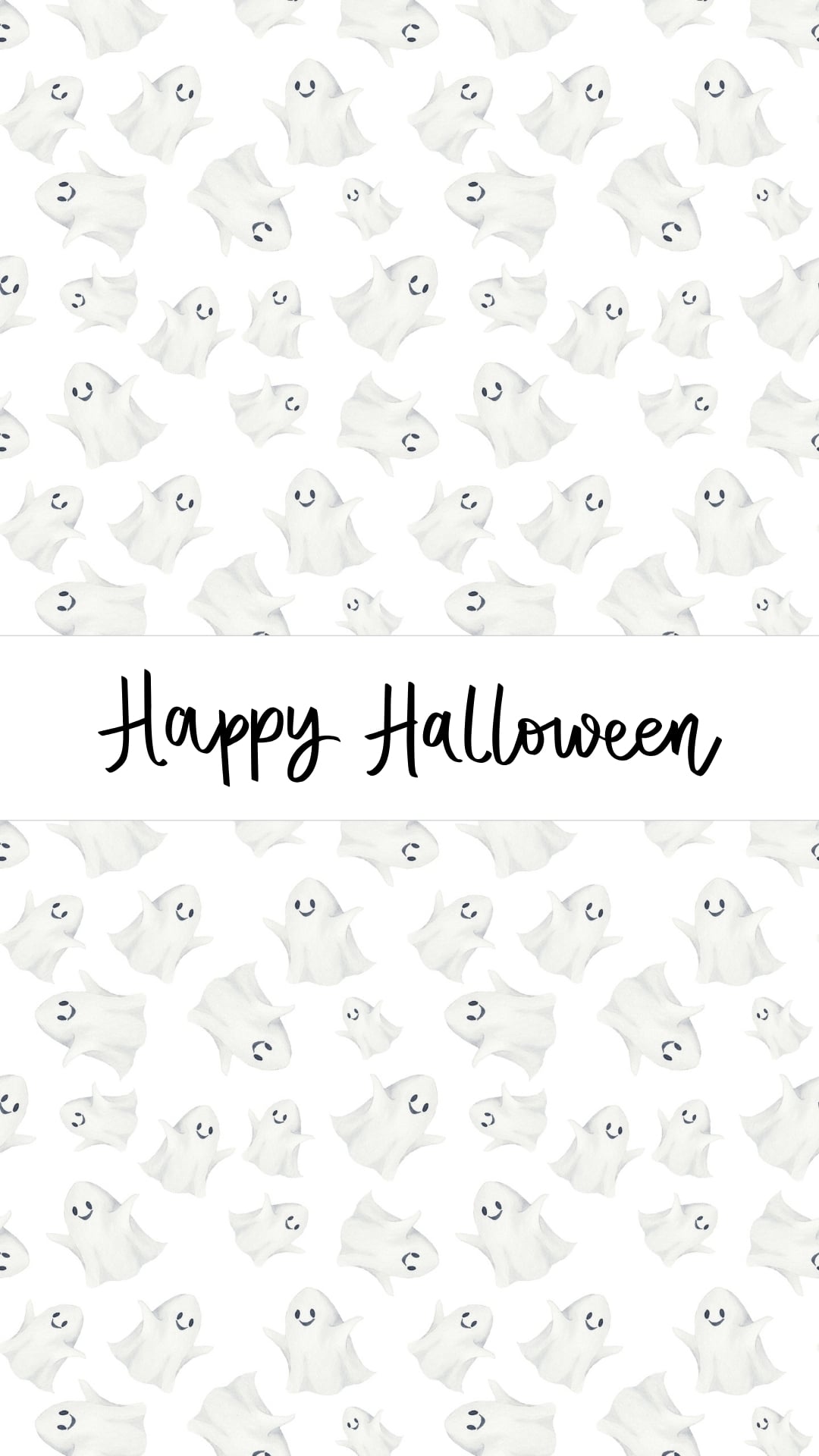
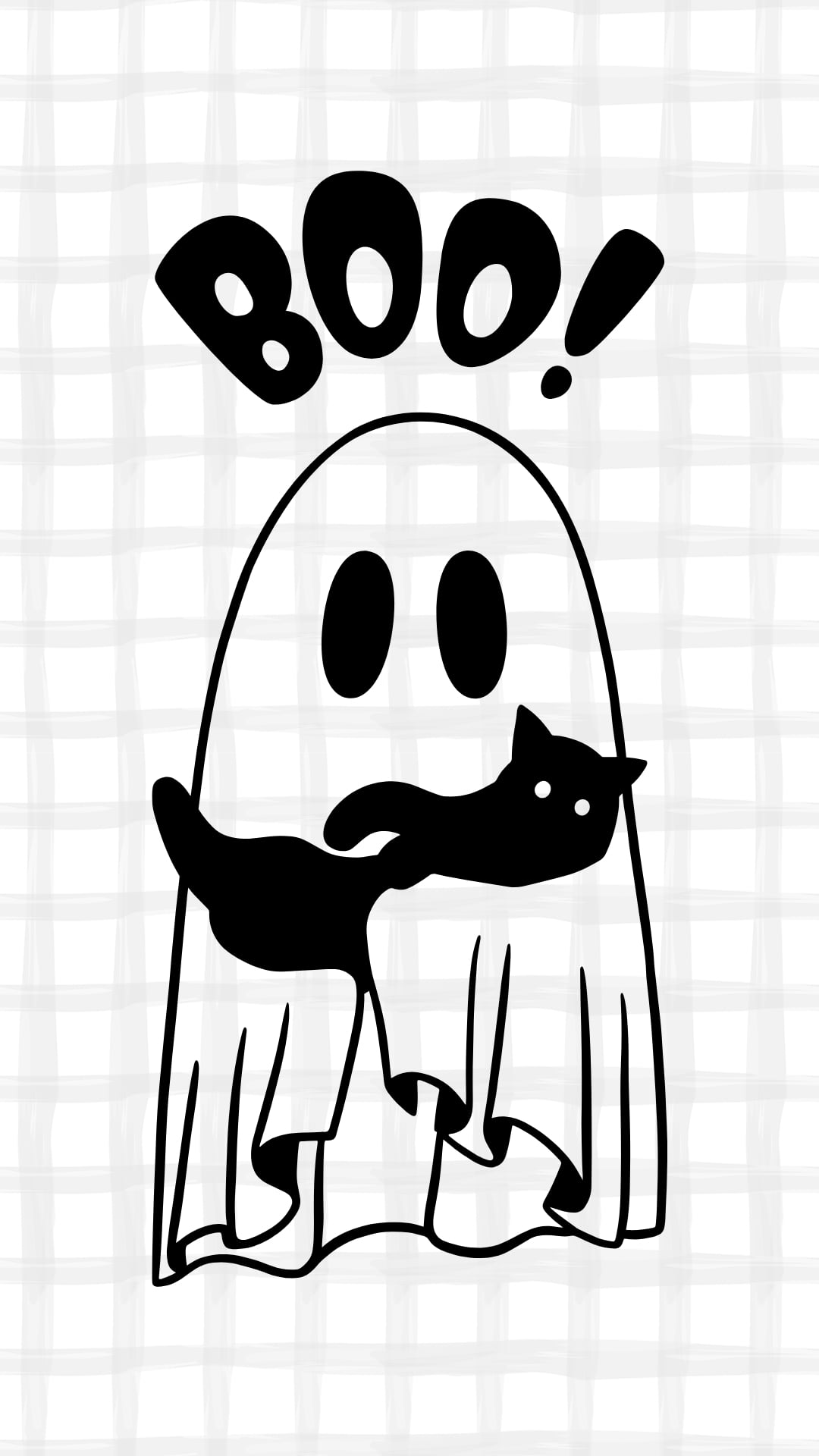
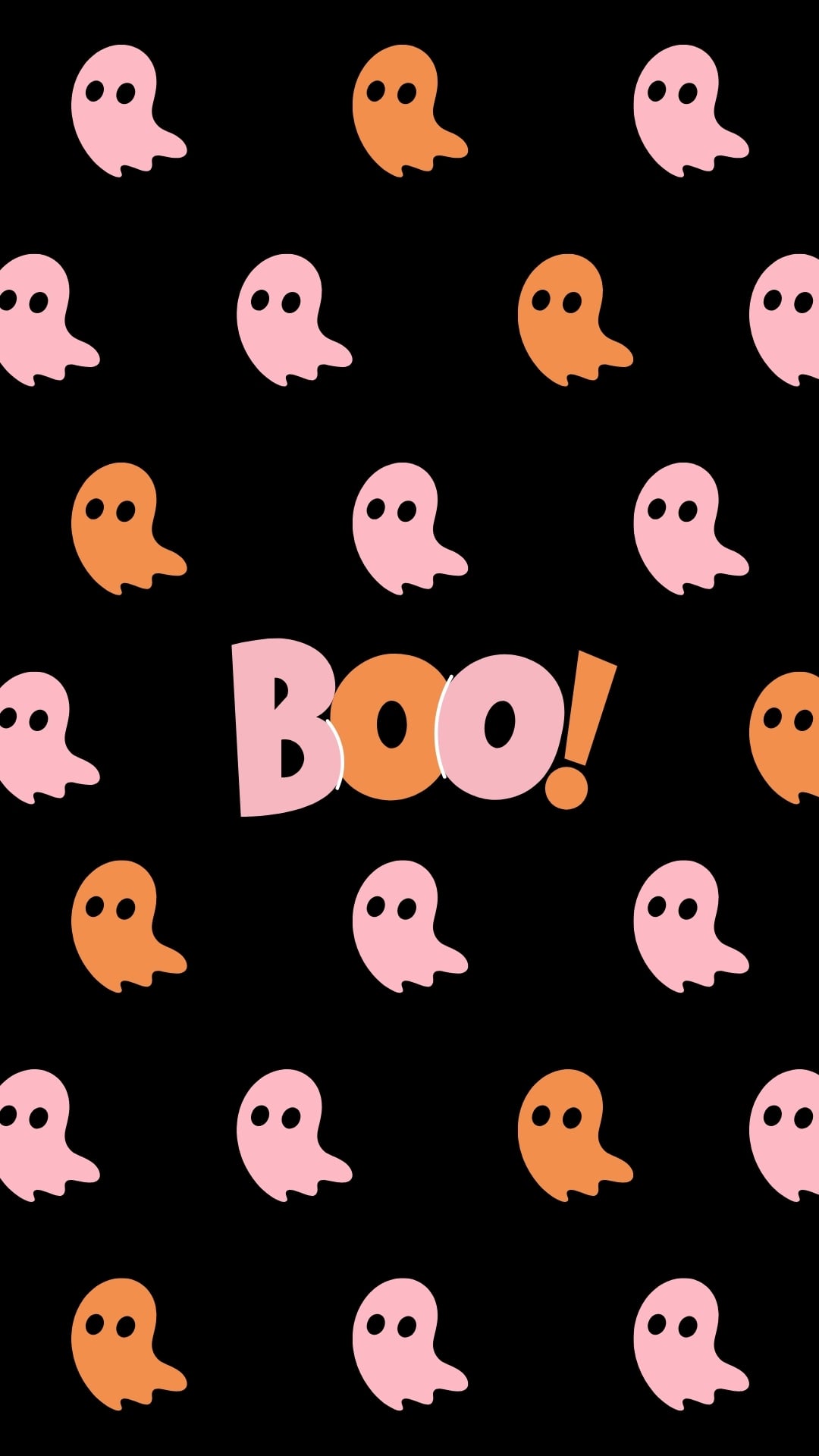
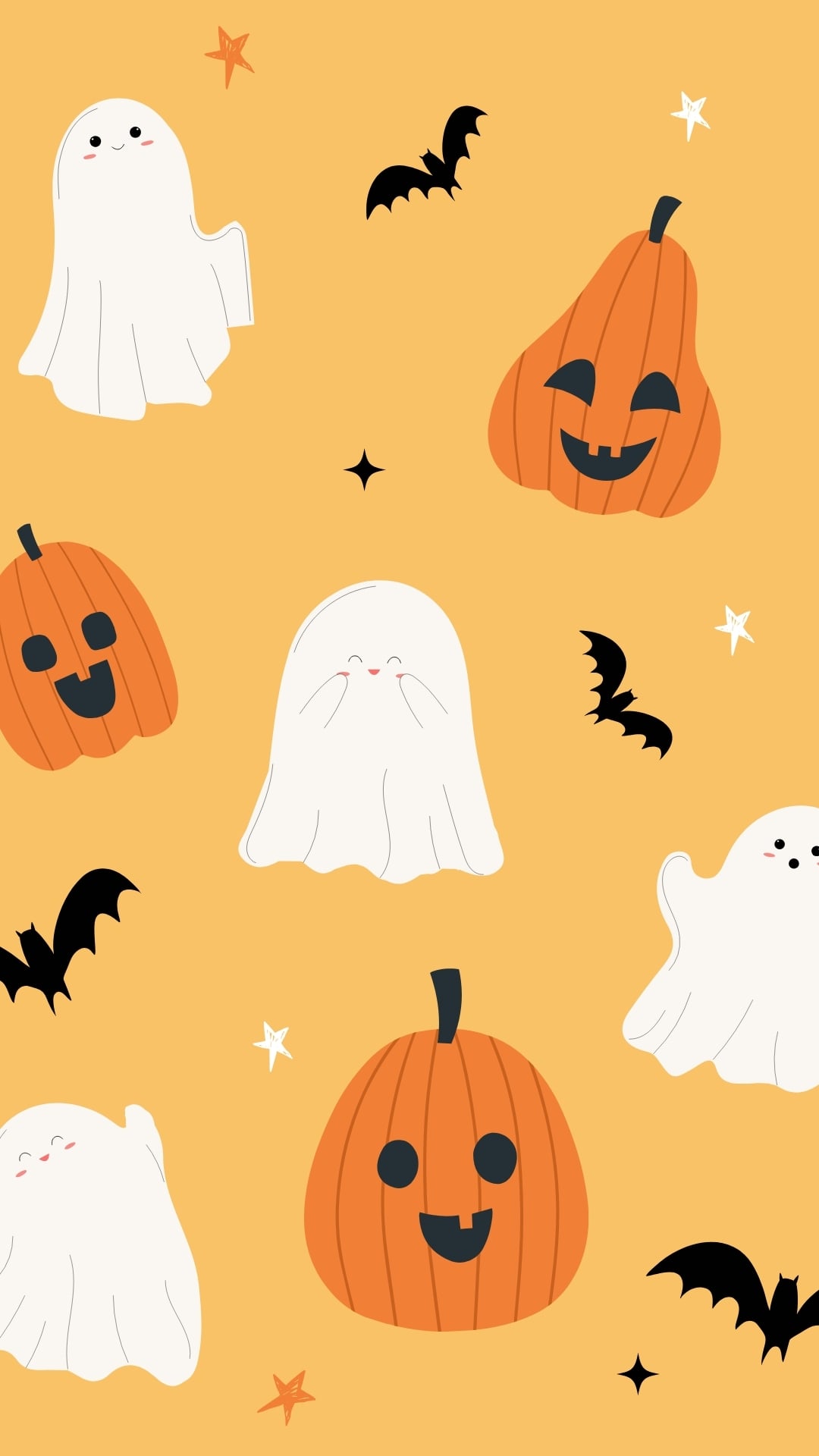
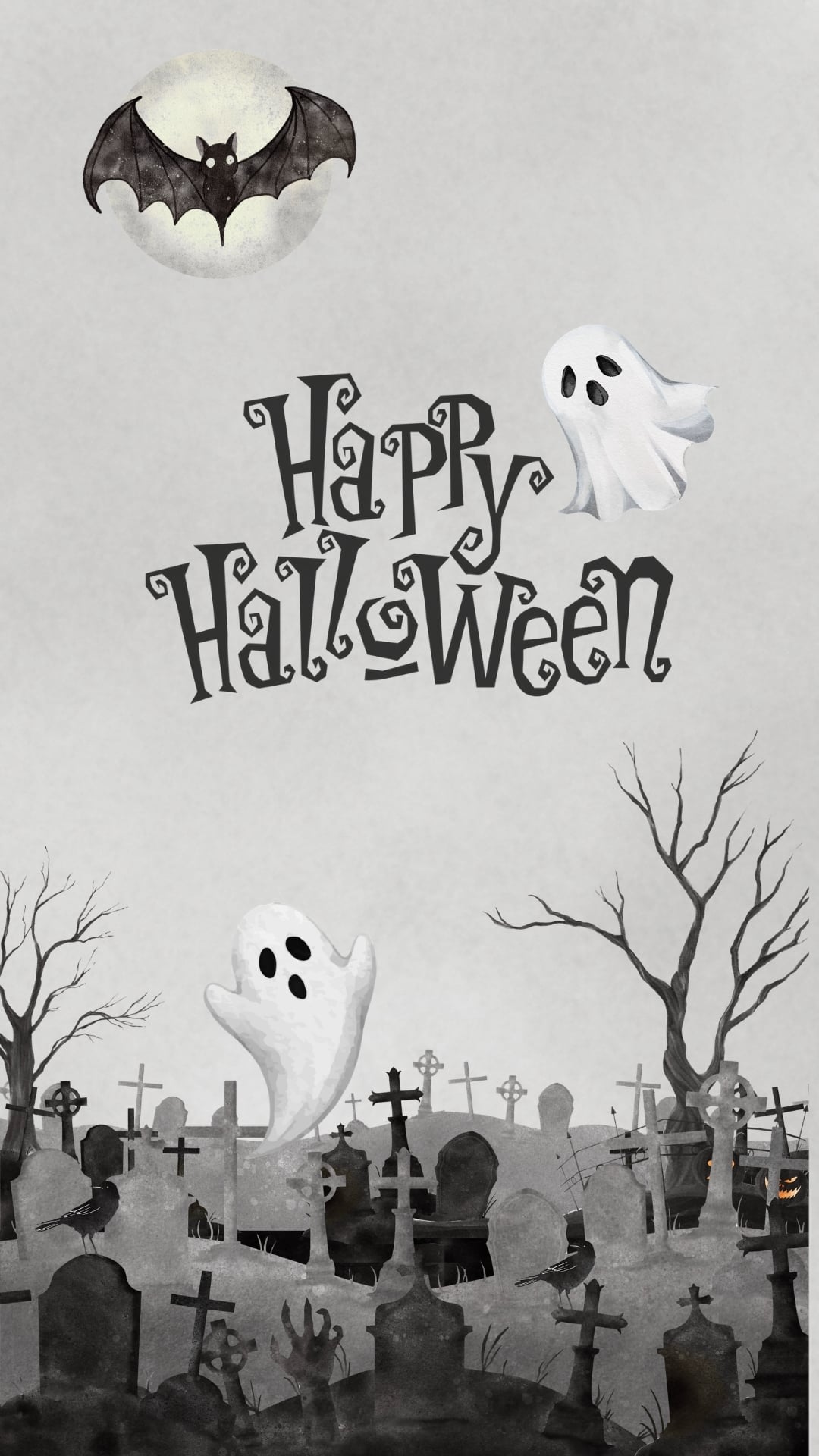
Give your phone a spooky-cute makeover with these cute ghost wallpapers!
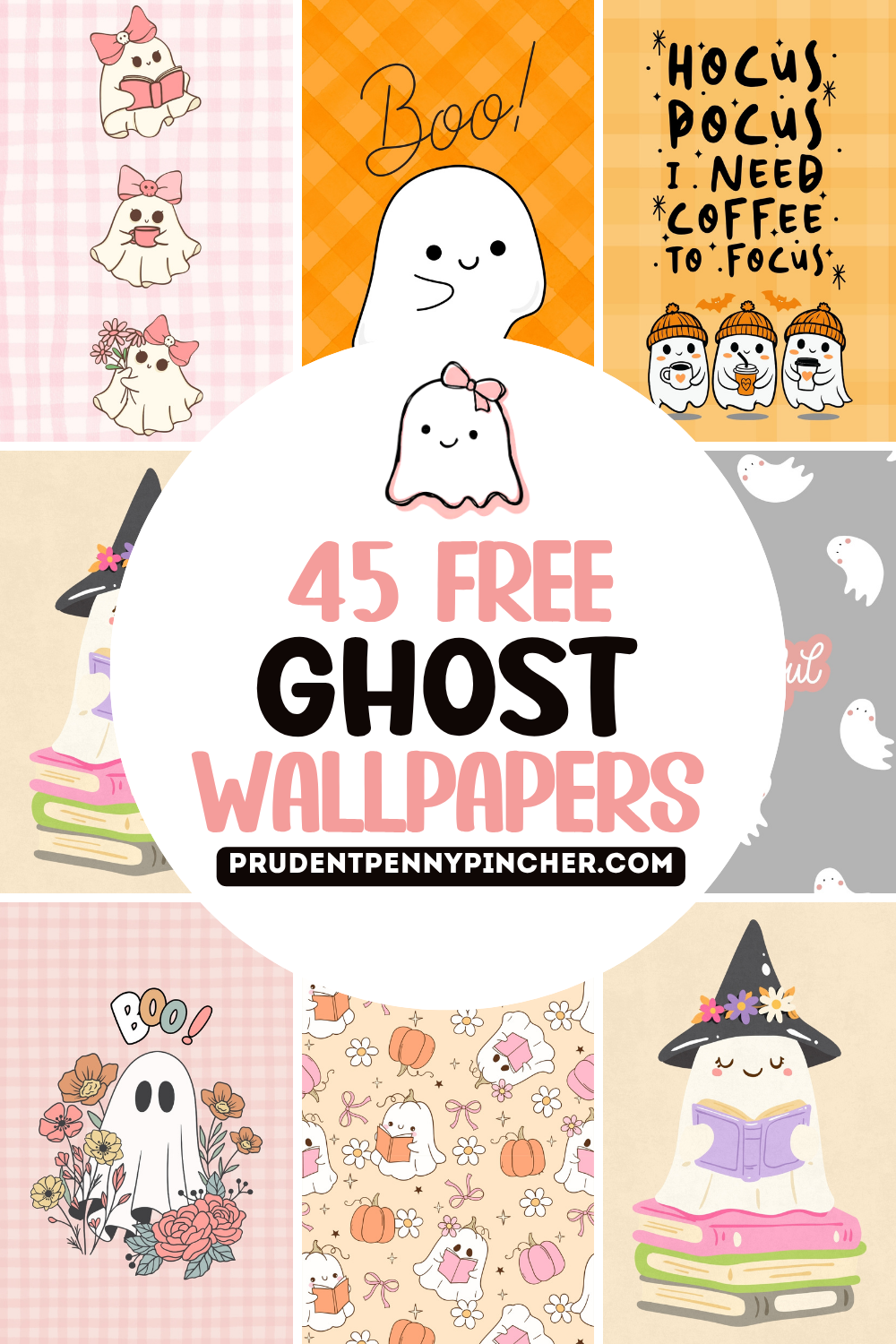
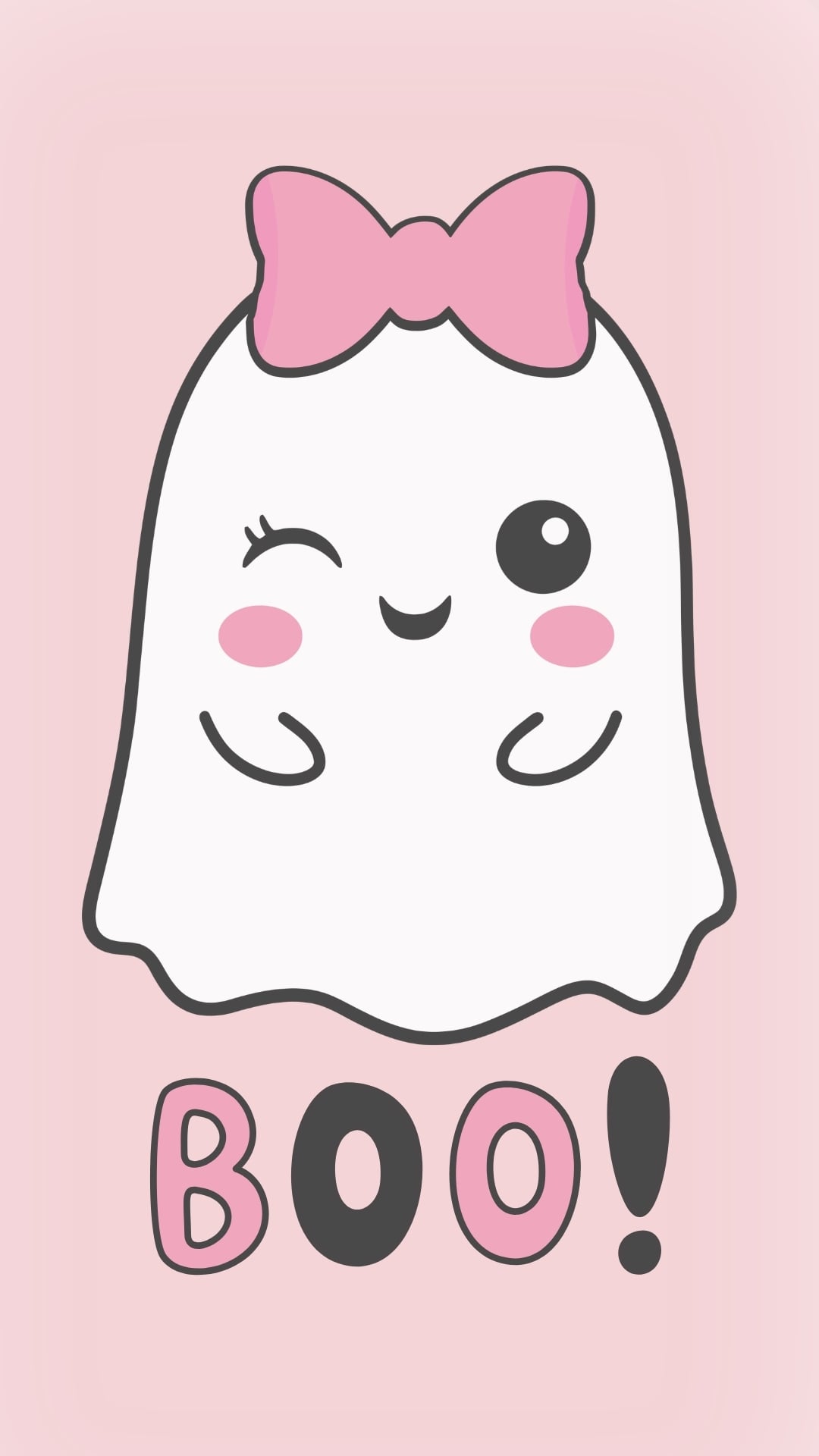
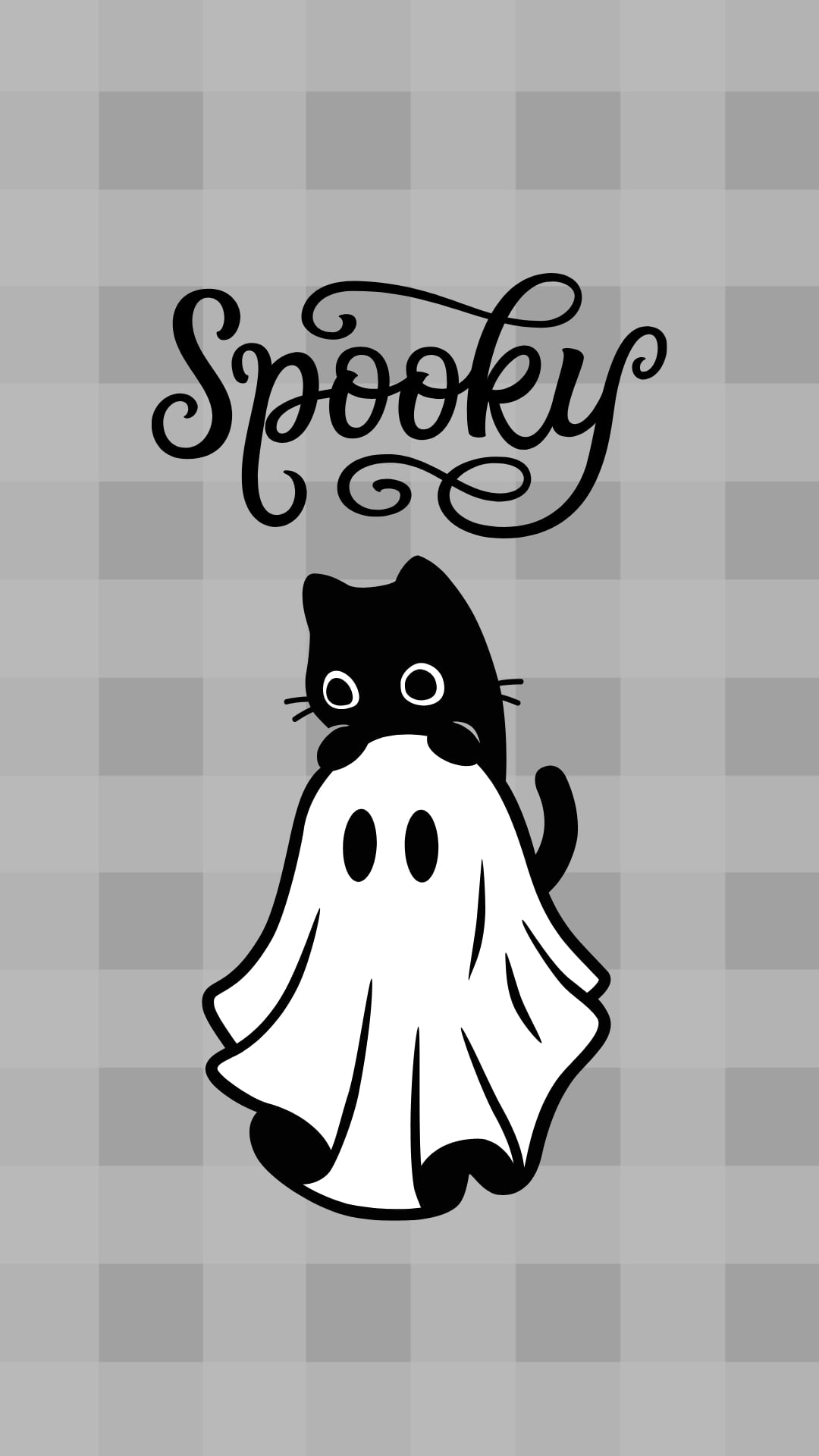
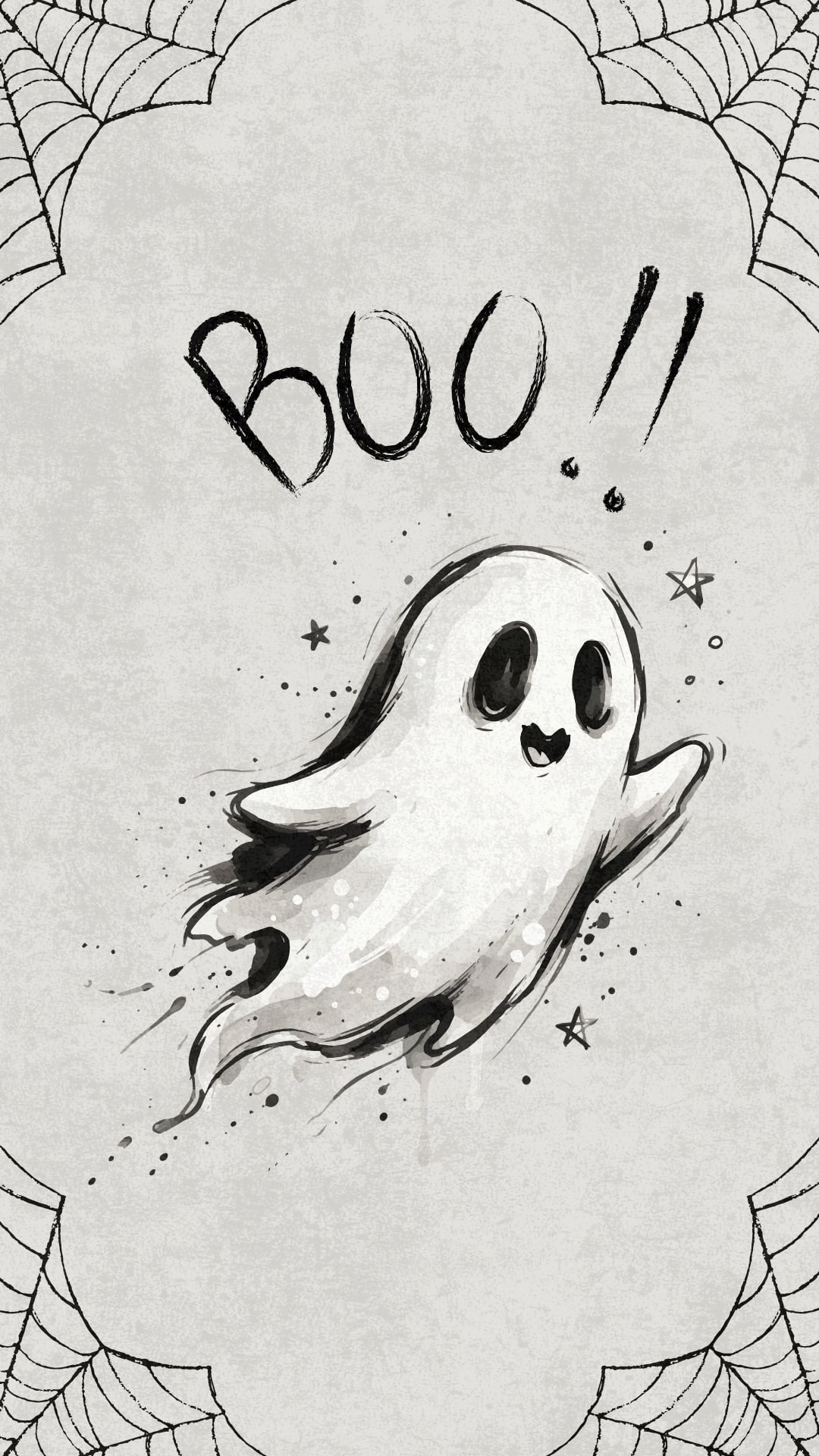
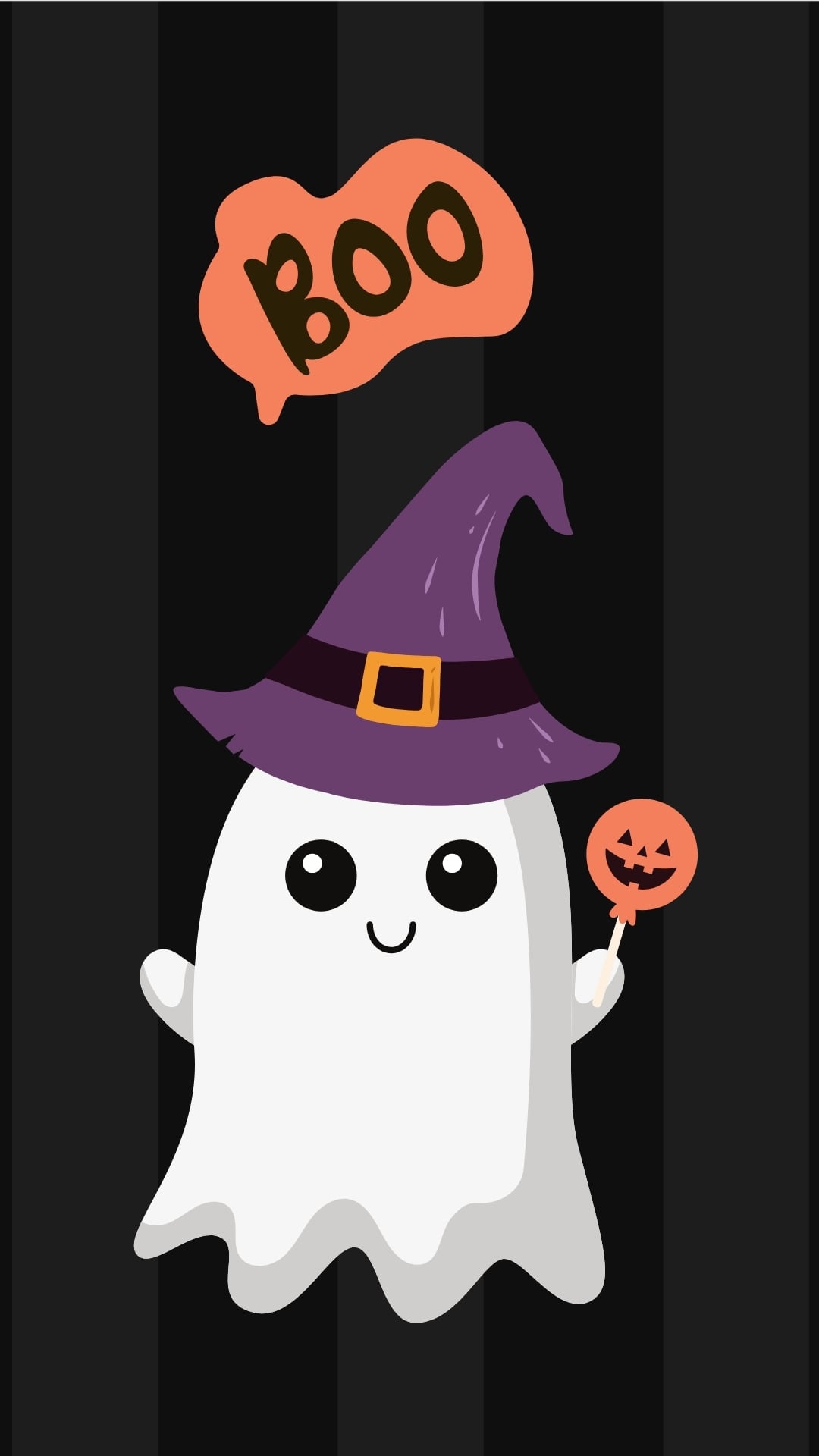
This collection includes adorable designs featuring everything from sweet little ghosts and playful Halloween patterns to cozy pumpkins, black cats, bats, bows, flowers, and more. Whether you love soft pastels, classic orange and black, or a more neutral aesthetic, there are plenty of fun options to match your style.
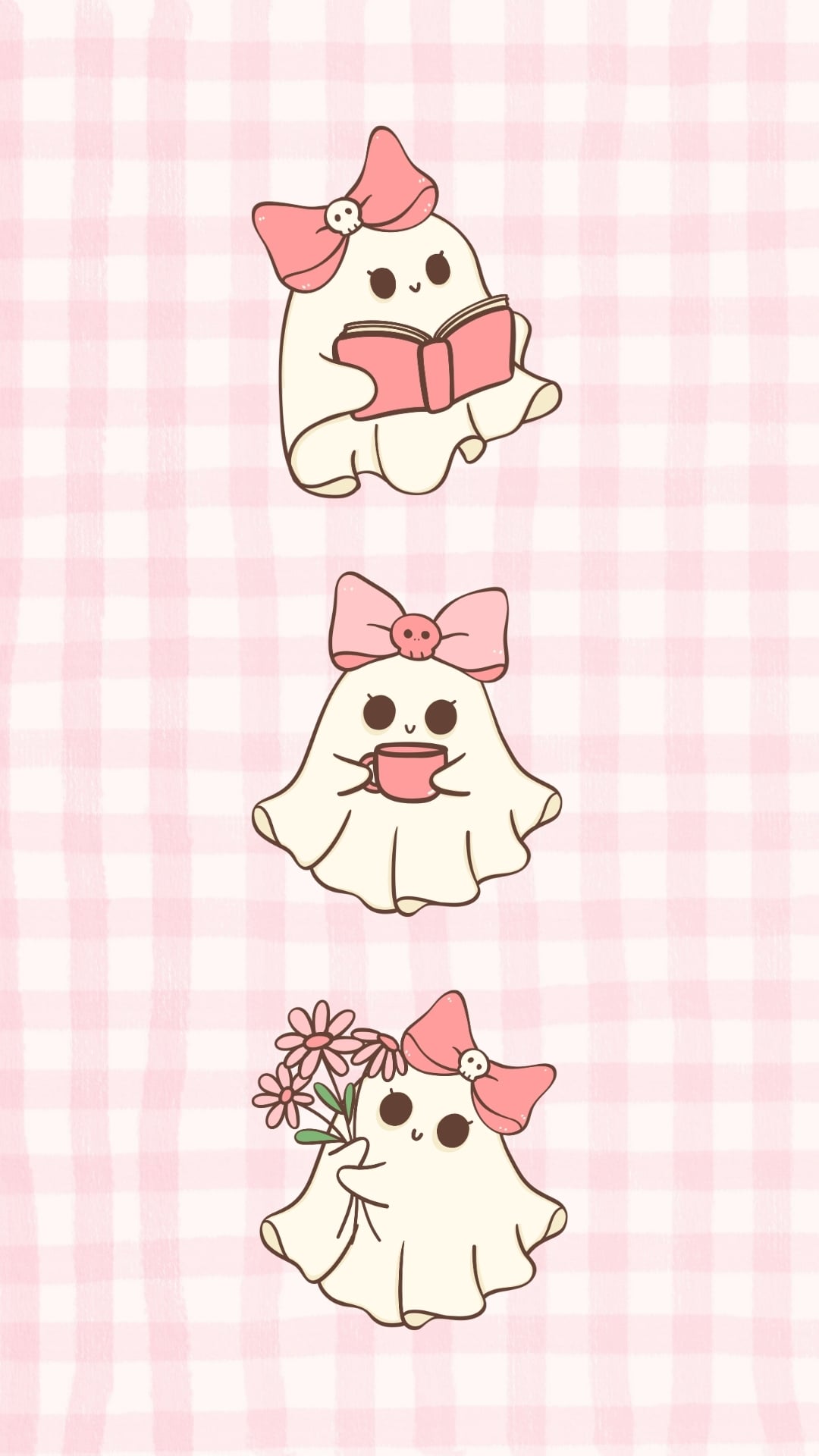
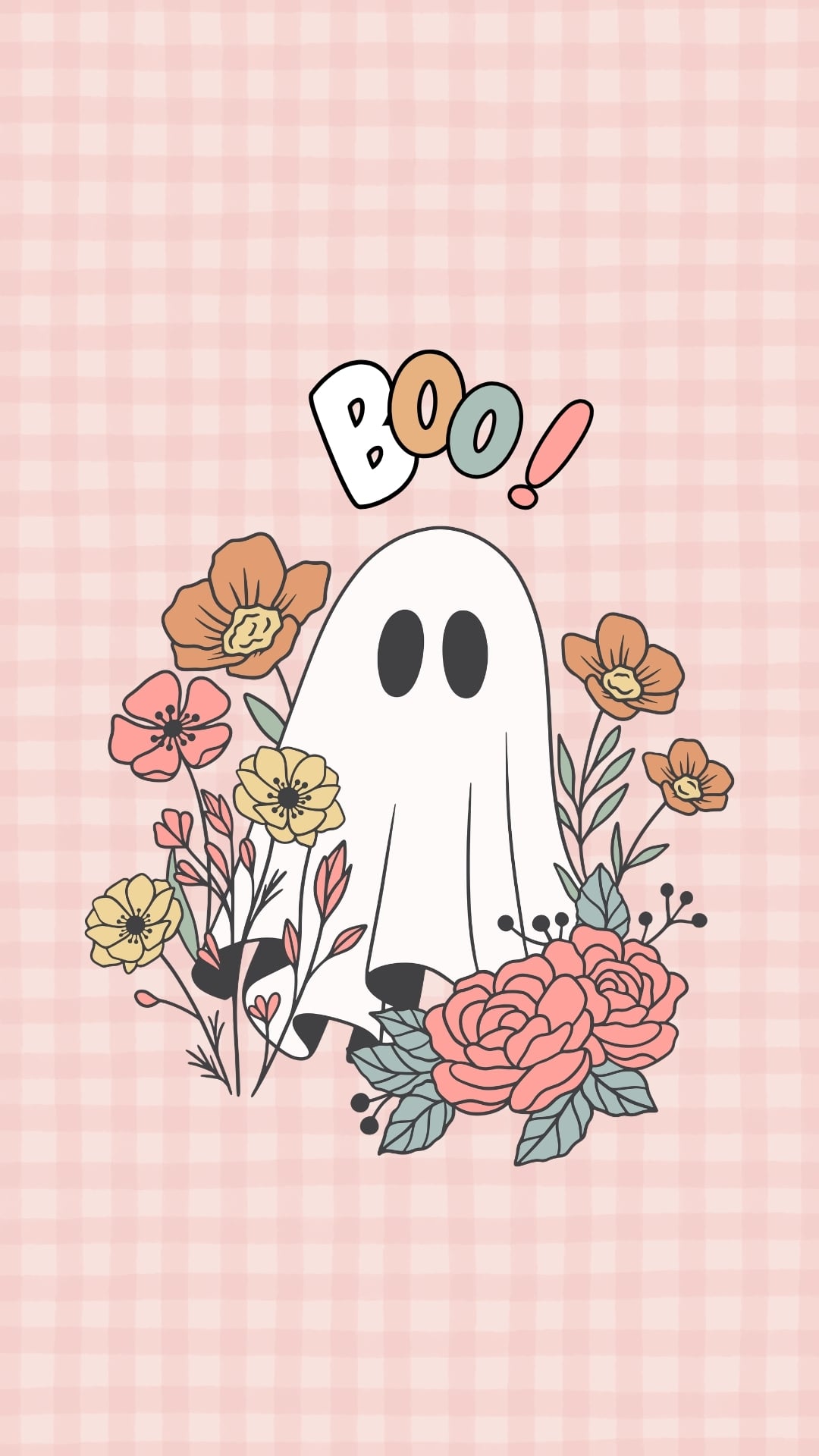
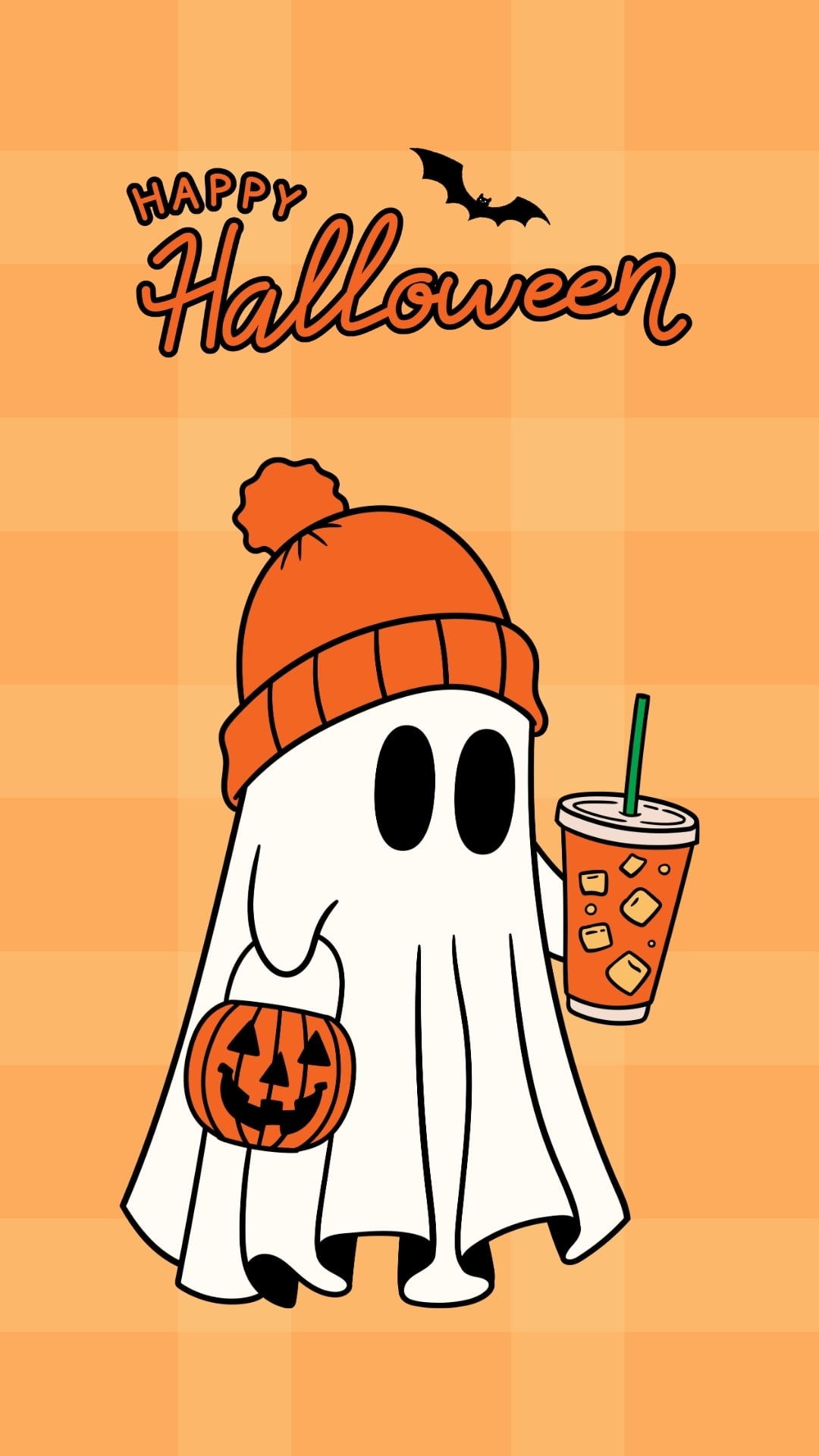
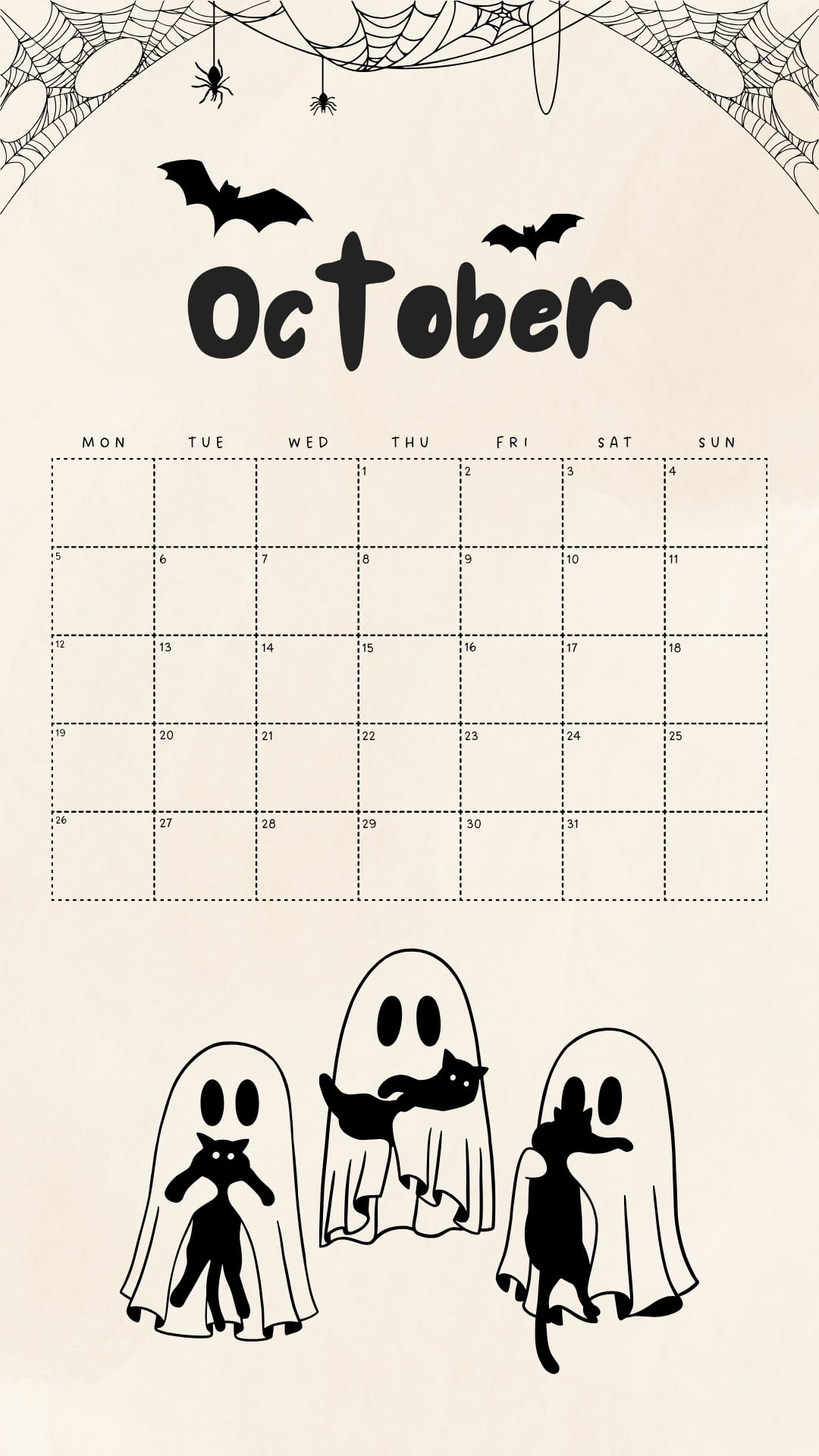
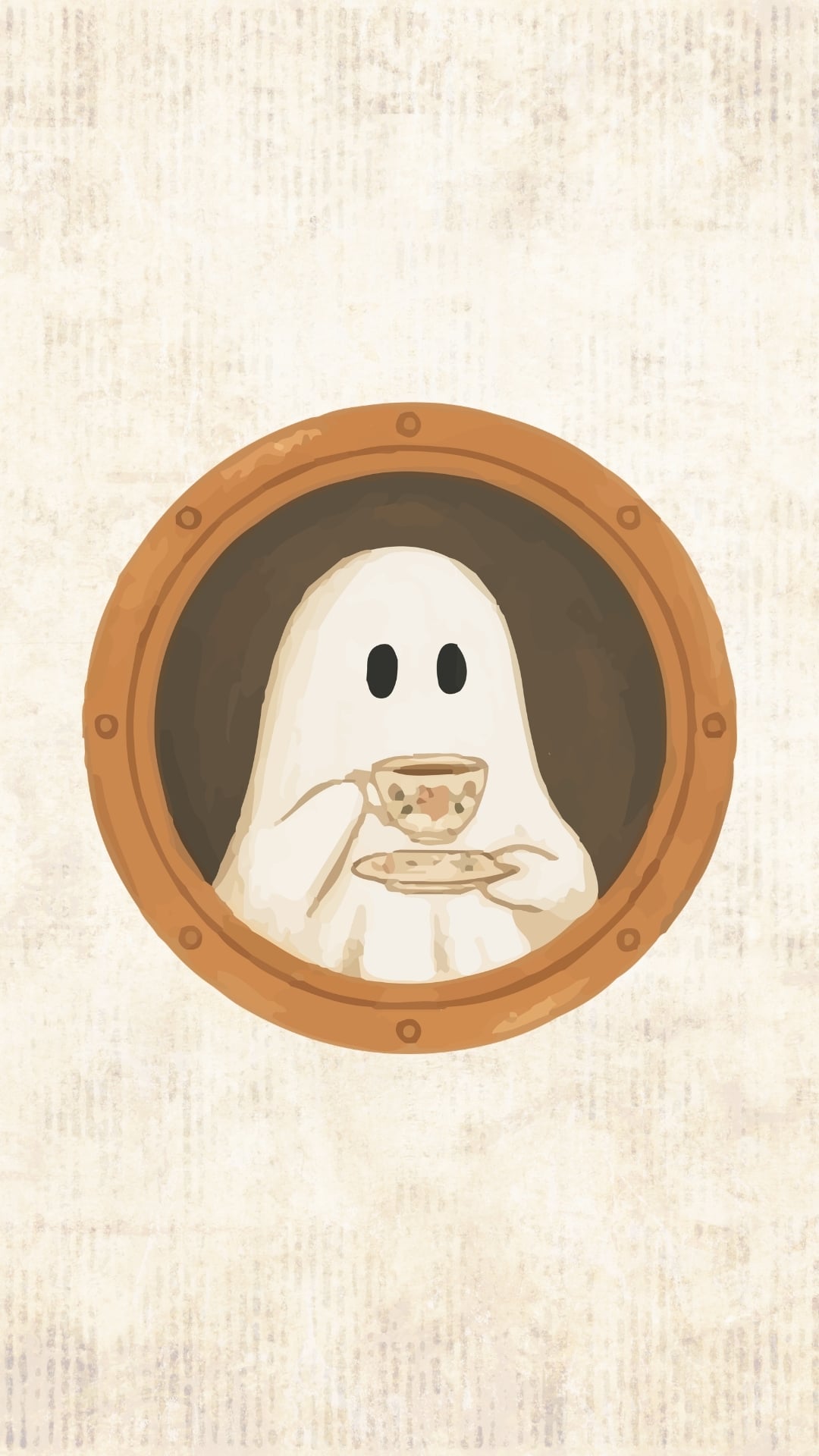
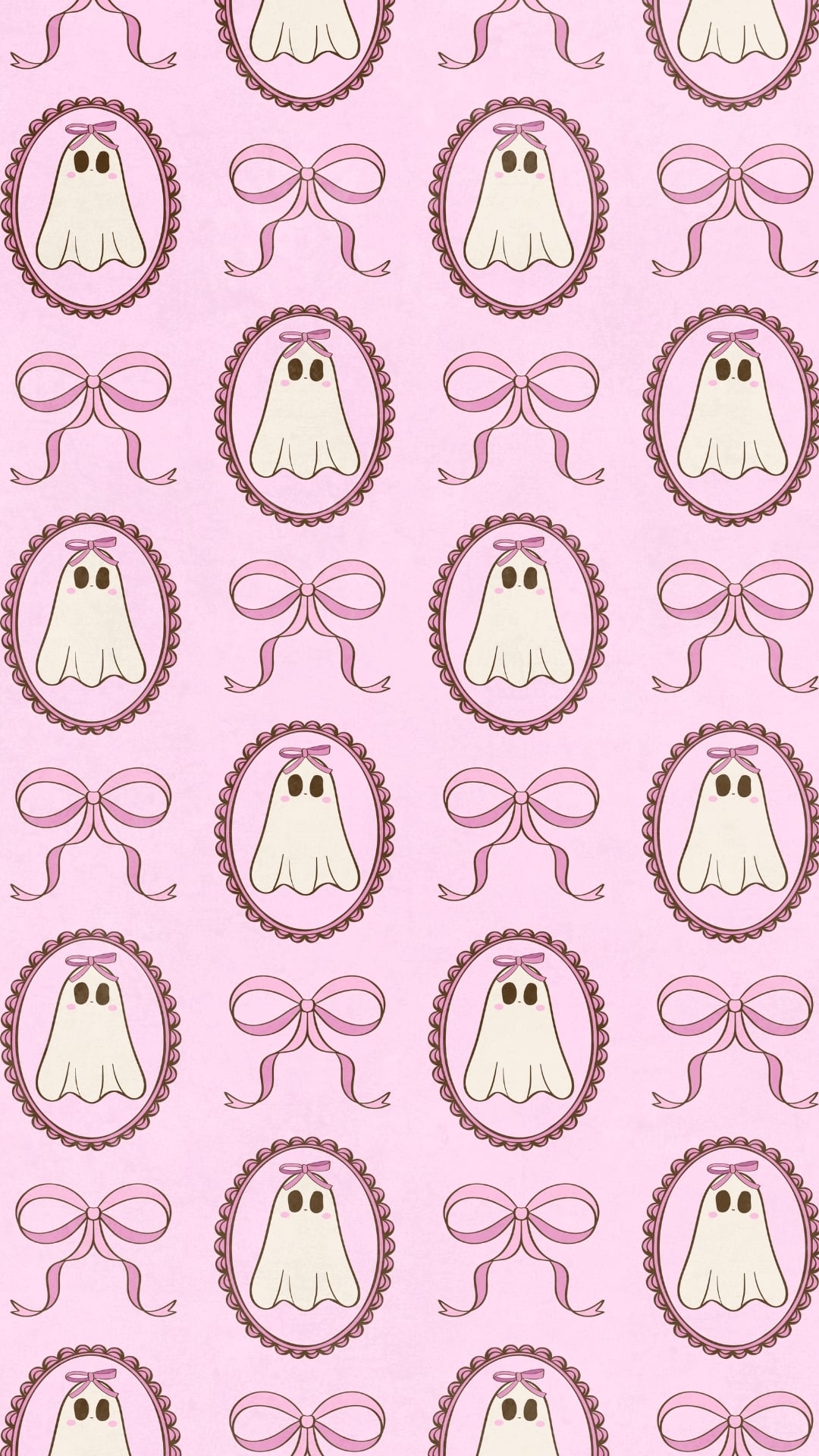
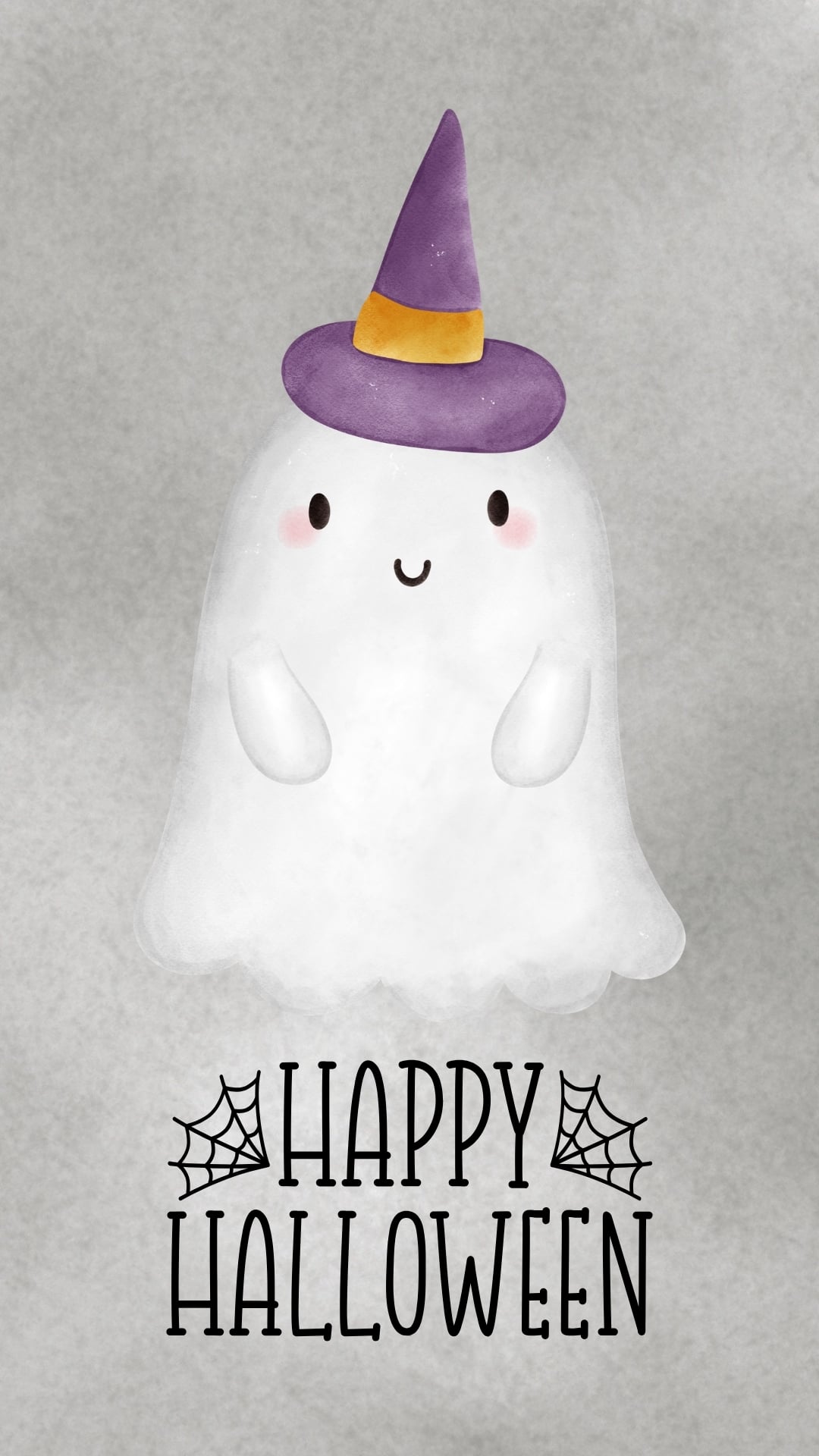
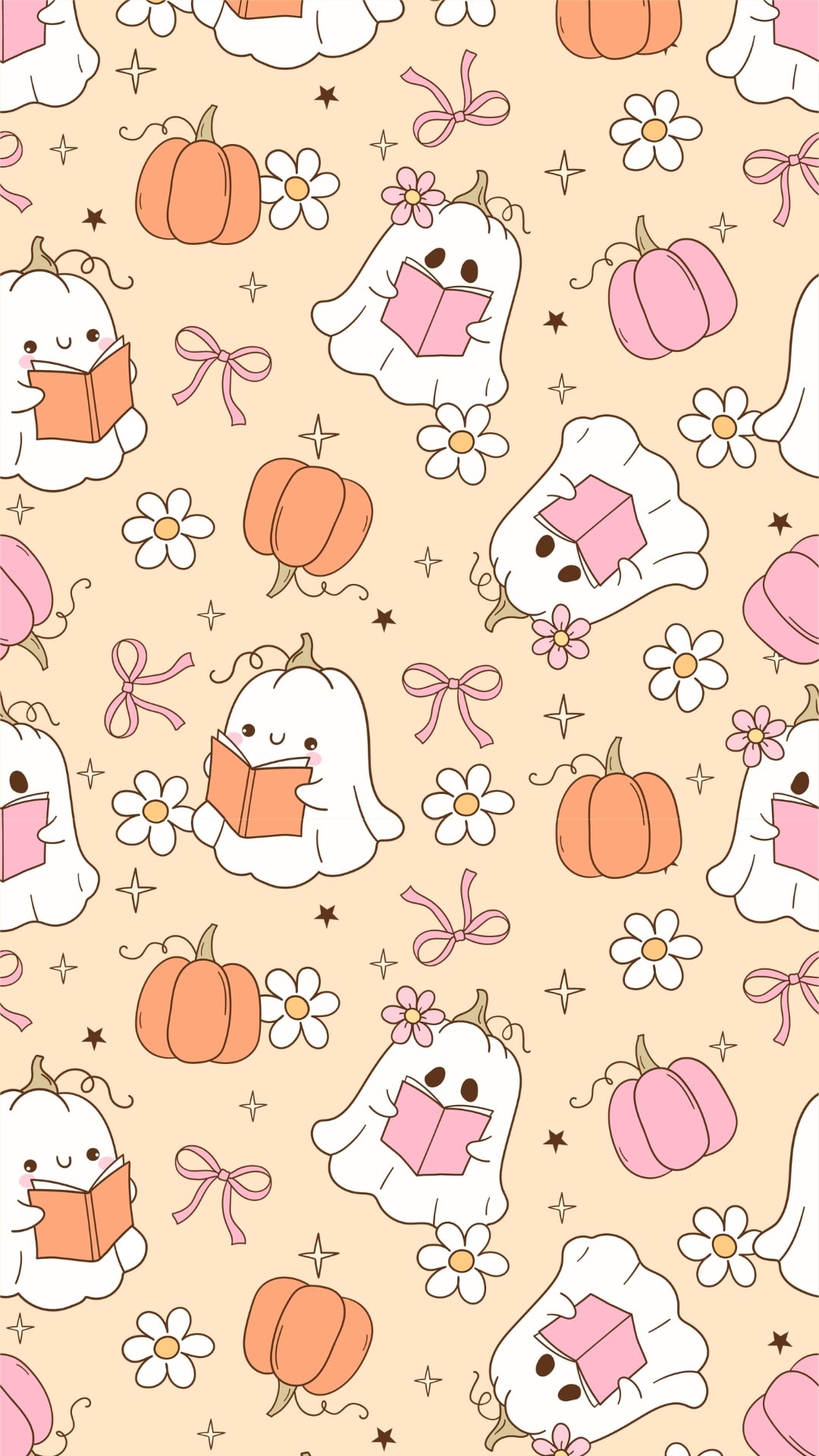
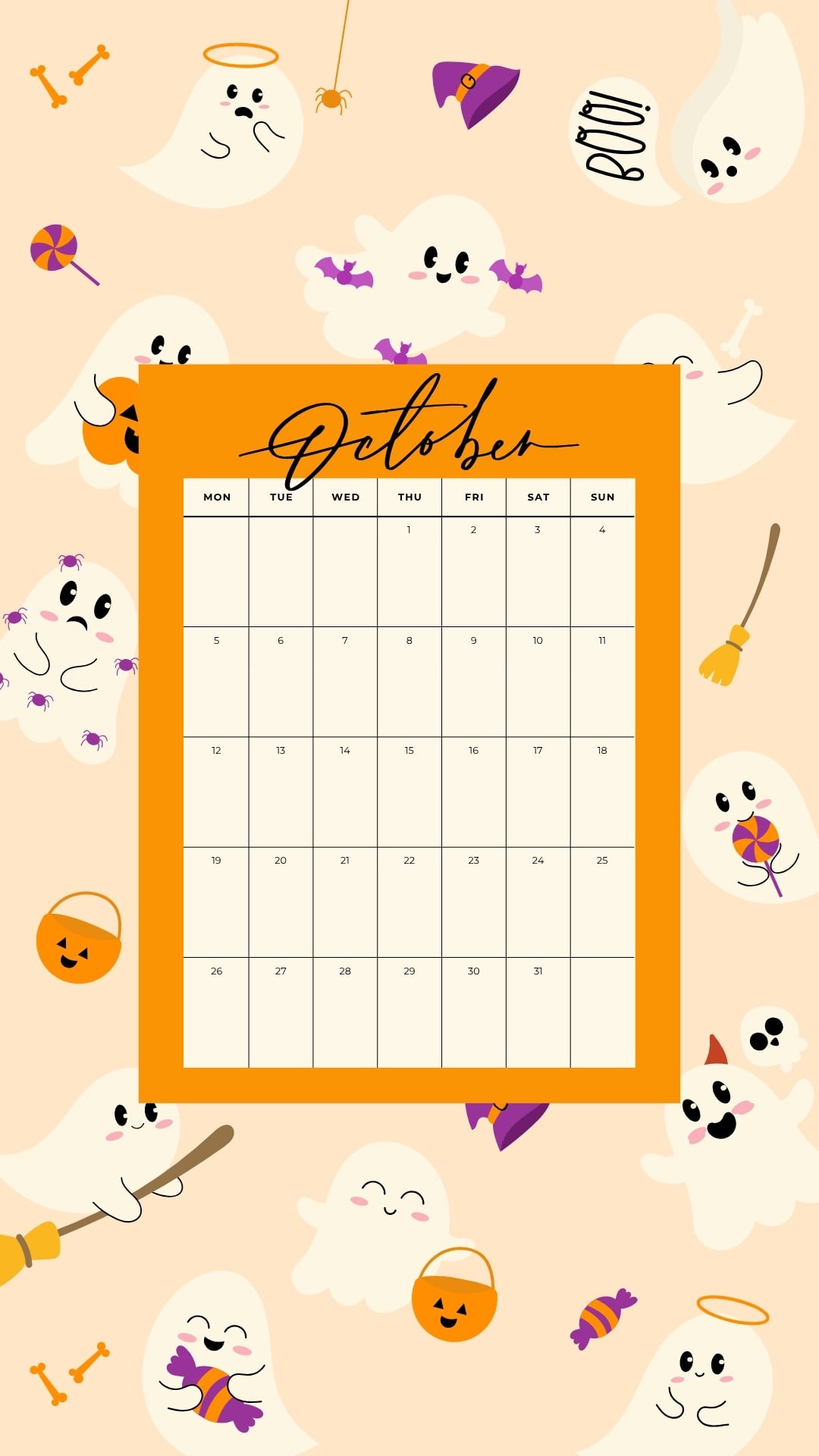
These cute ghost phone wallpapers range from cozy and whimsical to slightly spooky, with plenty of aesthetic options perfect for fall and Halloween. You’ll find kawaii ghosts, bookish ones, floral designs, retro-inspired patterns, October calendars, trick-or-treat scenes, vintage styles, watercolors, and ghost backgrounds featuring other seasonal themes such as pumpkins, bats, spiders, and witch hats.
All of these Halloween wallpapers are designed in a vertical format that works well as an iPhone or Android lock screen or home screen background. Browse through the collection, pick your favorites, and save as many as you like for an easy way to give your phone a festive fall refresh.
How to Save These Ghost Wallpapers to Your Phone
Saving your favorite free wallpaper is quick and easy. For the best image quality, open the one you want before saving it to your device.
On iPhone
- Tap the one you want to use to open the full-size image.
- Press and hold the image.
- Select Save to Photos or Add to Photos.
- Open the Photos app and find the saved image.
- Tap the Share button and choose Use as Wallpaper, or open your iPhone wallpaper settings and select the image from your photo library.
- Adjust the positioning if needed, then set it as your Lock Screen, Home Screen, or both.
On Android
- Tap the one you want to open in full-size version.
- Press and hold the image.
- Choose Download Image, Save Image, or a similar option, depending on your browser.
- Open the image from your Gallery or Photos app.
- Tap the menu and select Set as wallpaper, or open your phone’s wallpaper settings and choose the downloaded image.
- Adjust the placement and select whether you want it on your Home Screen, Lock Screen, or both.
Tip: Phone settings can vary slightly by device and browser, but the basic process is the same: save the full-size image to your phone, then select it from your settings.
Cute Ghost Wallpapers for the Phone

More Fall and Halloween Wallpapers
- 50 Free Fall Wallpapers for the Phone
- 35 Free Phone October Wallpapers
- 25 Free Phone September Wallpapers
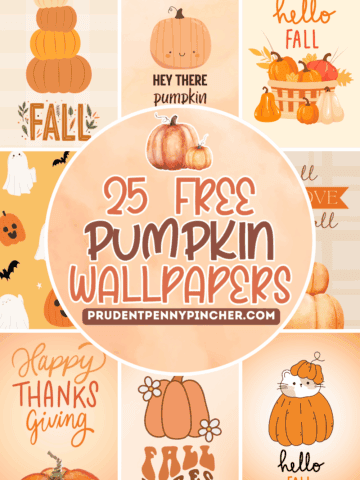
- 25 Free Phone Pumpkin Wallpapers
Follow me on Pinterest, Facebook, Flipboard, or Instagram for more inspiration on crafts, DIY, free printables, and recipes!




Leave a Reply