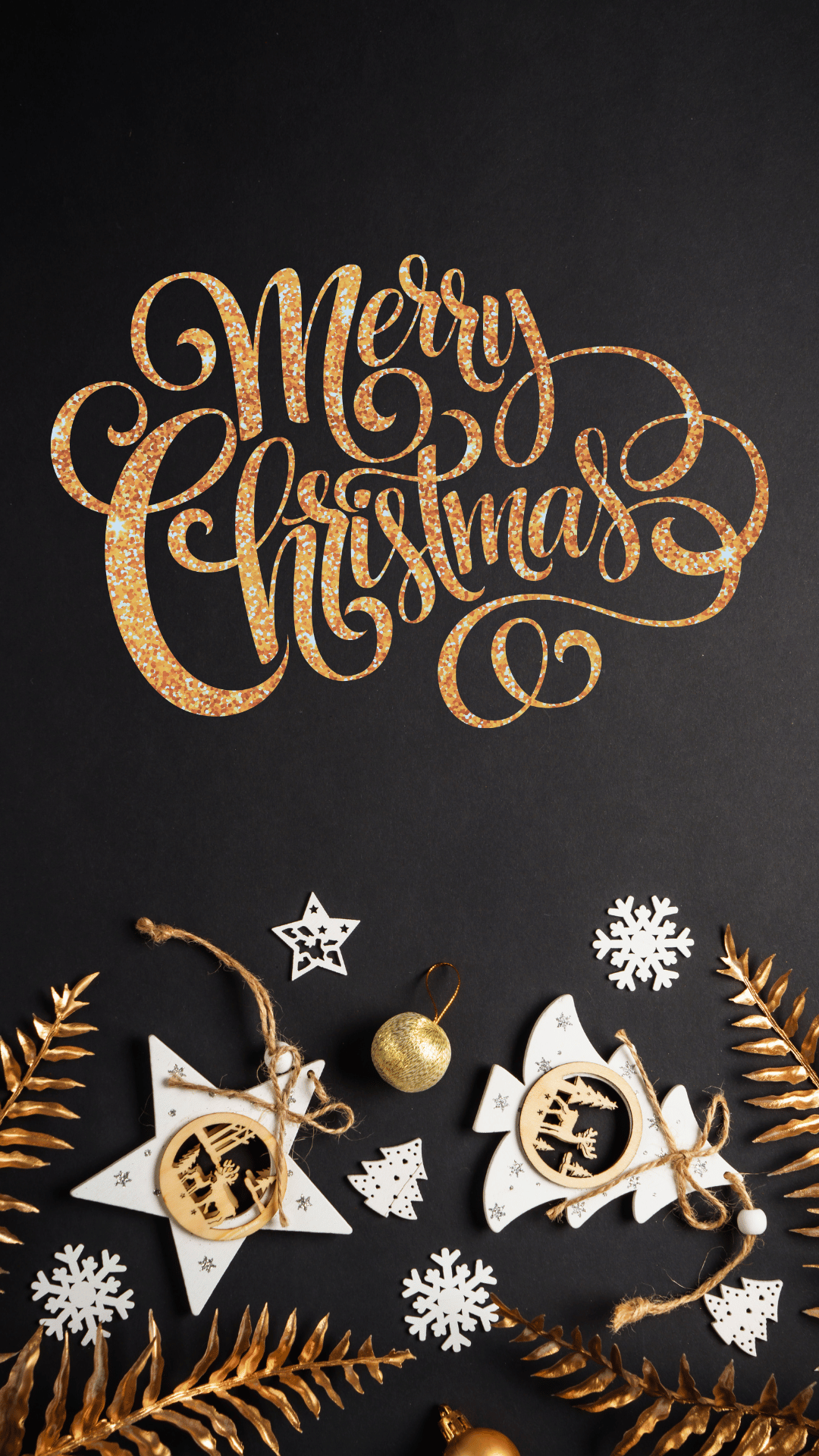
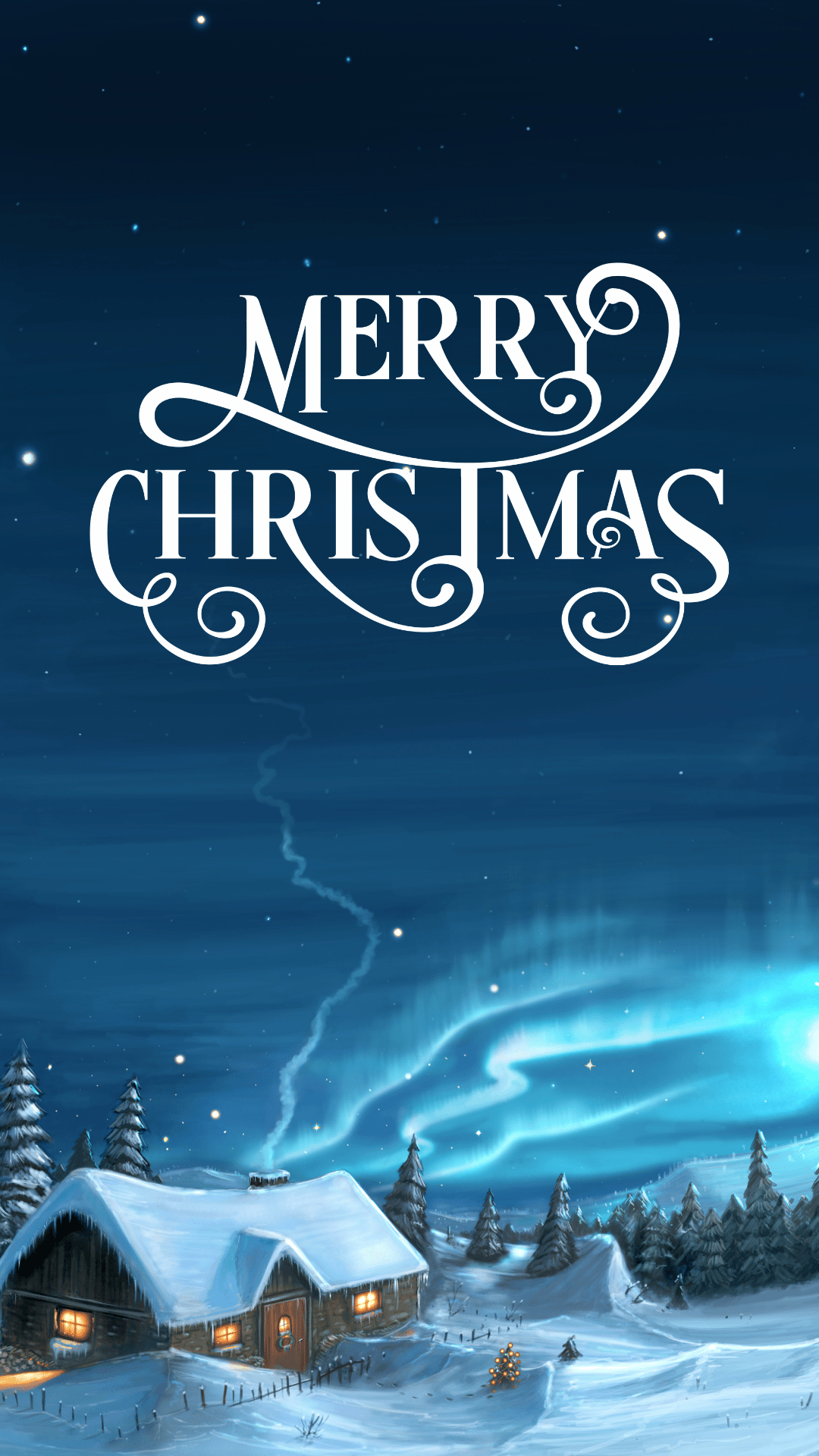
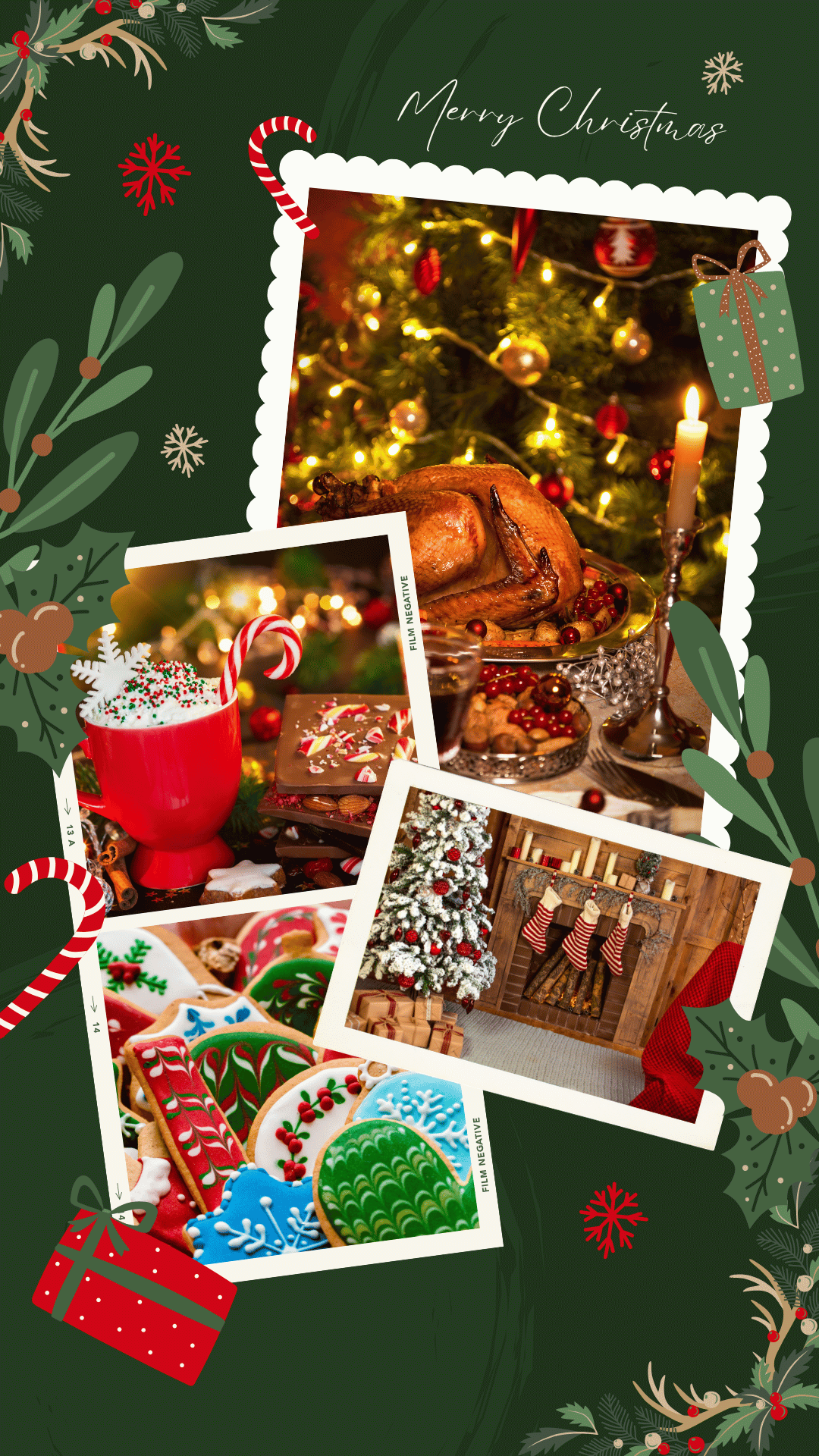
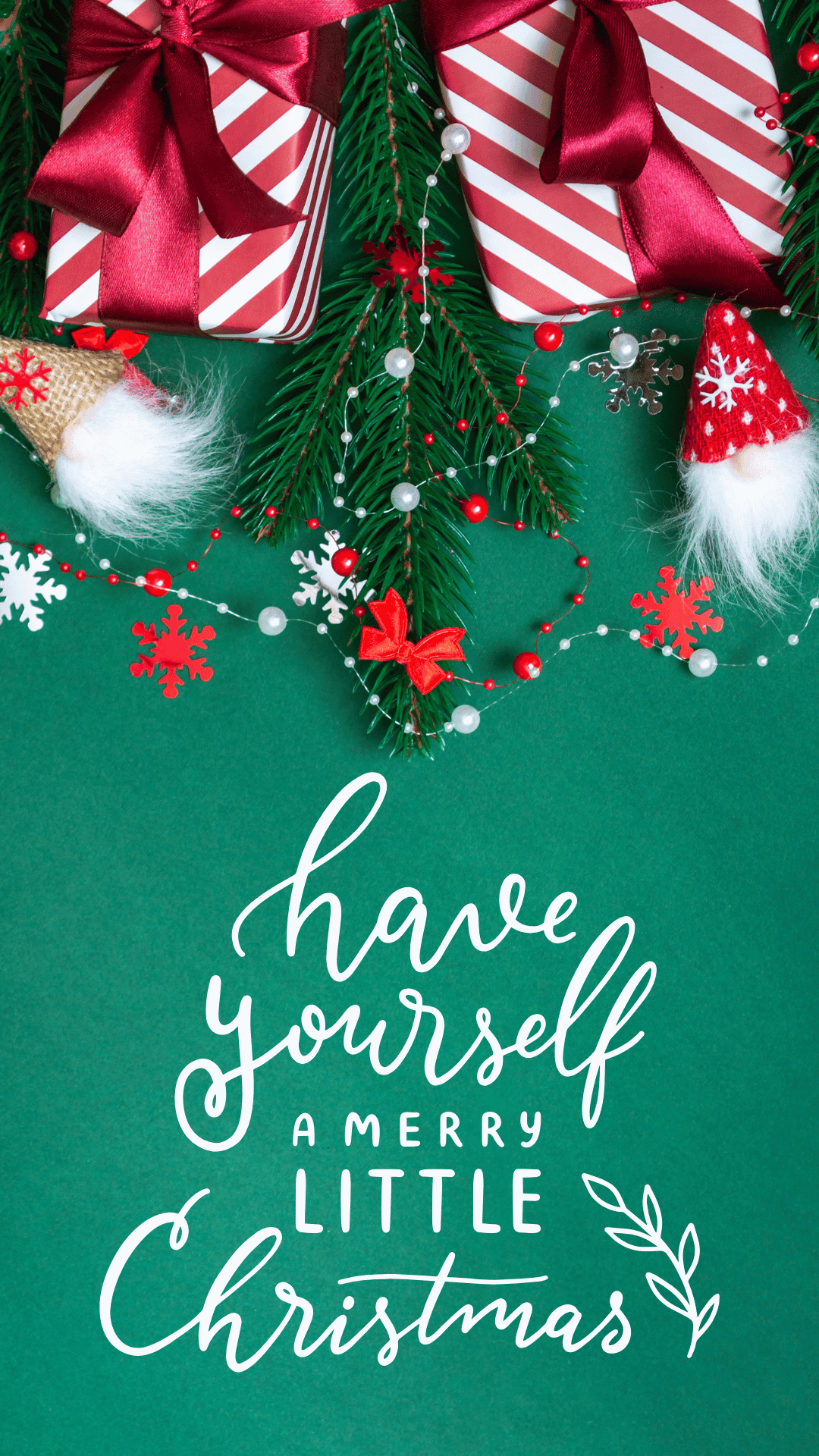
Give your phone a festive makeover with these free Merry Christmas wallpapers!
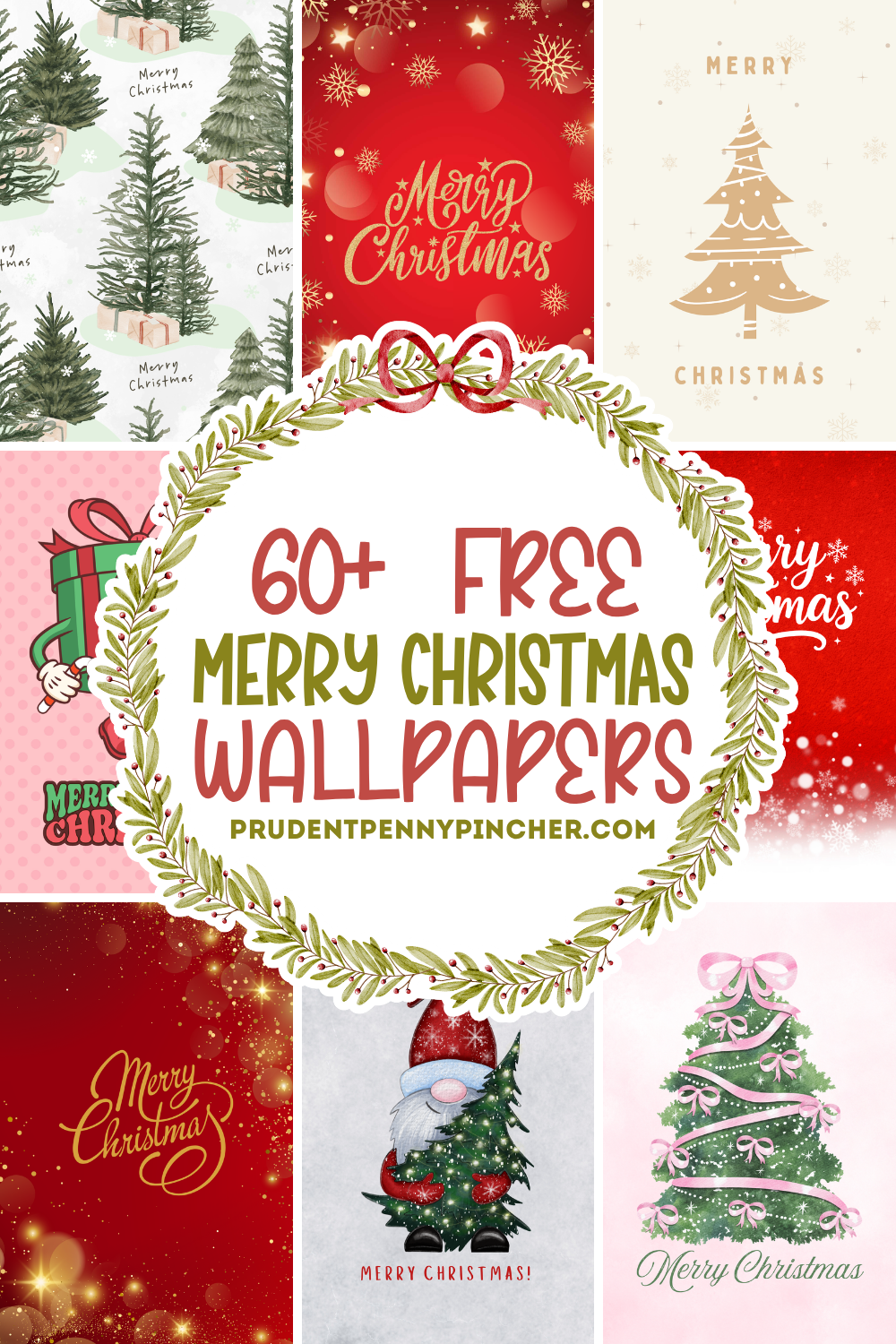
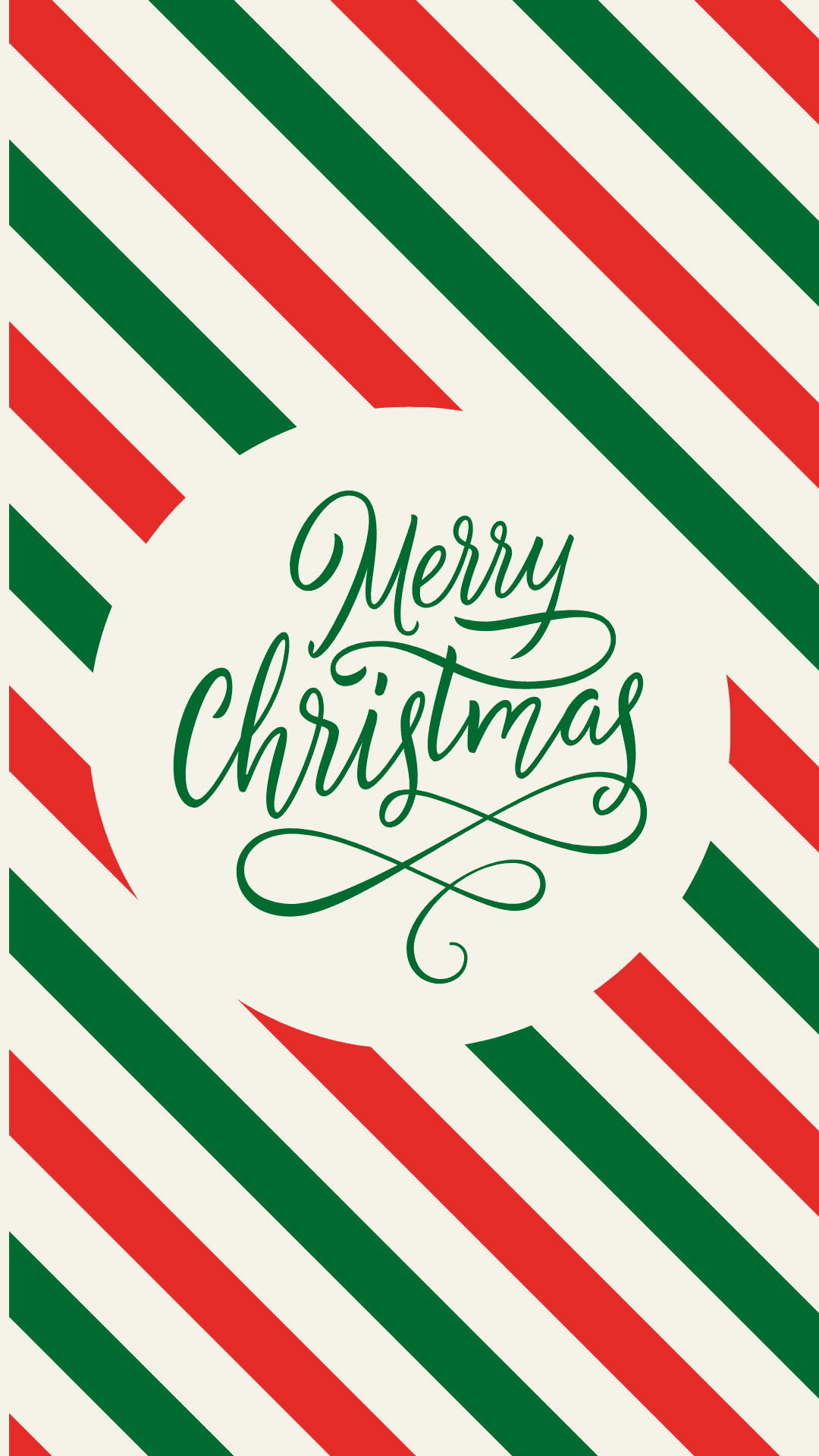
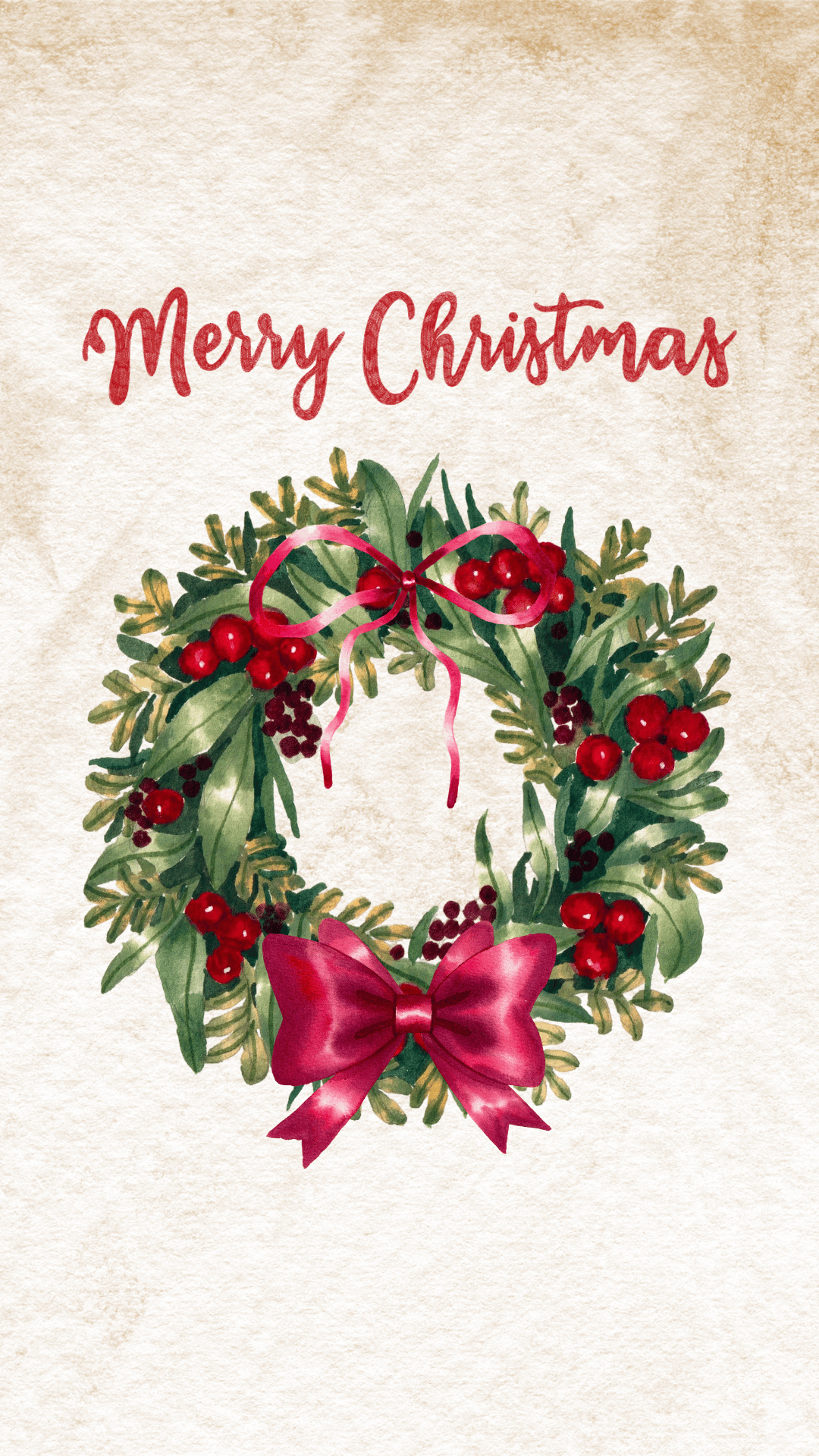
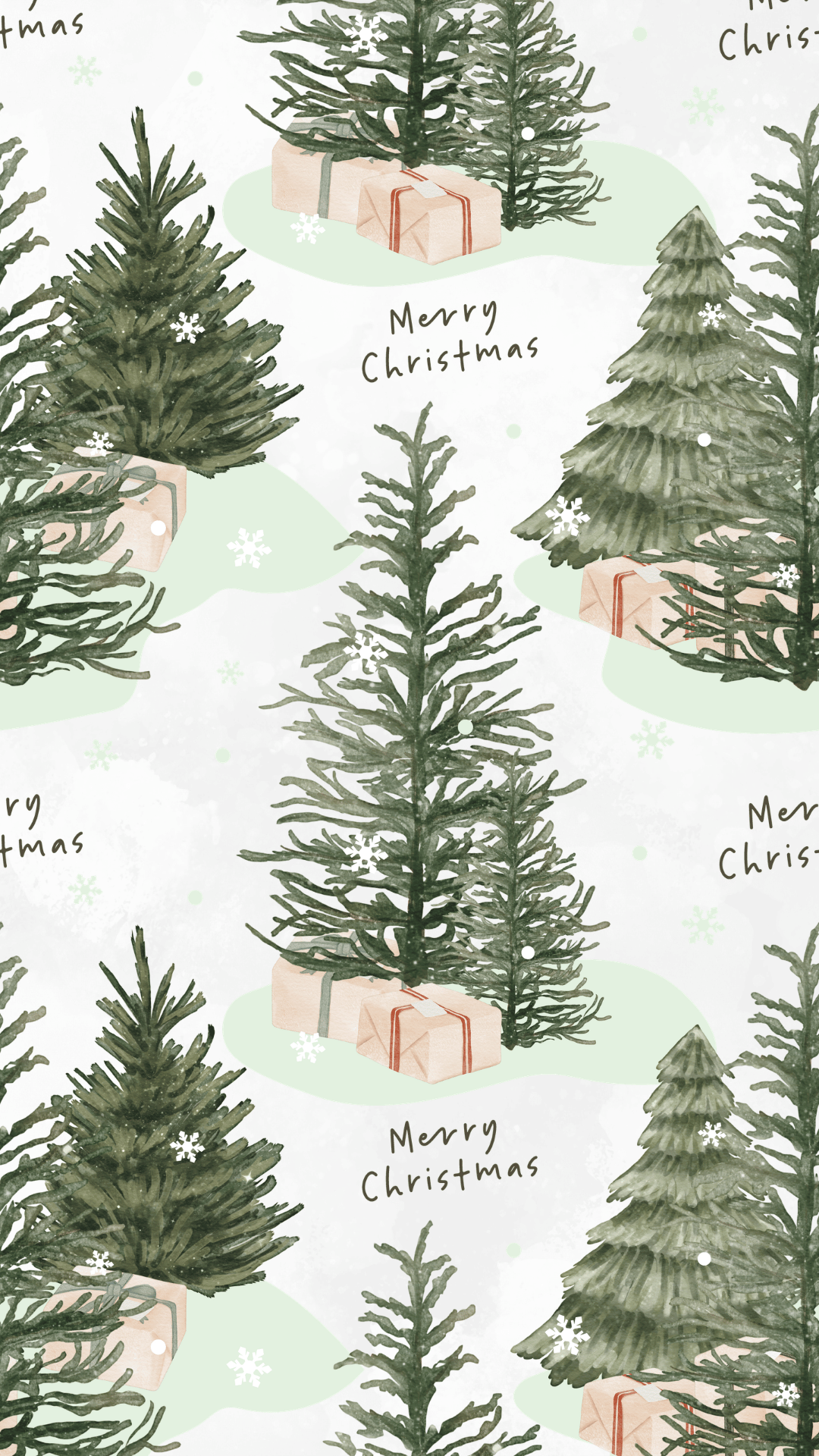
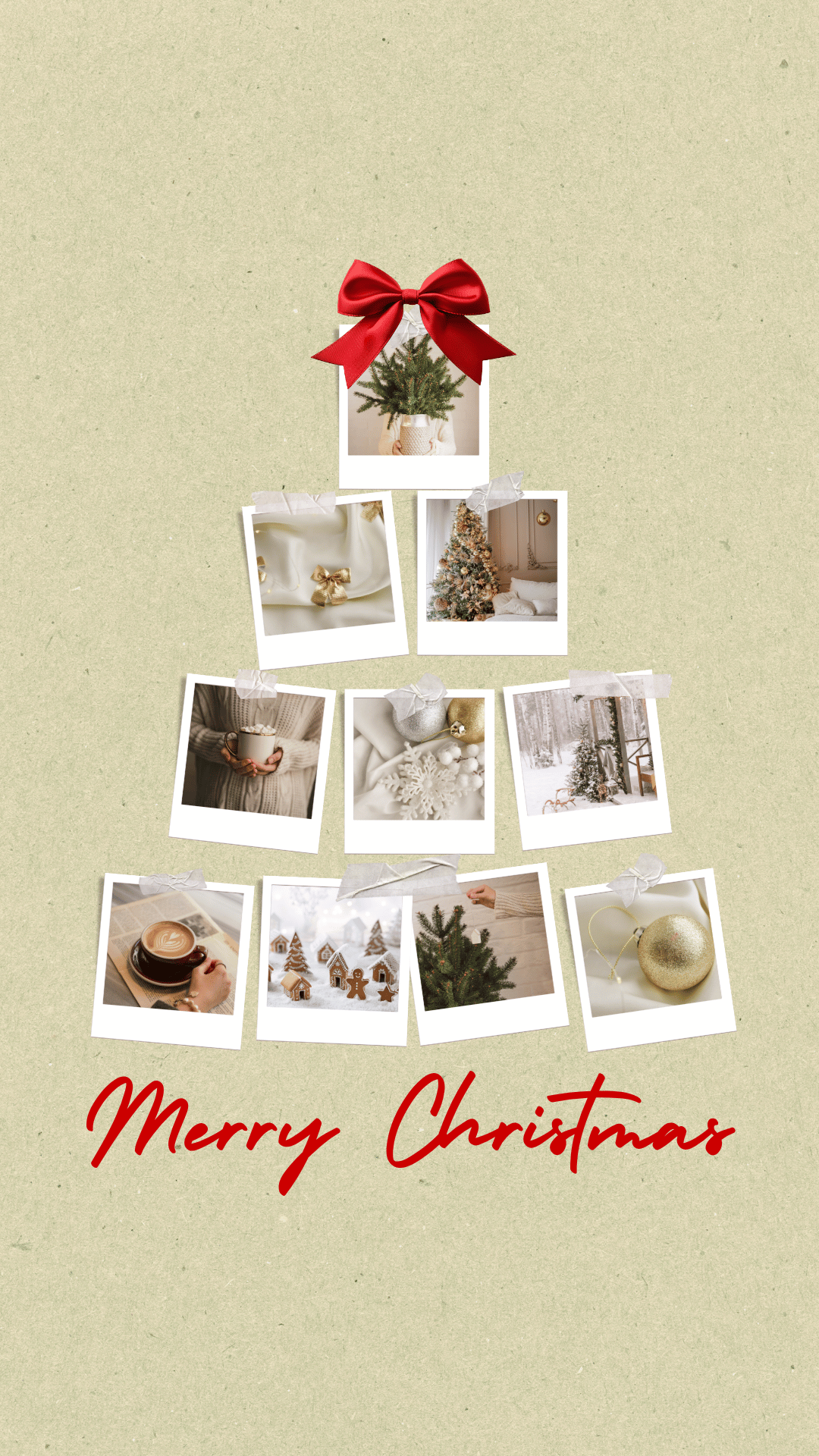
From classic red and green designs to cute Christmas illustrations and aesthetic backgrounds, there are plenty of ways to add a little holiday cheer to your screen. Whether you love elegant holiday lettering, snowy winter scenes, or watercolor seasonal artwork, you’ll find a design that fits your style.
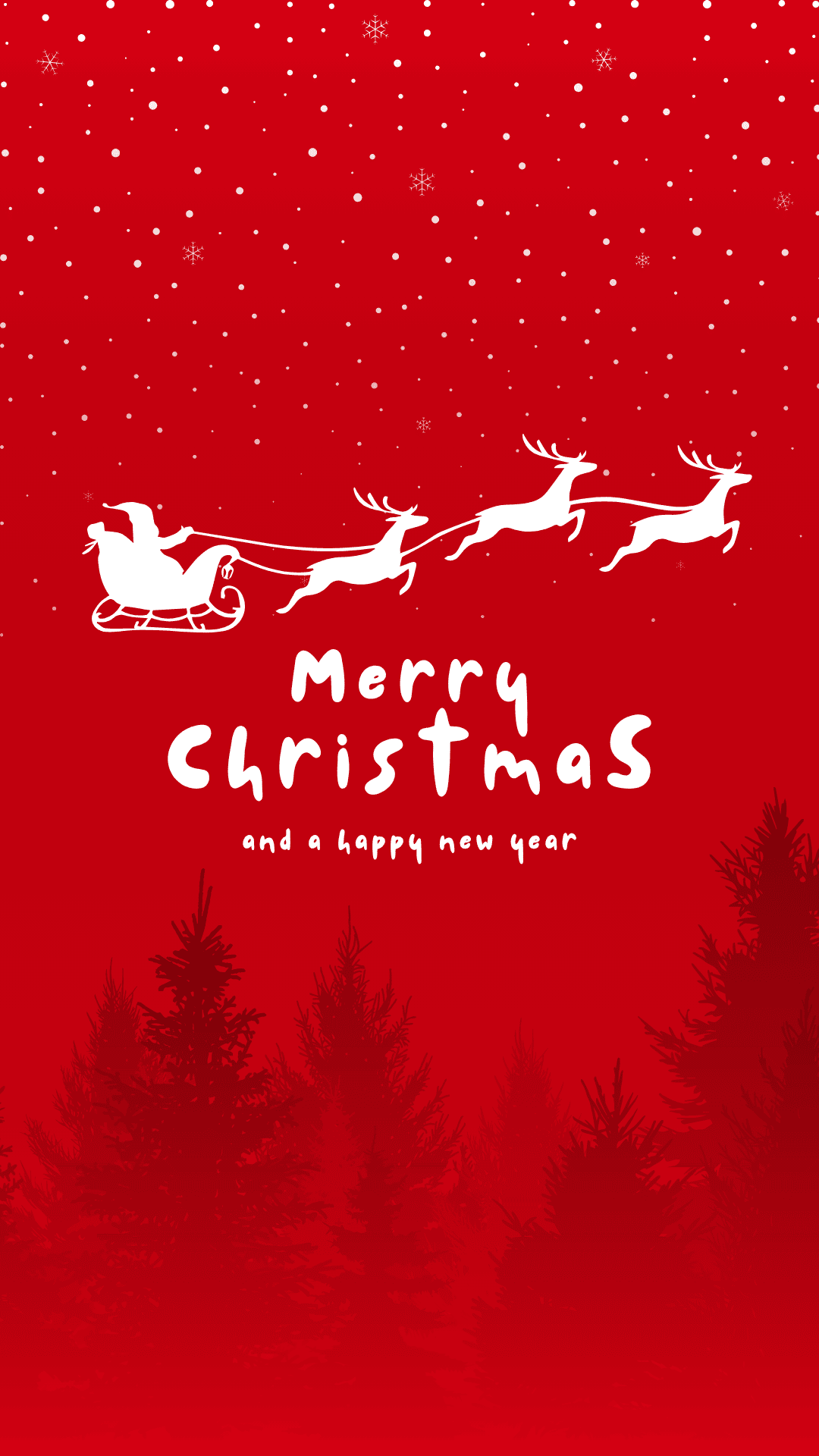
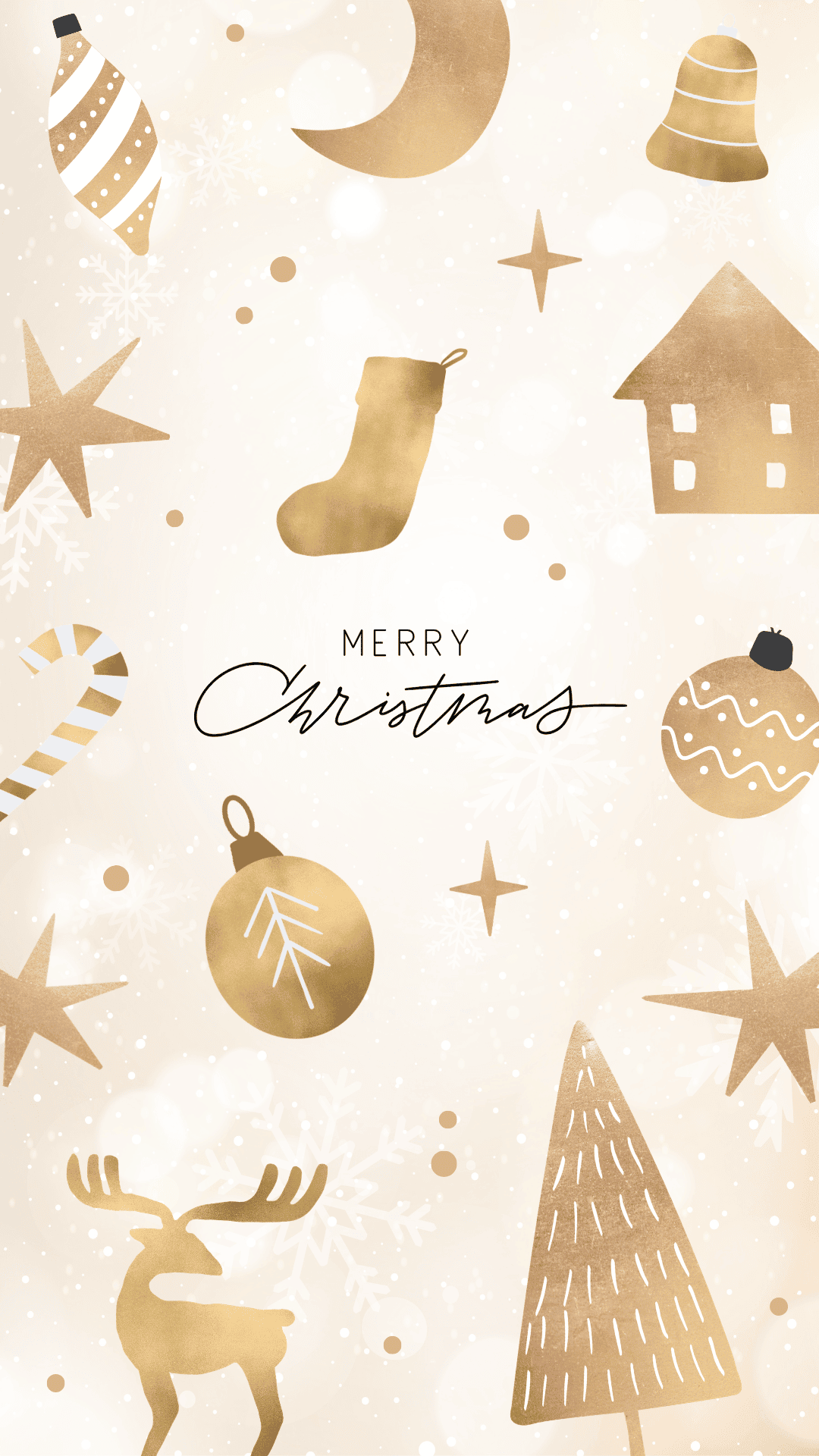
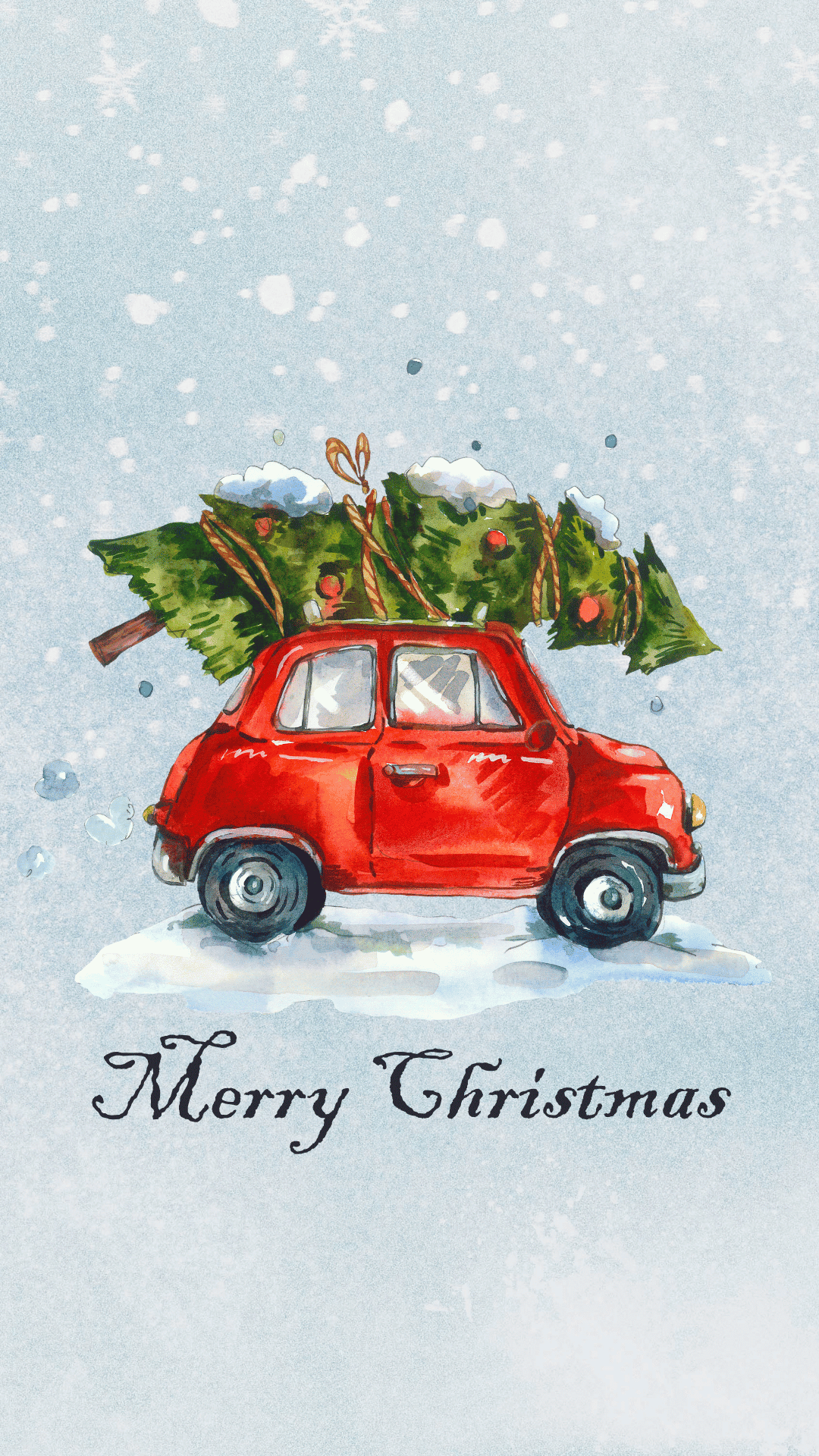
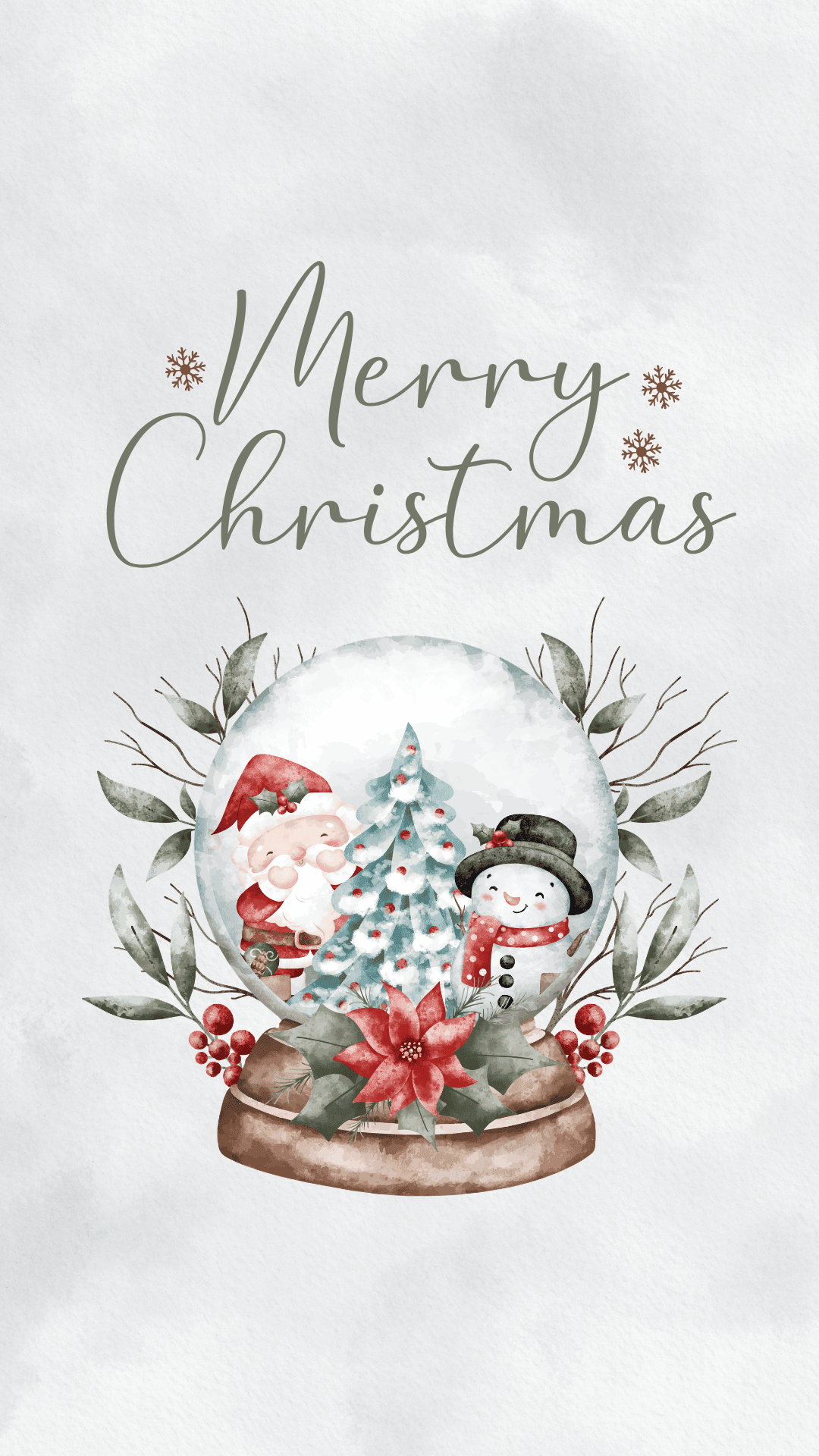
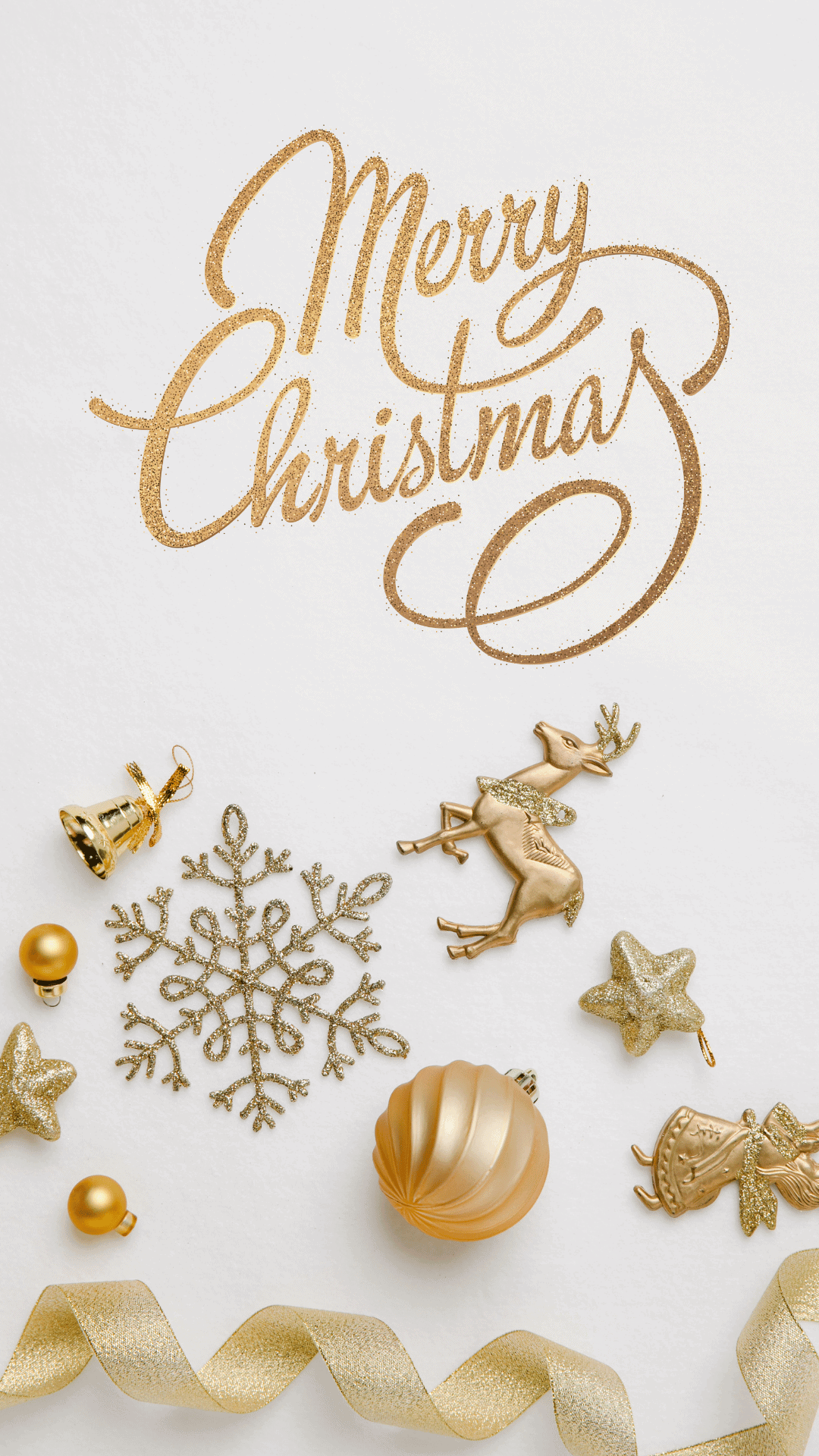
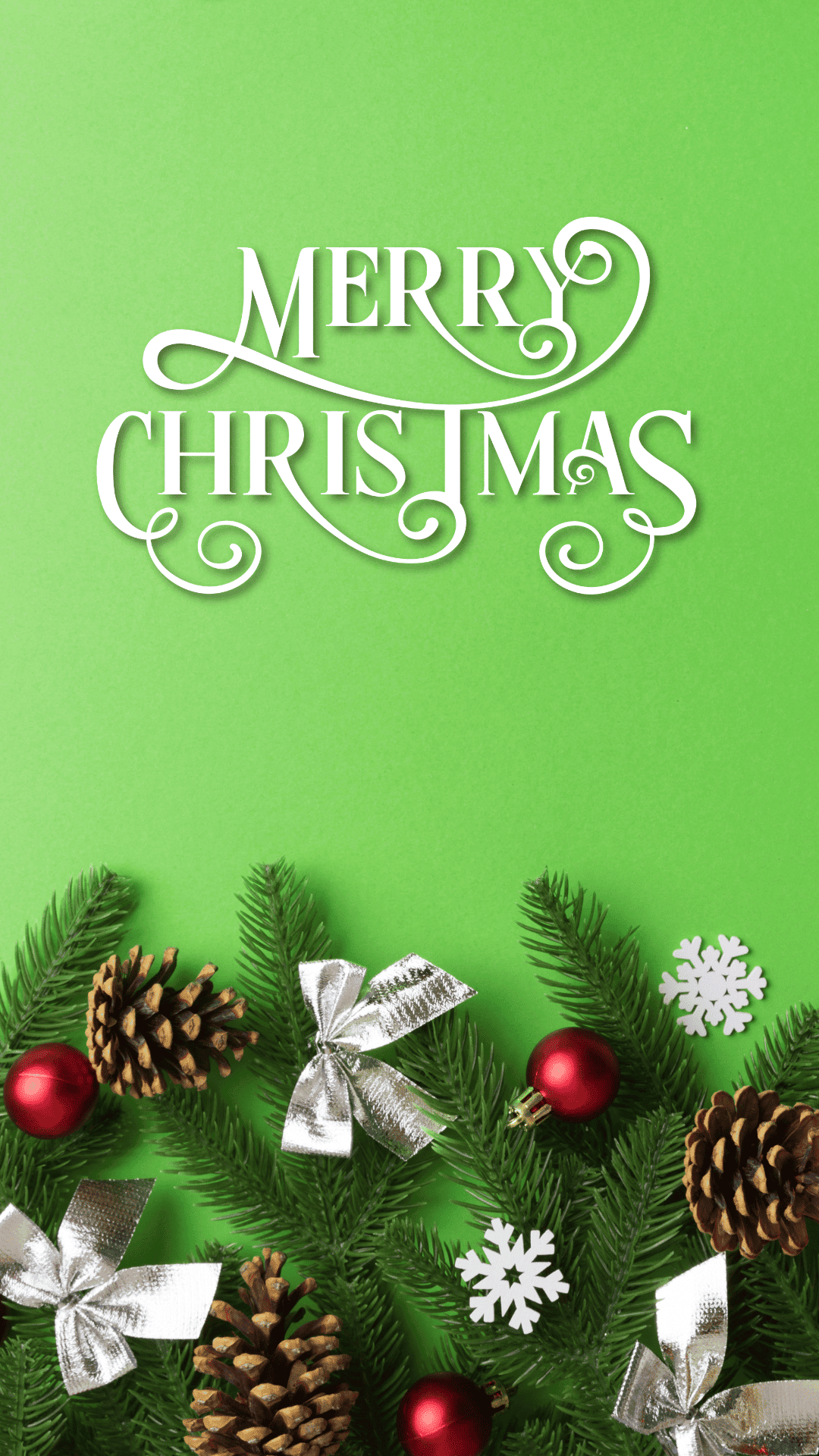
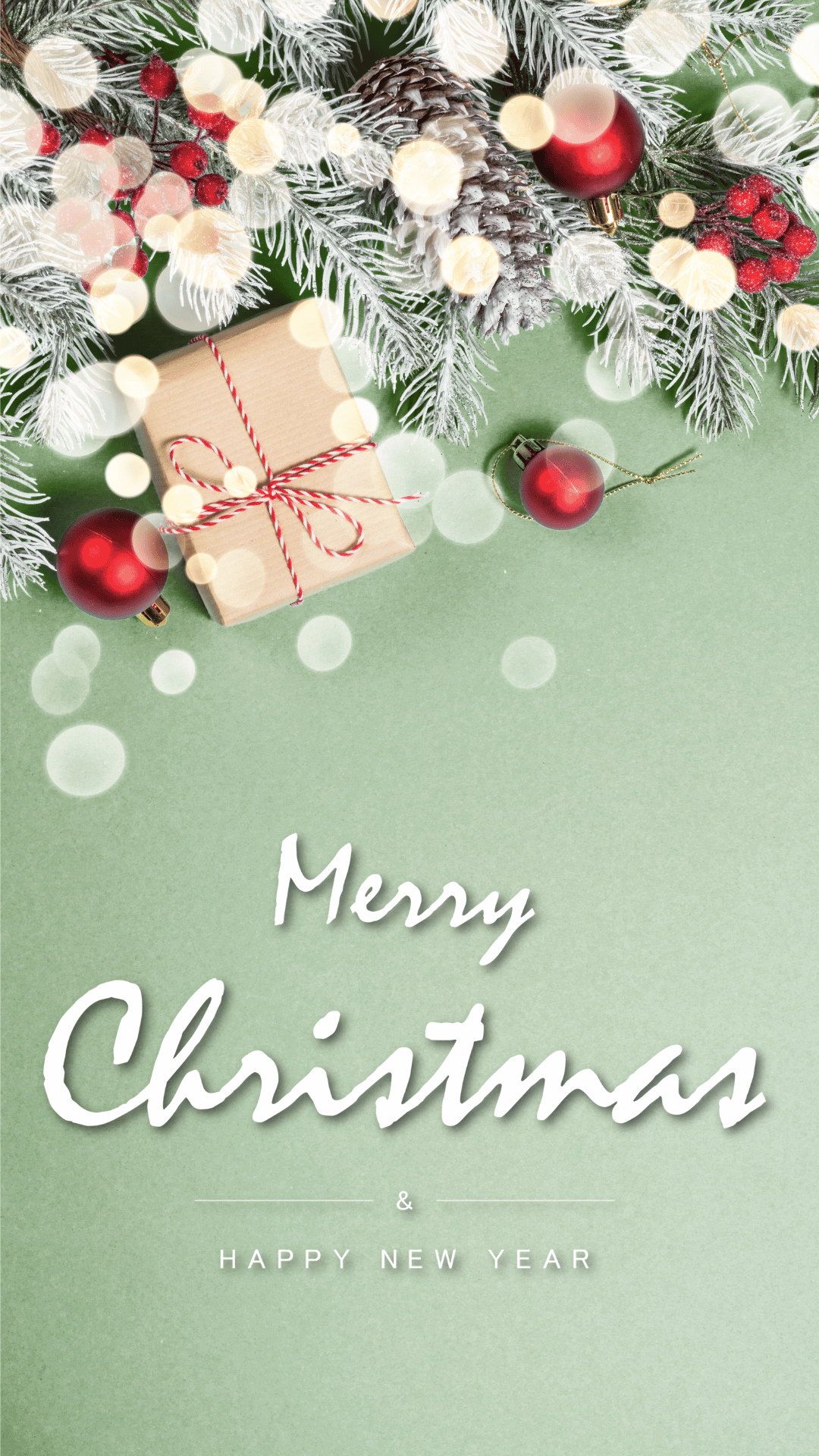
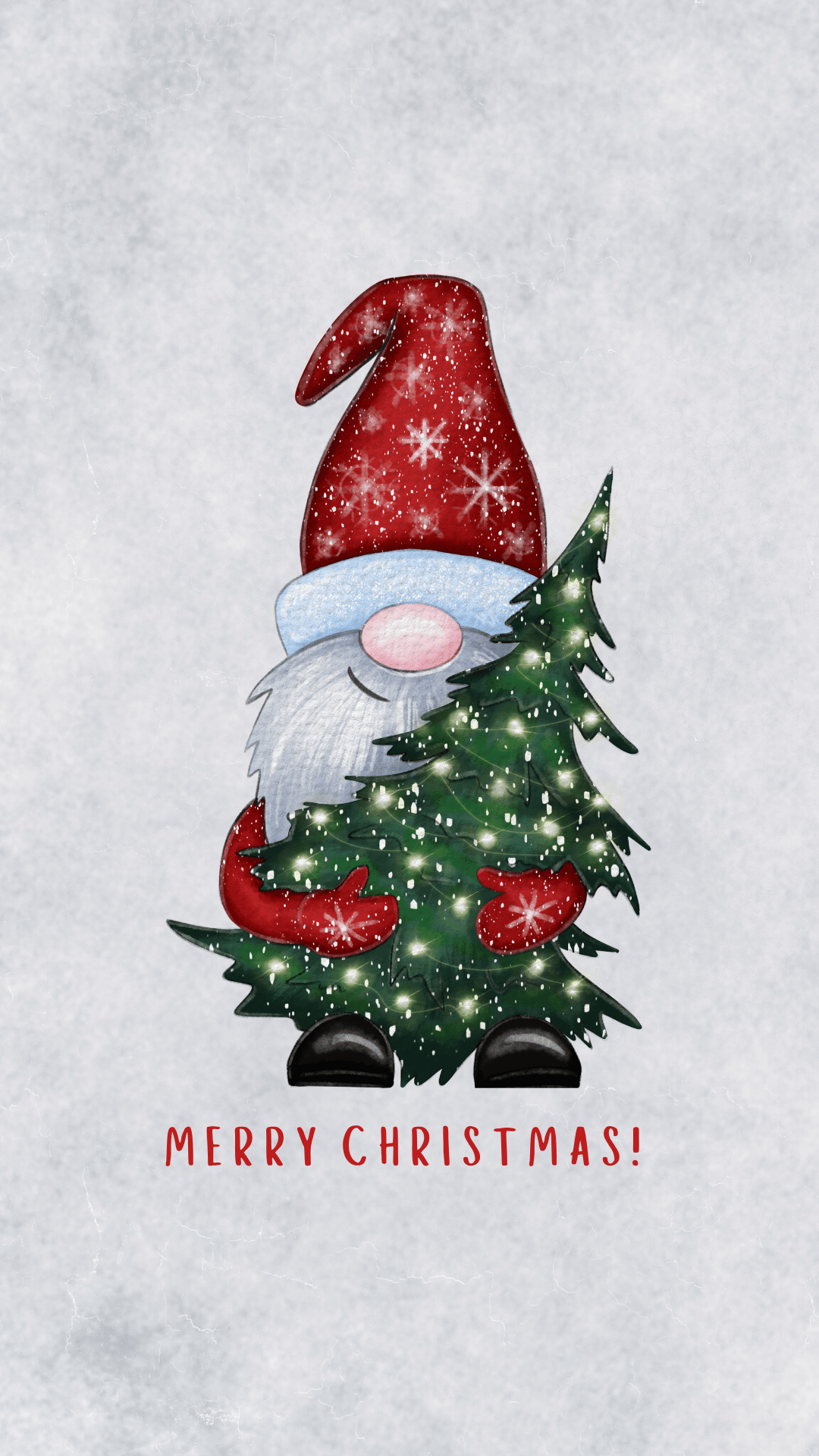
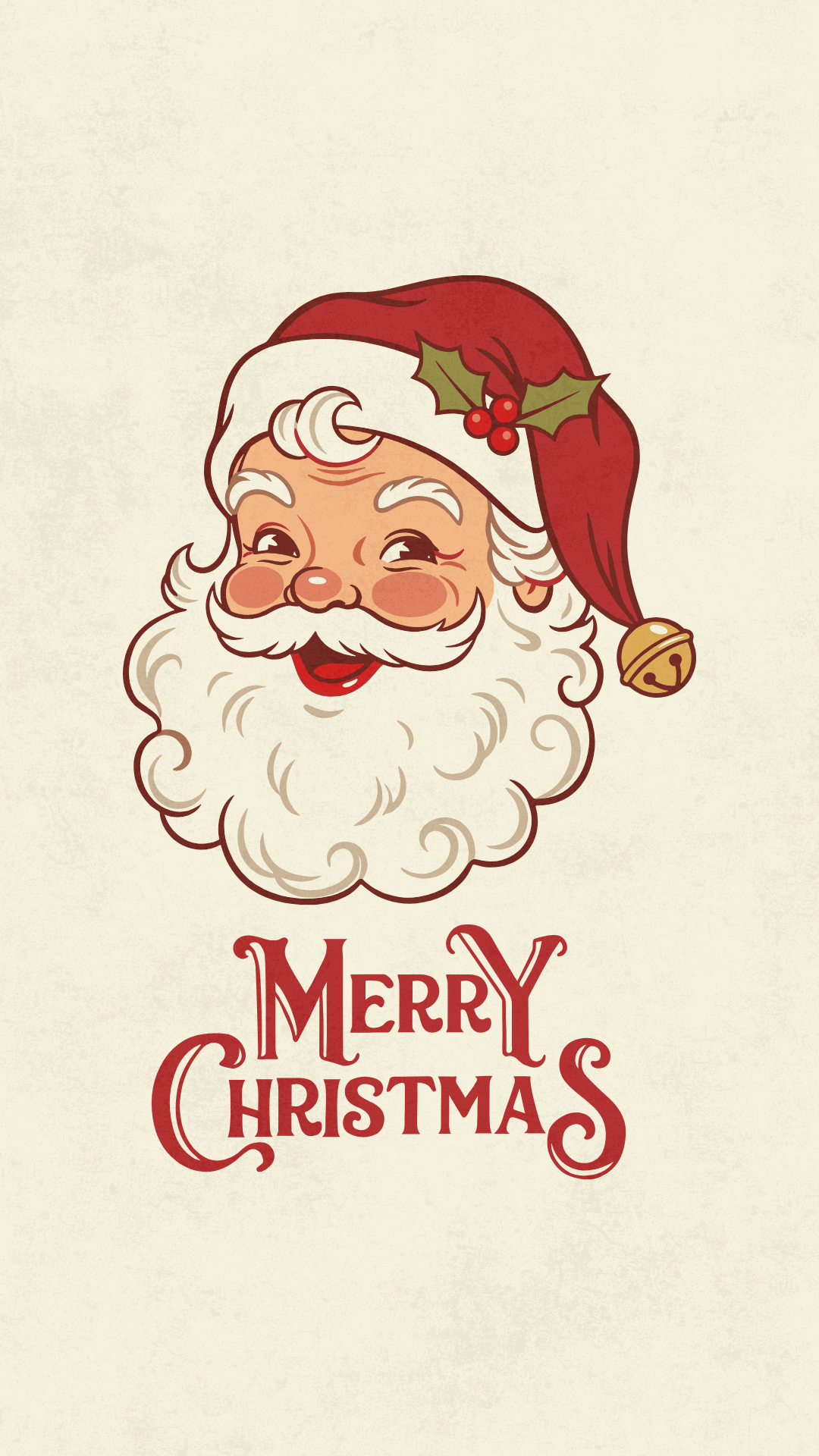
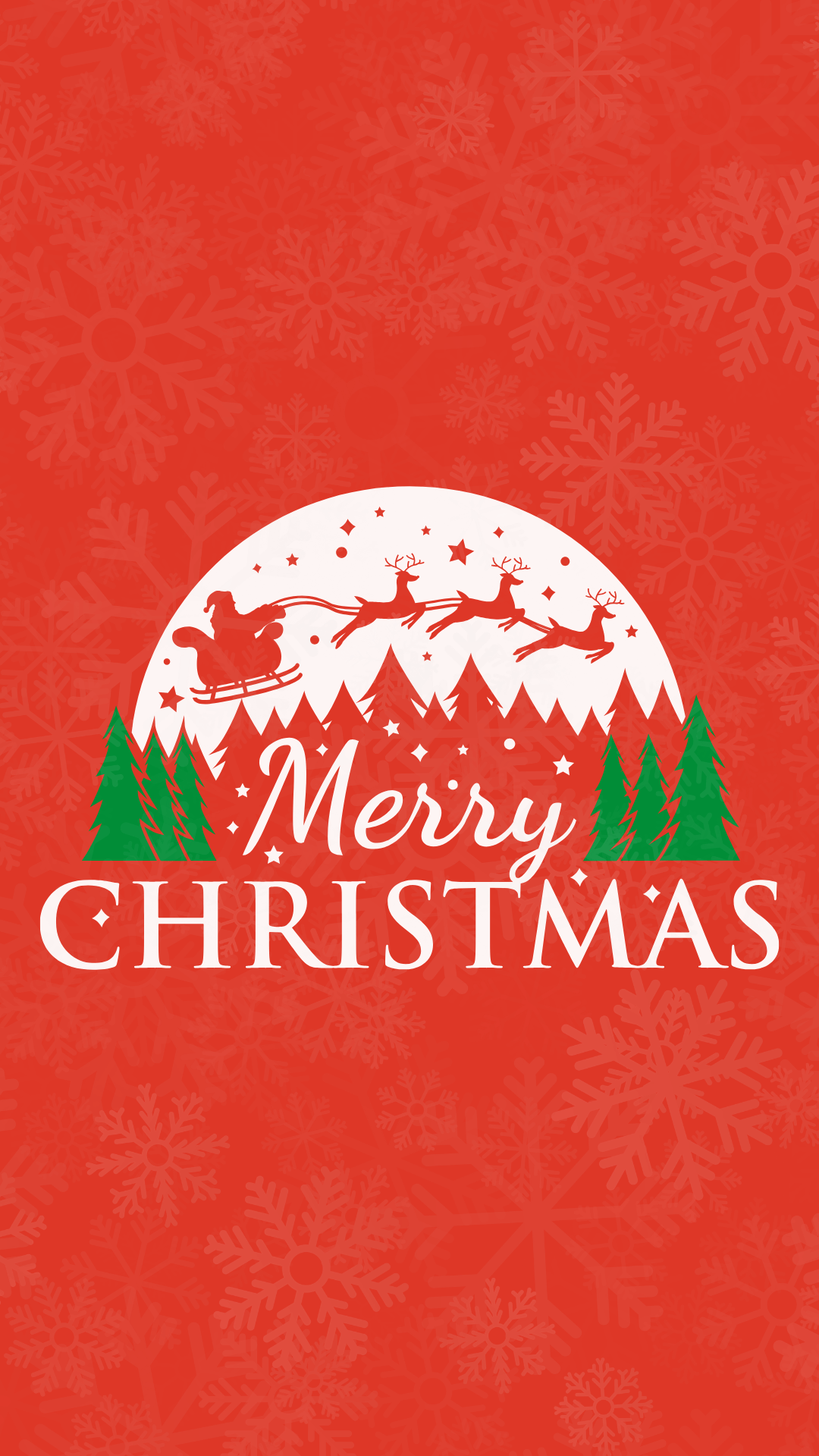
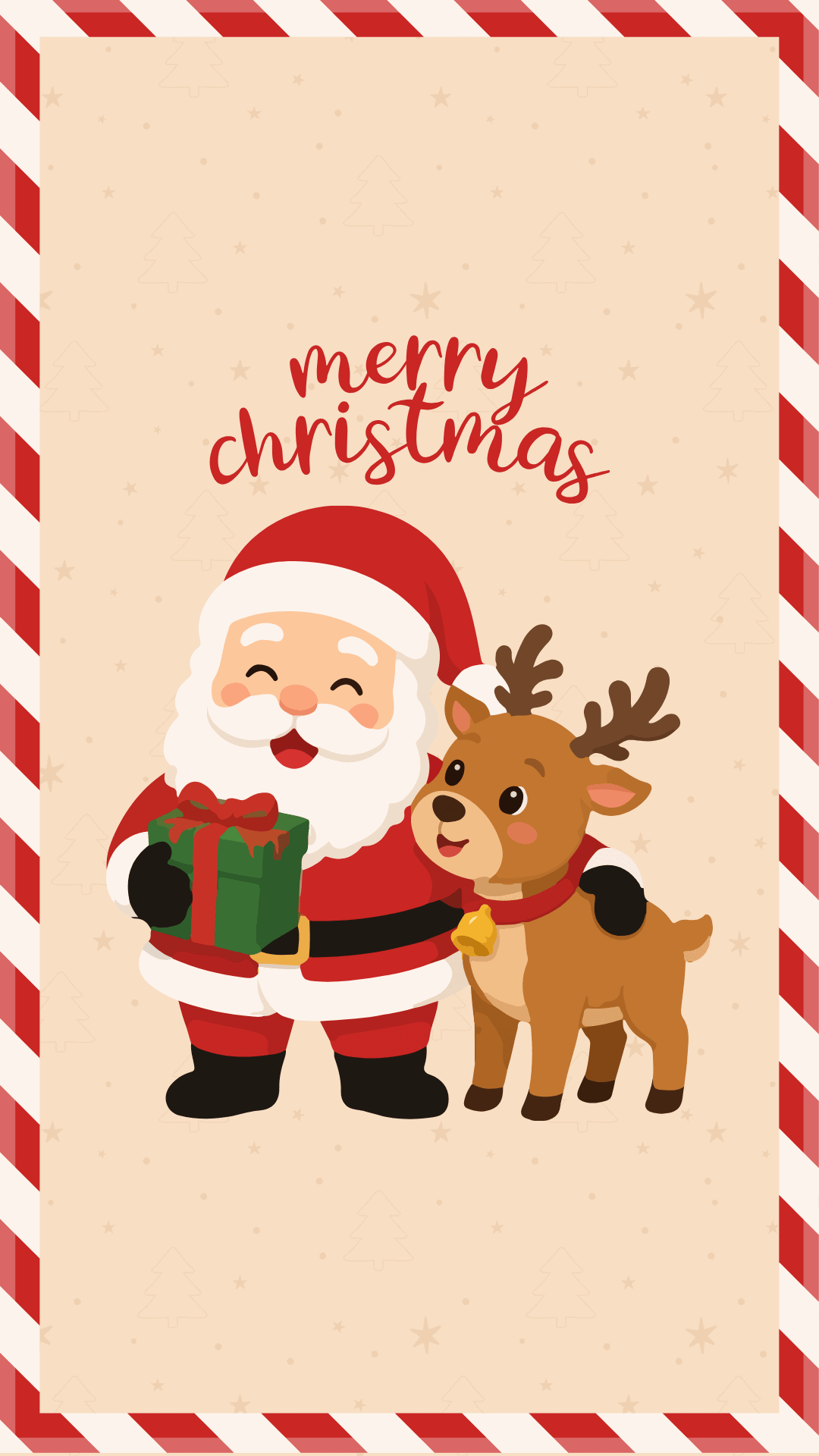
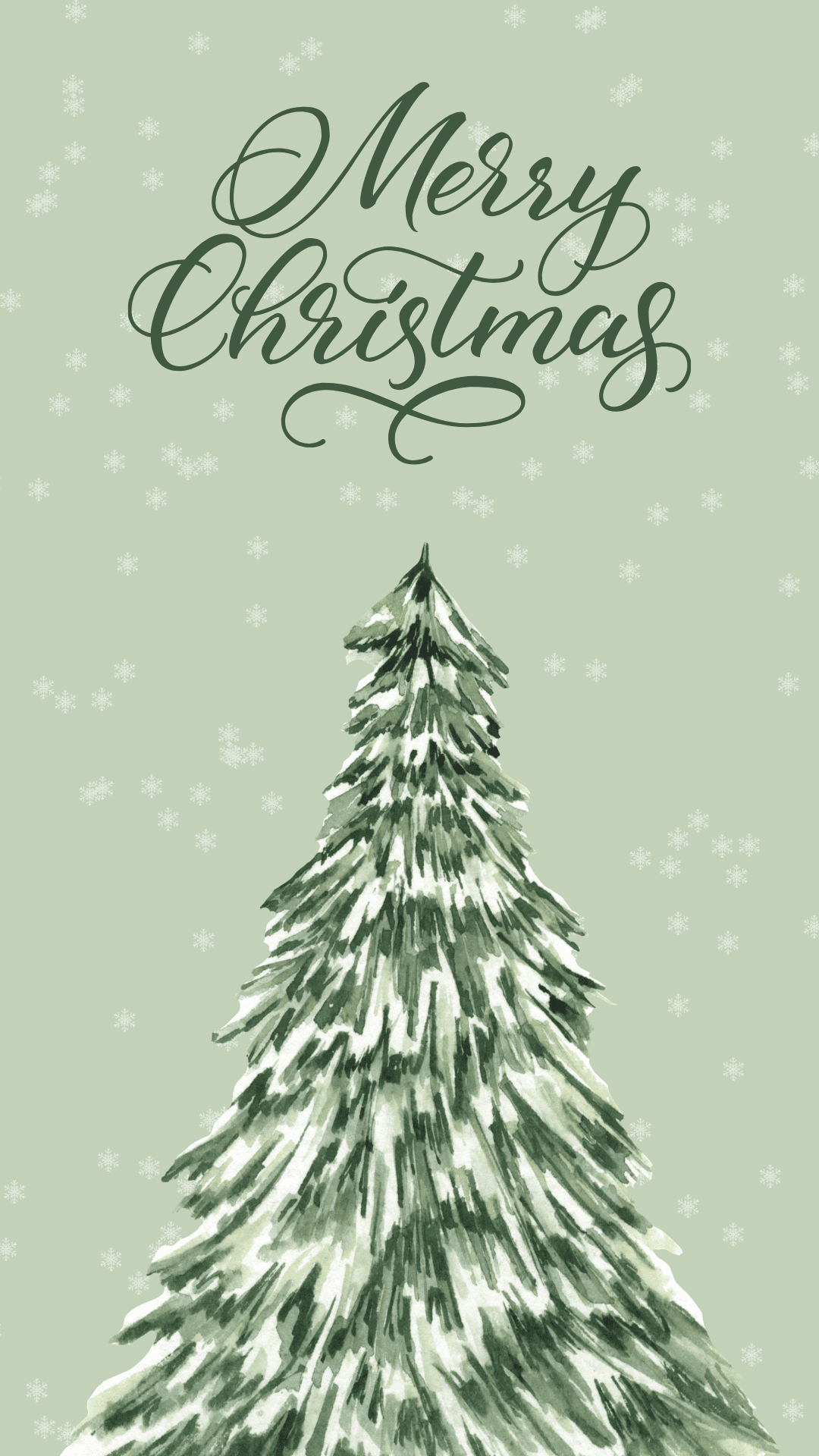
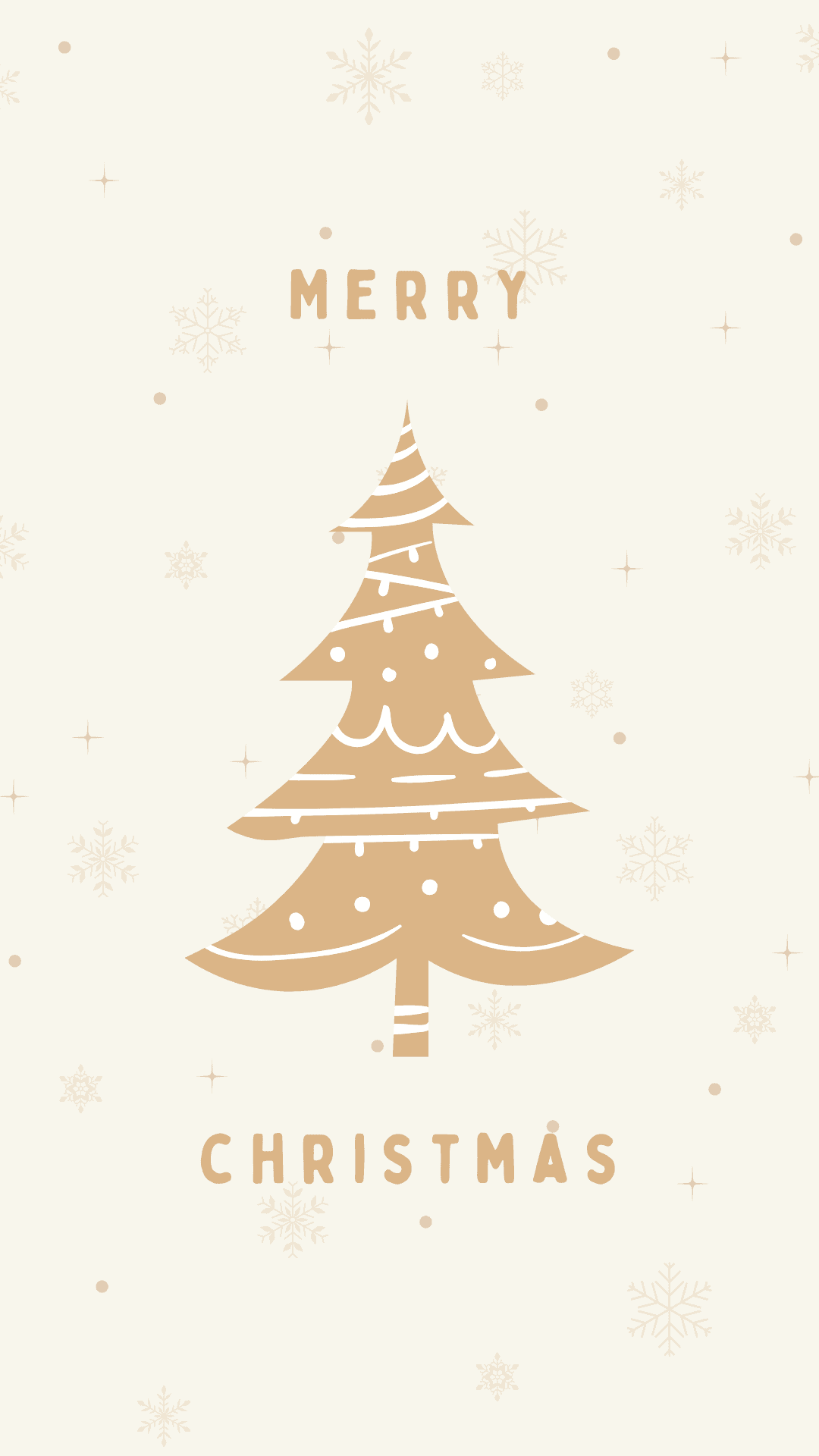
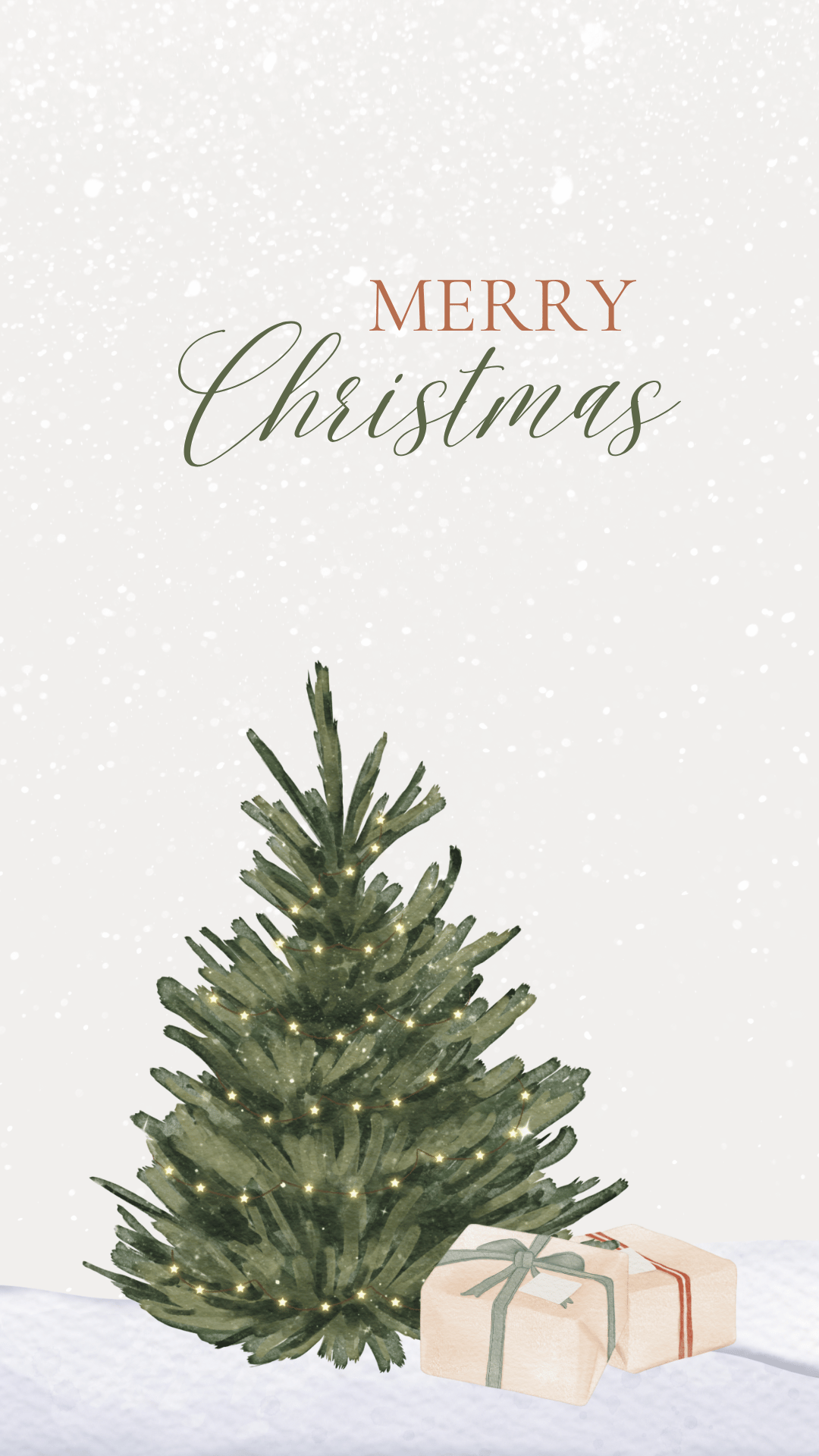
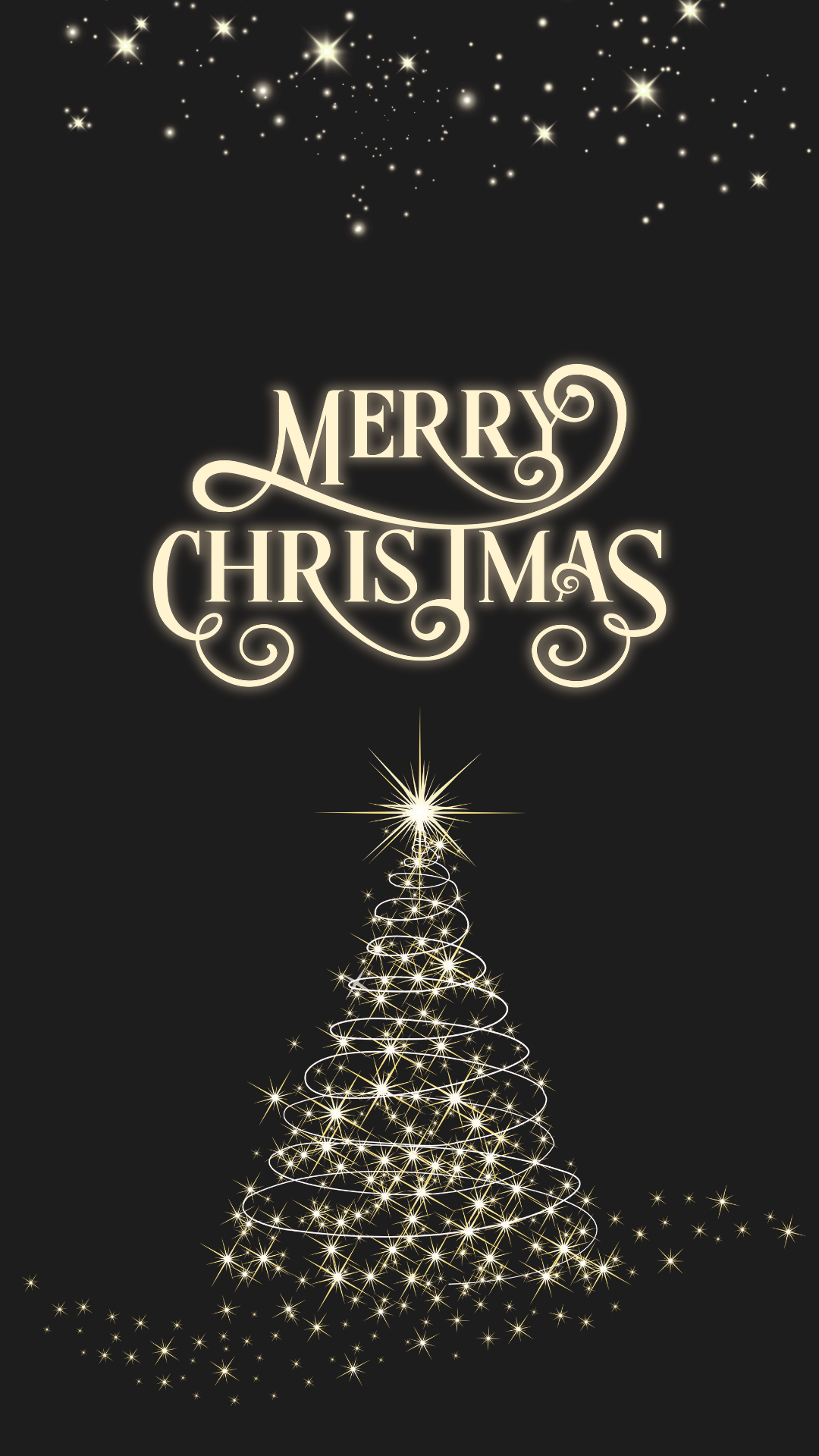
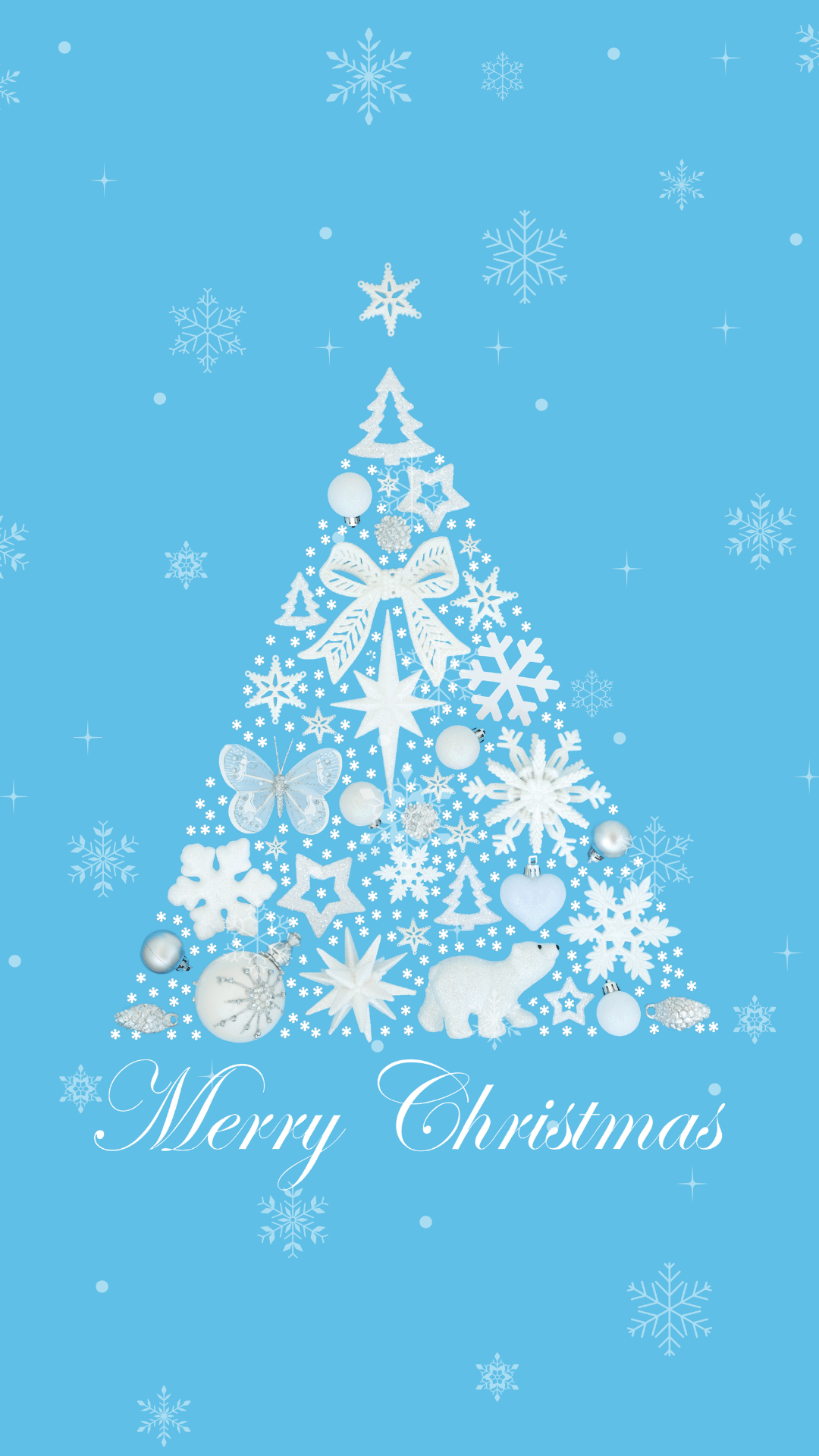
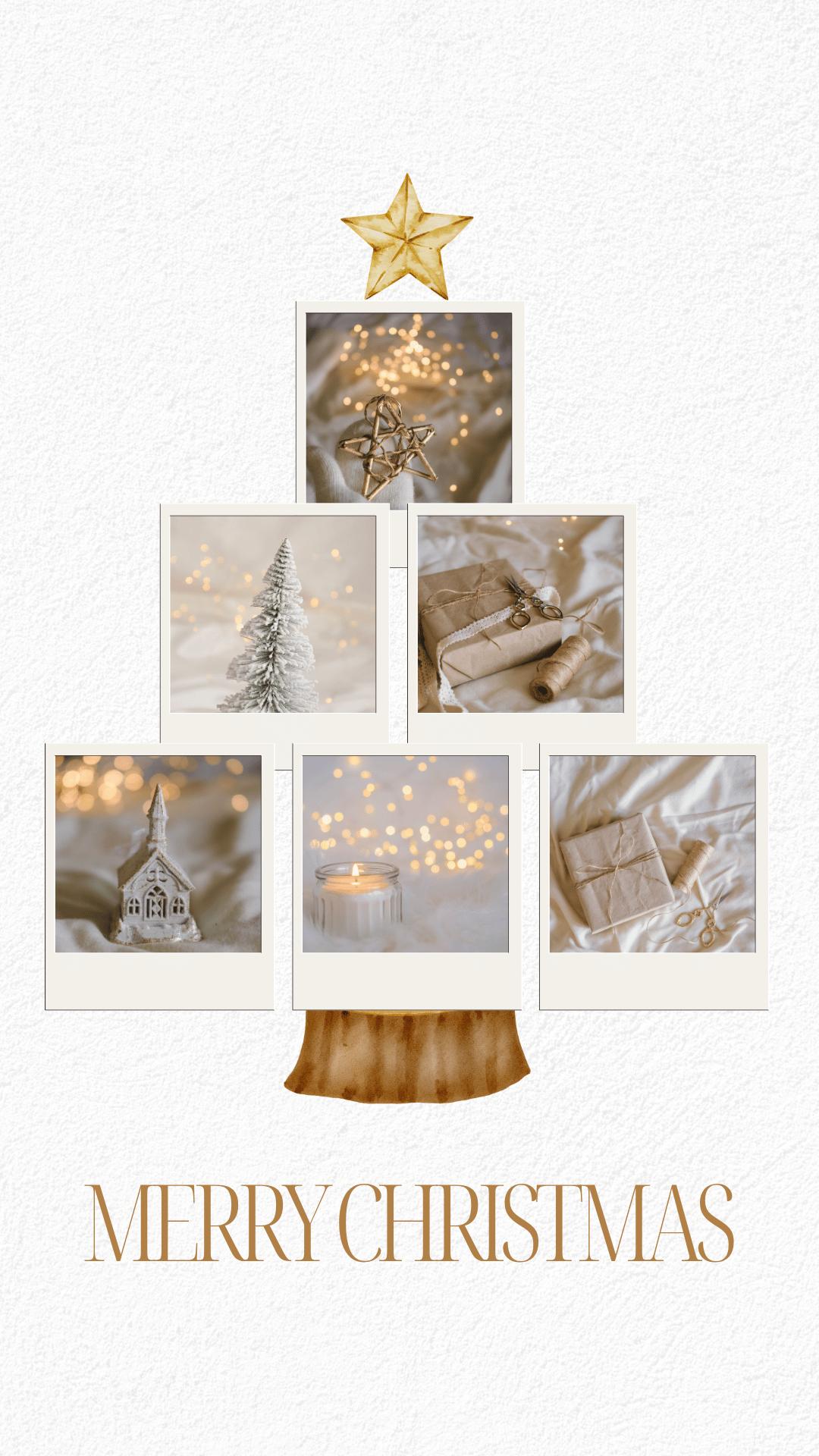
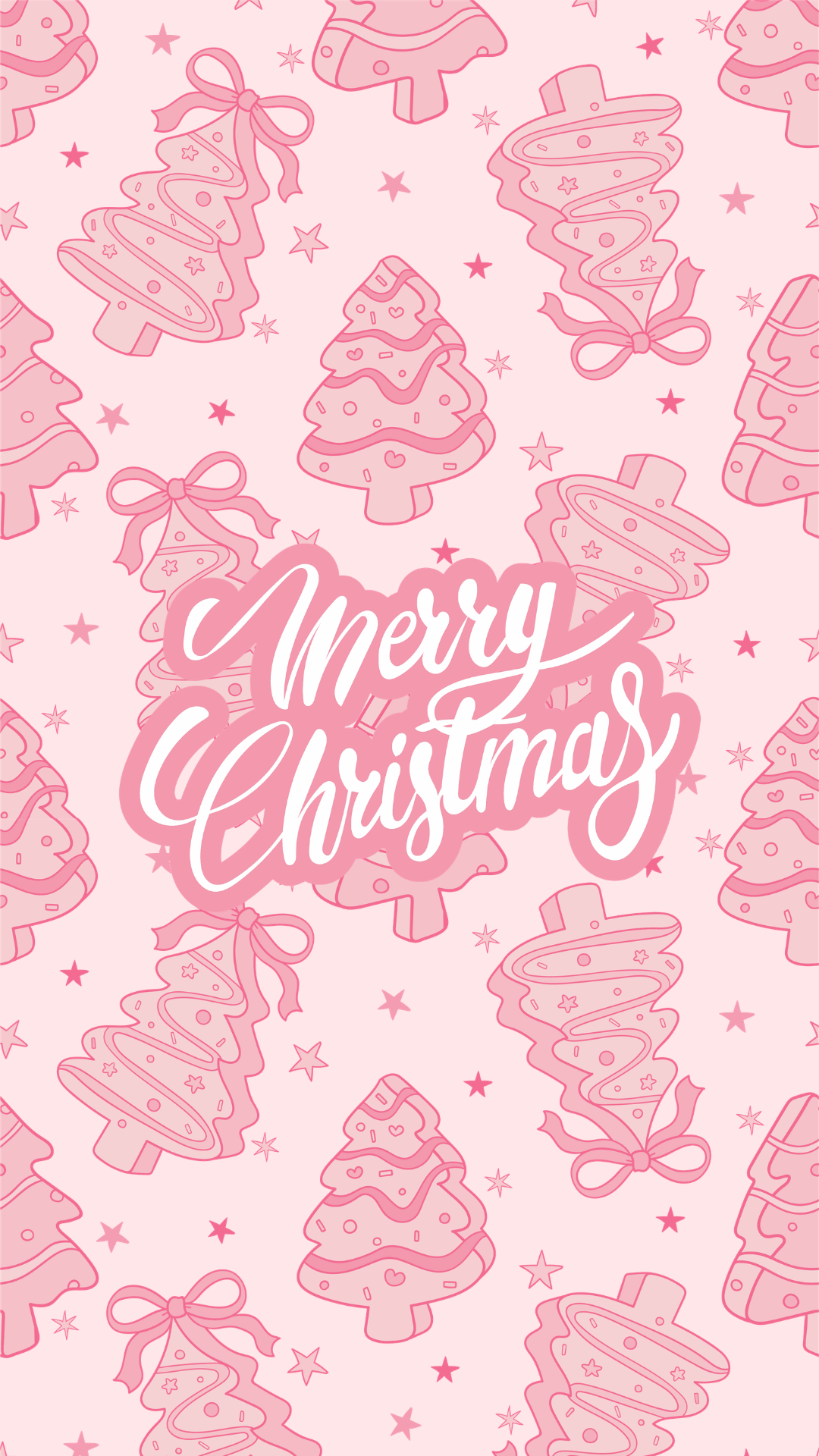
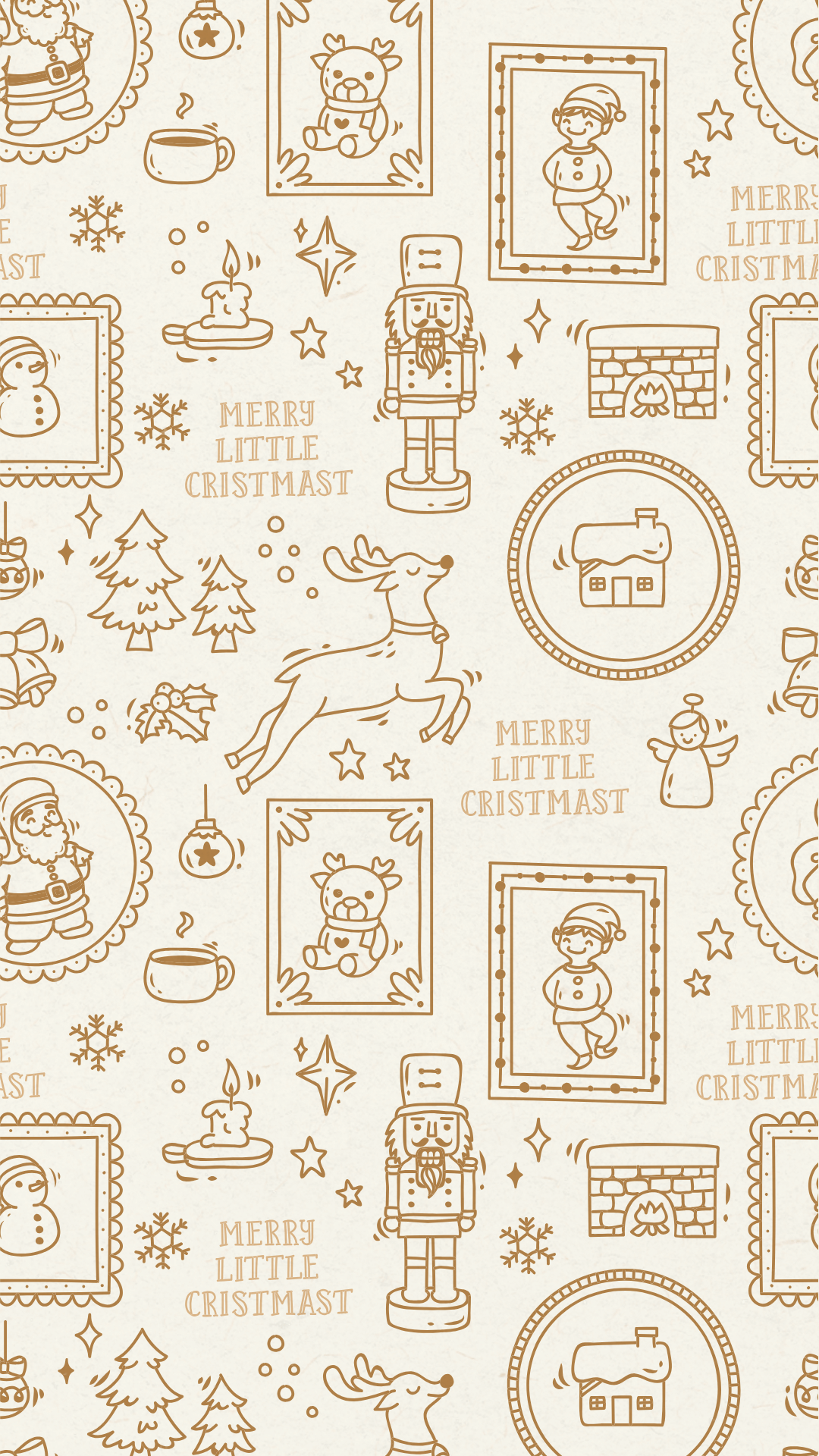
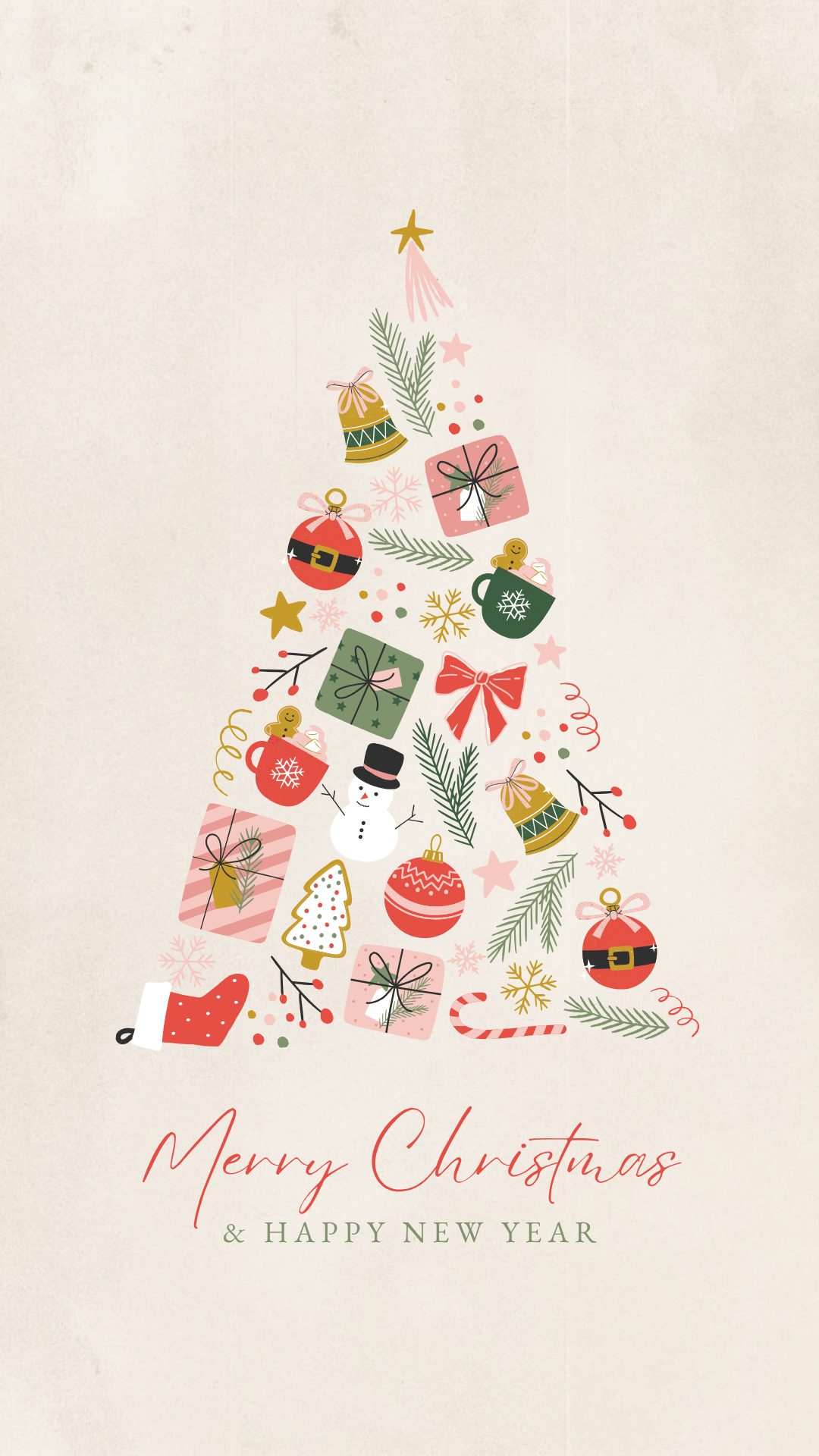
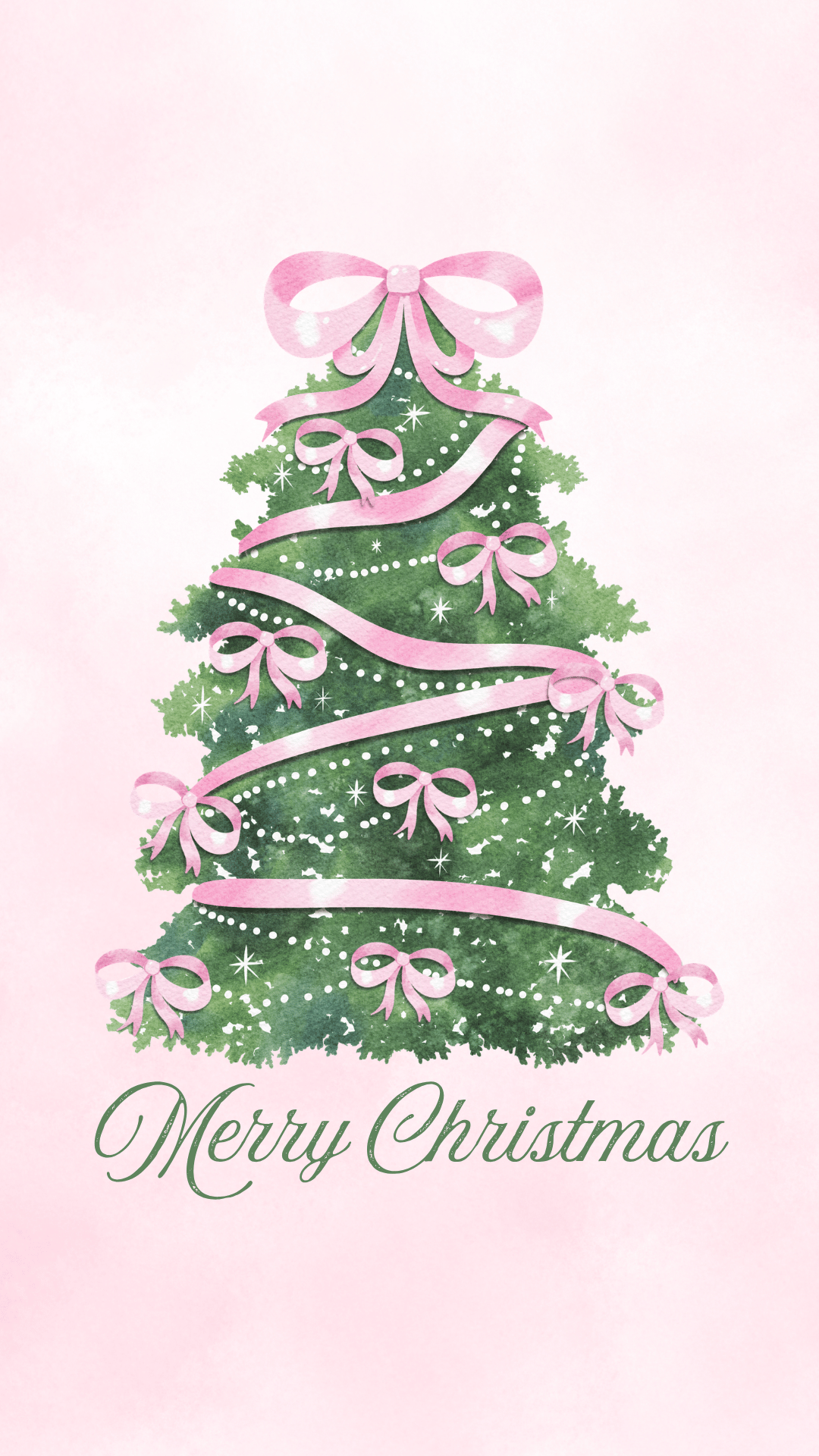
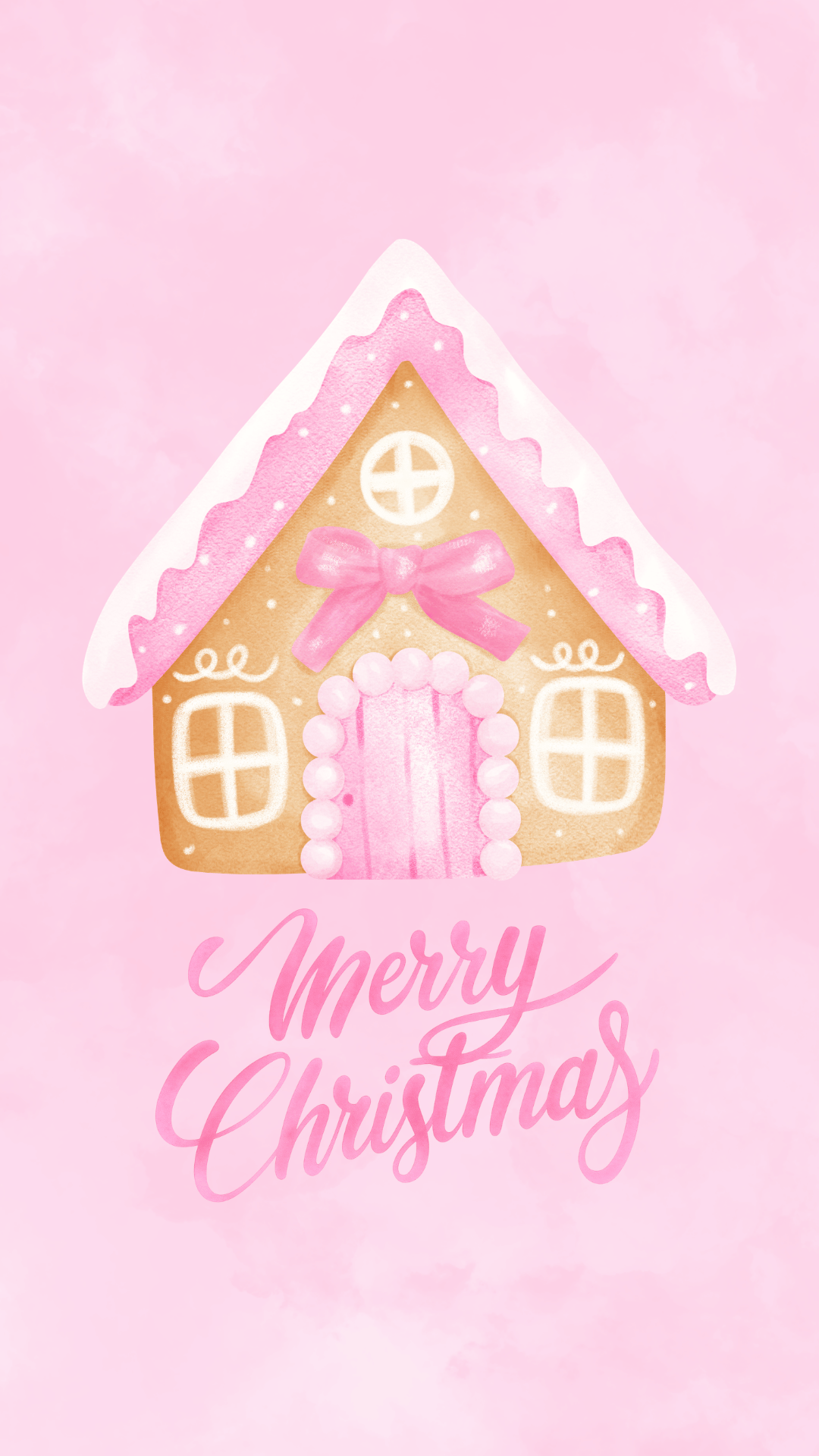
This collection has something for everyone! There are traditional Christmas backgrounds featuring decorated trees, Santa Claus, snowflakes, ornaments, and cozy winter scenery. You’ll also find vintage-inspired designs, pink Christmas wallpapers, minimalist styles with gold accents, and other holiday favorites. Some have a timeless, elegant look, while others are colorful, whimsical, and full of personality.
All of these festive phone backgrounds are completely free to download for personal use and are designed for vertical phone screens. They make great holiday lock screens and home screen backgrounds for iPhones and Android devices. Save your favorite design or download several so you can switch things up throughout December!
Whether you’re looking for something cute, cozy, nostalgic, or simple, these Christmas backgrounds are an easy way to get your phone ready for the holiday season. Just browse the collection below, pick your favorites, and follow the easy instructions to save them to your phone.
How to Download and Save Your Christmas Wallpapers
These free holiday backgrounds are easy to download and use on your phone. Just follow these simple steps!
Step 1: Choose Your Favorite Design
Scroll through the collection and find a background you love. Tap the photo to open the full-size version, if needed.
Step 2: Save the Image to Your Phone
- iPhone: Touch and hold the background, then select Save to Photos or Save Image.
- Android: Touch and hold the image and select Download Image or Save Image.
Your wallpaper should now be saved to your phone’s photo gallery or downloads.
Step 3: Set Your New Christmas Background
For iPhone:
- Open Settings > Wallpaper.
- Tap Add New Wallpaper.
- Select Photos and choose your downloaded image.
- Adjust the image to fit your screen and tap Add.
- Select Set as Wallpaper Pair to use it on both screens, or Customize Home Screen to choose a different background for your home screen.
For Android:
- Touch and hold an empty space on your home screen.
- Select Wallpaper & style or your phone’s wallpaper settings.
- Choose the saved background from your photos or gallery.
- Adjust its position and set it as your lock screen, home screen, or both.
Note: Menu options may vary slightly depending on your phone model. Some devices may crop the edges of the image, so be sure to preview your wallpaper before applying it.
You can download as many designs as you like and switch between them throughout the Christmas season!
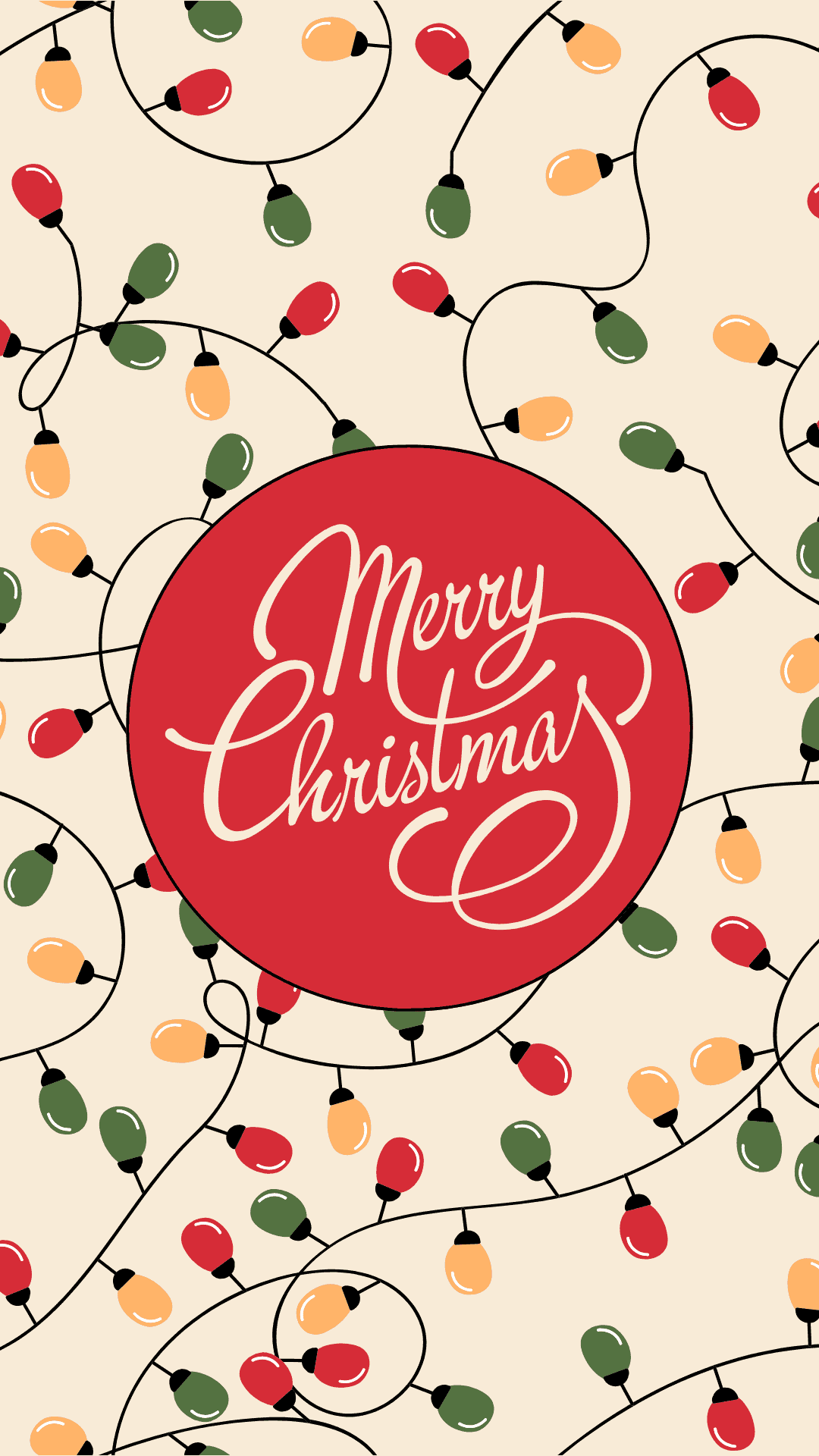
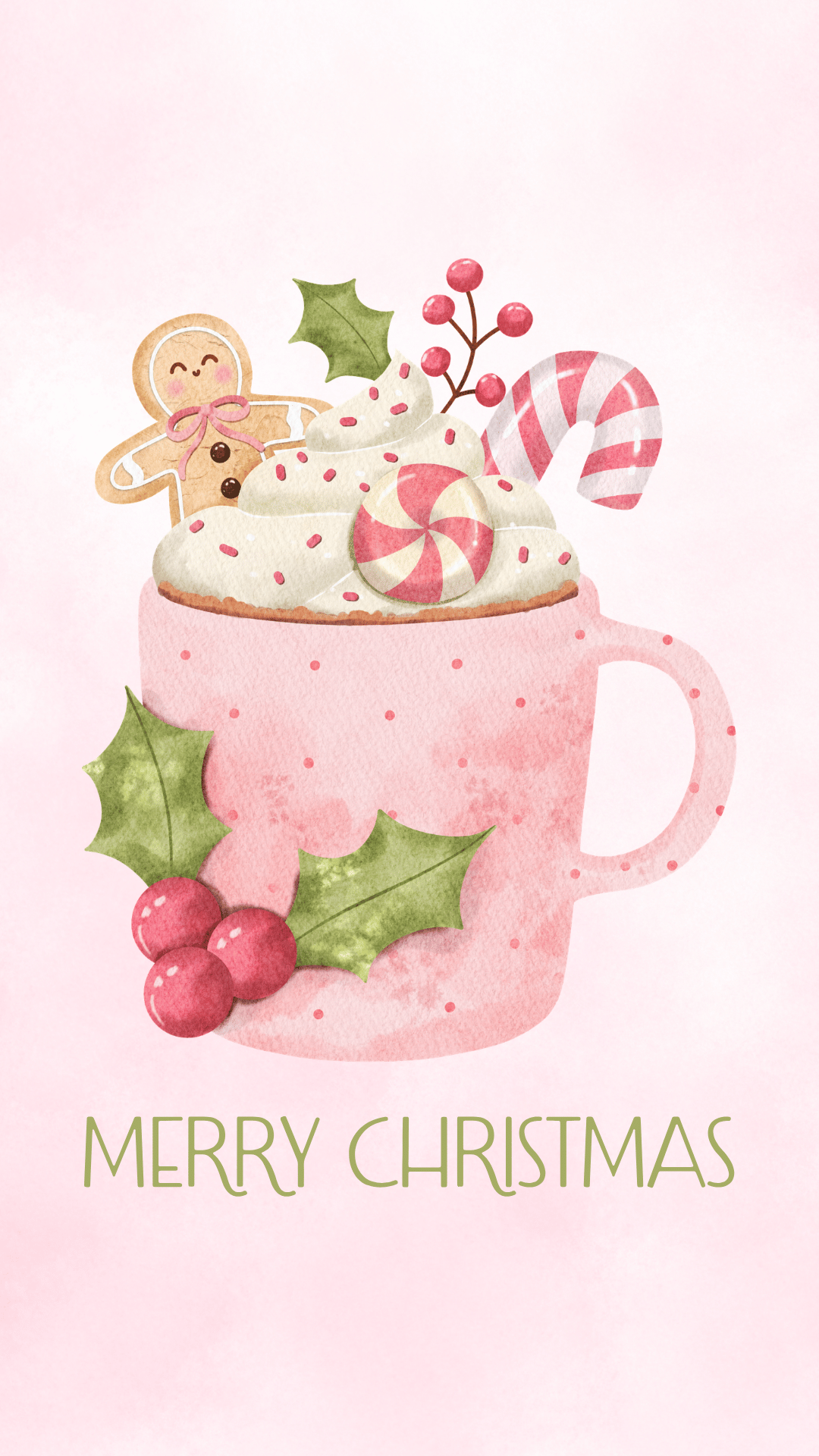
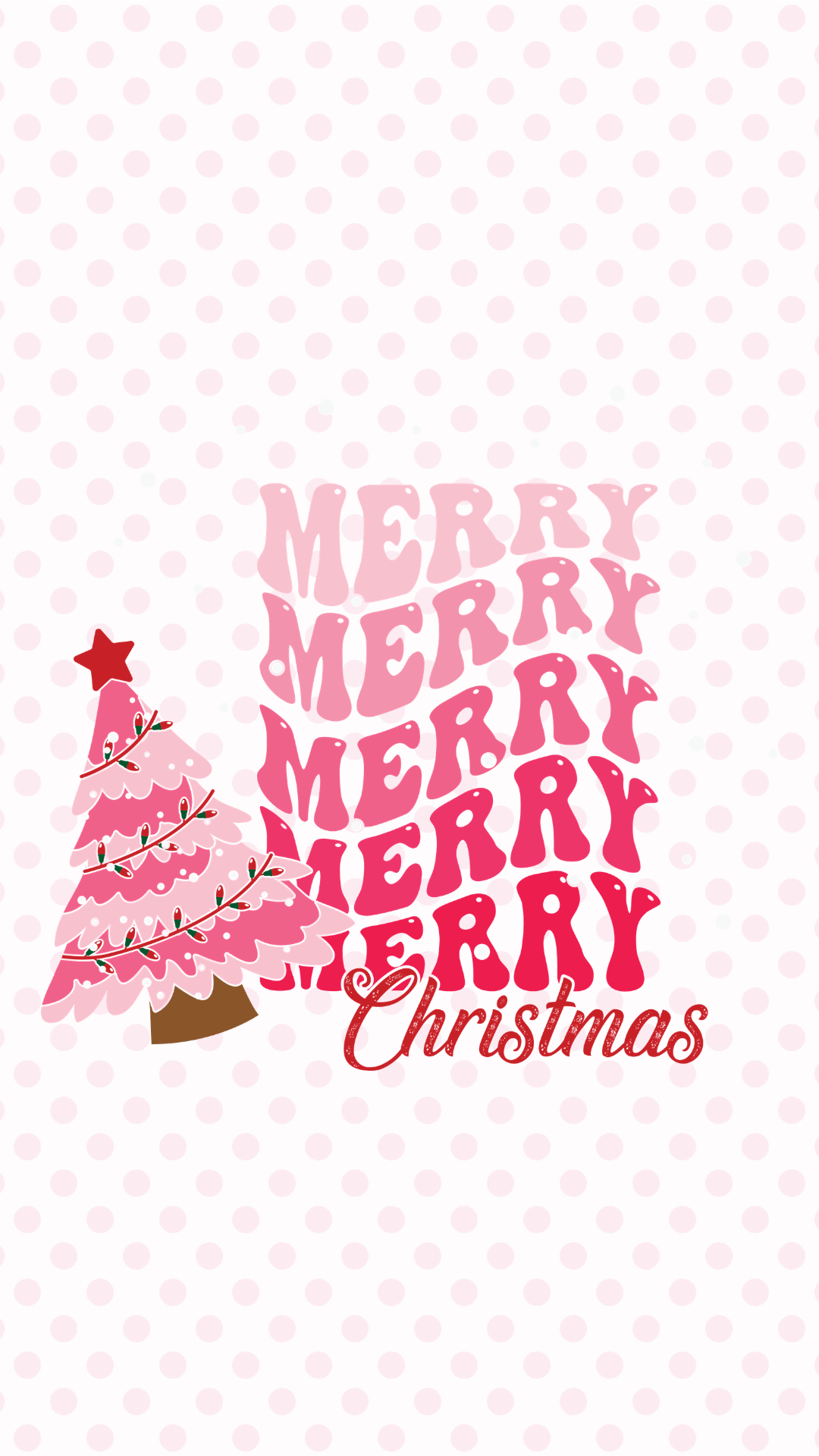
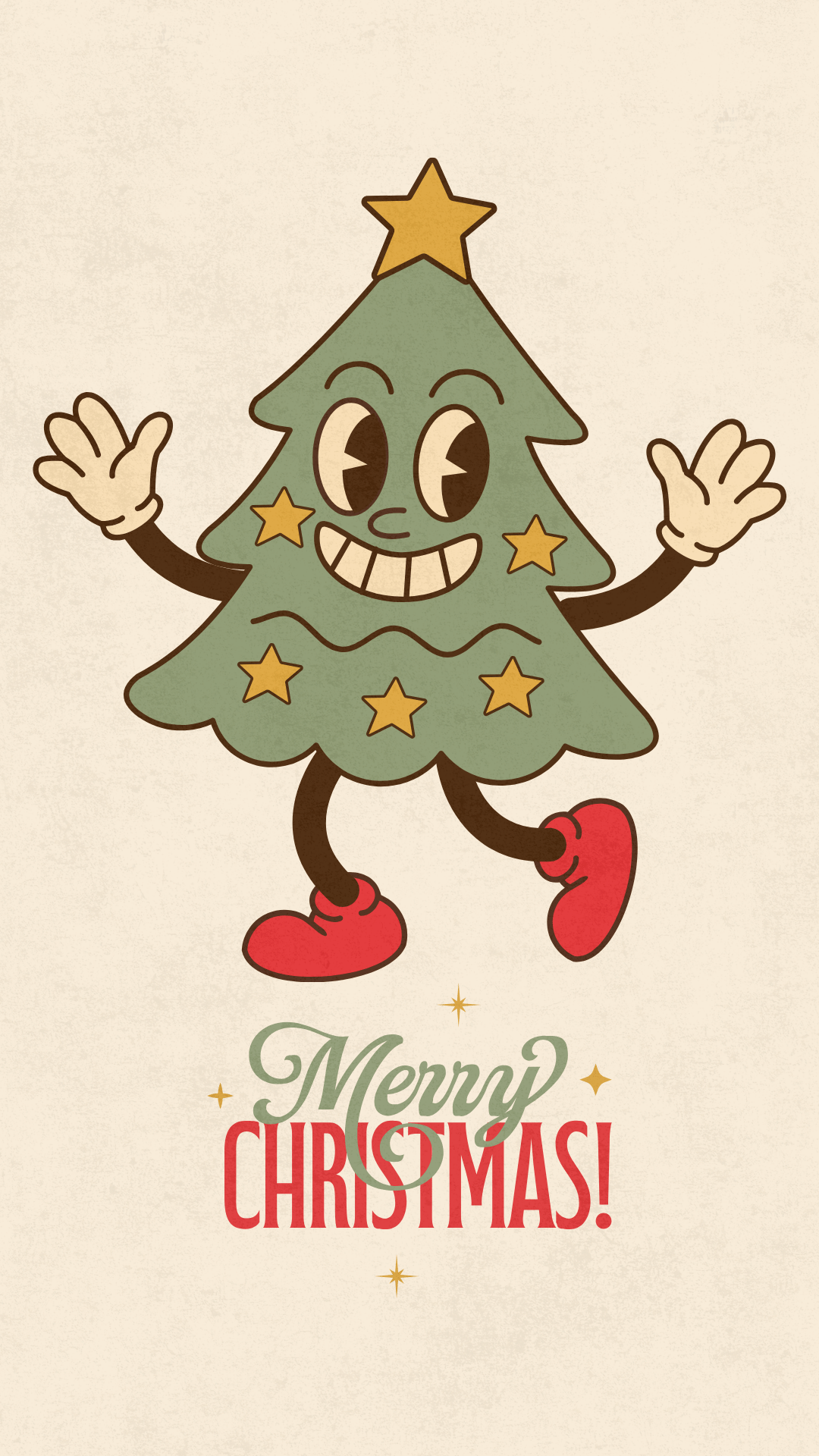
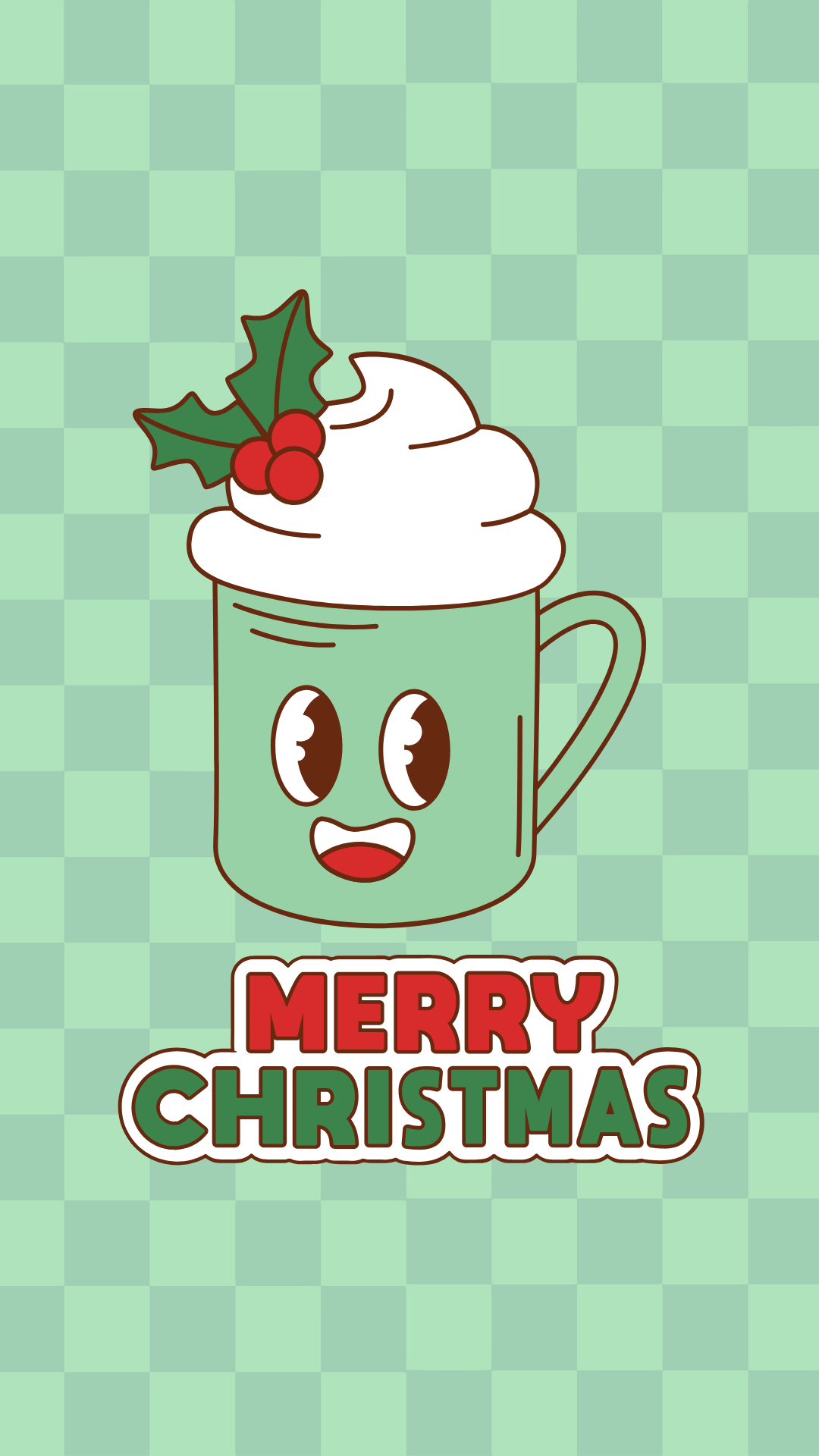
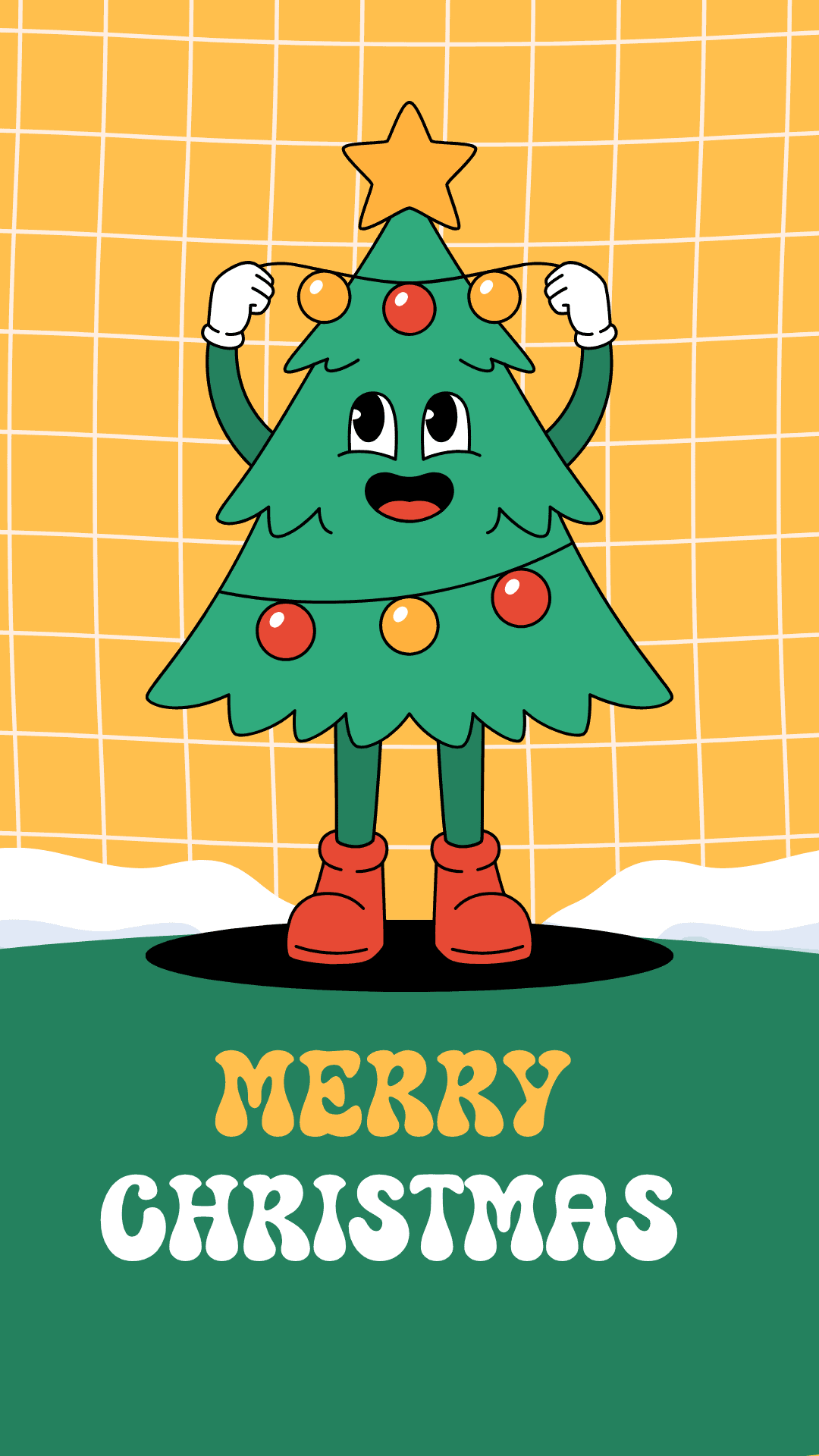
Merry Christmas Wallpapers






















More Holiday Phone Backgrounds
- 35 Free Santa Wallpapers for Phones (Cute Christmas Backgrounds)
- 45 Free Pink Christmas Wallpapers for Your Phone
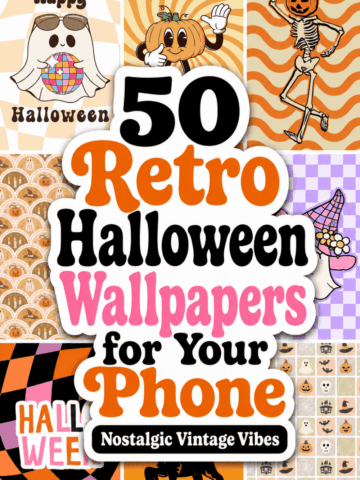
- 45 Free Retro Christmas Wallpapers for Your Phone
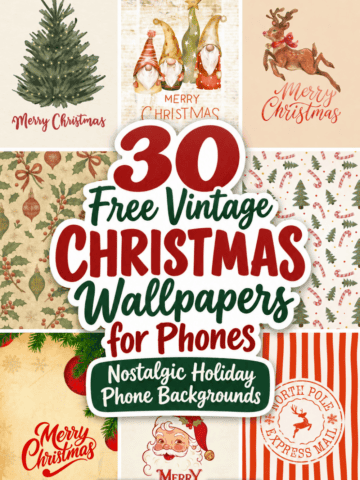
- 30+ Free Vintage Christmas Wallpapers for Your Phone
Follow me on Pinterest, Facebook, Flipboard, or Instagram for more inspiration on crafts, DIY, free printables, and recipes!



Leave a Reply