Give your phone a red, white, and blue makeover with these free 4th of July wallpapers that are perfect for celebrating summer, fireworks, and all things patriotic!
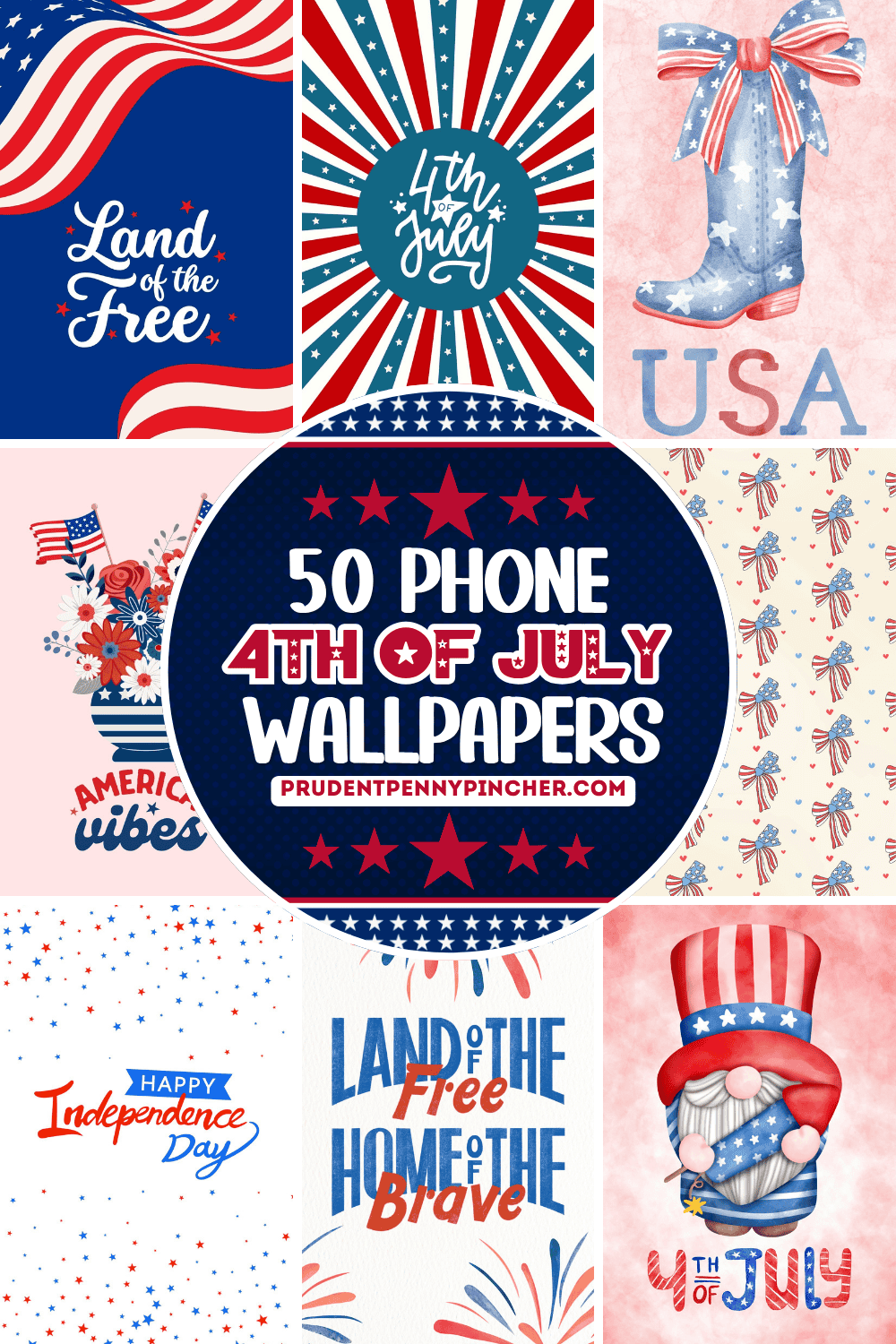
Whether you love bold red, white, and blue designs or something softer and more aesthetic, this collection has plenty of patriotic wallpapers to help you celebrate Independence Day in style.
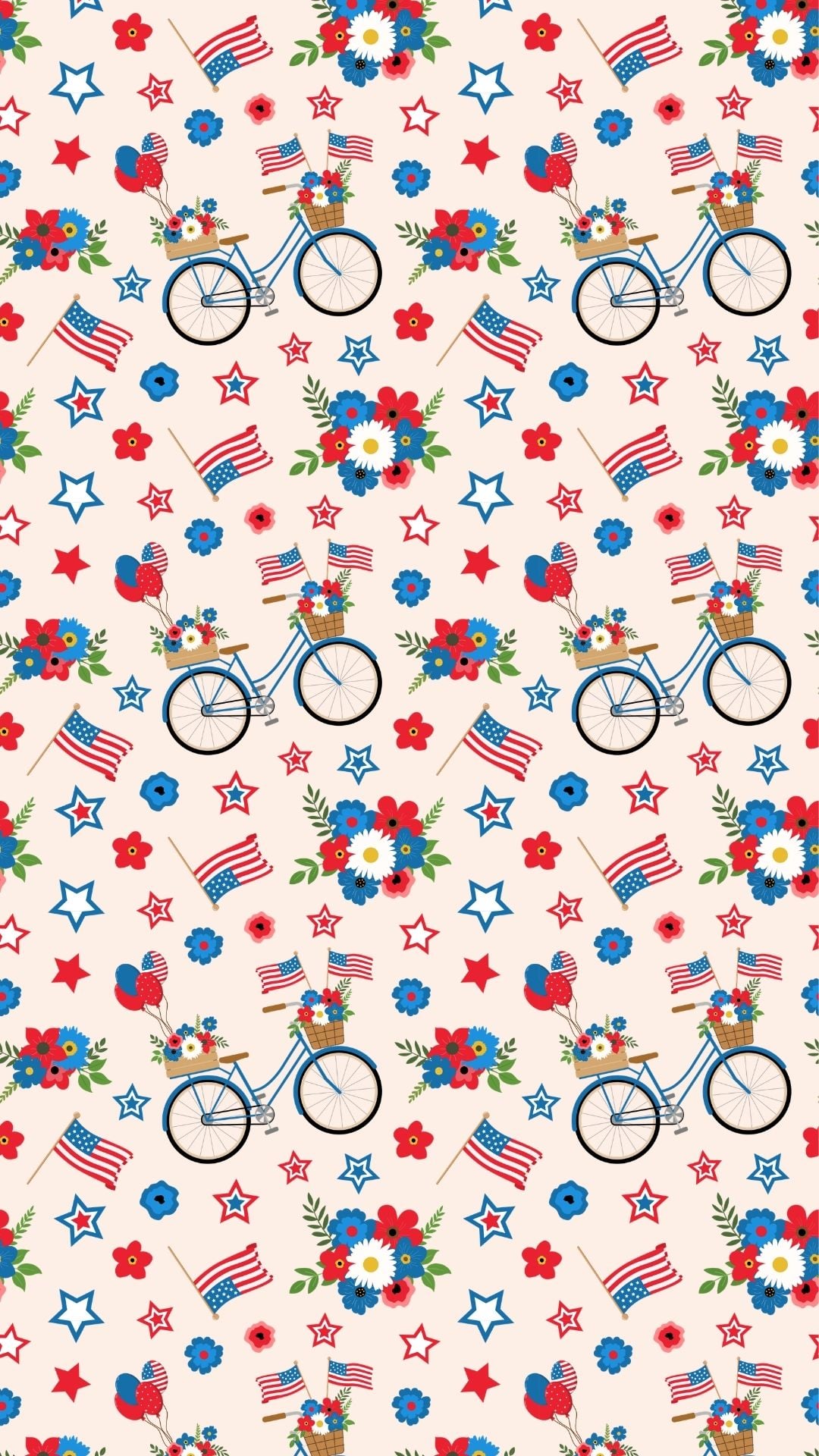
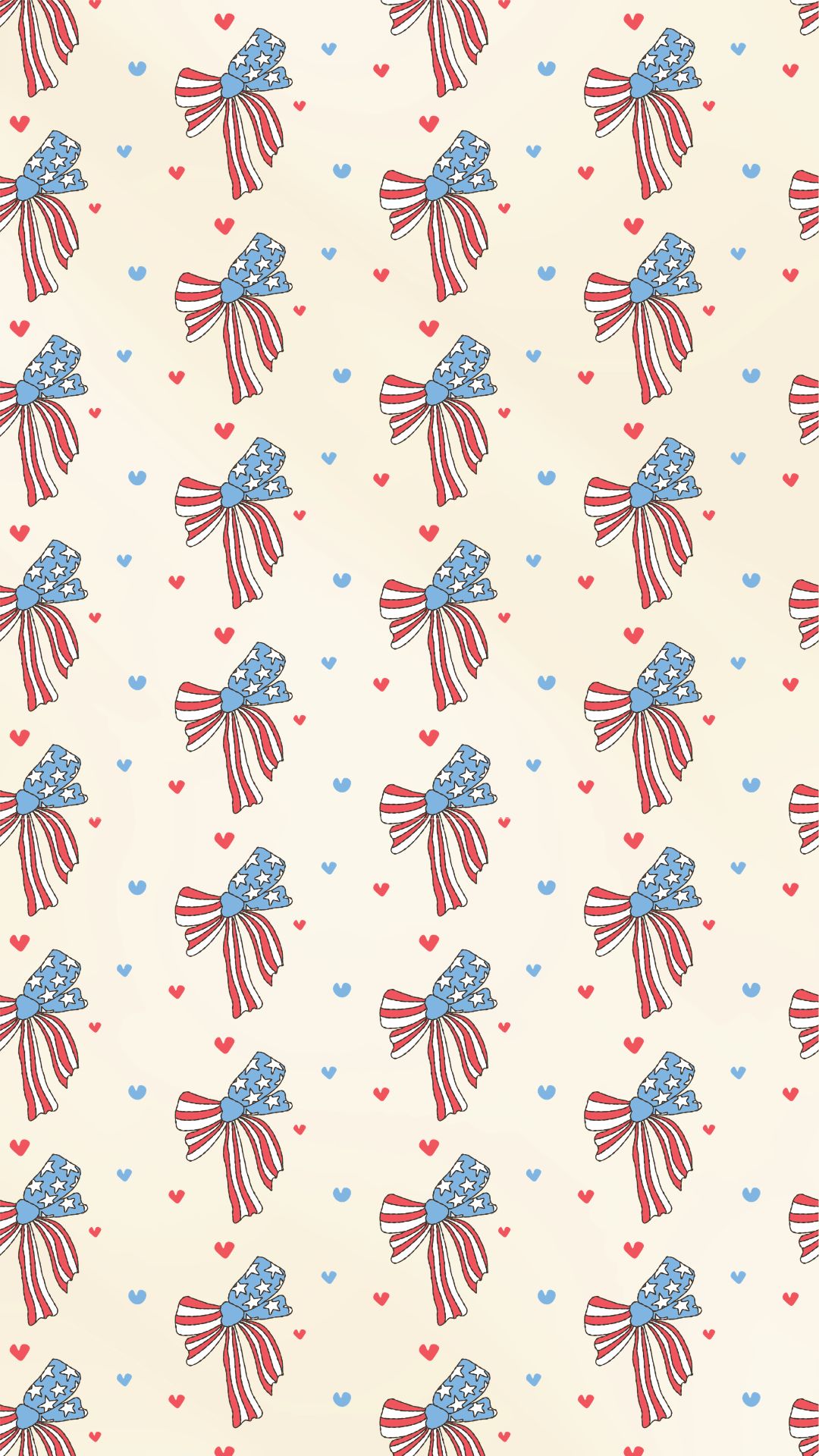
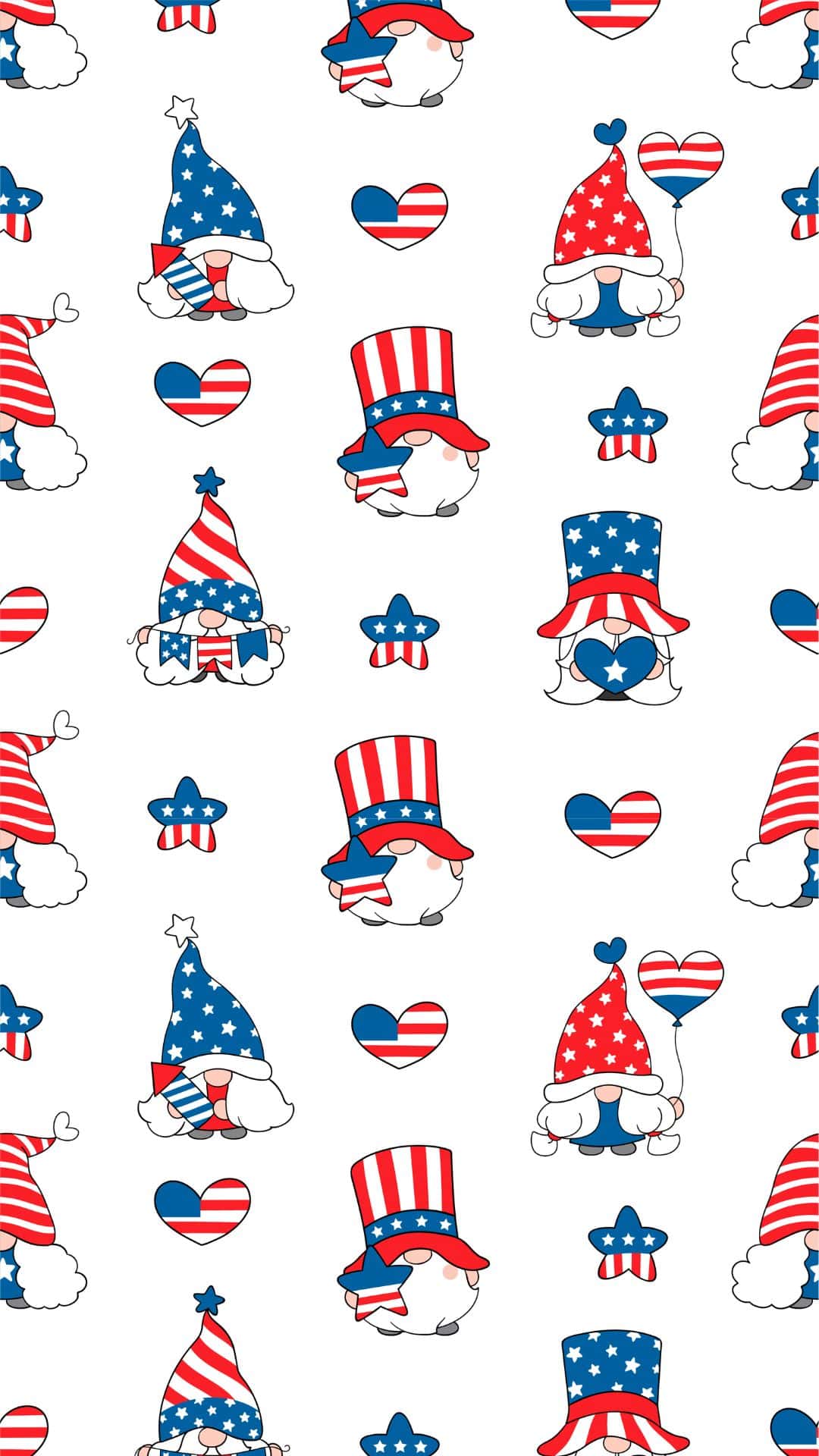
These free wallpapers include a mix of cute illustrations, festive patterns, watercolor designs, vintage and country inspired art, and classic America-themed designs. You will also find colorful Happy 4th of July options, photo collage styles, and festive backgrounds that are perfect for adding a cheerful patriotic touch to your iPhone or Android device.
Whether you prefer a bright and playful look, a soft watercolor design, a rustic western vibe, or a minimalist aesthetic, there is something here for every style. These summer wallpapers are an easy way to decorate your phone for backyard BBQs, fireworks shows, parades, pool parties, road trips, and all your favorite 4th of July celebrations.
Scroll through these free patriotic phone backgrounds to find your favorite designs, save them to your device, and set them as your lock screen or home screen. They are a fun and easy way to bring a little extra red, white, and blue to your phone all summer long.
How to Download and Set the Backgrounds
To download one of these free 4th of July phone backgrounds, click on the JPG image you want to use. This will open the design in full size so you can save the high-quality version to your phone.
Once the full-size image opens, press and hold the image on your phone, then choose Save to Photos, Save Image, or Download Image, depending on your device. The background will be saved to your camera roll, photo gallery, or downloads folder.
To set it as your background on an iPhone, open the saved image in your Photos app, tap the Share icon, and select Use as Wallpaper. From there, you can adjust the image, then choose whether to set it as your lock screen, home screen, or both.
To set it as your background on an Android, open the saved image in your Photos or Gallery app, tap the three-dot menu, and select Set as wallpaper or Use as wallpaper. Then choose whether you want to use it for your home screen, lock screen, or both.
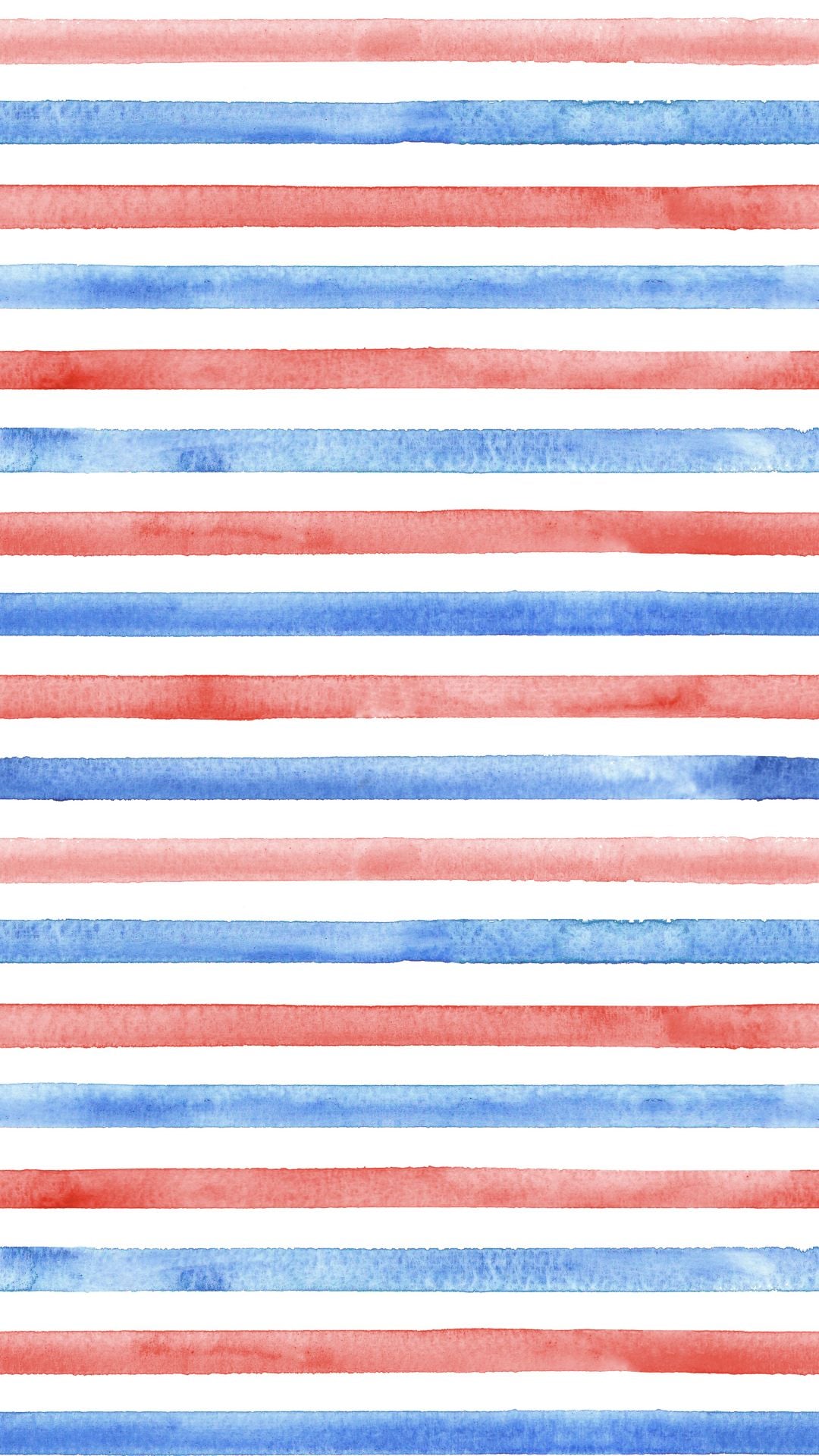
Phone 4th of July Wallpapers
































More Wallpapers
- 45 Free Pink Christmas Wallpapers for Your Phone
- 45 Free Retro Christmas Wallpapers for Your Phone
- 30+ Free Vintage Christmas Wallpapers for Your Phone
- 50 Free November Wallpapers for Phones

Follow me on Pinterest, Facebook, Flipboard, or Instagram for more inspiration on crafts, DIY, free printables, and recipes!




Leave a Reply